|
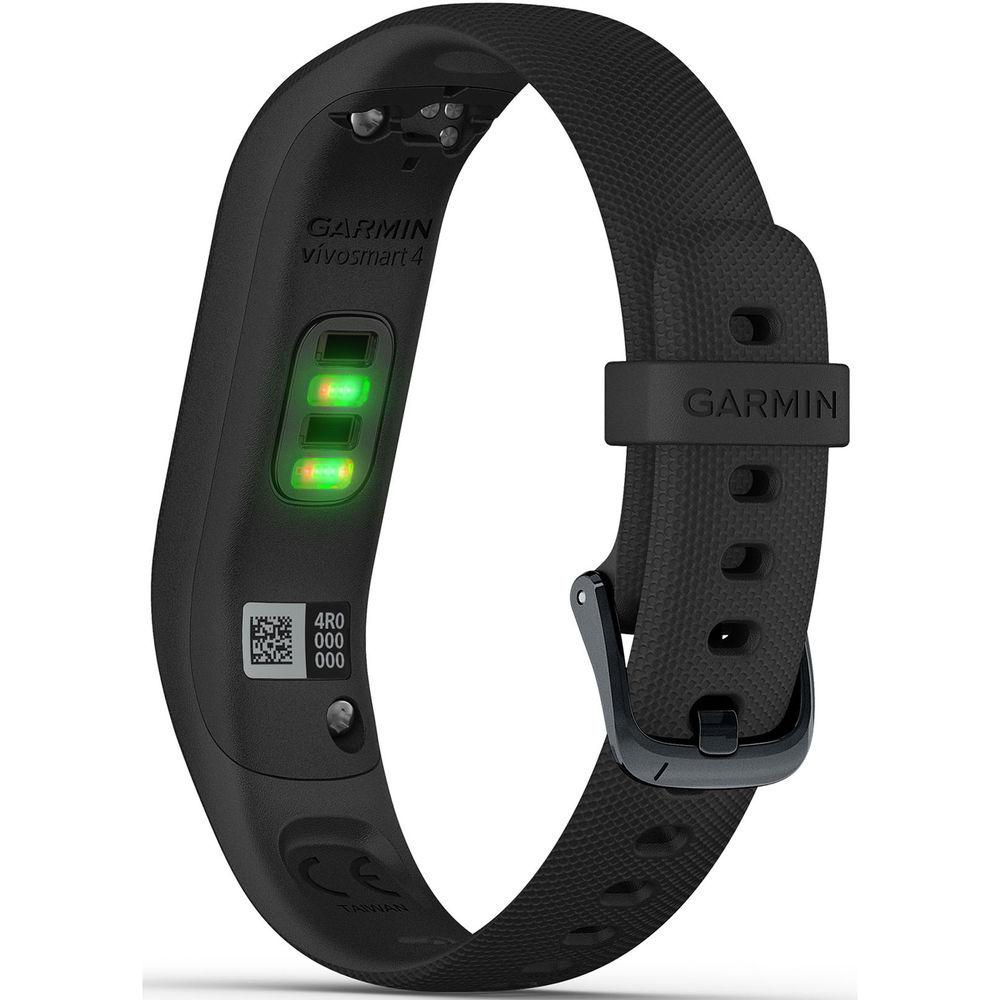
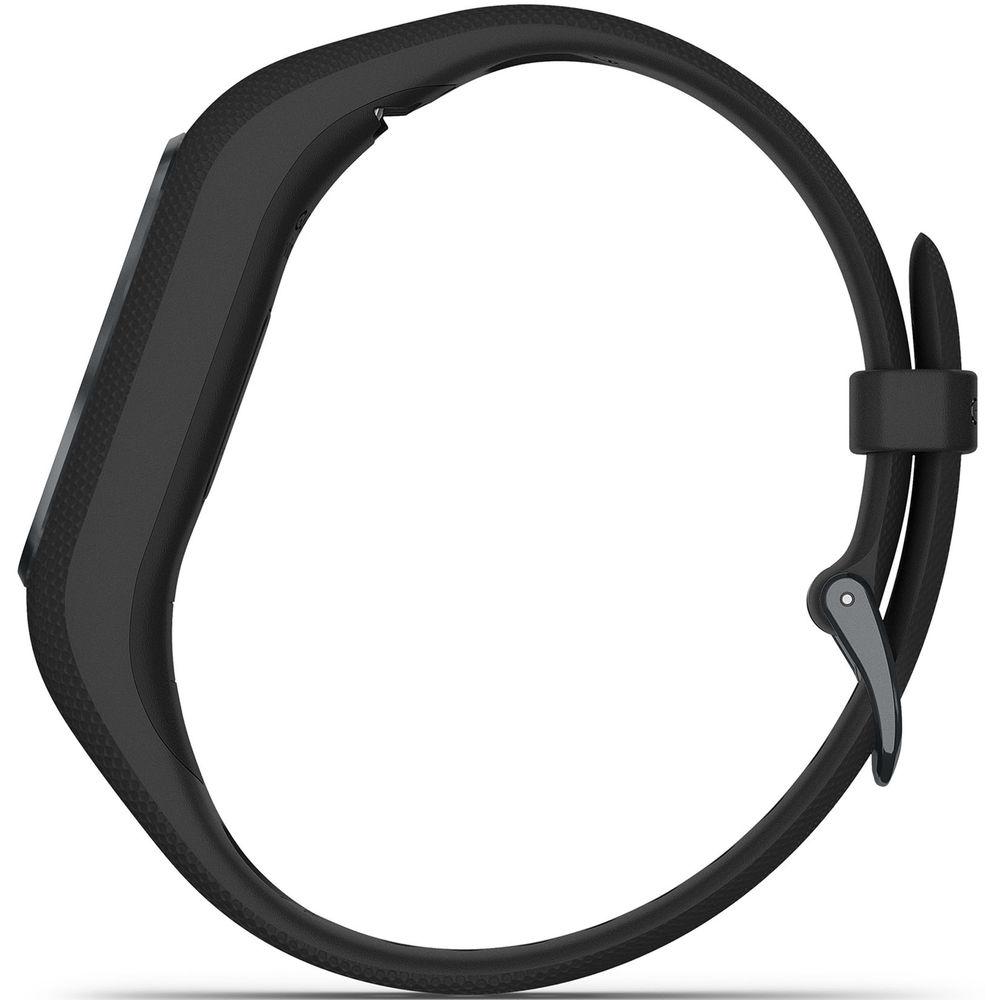
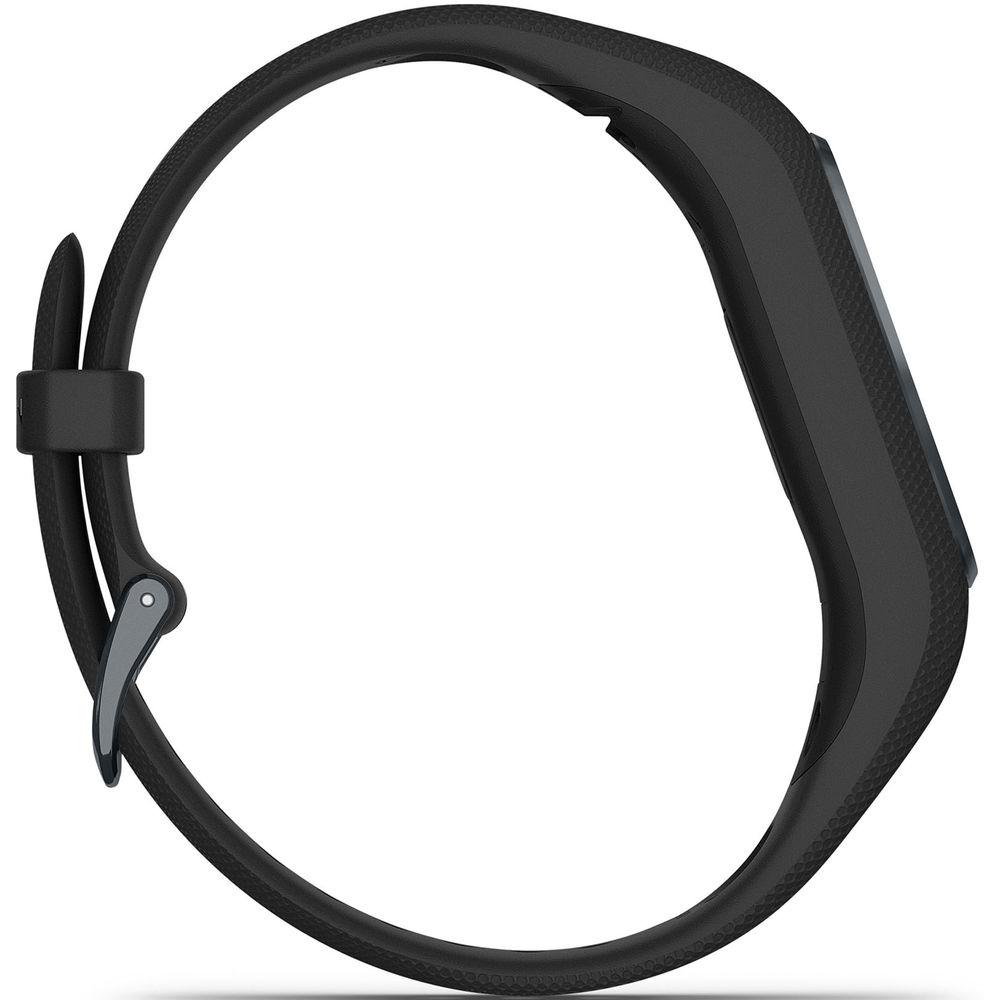
User Manual for Garmin vivosmart 4 Activity Tracker Click to enlarge the picture
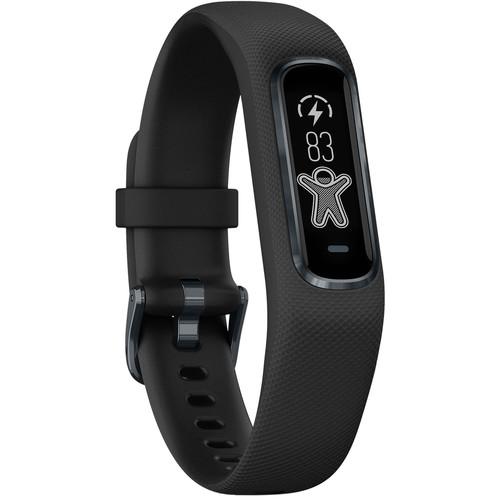 Contents of the user manual for the Garmin vivosmart 4 Activity Tracker
- Product category: Activity Trackers Garmin
- Brand: Garmin
- Description and content of package
- Technical information and basic settings
- Frequently asked questions – FAQ
- Troubleshooting (does not switch on, does not respond, error message, what do I do if...)
- Authorized service for Garmin Activity Trackers
 |
User manual for the Garmin vivosmart 4 Activity Tracker contain basic instructions
that need to be followed during installation and operation.
Before starting your appliance, the user manual should be read through carefully.
Follow all the safety instructions and warnings, and be guided by the given recommendations.
User manual is an integral part of any Garmin product,
and if it is sold or transferred, they should be handed over jointly with the product.
Following the instructions for use is an essential prerequisite for protecting
health and property during use, as well as recognition of liability on the part of the manufacturer
for possible defects should you make a warranty claim. Download an official Garmin user manual in which you will find instructions on how to install, use, maintain and service your product.
And do not forget – unsuitable use of a Garmin product will considerably shorten its lifespan!
|
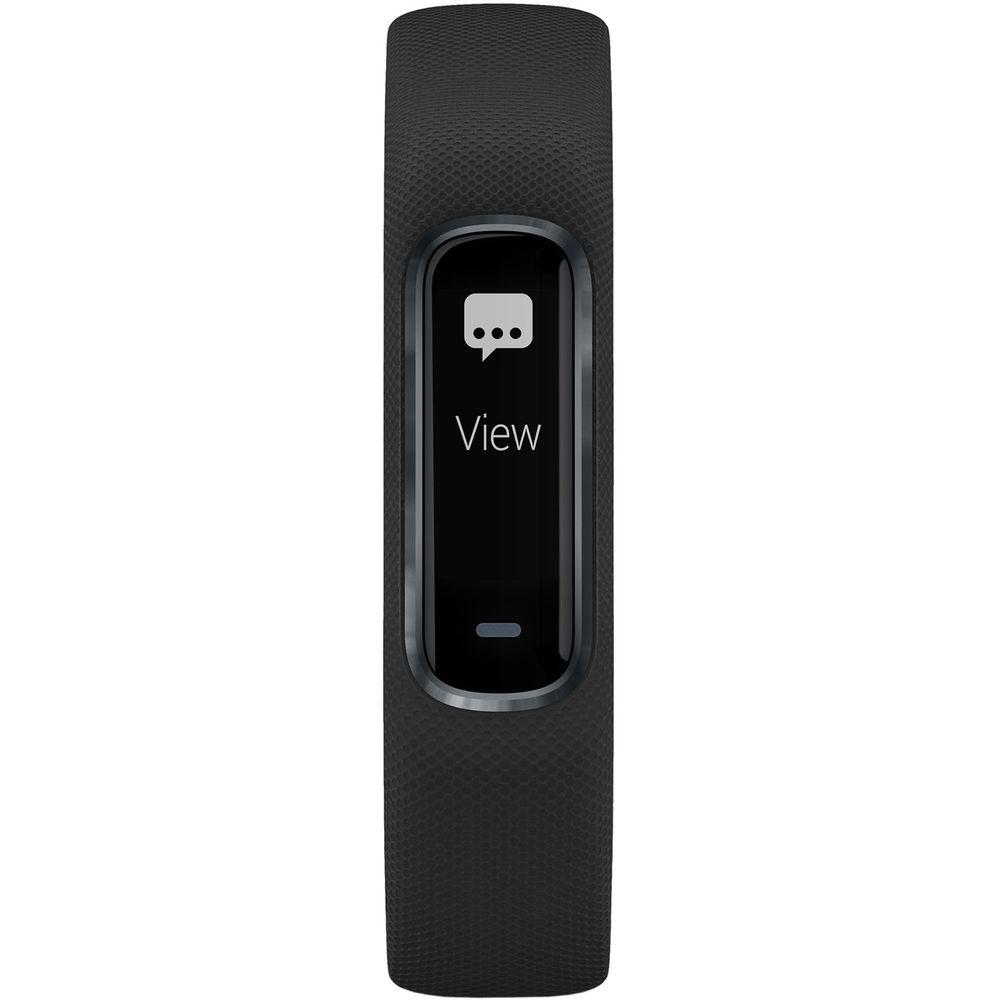
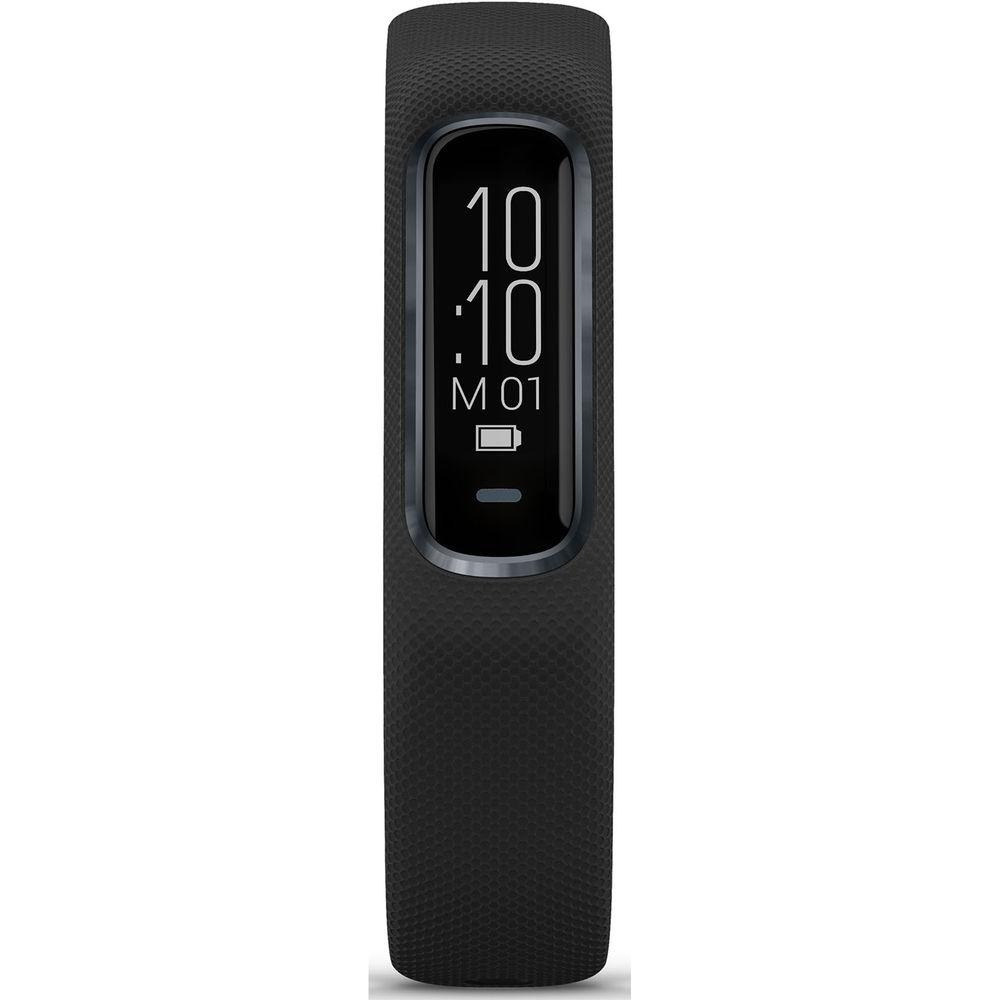
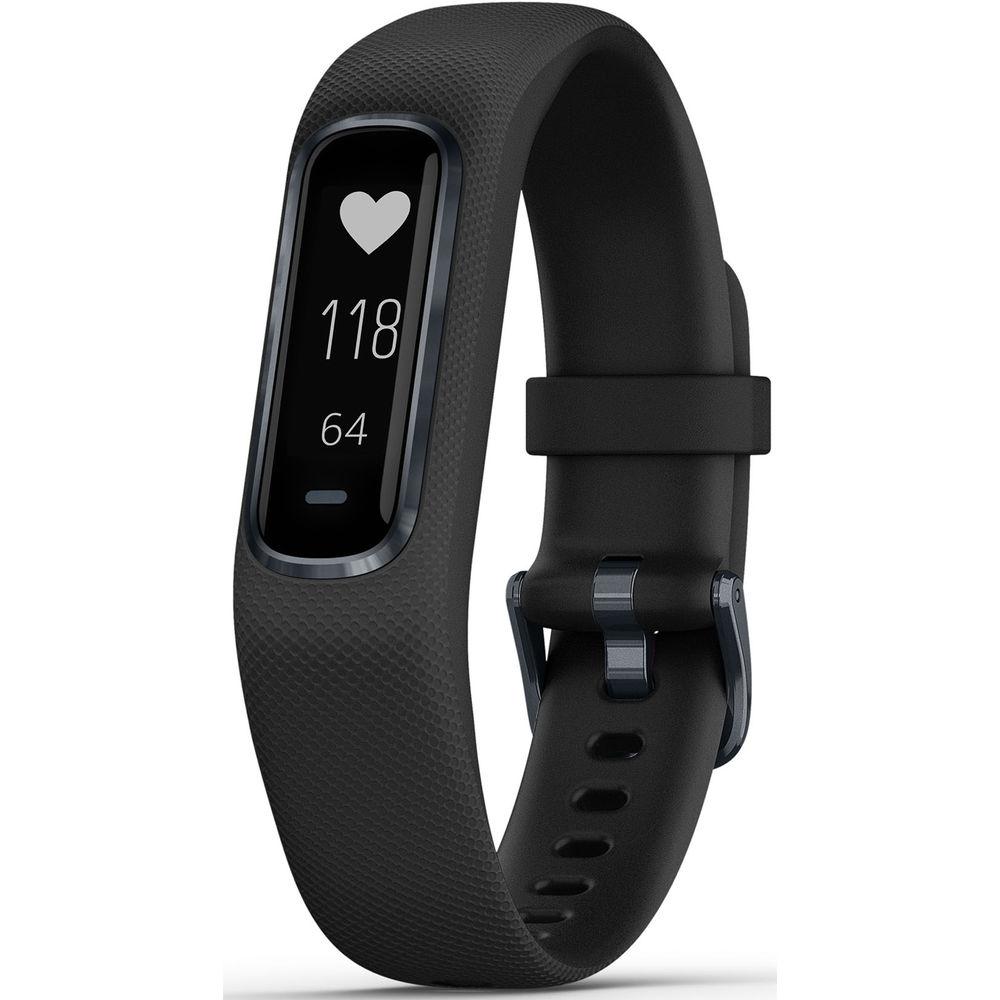
Product description Slim and smart, the vivosmart 4 Activity Tracker from Garmin is designed to monitor your life to keep you connected, informed, and healthy. The vivosmart 4 can track your movement to keep you updated on steps taken or calories burned, as well as detecting and keeping track of workouts with Move IQ. Using other sensors, the vivosmart 4 can dig deeper and track the activity within your body.
This activity tracker can provide you with your heart rate, blood oxygen level, and even how well you sleep. Utilizing Bluetooth, you can also keep tabs on your phone too. Pair it with your iOS or Android smartphone for alerts on social media notifications, texts, calls, and more.
All of your information is accessible on a vibrant OLED touchscreen, and the built-in rechargeable battery has enough power to run the vivosmart for up to 7 days straight. With that amount of battery life, this Garmin activity tracker can be your daily companion in monitoring your activity, health, and other aspects of your digital life. - Blood Oxygen Monitoring
- The Pulse Ox sensor provides you with an estimation of your blood oxygen saturation level. Over time, it can help you gauge how your body is absorbing oxygen, whether it's while you sleep or spot checking throughout the day.
- Sleep Monitoring
- Few things are more important than a good night's sleep, but how do you know you're getting adequate rest every night? The vivosmart 4 can track multiple stages of sleep, such as light, deep, and REM. It even knows how much you toss and turn. Use the Garmin Connect app to compare results and use this essential information to help make adjustments for better sleep in the future.
- Body Battery Energy Monitoring
- Multiple data points can give you a number to indicate whether you've got the energy to be active, or when you may need to take a break. It utilizes your stress level, heart rate variability (HRV), sleep, and activity data. What's more, Body Battery can help you see patterns over days and weeks to see how certain activities affect your energy levels.
- Stress Tracking
- Keeping a mindful eye on your stress levels can help prevent more serious issues in the future. Utilizing heart rate variability (HRV), the vivosmart 4 can track when you're calm or stressed out. When you're feeling stressed, it will give you gentle reminders to take a breath, even providing a vibration alert with the message "Take a moment to breathe?". A relaxation breathing timer can walk you through a 4-step breathing technique that's designed to calm you mind and body.
- Garmin Connect
- With Garmin Connect, you can upload your data to review, edit, and share it with others. You can also join the online community to participate in challenges and earn badges for increased motivation.
- Other Activity and Health Monitoring Features
- Water-resistant design allows you to track workouts in the pool
Start each day with a personalized step goal
Track steps taken, floors climbed, calories burned, intensity minutes, and more
Vibration alerts to remind you to get up and move
Estimates exercises, reps, and sets completed when working out
Move IQ is designed to automatically detect exercises, such as walking, swimming, cycling, and elliptical training
With VO2 max and heart rate data, the vivosmart 4 can estimate your fitness age and current fitness level
Get notified if your heart rate rises above a specified threshold
Get alerted if after 10 minutes your heart rate stays above your set threshold
Gym Activity Profiles: Strength training, cardio training, elliptical training, stair stepping, and yoga
Toe-to-Toe kid activity tracking
Auto Lap: Automatically marks a lap at every kilometer or mile to help you compare your performance from run to run - Stay Connected
- Push activity results to Garmin Connect to review, edit, or share
Check the local weather
Control music playback
Locate your phone
Reply to texts with preset responses (Android Only)
Receive social media notification alerts
Receive incoming text alerts - Additional Features
- Displays Time/Date
Automatic daylight saving time adjustment
Alarm Clock
Timer
Stopwatch
Find My Watch feature
VIRB camera remote UPC: 753759205164 In the Box Garmin vivosmart 4 Activity Tracker (Small/Medium, Black with Midnight Hardware) Charging/Data Cable Limited 1-Year Warranty Table of Contents
|
Upload User Manual
Have you got an user manual for the Garmin vivosmart 4 Activity Tracker in electronic form? Please send it to us and help us expand our library of instruction manuals.
Thank you, too, on behalf of other users.
To upload the product manual, we first need to check and make sure you are not a robot. After that, your "Submit Link" or "Upload File" will appear.
Technical parametersGarmin vivosmart 4 Specs | | | Display Size | 0.26 x 0.7" / 6.6 x 17.8 mm | | Display Type | OLED | | Screen Resolution | 48 x 128 | | Touchscreen | Yes | | | | Wireless Connectivity | Bluetooth
ANT+ | | | | Vibration Motor | Yes | | Sensors | Accelerometer, Ambient light sensor, Barometer (Altimeter), Optical Heart Rate, Pulse Oximeter (Sp02) | | OS Compatibility | Android
iOS | | | | Memory Retention | 14 Days (Activity Data) | | Activity Memory | 7 Timed Activities | | | | Estimated Battery Life | 7 Days | | | | Band Material | Silicone | | Band Circumference | 4.8 to 7.4" / 122 to 188 mm | | | | Material | Aluminum, Polycarbonate, Silicone | | Splash Proof | Yes | | Dimensions | 7.76 x 0.59 x 0.41" / 197 x 15 x 10.5 mm | | Weight | 0.6 oz / 16.5 g | | | | Package Weight | 0.25 lb | | Box Dimensions (LxWxH) | 6.65 x 2.8 x 2.6" |
Rating96% users recommend this product to others. And what about you?

This product has already been rated by 29 owners. Add your rating and experience with the product.
Discussion
 Ask our technicians if you have a problem with your settings,
or if anything is unclear in the user manual you have downloaded.
You can make use of our moderated discussion.
The discussion is public and helps other users of our website who may be encountering similar problems.
Ask our technicians if you have a problem with your settings,
or if anything is unclear in the user manual you have downloaded.
You can make use of our moderated discussion.
The discussion is public and helps other users of our website who may be encountering similar problems.
Post new comment to Garmin vivosmart 4 Activity Tracker
| Subject: Vivosmart 4 watch | | Date: 04.01.2022 22:25:12 | Name: Carolyn | | My watch is saying hear monitor is turned off how do I turn back on | | Post reply |
Post a new topic / query / comment:
|
|
|
| Request for user manual |
You can’t find the operation manual you are looking for? Let us know and we will try to add the missing manual:
I’m looking for a manual / Request for manual
Current requests for instruction manuals:
Call Of Duty World War Two For Xbox...
controller stratus XL...
stratus XL...
smart whatch serie S11 42mm...
Allen & Heath SQ-6 manual...
|
| Discussion |
Latest contributions to the discussion:
AEW R 4100
Name: MAURICIO ANGARITA
Audio-Technica AEW-R4100 UHF Diversity Receiver for
AEW R 4100 has the mute function blocked and does not allow audio to pass. I tried several times to turn off the mute from the transmitter but it does nothing, the mute stays on. Solution?
Thank you...
Instructions for assembling the 2015 Forecast Image Master Consoles GC3-A
Name: mike elam
Forecast Consoles GC3-A ImageMaster Editing Console
Looking for instructions for assembling this console. ...
EMPTY TONER ERROR MESSAGE AFTER REPLACING TONER
Name: LINDA BAD YELLOW EYES
Brother TN223BK Standard-Yield Toner
I HAD TO CHANGE OUT ALL THREE TONERS DUE TO LEAKS IN THE YELLOW AND CYAN. AFTER I REPLACED THEM, THE MACHINE KEEPS GIVING ME AN EMPTY TONER ERROR MESSAGE. HELP!!...
PS480D 20/24 pin Switching 480W Power Supply
Name: swkargo
Logisys 480W Power Supply
This item states in can run -5vdc .It is NOT listed on the board or I beleive is r4 is missing the resitior. Any body have thid issue. Shawn
...
Help needed
Name: Ann Carter
SanDisk 1TB Extreme Portable USB 3.1
When I click the link to download the user manual for my Sandisk Extreme external hard drive, it gives me the manual for the LG Cricket. Can you please change the link so I can download the Sandisk manual and begin using this drive? Thank you....
|
|


