User Manual for GigaPan EPIC Pro Robotic Camera Mount Click to enlarge the picture
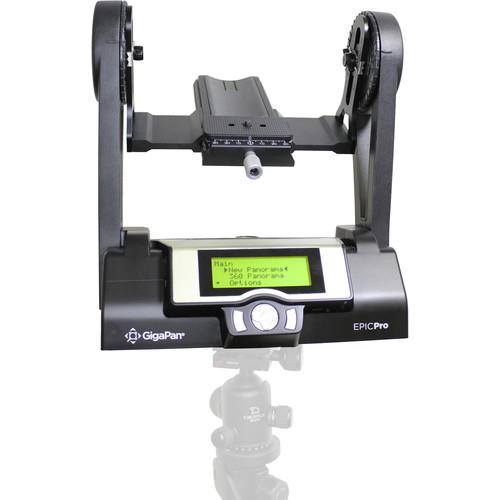 Contents of the user manual for the GigaPan EPIC Pro Robotic Camera Mount
- Product category: Panoramic & Time Lapse Heads GigaPan
- Brand: GigaPan
- Description and content of package
- Technical information and basic settings
- Frequently asked questions – FAQ
- Troubleshooting (does not switch on, does not respond, error message, what do I do if...)
- Authorized service for GigaPan Panoramic & Time Lapse Heads

 |
User manual for the GigaPan EPIC Pro Robotic Camera Mount contain basic instructions
that need to be followed during installation and operation.
Before starting your appliance, the user manual should be read through carefully.
Follow all the safety instructions and warnings, and be guided by the given recommendations.
User manual is an integral part of any GigaPan product,
and if it is sold or transferred, they should be handed over jointly with the product.
Following the instructions for use is an essential prerequisite for protecting
health and property during use, as well as recognition of liability on the part of the manufacturer
for possible defects should you make a warranty claim. Download an official GigaPan user manual in which you will find instructions on how to install, use, maintain and service your product.
And do not forget – unsuitable use of a GigaPan product will considerably shorten its lifespan!
|
Product description Hands-on Review: The GigaPan EPIC Robotic Camera Mount Read More - Gigapan EPIC Pro Demo
- GigaPan Equipment Video
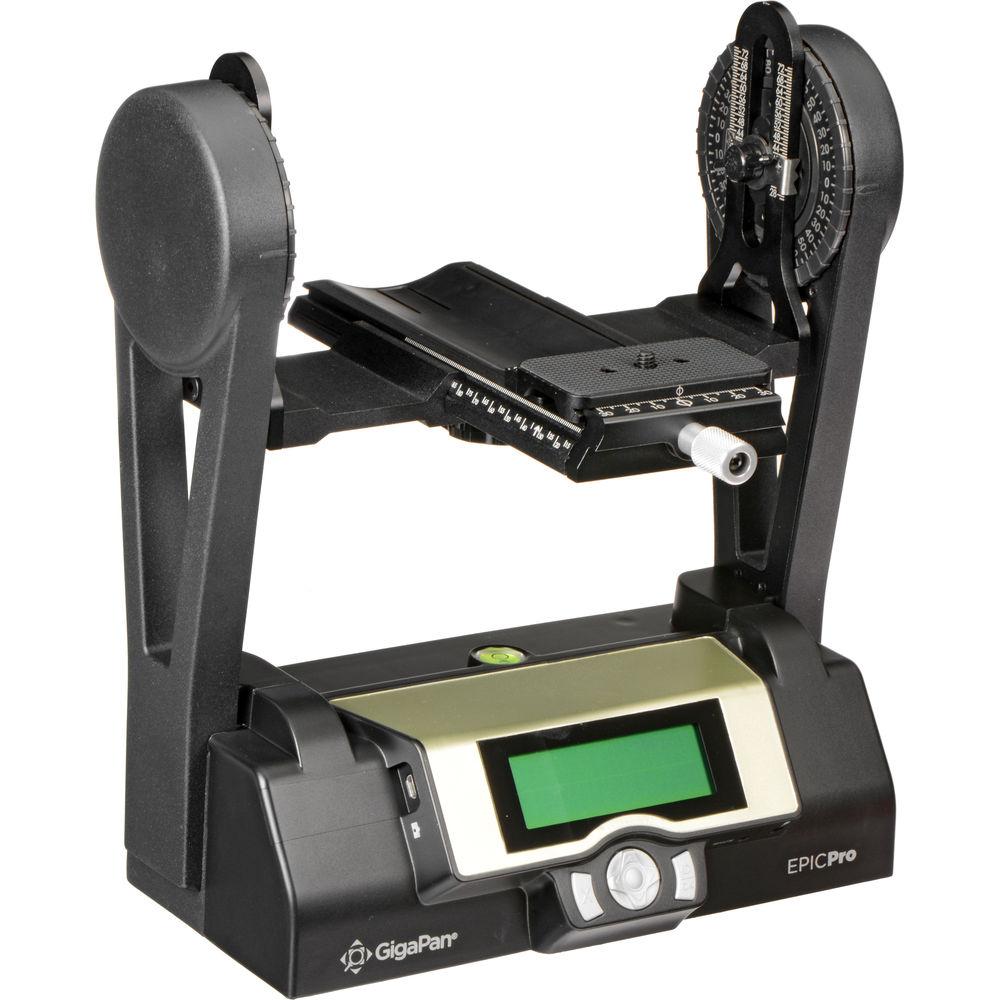
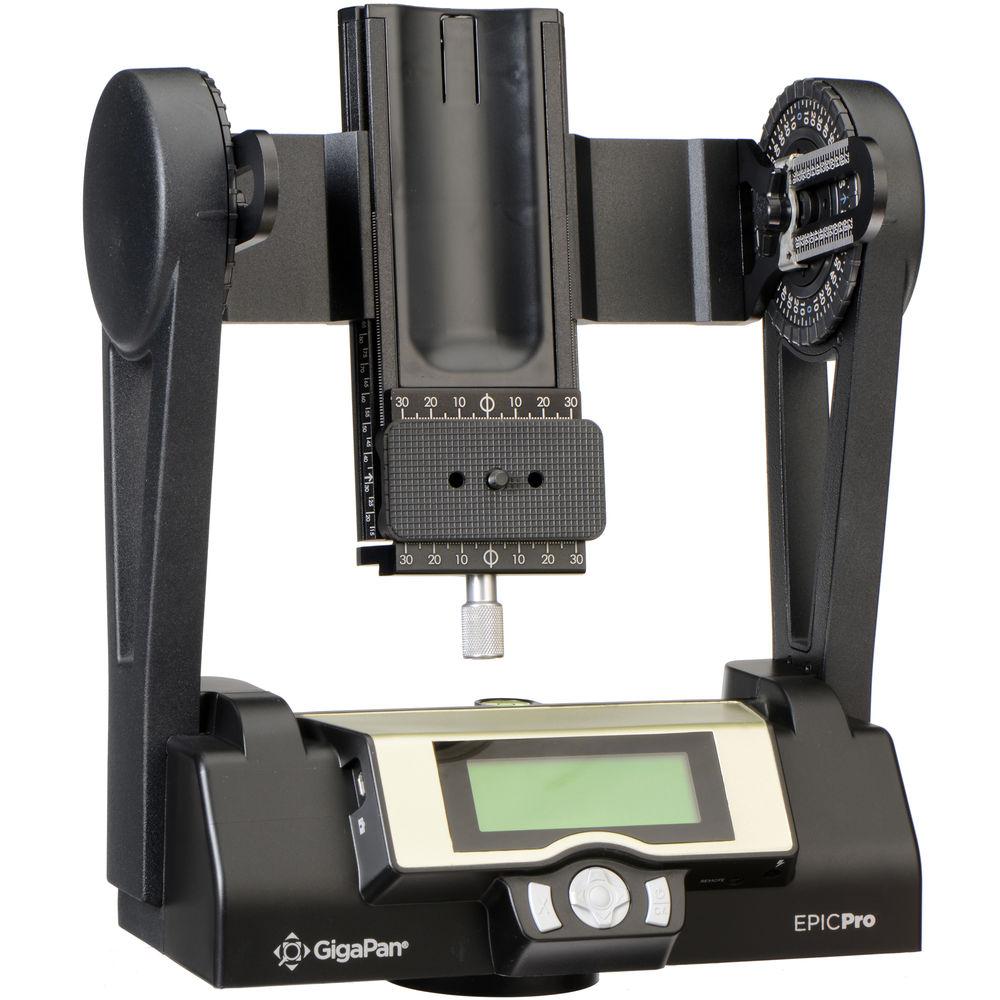
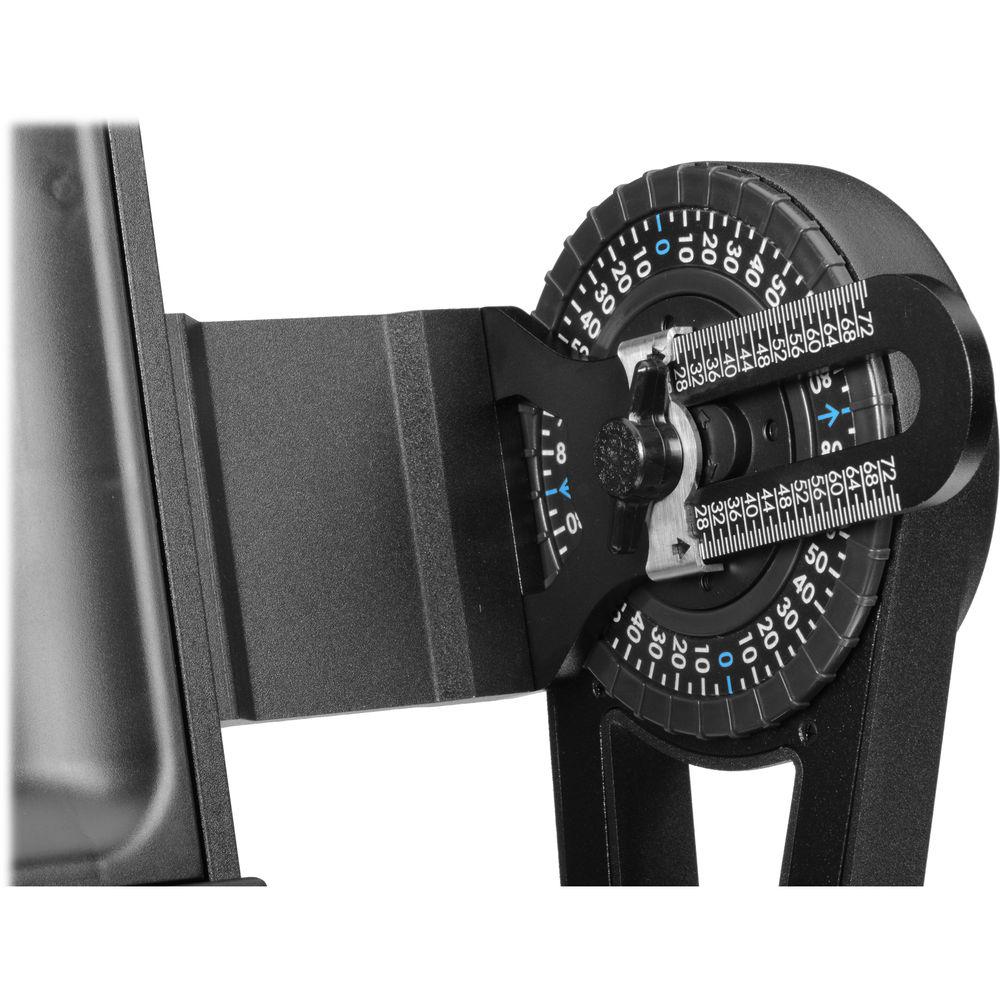
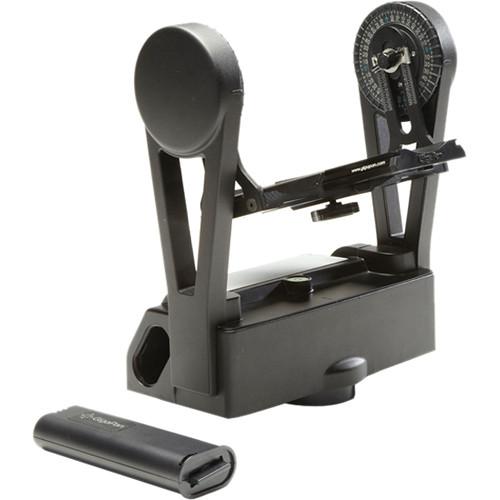
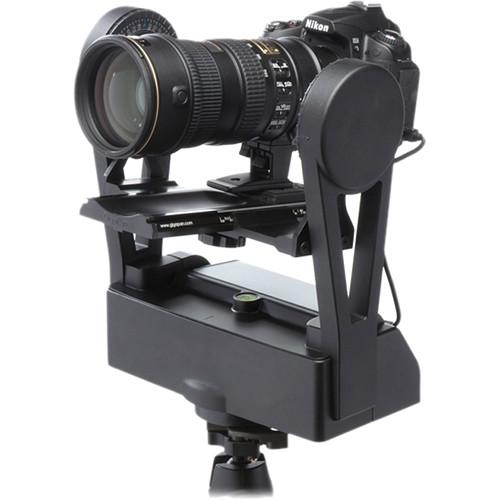
The EPIC Pro Robotic Camera Mount from GigaPan is a unique camera mount that empowers most DSLR cameras with the ability to capture gigapixel (one billion pixels) panoramic images with phenomenally high resolution, depth and clarity. It will support camera and lens combinations weighing up to 10 lb / 4.5kg, is easy to use and remarkably efficient.Simply set the corners of the panorama you want to capture using the LCD interface.
The built-in software works out how many photos your camera will need to take, hundreds or even thousands. Then the EPIC Pro begins snapping the photos, automatically organizing them in overlapping rows and columns. After shooting, the GigaPan Stitch software (free download included) assembles, aligns and blends the individual images into one large panorama. The software then lets you to upload your panorama to GigaPan.com for sharing. You also can embed your uploaded panorama onto any website.
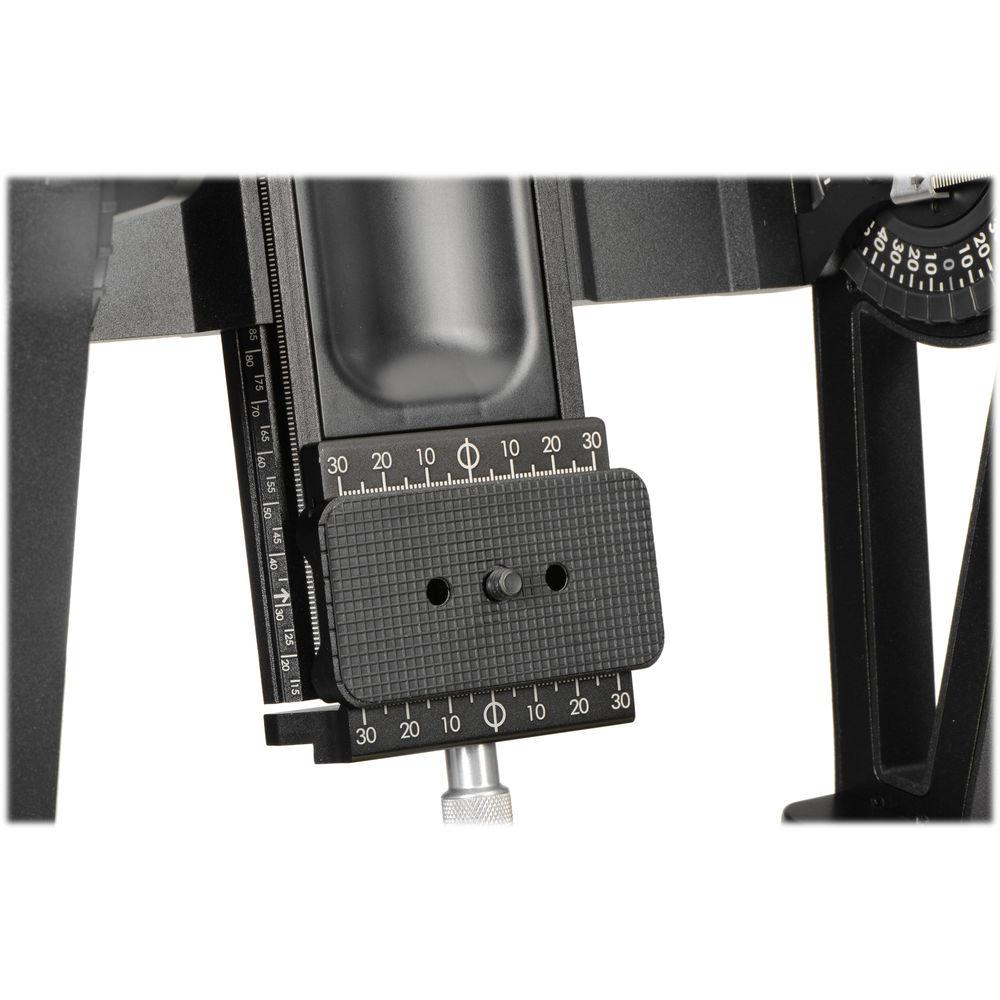
Also included is the EPIC Pro Camera Mount Vice/Clamp, which is an Arca-type compatible mount that permits side-to-side adjustment of your camera and lens. It is especially useful for cameras with an offset tripod mount and helps to deliver more consistent, accurate results. A robust and secure mounting system permits fast installation and removal of the camera from the EPIC Pro Robotic Mount. - GigaPan Stitch Software
- The GigaPan EPIC Pro comes with a free download of fully integrated software - GigaPan Stitch. After shooting, upload the images onto your computer and into the GigaPan Stitch software which then aligns and blends your individual pictures together for an incredibly high resolution single panorama.
- DSLR Compatible
- The EPIC Pro works with almost all DSLR cameras.
- Large Lenses are Supported
- Camera and lens combinations of up to 10 lb / 4.5kg can be used with the EPIC Pro.
- Standard Tripod Connection
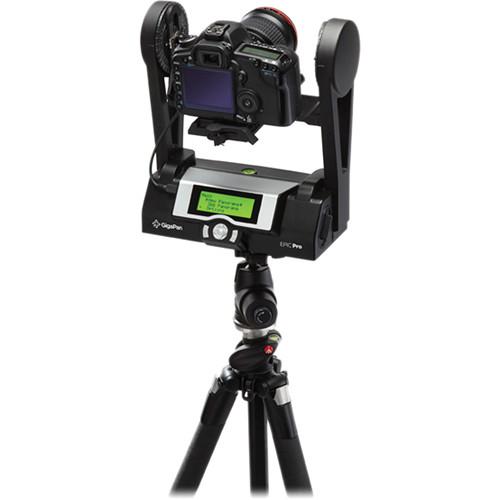
- It is easy to secure EPIC Pro to your tripod. It fits standard tripods with 1/4" thread.
- GigaPan.Com
- Share, store, and explore, by uploading your gigapixel panorama to GigaPan.com where the powerful technology of the GigaPan Viewer allows you to zoom in and out, seeing unbelievable detail.
- Powered Camera Movements
- Powered camera movements and simple adjustments for optimal positioning of the nodal point and varied camera/lens combinations are accomplished with precision. The pan-tilt movements for the EPIC Pro are 0.04°/step for tilts and 0.12°/step for pans. It allows 360° panoramic and -65° to +90° tilt ranges-of-motion with exact, incremental positioning.
- Onboard Bubble Level
- The built-in bubble level lets you adjust the position of the EPIC Pro for a perfect horizontal alignment.
Special Features - Start/Delay Function
- A Start/Delay function enables a timer delay before each panorama capture begins. The timer can be set to 1, 15, 30, 60, 120, or 300 seconds. Not only does this provide time for the equipment to stop its vibrations, it gives you the option to include yourself in the panorama.
- Multiple Triggering Option
- A multiple triggering option allows the EPIC Pro to take multiple pictures at each image location up to 20 times per position for exposure bracketing or multiple image enhancements.
- Rechargeable Battery Pack
- A rechargeable battery pack (7.2V, 4300mAH) and charger are included. You can charge the battery on its own or while it is inserted into the EPIC Pro...very convenient for charging while shooting.
- Electronic Trigger Cables are Included
- Seven electronic trigger cables are provided when you purchase the EPIC Pro.
- Remote Trigger Port
- The EPIC Pro supports shutter actuation through the remote shutter port that is available on most DSLR cameras. A separate cable (not included) is required depending on camera make/model.
- Multiple Triggering Option
- The multiple triggering option allows the EPIC Pro to take multiple pictures at each image location up to 20 times per position for exposure bracketing or multiple image enhancement.
- The EPIC Pro has features which include:
- Time between exposures
- Motor speed
- Aspect ratio
- Picture overlap
- Option to repeat last panorama
- Pause and scroll
- Order pictures as rows or columns
- Navigate via LCD Screen
- Access frequently-used functions with the touch of a button, such as to move the camera or set the shutter delay via its LCD display. The controllable backlit screen can be set to "On" or "Auto" for low-light conditions, or "Off" for daylight conditions to minimize battery drain.
- Strong and Lightweight
- The EPIC Pro has an excellent design with a magnesium chassis and an aluminum arm. The unit weighs less than 8 lb / 3.6kg.
- Camera Compatibility
- Canon:
EOS 300D, EOS Rebel Xt (350D), EOS Rebel XTi (400D), EOS Rebel XSi (450D), EOS Rebel T1i (500D), EOS Rebel T2i (550D), EOS Rebel T3 (1100D), EOS Rebel T3i (600D), EOS Rebel T4i (650D), EOS Rebel XS (1000D), EOS 10D, EOS 20D, EOS 20Da, EOS 30D, EOS 40D, EOS 50D, EOS 60D, EOS 60Da, EOS 5D, EOS 5D Mark II, EOS 5D Mark III, EOS 6D, EOS 7D, EOS 7DSV, EOS 1D, EOS 1D Mark II, EOS 1D Mark II N, EOS 1D Mark III, EOS 1D Mark IV, EOS 1Ds, EOS 1Ds Mark II, EOS 1Ds Mark III, EOS 1D X
Contax:
645
Fujifilm:
FinePix S3, FinePix S5 PRO
Hasselblad:
H3DII-31, H3DII-39, H3DII-39MS, H3DII-50, H3DII-50MS, H4D-31, H4D-40, H4D-50, H4D-50MS, H4D-60
Mamiya:
645 AFD, 645 AFD II, 645 AFD III
Minolta:
Maxxum 7D
Nikon:
D60, D70, D70S, D80, D90, D3100, D3200, D5000, D5100, D5200, D7000, D200, D300, D300S, D600, D700, D800, D800E, D1X, D2X, D2Xs, D3, D3S, D3X, D4
Olympus:
E-30, Evolt 520 IS, E-620, OM-D E-M5
Panasonic:
Lumix DMC-L10
Pentax:
645D, K100, K100D, K110D, K200D, K5, K7, K10D, K20D
PhaseOne:
645DF (Mamiya 645 AFD)
Sony:
SLT Alpha A35, SLT Alpha A55, SLT Alpha A57, SLT Alpha A65, SLT Alpha A77, Alpha A560, Alpha A580, Alpha A700, Alpha A850, Alpha A900 UPC: 851839002020 In the Box GigaPan EPIC Pro Robotic Camera Mount EPIC Pro Camera Mount Vice/Clamp fxxvzutu 7 x Electronic Trigger Cables for All Compatible Cameras Rechargeable Battery Pack Battery Charger GigaPan Stitch Software Download Instructions 1/4"-20 to 3/8" Adapter Bushing Limited 1-Year Warranty Time-Lapse Tips and Tools Shawn C. Steiner 07/24/2018 Table of Contents
|
Upload User Manual
Have you got an user manual for the GigaPan EPIC Pro Robotic Camera Mount in electronic form? Please send it to us and help us expand our library of instruction manuals.
Thank you, too, on behalf of other users.
To upload the product manual, we first need to check and make sure you are not a robot. After that, your "Submit Link" or "Upload File" will appear.
Technical parametersGigaPan 600-0005 Specs | System Requirements | Windows XP and Vista, and Intel-based Macs with OS X 10.4 and higher
Minimum of 1 GB of RAM (2 GB is recommended)
30 GB of free hard drive space (this can be an external drive) | | Display | 2-line monochrome LCD | | Bubble Level | Yes | | Power Requirements | Rechargeable battery pack (7.2 V, 4300 mAH)(included) | | Battery Capacity | More than 1000 images (on fully charged batteries) | | Camera Mount | 1/4"-20 thread | | Dimensions | 11 x 12 x 6" / 27 x 30 x 15 cm | | Weight | 7.25 lb / 3.3 kg (with battery) | | | | Package Weight | 11.5 lb | | Box Dimensions (LxWxH) | 14.3 x 13.8 x 8.6" |
Rating76% users recommend this product to others. And what about you?

This product has already been rated by 78 owners. Add your rating and experience with the product.
Discussion
 Ask our technicians if you have a problem with your settings,
or if anything is unclear in the user manual you have downloaded.
You can make use of our moderated discussion.
The discussion is public and helps other users of our website who may be encountering similar problems.
Ask our technicians if you have a problem with your settings,
or if anything is unclear in the user manual you have downloaded.
You can make use of our moderated discussion.
The discussion is public and helps other users of our website who may be encountering similar problems.
The discussion is empty - enter the first post
Post a new topic / query / comment:
|
|


