User Manual for Gigastone 128GB IF-6600 i-Flash Drive Click to enlarge the picture
 Contents of the user manual for the Gigastone 128GB IF-6600 i-Flash Drive
- Product category: USB Flash Drives Gigastone
- Brand: Gigastone
- Description and content of package
- Technical information and basic settings
- Frequently asked questions – FAQ
- Troubleshooting (does not switch on, does not respond, error message, what do I do if...)
- Authorized service for Gigastone USB Flash Drives


 |
User manual for the Gigastone 128GB IF-6600 i-Flash Drive contain basic instructions
that need to be followed during installation and operation.
Before starting your appliance, the user manual should be read through carefully.
Follow all the safety instructions and warnings, and be guided by the given recommendations.
User manual is an integral part of any Gigastone product,
and if it is sold or transferred, they should be handed over jointly with the product.
Following the instructions for use is an essential prerequisite for protecting
health and property during use, as well as recognition of liability on the part of the manufacturer
for possible defects should you make a warranty claim. Download an official Gigastone user manual in which you will find instructions on how to install, use, maintain and service your product.
And do not forget – unsuitable use of a Gigastone product will considerably shorten its lifespan!
|
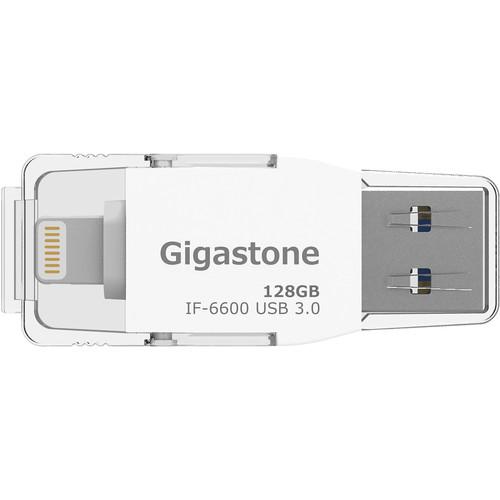
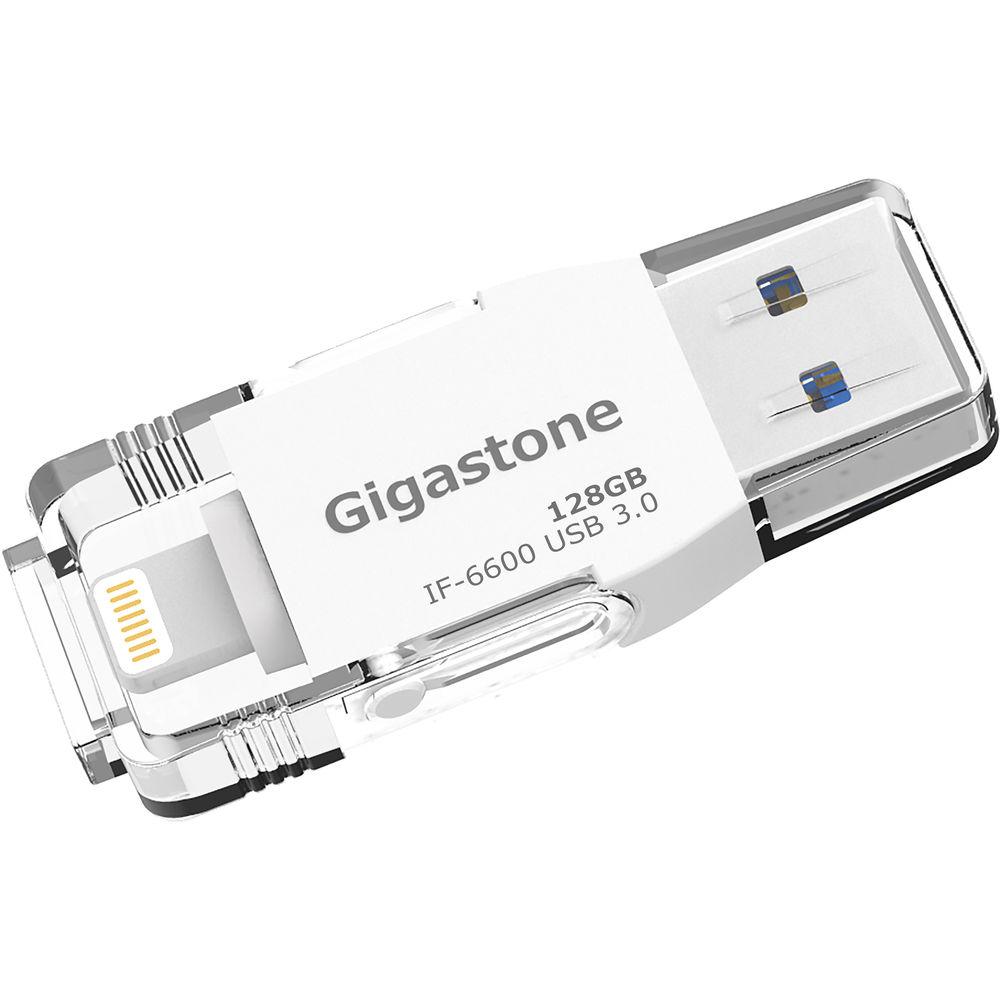
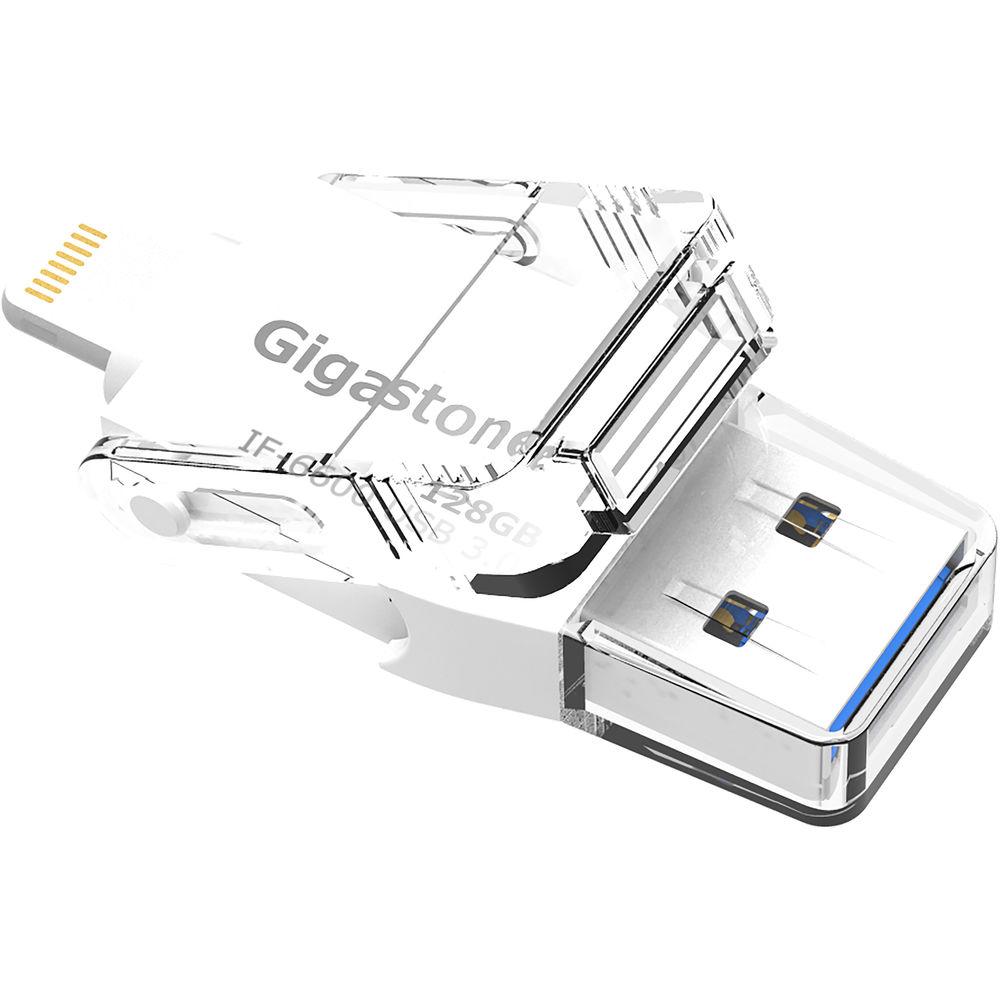
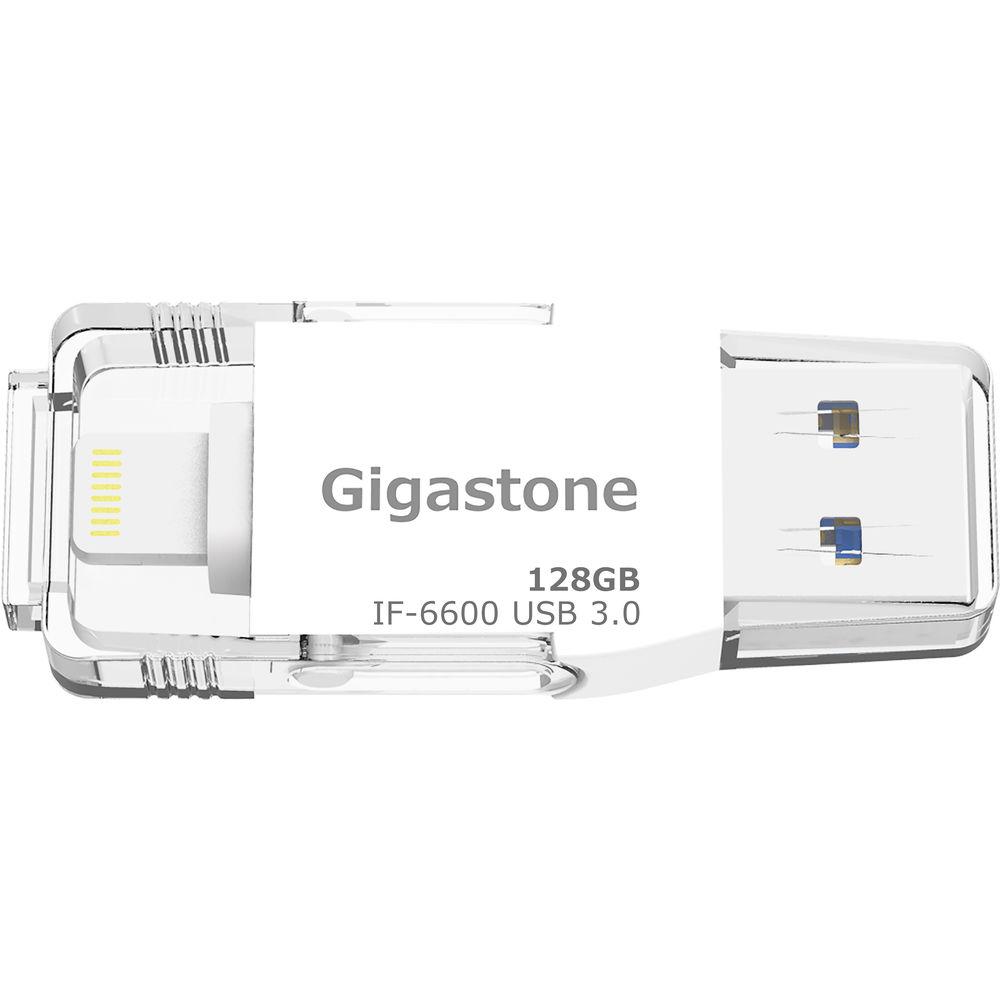
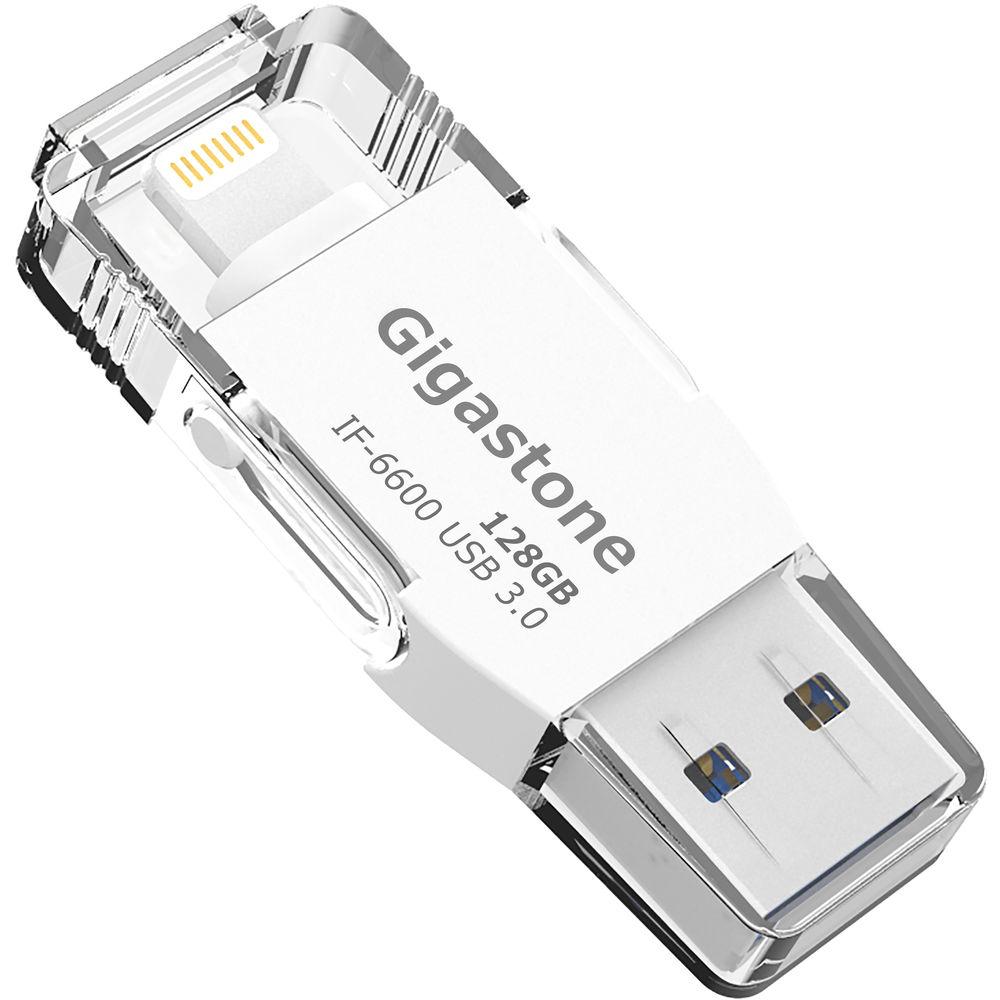
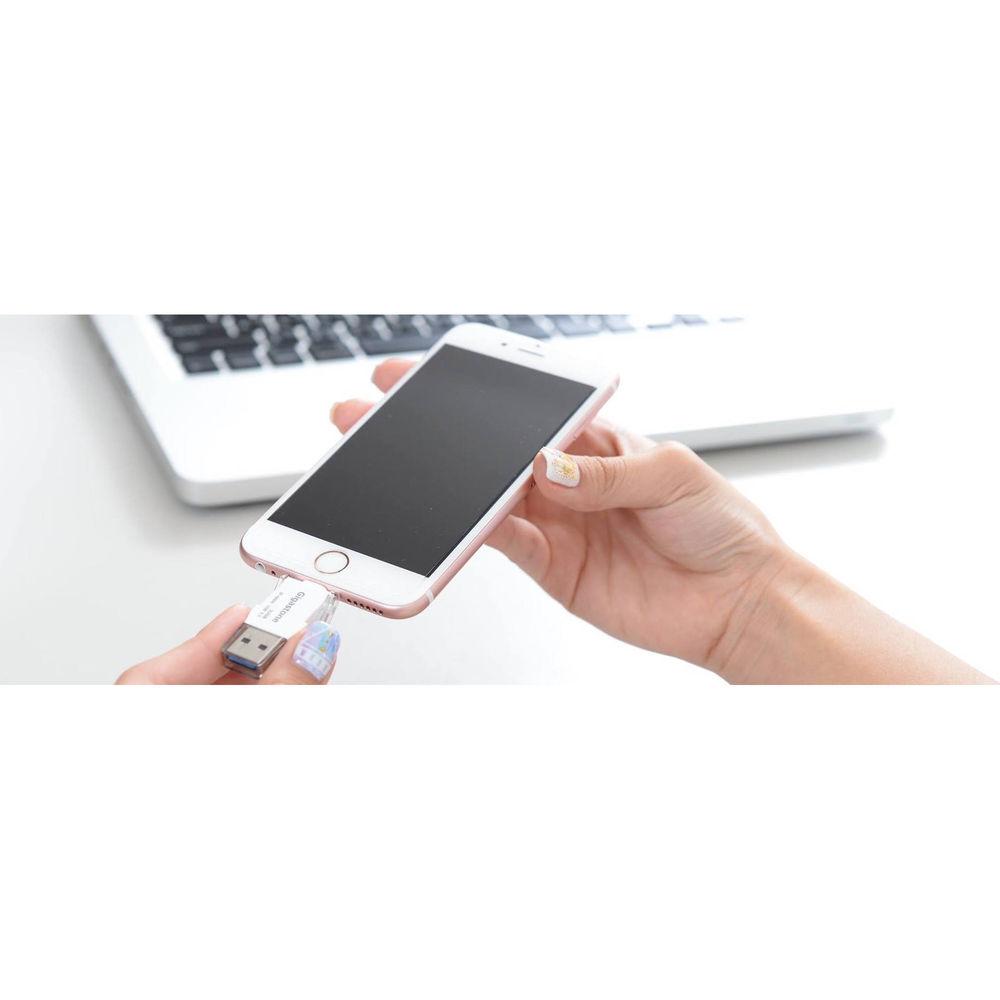
Product description Expand the storage or your iPhone and iPad by up to 128GB using the 128GB IF-6600 i-Flash Drive from Gigastone. This flash drive is Apple MFi certified and allows users to transfer photos, videos, audio, documents, and other data between their host system and their iOS device. It operates using dual connectors, one of which is USB 3.0 Type-A that will allow you to interface with your Windows or Mac system, while the other is a Lightning connector that affords iOS connectivity.
The IF-6600's USB 3.0 connectivity allows a maximum data read speed of up to 90 MB/s and a maximum data write speed of up to 22 MB/s, while it's Lightning connector allows a maximum data read speed of up to 30 MB/s and a maximum data write speed of up to 20 MB/s. In addition to storing media on this flash drive, users will also be able to play music directly from the IF-6600, while AirPlay support will allow movies to be played back on large screens. Additionally, there is integrated support for social media backup, a voice recorder for recording and storing voice memos, data security via Touch ID, and cloud storage integration for backing up the contents of you iCloud, Google Drive, or Dropbox. General Features - Extra Storage
- Expand the storage capacity of your iOS device by up to 128GB
- Apple MFi Certified
- The integrated Lightning connector is Apple-certified for iPhones and iPads
- Free i-Flash Drive App
- The intuitive and multi-functional app provides automatic backup
- Ergonomic Design
- This slender and robust flash drive only weights 0.19 oz
- Backup/Restore Contact Lists, Photos, and Calendars
- Keep your information secure using i-Flash Drive storage
- Play Music
- Play music directly from the i-Flash Drive without using your iOS device's storage capacity
- AirPlay
- AirPlay support allows you to watch movies on big screens
- Photos & Videos
- Extra space for you to keep your memories, which may be easily shared with family and friends
- Backup and Access Personal Social Media
- Instagram, Facebook, Flickr, Pintrest, Vimeo, and Tumblr backup, as well ass YouTube video access
- Voice Recorder
- Record and store your voice memos
- File Security
- Control access to your important files and folders. USB Lock controls access to external storage from your PC or Mac, Lightning Lock controls access to external storage from iOS, and App Lock protects in app storage via Touch ID
- Cloud Storage Integration
- Manage your iCloud Drive, Dropbox, and Google Drive accounts on your iOS device and IF-6600
UPC: 804272748734 In the Box Gigastone 128GB IF-6600 i-Flash Drive Limited 1-Year Warranty Table of Contents
|
Upload User Manual
Have you got an user manual for the Gigastone 128GB IF-6600 i-Flash Drive in electronic form? Please send it to us and help us expand our library of instruction manuals.
Thank you, too, on behalf of other users.
To upload the product manual, we first need to check and make sure you are not a robot. After that, your "Submit Link" or "Upload File" will appear.
Technical parametersGigastone IF-6600 Specs | Capacity | 128 GB | | Connectors | 1 x USB 3.0
1 x Lightning | | Data Transfer Speeds | Lightning: 30 MB/s read, 20 MB/s write
USB: 90 MB/s read, 22 MB/s write | | Supported File Formats | Documents: Pages, Numbers, Keynote, .doc, .docx, .xls, .xlsx, .ppt, .pptx, .rtf, .txt, .html, .pdf
Images: .jpg, .png, .bmp, .tif, .ico, .xbm, .cur
Audio: .mp3, .aac, .aif, .aiff, .wav, . m4a, .caf
Video: .mp4, .mov, .m4v (without DRM), .mkv, .avi, .flv, .rm, .rmvb, .wmv, .vob, .3gp
Others: .zip | | Supported Models | iPhone 6S Plus, 6s, 6, 5s, 5c, and 5
iPad Pro, Air 2, Air, and mini | | Compatibility | Windows 10, 8, 7, and XP
Mac OS X
iOS 9, 8, and 7 | | Color | White | | Dimensions | 1.88 x 0.72 x 0.25" / 48.0 x 18.5 x 6.6 mm | | Weight | 0.19 oz / 5.50 g | | | | Package Weight | 0.1 lb | | Box Dimensions (LxWxH) | 5.3 x 2.7 x 1.0" |
Rating100% users recommend this product to others. And what about you?

This product has already been rated by 14 owners. Add your rating and experience with the product.
Discussion
 Ask our technicians if you have a problem with your settings,
or if anything is unclear in the user manual you have downloaded.
You can make use of our moderated discussion.
The discussion is public and helps other users of our website who may be encountering similar problems.
Ask our technicians if you have a problem with your settings,
or if anything is unclear in the user manual you have downloaded.
You can make use of our moderated discussion.
The discussion is public and helps other users of our website who may be encountering similar problems.
Post new comment to Gigastone 128GB IF-6600 i-Flash Drive
| Subject: My Gigastone i-Flash 6600 64gb dropping connection | | Date: 04.04.2022 07:05:05 | Name: Eric Scott | | My Gigastone i-Flash 6600 64gb dropping connection from my Alienware R9 Windows 10 64bit machine. What can I do, I can't get my backup off the usb drive? How long is the drive warranty? I bought it from Amazon, do I contact them? | | Post reply |
| Subject: Gigastone USB stick showing Write Protected for no apparent reason. | | Date: 16.09.2020 04:37:36 | Name: John Boyd | | My Gigastone 128gb USB stick has gone 'Write Protect' .... can anybody give me a SIMPLE way to disbable this .. as the stick is now useless .... | | Post reply |
| Subject: Write Protection | | Date: 02.04.2020 06:10:07 | Name: Lan Mai | | My Gigastone i-flash 6600 64GB is suddenly 'Write Protected' after being used to store pictures and videos. I tried Diskpart in Windows 10 to remove the Write Protection, but it does not work. Please advise | | Post reply | | Reply: | | Name: Technical support | Date: 02.04.2020 08:22:35 | Try this https://www.youtube.com/watch?v=ldMf-UVcxiM
Don´t forget to backup your data! |
|
| Subject: Gigastone storage 6600 | | Date: 12.02.2020 20:18:33 | Name: Tate Brumgard | | Would like operating instructions | | Post reply | | Reply: | | Name: Technical support | Date: 13.02.2020 18:54:46 | | Hello Tate, it´s standart external drive, why user manual for this? Just connect and go :-) It operates using dual connectors, one of which is USB 3.0 Type-A that will allow you to interface with your Windows or Mac system, while the other is a Lightning connector that affords iOS connectivity. |
|
Post a new topic / query / comment:
|
|


