|
User Manual for GoPro HERO6 Black Click to enlarge the picture
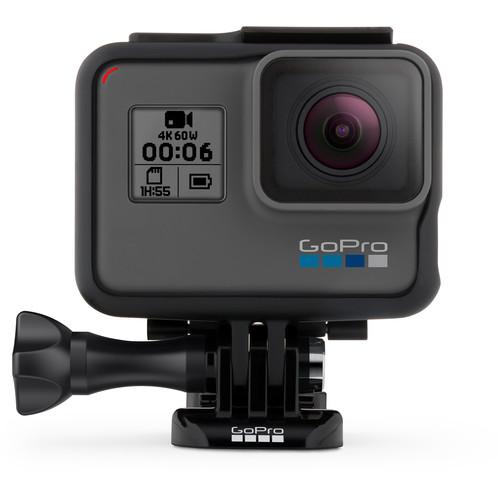 Contents of the user manual for the GoPro HERO6 Black
- Product category: Sports & Action Cameras GoPro
- Brand: GoPro
- Description and content of package
- Technical information and basic settings
- Frequently asked questions – FAQ
- Troubleshooting (does not switch on, does not respond, error message, what do I do if...)
- Authorized service for GoPro Sports & Action Cameras
 |
User manual for the GoPro HERO6 Black contain basic instructions
that need to be followed during installation and operation.
Before starting your appliance, the user manual should be read through carefully.
Follow all the safety instructions and warnings, and be guided by the given recommendations.
User manual is an integral part of any GoPro product,
and if it is sold or transferred, they should be handed over jointly with the product.
Following the instructions for use is an essential prerequisite for protecting
health and property during use, as well as recognition of liability on the part of the manufacturer
for possible defects should you make a warranty claim. Download an official GoPro user manual in which you will find instructions on how to install, use, maintain and service your product.
And do not forget – unsuitable use of a GoPro product will considerably shorten its lifespan!
|
Product description Upload Your Action Videos Easily with the New HERO6 Black Read More absxyeqawwdtvvvavqwcetwdxyvafu - GoPro HERO6: This Is the Moment in 4K
- GoPro: Meet HERO6 Black + QuikStories in 4K
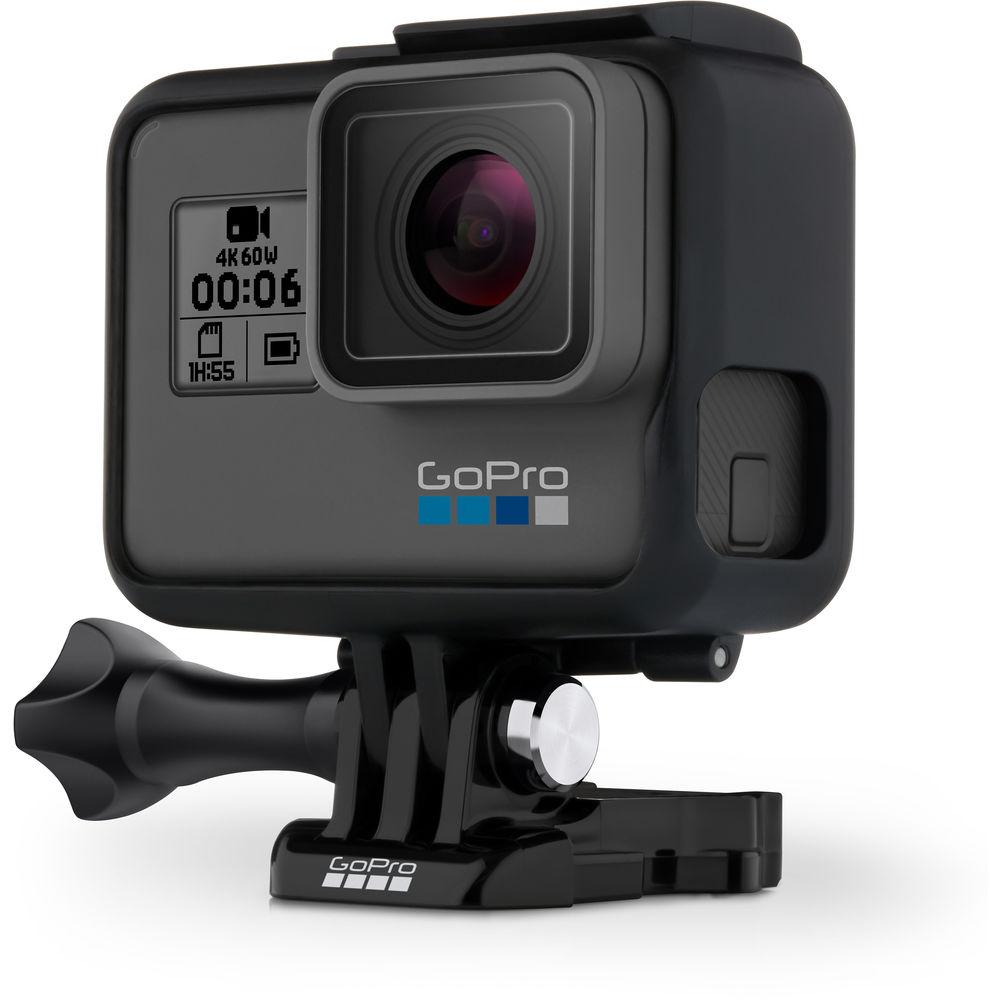
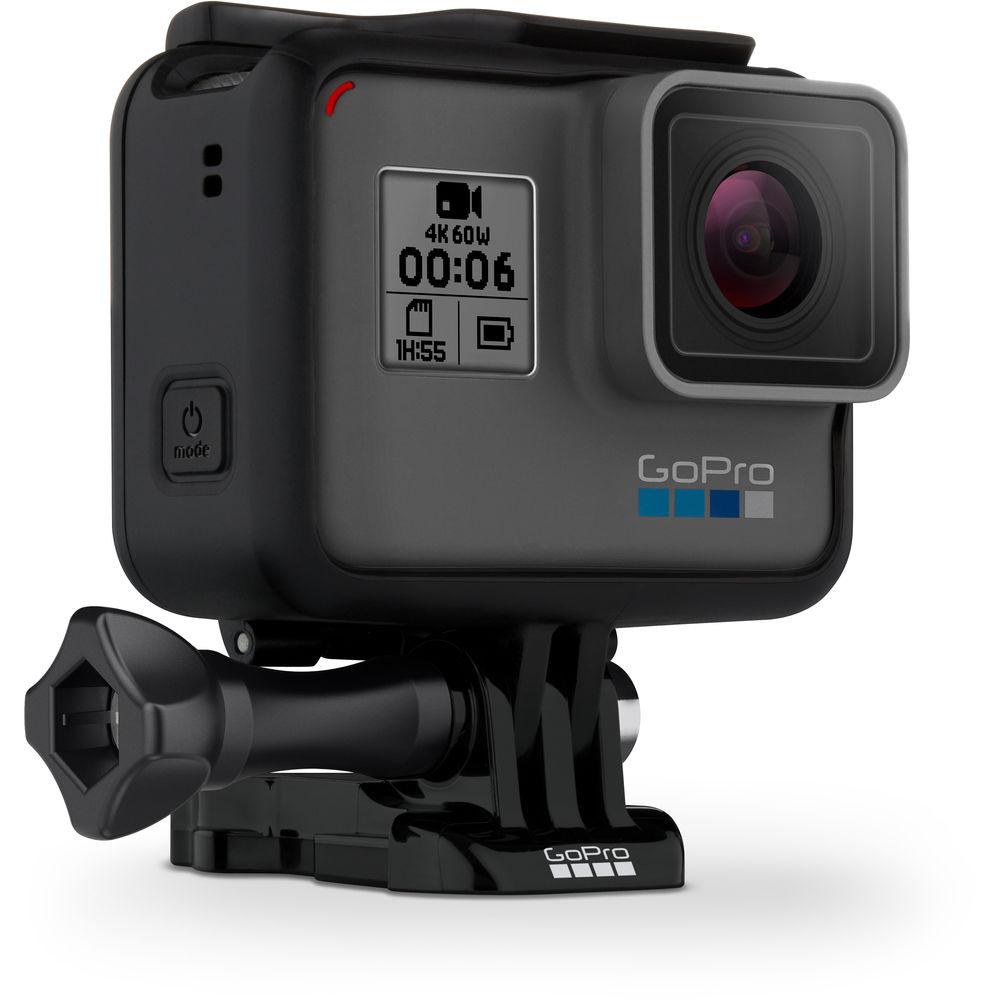
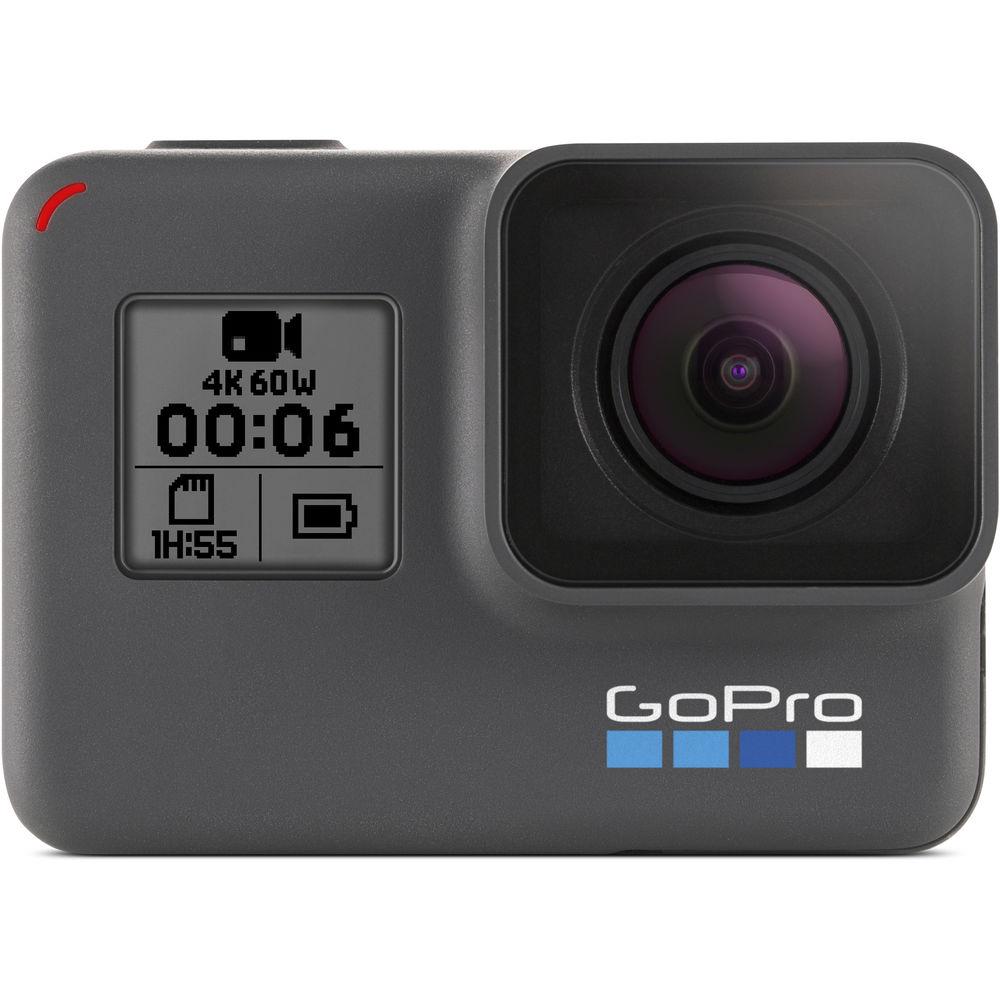
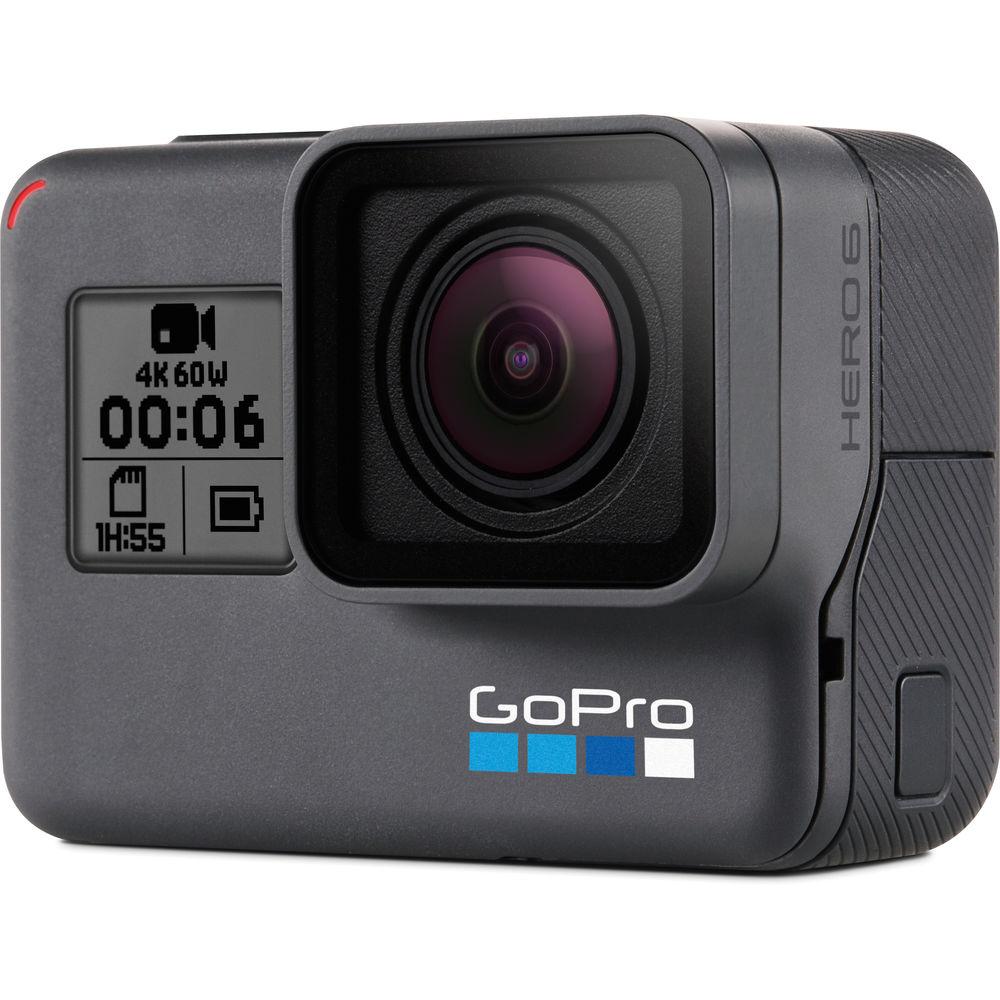
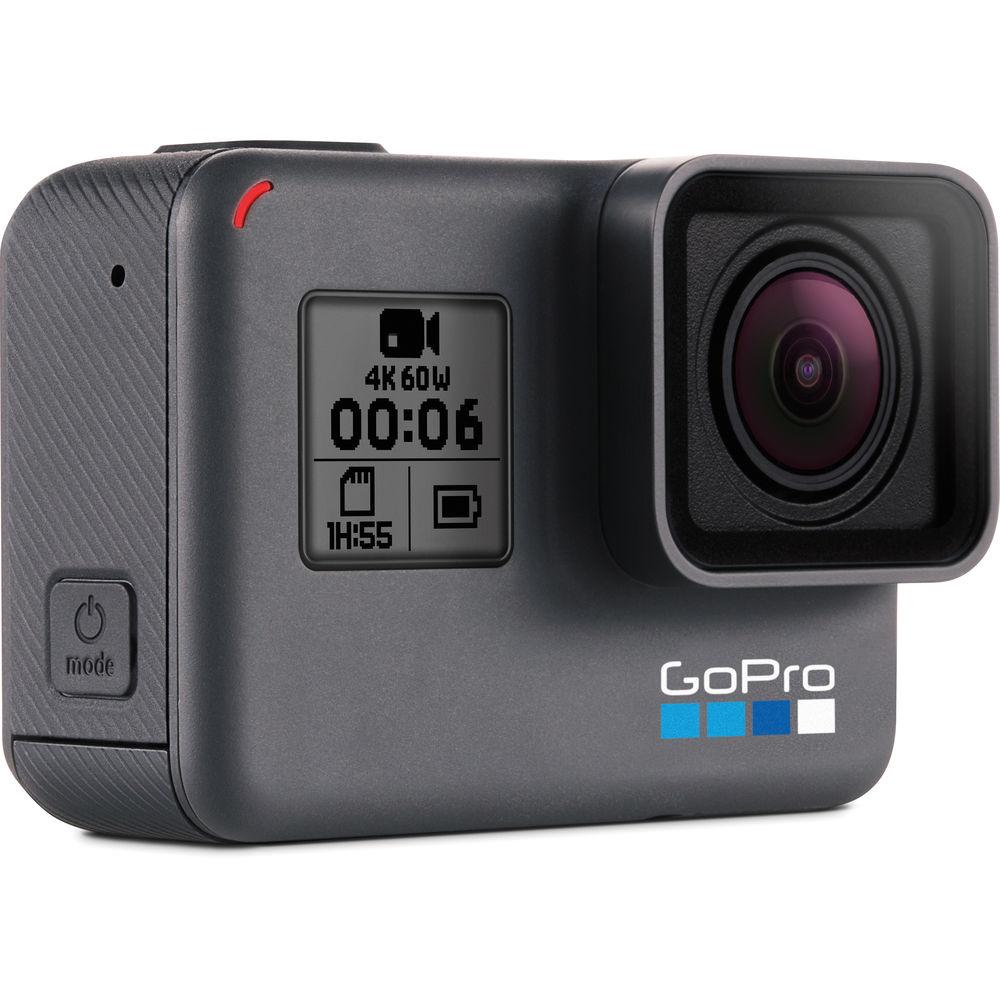
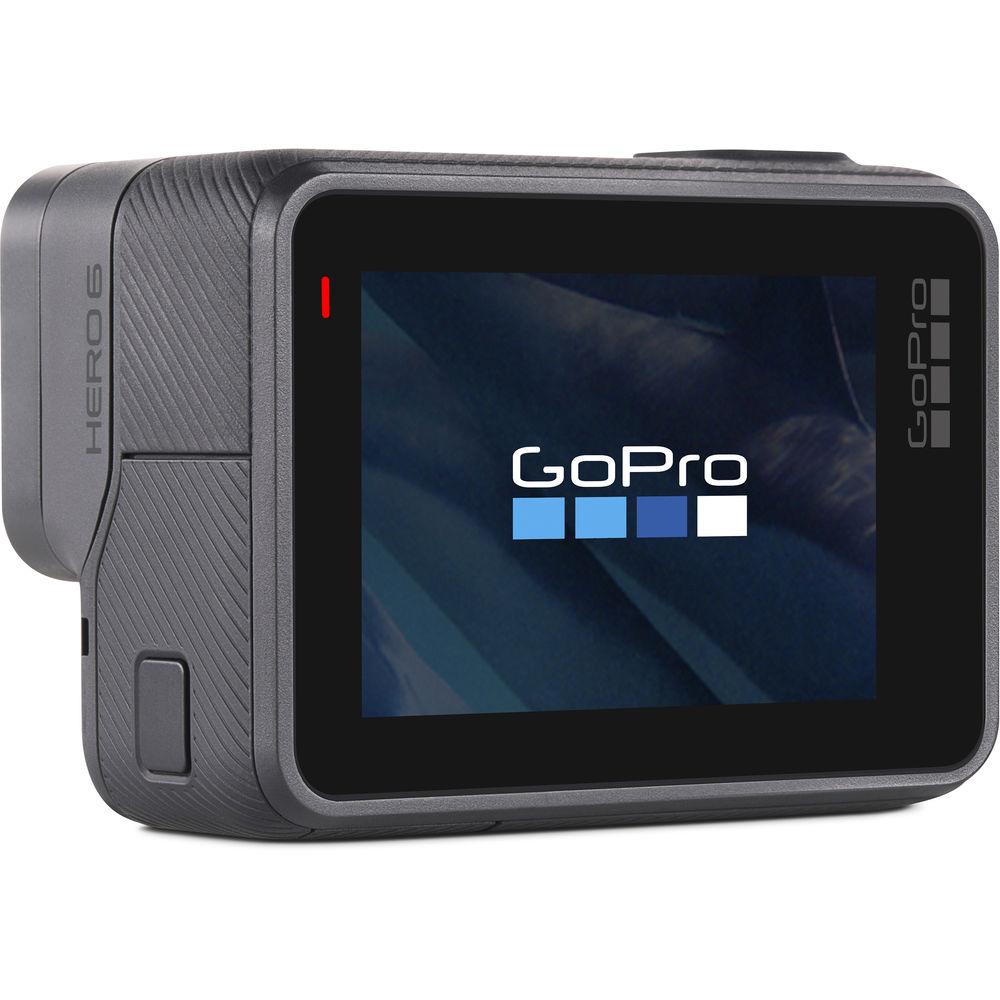
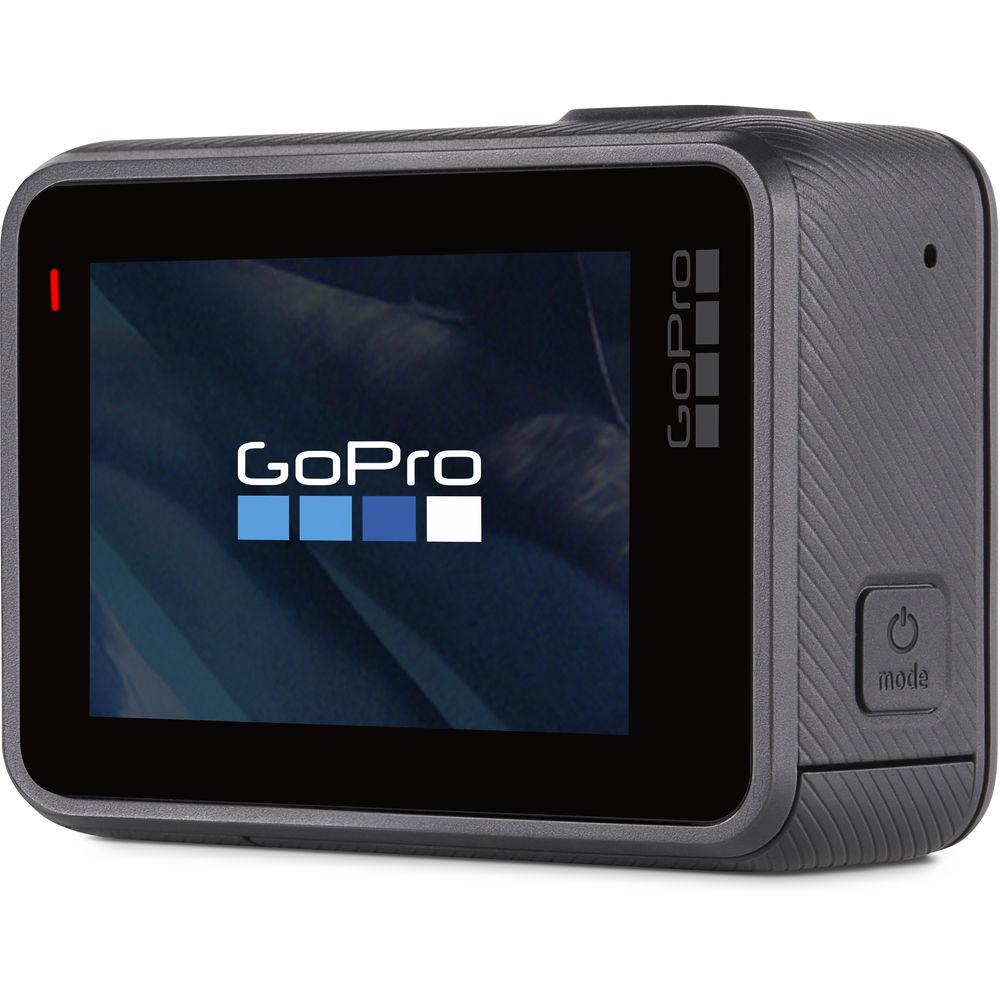
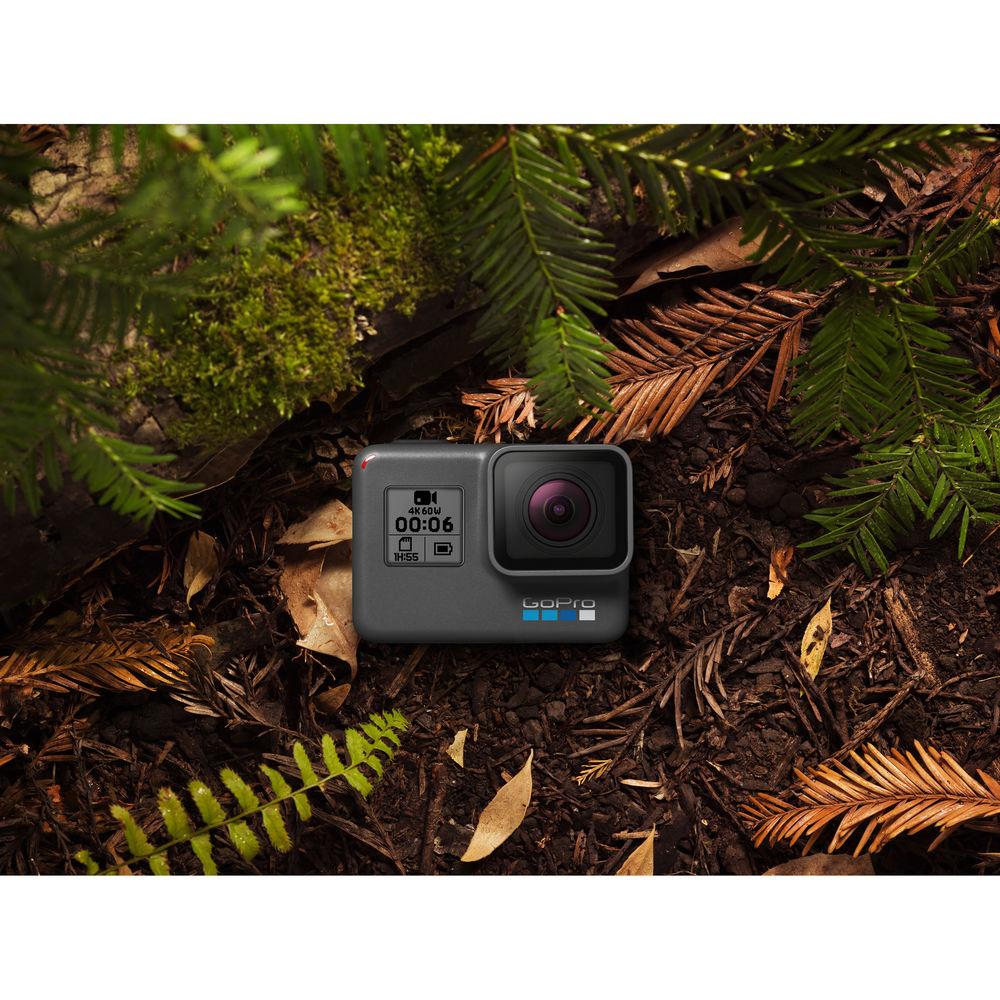
Built on the existing form-factor of the HERO5 Black, the GoPro HERO6 Black action camera provides more processing power than the preceding model, while keeping to a familiar design. The optimized GP1 processor brings higher frame rates in 4K, 2.7K, and 1080p HD resolutions. Where previous models maxed out at 30 fps in 4K, the HERO6 Black can muster 60 fps for rendering smooth motion or even slow motion in timelines with slower frame rates. Other processor-intensive tasks, such as image stabilization, have also been improved in the HERO6. Like the HERO5 Black before it, the HERO6 Black's rugged, rubberized, adventure-ready exterior is resistant to the elements and waterproof to 33' without a housing. Those with a penchant for diving can go deeper still with the separately available Super Suit housing. What would a GoPro be without mounting options? For starters, the Frame, which features the GoPro standard 2-prong accessory interface, is included along with a mounting buckle quick-release for The Frame and two adhesive mounts (one curved and one straight). Other accessories such as handlebar mounts, selfie sticks, and suction cups, for creative placement of the HERO6 Black are available separately. The rear side of the camera is dominated by a 2" touchscreen LCD for quickly navigating menus. Once your settings are locked in, the classic one-button interface can take over for quickly starting and stopping recording and changing settings on-the-fly. If your hands are occupied, simple voice commands can start and stop recording, take a photo, or burst of photos, and more. - Quick Features
-
- Photos: up to 12MP, 30 fps burst, time-lapse mode, raw file option, Wide Dynamic Range mode
- Videos: up to 60 fps in UHD 4K, up to 120 fps in 1440p, up to 240 fps in 1080p
- Waterproof to 33'
- Simple one-button control
- Wi-Fi and Bluetooth connectivity
- Advanced wind-noise reduction using 3 microphones
- Voice control
- Digital video stabilization support for 4K up to 30 fps, 1080p up to 120 fps
- Rear touchscreen display
- Automatic upload to the cloud
- Built-in GPS
- Video Recording Modes
- Select the desired resolution to fit your project. Record in UHD 4K resolution up to 60 fps or switch to lower resolutions such as 1080p and 720p for access to higher frame rates, more FOV (Field of View) options, and electronic stabilization. In 2.7K widescreen and lower resolutions, for instance, narrower FOV options open up including Medium, Narrow, and the new Linear mode (only available in 2.7K and 1080p settings), which corrects the lens's barrel distortion. All video recording modes can be as simple or advanced as you want them to be. If you only want to ensure that a shot is captured, auto-exposure is at your disposal. For those who are shooting less off-the-cuff footage and want complete control, manual control of exposure is also available. Audio for video is recorded using three microphones. In normal conditions, the HERO6 Black will process the audio for a stereo signal. If high winds start affecting the audio, the HERO6 Black can intuit which microphone is picking up the best sound and automatically switch to that microphone in real-time to filter out any excess wind noise. While the audio will only be in mono, you will know that you're getting the highest possible audio quality.
- Photo Modes
- Raw File Option: In addition to standard JPEG capture, the HERO6 Black can also capture raw images in the .GPR format. Raw images offer enthusiasts or professional photographers more flexibility after the photo is taken. Raw images can be processed after-the-fact for higher quality output. WDR Mode: Bridging the gap between JPEG capture and raw, the WDR (Wide Dynamic Range) mode is also available. If the scene has dark shadows and bright highlights, WDR mode will retain better detail in those areas. Burst Mode: Bursts of photos can be taken during high-action sequences to ensure that you capture the moment. The camera's buffer can fit up to 30 photos from a single burst, and burst durations can be set from six seconds to one second, effectively offering a 30 fps burst of 12MP photos. Time-Lapse Mode: Record clouds floating by, traffic snaking through cityscapes, or stars and constellations tracing their way across the sky with the time-lapse mode. Set your interval from a picture every 1/2 second to every minute for different effects.
- GoPro Apps
- GoPro and Quik apps allow you to access and edit your GoPro footage with simple to use yet powerful functions. Quik Stories combines the functionality of both apps, automatically downloading GoPro footage from your HERO6 and composing an easily shareable montage of your adventures on-the-spot. The HERO6 Black is the first HERO with 5 GHz Wi-Fi connectivity, for faster video transfer times compared to 2.4 GHz available on previous models.
GoPro (iOS/Android)
Use your iOS or Android device to live-preview and play back shots, control your GoPro, and share on the fly.
- Live preview makes it easy to frame the perfect shot
- Get full remote control of all camera functions
- Share photos and videos to Instagram, Facebook, Twitter and more
GoPro Quik (iOS/Android)
Edit videos with just a few taps.
- Analyze your photos and video clips to find great moments
- Adds transitions and effects, and sync everything to the beat of the music
- Customize your story with text, filters, music, and more
GoPro Quik | Desktop (Mac/Windows)
Import and edit your videos with just a few clicks.
- Transform your footage into edited videos synced to music
- Automatically import your photos and videos and share your best shots
- Comes bundled with GoPro Studio for more advanced editing UPC: 818279017809 In the Box GoPro HERO6 Black The Frame for HERO5 Black and HERO6 Black Rechargeable Battery for HERO7/6/5 Black and HERO 2018 Curved Adhesive Mount Flat Adhesive Mount Mounting Buckle USB Cable Limited 1-Year Warranty Table of Contents
|
Upload User Manual
Have you got an user manual for the GoPro HERO6 Black in electronic form? Please send it to us and help us expand our library of instruction manuals.
Thank you, too, on behalf of other users.
To upload the product manual, we first need to check and make sure you are not a robot. After that, your "Submit Link" or "Upload File" will appear.
Technical parametersGoPro HERO6 Black Specs | | | Sensor | 1-Chip CMOS | | Sensor Resolution | 12 MP | | | | Recording Media | x microSD/HC/XC | | Video Format | 3840 x 2880 at 24/25/30 fps (60, 78 Mb/s MP4)
3840 x 2160p at 24/25/30/50/60 fps (60, 78 Mb/s MP4)
2704 x 2028p at 24/25/30/50/60 fps (MP4)
2704 x 1520p at 24/25/30/50/60/100/120 fps (MP4)
1920 x 1440p at 24/25/30/50/60 fps (MP4)
1920 x 1080p at 24/25/30/50/60/100/120/240 fps
1280 x 720 at 50/60 fps (MP4) | | Aspect Ratio | 16:9
4:3 | | Still Image Resolution | Raw: 12 Megapixel
JPEG: 12 Megapixel | | Channels | 2.0-Channel Stereo | | Audio Format | AAC
WAV | | | | Display Type | LCD | | Touchscreen | Yes | | Screen Size | 2" | | Status Display | Yes | | | | Burst Photo | 30 Photos / 1 Second | | | | Image Stabilization | Digital | | Waterproof Depth Rating | 33.0' / 10.0 m (Camera) | | Built-In Mic | Yes | | Built-In Speaker | Yes | | Wi-Fi | Yes | | | | Outputs | 1 x Micro-HDMI (Type D) | | Microphone Input | Yes USB-C port for optional GoPro Pro 3.5mm Mic Adapter | | Headphone Jack | No | | | | Battery | Rechargeable Lithium-Ion Battery Pack, 1220 mAh | | Charging Method | AC Adapter
USB | | Dimensions (W x H x D) | 2.6 x 1.8 x 1.4" / 6.5 x 4.5 x 3.5 cm | | | | Package Weight | 1.05 lb | | Box Dimensions (LxWxH) | 8.9 x 4.1 x 2.6" |
Rating80% users recommend this product to others. And what about you?

This product has already been rated by 80 owners. Add your rating and experience with the product.
Discussion
 Ask our technicians if you have a problem with your settings,
or if anything is unclear in the user manual you have downloaded.
You can make use of our moderated discussion.
The discussion is public and helps other users of our website who may be encountering similar problems.
Ask our technicians if you have a problem with your settings,
or if anything is unclear in the user manual you have downloaded.
You can make use of our moderated discussion.
The discussion is public and helps other users of our website who may be encountering similar problems.
The discussion is empty - enter the first post
Post a new topic / query / comment:
|
|
|
| Request for user manual |
You can’t find the operation manual you are looking for? Let us know and we will try to add the missing manual:
I’m looking for a manual / Request for manual
Current requests for instruction manuals:
Call Of Duty World War Two For Xbox...
controller stratus XL...
stratus XL...
smart whatch serie S11 42mm...
Allen & Heath SQ-6 manual...
|
| Discussion |
Latest contributions to the discussion:
AEW R 4100
Name: MAURICIO ANGARITA
Audio-Technica AEW-R4100 UHF Diversity Receiver for
AEW R 4100 has the mute function blocked and does not allow audio to pass. I tried several times to turn off the mute from the transmitter but it does nothing, the mute stays on. Solution?
Thank you...
Instructions for assembling the 2015 Forecast Image Master Consoles GC3-A
Name: mike elam
Forecast Consoles GC3-A ImageMaster Editing Console
Looking for instructions for assembling this console. ...
EMPTY TONER ERROR MESSAGE AFTER REPLACING TONER
Name: LINDA BAD YELLOW EYES
Brother TN223BK Standard-Yield Toner
I HAD TO CHANGE OUT ALL THREE TONERS DUE TO LEAKS IN THE YELLOW AND CYAN. AFTER I REPLACED THEM, THE MACHINE KEEPS GIVING ME AN EMPTY TONER ERROR MESSAGE. HELP!!...
PS480D 20/24 pin Switching 480W Power Supply
Name: swkargo
Logisys 480W Power Supply
This item states in can run -5vdc .It is NOT listed on the board or I beleive is r4 is missing the resitior. Any body have thid issue. Shawn
...
Help needed
Name: Ann Carter
SanDisk 1TB Extreme Portable USB 3.1
When I click the link to download the user manual for my Sandisk Extreme external hard drive, it gives me the manual for the LG Cricket. Can you please change the link so I can download the Sandisk manual and begin using this drive? Thank you....
|
|


