User Manual for HIDEit Mounts Adjustable Wall Mount for Large Device Click to enlarge the picture
 Contents of the user manual for the HIDEit Mounts Adjustable Wall Mount for
- Product category: Desktop Computer Mounts & Stands HIDEit Mounts
- Brand: HIDEit Mounts
- Description and content of package
- Technical information and basic settings
- Frequently asked questions – FAQ
- Troubleshooting (does not switch on, does not respond, error message, what do I do if...)
- Authorized service for HIDEit Mounts Desktop Computer Mounts & Stands

 |
User manual for the HIDEit Mounts Adjustable Wall Mount for contain basic instructions
that need to be followed during installation and operation.
Before starting your appliance, the user manual should be read through carefully.
Follow all the safety instructions and warnings, and be guided by the given recommendations.
User manual is an integral part of any HIDEit Mounts product,
and if it is sold or transferred, they should be handed over jointly with the product.
Following the instructions for use is an essential prerequisite for protecting
health and property during use, as well as recognition of liability on the part of the manufacturer
for possible defects should you make a warranty claim. Download an official HIDEit Mounts user manual in which you will find instructions on how to install, use, maintain and service your product.
And do not forget – unsuitable use of a HIDEit Mounts product will considerably shorten its lifespan!
|
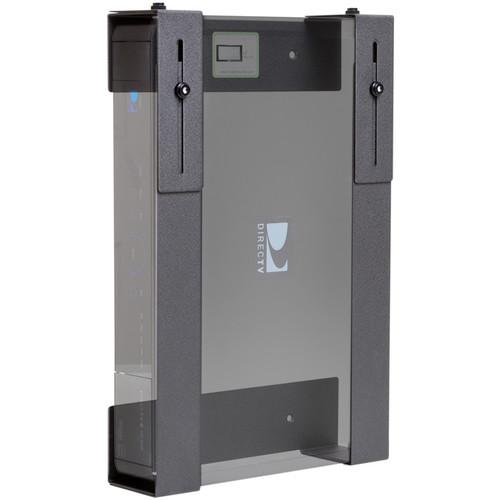
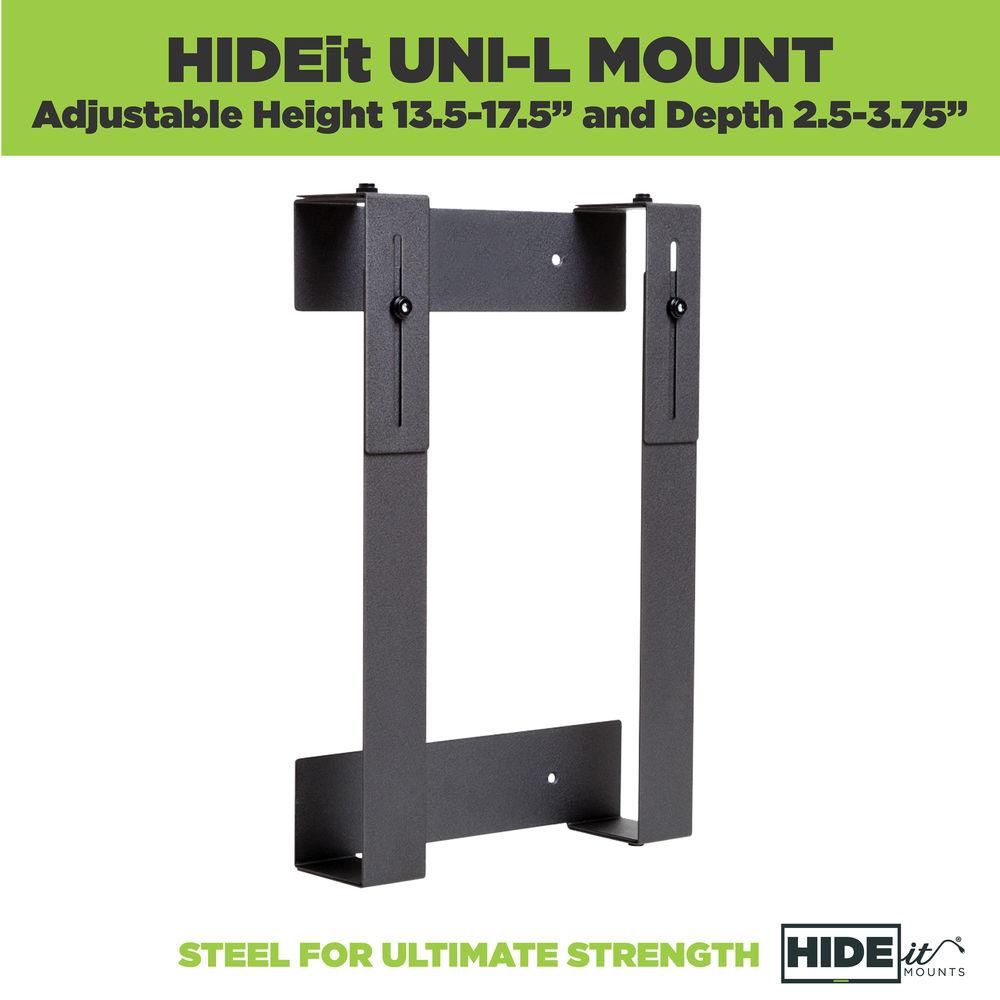
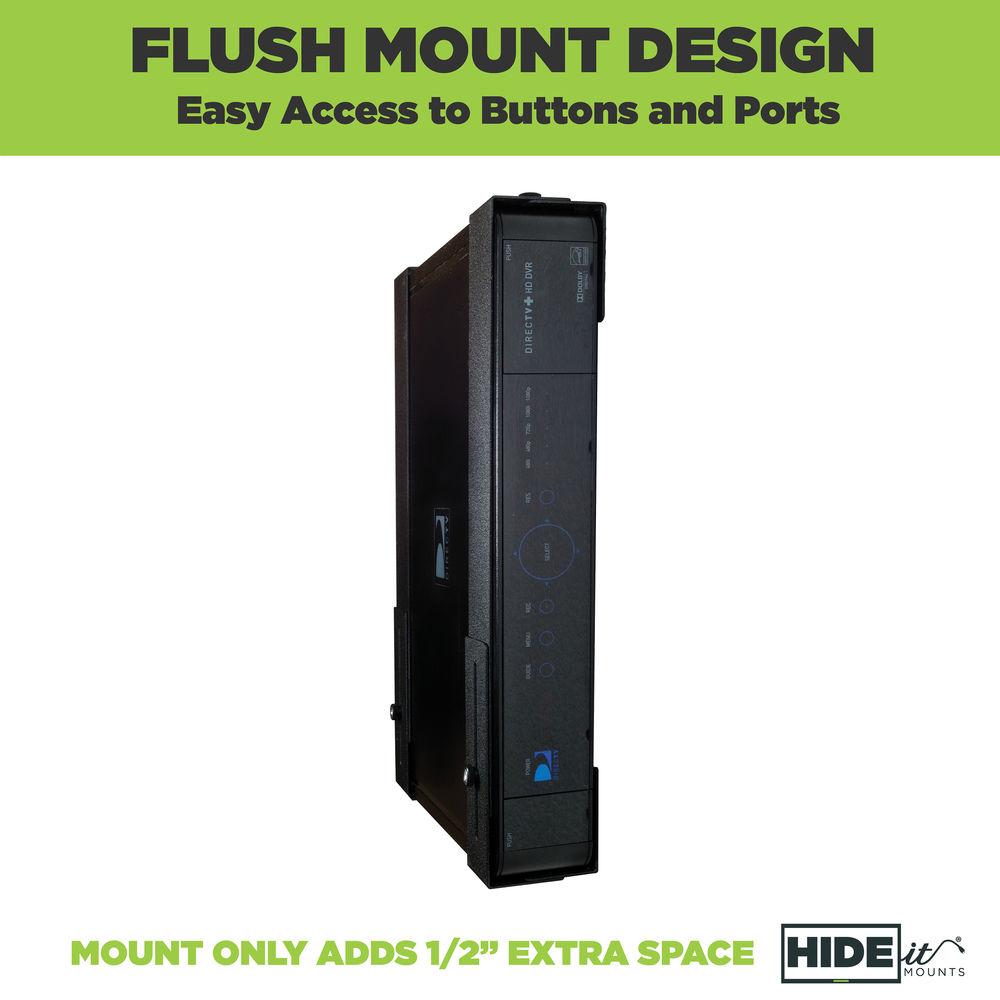
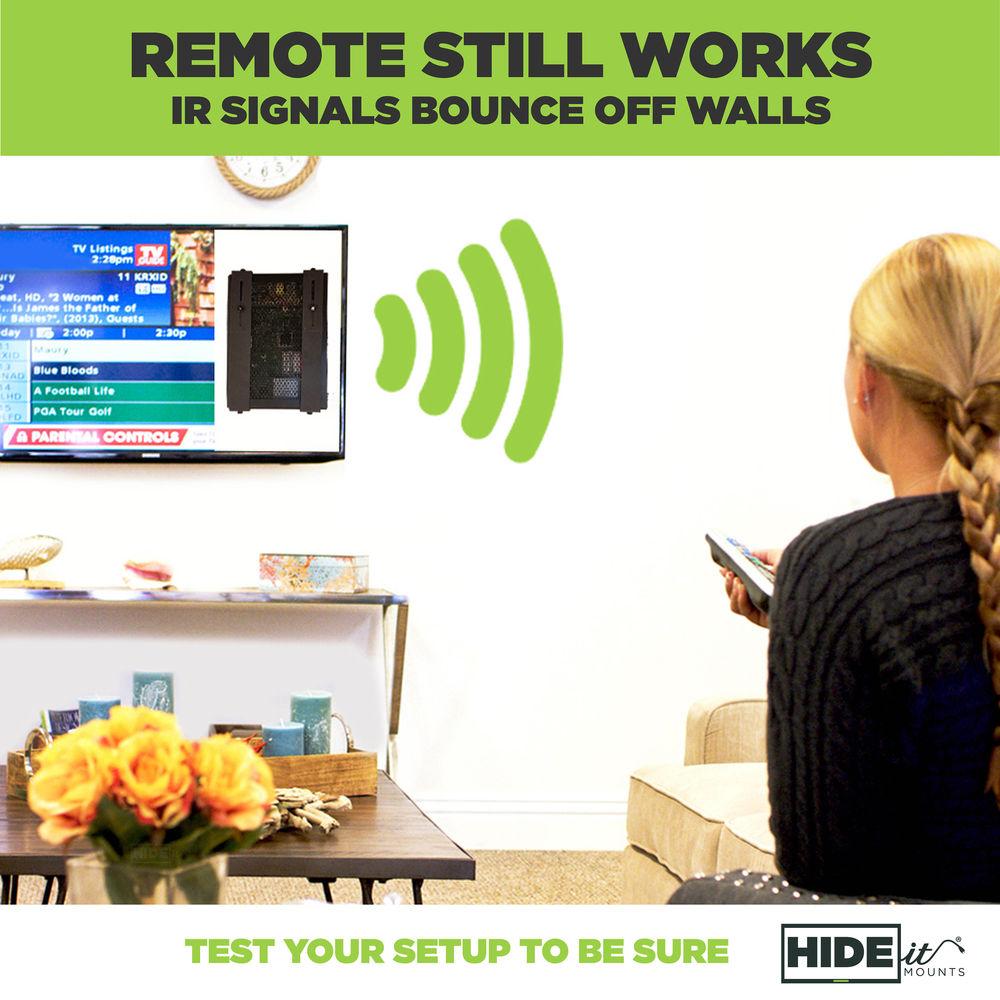
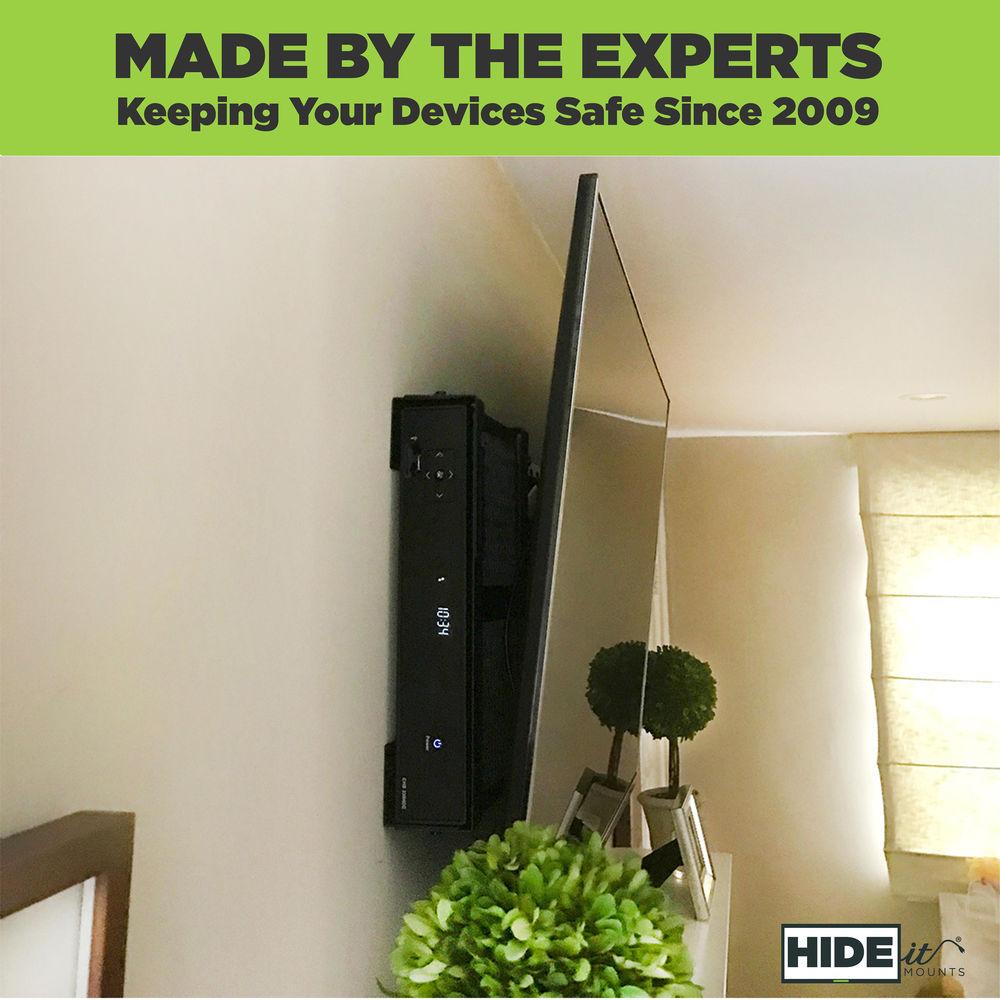
Product description Hide your cable box, satellite receiver, DVR, security NVR, or other device behind your wall-mounted monitor with the Adjustable Wall Mount for Large Device from HIDEit Mounts. Its depth-adjustable design enables you to switch the mount between compatible devices without hassle. The mount allows easy access to your device's buttons, ports, and cords. - Depth adjustable from 2.66 to 3.75" to fit a wide range of components
- Easy access to power button, output jacks, and cables on either side
- Cold-rolled 16-gauge steel for strength
- Powder coat finish protects from scratches
- Quick and easy to assemble and install with no measuring or templates
- Includes drywall screws, anchors rated for 25 lb each, and wing/thumbnuts (stud mounting is not necessary)
- Made in the USA from recycled and imported steel
UPC: 798304245387 In the Box HIDEit Mounts Adjustable Wall Mount for Large Device (Black) Set of Drywall Screws #8 Flat Countersink Screws Set of Drywall Anchors Black Thumbnuts Set of Wing/Thumbnuts Table of Contents
|
Upload User Manual
Have you got an user manual for the HIDEit Mounts Adjustable Wall Mount for Large Device in electronic form? Please send it to us and help us expand our library of instruction manuals.
Thank you, too, on behalf of other users.
To upload the product manual, we first need to check and make sure you are not a robot. After that, your "Submit Link" or "Upload File" will appear.
Technical parametersHIDEit Mounts HIDEIT UNI-L Specs | Compatibility | Charter: Cisco Scientific Atlanta 8300, Motorola DCT2000 / DCT2200 / DCT 2500, Motorola DCT6200 / 6208 / 6412, Motorola DCH3200, Motorola DCH6416 / DCT5100
Cisco / Scientific Atlanta: Explorer 8300 / 8640, CHS 435 HD DVR
Comcast: Motorola DCX3400 DVR, Motorola DCH3416 / DCH6416 / DCT5100, Motorola DCH3200 HDTV, Motorola DCT6208 / DCT6412 / DCT6200, Motorola DCT2000 / DCT2500, Motorola DCT1800, DCT3400 DVR, Motorola DCH6200, Motorola DCX3400, Motorola DCX3200, Cisco Scientific Atlanta 8300
Cox Communications: Cisco Scientific Atlanta 8300
DirecTV: Genie HR34, HR22-100, H24-100
DISH: ViP 222k HD Duo / 512 Solo DVR / ViP 612 HD Solo DVR / 625 DuoDVR / ViP 722k HD DuoDVR, ViP 922 HD DuoDVR, 322 Duo
FOXTEL: DSN 700, DSN 720, DSN 720NM
Motorola: QIP7100 / 7216, DCX3400, DCT3416, DCT2000 / DCT2200 / DCT 2500, DCT6200 / 6208 / 6412, DCH3200, DCH3416 / DCH6416 / DCT5100, DCH6200, DCT1800, DCT3400 DVR, DCX3200, DCX3400, 7232-P2
Sky TV: Sky+HD box, Sky+HD 2TB box
Time Warner: Motorola DCX3400M, Cisco Scientific Atlanta 8640 HDC, Cisco Scientific Atlanta 8642 HDC, Motorola DCT2000 / DCT2500, Motorola DCT 6200 / 6208, Motorola DCH3416 / DCH6416
TiVO: Series 2 DVR, Series 3 DVR
Verizon FiOS: Motorola 7216 / 7100, Motorola 6416 / 6200 / 2708 / 2500 / 2508, Motorola 7232-P2, Cisco Scientific Atlanta CHS 435 HD DVR
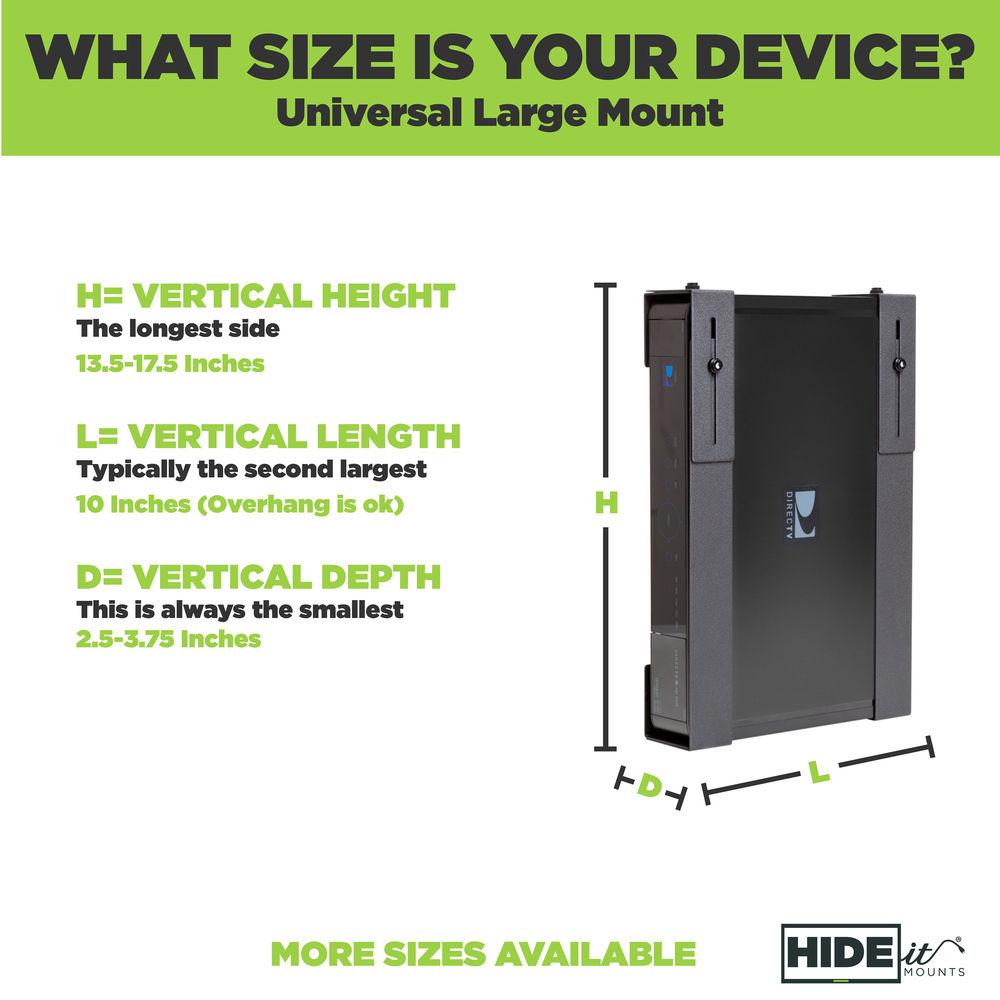
Virgin Media: TiVo Box | | Material | Cold-Rolled 16-Gauge Steel | | Dimensions (H x L x D) | 13.50 - 17.50 x 8.50 - 16.00 x 2.66 - 3.75" / 34.29 - 44.45 x 21.59 - 40.64 x 6.76 - 9.53 cm (Overhang is Fine) | | Weight | 3 lb / 1.4 kg |
Rating90% users recommend this product to others. And what about you?

This product has already been rated by 76 owners. Add your rating and experience with the product.
Discussion
 Ask our technicians if you have a problem with your settings,
or if anything is unclear in the user manual you have downloaded.
You can make use of our moderated discussion.
The discussion is public and helps other users of our website who may be encountering similar problems.
Ask our technicians if you have a problem with your settings,
or if anything is unclear in the user manual you have downloaded.
You can make use of our moderated discussion.
The discussion is public and helps other users of our website who may be encountering similar problems.
The discussion is empty - enter the first post
Post a new topic / query / comment:
|
|


