User Manual for Hitachi MS-1WL Wireless Multifunctional Switcher Scaler Click to enlarge the picture
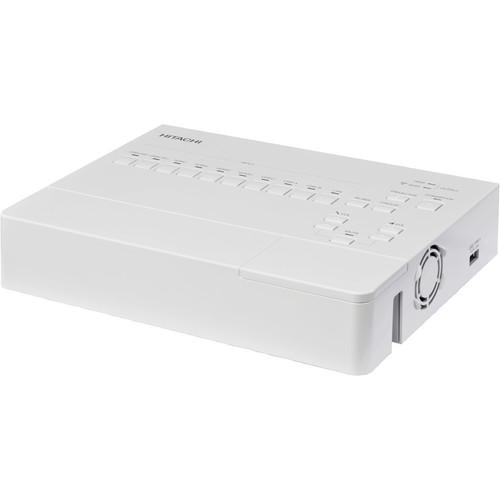 Contents of the user manual for the Hitachi MS-1WL Wireless Multifunctional Switcher Scaler
- Product category: Projector Accessories Hitachi
- Brand: Hitachi
- Description and content of package
- Technical information and basic settings
- Frequently asked questions – FAQ
- Troubleshooting (does not switch on, does not respond, error message, what do I do if...)
- Authorized service for Hitachi Projector Accessories
 |
User manual for the Hitachi MS-1WL Wireless Multifunctional Switcher Scaler contain basic instructions
that need to be followed during installation and operation.
Before starting your appliance, the user manual should be read through carefully.
Follow all the safety instructions and warnings, and be guided by the given recommendations.
User manual is an integral part of any Hitachi product,
and if it is sold or transferred, they should be handed over jointly with the product.
Following the instructions for use is an essential prerequisite for protecting
health and property during use, as well as recognition of liability on the part of the manufacturer
for possible defects should you make a warranty claim. Download an official Hitachi user manual in which you will find instructions on how to install, use, maintain and service your product.
And do not forget – unsuitable use of a Hitachi product will considerably shorten its lifespan!
|
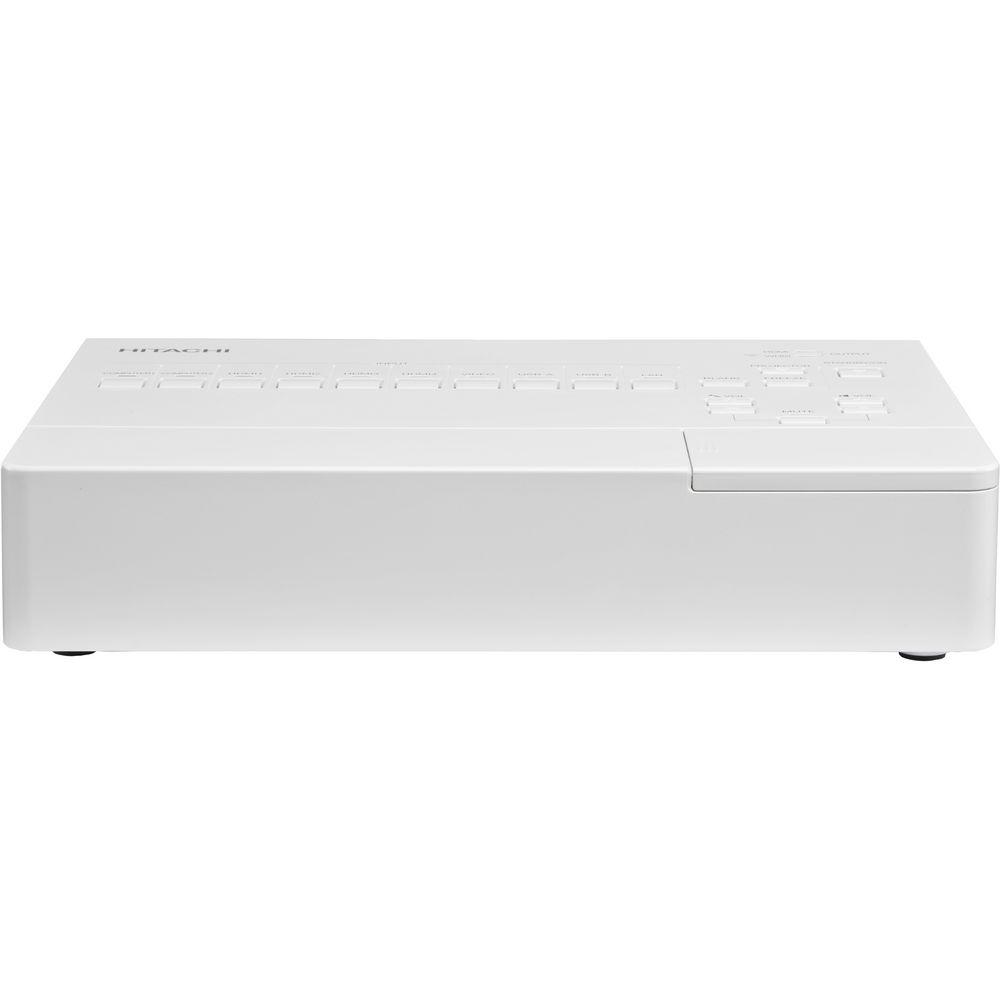
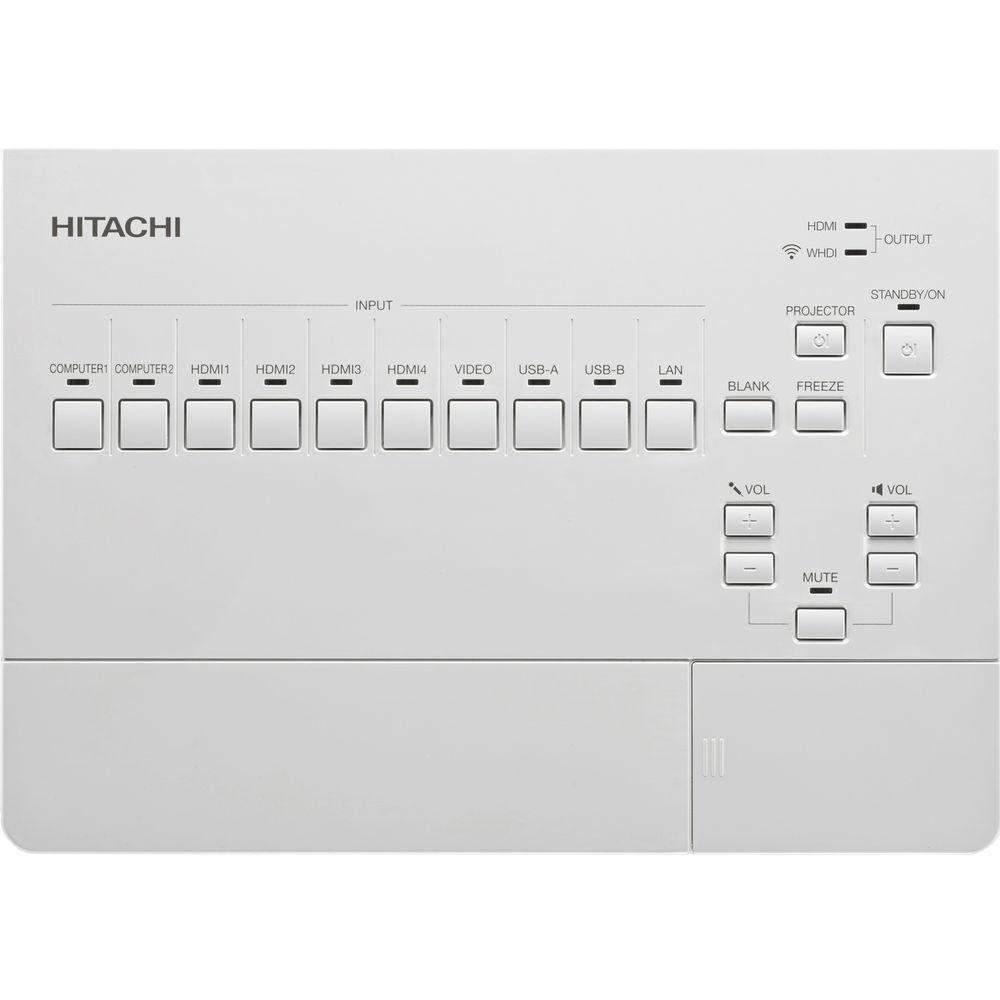
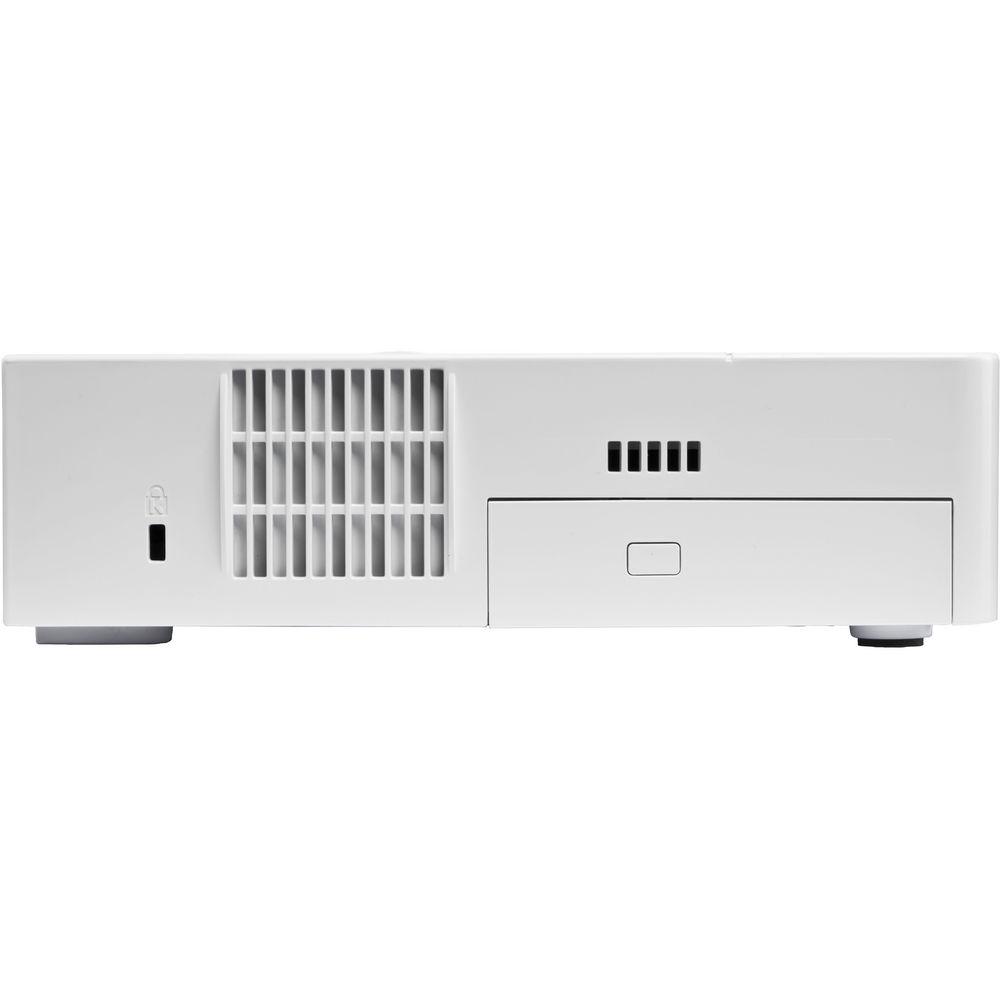
Product description The white Hitachi MS-1WL Wireless Multifunctional Switcher / Scaler lets you connect multiple devices—laptops, cameras, media players, even smartphones and tablets to your projector, and switch between them at the touch of a button. Instead of struggling with reconnecting multiple cables, you can switch seamlessly. Moreover you can improve visual impact, reduce installation costs, and deliver smooth, professional presentations. - Reduces installation costs
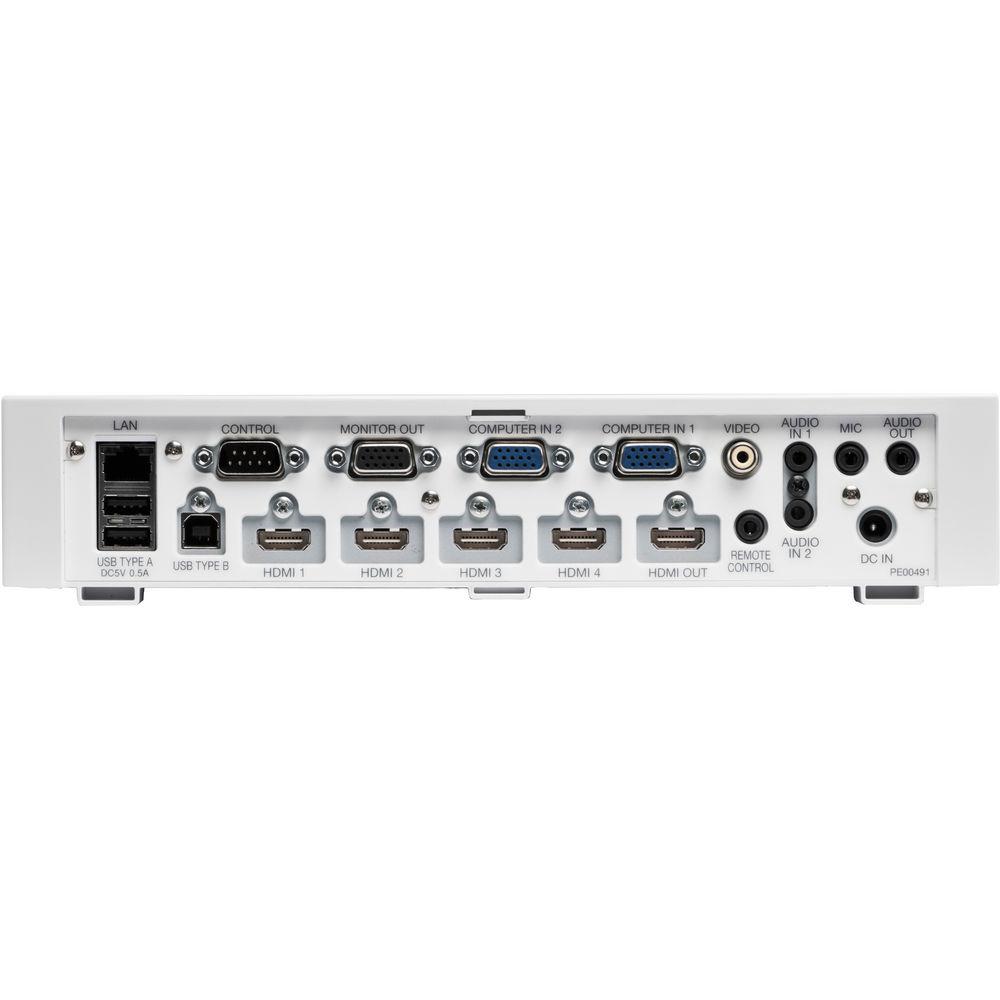
- Accepts analog and digital video and computer input, USB, wireless (sold separately) and audio connections
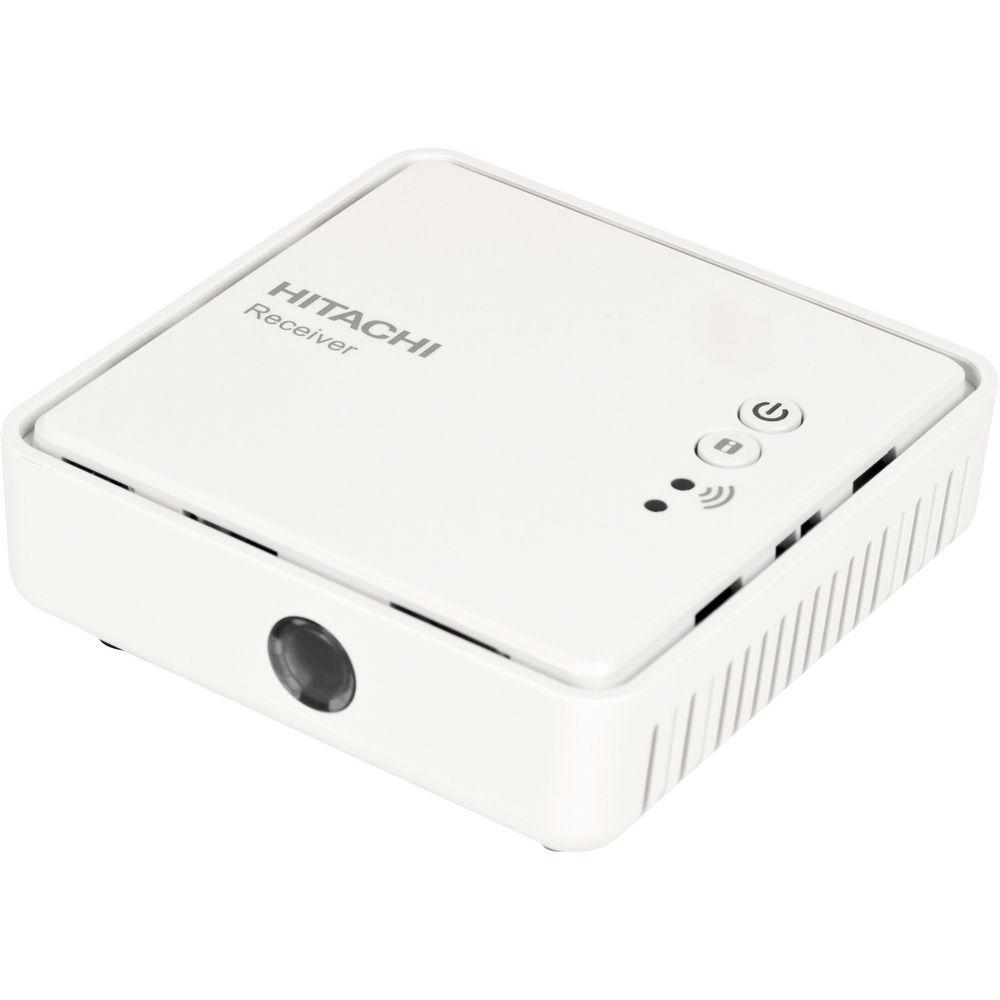
- Wireless projector link simplifies installation
- Projector control feature on selected models
- Controllable by network / Web
UPC: 050585153349 In the Box Hitachi MS-1WL Wireless Multifunctional Switcher / Scaler (White) 2 x AC Adapter 5.90' (1.8m) Power Cable Cable Cover for Switcher 2 x Wall Mount WR-HD1 Receiver HDMI Cable Hook n Loop Fastener Strap Limited 60-Day Warranty Table of Contents
|
Upload User Manual
Have you got an user manual for the Hitachi MS-1WL Wireless Multifunctional Switcher Scaler in electronic form? Please send it to us and help us expand our library of instruction manuals.
Thank you, too, on behalf of other users.
To upload the product manual, we first need to check and make sure you are not a robot. After that, your "Submit Link" or "Upload File" will appear.
Technical parametersHitachi MS-1WL Specs | Computer Compatibility | IBM Compatible VGA, SVGA, XGA, WXGA, WXGA+, SXGA, SXGA+, UXGA, MAC16 | | Video Compatibility | NTSC / PAL / SECAM / PAL-M,N / NTSC4.43
SDTV: 525i (480i), 525p (480p), 625i (576i)
HDTV: 750p (720p@50/60 Hz), 1125i (1080i@50/60 Hz), 1125p (1080p@50/60 Hz) | | Input Terminal | Video: 1x RCA
Computer (RGB): 2x D-sub 15-pin (Analog)
Digital: 4x HDMI (XGA, WXGA, 1080p)
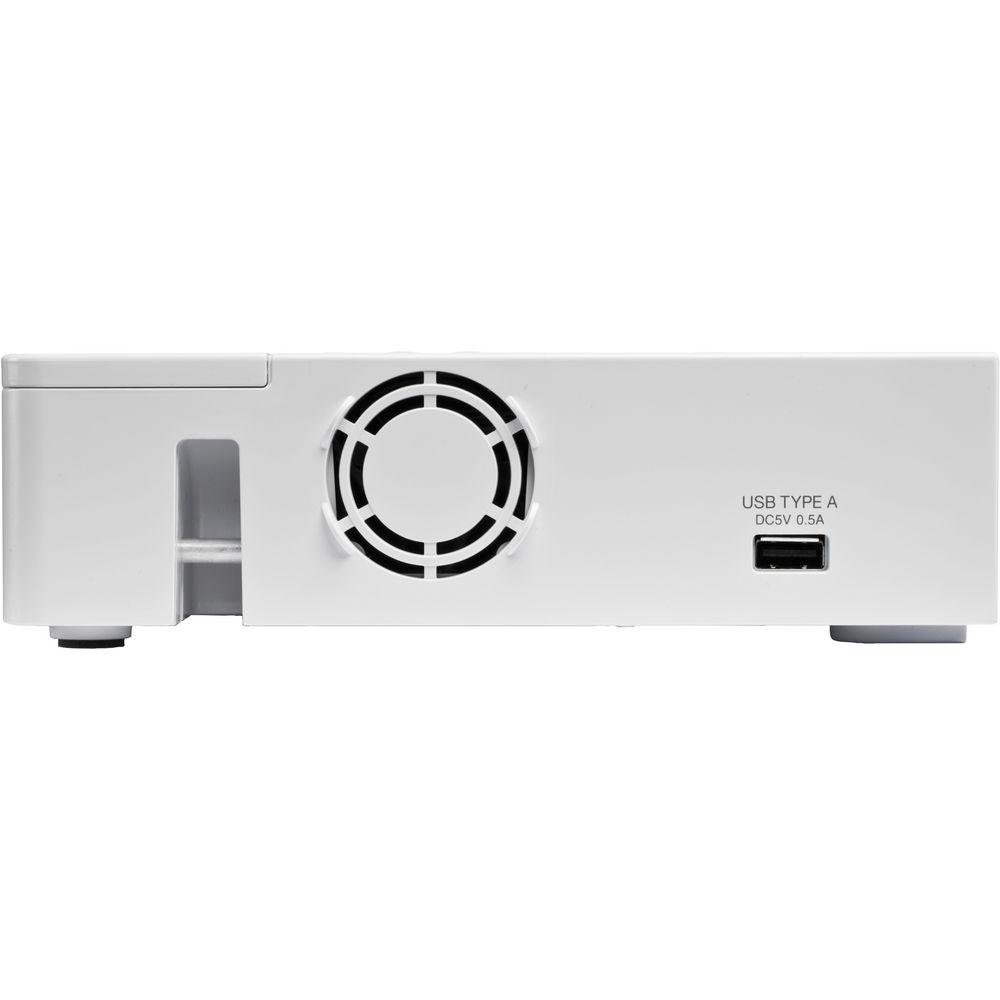
USB: 3x Type A, 1x Type B
Audio: 2x Stereo Mini Jack, 1x Microphone | | Output Terminal | Computer (RGB): 1x D-sub 15-pin
Digital: 1x HDMI (XGA, WXGA, 1080p)
Receiver (Digital): 1x HDMI (XGA, WXGA, 1080p) | | Control Terminals | 1x D-sub 9-pin (RS232C)
1x RJ-45 (Network) | | Connectivity | Wired LAN: Yes
Wireless LAN: Yes
Web Control: Yes | | Power | Power Supply: 12 VDC / 1.9 A
AC Adapter: 100 to 120 VAC, 220 to 240 VAC
Receiver: Power Supply: 5 VDC / 1.0 A
AC Adapter: 100 to 120 VAC, 220 to 240 VAC | | Control | Projector:
Standby / On: Yes
Menu: Yes
Input Select: Yes These features are only compatible with our latest Ultimate Short Throw, Super Short Throw, and Multipurpose range models. | | Other Features | WHDI (XGA, WXGA, 1080p), Tablet function, USB display, PC-less presentation, CC correspond, Lip sync, & Security bar | | LED Indicator | Indicate per all input select | | Control | Key:
Input Select: Yes (Direct select)
Menu: On / Off toggle
Menu Cross Key: Up / Down / Right / Left
Volume Key: Up / Down
Microphone Volume: Up / Down
Blank: Yes
Freeze: On / Off | | Control | Key for PJ:
Projector Power On: Standby / On, Input Select: Yes, Menu: On / Off toggle, Menu Cross Key: Up / Down / Right / Left, Enter (combination for MM-1 key) These features are only compatible with our latest Ultimate Short Throw, Super Short Throw, and Multipurpose range models. | | Operation Temperature | 32 to 104°F (0 to 40°C) | | Agency Certifications | FCC (with DFS), IC (with DFS), CE (with DFS), c-tick | | Languages | English, French, Spanish, German, Italian, Norwegian, Dutch, Portuguese, Chinese, Korean, Swedish, Russian, Finnish, Polish | | Dimensions (W x D x H) | 10.8 x 7.4 x 2.1" (274 x 188 x 53 mm)
Receiver: 3.7 x 3.7 x 1.2" (95.0 x 95.0 x 31.2 mm) | | Weight | 2.18 lb (0.99 kg)
Receiver: 4.4 oz (125.0 g) | | | | Box Dimensions (LxWxH) | 14.9 x 12.7 x 11.88" |
Rating90% users recommend this product to others. And what about you?

This product has already been rated by 73 owners. Add your rating and experience with the product.
Discussion
 Ask our technicians if you have a problem with your settings,
or if anything is unclear in the user manual you have downloaded.
You can make use of our moderated discussion.
The discussion is public and helps other users of our website who may be encountering similar problems.
Ask our technicians if you have a problem with your settings,
or if anything is unclear in the user manual you have downloaded.
You can make use of our moderated discussion.
The discussion is public and helps other users of our website who may be encountering similar problems.
The discussion is empty - enter the first post
Post a new topic / query / comment:
|
|


