|
User Manual for HP 14" mt43 Mobile Thin Client Laptop Click to enlarge the picture
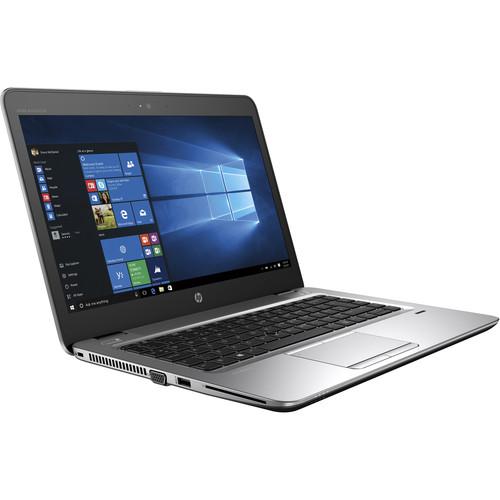 Contents of the user manual for the HP 14" mt43 Mobile Thin Client
- Product category: Notebooks HP
- Brand: HP
- Description and content of package
- Technical information and basic settings
- Frequently asked questions – FAQ
- Troubleshooting (does not switch on, does not respond, error message, what do I do if...)
- Authorized service for HP Notebooks
 |
User manual for the HP 14" mt43 Mobile Thin Client contain basic instructions
that need to be followed during installation and operation.
Before starting your appliance, the user manual should be read through carefully.
Follow all the safety instructions and warnings, and be guided by the given recommendations.
User manual is an integral part of any HP product,
and if it is sold or transferred, they should be handed over jointly with the product.
Following the instructions for use is an essential prerequisite for protecting
health and property during use, as well as recognition of liability on the part of the manufacturer
for possible defects should you make a warranty claim. Download an official HP user manual in which you will find instructions on how to install, use, maintain and service your product.
And do not forget – unsuitable use of a HP product will considerably shorten its lifespan!
|
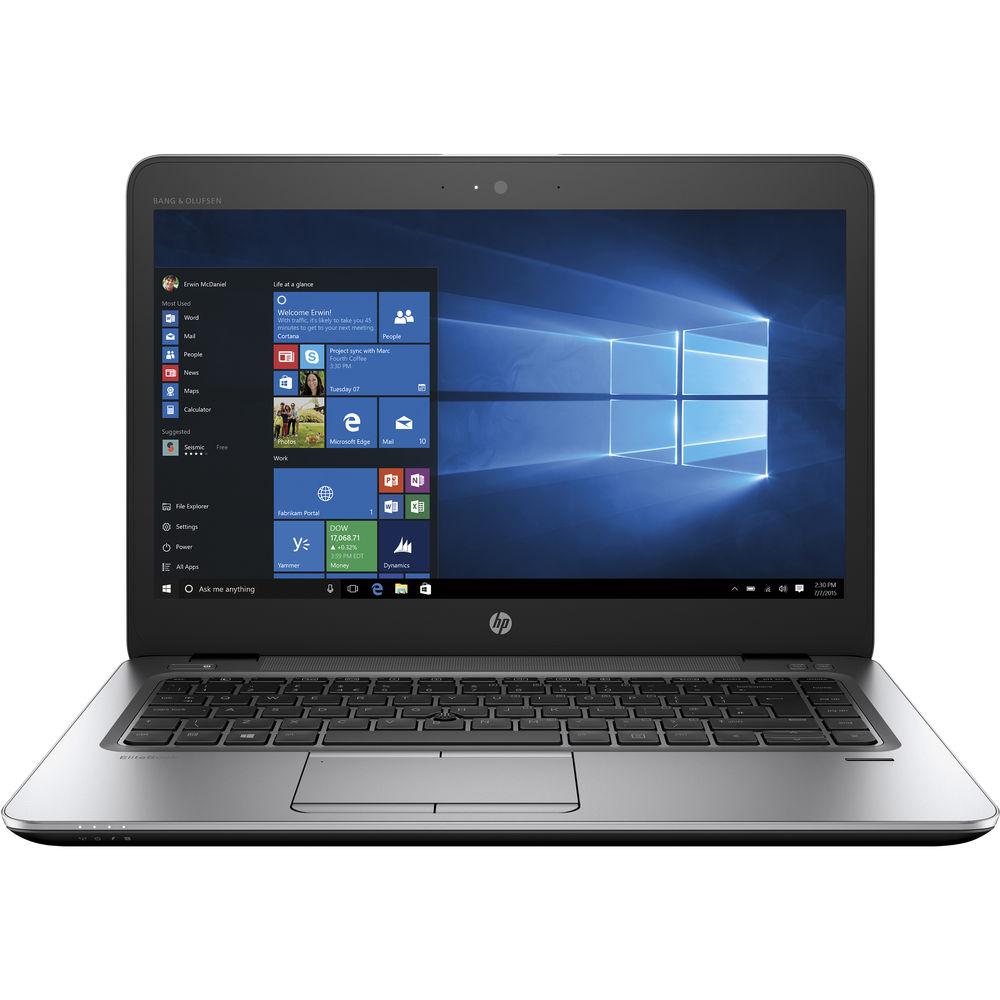
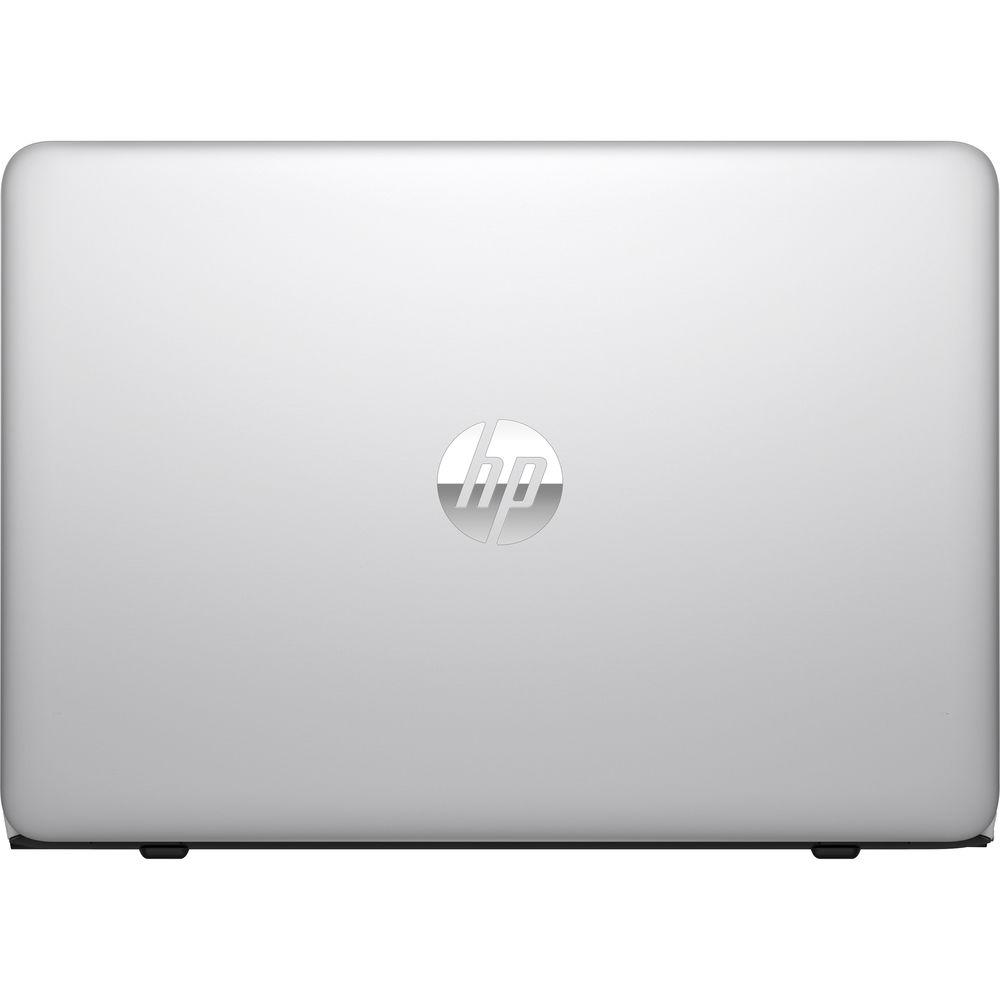
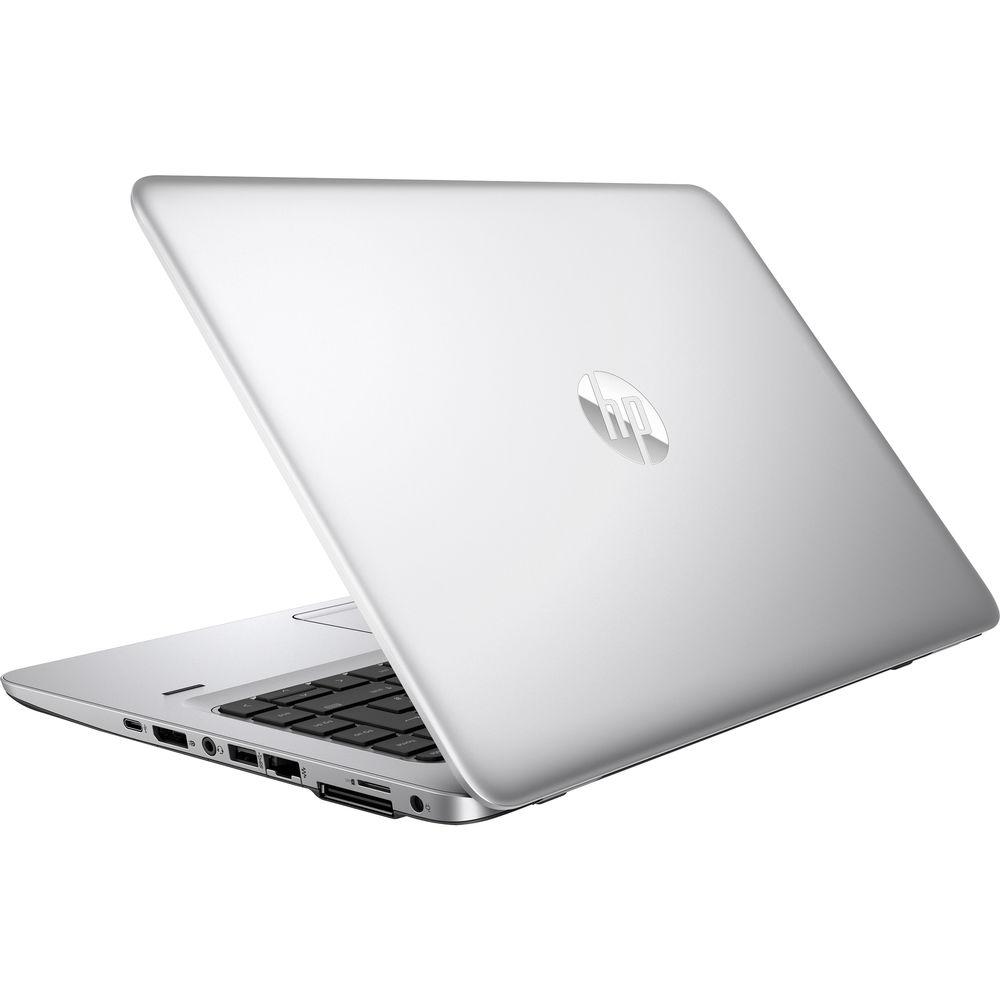
Product description Designed for businesses that have mobile users working on a defined set of tasks that need enhanced security access to server-based, virtual PC, or blade PC computing with notebook mobility, the 14" mt43 Mobile Thin Client Laptop from HP delivers strong performance. It is powered by a 1.6 GHz AMD A8 PRO-9600B Quad-Core APU and 8GB of 1866 MHz DDR4 RAM, allowing you to run multiple programs simultaneously and quickly access frequently used files and programs. When running more demanding programs or tasks, the processor can be boosted to achieve a speed of 3.0 GHz.
The 14" SVA anti-glare display features a TN LCD mode and a Full HD 16:9 resolution of 1920 x 1080. Visuals are handled by the integrated AMD Radeon R5 chipset, and you can output video to an external display using the DisplayPort at resolutions up to 4086 x 2160 @ 60 Hz and VGA port at resolutions up to 1920 x 1200 @ 60 Hz. Using an optional HP UltraSlim Docking Station, up to three independent displays are supported.
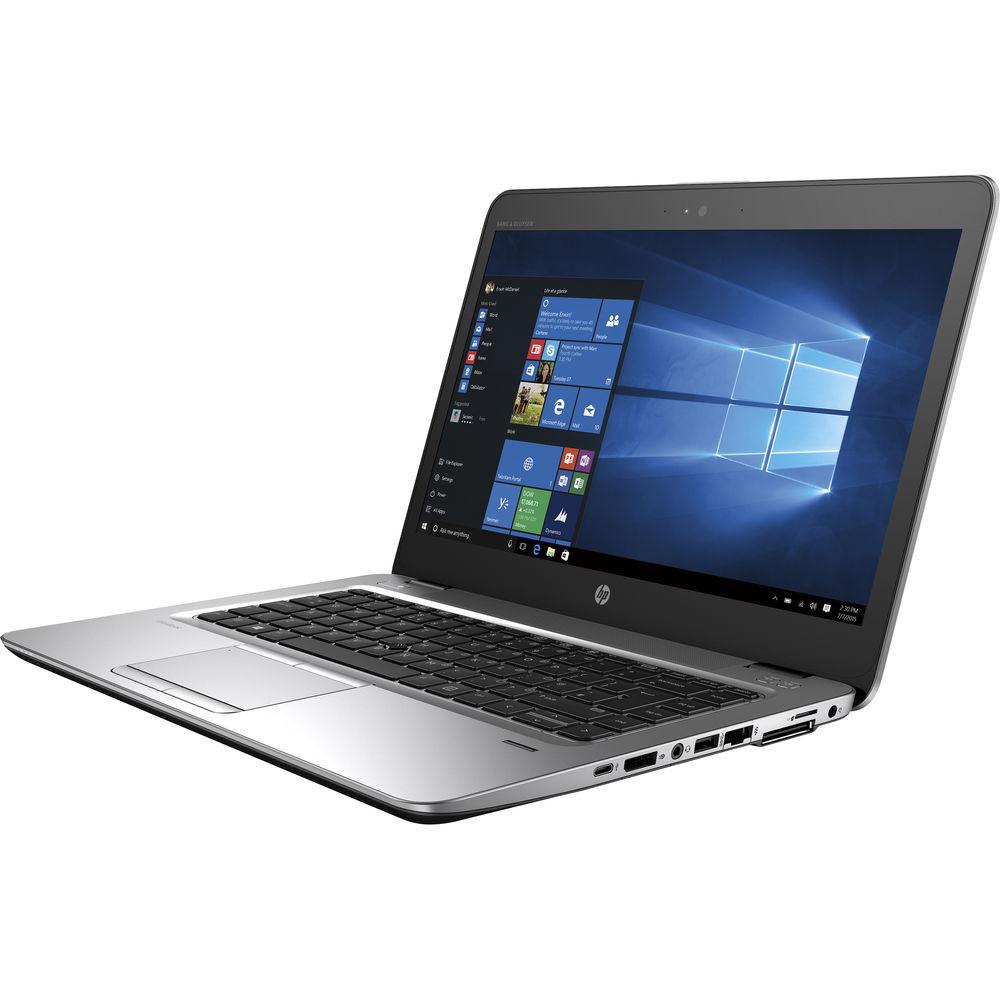
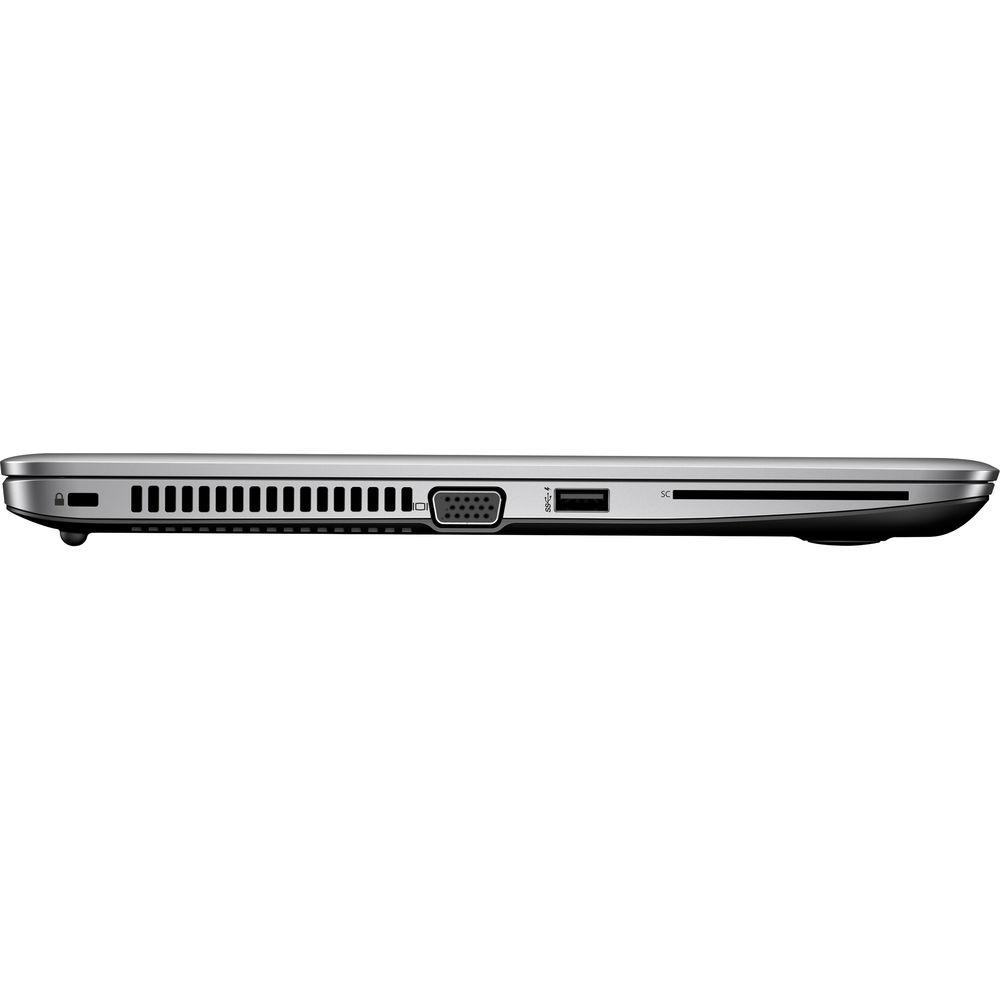
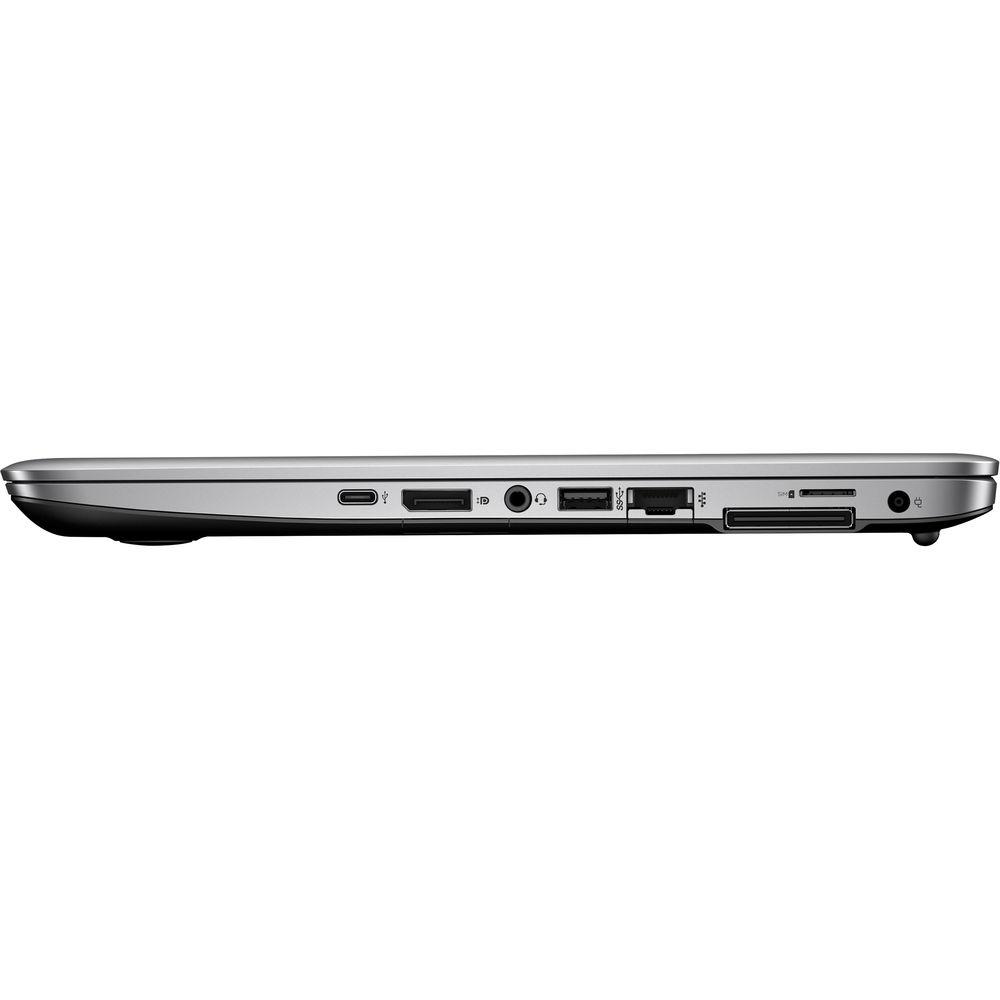
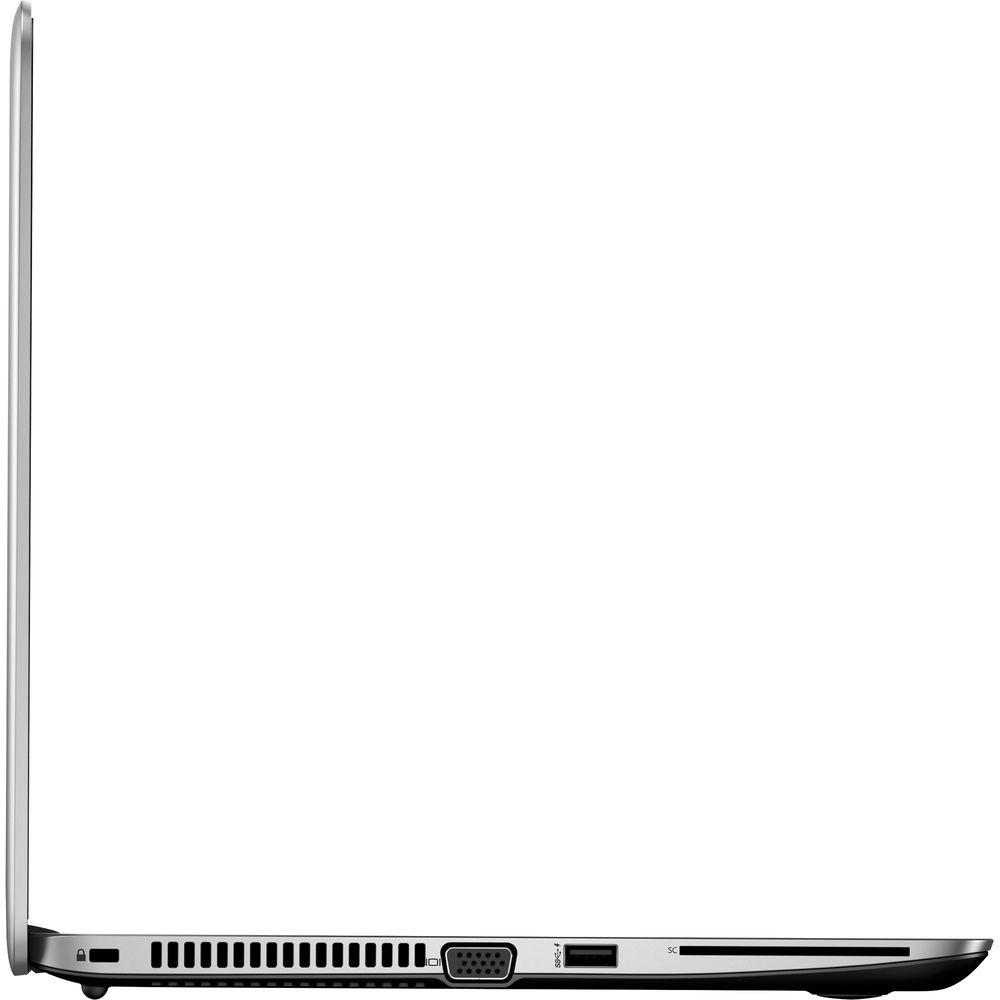
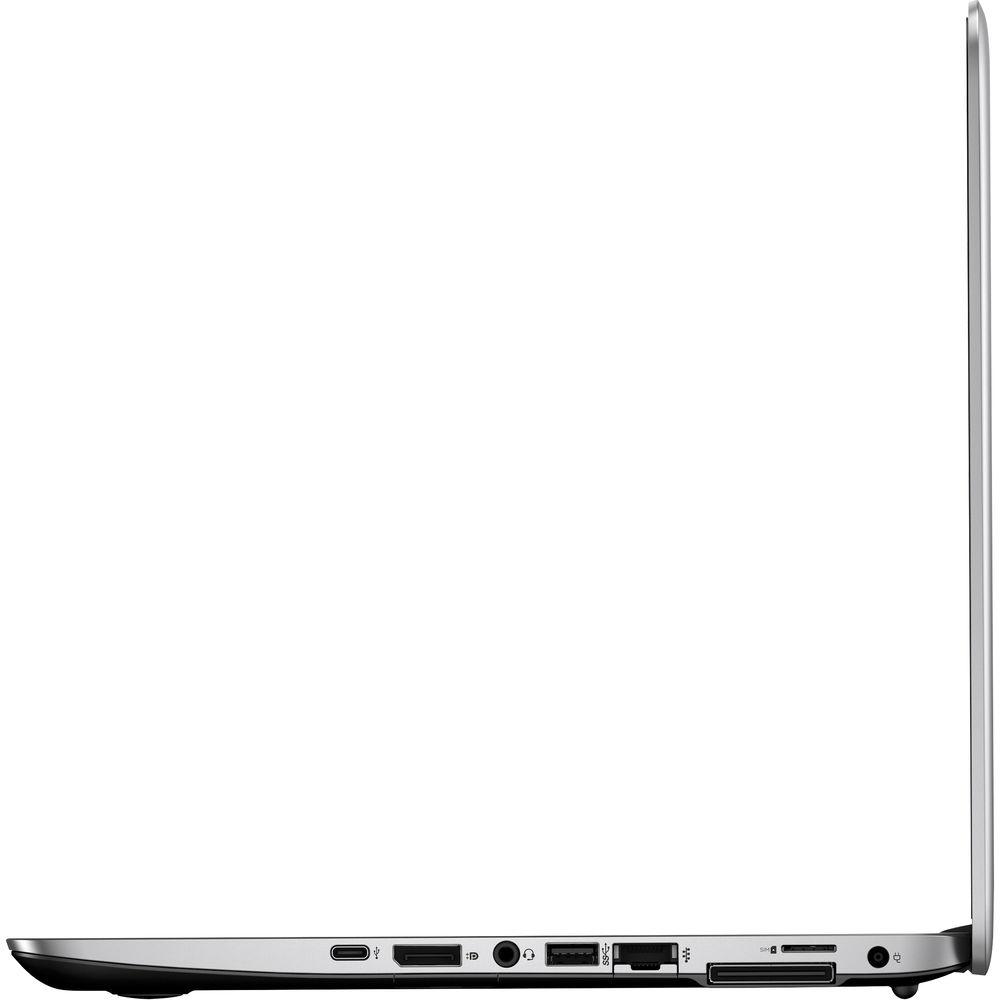
For storage of your files, this system comes with a 128GB M.2 2280 SATA III SSD. If you want to add external storage, optical drives, mice, keyboards, printers, memory card readers, and more, the mt43 offers one USB 3.1 Type-C port with 15W of power, two USB 3.1 Type-A ports, one of which doubles as a charging port, and a docking connector. Built-in Bang & Olufsen stereo speakers, dual microphones, and a 720p webcam let you participate in video calls for work or with friends and family. Connect to the Internet via 802.11ac Wi-Fi or Gigabit Ethernet LAN for a more stable and reliable connection. Furthermore, to free up USB ports and reduce wire clutter, you can connect additional peripherals and devices using Bluetooth 4.2, while a built-in 3-in-1 media card reader supports SD/SDHC/SDXC formats. There is also an external micro SIM (3FF) slot and a Smart Card reader.
The HP mt43 Mobile Thin Client Laptop operates using an included Smart AC adapter that runs using 90-265 VAC at 47-63 Hz, a power cord, and a 3-cell / 51Wh lithium-ion long life battery that will last for up to 7 hours before recharging is required. The installed operating system is Windows 10 IoT Enterprise (64-bit). General Features - Power, Reliable Performance
- Whether at your desk or on the go, the HP mt43 Mobile Thin Client offers reliability, processing power, and flexible connectivity for increased productivity.
- Rugged Durability
- The HP mt43 Mobile Thin Client is built to protect your most important work with rugged durability for the mobile professional. Get peace of mind with an aluminum-reinforced keyboard deck, limited 1-year warranty, and MIL-STD 810G testing.
- Data Delivery
- Improve wired and Wi-Fi network performance and the end user experience with HP Velocity software, which optimizes network traffic for remote desktops and streaming of remote applications.
- Security
- Help ensure data security by keeping it off the local device, and get added protection from the TPM chipset and Windows with Write Filter, which helps defend against unauthorized updates and viruses.
- Management
- Make it easy to deploy, manage, and maintain your install base onsite or remotely with HP Device Manager, a software tool available exclusively for HP Thin Clients.
- Quick. Clean. Streamlined.
- Customize an intuitive interface and level of protection to fit your needs, and maximize your cloud infrastructure, VDI, and kiosk environments with HP Easy Shell software, designed to optimize your Windows Embedded user experience.
- Work with What You Know
- Feel right at home and make life easier for IT administrators with Windows 10 IoT Enterprise for Thin Clients, which supports Microsoft Office 365 for seamless file access from almost anywhere and driver compatibility for your everyday peripherals.
- Communication Tools
- Easily collaborate with integrated GbE and Wi-Fi and broadened unified communications support for Skype for Business. Get crystal clear sound and video with a webcam, audio by Bang & Olufson, and a digital dual-array microphone.
- Durable
- Work without worry with a thin client that's designed to pass MIL-STD-810G testing and has a minor spill-resistant keyboard.
In the Box HP 14" mt43 Mobile Thin Client Laptop Smart AC Adapter Power Cord Limited 1-Year Parts & Labor Warranty Quick Specs PDF 372.6kb More from Manufacturer Table of Contents
|
Upload User Manual
Have you got an user manual for the HP 14" mt43 Mobile Thin Client Laptop in electronic form? Please send it to us and help us expand our library of instruction manuals.
Thank you, too, on behalf of other users.
To upload the product manual, we first need to check and make sure you are not a robot. After that, your "Submit Link" or "Upload File" will appear.
Technical parametersHP 1FY26UT#ABA Specs | | | Processor | AMD A8 PRO-9600B Quad-Core | | Base Clock Speed | 1.6 GHz | | Maximum Boost Speed | 3.0 GHz | | Total Installed Memory | 8 GB | | Maximum Memory Capacity | 16 GB | | Memory Type | DDR4 SDRAM | | Memory Speed | 1866 MHz | | Available Memory Slots | None | | Memory Slot Type | 260-Pin SO-DIMM | | Graphics Type | Integrated | | GPU | AMD Radeon R5 | | | | Panel Type | TN | | Size | 14" | | Aspect Ratio | 16:9 | | Resolution | 1920 x 1080 | | Touchscreen | None | | Finish | Matte | | Maximum Brightness | 300 cd/m2 | | Response Time | 16 ms | | External Resolution | Up to 4096 x 2160 | | | | Available Slots | None | | Total Installed Capacity | 128 GB | | Solid State Storage | 1 x 128 GB M.2 SATA | | Optical Drive | None | | | | Ports | 2 x USB 3.1 Gen 1 Type-A
1 x USB 3.1 Gen 1 Type-C
1 x Docking Connector | | Display | 1 x DisplayPort
1 x VGA | | Audio | 2 x Integrated Speaker
2 x Integrated Microphone
1 x 1/8" (3.5 mm) Headphone/Microphone Combo Jack | | Expansion Slots | 1 x Smart Card | | Media Card Slots | SD/SDHC/SDXC | | SIM Card Size | 1 x Micro | | | | Network | 1 x 10/100/1000 Mb/s Gigabit Ethernet (RJ45) | | Modem | None | | Wi-Fi | Wi-Fi 5 (802.11ac); Dual-Band (2.4 & 5 GHz) | | Bluetooth | Bluetooth 4.2 | | Mobile Broadband | None | | GPS | None | | NFC | None | | Webcam | User-Facing: 720p | | | | Battery Chemistry | Lithium-Ion | | Watt Hours / Type | 51 Wh | | Cells | 3 | | Output Voltage | 19.5 VDC | | Maximum Runtime | 7 Hours | | Power Requirements | 90-265 VAC, 47-63 Hz | | | | Security | Kensington Lock Slot, Accepts 3rd Party Security Lock Devices, Infineon TPM Software Professional Package | | Keyboard | Standard Notebook Keyboard | | Pointing Device | TouchPad | | Dimensions (W x H x D) | 13.3 x 0.7 x 8.9" / 33.8 x 1.8 x 22.6 cm | | Weight | 3.27 lb / 1.48 kg |
Rating80% users recommend this product to others. And what about you?

This product has already been rated by 47 owners. Add your rating and experience with the product.
Discussion
 Ask our technicians if you have a problem with your settings,
or if anything is unclear in the user manual you have downloaded.
You can make use of our moderated discussion.
The discussion is public and helps other users of our website who may be encountering similar problems.
Ask our technicians if you have a problem with your settings,
or if anything is unclear in the user manual you have downloaded.
You can make use of our moderated discussion.
The discussion is public and helps other users of our website who may be encountering similar problems.
The discussion is empty - enter the first post
Post a new topic / query / comment:
|
|
|
| Request for user manual |
You can’t find the operation manual you are looking for? Let us know and we will try to add the missing manual:
I’m looking for a manual / Request for manual
Current requests for instruction manuals:
Call Of Duty World War Two For Xbox...
controller stratus XL...
stratus XL...
smart whatch serie S11 42mm...
Allen & Heath SQ-6 manual...
|
| Discussion |
Latest contributions to the discussion:
AEW R 4100
Name: MAURICIO ANGARITA
Audio-Technica AEW-R4100 UHF Diversity Receiver for
AEW R 4100 has the mute function blocked and does not allow audio to pass. I tried several times to turn off the mute from the transmitter but it does nothing, the mute stays on. Solution?
Thank you...
Instructions for assembling the 2015 Forecast Image Master Consoles GC3-A
Name: mike elam
Forecast Consoles GC3-A ImageMaster Editing Console
Looking for instructions for assembling this console. ...
EMPTY TONER ERROR MESSAGE AFTER REPLACING TONER
Name: LINDA BAD YELLOW EYES
Brother TN223BK Standard-Yield Toner
I HAD TO CHANGE OUT ALL THREE TONERS DUE TO LEAKS IN THE YELLOW AND CYAN. AFTER I REPLACED THEM, THE MACHINE KEEPS GIVING ME AN EMPTY TONER ERROR MESSAGE. HELP!!...
PS480D 20/24 pin Switching 480W Power Supply
Name: swkargo
Logisys 480W Power Supply
This item states in can run -5vdc .It is NOT listed on the board or I beleive is r4 is missing the resitior. Any body have thid issue. Shawn
...
Help needed
Name: Ann Carter
SanDisk 1TB Extreme Portable USB 3.1
When I click the link to download the user manual for my Sandisk Extreme external hard drive, it gives me the manual for the LG Cricket. Can you please change the link so I can download the Sandisk manual and begin using this drive? Thank you....
|
|


