User Manual for HP 27er 27" 16:9 IPS Monitor Click to enlarge the picture
 Contents of the user manual for the HP 27er 27" 16:9 IPS Monitor
- Product category: Computer Monitors HP
- Brand: HP
- Description and content of package
- Technical information and basic settings
- Frequently asked questions – FAQ
- Troubleshooting (does not switch on, does not respond, error message, what do I do if...)
- Authorized service for HP Computer Monitors

 |
User manual for the HP 27er 27" 16:9 IPS Monitor contain basic instructions
that need to be followed during installation and operation.
Before starting your appliance, the user manual should be read through carefully.
Follow all the safety instructions and warnings, and be guided by the given recommendations.
User manual is an integral part of any HP product,
and if it is sold or transferred, they should be handed over jointly with the product.
Following the instructions for use is an essential prerequisite for protecting
health and property during use, as well as recognition of liability on the part of the manufacturer
for possible defects should you make a warranty claim. Download an official HP user manual in which you will find instructions on how to install, use, maintain and service your product.
And do not forget – unsuitable use of a HP product will considerably shorten its lifespan!
|
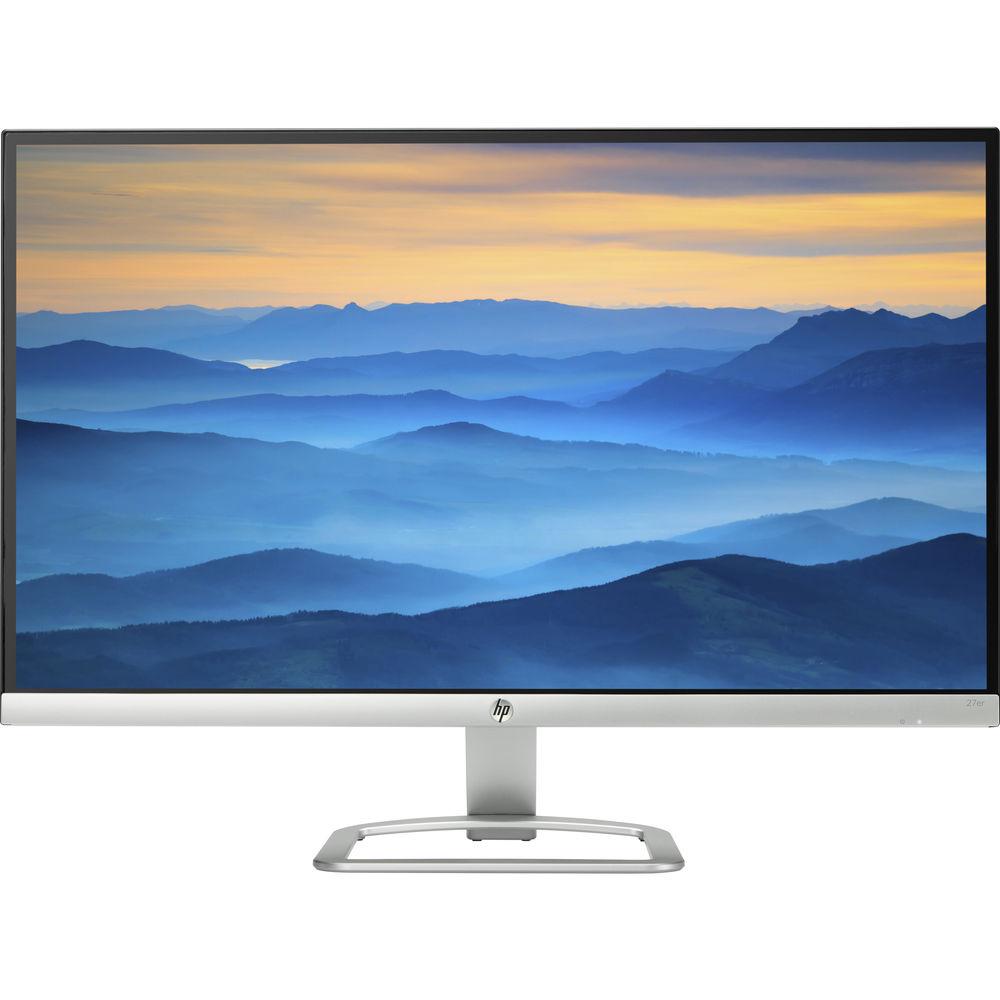
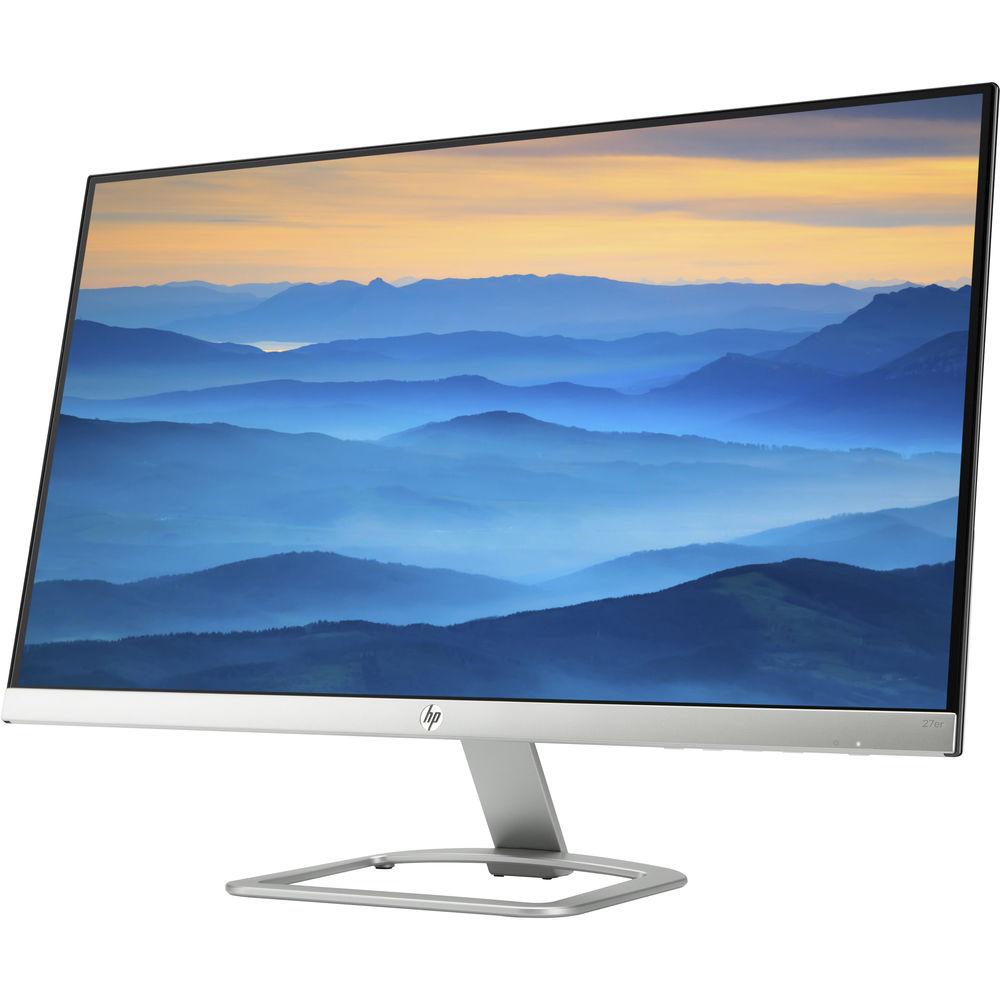
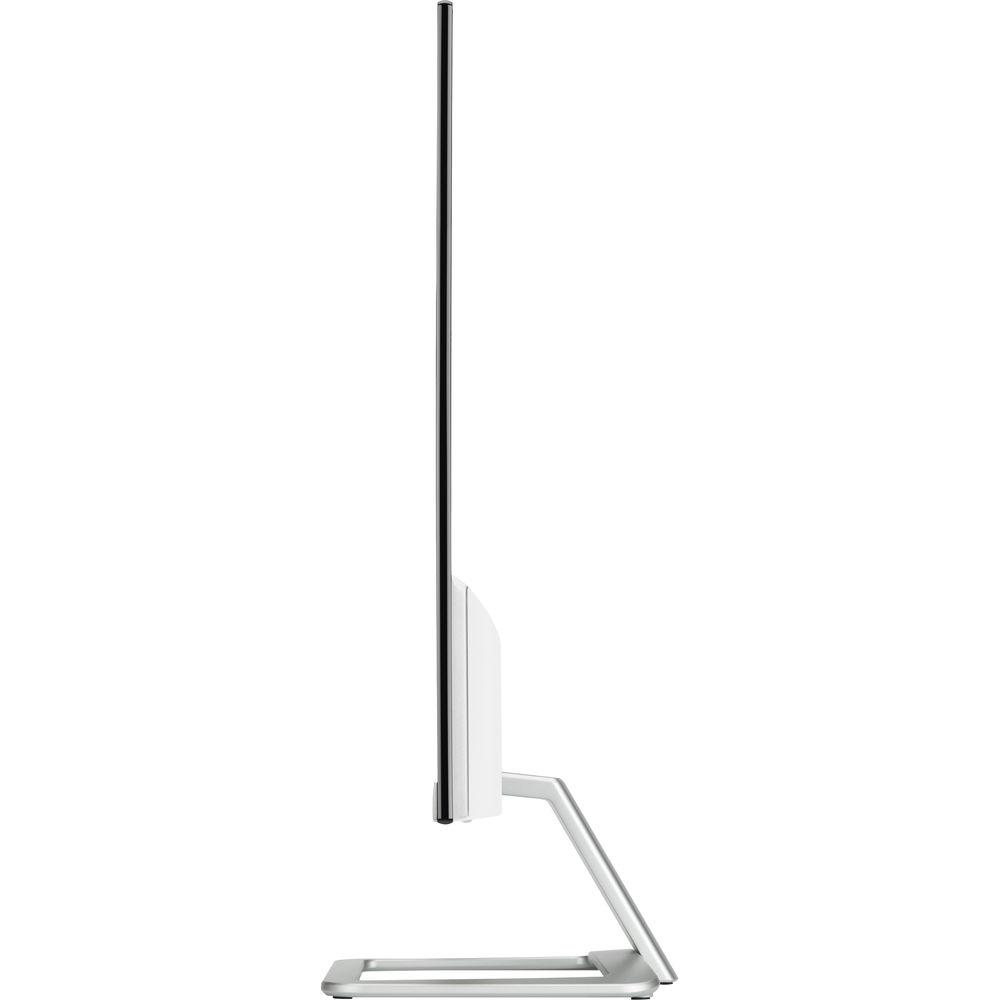
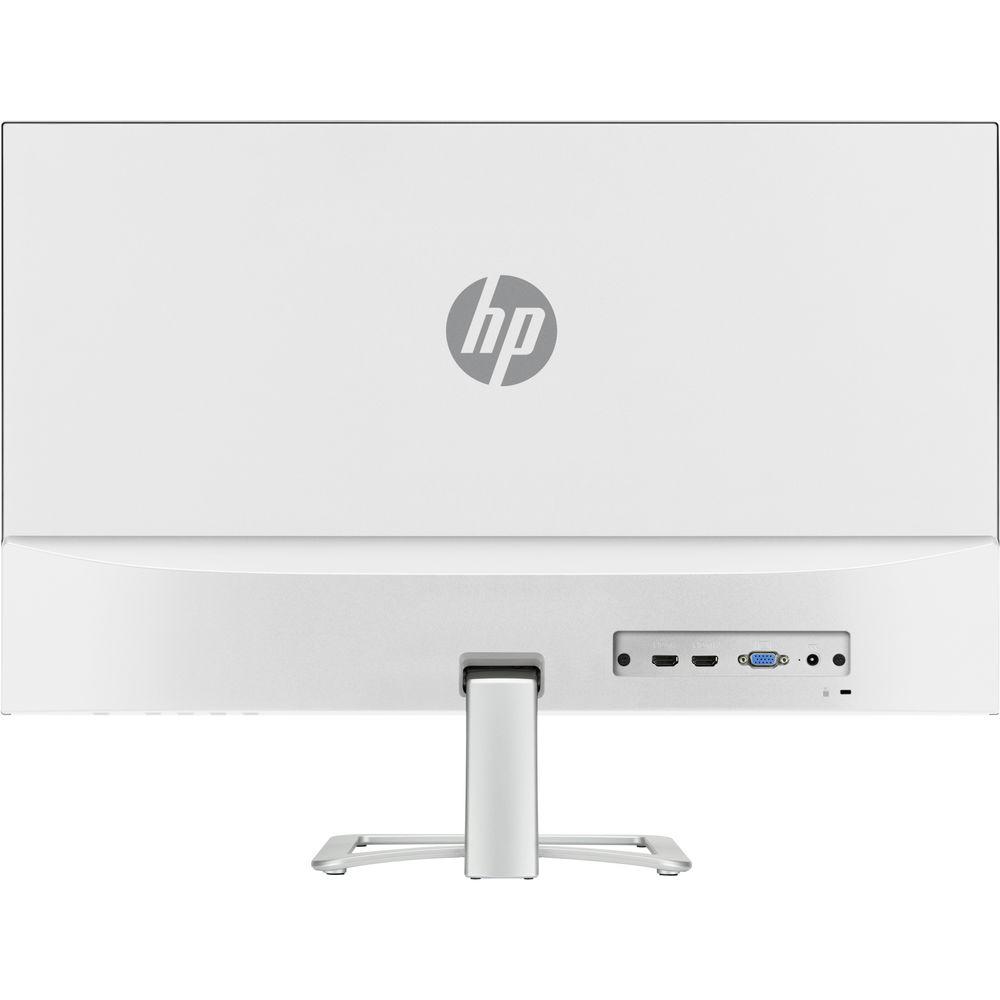
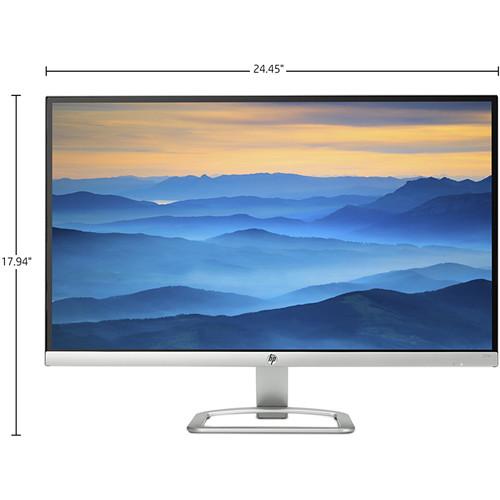
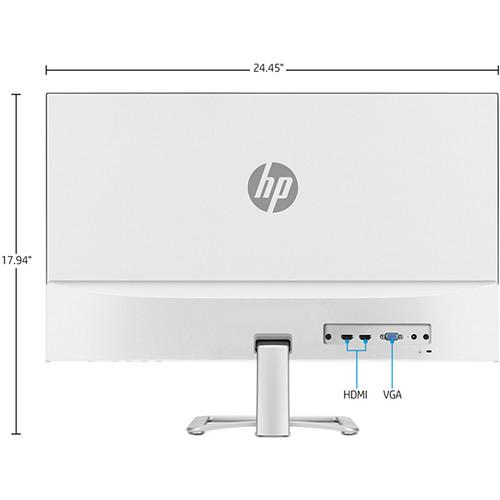
Product description 10 Factors to Consider When Selecting A Monitor for Video Editing Read More The silver/white 27er Full HD 27" IPS Monitor from HP features a 1920 x 1080 Full HD resolution and a 16:9 aspect ratio, allowing you to view 1080p content without any upscaling or resizing. With a 1000:1 static contrast ratio and a 250 cd/m² brightness rating, you'll be able to enjoy darker blacks and brighter bright colors for an immersive viewing experience. The slim profile design and 27" diagonal screen allow the monitor to be placed into tighter spaces than larger displays. You can connect this monitor to your system via the VGA or HDMI ports and tilt it to your viewing preference. This monitor also feature the Technicolor Color Certification to ensure enhanced color accuracy making the 27er suitable for color accurate tasks. UPC: 889894517388 In the Box HP 27er 27" 16:9 IPS Monitor (Silver / White) Power Cable Power Adapter VGA Cable HDMI Cable Limited 1-Year Warranty User Manual PDF 817.1kb More from Manufacturer Table of Contents
|
Upload User Manual
Have you got an user manual for the HP 27er 27" 16:9 IPS Monitor in electronic form? Please send it to us and help us expand our library of instruction manuals.
Thank you, too, on behalf of other users.
To upload the product manual, we first need to check and make sure you are not a robot. After that, your "Submit Link" or "Upload File" will appear.
Technical parametersHP T3M88AA#ABA Specs | Panel Type | IPS with low haze | | Viewable Image Area | 27" (68.6 cm) | | Viewing Angles (H/V) | Up to 178°/178° (typical) | | Brightness | 250 cd/m2 | | Contrast Ratio (Typical) | Static: 1000:1 (static)
Dynamic (DCR): 10,000,000:1 | | Response Rate | 14 ms (typical, on/off)
7 ms (GtG w/ overdrive) | | Color Gamut | 72% | | Frequency | Horizontal: 30 to 80 kHz
Vertical: 50 to 60 Hz | | Aspect Ratio | 16:9 | | Native Resolution | 1920 x 1080 at 60 Hz (Full HD) | | Resolutions Supported | 640 x 480 @ 60 Hz, 720 x 400 @ 70 Hz, 800 x 600 @ 60 Hz, 1024 x 768 @ 60 Hz, 1280 x 720 @ 60 Hz, 1280 x 800 @ 60 Hz, 1280 x 1024 @ 60 Hz, 1366 x 768 @ 60 Hz, 1440 x 900 @ 60 Hz, 1600 x 900 @ 60 Hz, 1680 x 1050 @ 60 Hz, 1920 x 1080 @ 60 Hz | | Input Signal | VGA
HDMI with HDCP | | User Control | Brightness, contrast, color control, input control, image control, power control, menu control, management, and language | | Power Consumption | Typical: 24 W
Maximum: 29 W
Power Saving: 0.3 W | | Tilt | -5 to 25° | | Temperature | Operating: 41 to 95°F (5 to 35°C)
Non-Operating: -4 to 140°F (-20 to 60°C) | | Certification and Compliance | ENERGY STAR, EPEAT Silver, CEL Grade 1, Microsoft WHQL Certification (Windows 10), CB, CE, HDMI, TUV-BAUART/ISO9241, CSA/CSA-NRTL, FCC, ICES, S-Mark, VCCI, CCC, China CEL, BSMI, KCC /KC/E-standby, ES7.0 ,EUP Lot 6 and Lot 5 , GEMS, MEPS, UKRAINIA, HRN N N0.201, EAC, IEC60950:1999, IS 1121, SASO, SABS IEC 60950-1, NOM, PSB, ISC, C-Tick, SmartWay Transport Partnership | | Dimensions | With Stand: 24.5 x 7.7 x 17.9" (62.1 x 19.5 x 45.6 cm)
Without Stand: 24.5 x 1.4 x 14.6" (62.1 x 3.6 x 37.2 cm) | | Weight | With Stand: 8.4 lb (3.8 kg)
Without Stand: 7.5 lb (3.4 kg) | | | | Package Weight | 12.6 lb | | Box Dimensions (LxWxH) | 27.0 x 18.0 x 4.8" |
Rating92% users recommend this product to others. And what about you?

This product has already been rated by 73 owners. Add your rating and experience with the product.
Discussion
 Ask our technicians if you have a problem with your settings,
or if anything is unclear in the user manual you have downloaded.
You can make use of our moderated discussion.
The discussion is public and helps other users of our website who may be encountering similar problems.
Ask our technicians if you have a problem with your settings,
or if anything is unclear in the user manual you have downloaded.
You can make use of our moderated discussion.
The discussion is public and helps other users of our website who may be encountering similar problems.
The discussion is empty - enter the first post
Post a new topic / query / comment:
|
|


