User Manual for HP EliteDisplay E223 21.5" Full HD Monitor Click to enlarge the picture
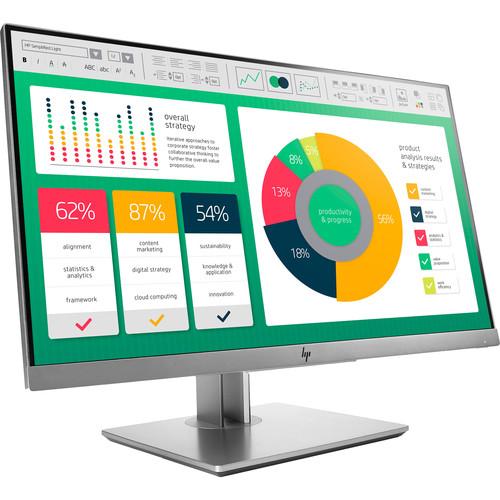 Contents of the user manual for the HP EliteDisplay E223 21.5" Full HD
- Product category: Computer Monitors HP
- Brand: HP
- Description and content of package
- Technical information and basic settings
- Frequently asked questions – FAQ
- Troubleshooting (does not switch on, does not respond, error message, what do I do if...)
- Authorized service for HP Computer Monitors
 |
User manual for the HP EliteDisplay E223 21.5" Full HD contain basic instructions
that need to be followed during installation and operation.
Before starting your appliance, the user manual should be read through carefully.
Follow all the safety instructions and warnings, and be guided by the given recommendations.
User manual is an integral part of any HP product,
and if it is sold or transferred, they should be handed over jointly with the product.
Following the instructions for use is an essential prerequisite for protecting
health and property during use, as well as recognition of liability on the part of the manufacturer
for possible defects should you make a warranty claim. Download an official HP user manual in which you will find instructions on how to install, use, maintain and service your product.
And do not forget – unsuitable use of a HP product will considerably shorten its lifespan!
|
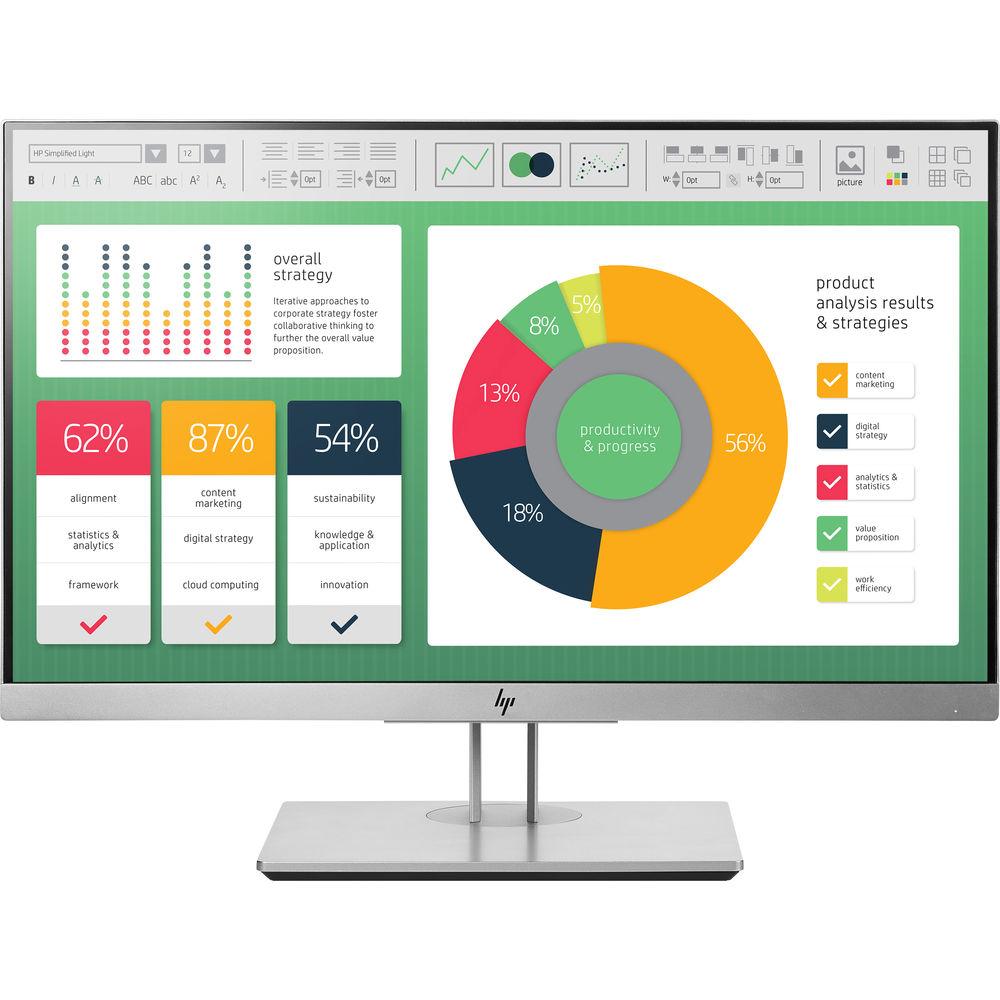
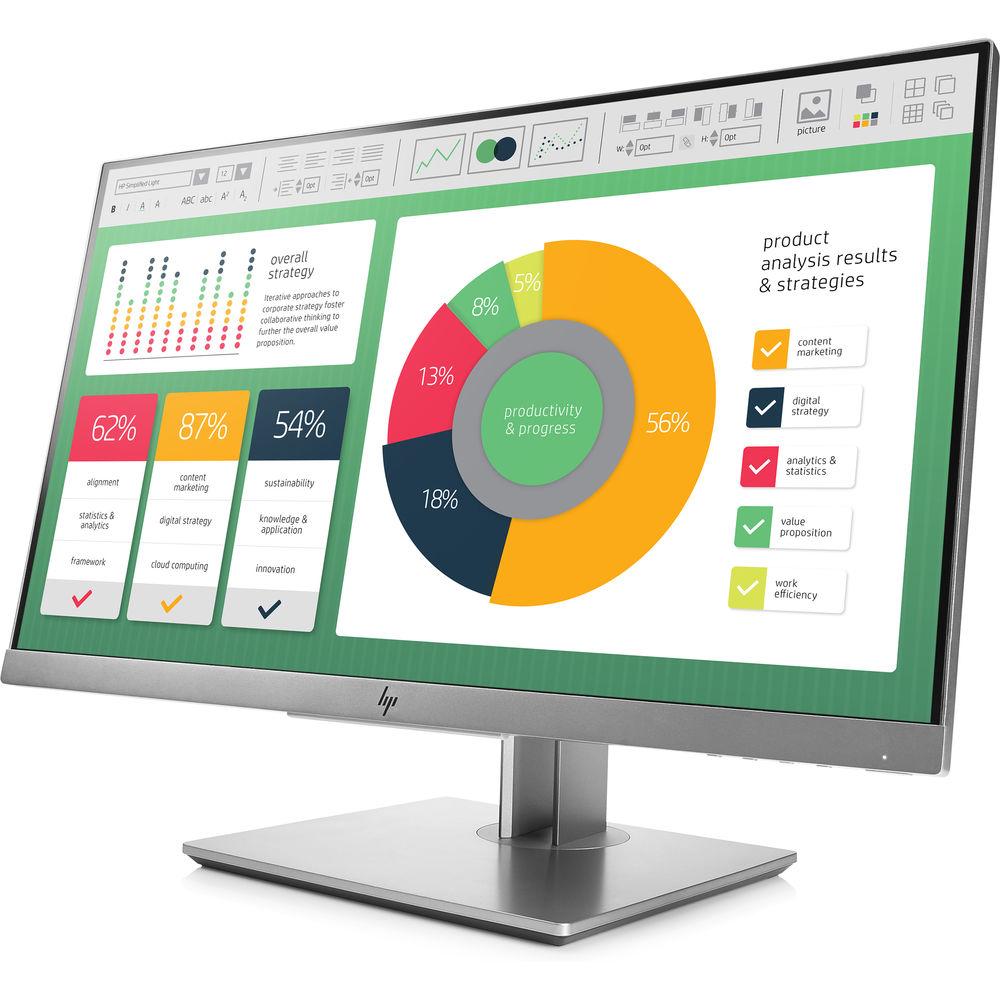
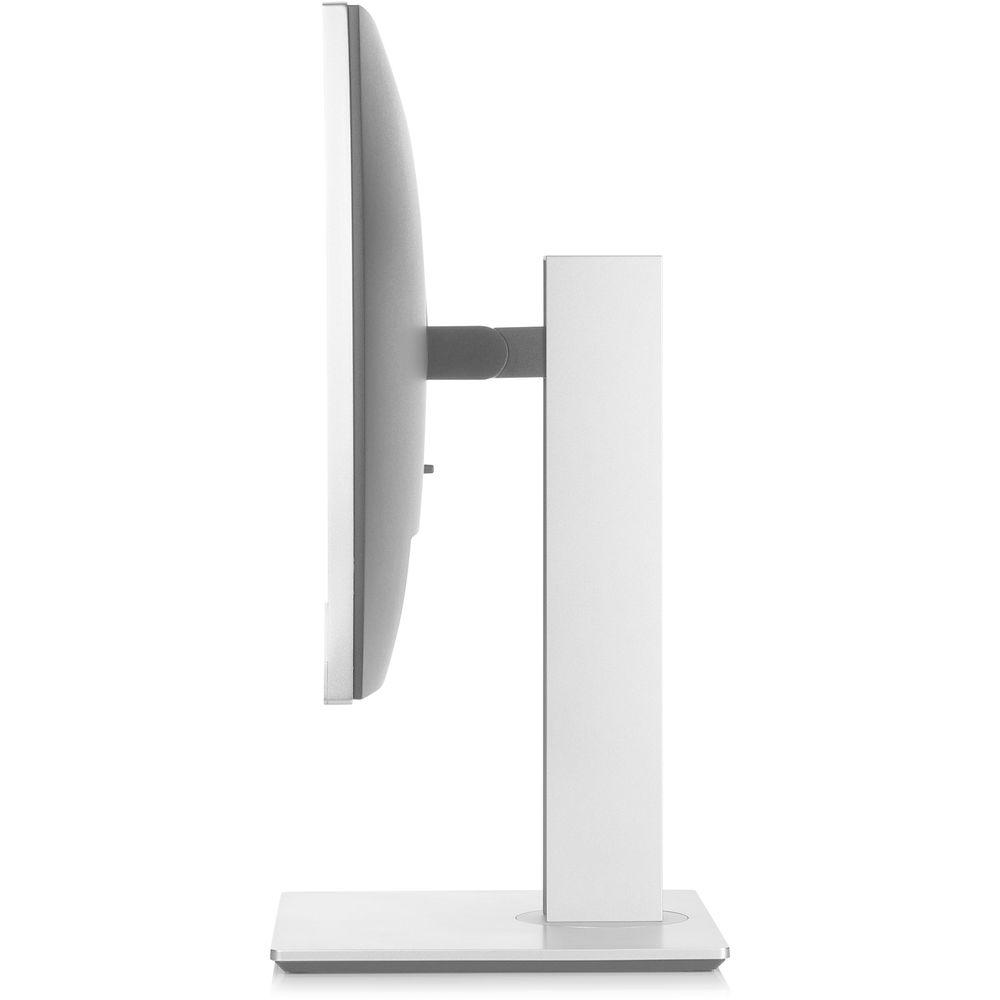
Product description 10 Factors to Consider When Selecting A Monitor for Video Editing Read More The EliteDisplay E223 21.5" Full HD Monitor from HP has a 3-sided micro-edge bezel for seamless multi-display tiling and 4-way adjustment. It features adjustable tilt, height, and swivel, and up to 5.9" of height adjustment. You can use pivot rotation to customize portrait or landscape views when using multiple displays. Using the optional HP B300 PC mounting bracket, you can mount your compatible HP Desktop Mini PC, Thin Client, or Chromebox directly on the column stand.
The HP Display Assistant software enables screen partitioning and helps deter theft by dimming a display that's disconnected without approval. You can build a complete solution with optional HP accessories such as HP single arm to take the display off the desk, an HP USB graphics adapter for multi-display setups, or an HP S100 speaker bar for space-saving audio. - 1920 x 1080 full HD resolution
- 21.5" IPS (In-Plane Switching) screen with LED backlight
- Arsenic-free display glass
- Mercury-free display backlights
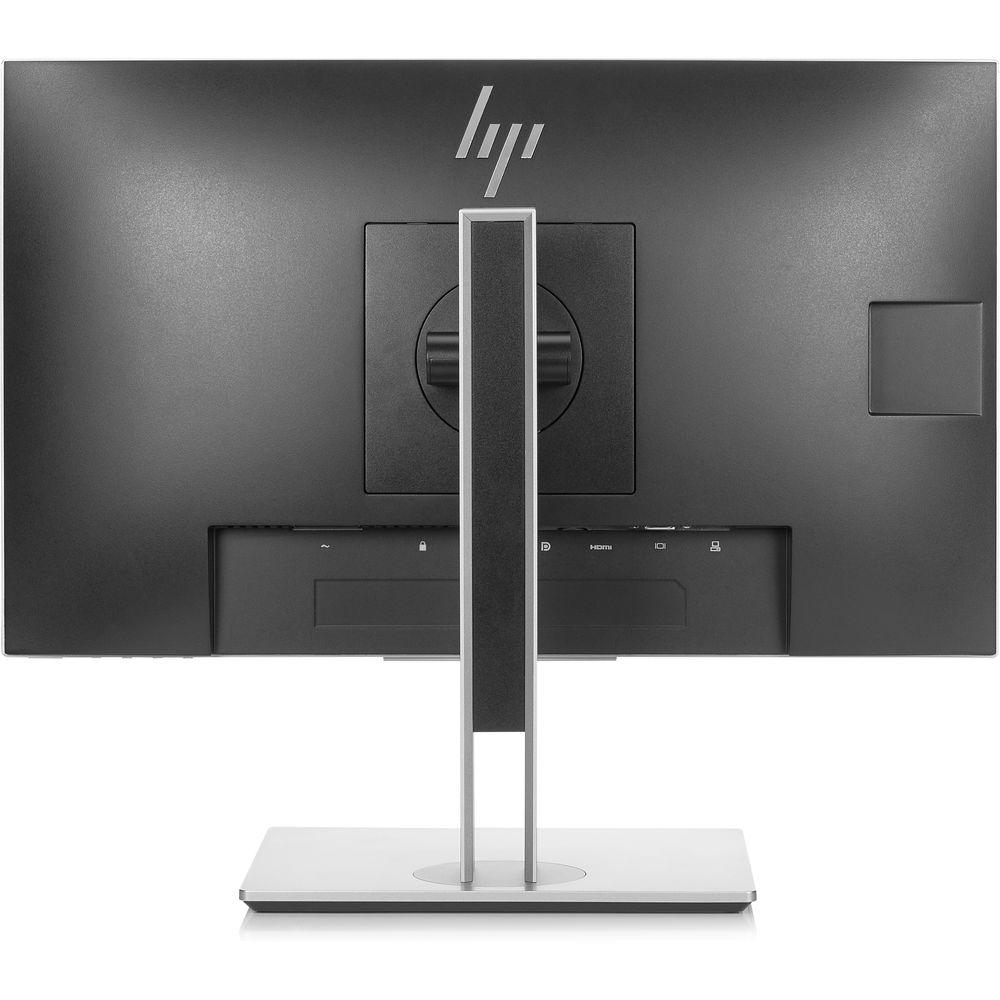
- Equipped with VGA, HDMI, and DisplayPort
- Security lock-ready (lock is sold separately)
- 3 x USB 3.0 (one upstream, two downstream)
- Resolutions Supported
- 1920 x 1080, 1680 x 1050, 1600 x 900, 1440 x 900, 1280 x 1024, 1280 x 800, 1280 x 720, 1024 x 768, 800 x 600, 720 x 400, 640 x 480
- Display Features
- Anti-glare, language selection, LED backlights, on-screen controls, pivot rotation, plug-and-play, user programmable, anti-static
- User Controls
- Brightness, Color Control, Contrast, Exit, Image Control, Information, Input Control, Language, Management, Menu, Minus ("-"), OK, Plus ("+"), Power Control
In the Box HP EliteDisplay E223 21.5" Full HD Monitor (Silver) AC Power Cord VGA Cable USB Cable (Type-A Male to Type-B Male) DisplayPort 1.2 Cable Limited 3-Year Warranty User Guide PDF 1.2mb More from Manufacturer Table of Contents
|
Upload User Manual
Have you got an user manual for the HP EliteDisplay E223 21.5" Full HD Monitor in electronic form? Please send it to us and help us expand our library of instruction manuals.
Thank you, too, on behalf of other users.
To upload the product manual, we first need to check and make sure you are not a robot. After that, your "Submit Link" or "Upload File" will appear.
Technical parametersHP EliteDisplay E223 Specs | | | Size | 21.5" | | Screen Area | 18.74 x 10.54" / 47.60 x 26.77 cm | | Panel Type | IPS-Type LCD | | Touchscreen | No | | Resolution | 1920 x 1080 | | Aspect Ratio | 16:9 | | Pixels Per Inch (ppi) | 103 ppi | | Finish | Matte | | Maximum Brightness | 250 cd/m2 | | Contrast Ratio | 1000:1 | | Dynamic Contrast Ratio | 5,000,000:1 | | Refresh Rate | 60 Hz | | Adaptive Sync Technology | None | | HDR Compatibility | None | | Response Time | 5 ms | | Viewing Angle | Horizontal: 178°
Vertical: 178° | | | | Connectivity | 1 x VGA Input
1 x HDMI 1.4 Input
1 x DisplayPort 1.2 Input
1 x USB Type-B (USB 3.1 Gen 1)
2 x USB Type-A (USB 3.1 Gen 1) | | HDCP Support | Yes | | Built-In Speakers | None | | | | Power Consumption | 36 W (Maximum)
18 W (Typical)
0.5 W (Standby) | | AC Input Power | 100 to 240 VAC, 50 / 60 Hz | | | | Operating Temperature | 41 to 95°F / 5 to 35°C | | Operating Humidity | 25 to 85% | | Certifications | BSMI, CE, ENERGY STAR, EPEAT GOLD, FCC, Kcc, RCM, TCO Certified, TUV, VCCI, WEEE, as per Manufacturer | | | | Height Adjustment | 5.91" / 150 mm | | Rotation Adjustment | 90° | | Swivel Adjustment | 90° (-45 to 45°) | | Tilt Adjustment | -5 to 23° | | Mounting-Hole Pattern | None | | Lock Slot | Yes | | Dimensions (W x H x D) | 19.2 x 18.3 x 8.1" / 48.8 x 46.5 x 20.6 cm (With Stand)
19.2 x 11.6 x 1.8" / 48.8 x 29.5 x 4.6 cm (Without Stand) | | Weight | 11.6 lb / 5.26 kg (With Stand)
6.06 lb / 2.75 kg (Without Stand) |
Rating90% users recommend this product to others. And what about you?

This product has already been rated by 93 owners. Add your rating and experience with the product.
Discussion
 Ask our technicians if you have a problem with your settings,
or if anything is unclear in the user manual you have downloaded.
You can make use of our moderated discussion.
The discussion is public and helps other users of our website who may be encountering similar problems.
Ask our technicians if you have a problem with your settings,
or if anything is unclear in the user manual you have downloaded.
You can make use of our moderated discussion.
The discussion is public and helps other users of our website who may be encountering similar problems.
The discussion is empty - enter the first post
Post a new topic / query / comment:
|
|


