User Manual for HP LaserJet Enterprise M806dn Black and White Laser Printer Click to enlarge the picture
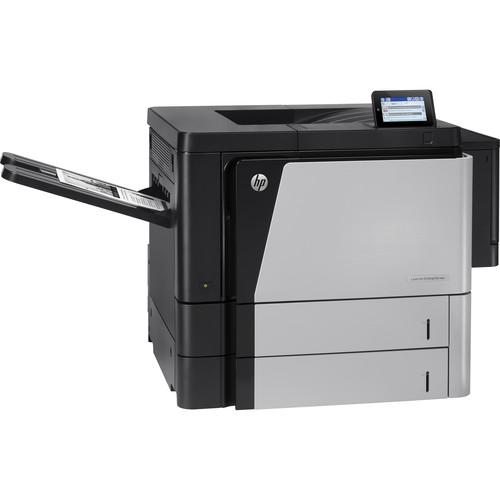 Contents of the user manual for the HP LaserJet Enterprise M806dn Black and
- Product category: Laser Printers HP
- Brand: HP
- Description and content of package
- Technical information and basic settings
- Frequently asked questions – FAQ
- Troubleshooting (does not switch on, does not respond, error message, what do I do if...)
- Authorized service for HP Laser Printers
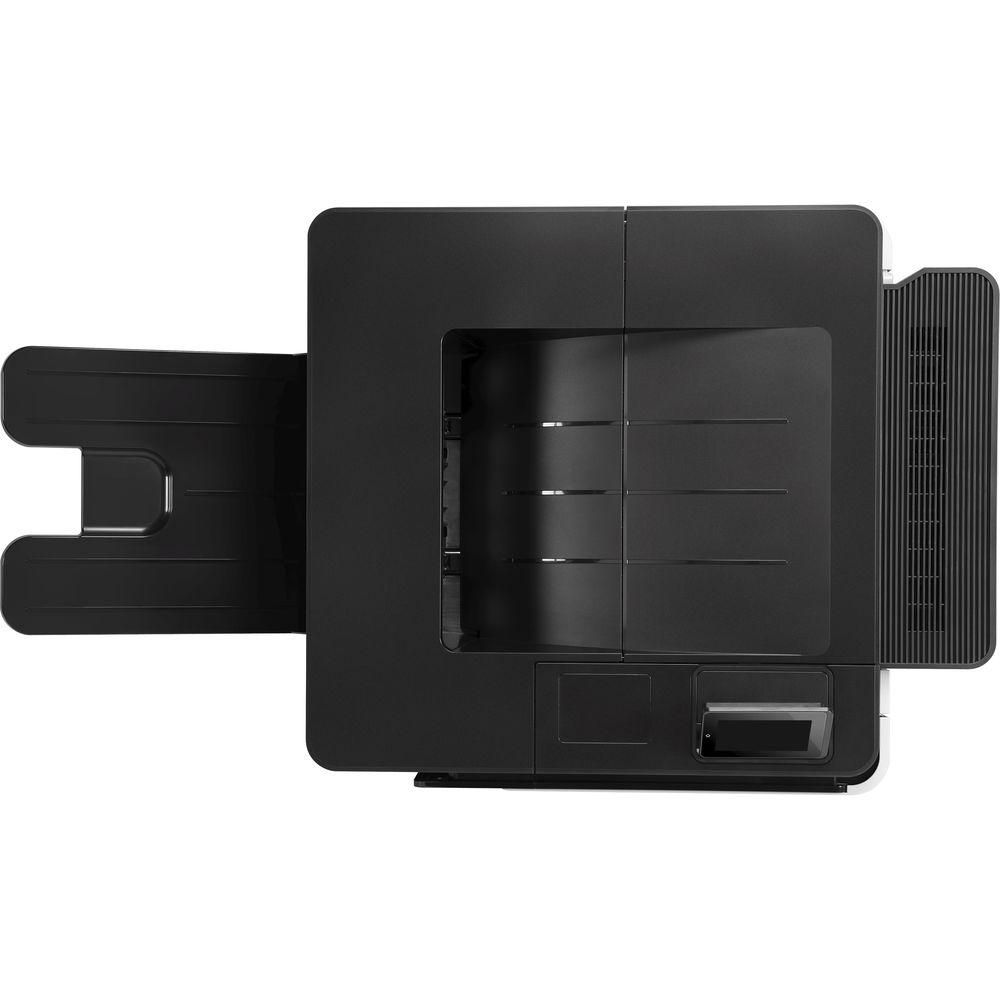
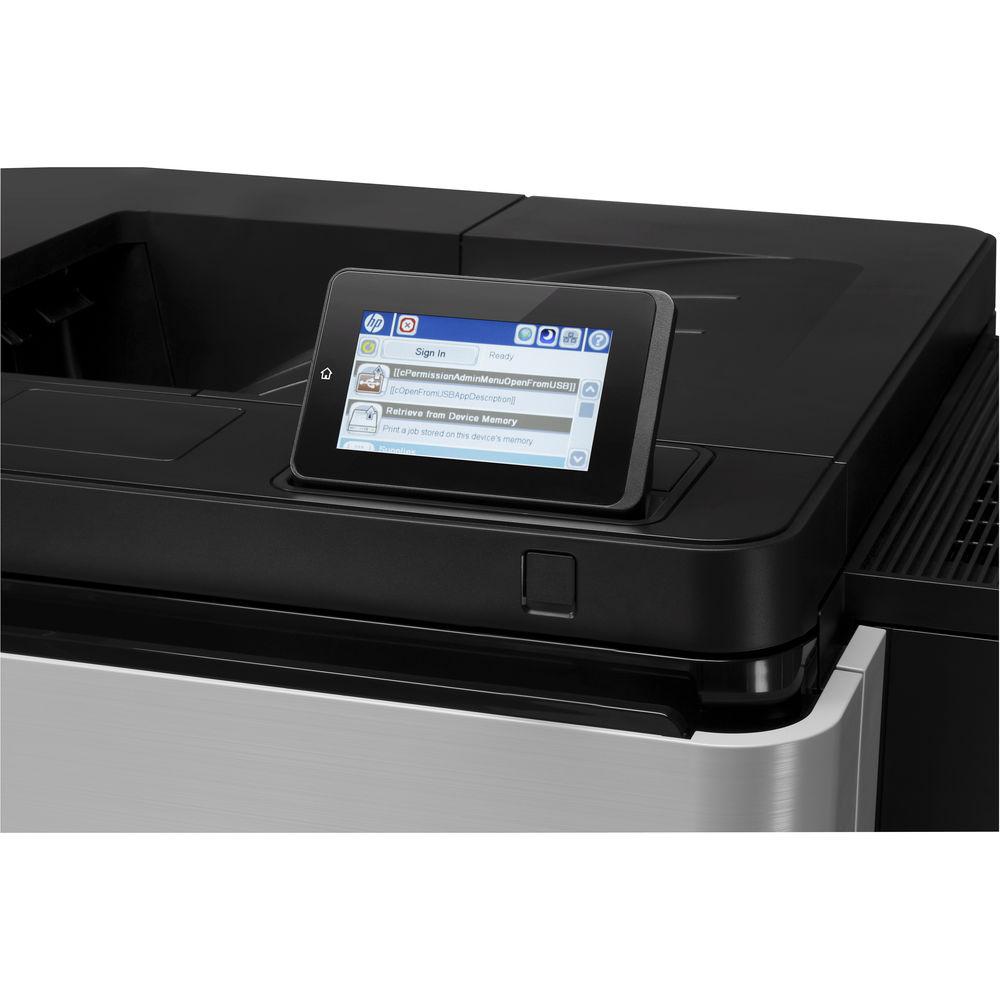 |
User manual for the HP LaserJet Enterprise M806dn Black and contain basic instructions
that need to be followed during installation and operation.
Before starting your appliance, the user manual should be read through carefully.
Follow all the safety instructions and warnings, and be guided by the given recommendations.
User manual is an integral part of any HP product,
and if it is sold or transferred, they should be handed over jointly with the product.
Following the instructions for use is an essential prerequisite for protecting
health and property during use, as well as recognition of liability on the part of the manufacturer
for possible defects should you make a warranty claim. Download an official HP user manual in which you will find instructions on how to install, use, maintain and service your product.
And do not forget – unsuitable use of a HP product will considerably shorten its lifespan!
|
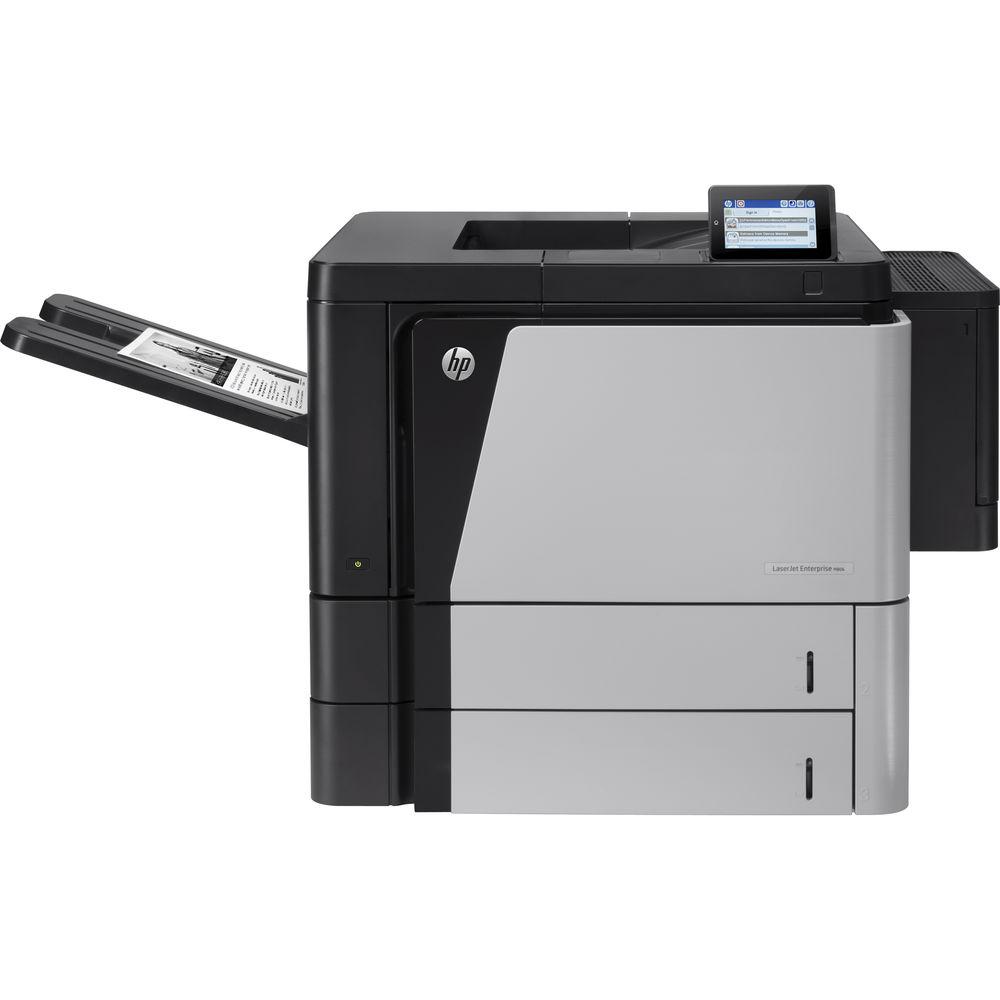
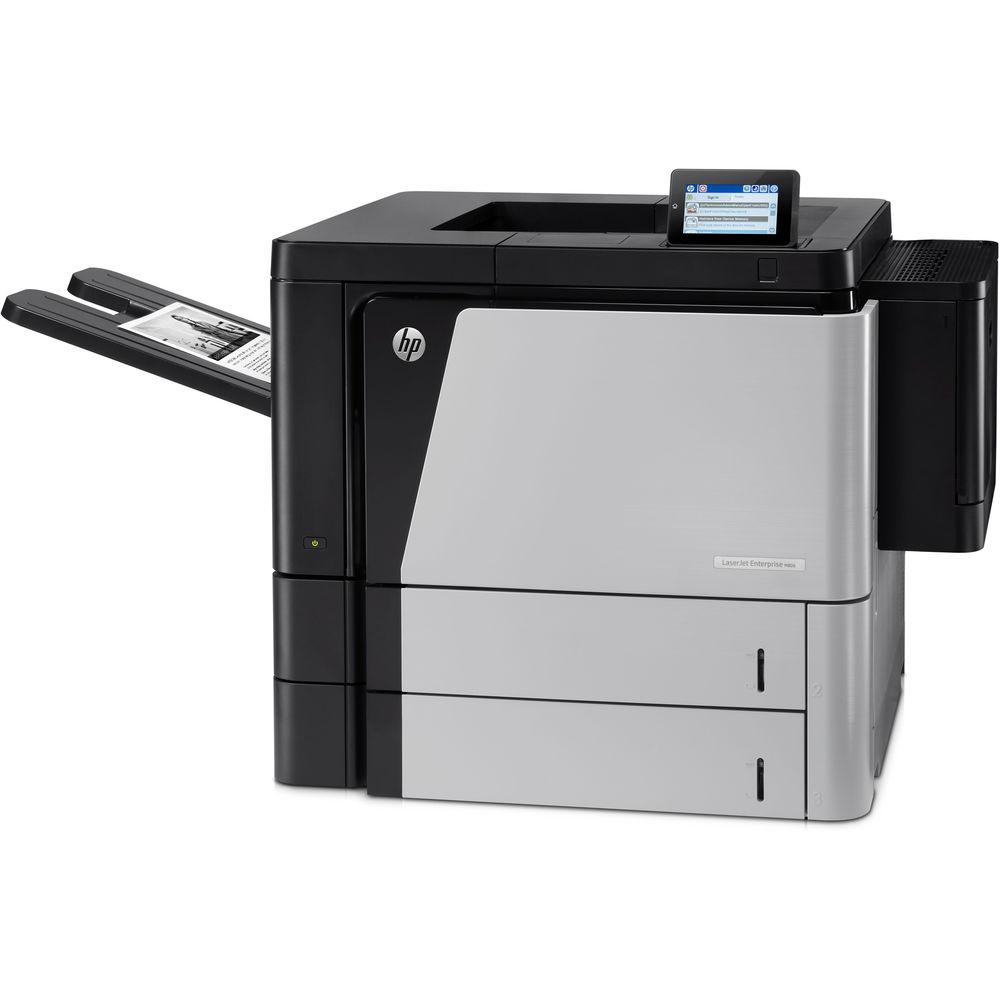
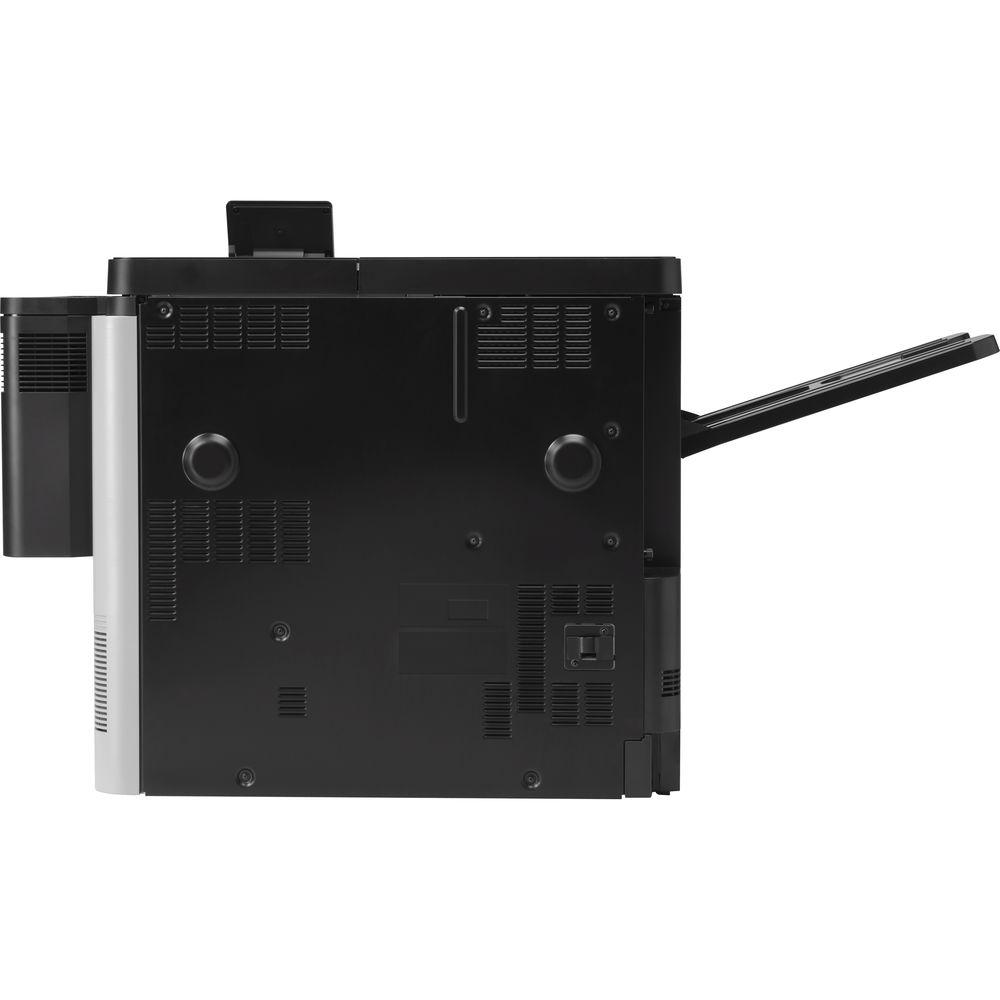
Product description The LaserJet Enterprise M806dn Black and White Laser Printer from HP is a fast, black & white laser printer designed for the workplace with a print resolution of 1200 x 1200 dpi and a speed of up to 56 pages per minute. It can get the first print out in just 10.5 seconds and is also capable of automatic duplex printing. The printer also features USB 2.0 inputs and an Ethernet port for connecting it to the network and increasing the potential of the device.
With an input capacity of 1,100 sheets, and a monthly duty cycle of 300,000 pages, the M806dn is capable of very large print jobs. The built-in ePrint app and software allows you to print from mobile devices, and Web Jetadmin lets you monitor and control printers from afar. - Instant-on Technology allows you to print right away
- Apply fleet-wide policies to protect all your HP devices with the HP Imaging and Printing Center
UPC: 887111365507 In the Box HP LaserJet Enterprise M806dn Black and White Laser Printer 25X High Yield Black LaserJet Toner Cartridge Power Cord Driver & Documentation CD Limited 1-Year Warranty Brochure PDF 1.1mb More from Manufacturer Table of Contents
|
Upload User Manual
Have you got an user manual for the HP LaserJet Enterprise M806dn Black and White Laser Printer in electronic form? Please send it to us and help us expand our library of instruction manuals.
Thank you, too, on behalf of other users.
To upload the product manual, we first need to check and make sure you are not a robot. After that, your "Submit Link" or "Upload File" will appear.
Technical parametersHP M806dn Specs | | | Printing Technology | Laser, black and white | | Maximum Resolution | 1200 x 1200 dpi | | Print Speed | Up to 56 ppm (black, A4); Up to 55 ppm (black, letter) | | First Print Out Speed | As fast as 8.5 sec (black, A4) | | Print Color | Black | | Duplex Printing | Automatic | | Printer Duty Cycle | Up to 300,000 pages
Recommended Monthly Volume: 10,000 to 50,000 pages | | | | Paper Handling | Multipurpose Tray
Input Tray
Output Bin | | Paper Types | Paper (bond, color, letterhead, plain, preprinted, prepunched, recycled, rough), labels, cardstock, transparencies | | Paper Sizes | Tray 1: A3, A4, A5, RA3, B4, B5, 8k, 16k, post cards (JIS double), envelopes (DL, C5, B5)
Tray 2 and 3: A3, A4, A5, B4, B5 | | Media Weight | Tray 1: 60 to 220 g/m²
Tray 2 and 3: 60 to 199 g/m² | | Paper Capacity | Multipurpose Tray: 100 sheets
Input Trays: 2 x 500 sheets
Output Bin: 500-sheet face down, 100-sheet face up | | | | Interface | 2 Hi-Speed USB 2.0 Host; 1 Hi-Speed USB 2.0 Device
1 Gigabit Ethernet 10/100/1000T network
1 Foreign Interface; 1 Hardware Integration Pocket
2 Internal USB Host | | Processor | 800 MHz | | Memory | 1 GB, expandable to 1.5 GB | | Printer Language | HP PCL 6, HP PCL 5, HP postscript level 3 emulation, native PDF printing (v 1.4) | | Fonts | 105 internal TrueType fonts scalable in HP PCL, 92 internal scalable fonts in HP Postscript Level 3 emulation (Euro symbol built-in); 1 internal Unicode Fonts (Andale Mono WorldType); 2 Internal Windows Vista 8 Fonts (Calibri, Cambria); additional font solutions available via third-party flash memory cards | | OS Support | PC: Windows 8, Windows 7 SP1+, Windows Vista, Windows Server 2003 (SP1+), Windows Server 2008, Windows Server 2008 R2 (64 bit), Windows Server 2012 (64-bit), Windows XP (SP2+)
Mac: Mac OS X v10.6, OS X 10.7 Lion, OS X 10.8 Mountain Lion | | System Requirements | CD-ROM or DVD drive, or Internet connection; Dedicated universal serial bus (USB 1.1 or 2.0), or network connection; 200 MB available hard disk space | | Security | Identity Management: Kerberos authentication, LDAP authentication, 1000 user PIN codes, optional HP and 3rd party advanced authentication solutions (e.g., badge readers)
Network: IPSec/firewall with Certificate, Pre-Shared Key, and Kerberos authentication, Supports WJA-10 IPsec configuration Plug-in, 802.1X authentication (EAP-PEAP, EAP-TLS), SNMPv3, HTTPS, Certificates, Access Control List
Data: Storage Encryption, Secure Erase, SSL/LS, Encrypted Credentials
Device: Security lock slot, USB port disablement, Hardware Integration Pocket for security solutions
Security Management: Compatible with HP Imaging & Printing Security Center | | | | Display | 4.3" (10.9 cm) touchscreen, LCD (color graphics, 480 x 272), illuminated Capacitive Home button (for quick return to the Home menu); Easy Access USB; Hardware Integration Pocket | | Power Requirements | 100 to 127 VAC, 50/60 Hz, 11 A | | Power Consumption | 1,000 watts (Printing), 38 watts (Ready), 6.5 watts (Sleep 1), 2.2 watts (Auto On/Auto Off), 0.3 watts (Off) | | Certifications | ENERGY STAR Qualified
EPEAT Silver | | Acoustic Noise | Acoustic power emissions: 7.2 B(A)
Acoustic power emissions (ready): 5.4 B(A)
Acoustic pressure emissions bystander (active, printing): 55 dB(A)
Acoustic pressure emissions bystander (ready): 37 dB(A) | | Operating Conditions | Temperature: 50 to 91°F (10 to 32.5°C)
Humidity: 10 to 80%, relative | | Storage Conditions | Temperature: 32 to 104°F (0 to 40°C)
Humidity: 10 to 90%, relative | | Dimensions | Min: 43.3 x 25.5 x 25.0" (110.0 x 64.8 x 63.5 cm)
Max: 54.7 x 25.5 x 25.8" (139.0 x 64.8 x 65.5 cm) | | Weight | 168.0 lb (76.1 kg) | | | | Package Weight | 200.0 lb | | Box Dimensions (LxWxH) | 33.0 x 32.5 x 30.0" |
Rating100% users recommend this product to others. And what about you?

This product has already been rated by 97 owners. Add your rating and experience with the product.
Discussion
 Ask our technicians if you have a problem with your settings,
or if anything is unclear in the user manual you have downloaded.
You can make use of our moderated discussion.
The discussion is public and helps other users of our website who may be encountering similar problems.
Ask our technicians if you have a problem with your settings,
or if anything is unclear in the user manual you have downloaded.
You can make use of our moderated discussion.
The discussion is public and helps other users of our website who may be encountering similar problems.
The discussion is empty - enter the first post
Post a new topic / query / comment:
|
|


