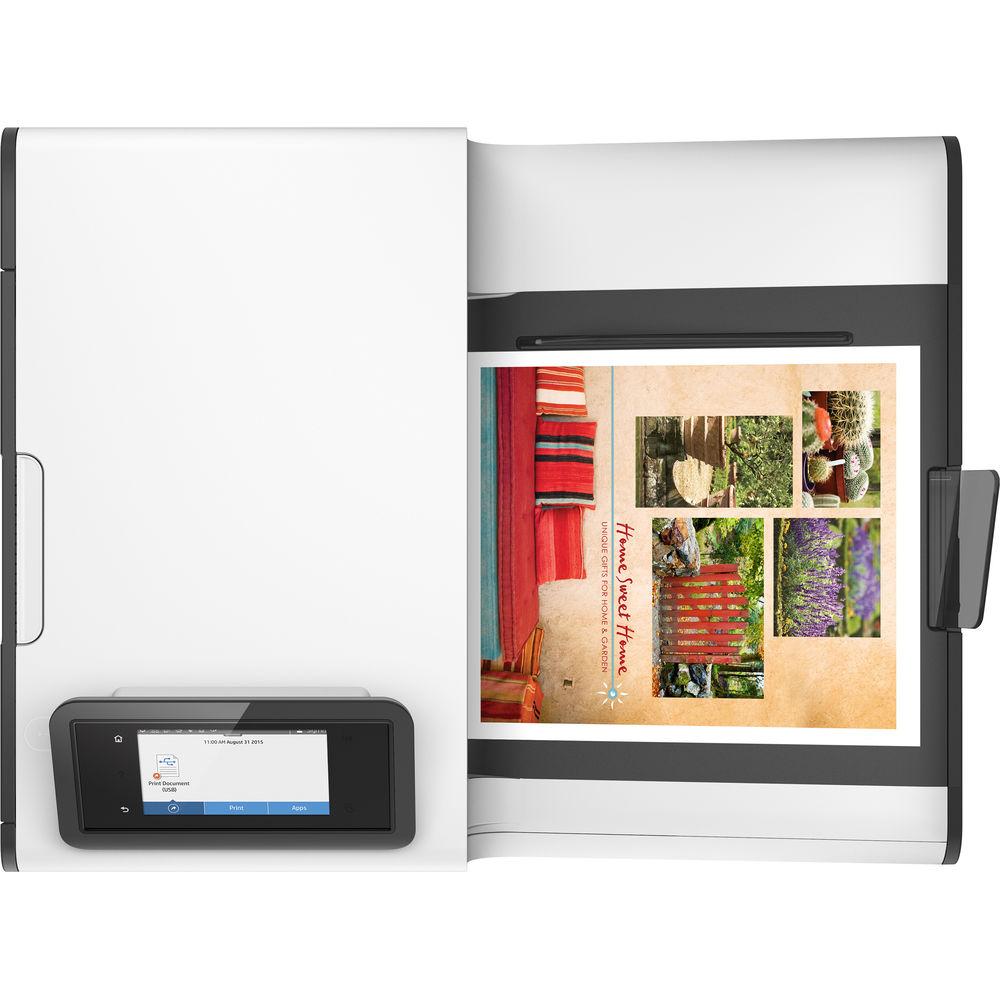
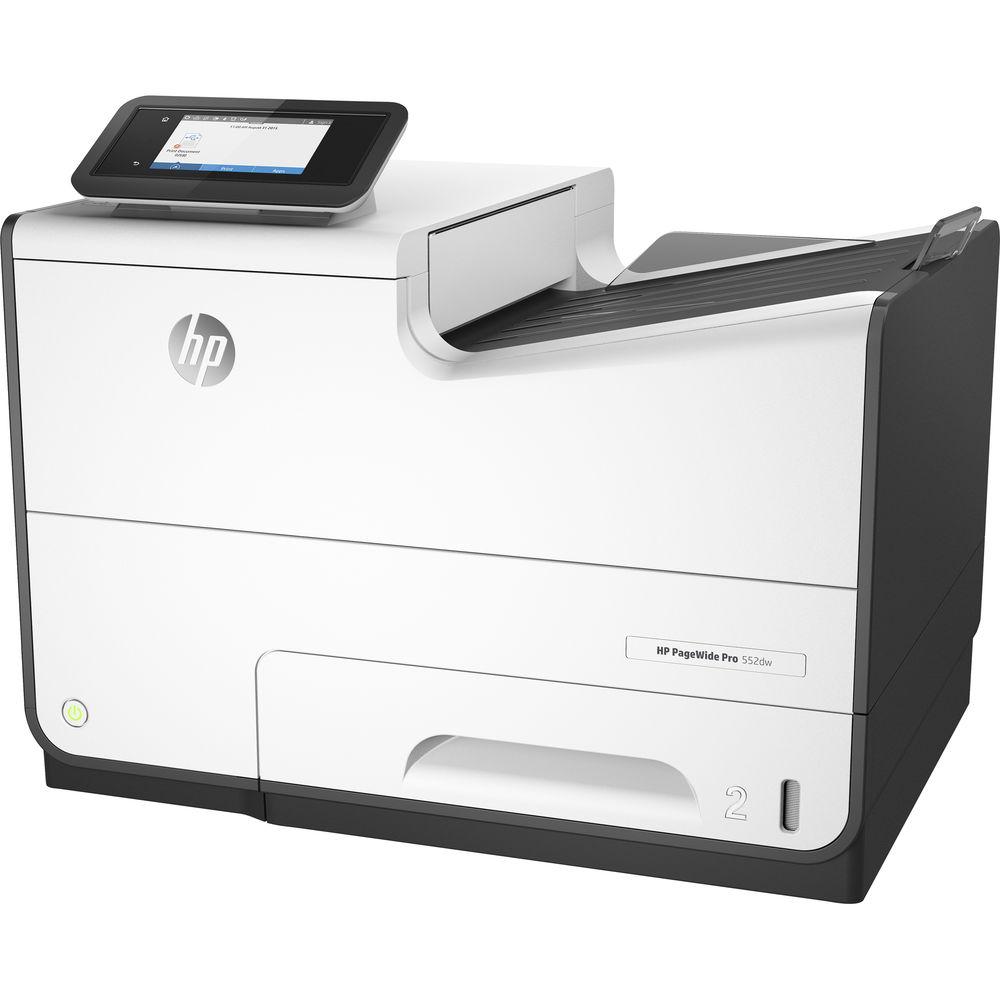
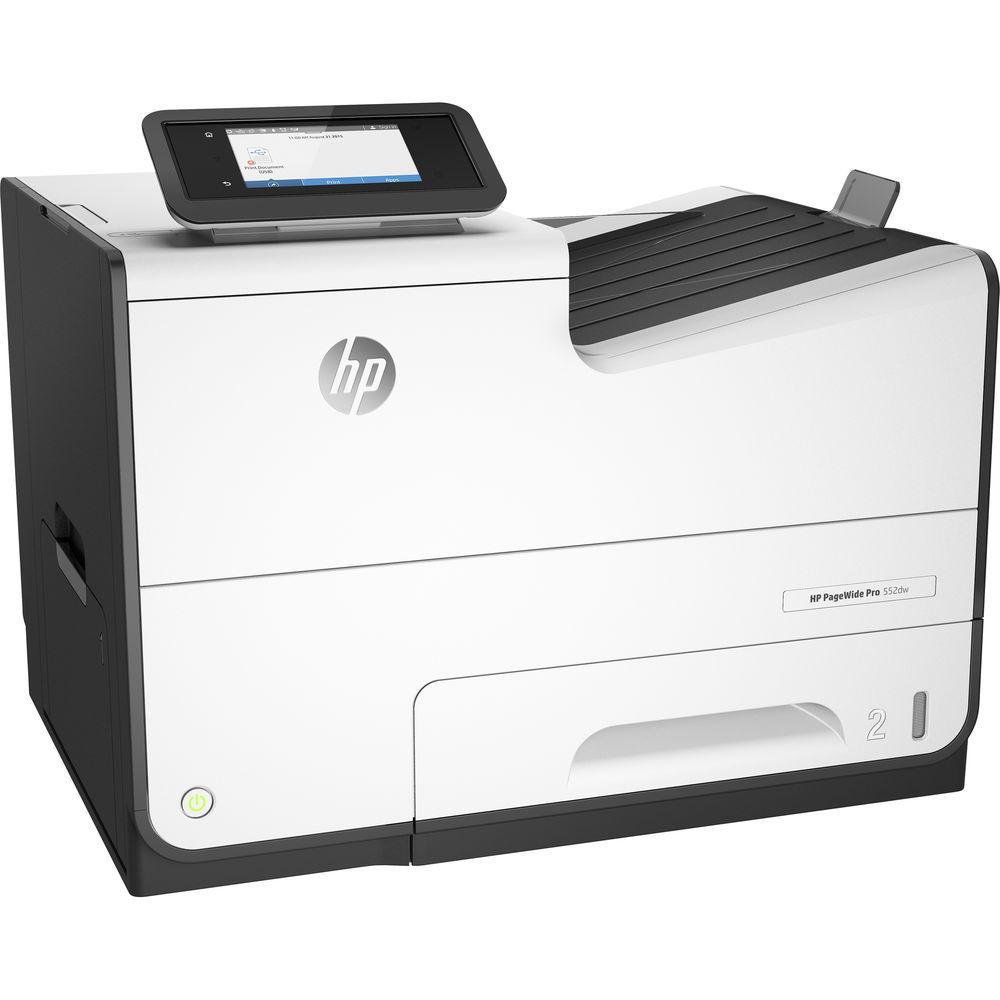
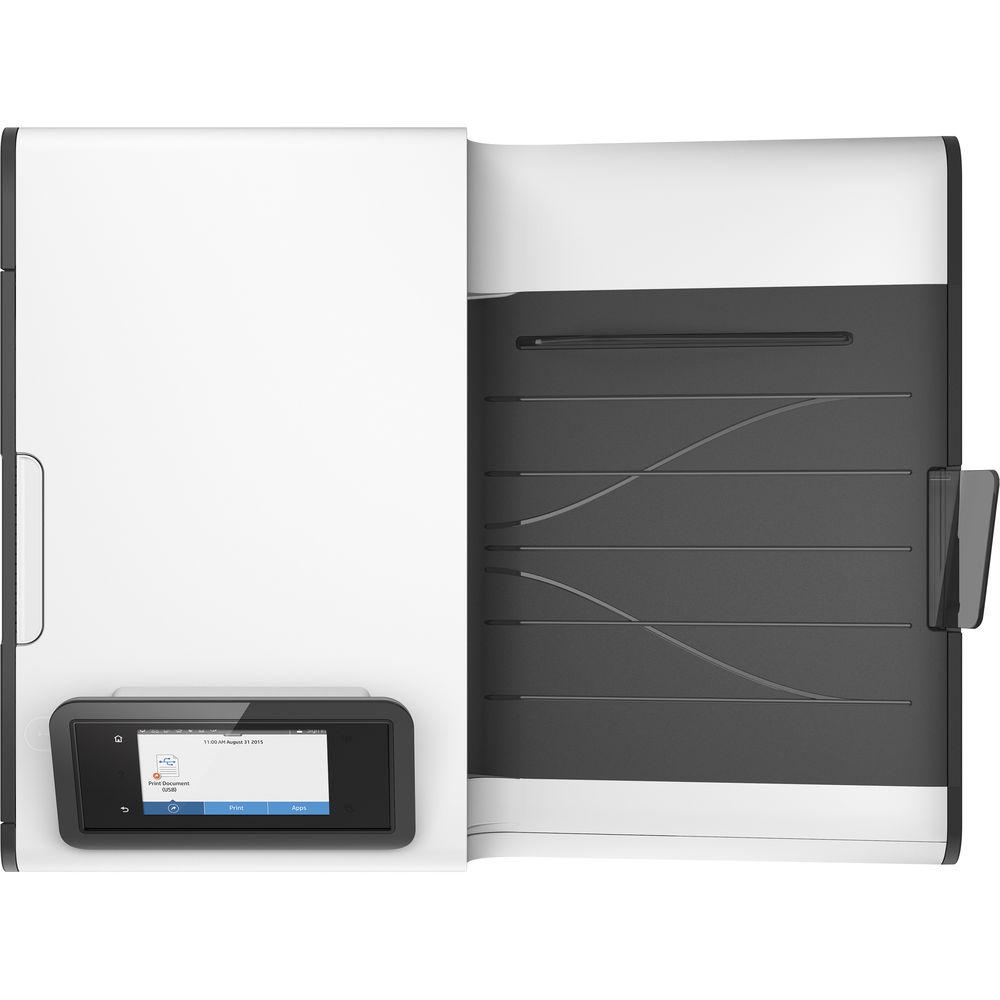
User Manual for HP PageWide Pro 552dw Inkjet Printer Click to enlarge the picture
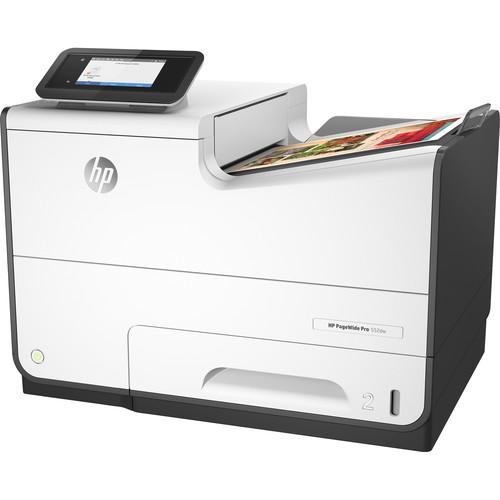 Contents of the user manual for the HP PageWide Pro 552dw Inkjet Printer
- Product category: Inkjet Printers HP
- Brand: HP
- Description and content of package
- Technical information and basic settings
- Frequently asked questions – FAQ
- Troubleshooting (does not switch on, does not respond, error message, what do I do if...)
- Authorized service for HP Inkjet Printers

 |
User manual for the HP PageWide Pro 552dw Inkjet Printer contain basic instructions
that need to be followed during installation and operation.
Before starting your appliance, the user manual should be read through carefully.
Follow all the safety instructions and warnings, and be guided by the given recommendations.
User manual is an integral part of any HP product,
and if it is sold or transferred, they should be handed over jointly with the product.
Following the instructions for use is an essential prerequisite for protecting
health and property during use, as well as recognition of liability on the part of the manufacturer
for possible defects should you make a warranty claim. Download an official HP user manual in which you will find instructions on how to install, use, maintain and service your product.
And do not forget – unsuitable use of a HP product will considerably shorten its lifespan!
|
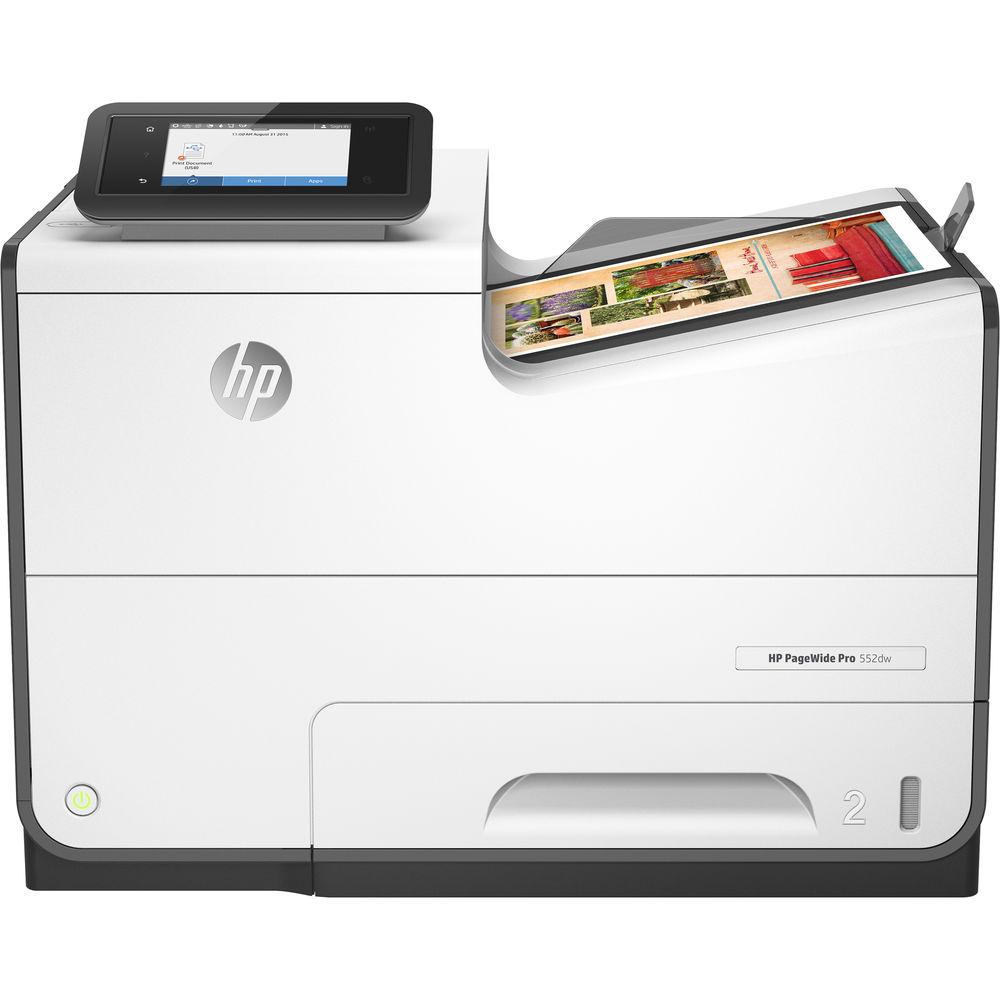
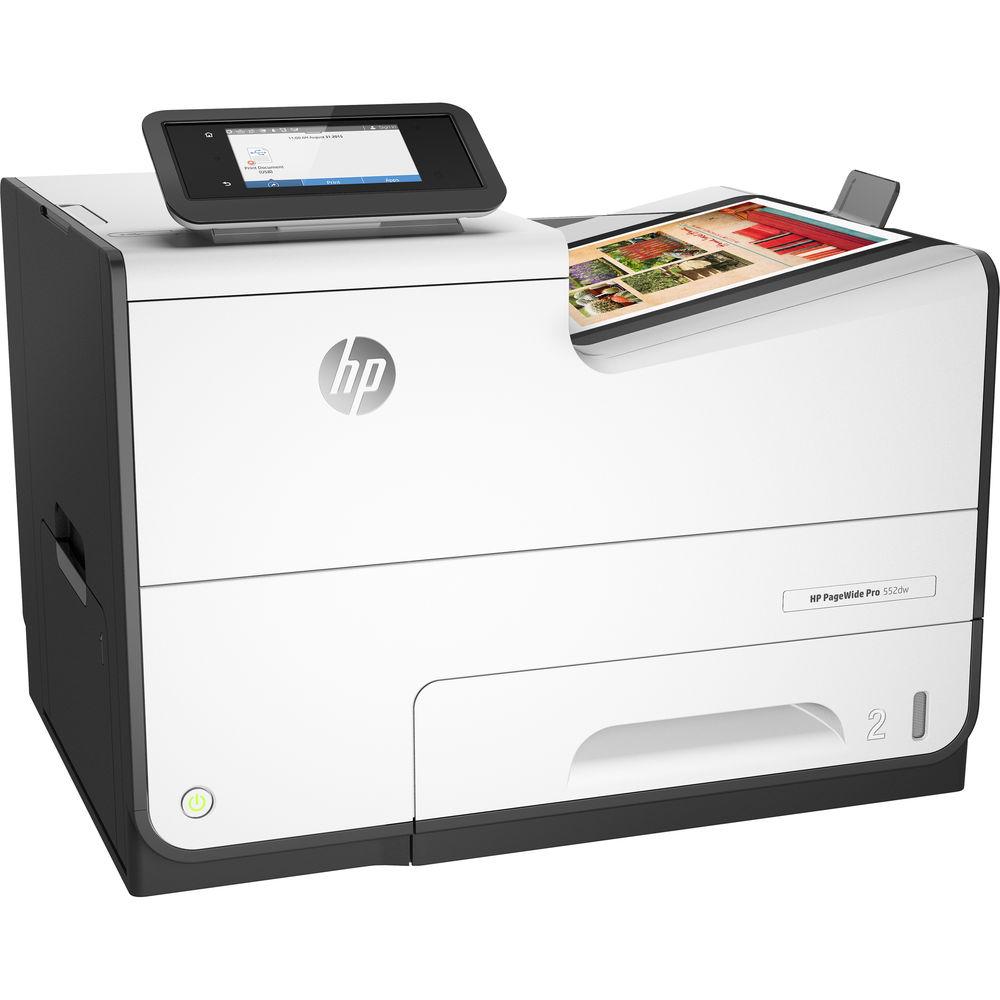
Product description Print with speed and quality while saving on ink and energy with the technology built into the wireless-capable PageWide Pro 552dw Inkjet Printer from HP. PageWide Technology is designed to use less resources than comparable models and delivers speeds of up to 70 ppm in a General Office mode or 50 ppm in a Professional mode, regardless of whether users are working in black & white or color. It also boasts sharp prints with a maximum optimized resolution of 2400 x 1200 dpi and gets started quickly as well with a first print out time as fast as 6 seconds. For maximum versatility, it accepts a wide range of media sizes and types ranging from 3 x 5" to 8.5 x 14"
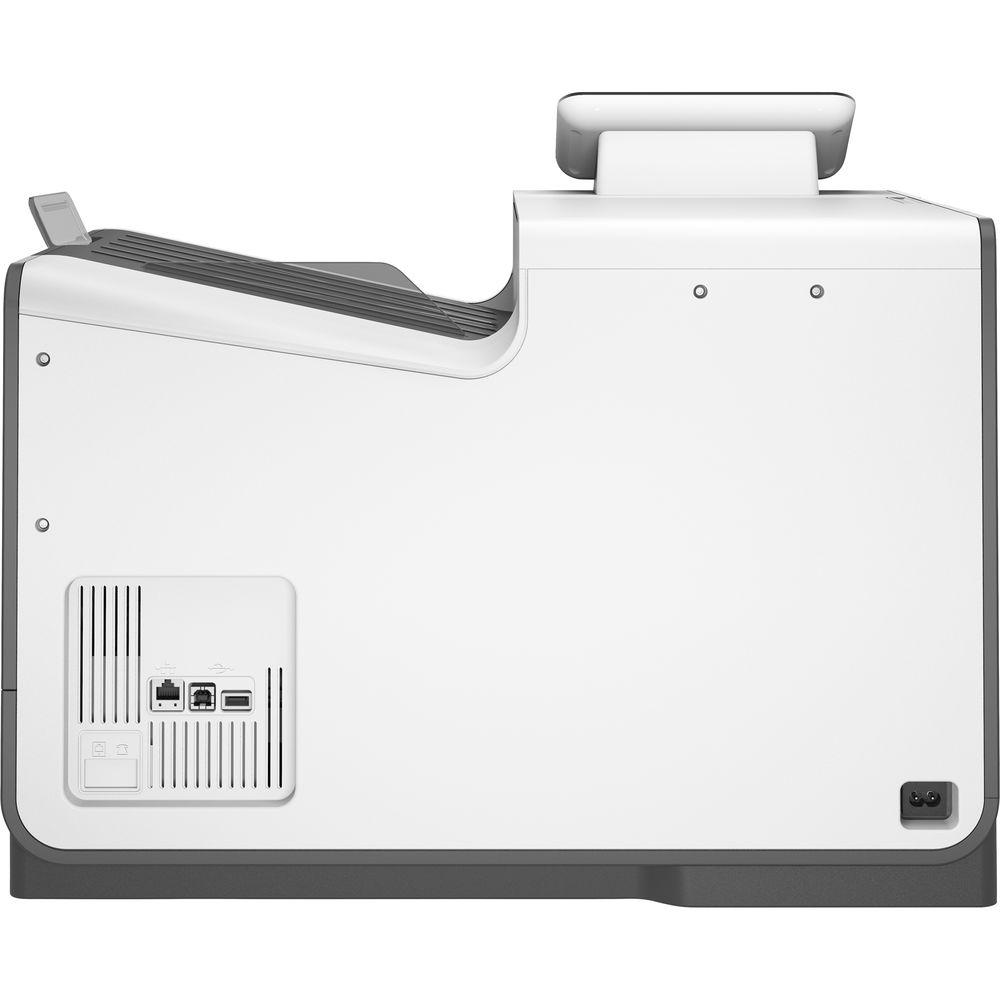
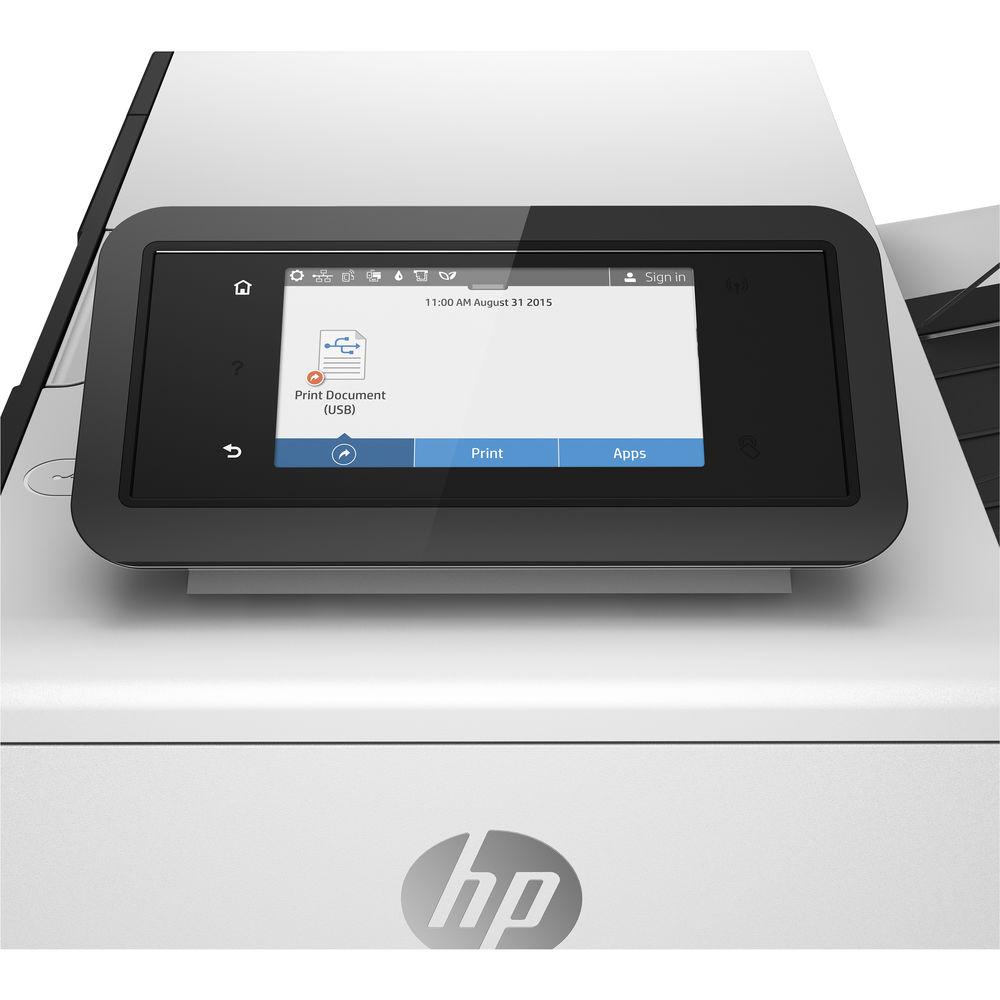
For intuitively adjusting settings and checking status, the 552dw is equipped with a 4.3" color touchscreen. For direct printing, the unit features a front USB port for storage devices and can be networked via Ethernet, Wi-Fi, or NFC for wireless mobile device printing features. Media is handled easily by a 500-sheet standard input tray and a 50-sheet multipurpose tray. The 552dw is built to last with a monthly duty cycle of 80,000 pages and for a simple direction connection to your computer it has USB 2.0 connectivity. - Mobile device support for HP ePrint, HP Mobile Apps, Google Cloud Print v2, Apple AirPrint, Mopria, Android Plug-in, Windows 8/10, Windows 10 Mobile, and Chromebook
- Wi-Fi Direct and NFC touch-to-print allow for direct printing without a network
- Accepts extra high yield cartridges for fewer ink changes
- Variety of security features to keep your files and documents safe
UPC: 889296706410 In the Box HP PageWide Pro 552dw Inkjet Printer 972A Setup Black PageWide Ink Cartridge (~3,000 Pages) 972A Setup Cyan PageWide Ink Cartridge (~2,000 Pages) 972A Setup Magenta PageWide Ink Cartridge (~2,000 Pages) 972A Setup Yellow PageWide Ink Cartridge (~2,000 Pages) Power Cord Software & Setup CD-ROM Limited 1-Year Warranty Guides & Manuals More from Manufacturer cwfvzrdccqtwraxdrqfvexvxub Table of Contents
|
Upload User Manual
Have you got an user manual for the HP PageWide Pro 552dw Inkjet Printer in electronic form? Please send it to us and help us expand our library of instruction manuals.
Thank you, too, on behalf of other users.
To upload the product manual, we first need to check and make sure you are not a robot. After that, your "Submit Link" or "Upload File" will appear.
Download User ManualThe user manual for the HP PageWide Pro 552dw Inkjet Printer can be downloaded in PDF format at the link stated below.
Technical parametersHP X552DW Specs | | | Printing Technology | HP PageWide Technology with pigmented inks | | Print Resolution | Color: 2400 x 1200 dpi
Black: 1200 x 1200 dpi | | Print Speed | Professional Mode: 50 ppm
General Office Mode: 70 ppm | | First Print Out Speed | Black: 6 seconds
Color: 6.5 seconds | | Duplex Printing | Automatic | | Borderless Printing | No | | Print Color | CMYK: Cyan, magenta, yellow, black | | Ink Cartridge Configuration | 4 individual cartridges | | Compatible Ink Cartridges | 972A Black PageWide Cartridge (~3,500 pages)
972A Cyan PageWide Cartridge (~3,000 pages)
972A Magenta PageWide Cartridge (~3,000 pages)
972A Yellow PageWide Cartridge (~3,000 pages)
972X High Yield Black PageWide Cartridge (~10,000 pages)
972X High Yield Cyan PageWide Cartridge (~7,000 pages)
972X High Yield Magenta PageWide Cartridge (~7,000 pages)
972X High Yield Yellow PageWide Cartridge (~7,000 pages)
972Y Extra High Yield Black PageWide Cartridge (~17,000 pages)
972Y Extra High Yield Cyan PageWide Cartridge (~13,000 pages)
972Y Extra High Yield Magenta PageWide Cartridge (~13,000 pages)
972Y Extra High Yield Yellow PageWide Cartridge (~13,000 pages) | | Duty Cycle | Monthly: 80,000 pages
Recommended Monthly Volume: 1,000-6,000 pages | | Print Features | HP ePrint, HP Mobile Apps, Google Cloud Print v2, Apple AirPrint, HP EasyColor, print preview, automatic 2-sided printing, print multiple pages per sheet (2, 4, 6, 9, 16), collation, booklet printing, cover pages, tray selection, scaling, portrait/landscape orientation, High Quality Grayscale and Blank Ink Only, General Office, Professional, Presentation/Maximum dpi print modes, front USB port, Control Panel Shortcuts, HP UPD PIN printing, HP Color Access Control | | | | Paper Handling | Input tray
Multipurpose tray
Output bin | | Paper Types | Plain paper (light, intermediate, mid-weight, heavy, extra heavy, prepunched, recycled, bond, other), photo (glossy, gloss, soft gloss, satin, matte, other), envelopes, labels, cards, specialty papers (glossy brochure, matte brochure, tri-fold brochure, Hagaki, greeting cards, other) | | Media Sizes | Input Tray: Letter, oficio, legal, statement, executive, 3 x 5" / 7.6 x 12.7 cm, 4 x 6" / 10.2 x 15.2 cm, 5 x 7" / 12.7 x 17.8 cm, 5 x 8" / 12.7 x 20.3 cm, envelopes (No. 10, Monarch), custom (3 x 5" to 8.5 x 14" / 7.6 x 12.7 cm to 21.6 x 35.6 cm)
Multipurpose Tray: Letter, statement, executive, envelopes (No. 10), custom (4 x 8.3" to 8.5 x 11.7" / 10.2 x 21.1 cm to 21.6 x 29.7 cm) | | Media Weight | Input Tray: 16-32 lb (plain paper), 33-80 lb (photo), 20-24 lb (envelope), 32-48 lb (brochure), 90-110 lb (card)
Multipurpose Tray: 16-32 lb (plain paper), 33-66 lb (photo), 20-24 lb (envelope), 32-48 lb (brochure), 90-110 lb (card) | | Paper Capacity | Input Tray: 500 sheets
Multipurpose Tray: 50 sheets
Output Bin: 300 sheets or 35 envelopes | | | | Interface | USB 2.0
Ethernet (10/100 Base-TX)
Wi-Fi (802.11b/g/n) | | Mobile Printing Features | HP ePrint, HP Mobile Apps, Google Cloud Print v2, Apple AirPrint, Mopria-certified, Android Plug-in, Windows 8/10, Windows 10 Mobile, Chromebook, Wi-Fi Direct, NFC touch-to-print | | OS Compatibility | Windows 10, 8, 7
Mac OS X 10.6-10.8
Linux | | Direct Print Capable | 1 x USB port | | Memory | 512 MB | | Printer Language | HP PCLXL (PCL6), native PDF, HP Postscript Level 3 emulation | | Management | HP Web Jetadmin, Embedded Web Server, HP UPD Printer Administrator Resource Kit, HP Utility (Mac), HP JetAdvantage Security Manager | | | | Control Panel | 4.3" / 10.9 cm CGD (Color Graphic Display), IR touchscreen | | Power Requirements | 100-240 VAC (±10%), 50/60 Hz (±3 Hz) | | Power Consumption | Maximum: 100 W
Printing: 70 W
Ready: 9.5 W
Sleep: 4.5 W
Auto-Off: 0.95 W
Manual-Off: 0.2 W | | Acoustic Noise | Power Emissions: 6.9 B(A)
Pressure Emissions: 56 dB(A) (printing), inaudible (idle) | | Operating Conditions | Temperature: 59 to 86°F / 15 to 30°C
Humidity: 20 to 80%, relative | | Storage Conditions | Temperature: -40 to 140°F / -40 to 60°C
Humidity: 5 to 90%, relative | | Dimensions | 20.9 x 16 x 16.5" / 53.1 x 40.6 x 41.9 cm
31.6 x 27.3 x 17.9" / 80.3 x 69.3 x 45.5 cm | | Weight | 37 lb / 16.8 kg | | | | Package Weight | 53.0 lb | | Box Dimensions (LxWxH) | 23.5 x 20.5 x 20.0" |
Rating54% users recommend this product to others. And what about you?

This product has already been rated by 75 owners. Add your rating and experience with the product.
Discussion
 Ask our technicians if you have a problem with your settings,
or if anything is unclear in the user manual you have downloaded.
You can make use of our moderated discussion.
The discussion is public and helps other users of our website who may be encountering similar problems.
Ask our technicians if you have a problem with your settings,
or if anything is unclear in the user manual you have downloaded.
You can make use of our moderated discussion.
The discussion is public and helps other users of our website who may be encountering similar problems.
The discussion is empty - enter the first post
Post a new topic / query / comment:
|
|



