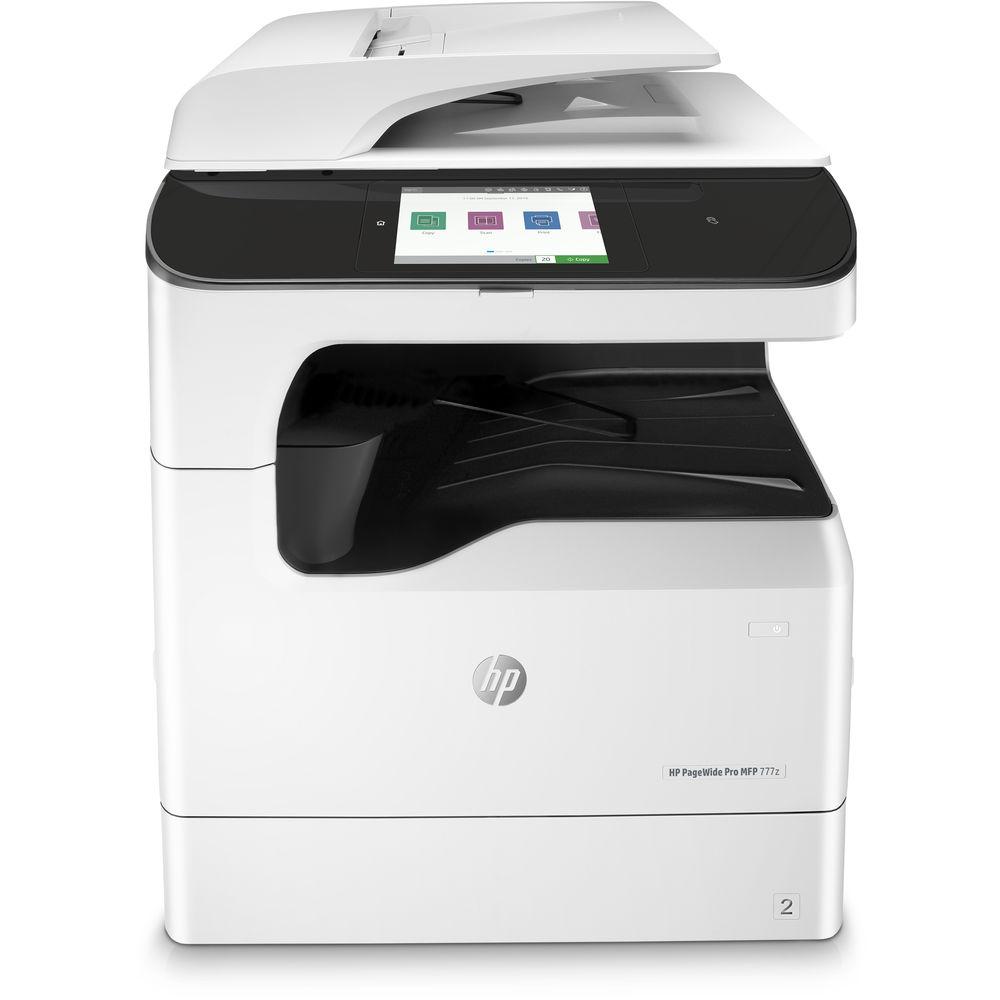
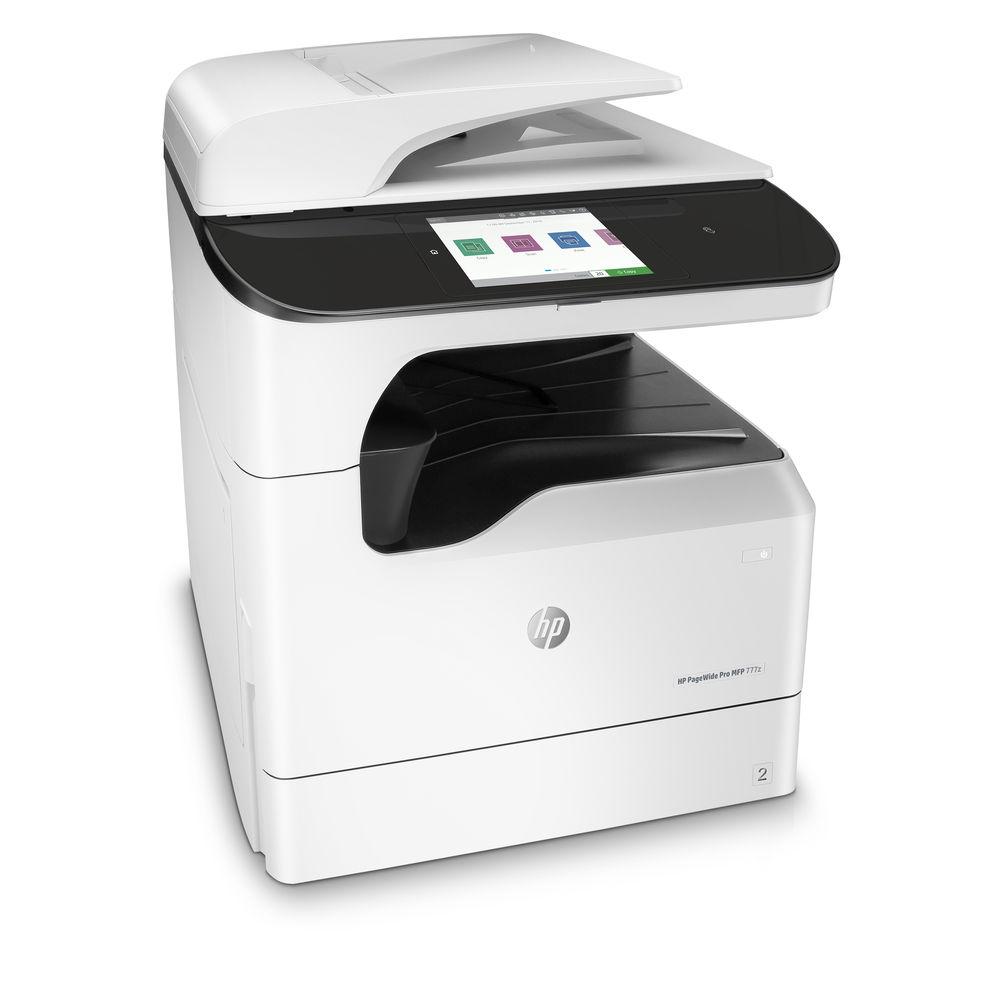
User Manual for HP PageWide Pro 777z All-in-One Inkjet Printer Click to enlarge the picture
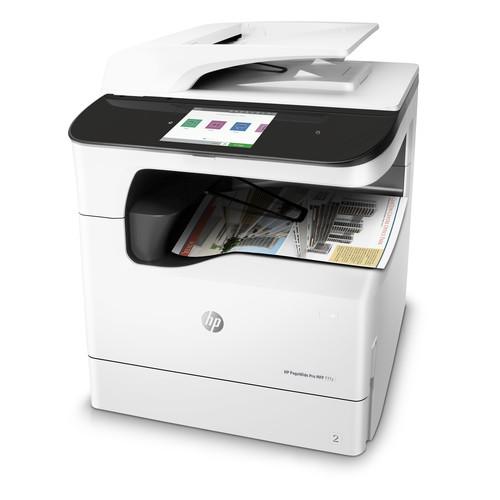 Contents of the user manual for the HP PageWide Pro 777z All-in-One Inkjet
- Product category: Inkjet Printers HP
- Brand: HP
- Description and content of package
- Technical information and basic settings
- Frequently asked questions – FAQ
- Troubleshooting (does not switch on, does not respond, error message, what do I do if...)
- Authorized service for HP Inkjet Printers
 |
User manual for the HP PageWide Pro 777z All-in-One Inkjet contain basic instructions
that need to be followed during installation and operation.
Before starting your appliance, the user manual should be read through carefully.
Follow all the safety instructions and warnings, and be guided by the given recommendations.
User manual is an integral part of any HP product,
and if it is sold or transferred, they should be handed over jointly with the product.
Following the instructions for use is an essential prerequisite for protecting
health and property during use, as well as recognition of liability on the part of the manufacturer
for possible defects should you make a warranty claim. Download an official HP user manual in which you will find instructions on how to install, use, maintain and service your product.
And do not forget – unsuitable use of a HP product will considerably shorten its lifespan!
|
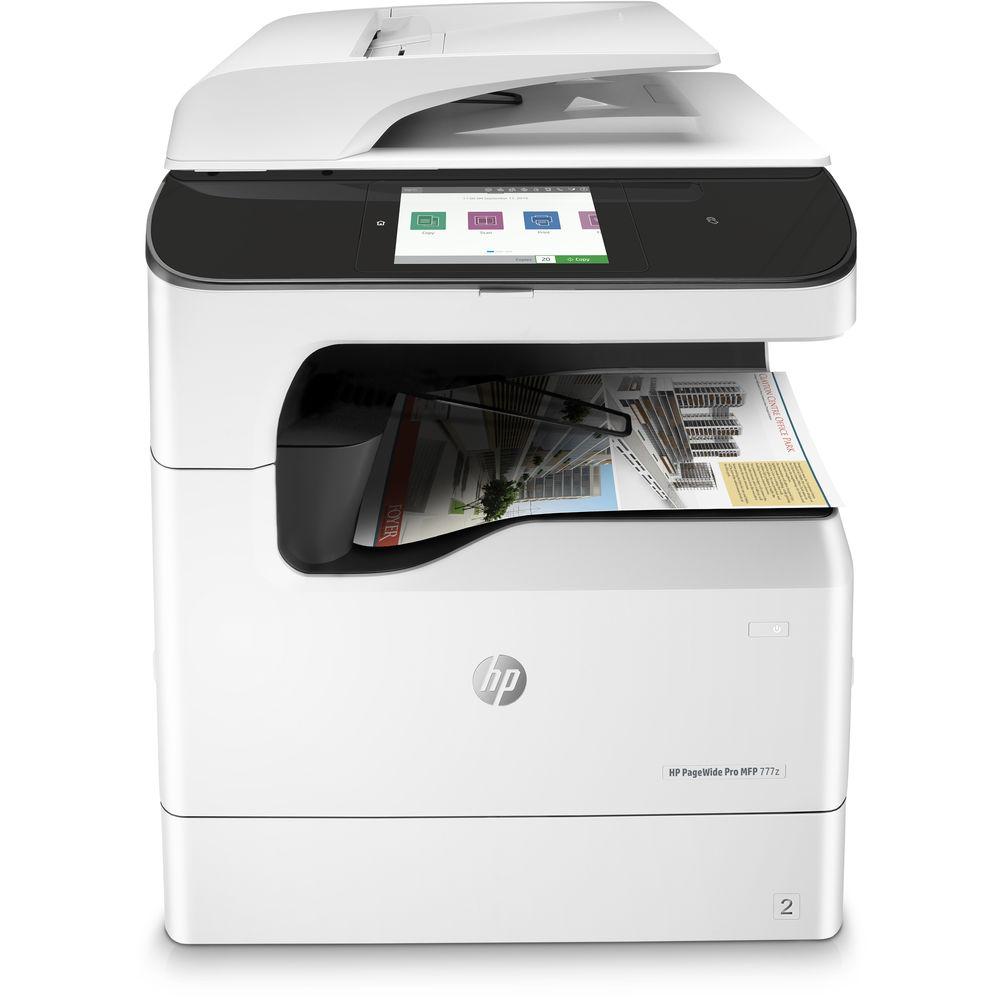
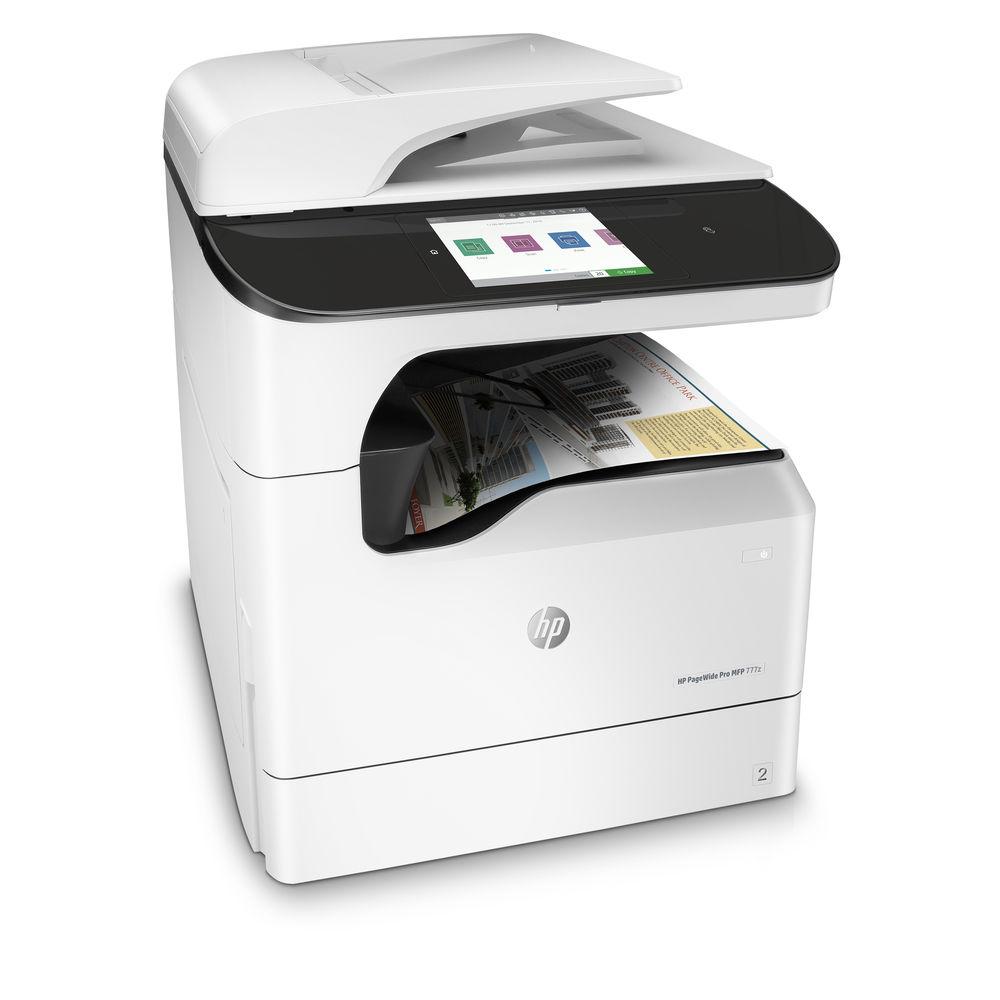
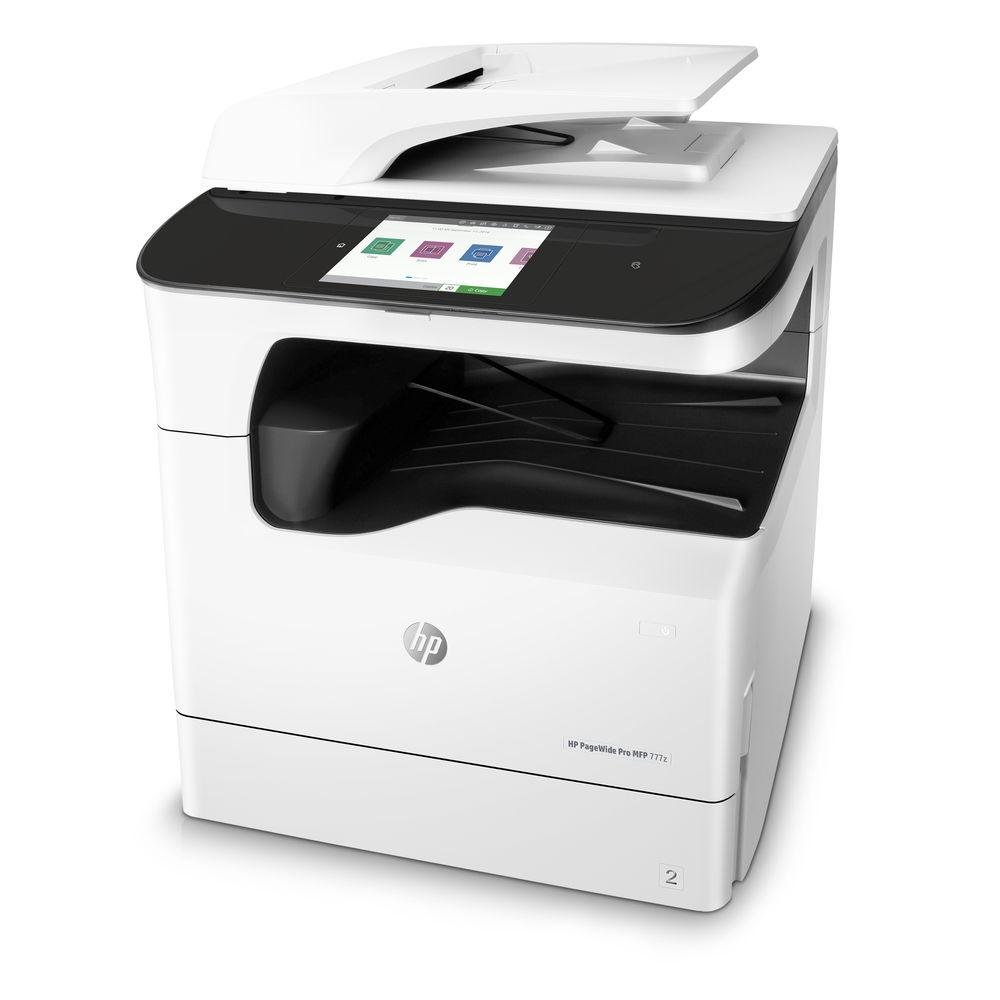
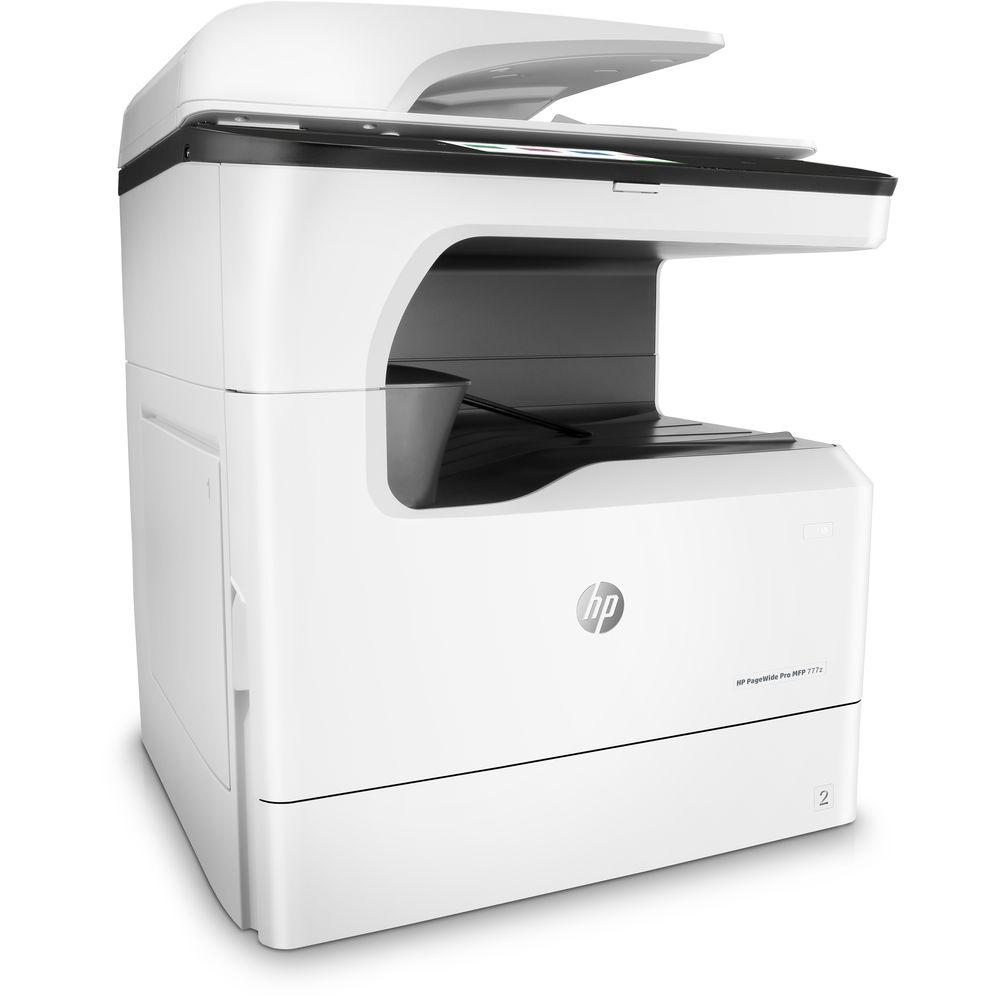
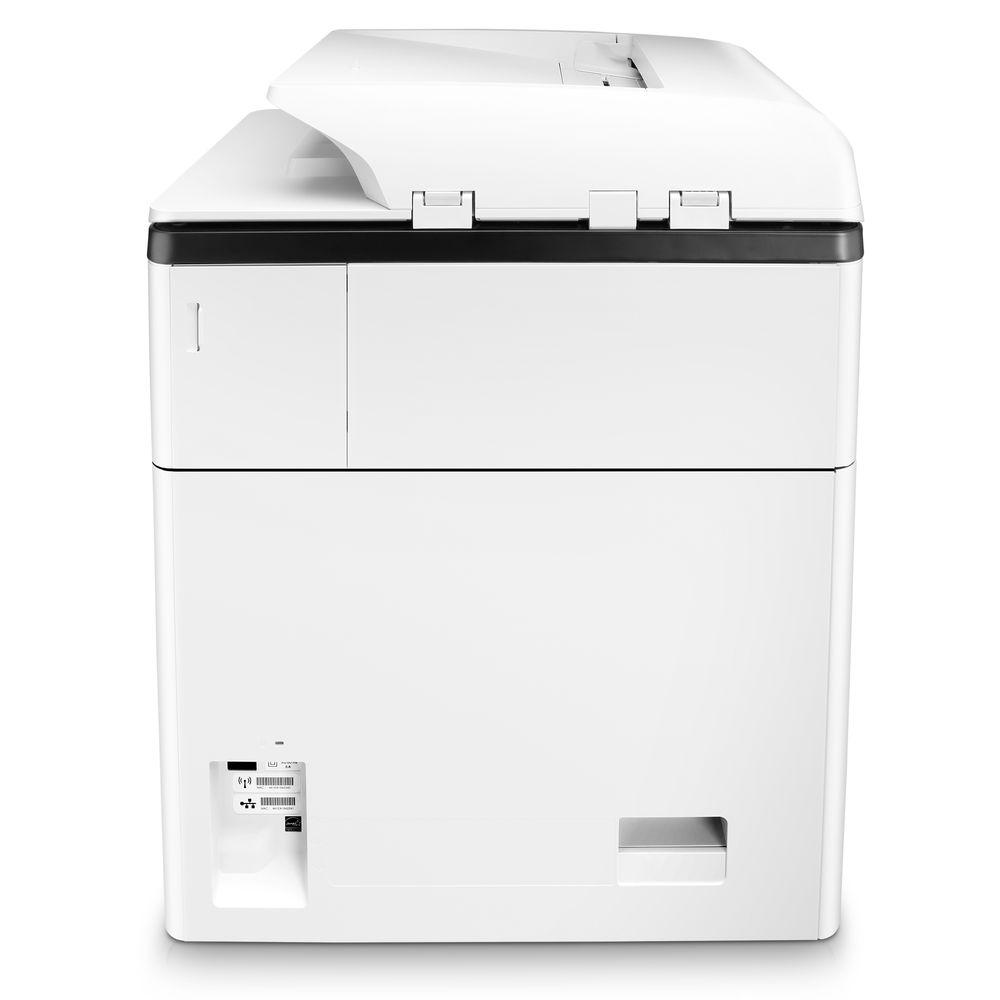
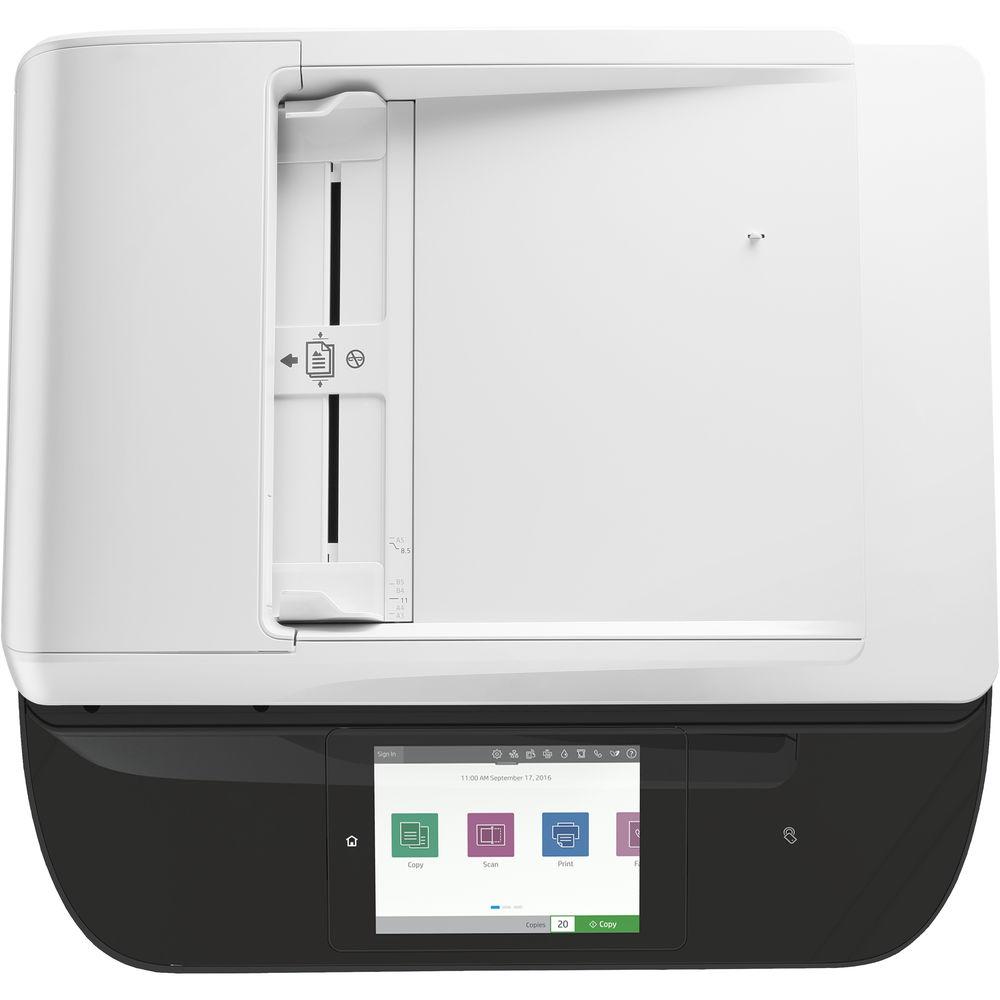
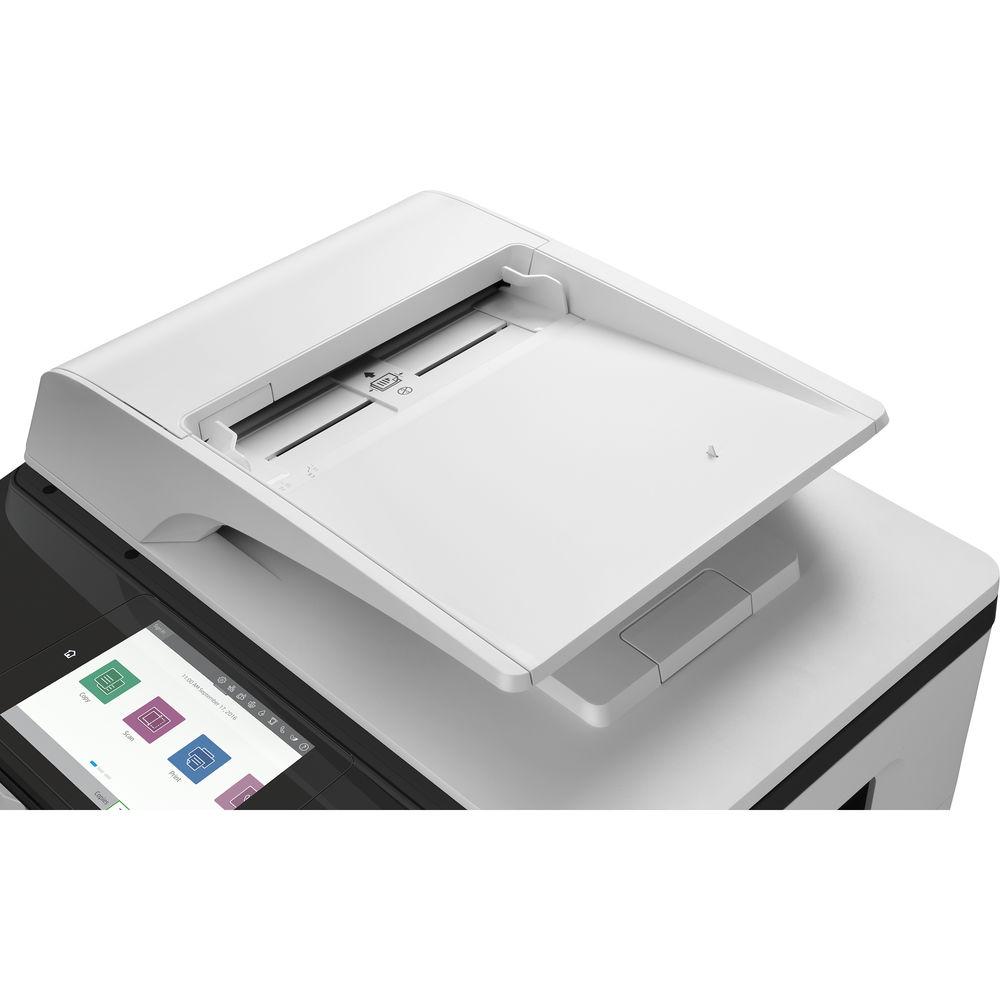
Product description Featuring impressive printing and scanning speeds as well as versatile media handling capabilities, the PageWide Pro 777z All-in-One Inkjet Printer from HP offers reliable printing, scanning, copying, and faxing in a single unit. Employing PageWide printing technology, this printer can produce sharp 2400 x 1200 dpi images on paper as big as 12 x 18" while wasting less resources per color page than comparable models. It features print speeds as fast as 45 ppm on professional mode, with a general office mode available that can boost this figure up to 65 ppm. For scanning, the 777z employs a flatbed with an area of 11.7 x 17" as well as a 100-sheet automatic document feeder, both of which can digitize documents at 600 dpi for preserving fine detail. The ADF features duplex capabilities and can work at speeds of up to 50 ipm depending on the settings. Additional media handling is done through either a 100-sheet multi-purpose tray or a 550-sheet input tray, for a total capacity of 650 pages for general use. Operation of the printer is simplified with the inclusion of an 8" color touchscreen that can be used to manage jobs and preview images. Several connectivity options are also available to help make your life easier, including an independent front USB port, an Ethernet port, Wi-Fi Direct, NFC touch-to-print for compatible devices, and even Bluetooth support. The 777z is designed to handle a duty cycle of up to 100,000 letter pages per month, making it a durable printer that can withstand the needs of most offices. The product comes with four setup cartridges and a power cord. -
- Copying features such as resizing, collation, preview with cropping options, and auto color selection
- Faxing features such as two-sided ADF faxing, auto redialing, and fax confirmation
- Scan file types include JPEG, PDF, PNG, and TIFF
- Convenient 500-sheet output bin so you can keep printing without slowing down
- Supports HP ePrint, Apple AirPrint, and Google Cloud Print
- Front USB port can recognize, format, and print Microsoft Office Word and PowerPoint files
- Easily manage devices and settings with HP Web Jetadmin, available as a download online
- Designed to be quiet, with noise levels of 55 dBA when printing
- Single door access for easily replacing ink cartridges
- Certified for ISO class 5 cleanrooms, making it well-suited to sensitive environments
- Larger input trays and high yield ink cartridges available separately
UPC: 190780899717 In the Box HP PageWide Pro 777z All-in-One Inkjet Printer 990 Setup Black PageWide Cartridge (~10,000 pages) 990 Setup Cyan PageWide Cartridge (~6000 pages) 990 Setup Magenta PageWide Cartridge (~6000 pages) 990 Setup Yellow PageWide Cartridge (~6000 pages) Power Cord Limited 1-Year Warranty User Manual PDF 3.5mb More from Manufacturer Table of Contents
|
Upload User Manual
Have you got an user manual for the HP PageWide Pro 777z All-in-One Inkjet Printer in electronic form? Please send it to us and help us expand our library of instruction manuals.
Thank you, too, on behalf of other users.
To upload the product manual, we first need to check and make sure you are not a robot. After that, your "Submit Link" or "Upload File" will appear.
Technical parametersHP 777z Specs | Functions | Print
Scan
Copy
Fax | | | | Printing Technology | HP PageWide Technology with pigmented inks | | Maximum Resolution | Color: 2400 x 1200 dpi
Black: 1200 x 1200 dpi | | Print Speed | ISO: Up to 45 ppm
General Office Mode: Up to 65 ppm | | First Print Out Speed | From Ready: As fast as 7.75 seconds
From Sleep: As fast as 16 seconds | | Duplex Printing | Yes | | Ink Type | Pigment-based ink | | Ink Palette | CMYK: Cyan, Magenta, Yellow, Black | | Ink Cartridge Configuration | 4 individual cartridges | | Compatible Ink Cartridges | 990A Black Original PageWide Cartridge (~10,000 pages)
990A Cyan Original PageWide Cartridge (~8000 pages)
990A Magenta Original PageWide Cartridge (~8000 pages)
990A Yellow Original PageWide Cartridge (~8000 pages)
990X High Yield Black Original PageWide Cartridge (~20,000 pages)
990X High Yield Cyan Original PageWide Cartridge (~16,000 pages)
990X High Yield Magenta Original PageWide Cartridge (~16,000 pages)
990X High Yield Yellow Original PageWide Cartridge (~16,000 pages) | | Printer Duty Cycle | Recommended: 2500 to 25,000 pages per month
Maximum: 100,000 pages per month | | Printer Language | HP PCLXL (PCL6), PCL5, native PDF, HP Postscript Level 3 emulation, native Office, PJL, JPEG, and PCLM | | | | Scanner Type | Flatbed
Automatic document feeder | | Sensor Type | Contact Image Sensor (CIS) | | Optical Resolution | 600 dpi | | Hardware Resolution | 600 x 600 dpi | | Color Depth | 24-bit
8-bit grayscale
256 levels | | Scan Area | ADF/Flatbed: 11.7 x 17" (29.7 x 43.2 cm) | | Scan Speed | ADF Single-Sided: Up to 50 ipm
ADF Dual-Sided: Up to 35 ipm | | File Formats | Bitmap, JPEG, PDF, PNG, Rich Text, Searchable PDF, Text, and TIFF | | | | Modem Speed | 33.6 kbps | | Transmission Speed | Letter: 5 seconds per page | | Fax Resolution | Black: Up to 300 x 300 dpi
Color: Up to 200 x 200 dpi | | Memory | Up to 500 black and white pages | | Dialing Options | Auto redialing, speed dialing, delayed sending, fax forwarding, and auto answer | | Duplex Send/Receive | Yes | | | | Copy Speed | ISO: Up to 45 cpm
General Office Mode: Up to 65 cpm | | Copy Resolution | Up to 600 dpi | | Reduction/Enlargement | 25 to 400% | | Copy Features | Resize, lighter/darker, two-sided copying, tray selection, collation, binding, margins, copy preview with crop and resize, enable/disable color copy, auto color selection | | Number of Copies | Up to 999 | | | | Paper Handling | Universal tray
Multi-purpose tray
Automatic document feeder
Output bin | | Paper Sizes | Multi-Purpose Tray: 3.9 x 5.8" to 12 x 18" (9.9 x 14.8 cm to 30.5 x 45.7 cm)
Input Tray: 5.8 x 8.3" to 8.5 x 11.7" (14.8 x 21 cm to 21.6 x 29.7 cm)
ADF: Up to 11.7 x 17" (29.7 x 43.2 cm) | | Maximum Printable Area | 12 x 18" (30.5 x 45.7 cm) | | Media Weight Supported | Tray 1
Plain Paper: 16 to 32 lb (7.3 to 14.5 kg)
Photo: 33 to 80 lb (15 to 36.3 kg)
Envelope: 20 to 24 lb (9.1 to 10.9 kg)
Brochure: 32 to 48 lb (14.5 to 21.8 kg)
Card: 90 to 110 lb (40.8 to 49.9 kg)
Tray 2
Plain Paper: 16 to 32 lb (7.3 to 14.5 kg)
Photo: 33 to 66 lb (15 to 29.9 kg)
Envelope: 20 to 24 lb (9.1 to 10.9 kg)
Brochure: 32 to 48 lb (14.5 to 21.8 kg)
Card: 90 to 110 lb (40.8 to 49.9 kg)
Tray 3
Plain Paper: 16 to 32 lb (7.3 to 14.5 kg)
Photo: 33 to 66 lb (15 to 29.9 kg)
Brochure: 32 to 48 lb (14.5 to 21.8 kg)
Card: 90 to 110 lb (40.8 to 49.9 kg) | | Paper Types | Plain paper, HP EcoFFICIENT, HP Premium Presentation Matte 120 g, HP Brochure Matte 180 g, HP Brochure Glossy, HP Advanced Photo Papers, Light 60-74 g, Intermediate 85-95 g, Mid-Weight 96-110 g, Heavy 111-130 g, Extra Heavy 131-175 g, Cardstock 176-220 g, Labels, Letterhead, Envelope, Heavy Envelope, Pre-printed, Pre-punched, Colored, Bond, Recycled, Rough | | Paper Capacity | Universal Tray: 550 sheets
Multi-Purpose Tray: 100 sheets
ADF: 100 sheets
Output Bin: 500 sheets | | | | Interface | 2 x Hi-Speed USB 2.0 host
1 x Hi-Speed USB 2.0 device
1 x Ethernet 10/100/1000 Base-T network
2 x RJ-11 modem port/phone line | | Wireless Connectivity | 802.11 b/g/n (dual band) | | Wireless Printing Features | HP ePrint
Apple AirPrint
Google Cloud Print 2.0
Mopria
Wi-Fi Direct
Mobile Apps
NFC
Bluetooth Smart | | Compatible Operating Systems | Windows 10 (32- and 64-bit), 8/8.1 (32- and 64-bit), 7 (32- and 64-bit), Vista (32-bit), and XP SP3 (32-bit)
Mac OS X 10.10 - macOS 10.12
Linux
UNIX | | Windows System Requirements | Windows 10, 8.1, 8, 7: 1 GHz 32-bit or 64-bit processor, 2 GB available hard disk space, CD-ROM/DVD drive or Internet connection, USB port, and Internet Explorer
Vista: 800 MHz processor (32-bit only), 2 GB available hard disk space, CD-ROM/DVD drive or Internet connection, USB port, and Internet Explorer 8
XP SP3 or higher (32-bit only): any Intel Pentium II, Celeron or 233 MHz compatible processor, 850 MB available hard disk space, CD-ROM/DVD drive or Internet connection, USB port, and Internet Explorer 8 | | Apple System Requirements | 1.2 GB available HD space, internet access, and USB port | | | | Display | 8" (20.3 cm) color touchscreen | | Memory | 1.5 GB (DDR3 DRAM) | | Processor | 1.5 GHz | | Power Requirements | 100 to 240 VAC (±10%), 50/60 Hz (±3 Hz) | | Power Consumption | Printing: 75.2 to 200 W
Ready: 24.75 W
Sleep: 3.13 W
Off: 0.21 W | | Typical Power Consumption | 1.73 kWh per week | | ENERGY STAR Certified | Yes | | Environmental Compliance | RoHS, REACH, EPEAT Silver, Blue Angel, China CCC and CECP | | Safety Compliance | IEC 60950 -1: 2005+ A1:2009 + A2: 2013/EN 60950-1: 2006+A11: 2009 +A1:2010 +A12:2011 +A2: 2013; IEC 62479:2010/EN 62479:2010; Australia/New Zealand AS/NZS 60950.1: 2011; Canada/America CAN/CSA-C22.2 No 60950-1-07, Amendment 1:2011, ANSI/UL Std No 60950-1, 2nd Ed.; Low Voltage Directive 2014/35/EU with CE Marking (Europe); Singapore PSB; Korea KCC; Taiwan BSMI | | Acoustic Performance | Pressure Emissions
Printing: 55 dBA
ADF Copying and Scanning: 50 dBA
Idle: Inaudible
Power Emissions
7.0 B(A) | | Operating Conditions | Temperature: 59 to 86°F (15 to 30°C)
Relative Humidity: 20 to 80% | | Storage Conditions | Temperature: -40 to 140°F (-40 to 60°C)
Relative Humidity: 5 to 90 % | | Dimensions (WxDxH) | 23.5 x 22.7 x 28.7" (59.8 x 57.6 x 72.8 cm)
Maximum: 60.0 x 37.7 x 40.7" (152.4 x 95.8 x 103.4 cm) | | Weight | 153.2 lb (69.5 kg) | | | | Package Weight | 160.0 lb | | Box Dimensions (LxWxH) | 35.0 x 30.0 x 29.0" |
Rating80% users recommend this product to others. And what about you?

This product has already been rated by 37 owners. Add your rating and experience with the product.
Discussion
 Ask our technicians if you have a problem with your settings,
or if anything is unclear in the user manual you have downloaded.
You can make use of our moderated discussion.
The discussion is public and helps other users of our website who may be encountering similar problems.
Ask our technicians if you have a problem with your settings,
or if anything is unclear in the user manual you have downloaded.
You can make use of our moderated discussion.
The discussion is public and helps other users of our website who may be encountering similar problems.
The discussion is empty - enter the first post
Post a new topic / query / comment:
|
|


