User Manual for HP Scanjet Enterprise Flow 7500 Document Scanner Click to enlarge the picture
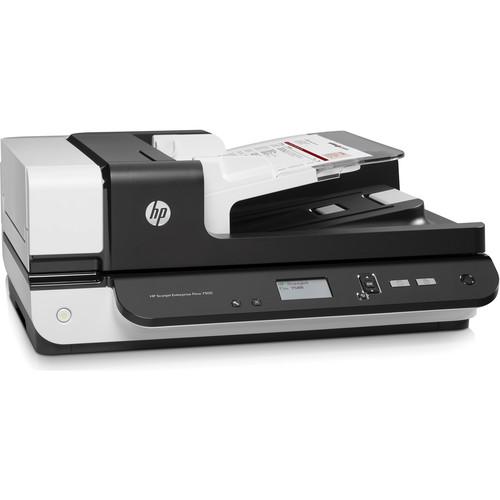 Contents of the user manual for the HP Scanjet Enterprise Flow 7500 Document
- Product category: Flatbed & Document Scanners HP
- Brand: HP
- Description and content of package
- Technical information and basic settings
- Frequently asked questions – FAQ
- Troubleshooting (does not switch on, does not respond, error message, what do I do if...)
- Authorized service for HP Flatbed & Document Scanners
 |
User manual for the HP Scanjet Enterprise Flow 7500 Document contain basic instructions
that need to be followed during installation and operation.
Before starting your appliance, the user manual should be read through carefully.
Follow all the safety instructions and warnings, and be guided by the given recommendations.
User manual is an integral part of any HP product,
and if it is sold or transferred, they should be handed over jointly with the product.
Following the instructions for use is an essential prerequisite for protecting
health and property during use, as well as recognition of liability on the part of the manufacturer
for possible defects should you make a warranty claim. Download an official HP user manual in which you will find instructions on how to install, use, maintain and service your product.
And do not forget – unsuitable use of a HP product will considerably shorten its lifespan!
|
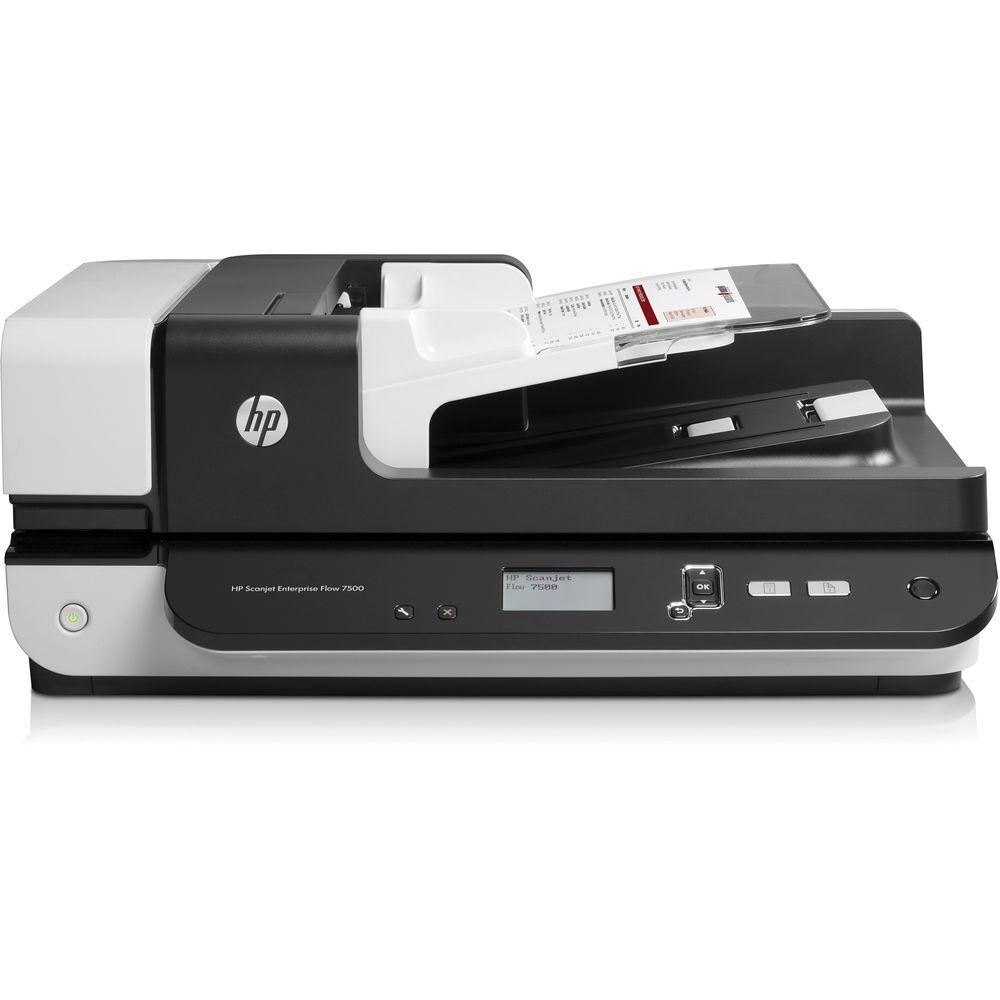
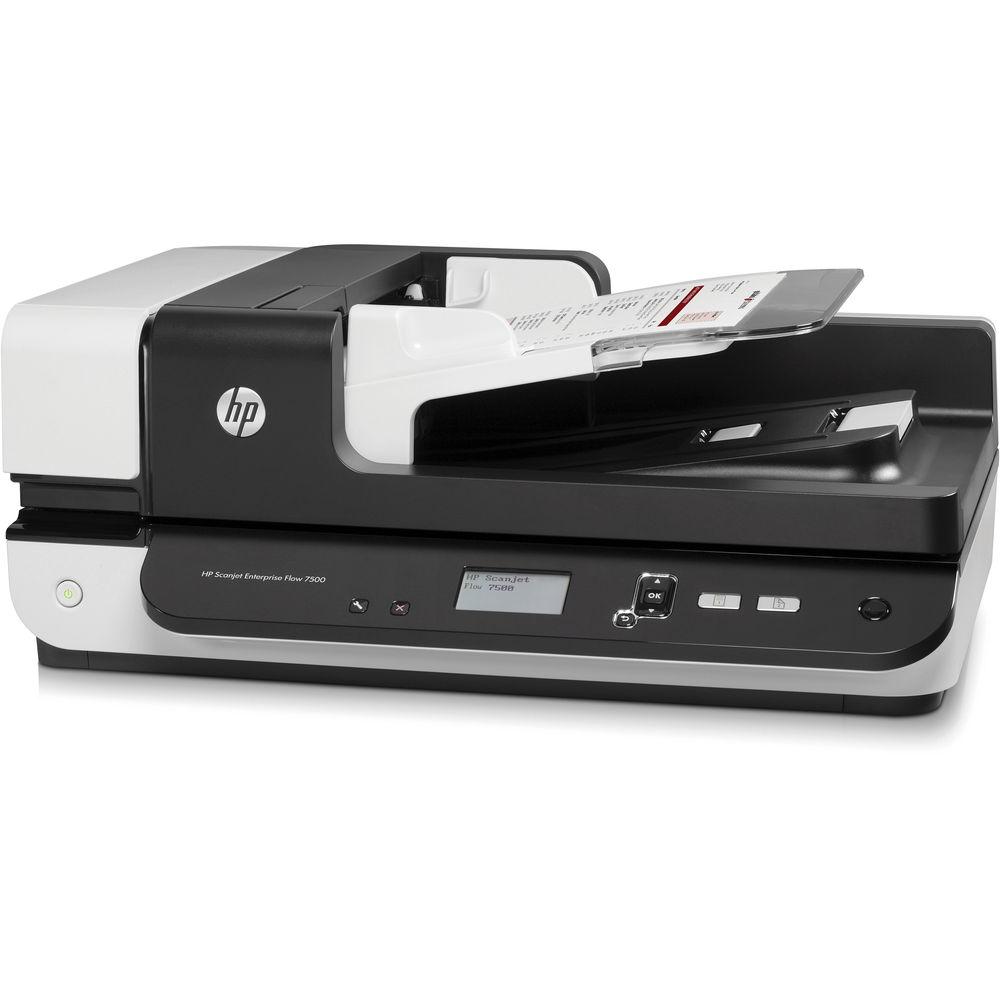
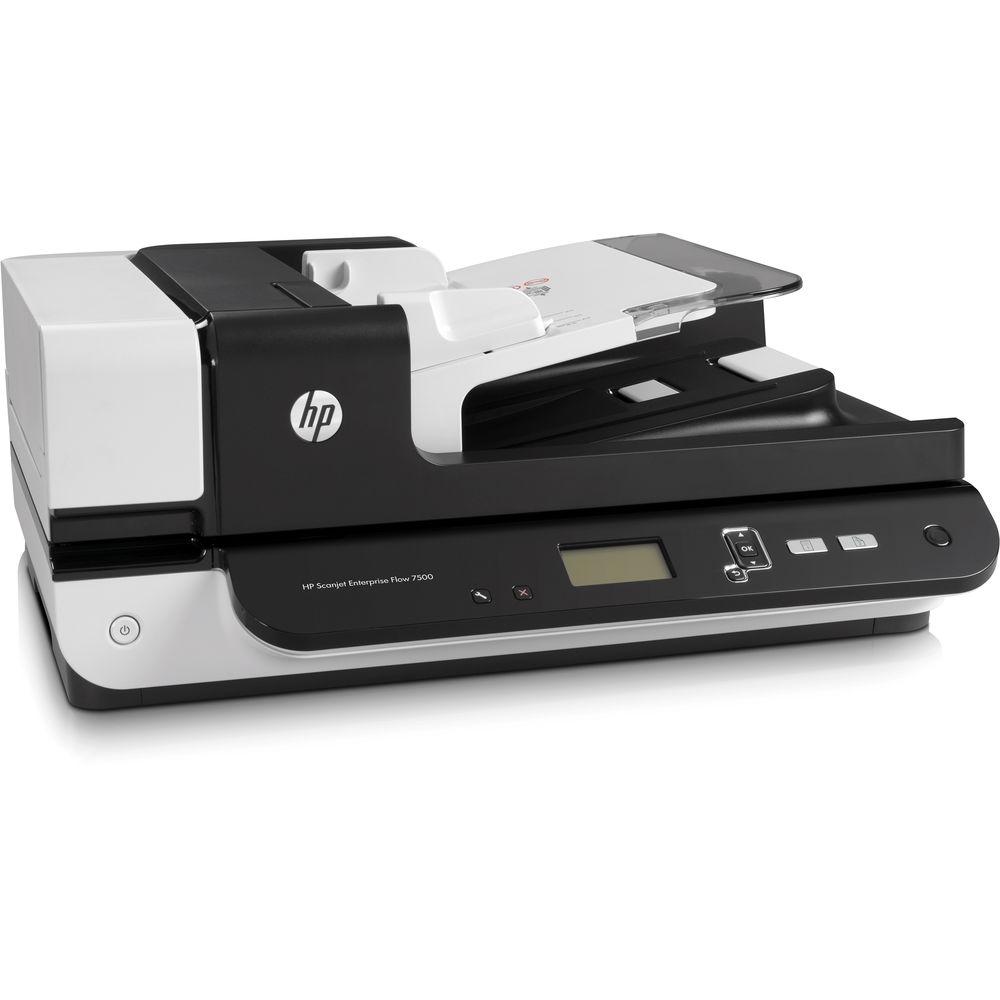
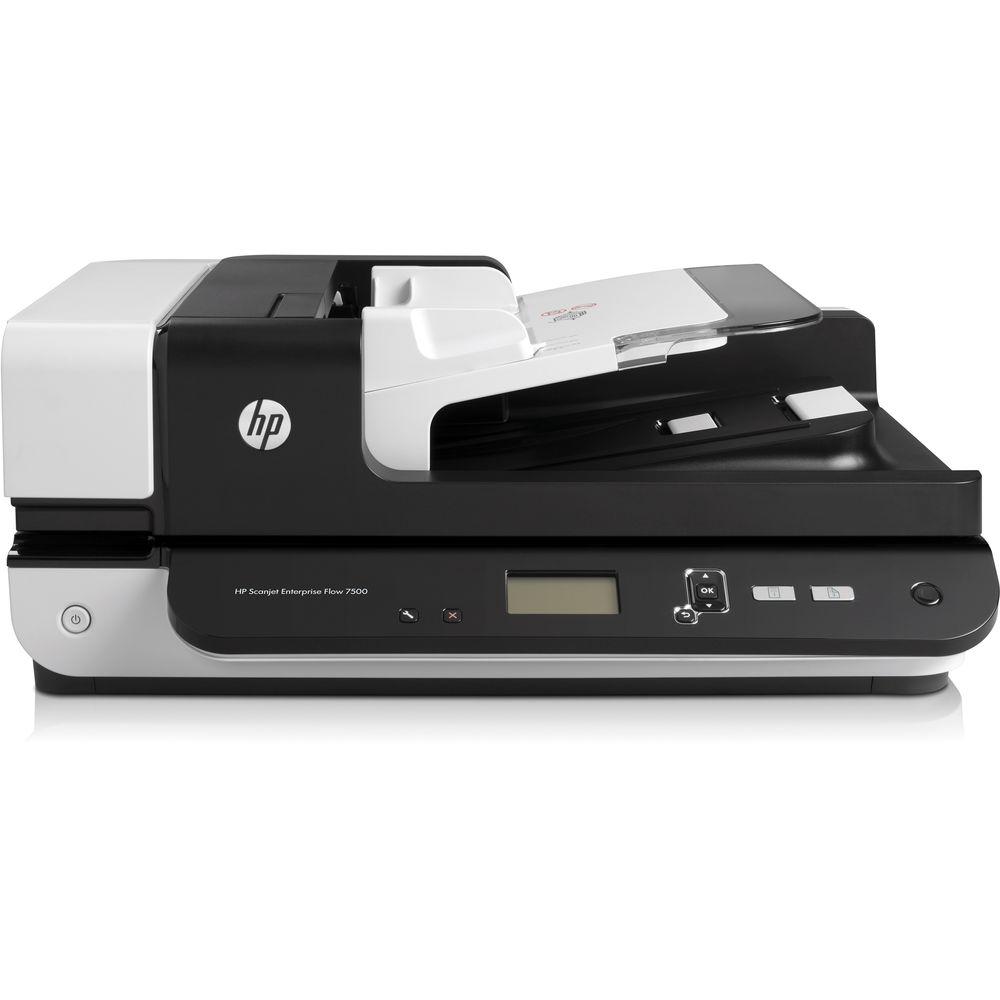
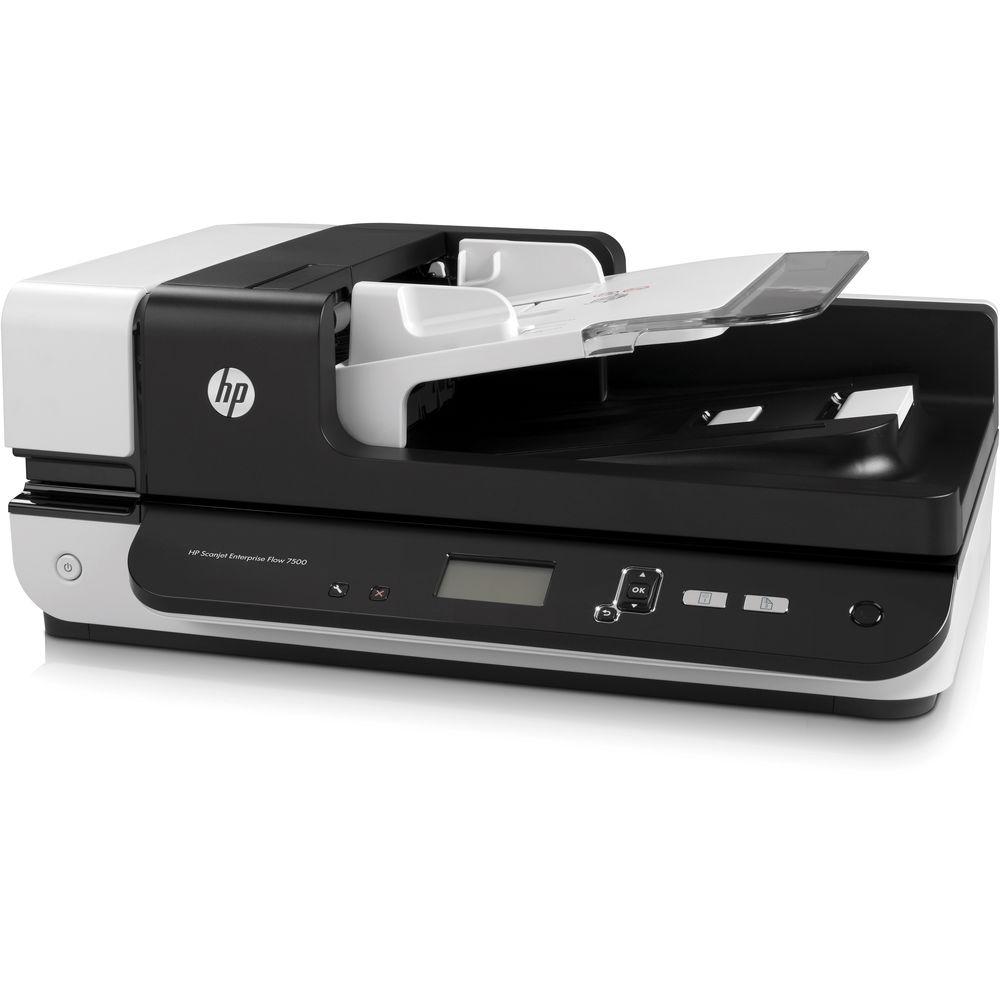
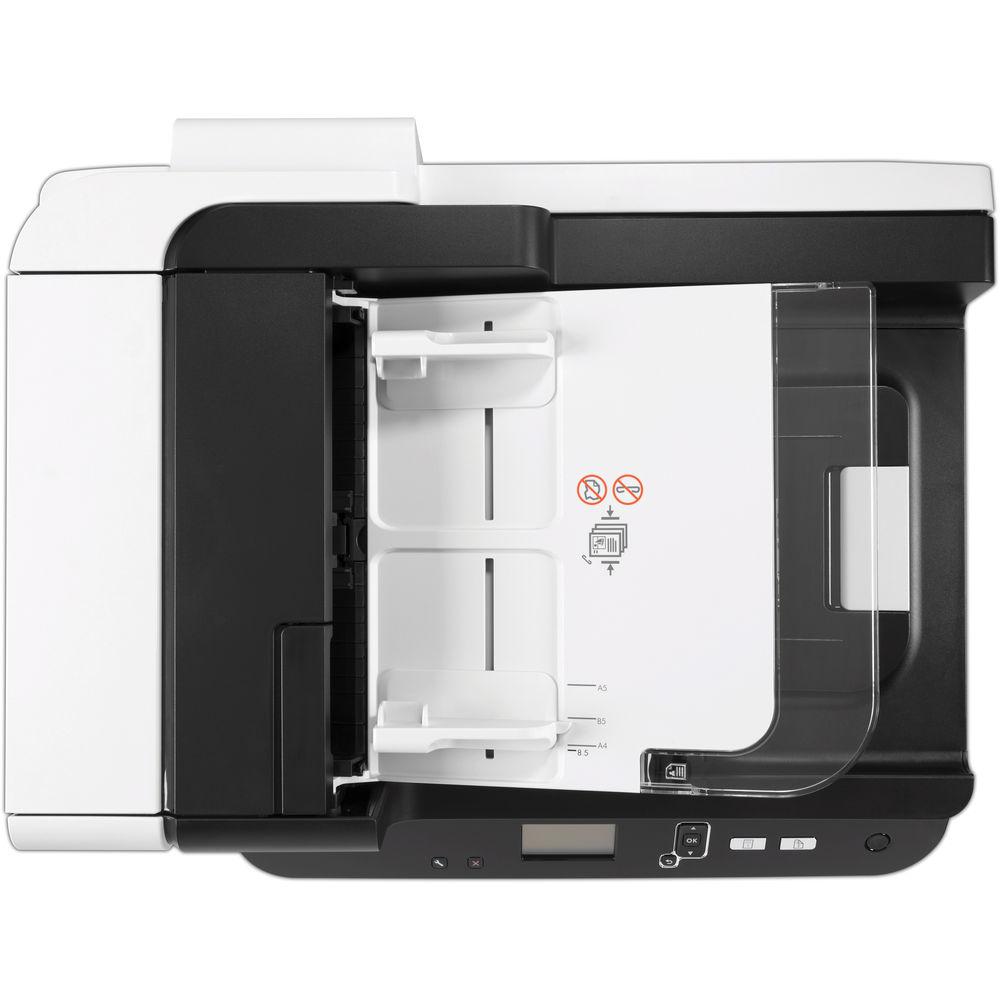
Product description Upgrade your workgroup's digital workflow by adding the fast and reliable Scanjet Enterprise Flow 7500 Document Scanner from HP. Able to handle documents via a legal-size flatbed or a 100-sheet ADF, users will be able to digitize a range of media types with ease and precision. The scanner also boasts an optical resolution of 600 dpi for crisp, clear images and an ADF that can handle up to 50 ppm, or 100 ipm when set to one-pass duplexing. To ensure accurate scanning, the 7500 has an ultrasonic multi-feed sensor that checks to make sure pages are feeding properly.
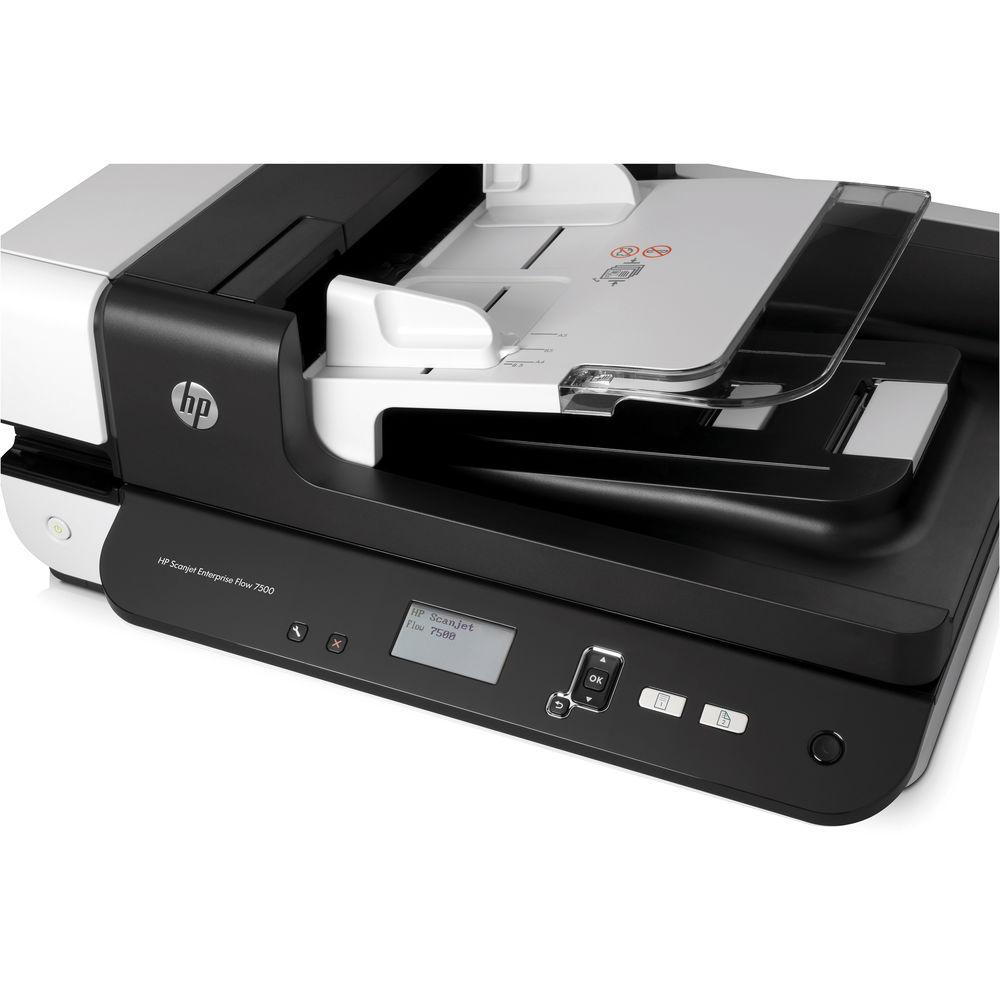
For checking status and changing settings, this unit is equipped with a 4-line backlit LCD and a variety of physical buttons. For durability the ADF is rated with a daily duty cycle of 3,000 pages. Additionally, it has a simple USB 2.0 connection for working directly with a computer. - Built-in OCR capabilities
- Variety of drivers for maximum compatibility
UPC: 887758563007 In the Box HP Scanjet Enterprise Flow 7500 Document Scanner USB Cable Power Adapter and Cord Scan Software & Driver CD Limited 1-Year Warranty Guides & Manuals More from Manufacturer Table of Contents
|
Upload User Manual
Have you got an user manual for the HP Scanjet Enterprise Flow 7500 Document Scanner in electronic form? Please send it to us and help us expand our library of instruction manuals.
Thank you, too, on behalf of other users.
To upload the product manual, we first need to check and make sure you are not a robot. After that, your "Submit Link" or "Upload File" will appear.
Download User ManualThe user manual for the HP Scanjet Enterprise Flow 7500 Document Scanner can be downloaded in PDF format at the link stated below.
Technical parametersHP Flow 7500 Specs | Scanner Type | Flatbed, ADF | | | | Scan Technology | CCD (Charge Coupled Device) | | Optical Resolution | 600 dpi | | Hardware Resolution | 600 x 600 dpi | | Output Resolution | 75, 150, 200, 240, 300, 400, 500, 600 dpi | | Color Depth | 24-bit | | Grayscale | 256 levels | | Scan File Format | PDF (image-only, searchable, MRC, PDF/A, encrypted), TIFF (single page, multi-page, compressed: G3, G4, LZW, JPEG), DOC, RTF, WPD, XLS, TXT, XML, XPS, HTML, OPF, JPG, BMP, PNG | | | | Scan Speed | Up to 50 ppm / 100 ipm | | Scan Size | ADF: 2.75 x 5.8" / 7.0 x 14.8 cm to 8.5 x 34.0" / 21.6 x 86.4 cm
Flatbed: Up to 8.5 x 14.0" / 21.6 x 35.6 cm | | Duplex Scanning | Yes, one-pass | | Multi-Feed Detection | Yes | | Duty Cycle | Daily: 3,000 pages (ADF) | | Scanner Features | Blank page removal, crop, deskew, orientation, barcode detection, batch separation, document merge, HP Precision Feed | | | | Paper Handling | ADF
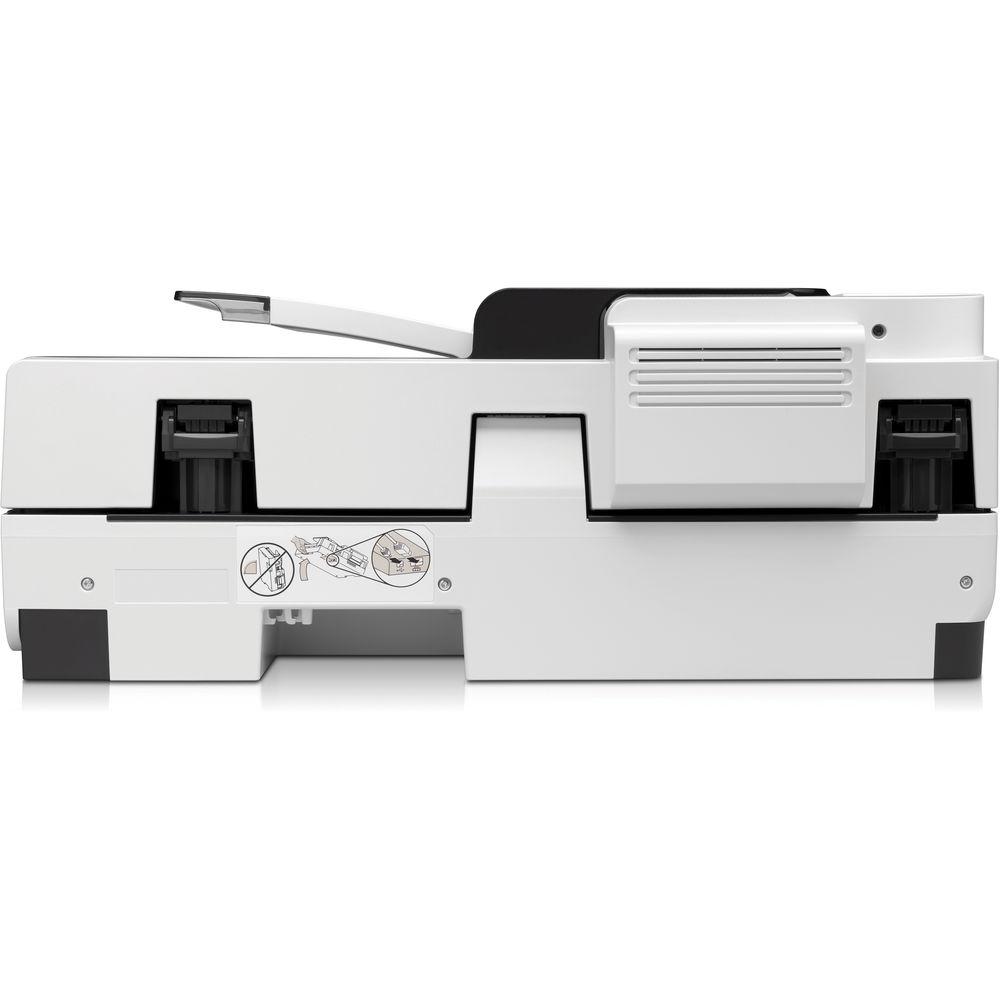
Flatbed | | Media Types | Paper (inkjet, photo, plain) | | Media Weight | ADF: 13-32 lb / 49-120 gsm | | Media Sizes | A4, A5, custom, long paper up to 34.0" / 86.4 cm | | Paper Capacity | ADF: 100 sheets | | | | Interface | USB 2.0 | | Compatible Operating Systems | Windows 10, 8, 7, Vista, Xp | | Drivers | TWAIN Certified Version 2.1 | | | | Light Source | LED | | Front Panel Controls | 4-line backlit LCD
Buttons (Tools, Cancel, Up, Down, OK/Select, Back, Simplex, Duplex, Sleep) | | Power Requirements | 100-240 VAC (±10%), 50/60 Hz (±3 Hz) | | Power Consumption | Maximum: 50 W
Standby: 15.5 W
Sleep: 3.0 W
Manual-Off: < 0.5 W | | Operating Conditions | Temperature: 50 to 95°F / 10 to 35°C
Humidity: 15 to 80%, relative non-condensing | | Storage Conditions | Temperature: -40 to 140°F / -40 to 60°C
Humidity: 15 to 80%, relative non-condensing | | Certifications | ENERGY STAR certified
EPEAT Silver | | Electromagnetic Emission Certifications | Class B; EU (EMC Directive, EN 55022: 2006+A1: 2007, EN 61000-3-2: 2006, EN 61000-3-3: 1995+A1: 2001+A2: 2005, EN 55024: 1998+A1: 2001+A2: 2003), Russia (GOST) | | Safety Approvals | IEC 60950-1: 2005 2nd Edition; national derivatives, associated voluntary and mandatory certifications: Russia (GOST), European Union (CE and Nemko GS) | | Dimensions | 20.3 x 16.8 x 8.3" / 51.5 x 42.6 x 21.1 cm | | Weight | 23.4 lb / 10.6 kg | | | | Package Weight | 29.0 lb | | Box Dimensions (LxWxH) | 21.5 x 19.7 x 12.6" |
Rating100% users recommend this product to others. And what about you?

This product has already been rated by 74 owners. Add your rating and experience with the product.
Discussion
 Ask our technicians if you have a problem with your settings,
or if anything is unclear in the user manual you have downloaded.
You can make use of our moderated discussion.
The discussion is public and helps other users of our website who may be encountering similar problems.
Ask our technicians if you have a problem with your settings,
or if anything is unclear in the user manual you have downloaded.
You can make use of our moderated discussion.
The discussion is public and helps other users of our website who may be encountering similar problems.
The discussion is empty - enter the first post
Post a new topic / query / comment:
|
|



