User Manual for IK Multimedia iRig Mic Lav for Smartphone Tablets Click to enlarge the picture
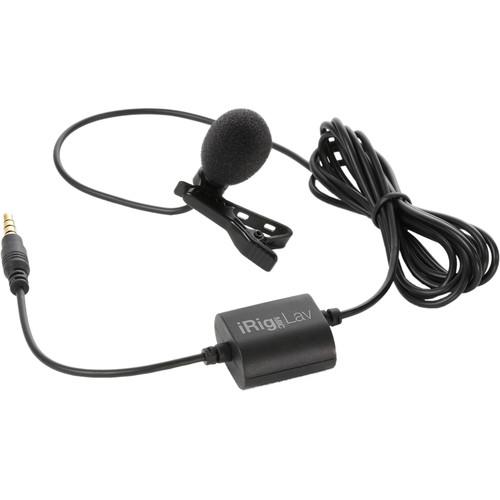 Contents of the user manual for the IK Multimedia iRig Mic Lav for
- Product category: Mobile Microphones IK Multimedia
- Brand: IK Multimedia
- Description and content of package
- Technical information and basic settings
- Frequently asked questions – FAQ
- Troubleshooting (does not switch on, does not respond, error message, what do I do if...)
- Authorized service for IK Multimedia Mobile Microphones
 |
User manual for the IK Multimedia iRig Mic Lav for contain basic instructions
that need to be followed during installation and operation.
Before starting your appliance, the user manual should be read through carefully.
Follow all the safety instructions and warnings, and be guided by the given recommendations.
User manual is an integral part of any IK Multimedia product,
and if it is sold or transferred, they should be handed over jointly with the product.
Following the instructions for use is an essential prerequisite for protecting
health and property during use, as well as recognition of liability on the part of the manufacturer
for possible defects should you make a warranty claim. Download an official IK Multimedia user manual in which you will find instructions on how to install, use, maintain and service your product.
And do not forget – unsuitable use of a IK Multimedia product will considerably shorten its lifespan!
|
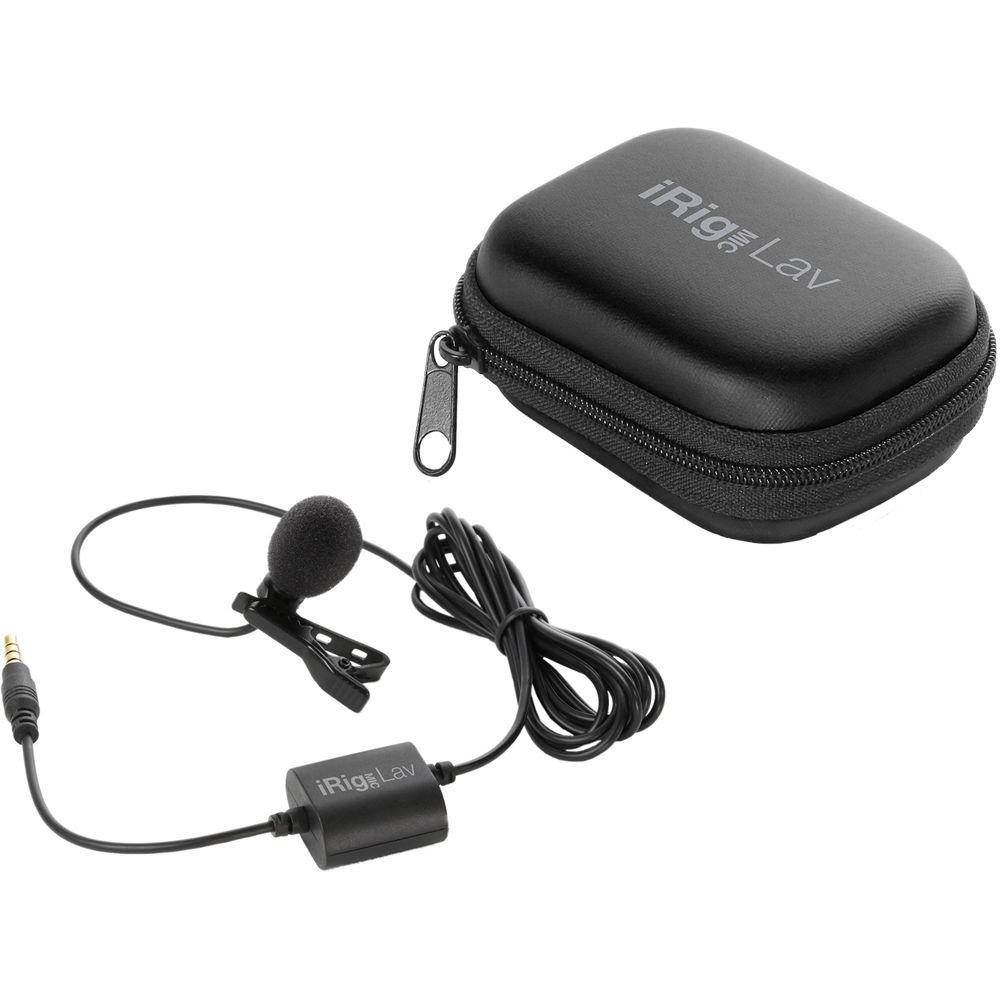
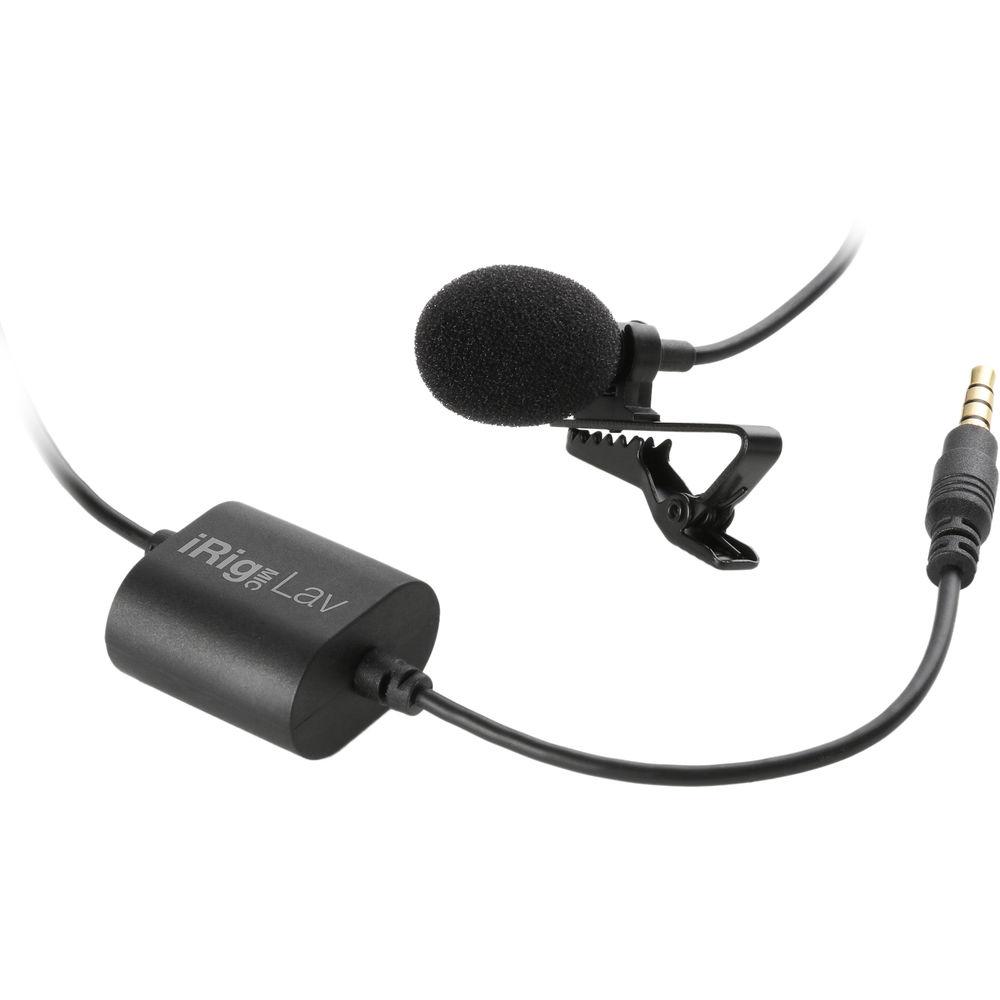
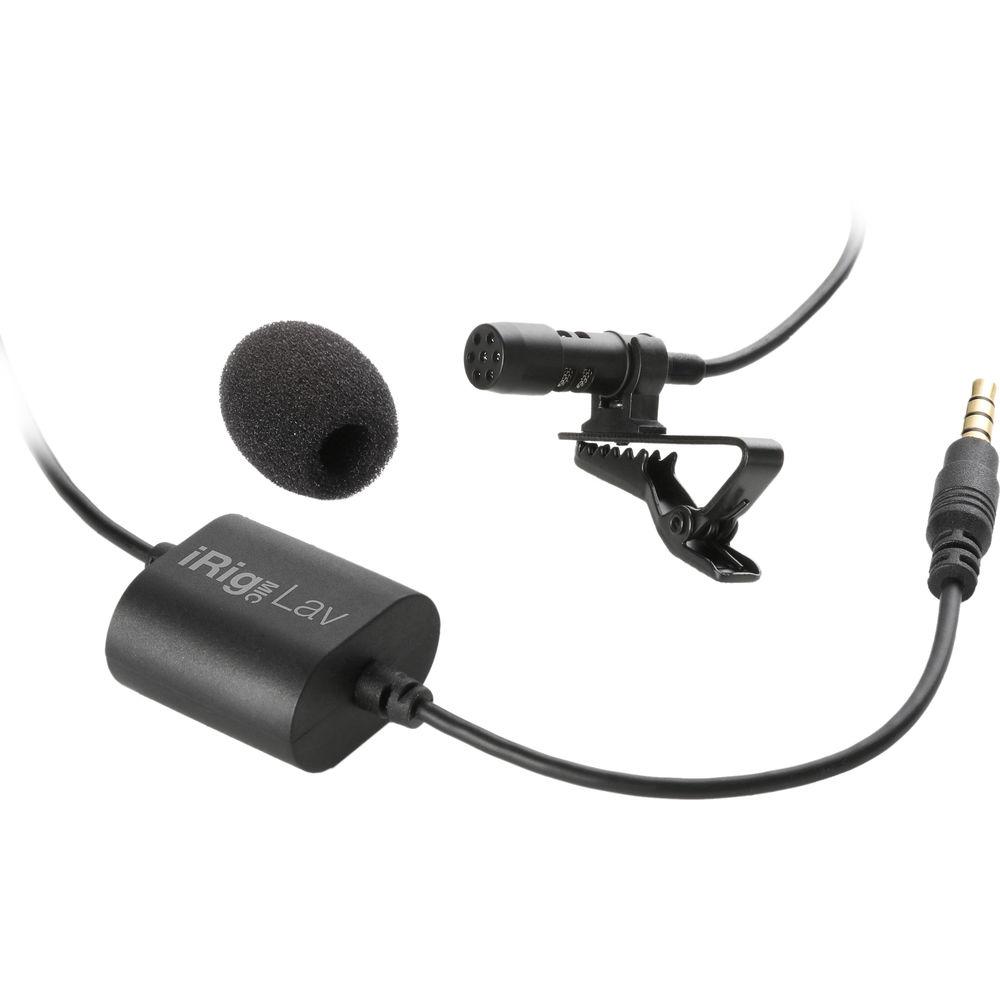
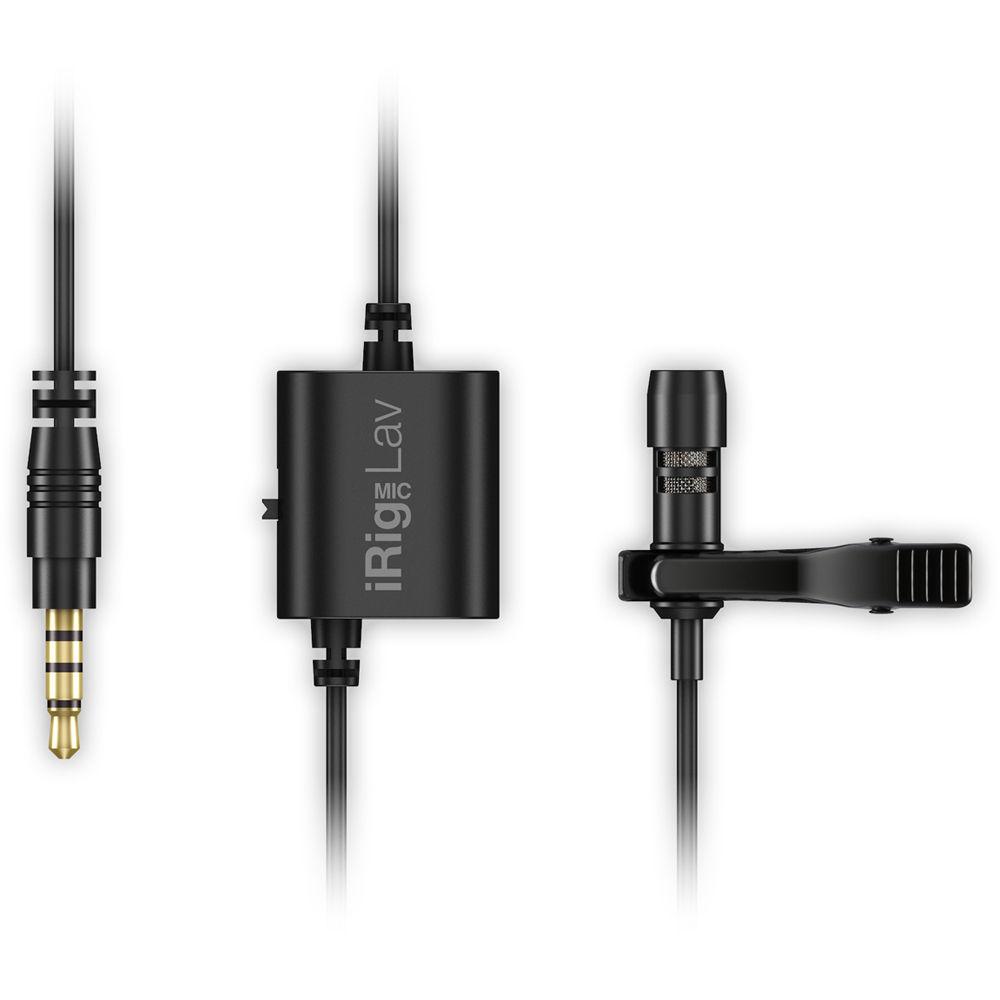
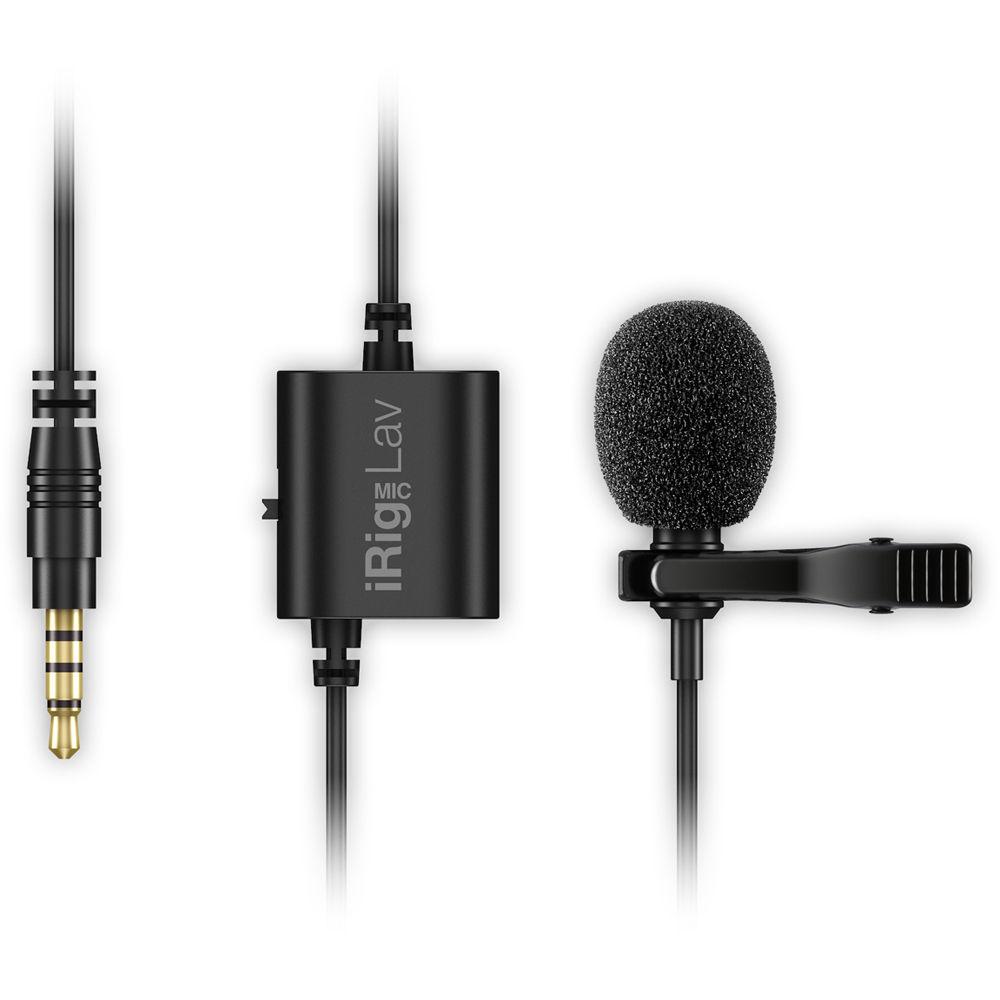
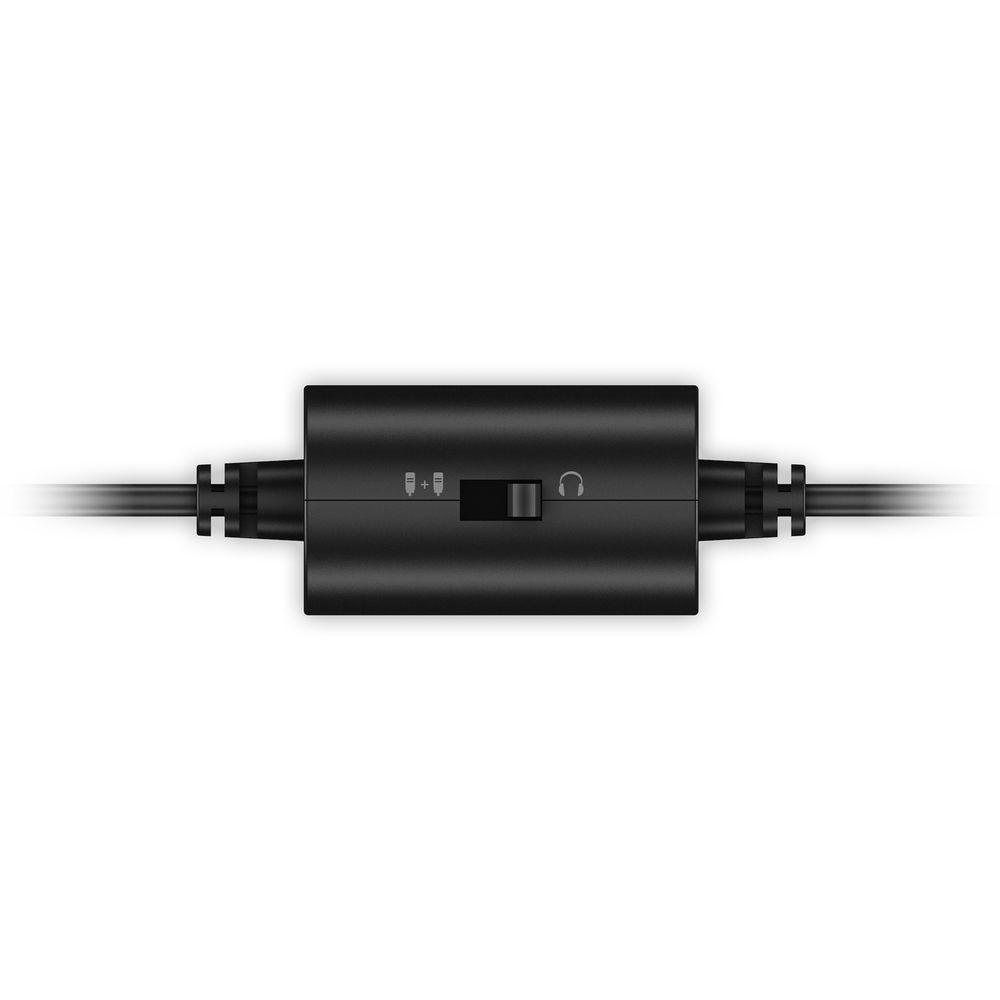
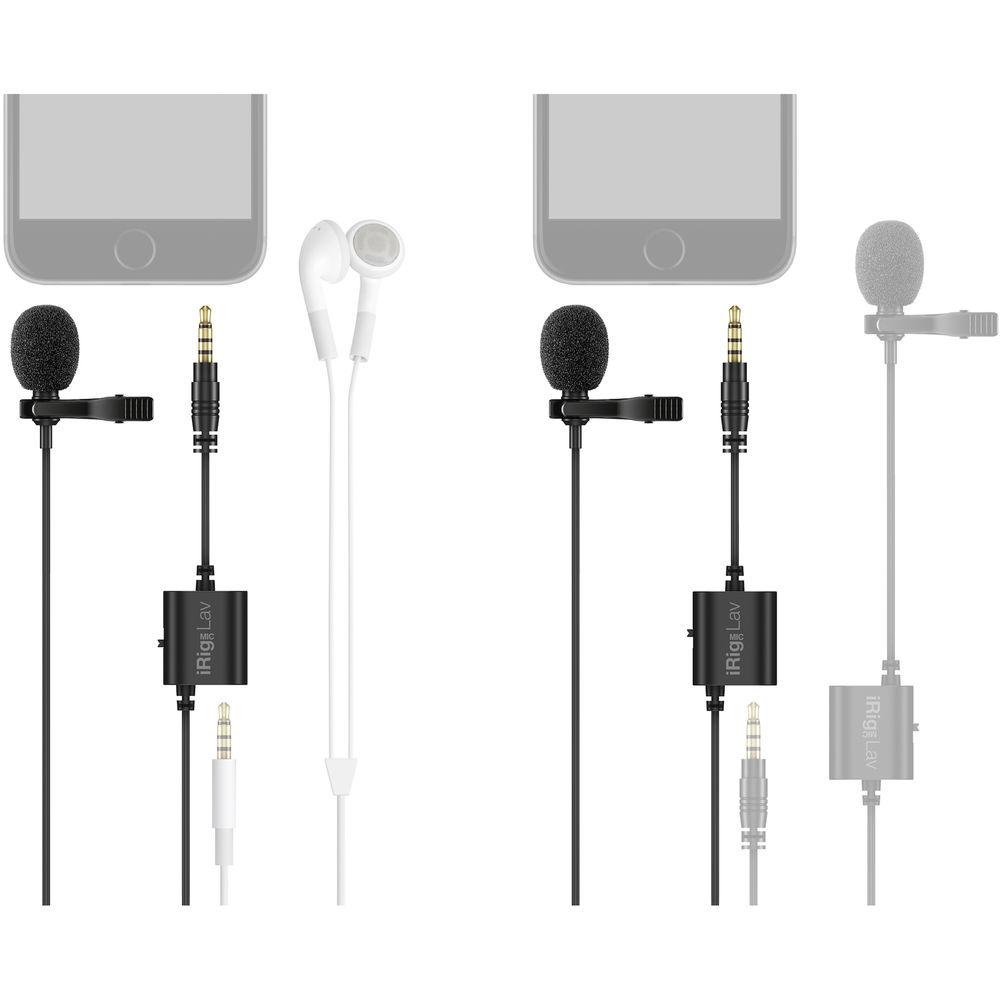
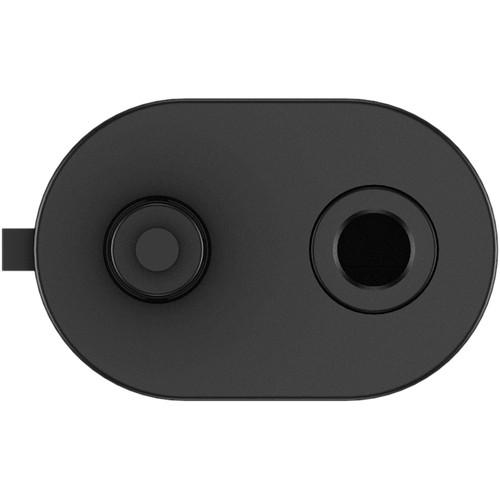
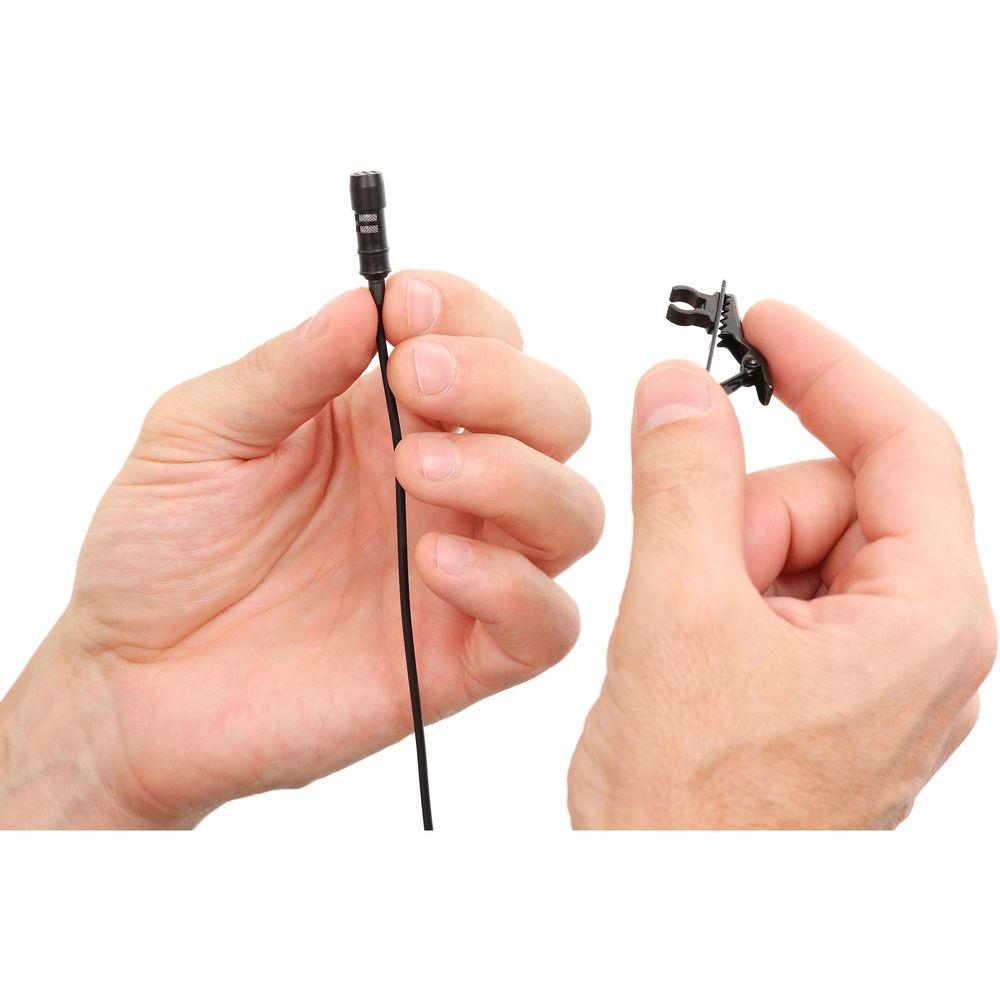
Product description The 2-pack iRig Mic Lav for Smartphone/Tablets from IK Multimedia is an omnidirectional condenser lavalier microphone with a 30 Hz to 16 kHz frequency range that comes with a foam pop filter to eliminate vocal plosives, wind noises and other unwanted sound in applications for iPhone, iPad, iPod touch and Android mobile devices. Capturing broadcast-quality audio in the field, the iRig Mic Lav comes with on-board monitoring, and has a 1/8" TRRS port that can be used to output audio to your headphones. In addition, you can chain and record up to two iRig Mic Lav's on the same device using the dual-purpose 1/8" TRRS port. To monitor a dual iRig Mic Lav setup, you just need to set the switch on the second iRig Mic Lav's jack to "monitor," and then you'll be able to plug in your headphones. Furthermore, iRig Mic Lav is ready to record right out of the box. You get iRig Recorder Free, VocaLive, which is an effects processor and multi-track recording app, and EZ Voice for iPhone, iPad, iPod touch, and Android devices. EZ Voice allows you to practice and record over any song stored in your device's music library. Finally, the iRig Mic Lav with the included audio capture apps is a suitable choice for interviews, to making podcasts, and everything in between. In the Box IK Multimedia iRig Mic Lav for Smartphone/Tablets (2-Pack) Removable Foam Windshield Removable Mounting Clip Carrying Case Limited 1-Year Warranty Table of Contents
|
Upload User Manual
Have you got an user manual for the IK Multimedia iRig Mic Lav for Smartphone Tablets in electronic form? Please send it to us and help us expand our library of instruction manuals.
Thank you, too, on behalf of other users.
To upload the product manual, we first need to check and make sure you are not a robot. After that, your "Submit Link" or "Upload File" will appear.
Technical parametersIK Multimedia IP-IRIG-MICLAV2P-IN Specs | Transducer Type | Condenser, Electret | | Polar Pattern | Omnidirectional | | Frequency Response | 30 Hz to 16 kHz, -3 dB | | Maximum SPL | 120 dB | | Sensitivity | -35 ±3 dB at 1 kHz, 0 dB=1 V/Pa | | Capsule Diameter | 0.24" (6 mm) | | Cable Length | 59.1" (150 cm) | | Output Connector | 1/8" (3.5 mm) TRRS | | iOS Device Compatibility | iPhone 6s Plus, iPhone 6s, iPhone 6 Plus, iPhone 6, iPhone 5s, iPhone 5c, iPhone 5, iPhone 4s, iPhone 4, iPhone 3GS, iPod touch (5th, 4th and 3rd generation), iPad Air 2, iPad mini 4, iPad mini 3, iPad Air, iPad mini 2, iPad 4th generation, iPad mini, iPad 3rd generation, iPad 2, iPad. iOS 4.3 or later is required | | Android System Requirements | The mobile device must be compliant with the CTIA/AHJ wiring standard. Android devices branded Samsung, LG, Motorola, Google Nexus, HTC, Huawei, Sony, Lenovo, Xiaomi and more, use this standard | | Supported Computers | Mac computers from 2008-2013 are compatible with the exception of the Mac Pro line.
There are issues with 2014 MacBook Pro and MacBook Air models as well as late 2013 iMac models, making them not compatible | | Dimensions (L x W) | Microphone: 0.94 x 0.3" (24 x 7.5 mm)
In-Line Connector: 0.94 x 0.94" (24 x 24 mm) | | Weight | 0.78 oz (22 g) | | | | Package Weight | 0.39 lb | | Box Dimensions (LxWxH) | 6.3 x 5.4 x 1.95" |
Rating94% users recommend this product to others. And what about you?

This product has already been rated by 89 owners. Add your rating and experience with the product.
Discussion
 Ask our technicians if you have a problem with your settings,
or if anything is unclear in the user manual you have downloaded.
You can make use of our moderated discussion.
The discussion is public and helps other users of our website who may be encountering similar problems.
Ask our technicians if you have a problem with your settings,
or if anything is unclear in the user manual you have downloaded.
You can make use of our moderated discussion.
The discussion is public and helps other users of our website who may be encountering similar problems.
The discussion is empty - enter the first post
Post a new topic / query / comment:
|
|


