User Manual for IK Multimedia Miroslav Philharmonik 2 CE - Virtual Instrument Collection Click to enlarge the picture
 Contents of the user manual for the IK Multimedia Miroslav Philharmonik 2 CE
- Product category: Virtual Instruments IK Multimedia
- Brand: IK Multimedia
- Description and content of package
- Technical information and basic settings
- Frequently asked questions – FAQ
- Troubleshooting (does not switch on, does not respond, error message, what do I do if...)
- Authorized service for IK Multimedia Virtual Instruments
 |
User manual for the IK Multimedia Miroslav Philharmonik 2 CE contain basic instructions
that need to be followed during installation and operation.
Before starting your appliance, the user manual should be read through carefully.
Follow all the safety instructions and warnings, and be guided by the given recommendations.
User manual is an integral part of any IK Multimedia product,
and if it is sold or transferred, they should be handed over jointly with the product.
Following the instructions for use is an essential prerequisite for protecting
health and property during use, as well as recognition of liability on the part of the manufacturer
for possible defects should you make a warranty claim. Download an official IK Multimedia user manual in which you will find instructions on how to install, use, maintain and service your product.
And do not forget – unsuitable use of a IK Multimedia product will considerably shorten its lifespan!
|
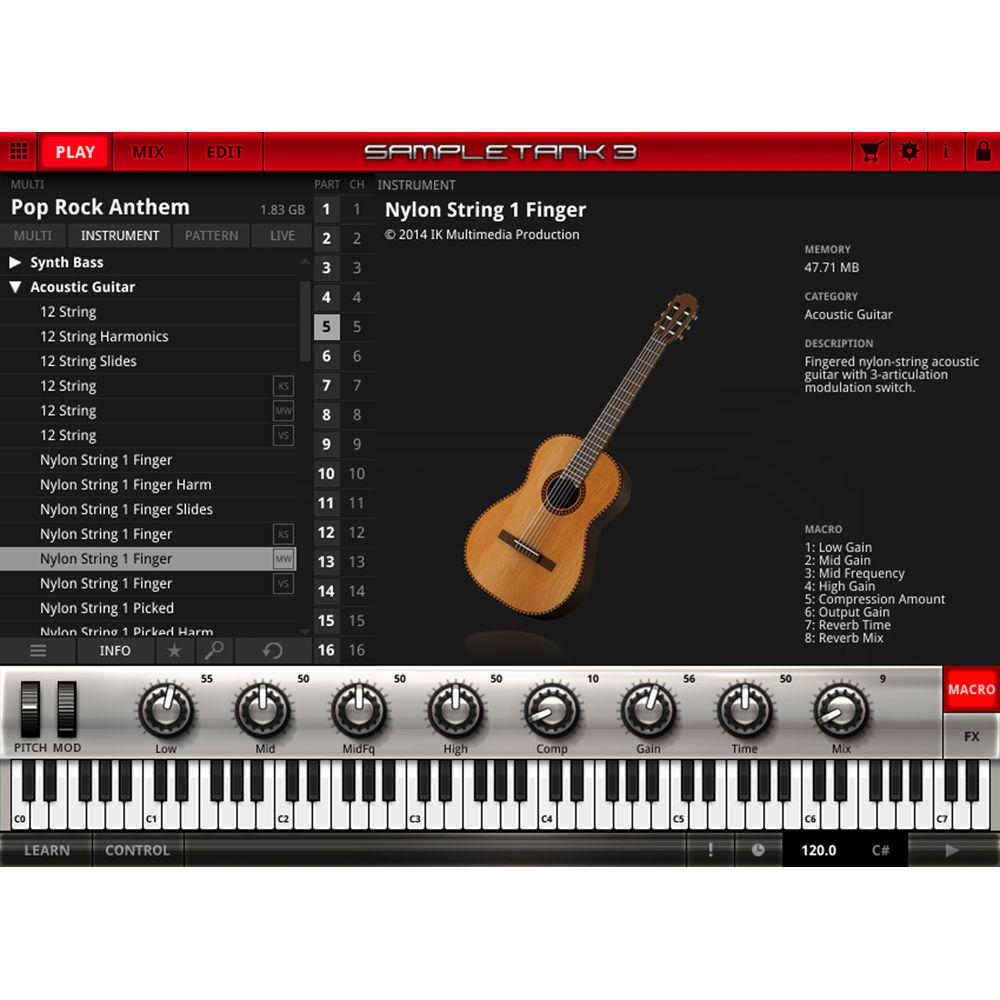
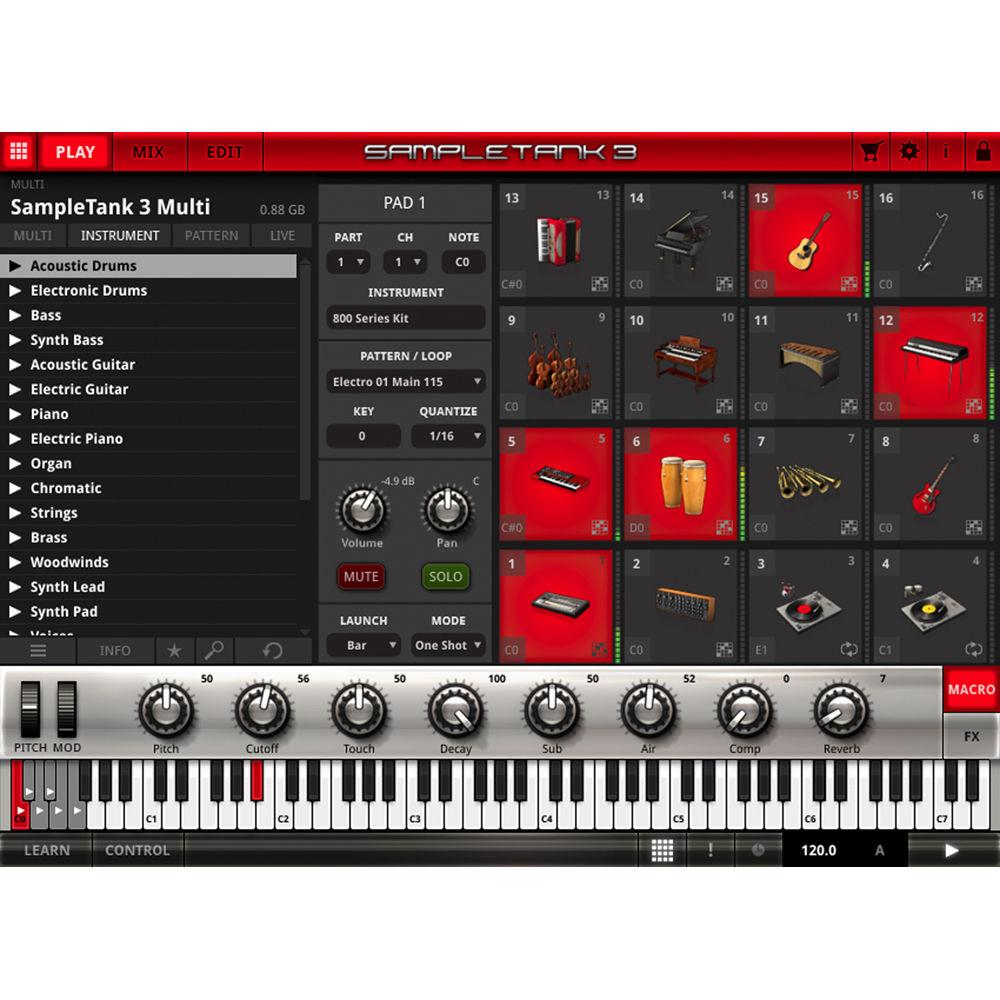
Product description Available for download, this Classik Edition of Miroslav Philharmonik 2 from IK Multimedia is a virtual instrument collection comprising orchestral sounds produced and recorded by Miroslav Vitous, an upright bassist of some renown. Each sound was recorded at CNSO Studios in Prague, and the sum total of this sample library is over 10GB, providing you with 16-bit/44.1 kHz samples. This version gives you 733 individual instruments, offering you a peak into what the full library of Miroslav Philharmonik 2 can offer.
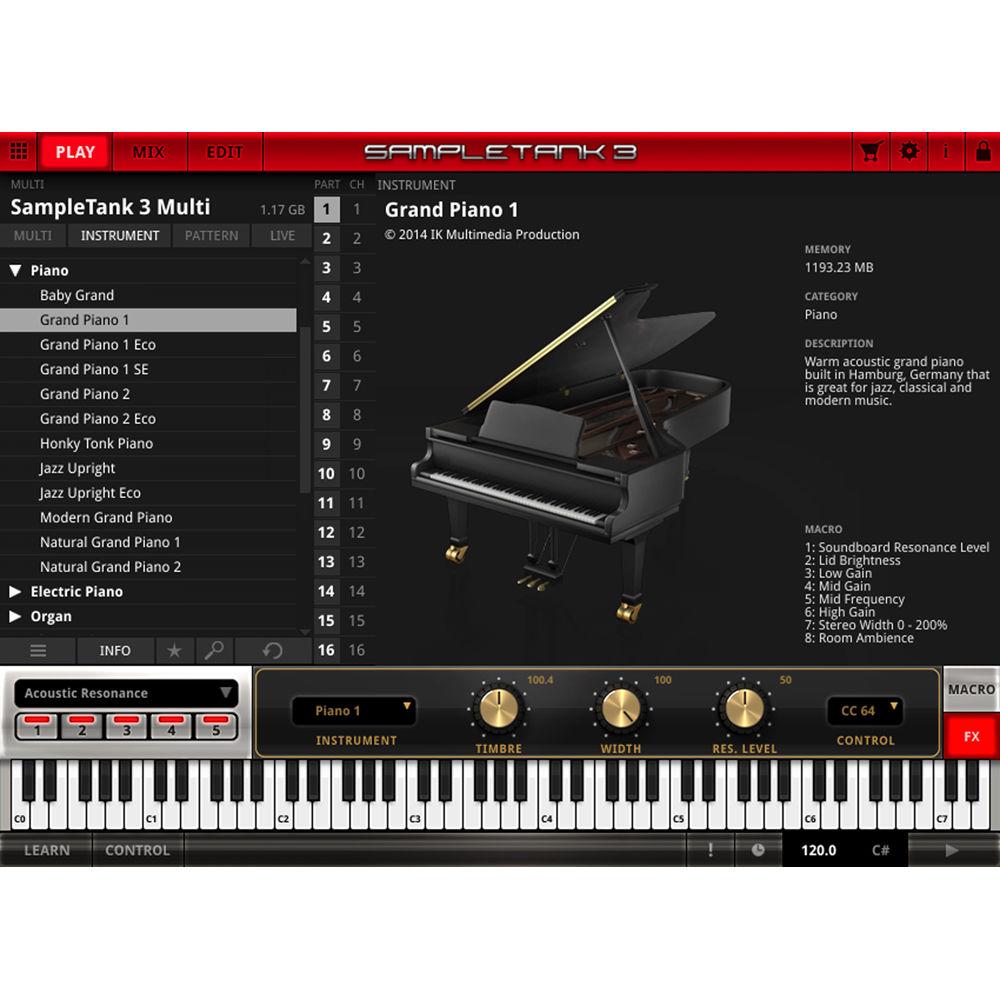
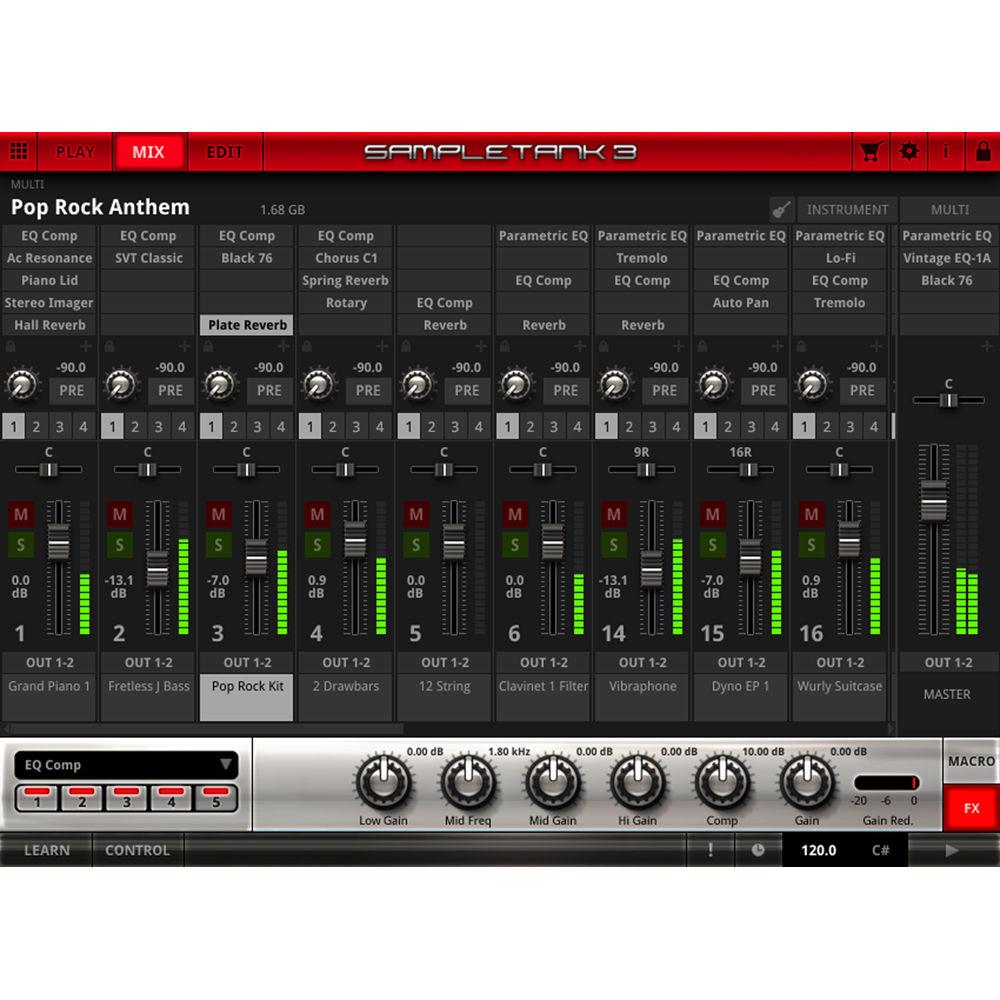
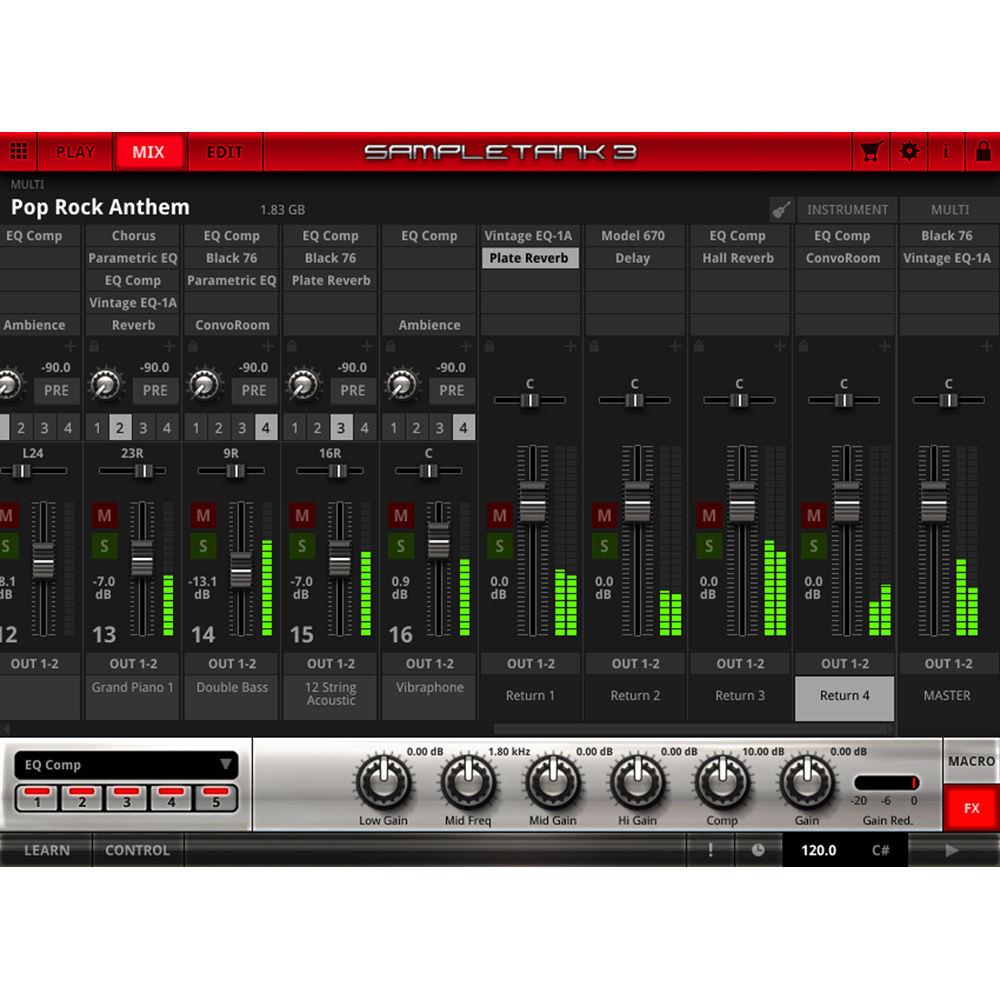
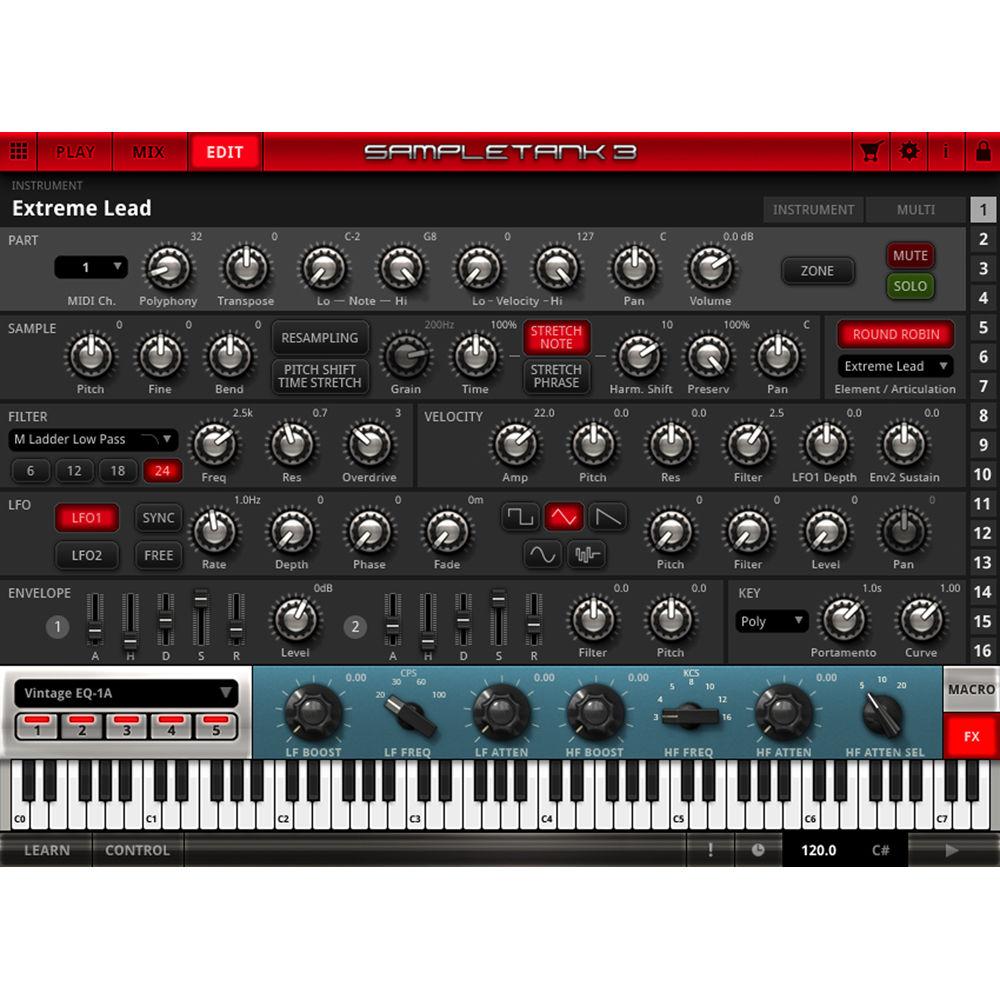
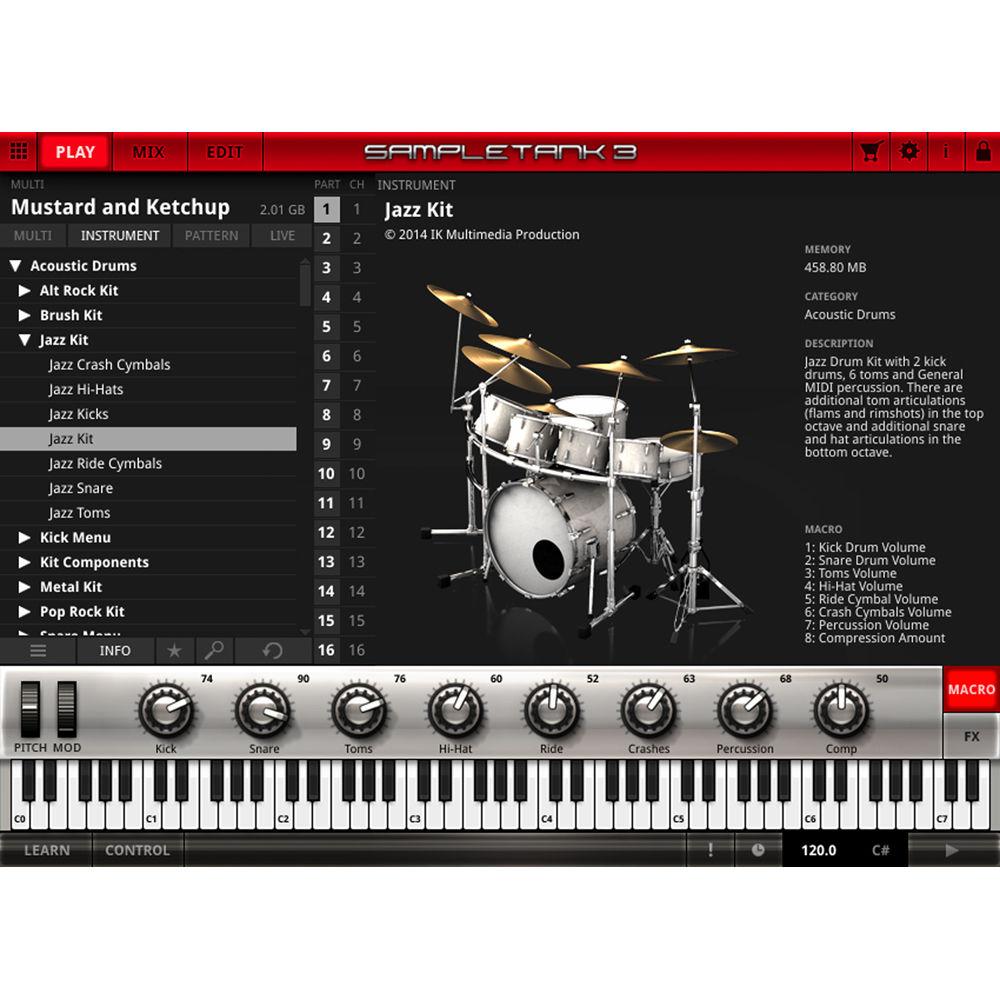
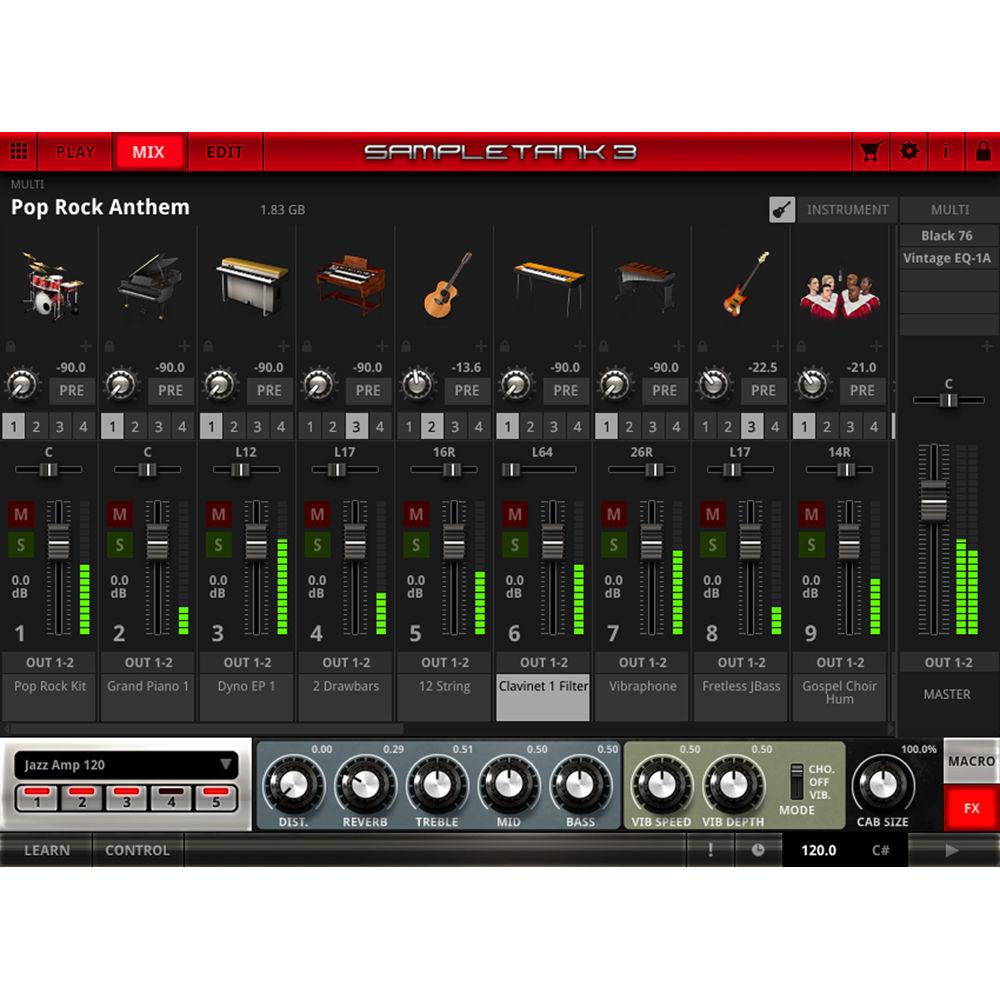
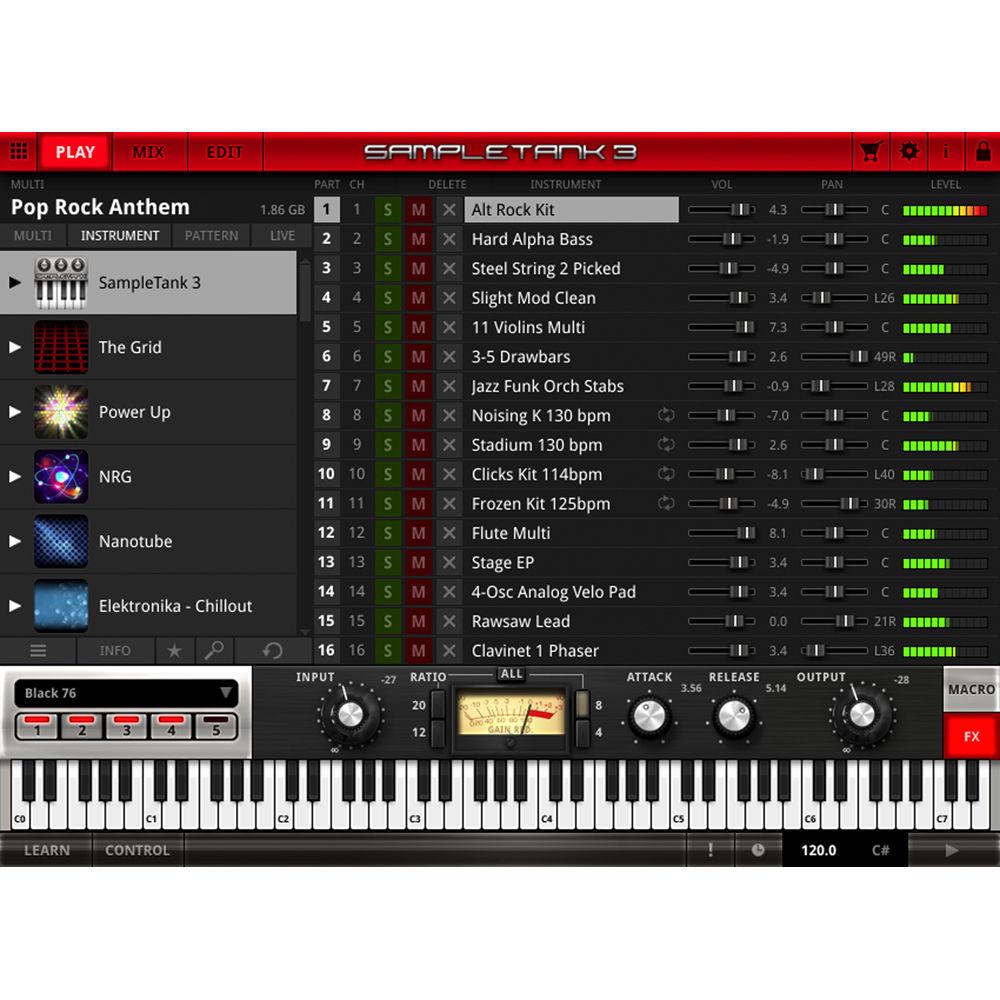
Mirsolav Philharmonik 2 CE allows you to program many different articulations straight from the keyboard, so you can switch on the fly between detache, staccato, legato, and more when playing a viola, for example. Eight macro controls, the nature of which change depending of the instrument loaded, are provided, as are 34 effects from SampleTank 3 and four T-RackS mastering modules, giving you tonal flexibility in the mixing process. Indeed, should you decide to the mix your orchestral sound within this software, you can do so via the multichannel, DAW-link interface, which offers 16 tracks, five insert effects per channel, four stereo effect sends per channel, four stereo effect returns with five insert effects each, and a master channel also with five insert effects.
This software is based on SampleTank 3 technology, and as such, it can be integrated as an instrument collection within SampleTank 3. However, you can use it in stand-alone mode as well, and of course, as a plug-in within many DAWs. The virtual instrument is compatible with Mac and Windows platforms, and operates in AU, VST, or AAX formats. - Notable Features
-
- Over 10GB of 16-bit / 44.1 kHz samples
- Recorded and produced by Miroslav Vitous, an upright bassist of some renown
- Over 700 instruments
- Multiple articulations per instrument with articulation switching
- Included ConvoRoom convolution reverb with 3D GUI
- 34 effects from SampleTank 3
- 4 mastering processors from T-RackS
- DAW-like Mix interface
- Access to the instrument Edit page with 3 sample engines (including formant-preserving pitch-shifting and time-stretching engines), 10 filter types, and 8 macro controls per instrument for quick multi-parameter editing
- Based on SampleTank 3’s 64-bit engine
- Recorded at CNSO Studios in Prague
- Stand-alone workstation, DAW plug-in, or add-on instrument collection for SampleTank 3
- Three Synth Engines
-
- STRETCH
- Pitch-Shift/Time-Stretch
- Resampling
- Effect List
-
- Amp Components: Tone Control
- EQ and Dynamics: Black 76, Model 670, White 2A, Vintage EQ-1A, Compressor, Parametric EQ, EQ Comp, Limiter
- Modulation: Chorus C1, Electric Flanger, Rotary Speaker, Uni-V, Small Phazer, Chorus, Phaser, Tremolo, Flanger
- Reverb and Delay: Acoustic Resonance, Tape Echo, Hall Reverb, ConvoRoom, Plate Reverb, Reverb, Ambience, Delay, Spring Reverb
- Filters / Other: Piano Lid, Stereo Imager, LFO Filter, Phonograph, Env Filter, Slicer, Lo-Fi
Table of Contents
|
Upload User Manual
Have you got an user manual for the IK Multimedia Miroslav Philharmonik 2 CE - Virtual Instrument Collection in electronic form? Please send it to us and help us expand our library of instruction manuals.
Thank you, too, on behalf of other users.
To upload the product manual, we first need to check and make sure you are not a robot. After that, your "Submit Link" or "Upload File" will appear.
Technical parametersIK Multimedia MP-2CE-DID-IN Specs | General Requirements | 10 GB of hard drive space
4 GB of RAM (8 GB suggested)
Internet Connection for product registration
| | System Requirements | Mac
Intel Core 2 Duo
Mac OS X 10.7 or later
Windows
Intel Core 2 Duo or AMD Athlon 64 X2
Windows 7, Windows 8, or Windows 10
ASIO-compatible sound card | | Supported Interfaces | Stand-Alone, Audio Units, VST 2, VST 3, AAX, or for use in SampleTank 3 Engine |
Rating80% users recommend this product to others. And what about you?

This product has already been rated by 01 owners. Add your rating and experience with the product.
Discussion
 Ask our technicians if you have a problem with your settings,
or if anything is unclear in the user manual you have downloaded.
You can make use of our moderated discussion.
The discussion is public and helps other users of our website who may be encountering similar problems.
Ask our technicians if you have a problem with your settings,
or if anything is unclear in the user manual you have downloaded.
You can make use of our moderated discussion.
The discussion is public and helps other users of our website who may be encountering similar problems.
The discussion is empty - enter the first post
Post a new topic / query / comment:
|
|


