User Manual for ikan Atlas 19.5" Studio Field Monitor Click to enlarge the picture
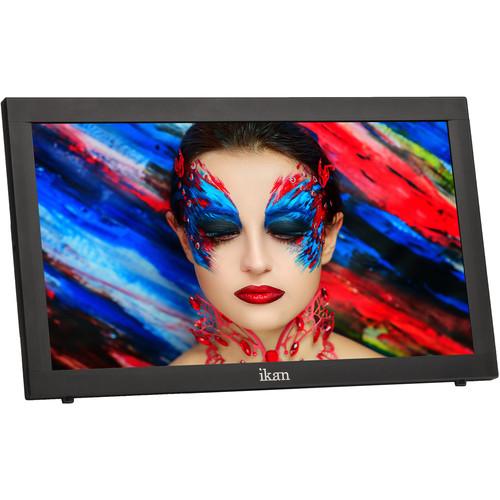 Contents of the user manual for the ikan Atlas 19.5" Studio Field Monitor
- Product category: Production Monitors ikan
- Brand: ikan
- Description and content of package
- Technical information and basic settings
- Frequently asked questions – FAQ
- Troubleshooting (does not switch on, does not respond, error message, what do I do if...)
- Authorized service for ikan Production Monitors
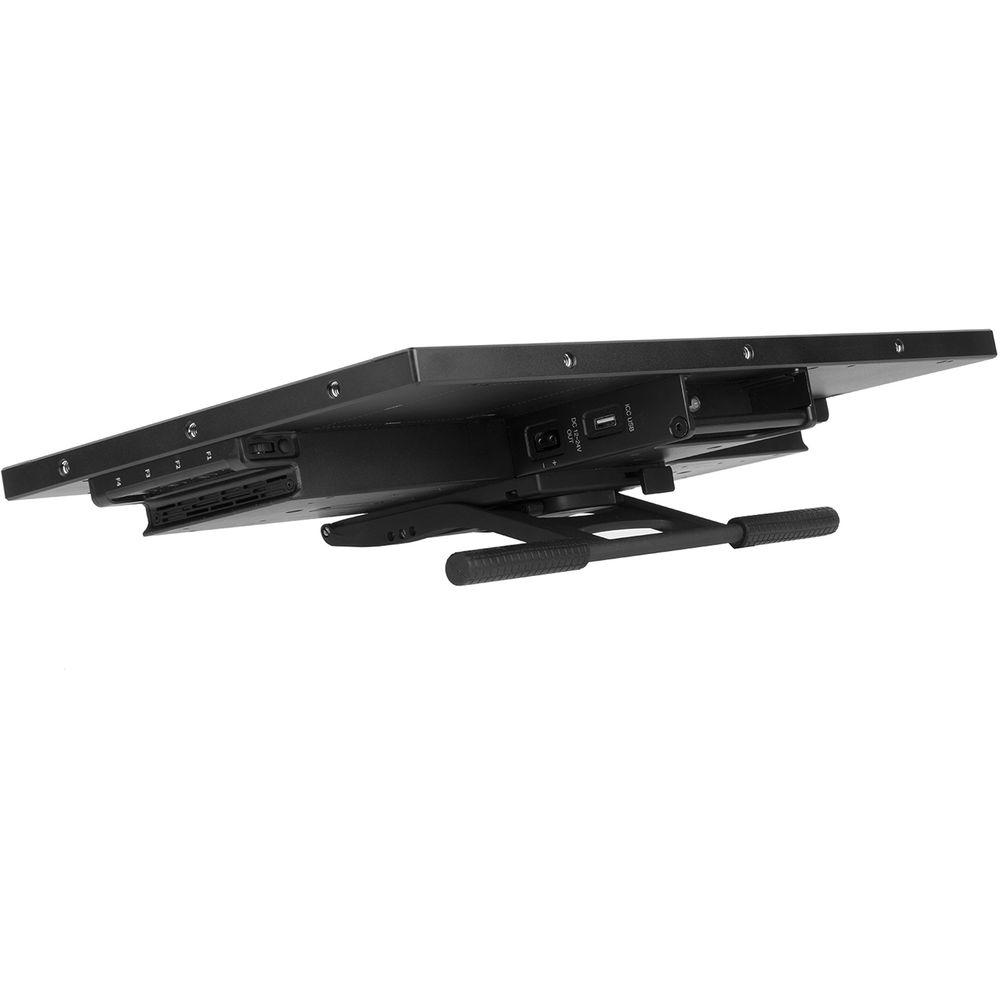 |
User manual for the ikan Atlas 19.5" Studio Field Monitor contain basic instructions
that need to be followed during installation and operation.
Before starting your appliance, the user manual should be read through carefully.
Follow all the safety instructions and warnings, and be guided by the given recommendations.
User manual is an integral part of any ikan product,
and if it is sold or transferred, they should be handed over jointly with the product.
Following the instructions for use is an essential prerequisite for protecting
health and property during use, as well as recognition of liability on the part of the manufacturer
for possible defects should you make a warranty claim. Download an official ikan user manual in which you will find instructions on how to install, use, maintain and service your product.
And do not forget – unsuitable use of a ikan product will considerably shorten its lifespan!
|
Product description - Atlas AX20 19.5" Monitor with 3D LUTs and Scopes | Ikan Tech Corner
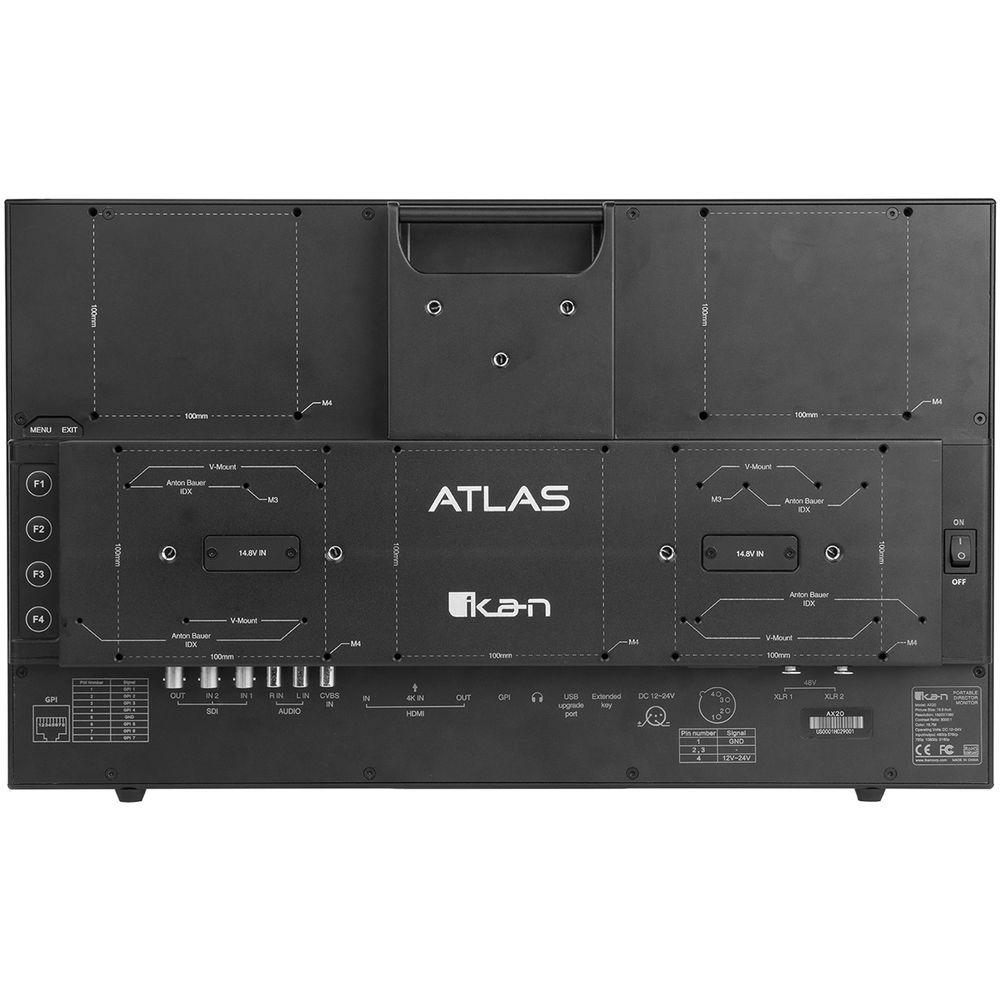
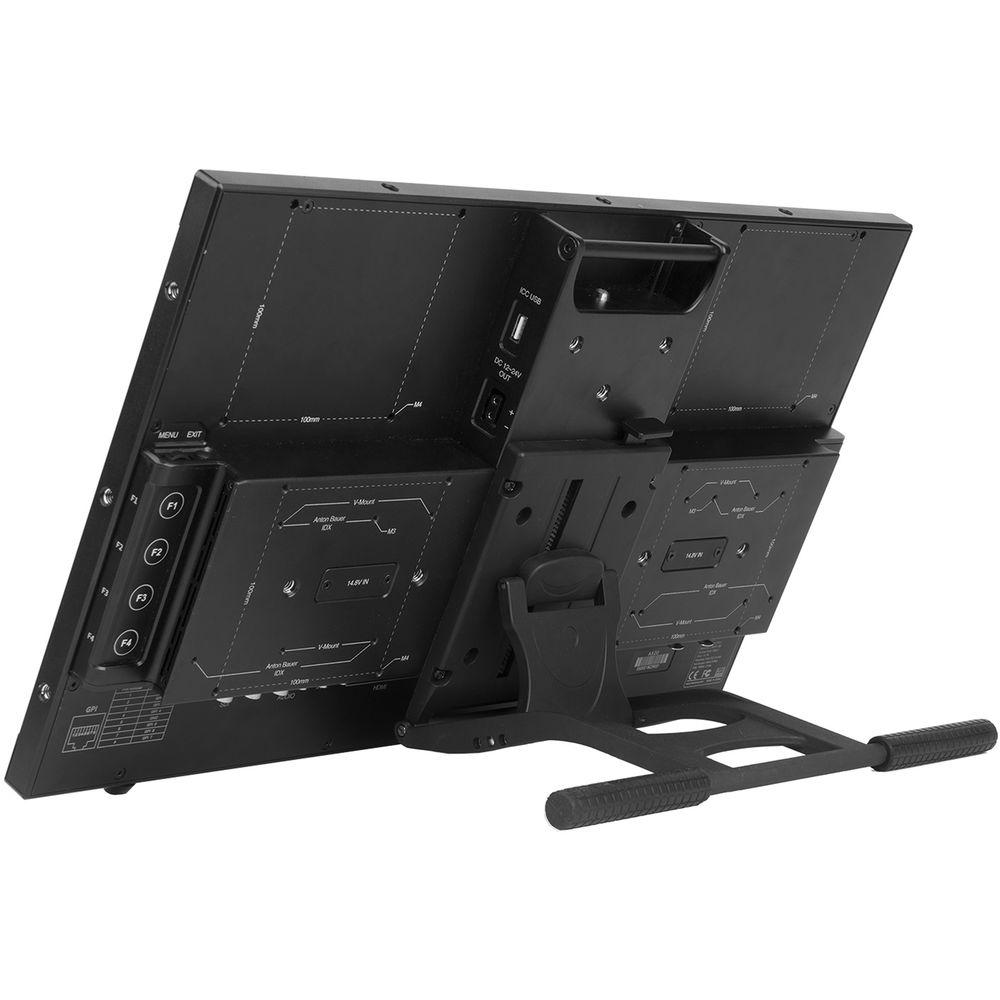
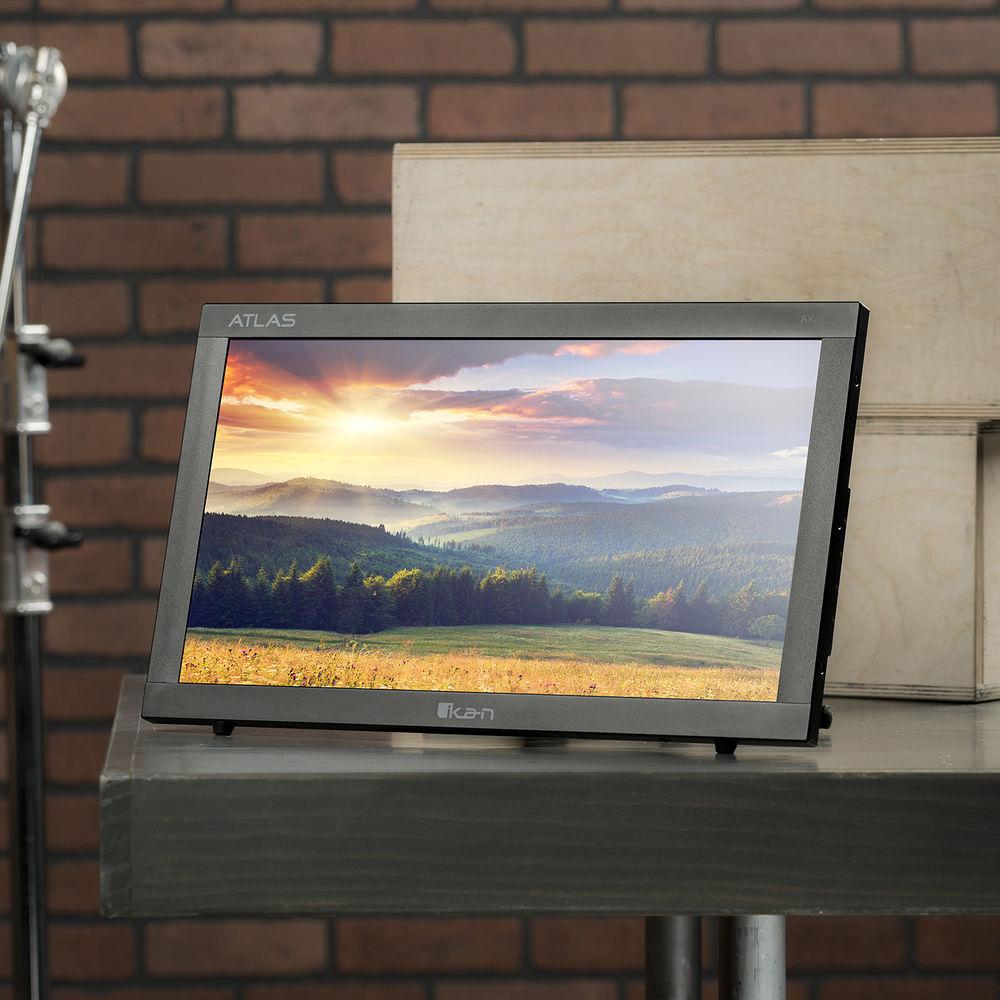
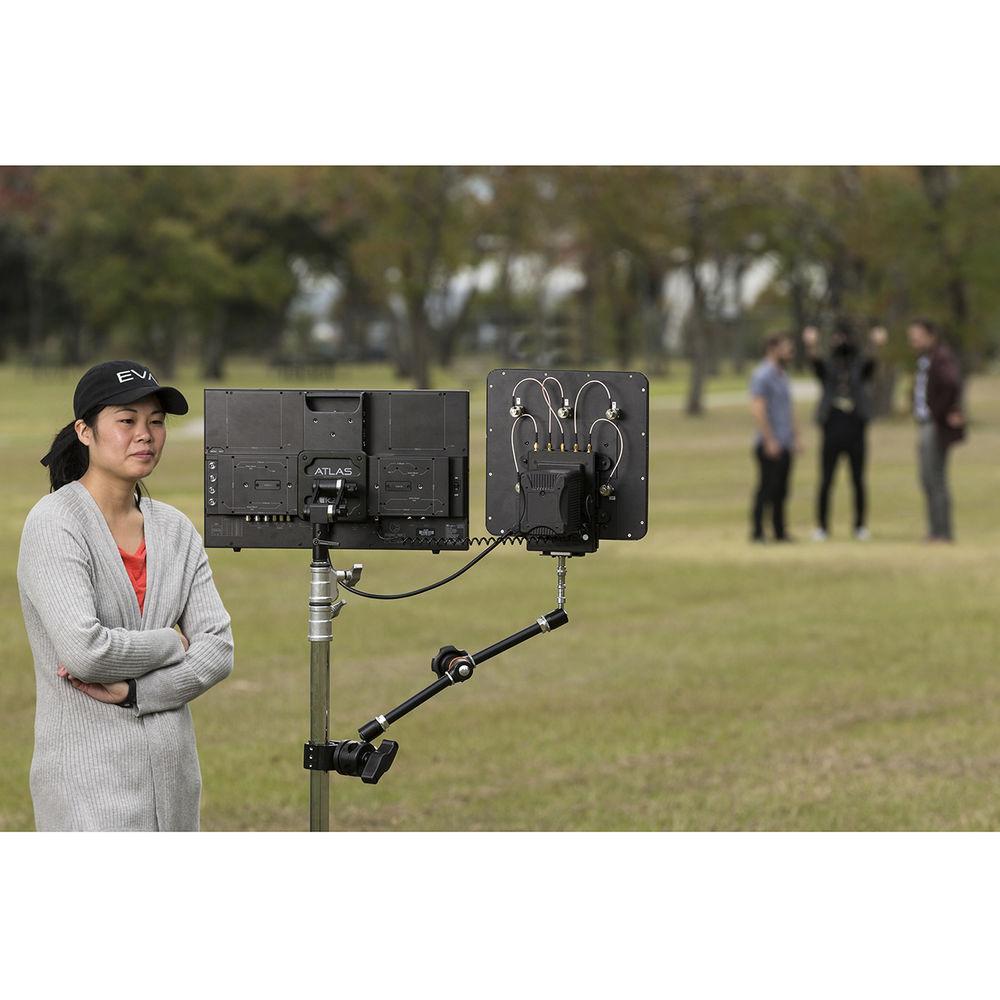
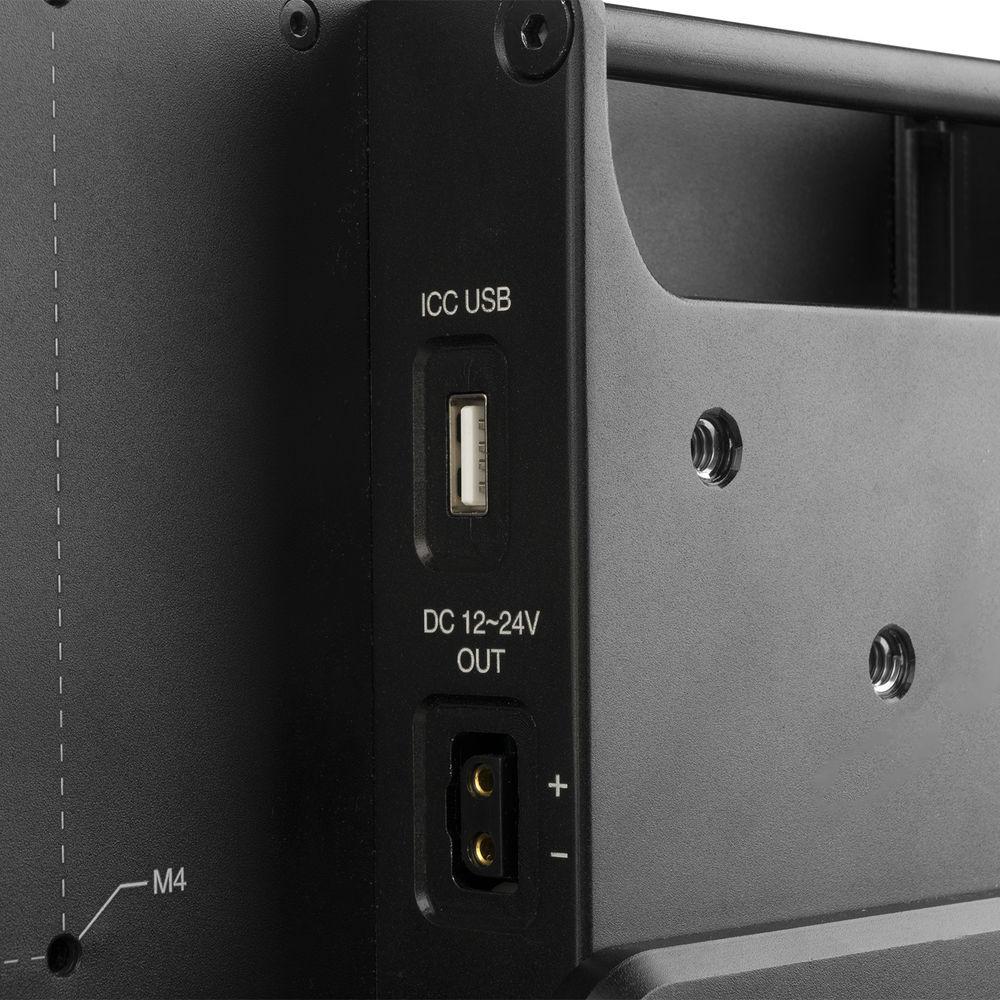
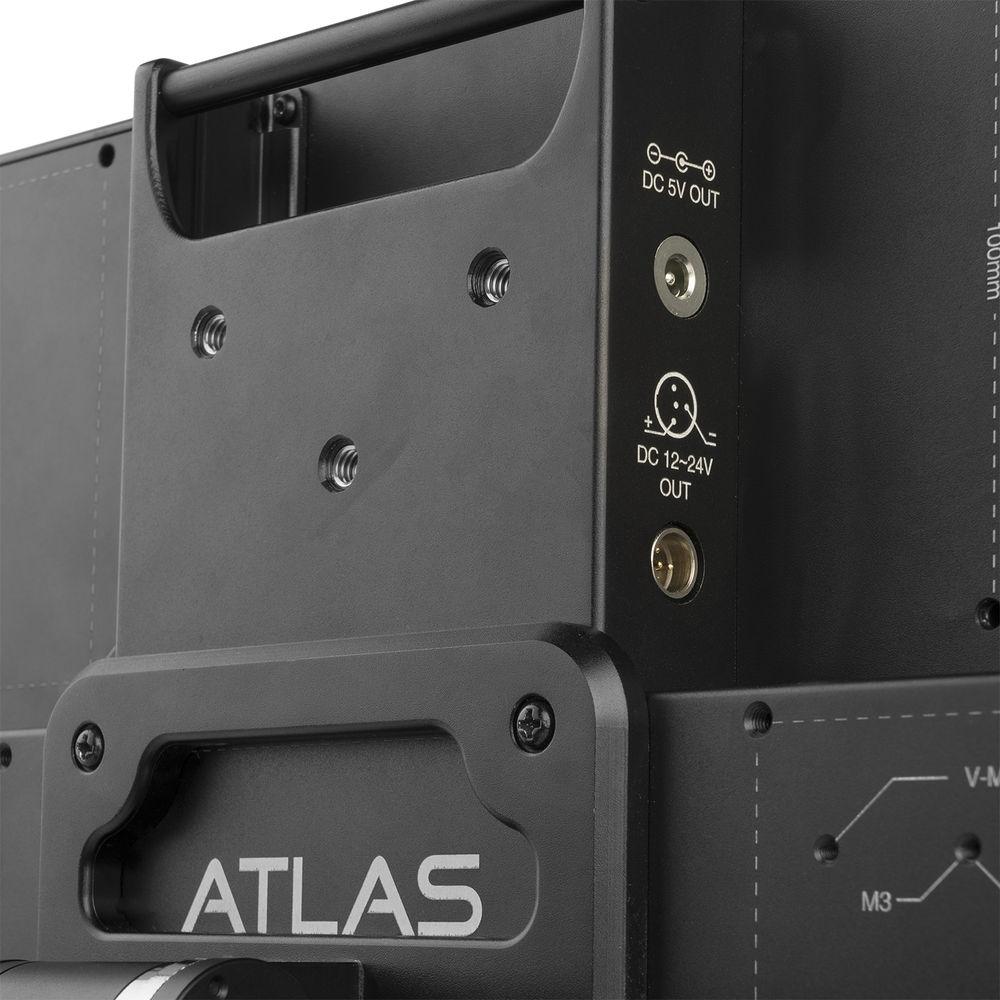
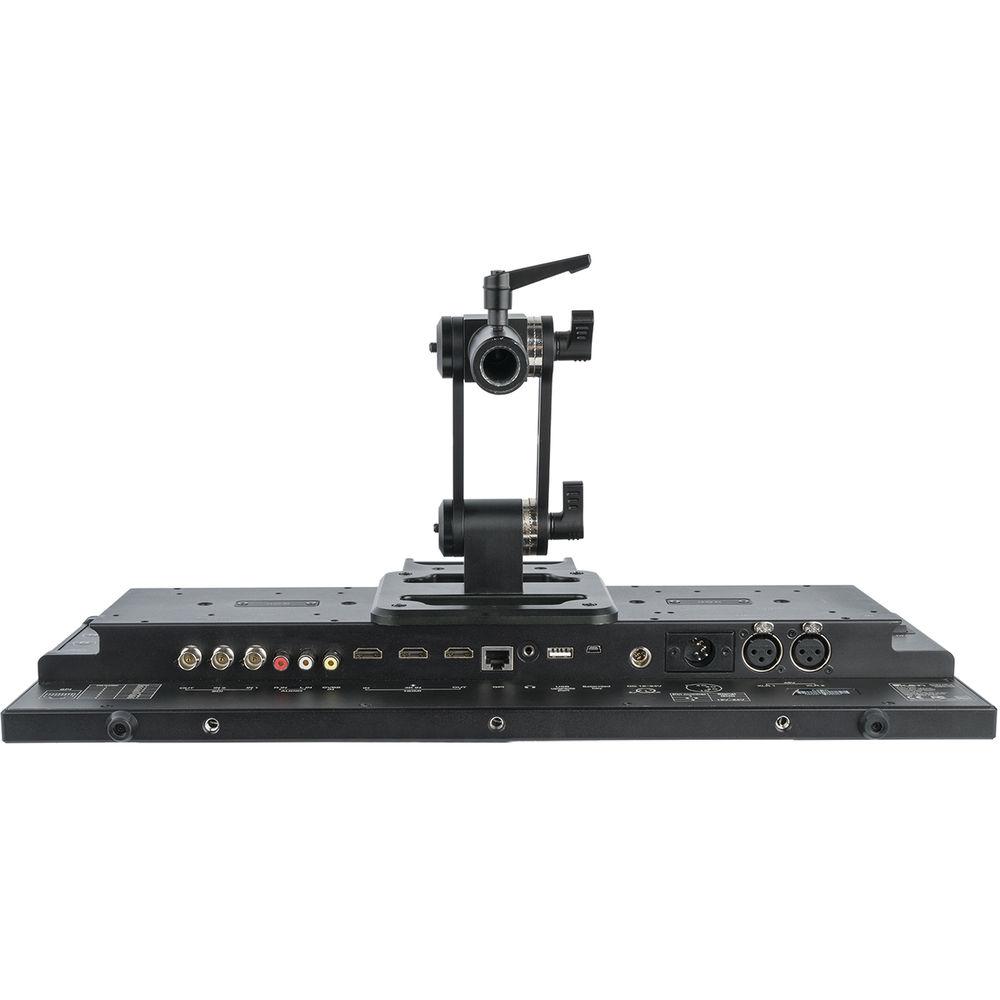
The Atlas 19.5" Studio/Field Monitor from ikan features a 1920 x 1080 resolution LCD and 3G-SDI inputs with looping output. It supports Ultra HD and DCI 4K via HDMI input. With a durable aluminum frame, multiple VESA mounts, power outputs, and ikan's Quick Mount system, it is suitable for field use. The 19.5" LCD panel, waveform, vectorscope, CIE scopes, and the custom 3D-LUT import capability make it suitable for studio use as well. -
- 3G-SDI inputs with looping output
- HDMI input with looping output
- Ultra HD and DCI 4K support via HDMI input
- False color, peaking, and clip guides
- DSLR scaling
- Waveform, vectorscope, RGB parade, and CIE scope
- Heavy-duty aluminum construction
- 3G-SDI, HDMI, VGA, DVI video inputs
UPC: 847983023370 In the Box ikan Atlas 19.5" Studio/Field Monitor Limited 1-Year Warranty Table of Contents
|
Upload User Manual
Have you got an user manual for the ikan Atlas 19.5" Studio Field Monitor in electronic form? Please send it to us and help us expand our library of instruction manuals.
Thank you, too, on behalf of other users.
To upload the product manual, we first need to check and make sure you are not a robot. After that, your "Submit Link" or "Upload File" will appear.
Technical parametersikan AX20 Specs | | | 3G-SDI | 1920 x 1080p at 50, 59.94, 60 Hz | | HD-SDI | 1280 x 720p at 50, 59.94, 60 Hz
1920 x 1080i at 50, 59.94, 60 Hz
1920 x 1080psF at 23.98, 24, 25, 29.97, 30 Hz
1920 x 1080p at 23.97, 24, 25, 29.97, 30 Hz | | SD-SDI | 720 x 480i at 59.94, 60 Hz
720 x 576i at 50 Hz | | HDMI | 720 x 480i at 60 Hz
720 x 576i at 50 Hz
1280 x 720p at 50, 59.94, 60 Hz
1920 x 1080i at 50, 59.94, 60 Hz
1920 x 1080psF at 24, 25, 29.97, 30 Hz
1920 x 1080p at 23.97, 24, 25, 29.97, 30, 50, 59.94, 60 Hz
3840 x 2160p at 24, 25, 30 Hz
4096 x 2160p at 24 Hz | | Component | 720 x 480i at 60 Hz
720 x 576i at 50 Hz
1280 x 720p at 23.97, 24, 25, 29.94, 30, 50, 59.94, 60 Hz
1920 x 1080i at 50, 59.94, 60 Hz
1920 x 1080psF at 24, 25, 29.97, 30 Hz
1920 x 1080p at 23.97, 24, 25, 29.94, 30 Hz | | Composite | NTSC-M, NTSC-J, NTSC 4.43
PAL B/G H I D, PAL M, PAL N
SECAM | | S-Video | NTSC-M, NTSC-J, NTSC 4.43
PAL B/G H I D, PAL M, PAL N
SECAM | | DVI | 1920 x 1080p (24/25/30/50/60 Hz)
1920 x 1080psF (24/25/30 Hz)
1280 x 720p (24/25/30/50/60 Hz)
720 x 480i/p (60 Hz)
1920 x 1200 / 1680 x 1050 / 1600 x 1200 / 1440 x 900 / 1360 x 768 / 1280 x 1024 / 1280 x 960 / 1280 x 800 / 1280 x 768 / 1152 x 870 / 1152 x 864 / 1024 x 768 / 832 x 624 / 800 x 600 / 640 x 480 / 720 x 400 / 640 x 350 / 640 x 400 | | | | Screen Size (Diagonal) | 19.5" / 49.5 cm | | Resolution | 1920 x 1080 | | Viewing Angle (H/V) | 178°/178° | | Aspect Ratio | 16:9 | | Brightness | 240 cd/m2 | | Material | Aluminum | | Color System | PAL/NTSC/SECAM (auto-detected) | | Contrast Ratio | 3000:1 | | Display Technology | IPS | | Inputs | 3G-SDI, HDMI, VGA, DVI | | Operating Temperature | 32 to 122°F / 0 to 50°C | | Operating Voltage | 12 to 24 VDC | | Outputs | 3G-SDI, HDMI, VGA, DVI | | Dimensions | 19.2 x 11.4 x 2.0" / 48.8 x 29.0 x 5.1 cm | | Weight | 11.5 lb / 5.2 kg | | | | Package Weight | 18.25 lb | | Box Dimensions (LxWxH) | 23.5 x 15.5 x 8.25" |
Rating100% users recommend this product to others. And what about you?

This product has already been rated by 30 owners. Add your rating and experience with the product.
Discussion
 Ask our technicians if you have a problem with your settings,
or if anything is unclear in the user manual you have downloaded.
You can make use of our moderated discussion.
The discussion is public and helps other users of our website who may be encountering similar problems.
Ask our technicians if you have a problem with your settings,
or if anything is unclear in the user manual you have downloaded.
You can make use of our moderated discussion.
The discussion is public and helps other users of our website who may be encountering similar problems.
The discussion is empty - enter the first post
Post a new topic / query / comment:
|
|


