User Manual for ikan VXF7-DK 7" On-Camera Field Monitor Deluxe Kit Click to enlarge the picture
 Contents of the user manual for the ikan VXF7-DK 7" On-Camera Field Monitor
- Product category: On Camera Monitors ikan
- Brand: ikan
- Description and content of package
- Technical information and basic settings
- Frequently asked questions – FAQ
- Troubleshooting (does not switch on, does not respond, error message, what do I do if...)
- Authorized service for ikan On Camera Monitors
 |
User manual for the ikan VXF7-DK 7" On-Camera Field Monitor contain basic instructions
that need to be followed during installation and operation.
Before starting your appliance, the user manual should be read through carefully.
Follow all the safety instructions and warnings, and be guided by the given recommendations.
User manual is an integral part of any ikan product,
and if it is sold or transferred, they should be handed over jointly with the product.
Following the instructions for use is an essential prerequisite for protecting
health and property during use, as well as recognition of liability on the part of the manufacturer
for possible defects should you make a warranty claim. Download an official ikan user manual in which you will find instructions on how to install, use, maintain and service your product.
And do not forget – unsuitable use of a ikan product will considerably shorten its lifespan!
|
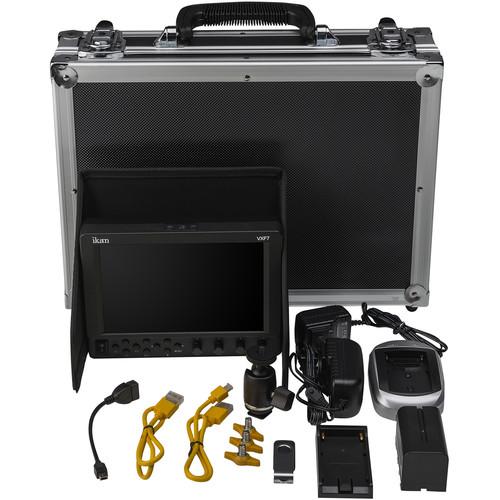
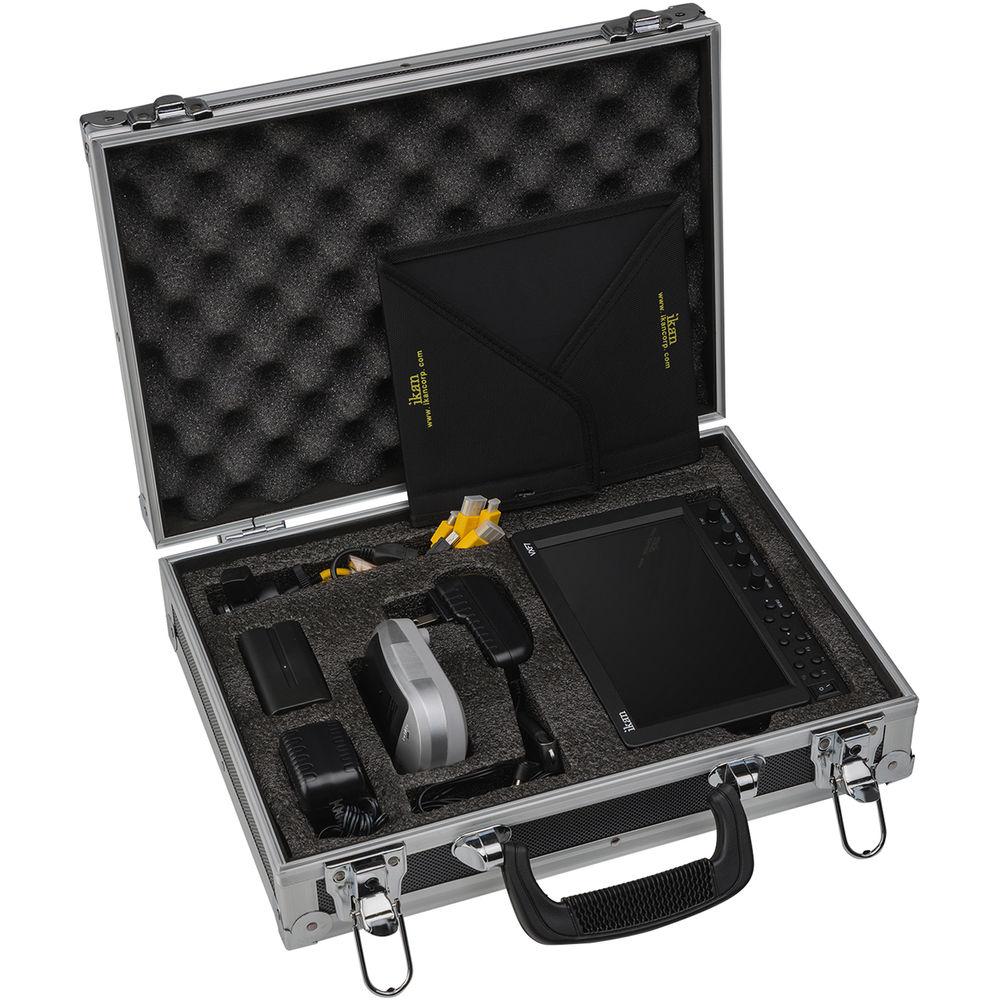
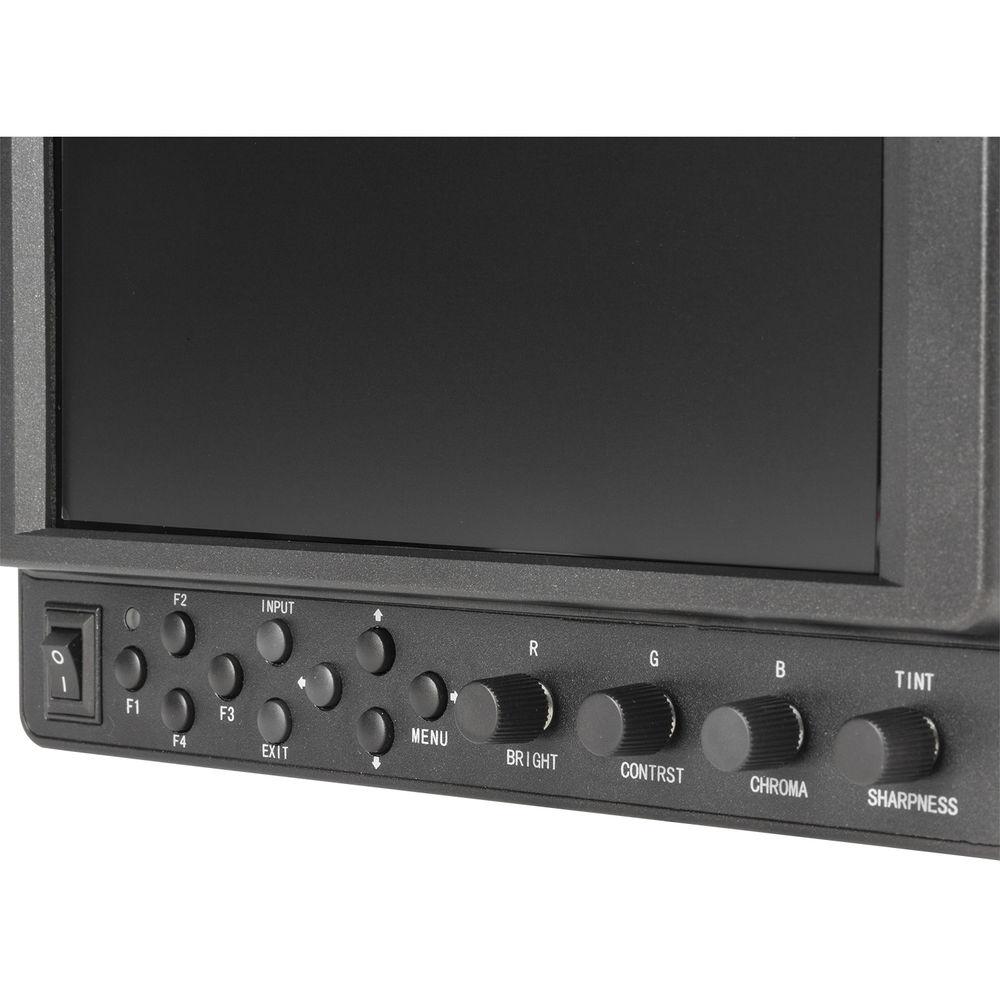
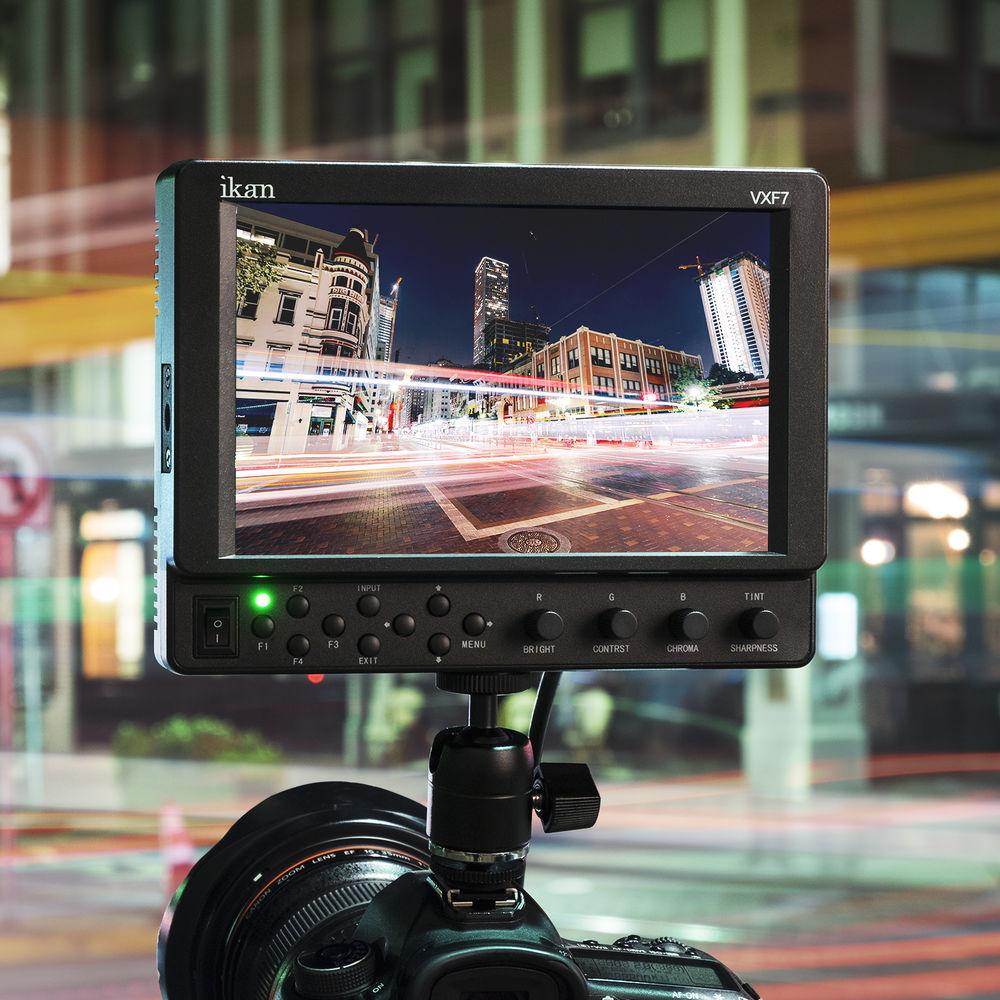
Product description The VXF7-DK 7" On-Camera Field Monitor Deluxe Kit from ikan comes with the VXF7 7" on-camera LCD monitor, one Canon 900-series type battery with compatible adapter plate and charger, an AC adapter for powering the monitor from a wall outlet, and a hard case for easy storage and transportation. This kit also includes a cold shoe mount, 1.5' standard to micro-HDMI cable, 1.5' standard to mini-HDMI cable, USB to mini-USB adapter, and a USB drive.
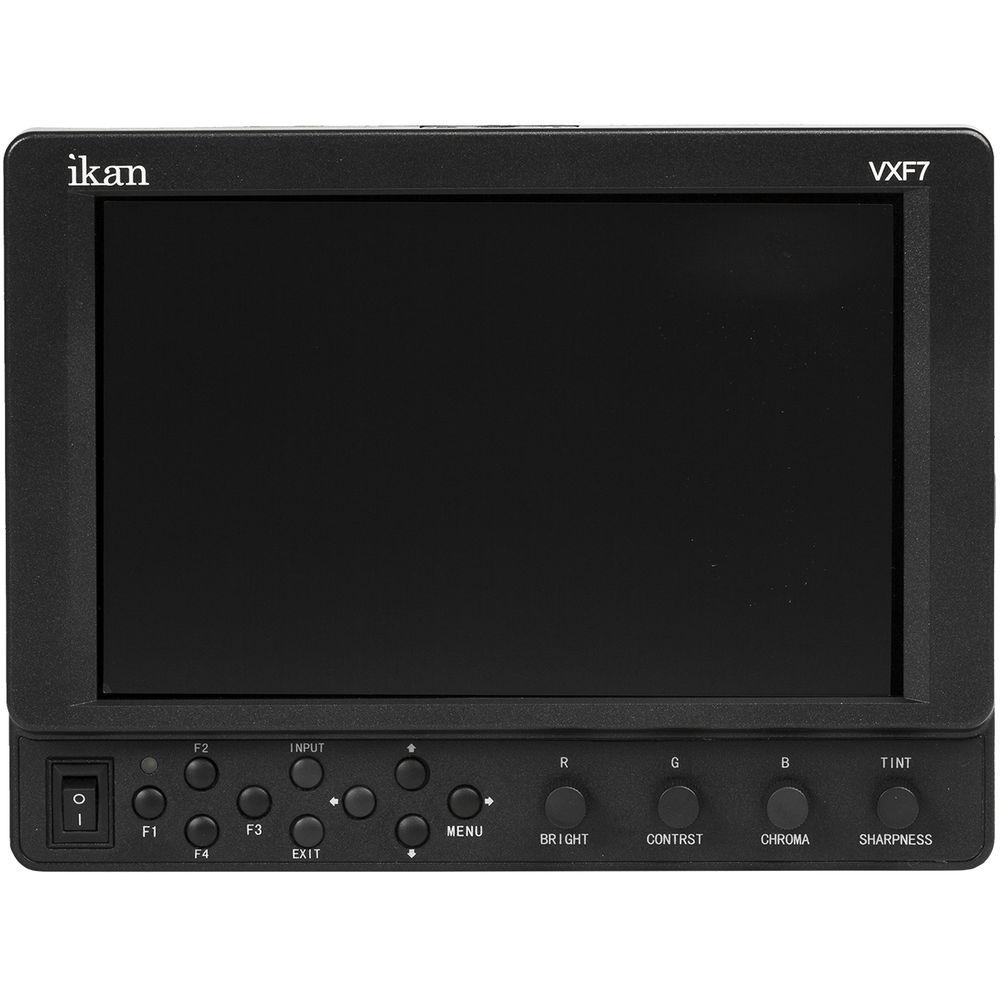
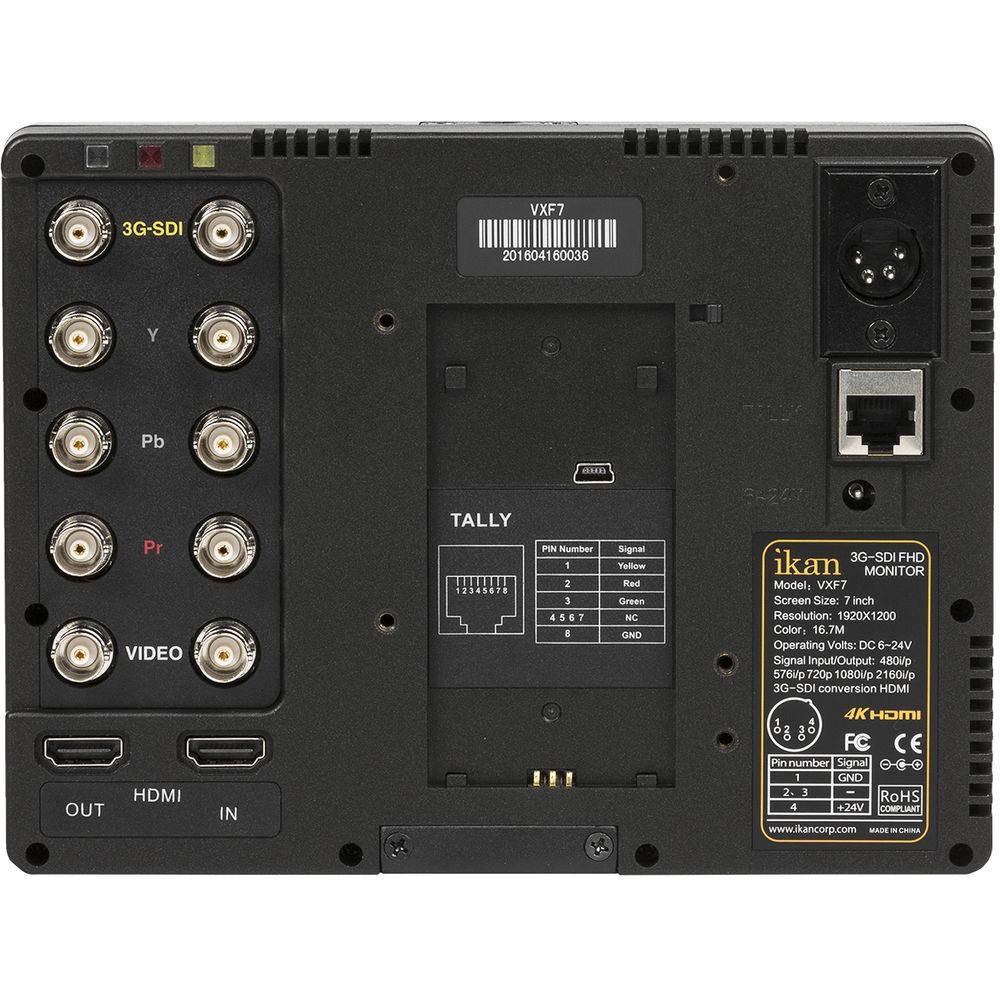
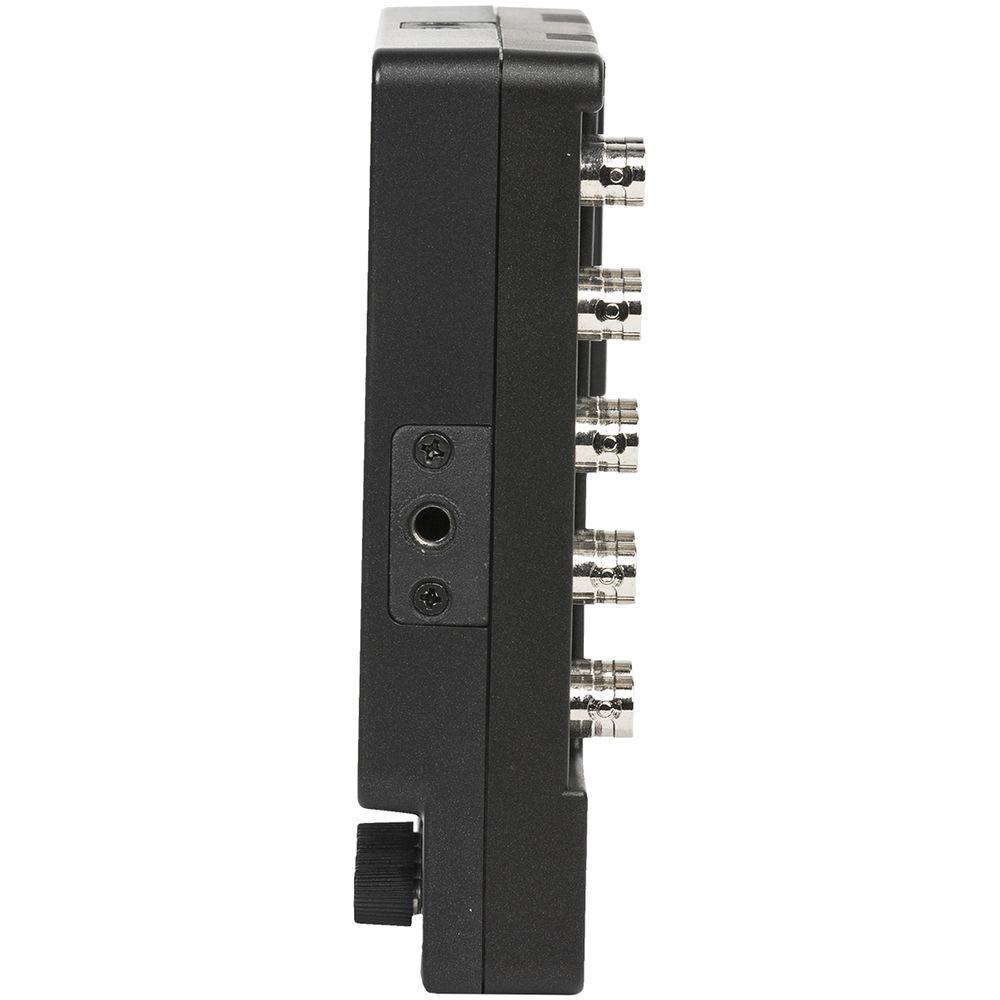
Supporting 4K, HD, and SD workflows, the VXF7 7" monitor is a versatile monitoring choice for nearly any production situation. Signals input to the monitor are displayed on the 1920 x 1200 resolution, LED backlit LCD panel, which can display Full HD signals with no scaling. DCI and UHD 4K signals are supported via HDMI only, while HD or SD signals can be input through digital SDI and HDMI inputs, or analog component—composite only supports SD signals. All inputs, other than HDMI, use rugged BNC connectors to prevent accidental disconnection. In addition, the monitor features a tally connector with three indicator LEDs on the rear surface. - 1920 x 1200 display resolution
- DCI and UHD 4K support via HDMI
- SDI to HDMI signal conversion
- IPS LCD panel for accurate colors and wide viewing angles (178°/178°)
- 3G-SDI and HDMI with loop-through outputs
- Histogram for a graphical display of the pixels exposed in an image
- False color provides under/over luminance warning by presenting the image as a series of color values representing exposure
- Peaking (monochrome and color modes) highlights the sharpest, most focused areas of the image with a color outline
- Clip guide function allows the operator to set the preferred IRE exposure limits
- DSLR scaling function with four display options (normal, 3:2, 16:9, and full-screen)
- Movable 1:1 pixel-to-pixel mapping without any scaling
- Underscan function constrains the size of the image
UPC: 847983023455 In the Box ikan VXF7-DK 7" On-Camera Field Monitor Deluxe Kit (Canon 900-Series Type) VXF7 7" On-Camera Field Monitor AC Adapter Canon 900 Ultra-High Capacity Battery BP5 Canon BP-900 Series Battery Plate for ikan Monitors ICH-945 Battery Charger Ultra-Heavy Duty Camera Shoe Mount Mini-HDMI to HDMI High-Speed Slim Cable (Yellow, 1.5') Micro-HDMI to HDMI High-Speed Slim Cable (Yellow, 1.5') Mini-USB to USB Adapter USB Drive Sun Hood Screen Cleaning Wipe Screen Protector Hard Case Limited 1-Year Warranty Quick start Guide PDF 482.1kb Table of Contents
|
Upload User Manual
Have you got an user manual for the ikan VXF7-DK 7" On-Camera Field Monitor Deluxe Kit in electronic form? Please send it to us and help us expand our library of instruction manuals.
Thank you, too, on behalf of other users.
To upload the product manual, we first need to check and make sure you are not a robot. After that, your "Submit Link" or "Upload File" will appear.
Technical parametersikan VXF7 Specs | Screen Size | 7" (17.8 cm) | | Display Technology | IPS | | Resolution | 1920 x 1200 | | Pixel Pitch | 0.07875 mm² | | Brightness | 300 cd/m² | | Contrast Ratio | 800:1 | | Color Depth | 16.7 million | | Response Time | 20 ms | | Viewing Angle (H/V) | 178° / 178° | | Aspect Ratio | 16:10 | | Backlight | LED | | Color Systems | PAL / NTSC / SECAM (auto-detected) | | Inputs | 1 x BNC, 3G/HD/SD-SDI
1 x 3BNC, component video
1 x BNC, composite video
1 x HDMI type A
1 x RJ45, tally
1 x USB (for firmware update) | | Outputs | 1 x BNC, 3G/HD/SD-SDI
1 x 3BNC, component video
1 x BNC, composite video
1 x HDMI type A | | Resolution Support | 3G-SDI:
1080p: 50, 59.94, 60 Hz
HD-SDI:
1080p: 23.97, 24, 25, 29.97, 30 Hz
1080PsF: 23.98, 24, 25, 29.97, 30 Hz
1080i: 50, 59.94, 60 Hz
720p: 50, 59.94, 60 Hz
SD-SDI
576i: 50 Hz
480i: 60 Hz
HDMI:
4096 x 2160p: 24 Hz
3840 x 2160p: 24, 25, 30 Hz
1080p: 23.97, 24, 25, 29.97, 30, 50, 59.94, 60 Hz
1080PsF: 24, 25, 29.97, 30 Hz
1080i: 50, 59.94, 60 Hz
720p: 50, 59.94, 60 Hz
576p/i: 50 Hz
480p/i: 59.94, 60 Hz
Component:
1080p: 23.97, 24, 25, 29.97, 30 Hz
1080PsF: 24, 25, 29.97, 30 Hz
1080i: 50, 59.94, 60 Hz
720p: 23.97, 24, 25, 29.97, 30, 50, 59.94, 60 Hz
576i: 50 Hz
480i: 60 Hz
Composite:
NTSC-M, NTSC-J, NTSC 4.43
PAL B/G, PAL M, PAL N
SECAM | | Picture Controls | Histogram
Peaking
False color
Underscan
DSLR scaling
Zooming
Pixel-to-pixel
Guides
Crosshair
Check field
Audio wave
HV delay
Clip guides
Grids | | Power Consumption | 11 W | | Input Voltage | 6 to 24 VDC | | Material | Heavy-duty plastic | | Dimensions | 7.4 x 5.6 x 1.3" (187 x 142 x 33 mm) | | Weight | 1 lb (0.45 kg) | | | | Package Weight | 7.075 lb | | Box Dimensions (LxWxH) | 15.2 x 11.9 x 4.3" |
Rating100% users recommend this product to others. And what about you?

This product has already been rated by 56 owners. Add your rating and experience with the product.
Discussion
 Ask our technicians if you have a problem with your settings,
or if anything is unclear in the user manual you have downloaded.
You can make use of our moderated discussion.
The discussion is public and helps other users of our website who may be encountering similar problems.
Ask our technicians if you have a problem with your settings,
or if anything is unclear in the user manual you have downloaded.
You can make use of our moderated discussion.
The discussion is public and helps other users of our website who may be encountering similar problems.
The discussion is empty - enter the first post
Post a new topic / query / comment:
|
|


