User Manual for InFocus IN5552L XGA DLP Projector Click to enlarge the picture
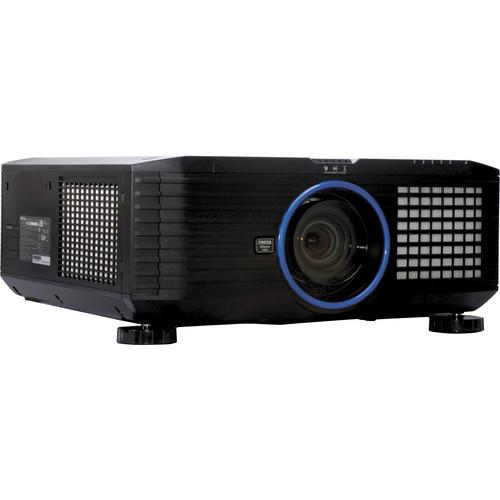 Contents of the user manual for the InFocus IN5552L XGA DLP Projector
- Product category: Multimedia Projectors InFocus
- Brand: InFocus
- Description and content of package
- Technical information and basic settings
- Frequently asked questions – FAQ
- Troubleshooting (does not switch on, does not respond, error message, what do I do if...)
- Authorized service for InFocus Multimedia Projectors
 |
User manual for the InFocus IN5552L XGA DLP Projector contain basic instructions
that need to be followed during installation and operation.
Before starting your appliance, the user manual should be read through carefully.
Follow all the safety instructions and warnings, and be guided by the given recommendations.
User manual is an integral part of any InFocus product,
and if it is sold or transferred, they should be handed over jointly with the product.
Following the instructions for use is an essential prerequisite for protecting
health and property during use, as well as recognition of liability on the part of the manufacturer
for possible defects should you make a warranty claim. Download an official InFocus user manual in which you will find instructions on how to install, use, maintain and service your product.
And do not forget – unsuitable use of a InFocus product will considerably shorten its lifespan!
|
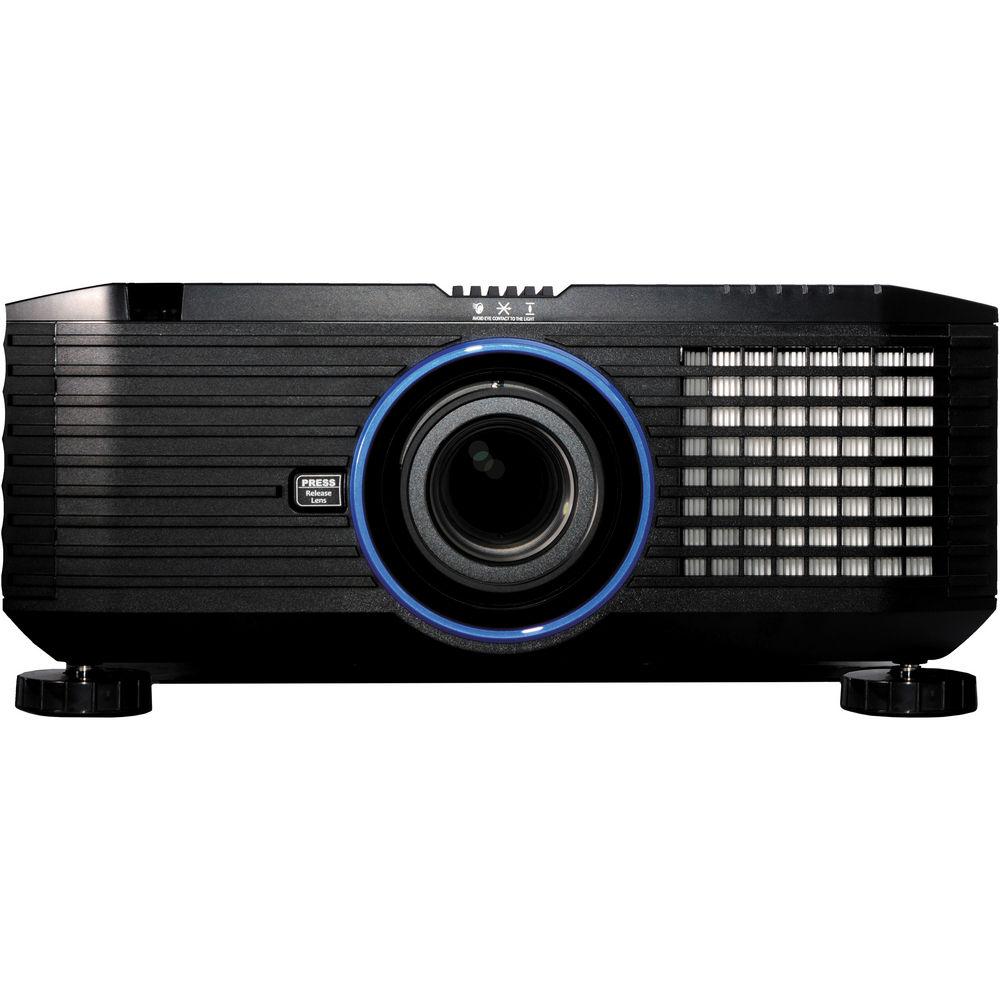
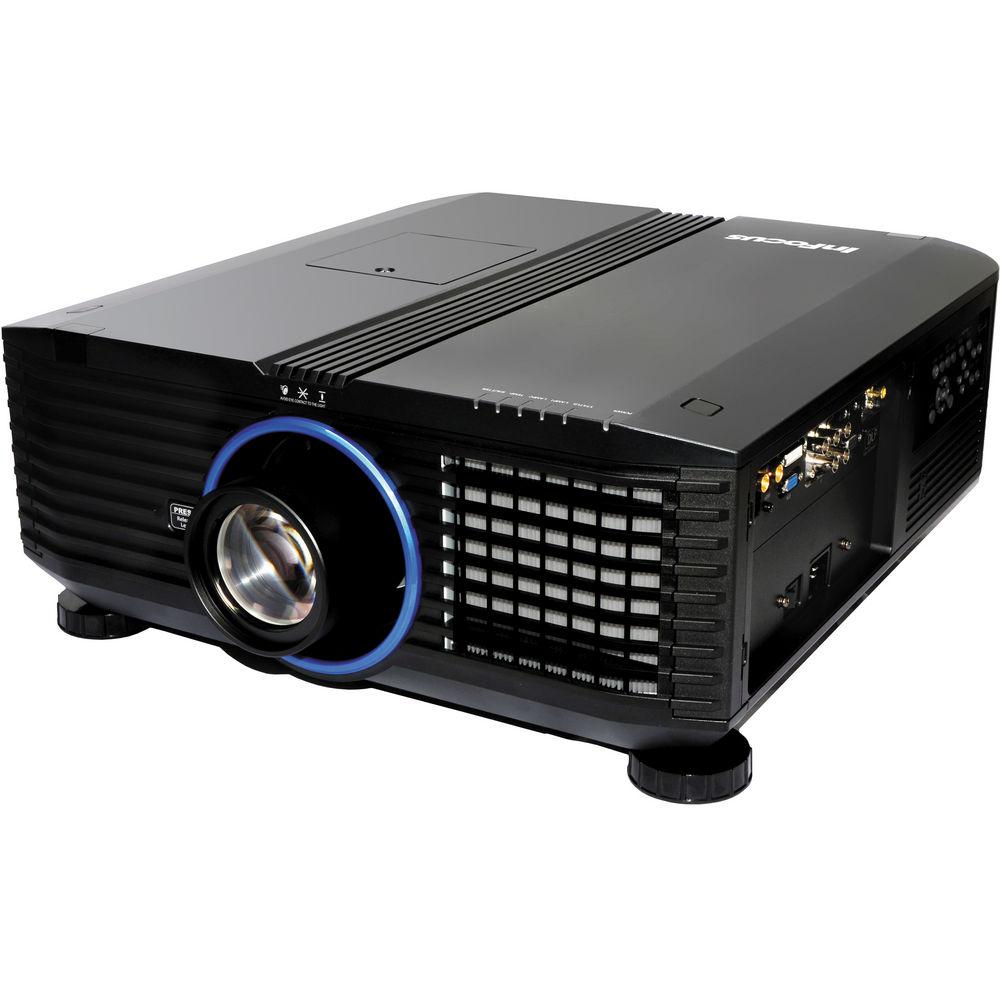
Product description With 8300 lumens of projection power and a 2400:1 contrast ratio, the IN5552L XGA DLP Projector from InFocus is a fully-featured and versatile unit that can light up any medium to large home room, schoolroom or boardroom even with a lot of ambient light to contend with. It can be used just about anywhere in the world. The projector has a 100 to 240 volt 50/60Hz power supply and it can accept and project NTSC, PAL and SECAM signals as well. The IN5552L is an HDTV projector capable of 720p, 1080i and 1080p in addition to SDTV (standard) and EDTV (enhanced) resolutions. It's also compatible with dozens of PC and Mac display standards. The projector offers five lens options (not included) from short-throw to ultra-long-throw projection. With just the push of a button, you can switch the motorized lens shift to position your image precisely. The projector includes a memory so can you can save the zoom, focus, and lens shift from the last time you used it. Lastly, the IN5552L is compatible with any network control system using Telnet protocol, including Crestnet, AMX Device Discovery, and InFocus ProjectorNet. This projector does not come with a lens. - High Brightness
- Get ready for extra-large size images in ambient light with a brightness of 8300 lumens and contrast ratio of 2400:1
- Dual Lamp Technology
- Dual lamps give you fail-safe backup, with a choice between single or dual mode. And with the rear lamp door, it's easy to replace the lamp even while the product is installed
- User-Replaceable Color Wheels
- The projector combines a six-segment color wheel with the DLP technology and BrilliantColor implementation. Two user-replaceable color wheels ship with the projector, so you can choose the color best for your application
- Picture-in-Picture
- Display two distinct sources simultaneously for viewing multiple presentations, video-conferencing, and distance learning. Switch sources and choose between five different PiP placement options, including side-by-side horizontal and a small secondary source image displayed on the top or bottom
- Five Interchangeable Lenses
- Project your image and the size you want from wherever you want with your choice of five lenses from short-throw to ultra-long-throw projection. Switch with just the push of a button, and then use the motorized lens shift to position your image precisely. Once you get it right, save the zoom, focus, and lens shift into one of 10 memory locations
- 360° Projection
- Broaden your view to 360° for applications in auditoriums, visitor centers and museums. The projector can also project in portrait format
- Image Warping
- For rental and staging applications, your projection surface may be round or curved-but that doesn't mean your image has to be. Adjust keystone, rotation, pincushion/barrel, and corner positions ensure your images are perfect even when your surface isn't
- Image Blending
- Quickly line up and blend the projectors with onboard mixing to adjust the brightness of the overlap and create one image, edge to edge
- HDMI
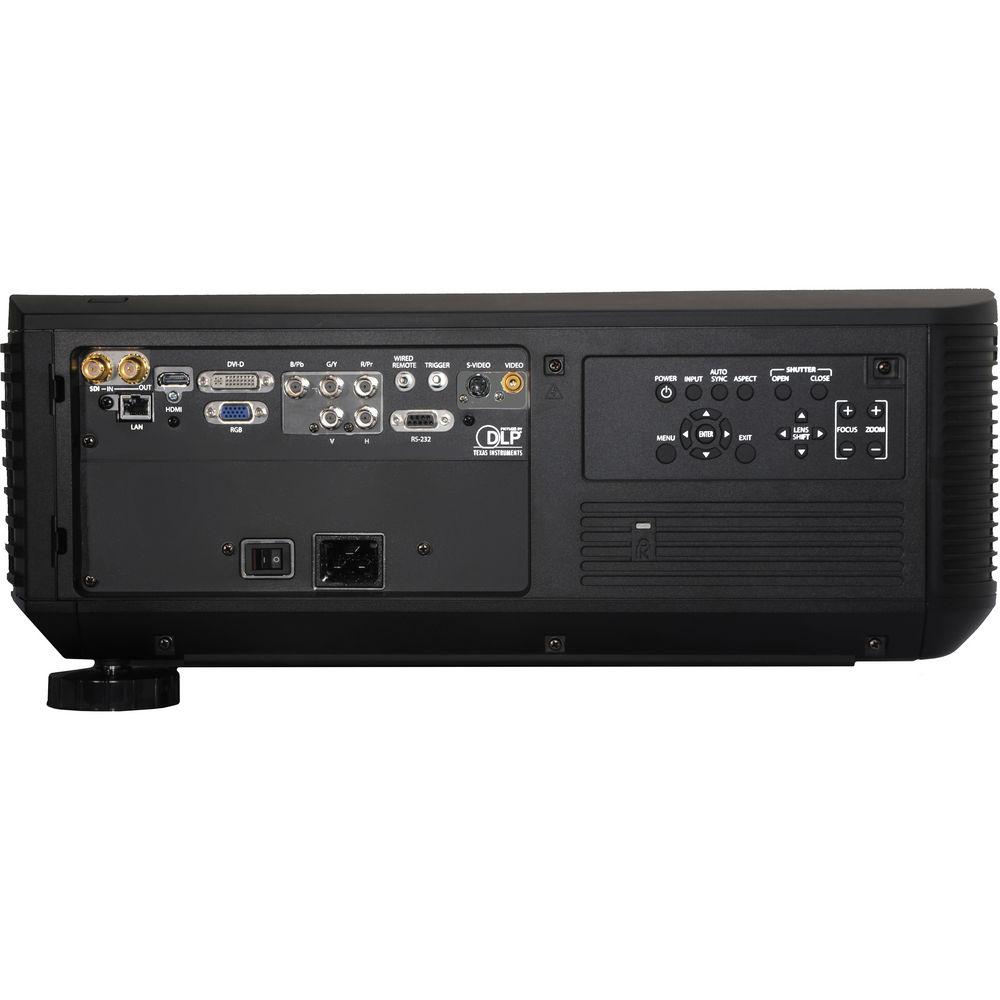
- The projector provides HDMI for one-cable projection of HD-quality video and audio from a variety of sources
- 3G-SDI Interface
- The 3G-SDI high-definition serial digital interface provides an increase in bandwidth over previous technology. The upgrade allows both higher resolution and frame rates through a single connection
- BNC Input
- The 5 BNC input can handle professional switching and signal processing equipment from manufacturers like Extron, Kramer, In-Line, and many more. The 5 BNC input ensures a solid and reliable connection
- RJ-45 Telnet Network Control
- The projector is compatible with many network control system using the Telnet protocol, including Crestnet, AMX Device Discovery, and InFocus ProjectorNet. The built-in Web control panel lets network administrators remotely access and control the projector over standard LAN/WAN for messaging, scheduling and performance
- RS-232 Control
- Manage your projector instantly and intuitively with your choice of serial control devices from Crestron, AMX, and SPcontrols
- Wired Remote
- Run a small cable, up to 100' (30.5 m) to plug into the remote control that ships with the unit
- Additional Features and Specs
- Projection presets: User, presentation, video, bright, ISF day, ISF night, whiteboard, blackboard, beige wall
Approvals: Argentina, Australia, Austria, Belgium, Bolivia, Brazil, Brunei, Bulgaria, Canada, China, Columbia, Costa Rica, Cyprus, Czech Republic, Denmark, Ecuador, Egypt, Fiji, Finland, France, Germany, Greece, Hungary, India, Indonesia, Ireland, Italy, Japan, Jamaica
Menu languages: English, French, German, Spanish, Italian, Norwegian, Dutch, Simplified Chinese, Korean, Swedish, Russian, Finnish, Polish, Arabian, Indonesian, Portuguese
Geometric correction, Edge blending, Split screen, RGB color adjustments for brightness and hue, 24/7 operation, dynamic black UPC: 797212967176 In the Box InFocus IN5552L XGA DLP Projector Remote Control VGA Cable Power Cord Limited 2-Year Warranty on Projector / Limited 6-Month Warranty on Lamp User Manual PDF 11.7mbyeevzurefcduwserezwaazusfcdbau Table of Contents
|
Upload User Manual
Have you got an user manual for the InFocus IN5552L XGA DLP Projector in electronic form? Please send it to us and help us expand our library of instruction manuals.
Thank you, too, on behalf of other users.
To upload the product manual, we first need to check and make sure you are not a robot. After that, your "Submit Link" or "Upload File" will appear.
Technical parametersInFocus IN5552L Specs | | | Display System | 1-Chip 0.7" DLP | | Native Chip Resolution | 1024 x 768 (XGA) | | Max Brightness | 8300 Lumens | | Aspect Ratio | Native: 4:3
Supported: 5:4
Supported: 16:9
Supported: 16:10
Supported: 1.85:1
Supported: 2.35:1 | | Contrast Ratio | 2400:1 | | DLP Link 3D | None | | Color Depth | 10-Bit (1.07 Billion Colors) | | | | Picture-in-Picture | Yes | | Ceiling Mountable | Yes | | Rear Screen Projection | Yes | | Built-In Speaker | None | | | | Internal Storage | None | | Wireless LAN / Wi-Fi | None | | | | Lamp Power | 400 W | | Expected Lamp Life | Full Brightness: 2000 Hours
Low Brightness: 2500 Hours | | Fan Noise | Medium Brightness: 43 dB
Low Brightness: 39 dB | | Security | Cable Lock Slot
Password Protection | | Supported Languages | Arabic
Dutch
English
Finnish
French
German
Indonesian
Italian
Korean
Norwegian
Polish
Portuguese
Russian
Simplified Chinese
Spanish
Swedish | | AC Input Power | 120 to 240 VAC, 50 / 60 Hz | | Power Consumption | Full Brightness: 960 W
Low Brightness: 760 W
Standby Mode (Lamp Off): <0.5 W | | Max Operating Altitude | 7500' / 2286 m | | Dimensions (W x H x D) | 20.0 x 8.3 x 20.9" / 508.0 x 210.8 x 530.9 mm | | Weight | 44.1 lb / 20.0 kg |
Rating80% users recommend this product to others. And what about you?

This product has already been rated by 82 owners. Add your rating and experience with the product.
Discussion
 Ask our technicians if you have a problem with your settings,
or if anything is unclear in the user manual you have downloaded.
You can make use of our moderated discussion.
The discussion is public and helps other users of our website who may be encountering similar problems.
Ask our technicians if you have a problem with your settings,
or if anything is unclear in the user manual you have downloaded.
You can make use of our moderated discussion.
The discussion is public and helps other users of our website who may be encountering similar problems.
The discussion is empty - enter the first post
Post a new topic / query / comment:
|
|


