|
User Manual for iZotope Nectar 3 - Vocal Production Channel Strip Software for Click to enlarge the picture
 Contents of the user manual for the iZotope Nectar 3 - Vocal Production
- Product category: Virtual Processor Plug-Ins iZotope
- Brand: iZotope
- Description and content of package
- Technical information and basic settings
- Frequently asked questions – FAQ
- Troubleshooting (does not switch on, does not respond, error message, what do I do if...)
- Authorized service for iZotope Virtual Processor Plug-Ins

 |
User manual for the iZotope Nectar 3 - Vocal Production contain basic instructions
that need to be followed during installation and operation.
Before starting your appliance, the user manual should be read through carefully.
Follow all the safety instructions and warnings, and be guided by the given recommendations.
User manual is an integral part of any iZotope product,
and if it is sold or transferred, they should be handed over jointly with the product.
Following the instructions for use is an essential prerequisite for protecting
health and property during use, as well as recognition of liability on the part of the manufacturer
for possible defects should you make a warranty claim. Download an official iZotope user manual in which you will find instructions on how to install, use, maintain and service your product.
And do not forget – unsuitable use of a iZotope product will considerably shorten its lifespan!
|
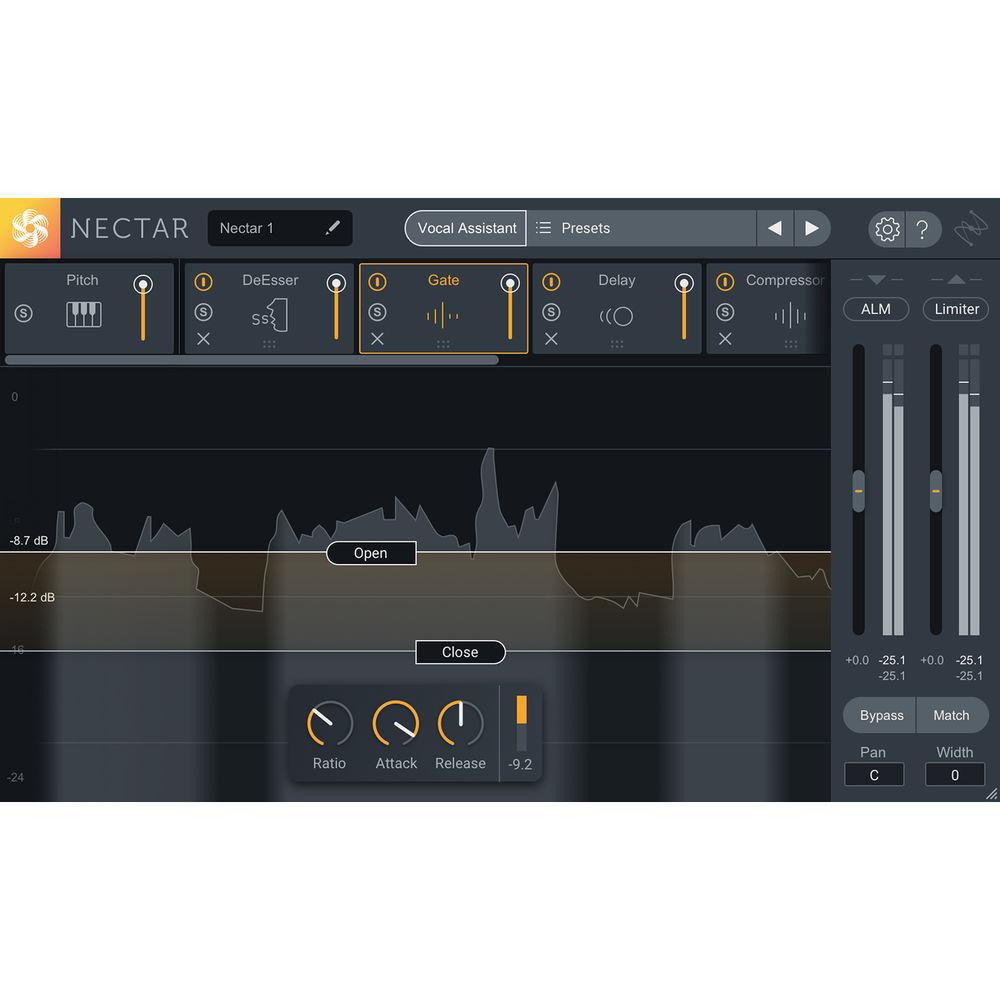
Product description Available for download, iZotope Nectar 3 is a channel strip plug-in developed for vocal mixing and polishing. Compression, equalization, saturation, vocal harmonies, and more are provided in the channel strip.
Nectar 3 takes many features available in version 2 of Nectar and expands upon them, updating them both in aesthetics and processing. Many new features are offered in Nectar 3, such as a Vocal Assistant, which creates a custom preset for your specific vocal after analyzing it.
You'll also note the unmask feature, which carves out of the way any competing instruments, letting the vocal shine through the mix. A dynamic EQ has been added that can follow unwelcome resonances as they move up and down the frequency range, intelligently curtailing nasty blooms of sound so you don't have to automate them yourself, or split them onto different tracks.The new Dimension module provides chorus, flanging, and more, while Reverb and Delay modules have been redesigned to give you new and exciting kinds of delay. The Harmony section has been updated. Automatic Level Mode, on the input fader, quickly adjusts the levels of your vocals in a transparent manner, mitigating the need for corrective dynamics processing. A limiter, at the end of the chain, can ensure you don't go over your desired level and can also impart a meaty feeling upon the sound.
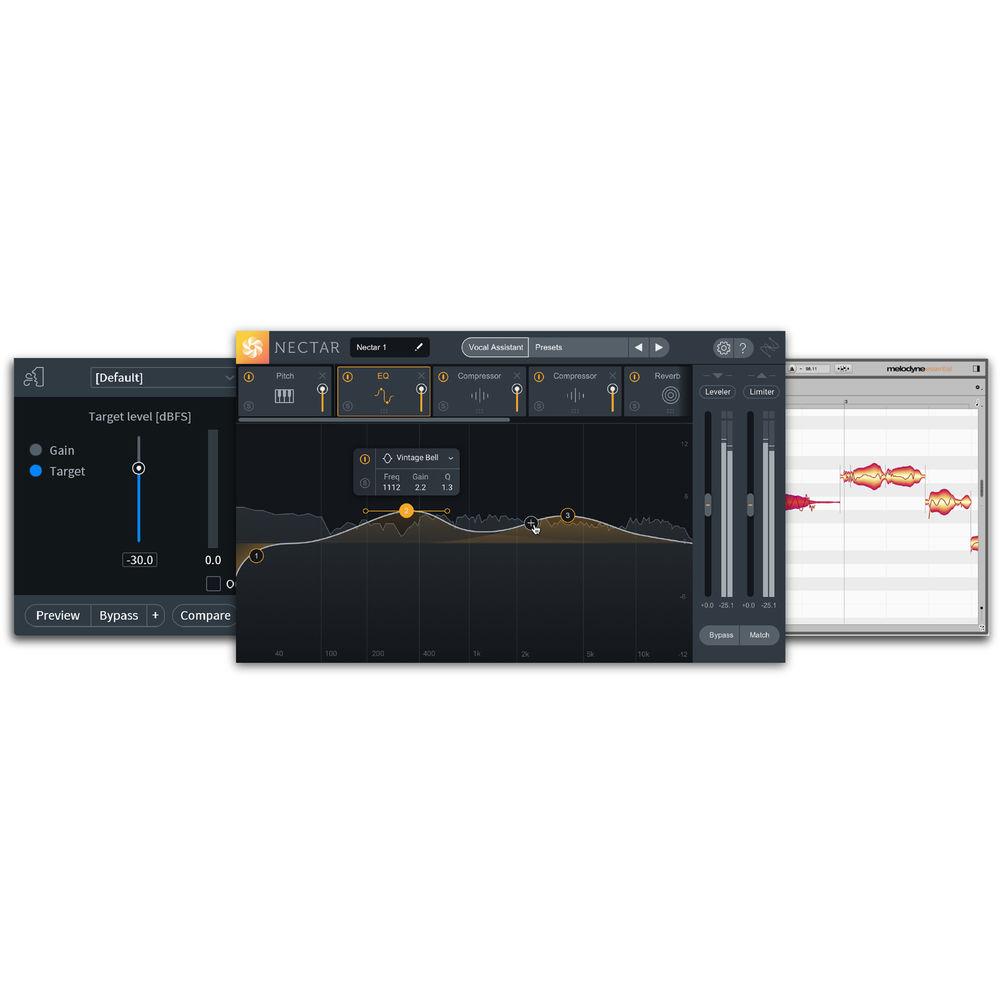
Included with Nectar 3 are several other plug-ins that are quite helpful. Melodyne is world-renowned pitch-correction software, and Nectar 3 comes with Melodyne 4 Essential. RX 7 Breath Control is on hand for taking out unwanted breaths. Relay ensures inter-plug-in communication: put Relay on a guitar track that competes with the vocal's midrange, and the Vocal Assistant can now target that guitar, changing its EQ to keep it out of the vocal's way.
This software is compatible with Mac and Windows platforms. It is included in AU, AAX, VST, and RTAS formats. Note: This product is an educational discounted version available to qualified students, faculty/staff, and accredited academic institutions only. Proof of current educational status is required. If you are unsure of your eligibility, please contact us prior to purchasing. - New Features over Version 2
-
- Vocal Assistant provides custom presets utilizing machine learning technology to help your vocals fit in the mix
- Unmask carves away competing mix elements directly from Vocal Assistant’s menu screen, allowing your vocals to cut through the mix
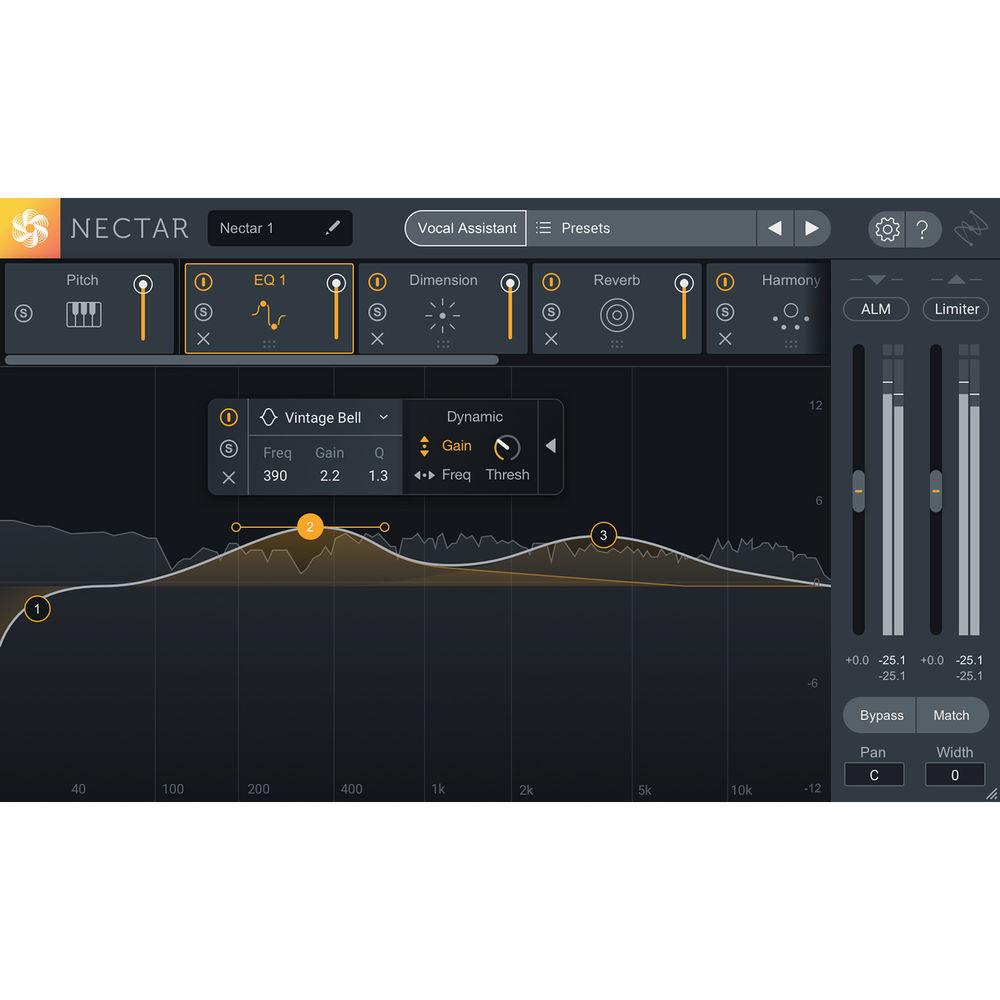
- Dynamic EQ with Follow EQ Mode tracks down pesky resonances and removes them in real time
- Auto Level Mode adjusts the level of vocals before any processing, minimizing the need for corrective dynamics or riding the fader
- Nectar 3 utilizes inter-plug-in communication to interface with other iZotope plug-ins in your session, seamlessly addressing mix issues, tonal balance, masking, and more
- Use the included Relay module to use Nectar 3's unmasking mode with tracks that don't have iZotope plug-ins on them
- RX 7 Breath Control is included for reducing unwanted breaths without sacrificing audio quality
- Melodyne 4 Essential for renowned time- and pitch-correction
- Hundreds of professionally designed presets for music and dialogue applications
- Redesigned and Updated Modules
-
- Corrective and Creative Dynamic EQs
- Compression
- Harmony
- Pitch
- De-Esser
- Saturation
- Reverb
- Gate
- Dimension (chorus and other modulations)
- Improvements in the Following Areas
-
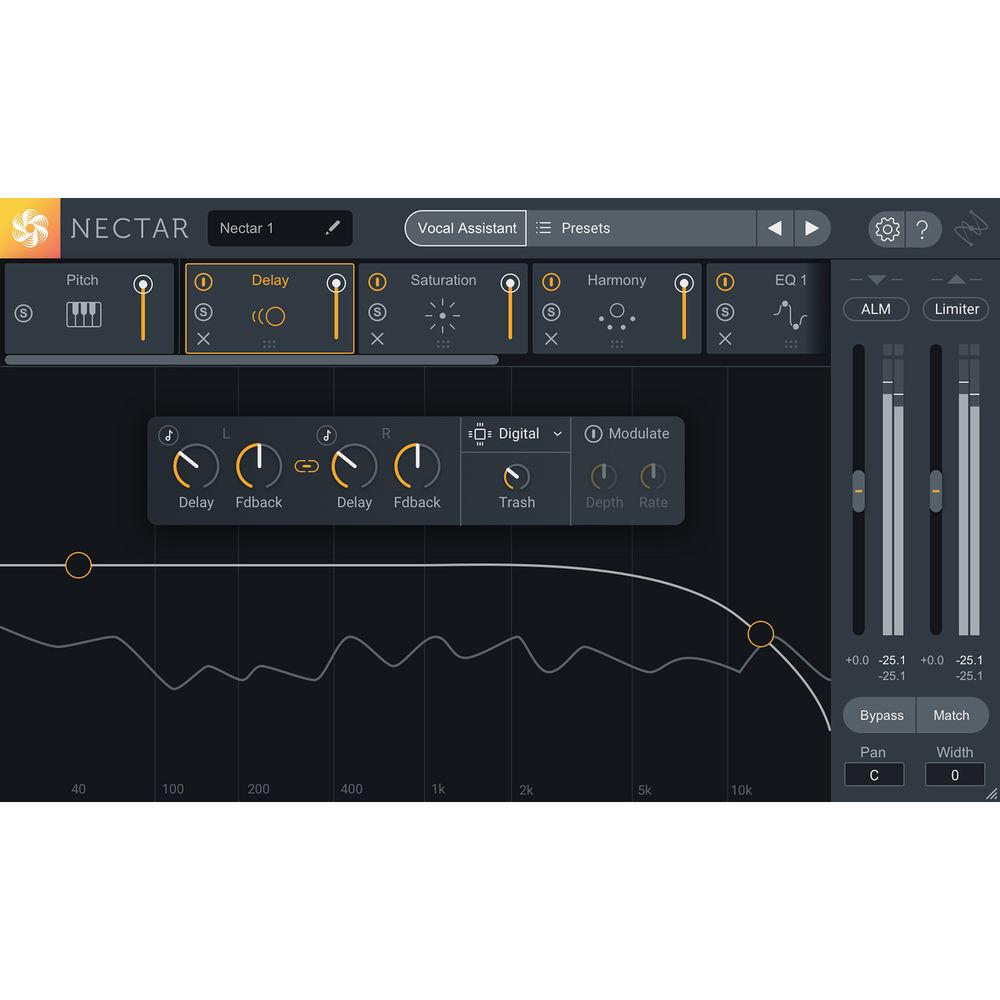
- Delay: Two brand new modes and new independent controls for stereo support
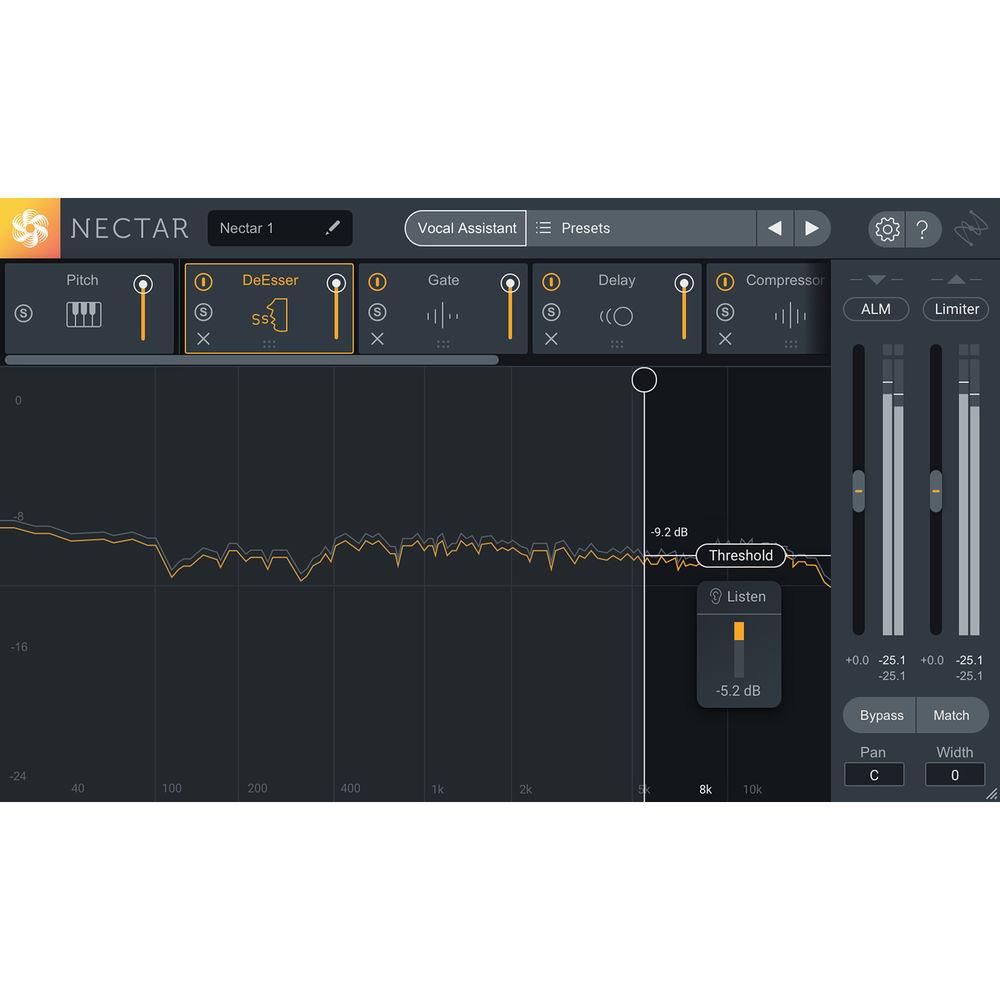
- De-Esser: New interactive threshold design experience that can be auto-set with Vocal Assistant
- Saturation: Two new Saturation modes, Decimate, and Distort
- Harmony: Increased number of voices you can add from 4 to 8, improvements to MIDI mode experience for easier playability
- EQ: Ability to add two EQ instances of up to 24 bands with Dynamic processing for frequency and pitch.
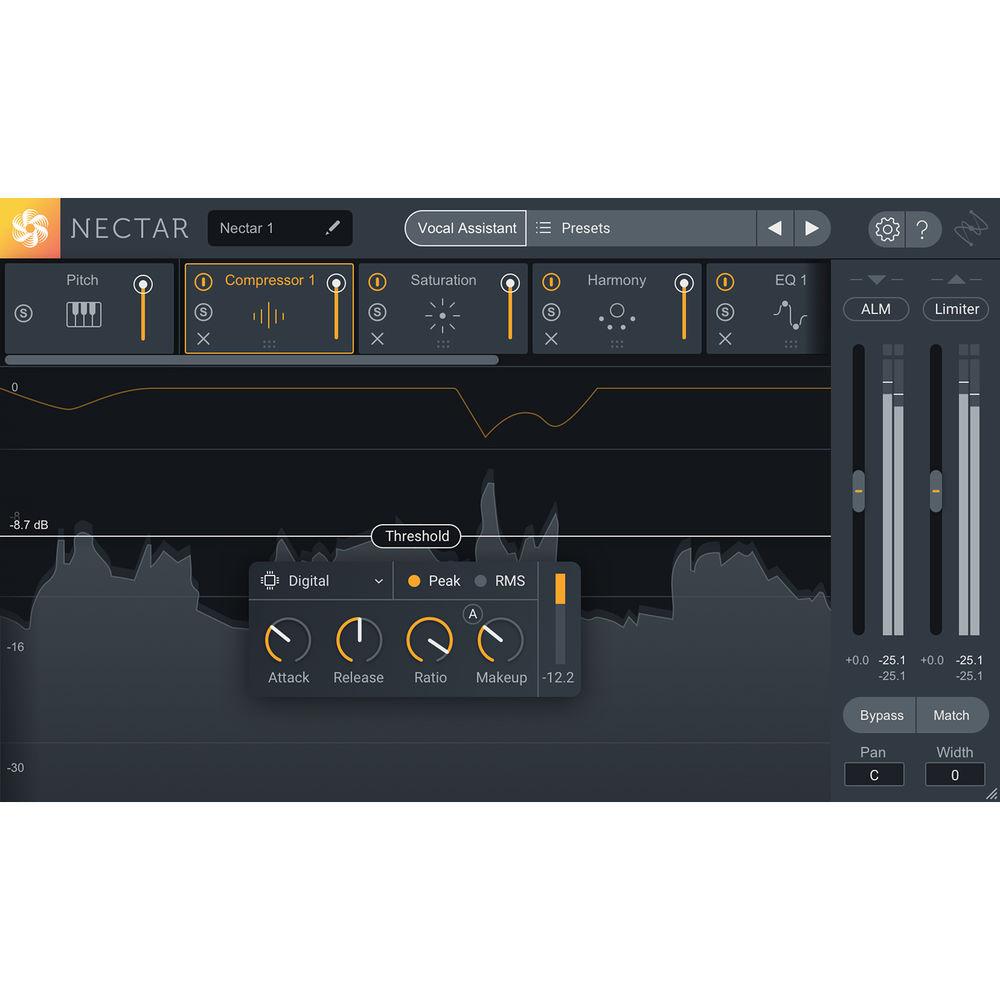
- Compressor: Ability to add two compressors. New interactive threshold design with interactive visualization
- Reverb: Additional third EQ node for additional shaping flexibility; immersive visual display
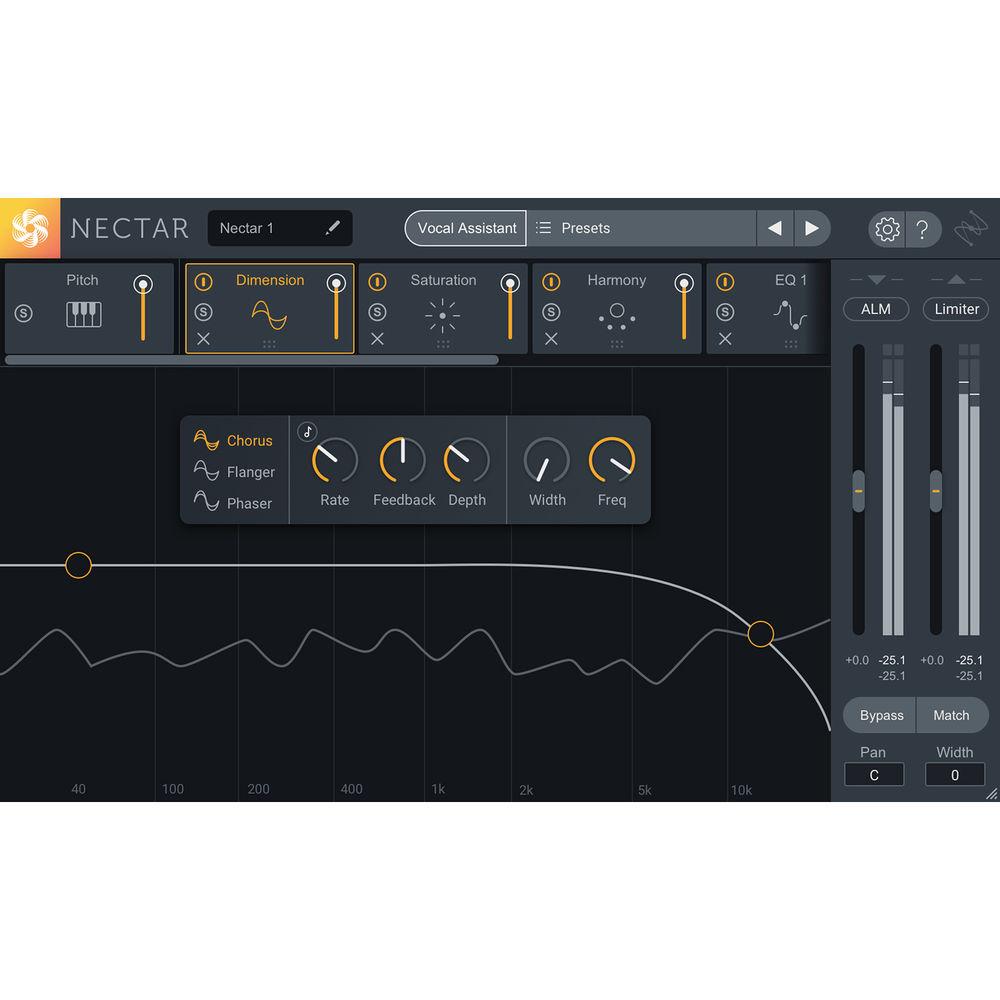
- Dimension: New Chorus and Phaser modes with interactive UI
In the Box iZotope Nectar 3 - Vocal Production Channel Strip Software for (Educational Edition, Download) Melodyne Essential 4 - Pitch Shifting/Time Stretching Software (Download) Table of Contents
|
Upload User Manual
Have you got an user manual for the iZotope Nectar 3 - Vocal Production Channel Strip Software for in electronic form? Please send it to us and help us expand our library of instruction manuals.
Thank you, too, on behalf of other users.
To upload the product manual, we first need to check and make sure you are not a robot. After that, your "Submit Link" or "Upload File" will appear.
Technical parametersiZotope Nectar 3 Specs | System Requirements (Mac) | For Nectar 3
OS X 10.8 and later, macOS 10.12 (Sierra)
For Melodyne 4 Essential
Intel Dual-Core Processor (Quad-Core or faster recommended)
macOS 10.6.8 and 10.11 to 10.13
4 GB of RAM (8 GB or more recommended) | | System Requirements (Windows) | For Nectar 3
Windows 7, 8, and 10
For Melodyne 4 Essential
Intel or AMD Dual-Core Processor (Quad-Core or faster recommended)
Windows 7, 8.1, or 10 (64-bit recommended)
4 GB of RAM (8 GB or more recommended)
ASIO-compatible audio hardware | | Plug-In Formats | VST 2, VST 3, AudioUnit, AAX (Real-time and AudioSuite, 64-bit only), RTAS (Real-time and Audiosuite DPM, 32-bit only) | | Activation | Online, iLok, Challenge/Response (Offline), and our iZotope Product Portal application. Melodyne 4 essential is only computer-based. Internet access is required for activation. |
Rating100% users recommend this product to others. And what about you?

This product has already been rated by 75 owners. Add your rating and experience with the product.
Discussion
 Ask our technicians if you have a problem with your settings,
or if anything is unclear in the user manual you have downloaded.
You can make use of our moderated discussion.
The discussion is public and helps other users of our website who may be encountering similar problems.
Ask our technicians if you have a problem with your settings,
or if anything is unclear in the user manual you have downloaded.
You can make use of our moderated discussion.
The discussion is public and helps other users of our website who may be encountering similar problems.
The discussion is empty - enter the first post
Post a new topic / query / comment:
|
|
|
| Request for user manual |
You can’t find the operation manual you are looking for? Let us know and we will try to add the missing manual:
I’m looking for a manual / Request for manual
Current requests for instruction manuals:
Call Of Duty World War Two For Xbox...
controller stratus XL...
stratus XL...
smart whatch serie S11 42mm...
Allen & Heath SQ-6 manual...
|
| Discussion |
Latest contributions to the discussion:
AEW R 4100
Name: MAURICIO ANGARITA
Audio-Technica AEW-R4100 UHF Diversity Receiver for
AEW R 4100 has the mute function blocked and does not allow audio to pass. I tried several times to turn off the mute from the transmitter but it does nothing, the mute stays on. Solution?
Thank you...
Instructions for assembling the 2015 Forecast Image Master Consoles GC3-A
Name: mike elam
Forecast Consoles GC3-A ImageMaster Editing Console
Looking for instructions for assembling this console. ...
EMPTY TONER ERROR MESSAGE AFTER REPLACING TONER
Name: LINDA BAD YELLOW EYES
Brother TN223BK Standard-Yield Toner
I HAD TO CHANGE OUT ALL THREE TONERS DUE TO LEAKS IN THE YELLOW AND CYAN. AFTER I REPLACED THEM, THE MACHINE KEEPS GIVING ME AN EMPTY TONER ERROR MESSAGE. HELP!!...
PS480D 20/24 pin Switching 480W Power Supply
Name: swkargo
Logisys 480W Power Supply
This item states in can run -5vdc .It is NOT listed on the board or I beleive is r4 is missing the resitior. Any body have thid issue. Shawn
...
Help needed
Name: Ann Carter
SanDisk 1TB Extreme Portable USB 3.1
When I click the link to download the user manual for my Sandisk Extreme external hard drive, it gives me the manual for the LG Cricket. Can you please change the link so I can download the Sandisk manual and begin using this drive? Thank you....
|
|


