User Manual for iZotope Neutron 2 Advanced - Mixing Software with Track Assistant Click to enlarge the picture
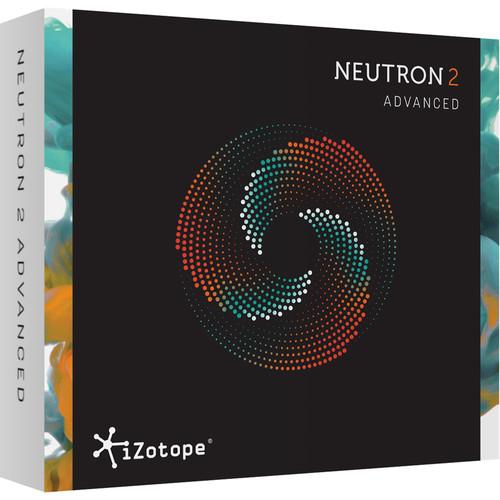 Contents of the user manual for the iZotope Neutron 2 Advanced - Mixing
- Product category: Virtual Processor Plug-Ins iZotope
- Brand: iZotope
- Description and content of package
- Technical information and basic settings
- Frequently asked questions – FAQ
- Troubleshooting (does not switch on, does not respond, error message, what do I do if...)
- Authorized service for iZotope Virtual Processor Plug-Ins
 |
User manual for the iZotope Neutron 2 Advanced - Mixing contain basic instructions
that need to be followed during installation and operation.
Before starting your appliance, the user manual should be read through carefully.
Follow all the safety instructions and warnings, and be guided by the given recommendations.
User manual is an integral part of any iZotope product,
and if it is sold or transferred, they should be handed over jointly with the product.
Following the instructions for use is an essential prerequisite for protecting
health and property during use, as well as recognition of liability on the part of the manufacturer
for possible defects should you make a warranty claim. Download an official iZotope user manual in which you will find instructions on how to install, use, maintain and service your product.
And do not forget – unsuitable use of a iZotope product will considerably shorten its lifespan!
|
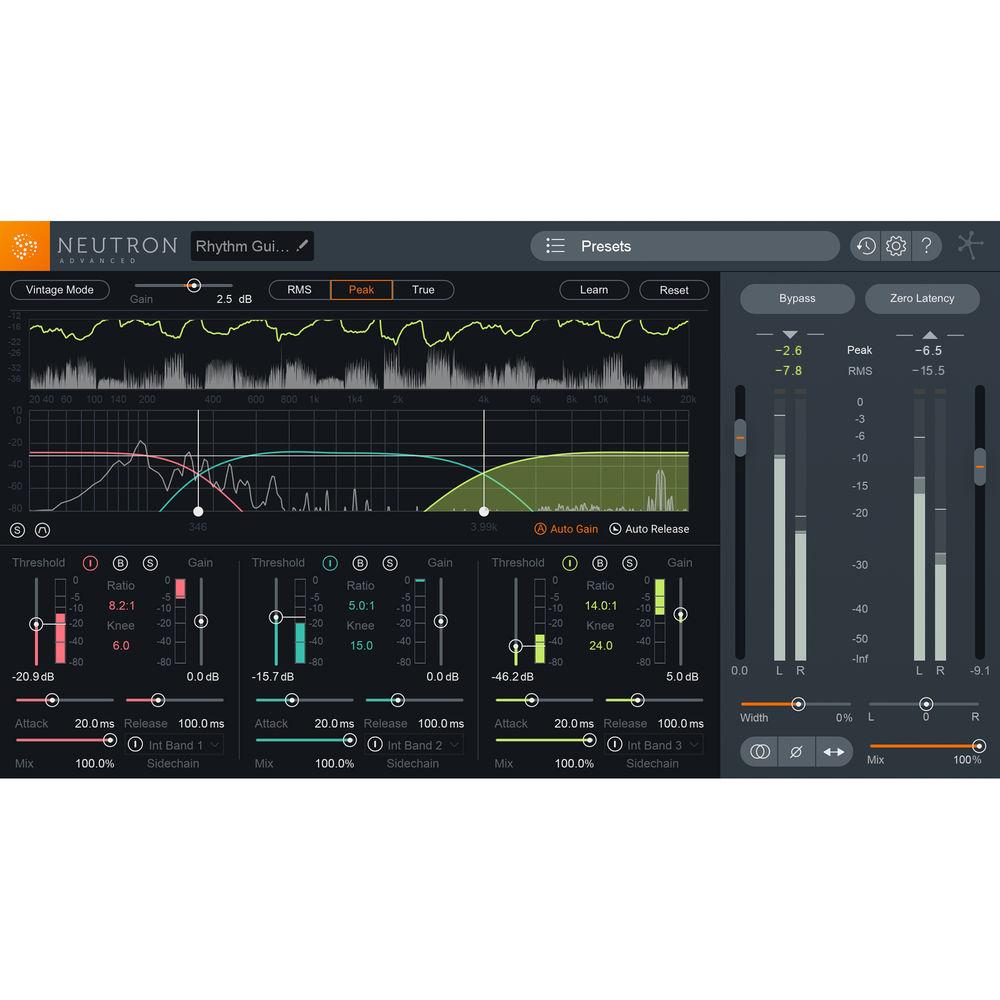
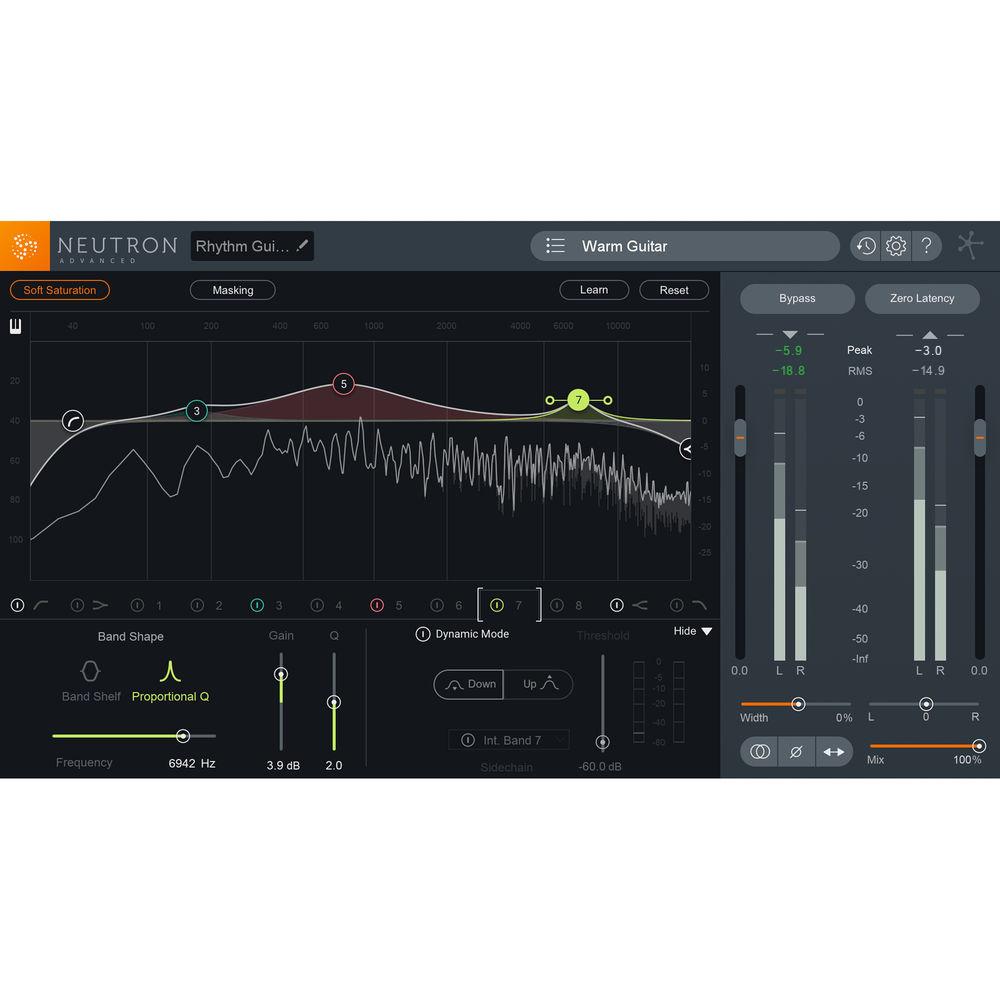
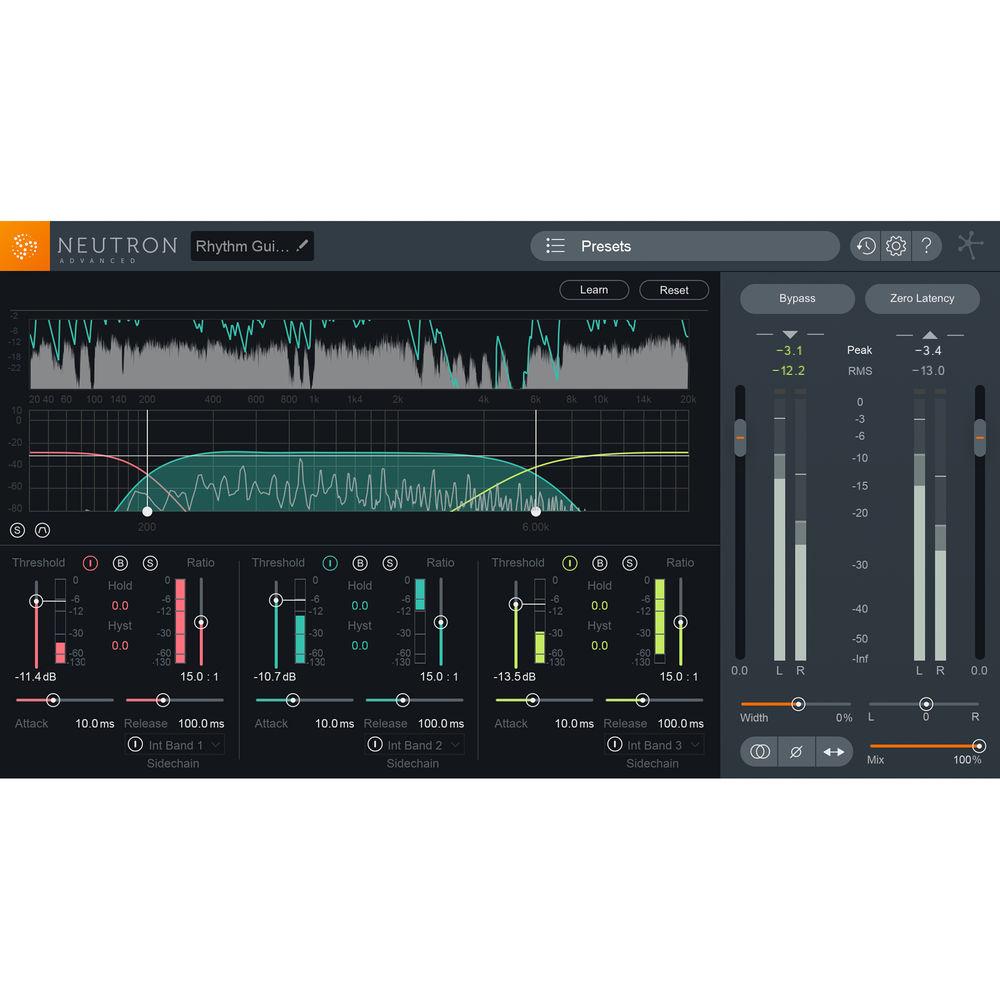
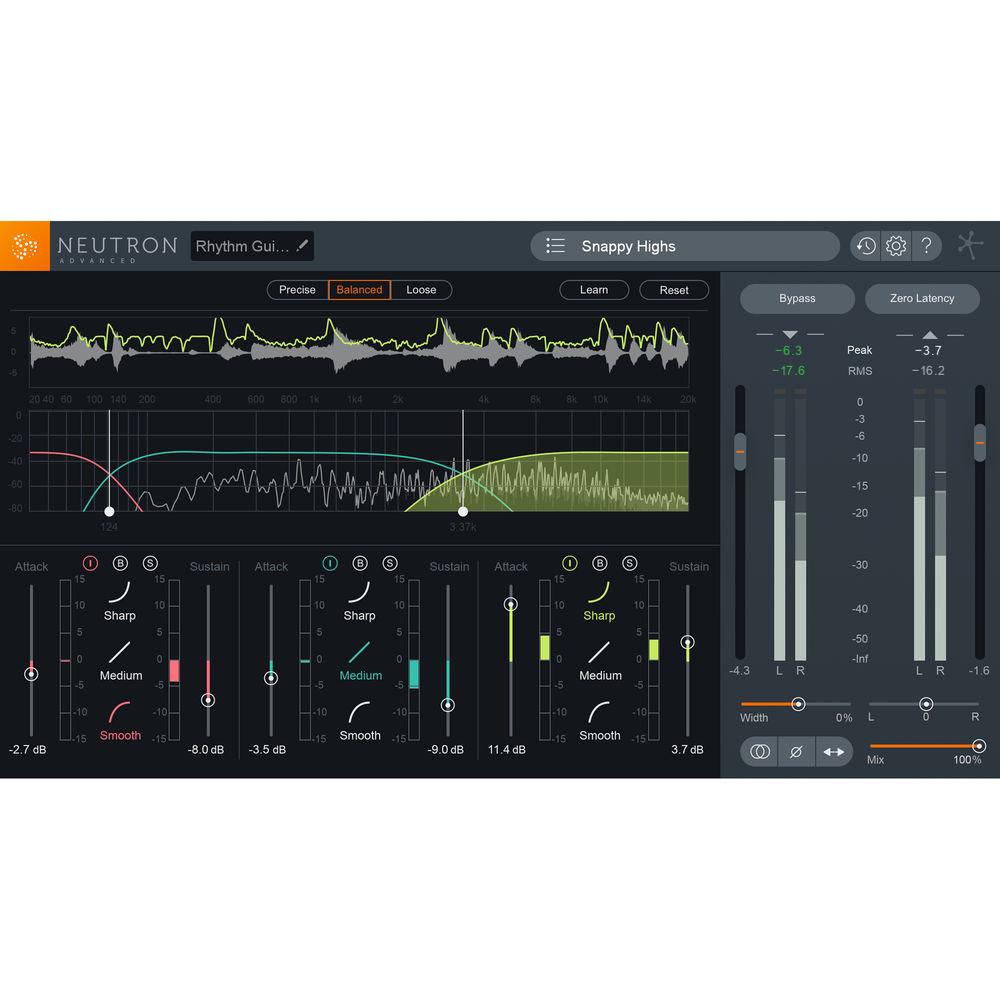
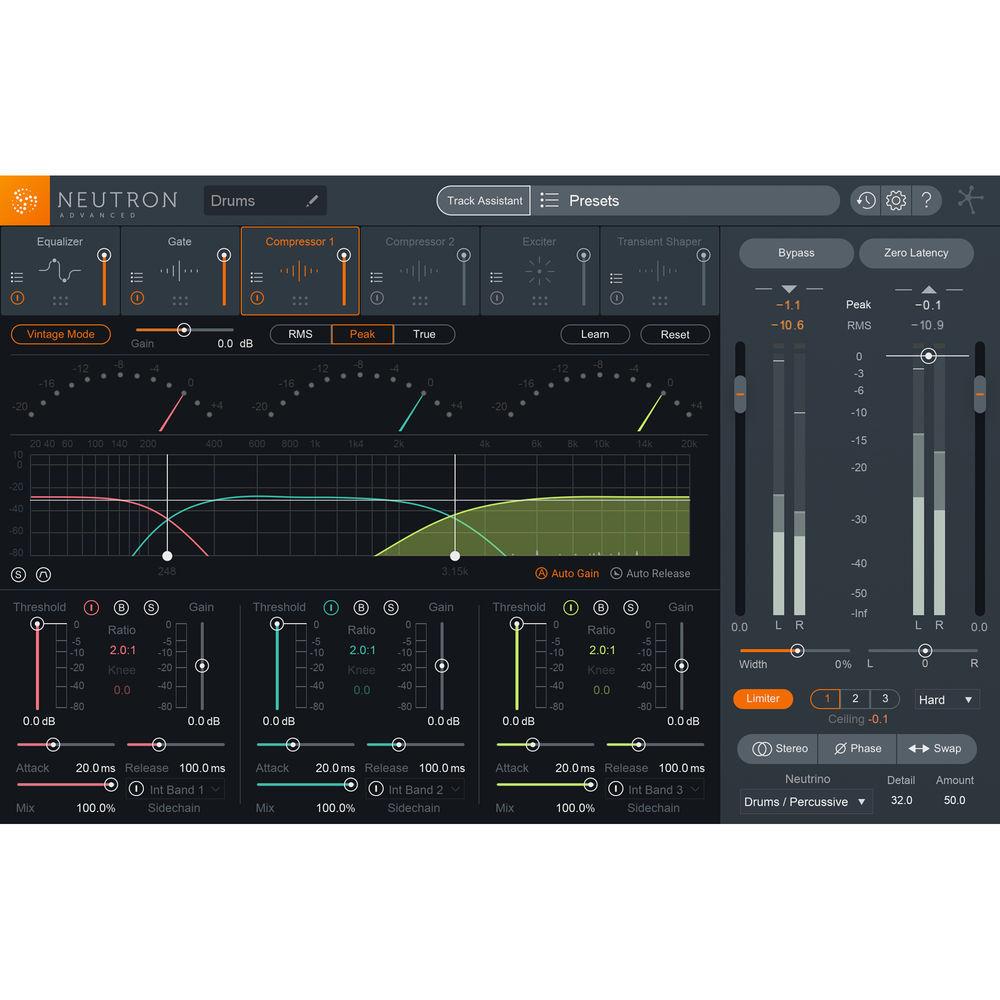
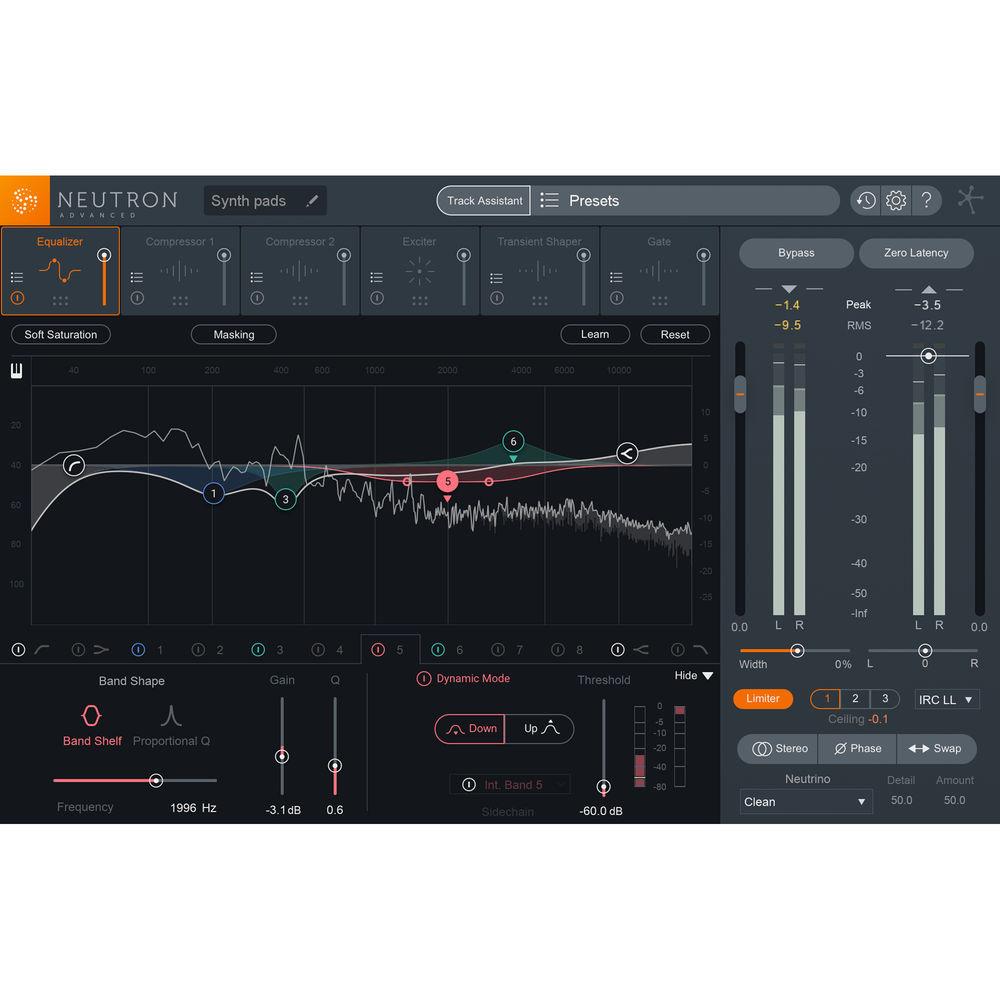
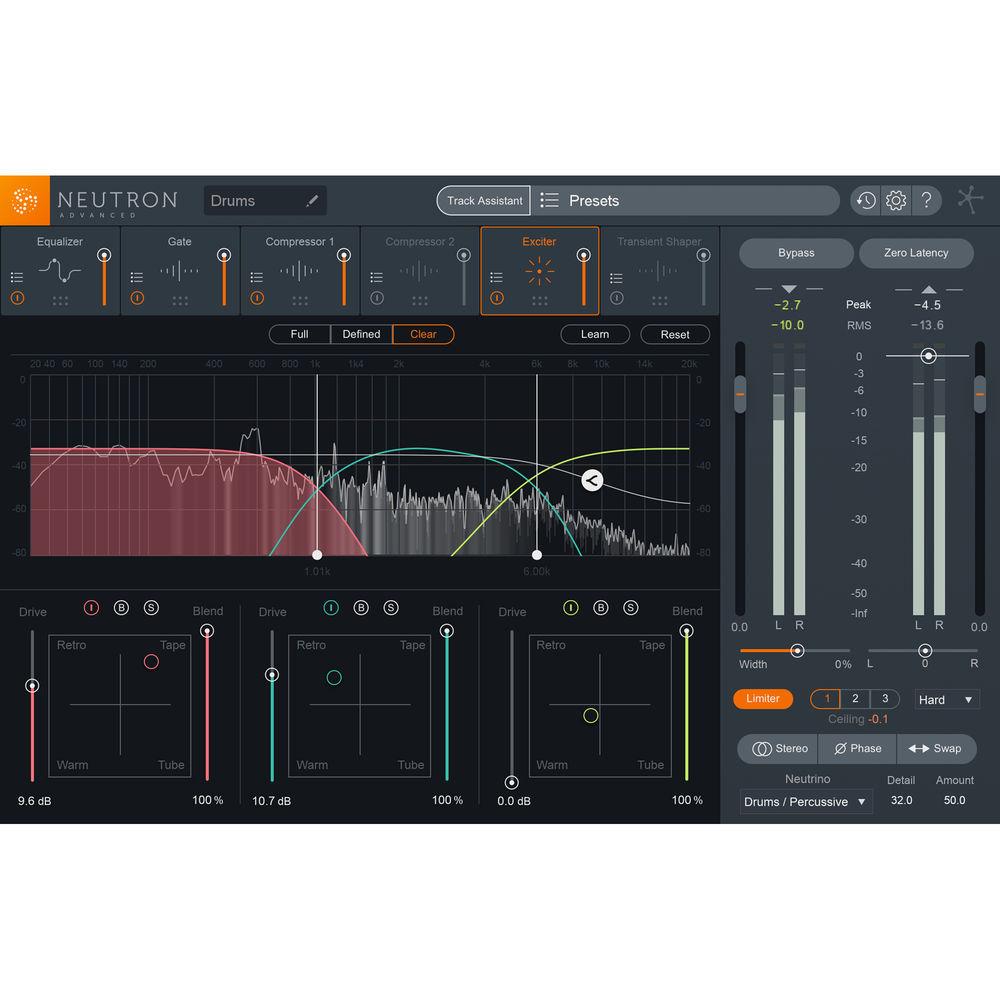
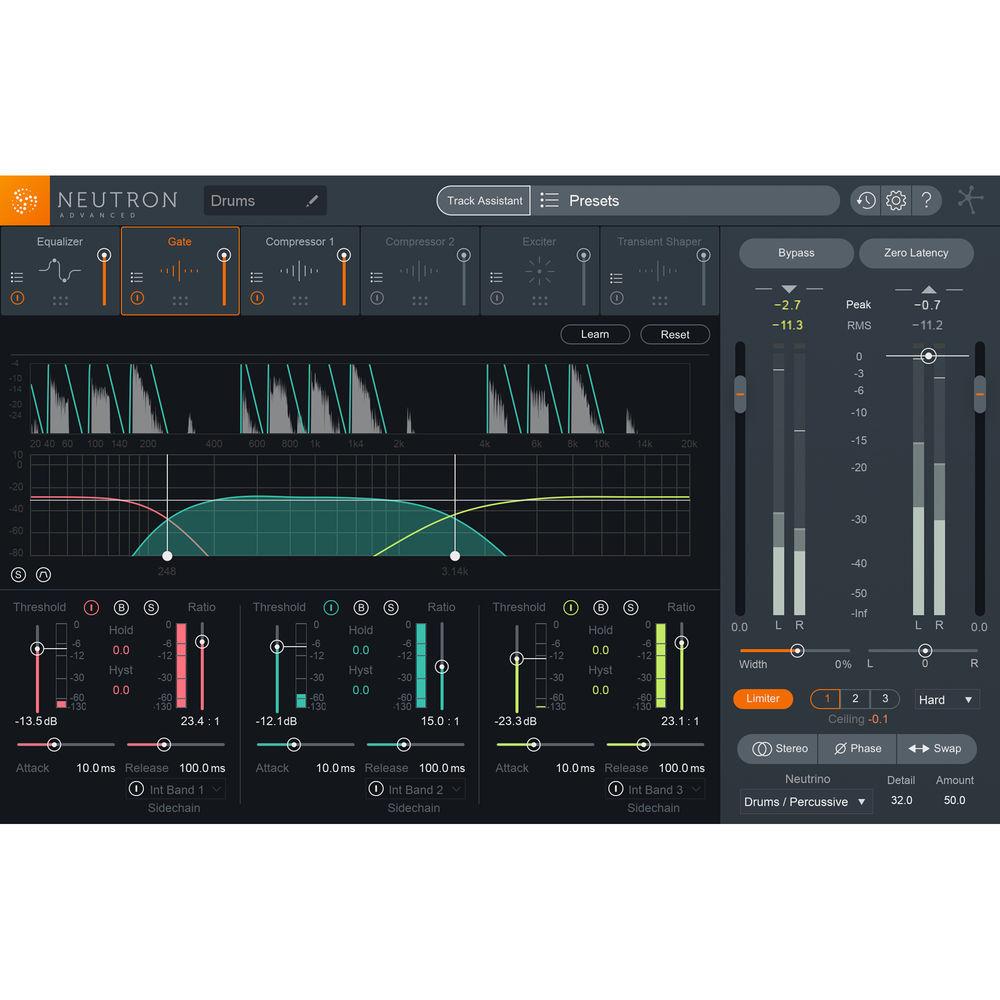
Product description Available for download, iZotope Neutron 2 Advanced is a channel-strip plug-in designed for mixing music and audio-post production. Like its predecessor, Neutron 2 Advanced provides a compressor, equalizer, exciter, transient shaper, and a limiter, as well as the frequency-masking meter and the track assistant feature. Many of these modules have been improved upon, and several new elements have been introduced to making your mixing session a more intuitive, gratifying enterprise.Take the new Visual Mixer, for instance. This separate module, included with the plug-in, gives you a visual picture of your mix; any track using Neutron 2 Advanced or the Mix Tap plug-in (explained later) can be manipulated across an intuitive, visual plane, giving you a graphical indicator not unlike an XY matrix. Move a track from the left to the right, and you are panning that track from the left to the right. Move the track up and down to dictate its sonic level within the visual framework. Each element represented in this pictorial overlay is encapsulated in a node; grab the handles of this node and pull it outwards or inwards to manipulate the element's overall stereo width. This tool is meant to benefit Neutron as an ecosystem, promoting integration between tracks boasting Neutron 2 or the Mix Tap plug-in, and allowing you to carve space without navigating through windows, fader banks, and other potential hindrances.As for the Mix Tap plug-in, the concept behind that is relatively straight-forward: perhaps you don’t want to load Neutron on a relatively unimportant track in your mix, but would still like to manipulate that element within the Visual Mixer. If that’s the case, simply instantiate Mix Tap on the track, and it will now interface with the Visual Mixer—but it doesn’t stop there: Mix Tap also lets you integrate non-Neutron tracks with iZotope’s Tonal Balance Control Plug-in and the Masking Meter to better implement frequency changes throughout your mix.This leads us nicely into the Tonal Balance Control plug-in, included with Neutron 2 Advanced. Tonal Balance Control provides an intuitive and adjustable frequency analysis over your whole mix. It's designed to help you ensure a frequency profile commensurate with the norms of modern, vintage, or orchestral music. You can also upload your own reference tracks into Tonal Balance Control and aim to match those. On the low end, a crest factor meter is provided to make sure you don't over-compress the bass frequencies. Within the plug-in, you can call up and tweak equalizers in any instance of Neutron 2 or Ozone 8 across your mix. This gives you a new level of control and inter-connectivity across the iZotope ecosystem.A new module has also been added into the fray, one that is sure to come in handy: a multiband noise gate with hysteresis, which also sports musical controls for eliminating unwanted, extraneous signals in a natural manner. In addition to the UI improvements, which include a more intuitive layout—making features like the masking meter easier to use—Neutron 2 Advanced has also improved many of the machine-learning algorithms which made the original Neutron handy in the first place. The track assistant, for instance, now has the ability to set time constants for the dynamic processes. The functionality of the exciter has been expanded so that now you can set the drive and blend of the harmonic distortion when it analyses your track. Track Assistant also gives you a range of potential options for its custom-created presets. When first firing it up, a menu will ask you what you’re going for, giving you style options (balanced, warm, and upfront) as well as intensity choices (low, medium, and high). You can tell the algorithm what the instrument is, or choose auto-detect. If you choose the latter, know that a new detection mode has been implemented to identify pianos. When it’s done processing, the Track Assistant gives you the ability to accept or reject the custom-created channel setting.More options abound which improve work-flow and creativity. For instance, you’ll find a soft-saturation option attached to the equalizer. All multiband processors can be switched into single-band, and controls below the I/O section allow you to monitor in mono, flip the polarity, increase the width on both the left and right channels, and swap them. Below these controls, you’ll find the Neutrino section, which helps you maintain the clarity, focus, and separation of individual tracks across your mix by means of three controls. This software is compatible with Windows and Mac platforms. It can operate in AAX, RTAS, VST 3, VST 3, and AudioUnit formats. Key Features at a Glance - Improved Track Assistant
-
- Automatically detects instrument types (guitar, vocals/dialogue, bass, drums, piano)
- Creates custom starting points based on your specific audio tracks
- Offers three styles of processing and levels of intensity
- Adds Neutrino's Spectral Shaping to help maintain focus and clarity
- Intelligently places EQ nodes and creates an EQ curve
- Automatic settings for signal flow, including single or multiband processing
- Uses algorithms to intelligently place crossovers in multiband modes
- Automatic selection of compressor styles (digital or vintage) as well as setting assignments (threshold, attack, release, and ratio)
- Selects Exciter algorithm blend and dials in a custom amount per the audio's needs
- Sets threshold in Transient Shaper
- Improved instrument/dialogue detection
- Visual Mixer Plug-In
-
- Control volume, pan, and stereo width
- View sonic activity with node metering
- Create snapshots of your mix
- Automatic track labeling from your DAW (requires AAX, AU, or VST3 support)
- Select, show, and hide tracks
- Tonal Balance Control Plug-In
-
- Intuitive frequency meter for mastering
- Broad or fine view panels
- Control EQ of any Ozone 8 or Neutron 2 module in your mix
- Three tonal presets
- Low-end crest factor meter monitors if your bass frequencies are over-compressed
- Import a reference track or a folder of reference tracks for matching frequency-balance
- Mix Tap Plug-In
-
- Route any track to Visual Mixer
- Route any track to Tonal Balance Control
- Route any track to Masking Meter
- High-pass filter
- Delay offset
- Phase invert
- Sum to mono
- Swap channels
- Gate Module New to Neutron 2
-
- Analog-style hysteresis
- Three bands of gating
- Hold function
- Learn function
- Multiband mode
- Available as a module or a dedicated plug-in
- Masking Meter
-
- Visually identifies which frequencies are being perceptually masked by another track, thus helping you to make intelligent EQ decisions
- Adjusts both the selected track and masking track’s EQ settings from within the same plug-in GUI
- Identifies frequency-masking trouble spots over time using the histogram
- Neutrino
-
- Based on iZotope’s spectral shaping technology
- Uses simplified controls to influence clarity and detail over elements of your mix
- Intended to enhance, in a subtle manner, the separation and focus of individual instruments
- CPU efficient
- Equalizer
-
- Up to 12 EQ Bands
- Static or dynamic functionality per node
- Analog-style soft-saturation mode (switchable)
- Side-chain functionality for dynamic nodes
- Flat LP/HP, Resonant LP/HP, Analog lo/hi shelf, Baxandall bass/treble, Vintage lo/hi shelf, Proportional Q, and Band Shelf
- Multiple frequency scale types: Linear, Mel, Log, Extended Log, Flat Log
- Adjust both the lead track and masking track's EQ settings from within the same plug-in GUI
- Piano-roll overlay
- Available as a module or a dedicated plug-in
- Compressor
-
- Modern or vintage compression modes (i.e., clean or colorful)
- Single or multiband modes
- Threshold and crossover frequency auto-learn
- Peak, RMS, or transparent True Envelope detection
- Program dependent auto-release
- Internal or external side-chain per band
- Analog (zero-latency) or Hybrid (transparent) crossovers
- Available as a module or a dedicated plug-in
- Transient Shaper
-
- 3 Global Modes (Precise, Balanced, Loose)
- 3 Contour Shapes (Sharp, Medium, and Smooth)
- Single or multiband
- Crossover frequency auto-learn
- Analog (zero-latency) or Hybrid (transparent) crossovers
- Available as a module or a dedicated plug-in
- Exciter
-
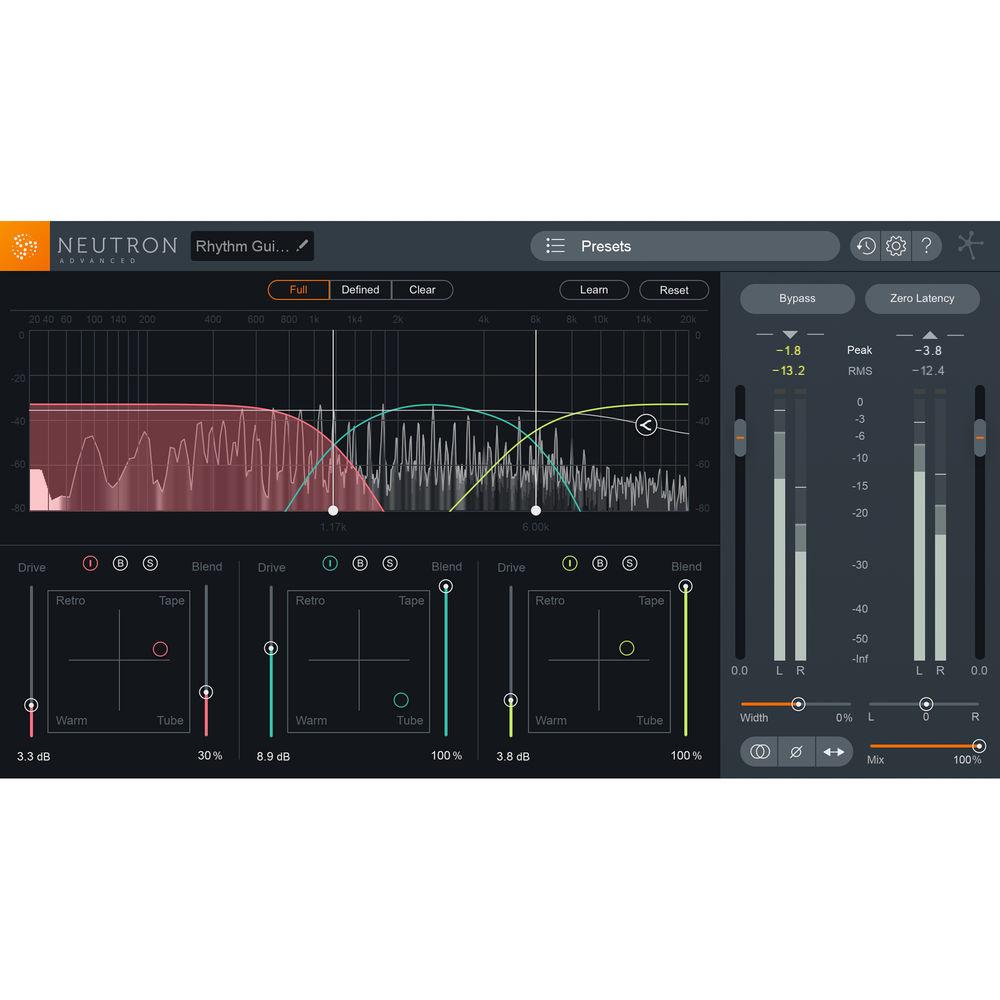
- 3 global modes to fine-tune saturation color (Full, Defined, Clean)
- 4 saturation types (Tube, Warm, Tape, & Retro), blendable at will
- Single or multiband
- Crossover frequency auto-learn
- Analog (zero-latency) or Hybrid (transparent) crossovers
- Available as a module or a dedicated plug-in
- Improved I/O Section
-
- Input/output metering
- Stereo-width and panning controls
- Sum-to-mono button
- Swap channels button
- Phase invert button
- Delay offset
- Intuitive limiter with three styles and ceiling control
- Audio-Post Workflow Enhancements
-
- True-peak limiter suitable for BS.1770-4 compliance
- Surround support up to 7.1
- LFE bypass-toggle for each module and limiter
Table of Contents
|
Upload User Manual
Have you got an user manual for the iZotope Neutron 2 Advanced - Mixing Software with Track Assistant in electronic form? Please send it to us and help us expand our library of instruction manuals.
Thank you, too, on behalf of other users.
To upload the product manual, we first need to check and make sure you are not a robot. After that, your "Submit Link" or "Upload File" will appear.
Technical parametersiZotope Nuetron Specs | Supported Operating Systems | OS X 10.8.5 to macOS 10.12.6
Windows 7 through 10 | | Supported Hosts | Pro Tools 10 through 12, Logic Pro X, Ableton Live 9, Cubase 9, FL Studio 12, REAPER 5, Reason 9.5, Bitwig Studio 2, Studio One 3, Nuendo 7, Sonar, Digital Performer | | Supported Plug-In Formats | AAX (64-bit Real-time and 64-bit AudioSuite), RTAS (32-bit Real-time), DPM (32-bit AudioSuite), VST 2, VST 3, AU |
Rating70% users recommend this product to others. And what about you?

This product has already been rated by 61 owners. Add your rating and experience with the product.
Discussion
 Ask our technicians if you have a problem with your settings,
or if anything is unclear in the user manual you have downloaded.
You can make use of our moderated discussion.
The discussion is public and helps other users of our website who may be encountering similar problems.
Ask our technicians if you have a problem with your settings,
or if anything is unclear in the user manual you have downloaded.
You can make use of our moderated discussion.
The discussion is public and helps other users of our website who may be encountering similar problems.
The discussion is empty - enter the first post
Post a new topic / query / comment:
|
|


