User Manual for iZotope Neutron Elements - Channel Strip Software Click to enlarge the picture
 Contents of the user manual for the iZotope Neutron Elements - Channel Strip
- Product category: Virtual Processor Plug-Ins iZotope
- Brand: iZotope
- Description and content of package
- Technical information and basic settings
- Frequently asked questions – FAQ
- Troubleshooting (does not switch on, does not respond, error message, what do I do if...)
- Authorized service for iZotope Virtual Processor Plug-Ins
 |
User manual for the iZotope Neutron Elements - Channel Strip contain basic instructions
that need to be followed during installation and operation.
Before starting your appliance, the user manual should be read through carefully.
Follow all the safety instructions and warnings, and be guided by the given recommendations.
User manual is an integral part of any iZotope product,
and if it is sold or transferred, they should be handed over jointly with the product.
Following the instructions for use is an essential prerequisite for protecting
health and property during use, as well as recognition of liability on the part of the manufacturer
for possible defects should you make a warranty claim. Download an official iZotope user manual in which you will find instructions on how to install, use, maintain and service your product.
And do not forget – unsuitable use of a iZotope product will considerably shorten its lifespan!
|
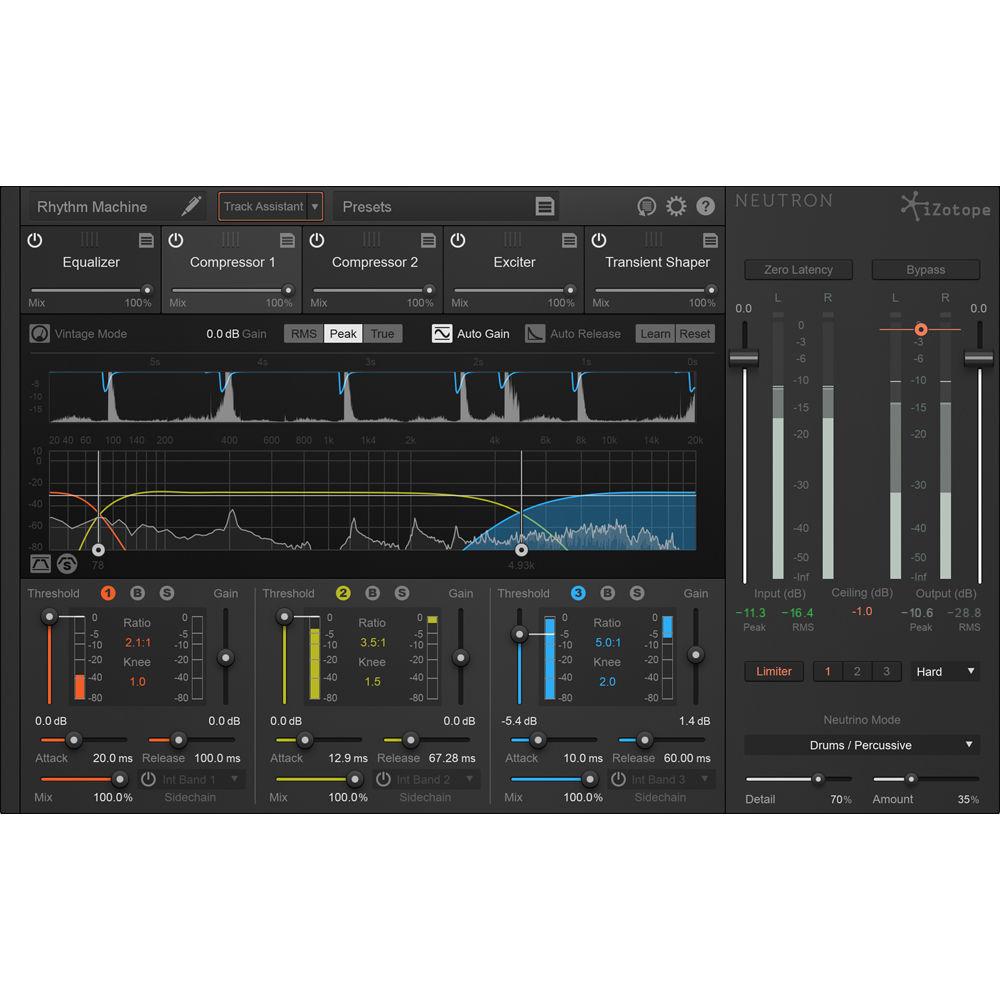
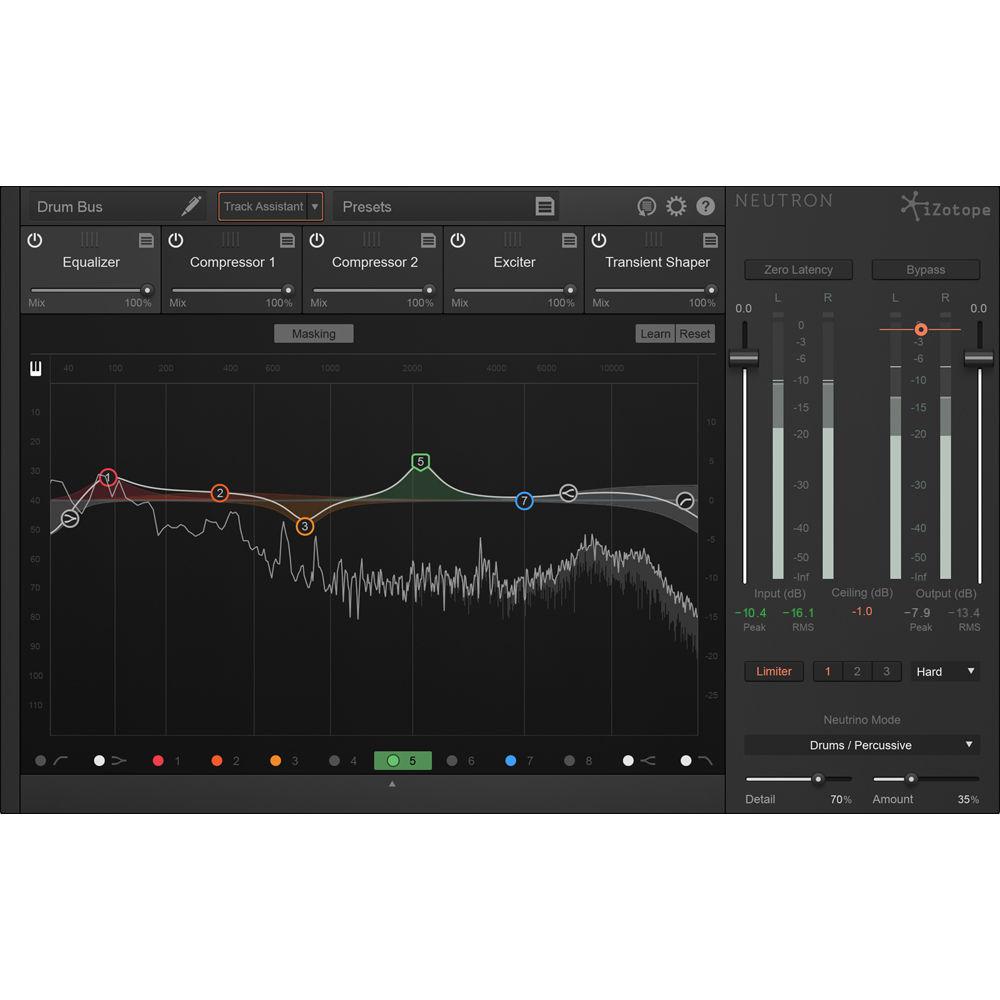
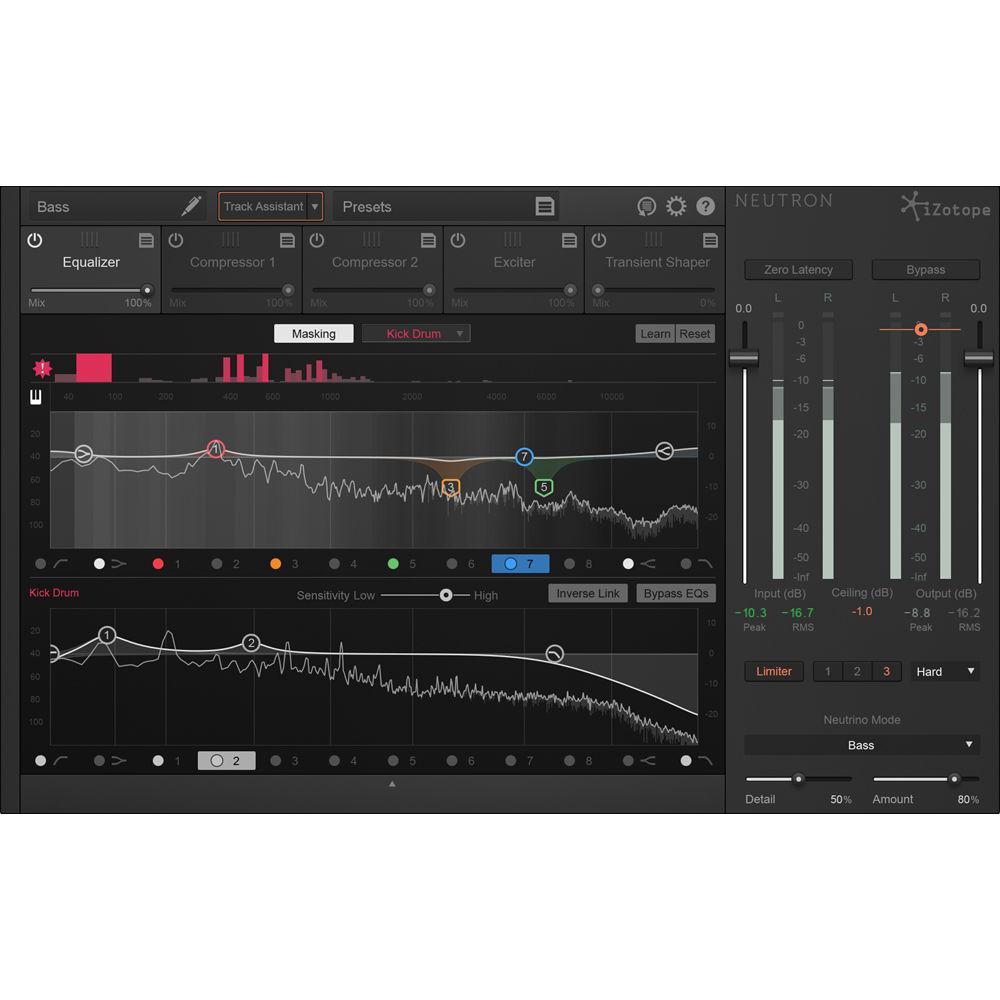
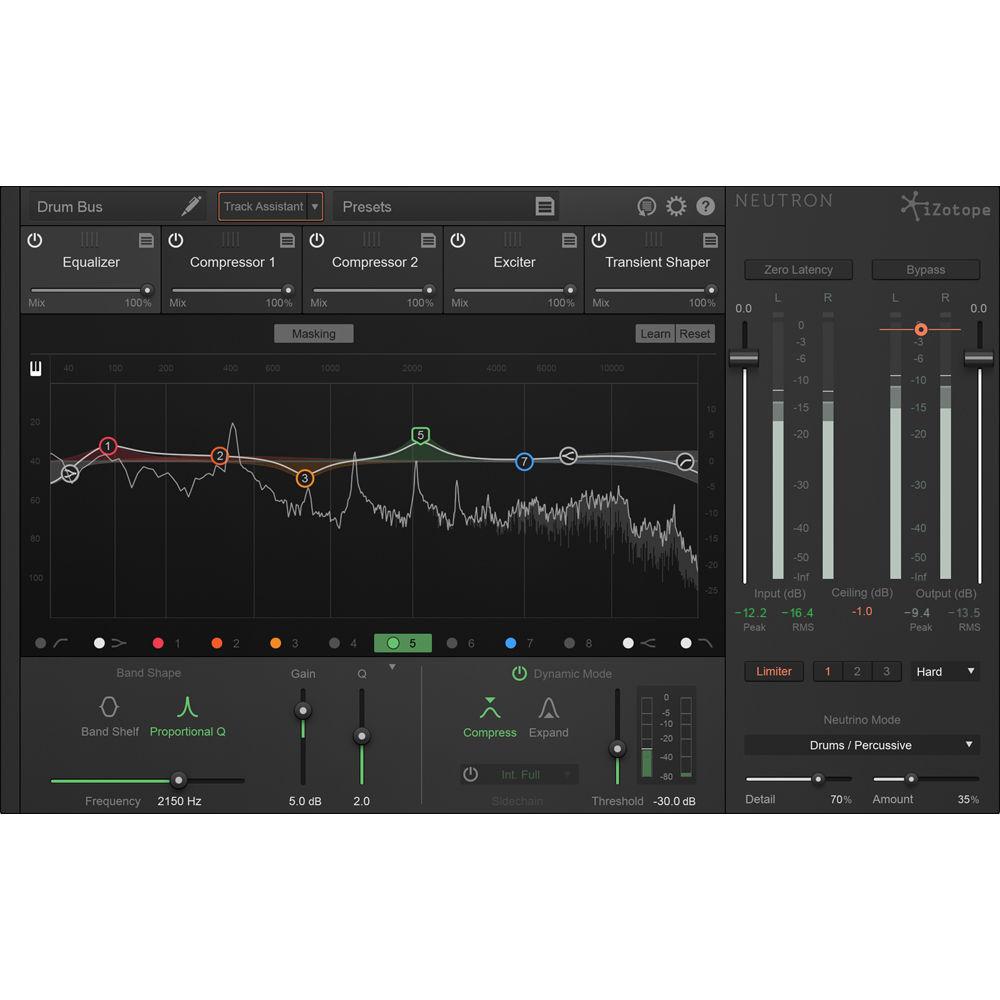
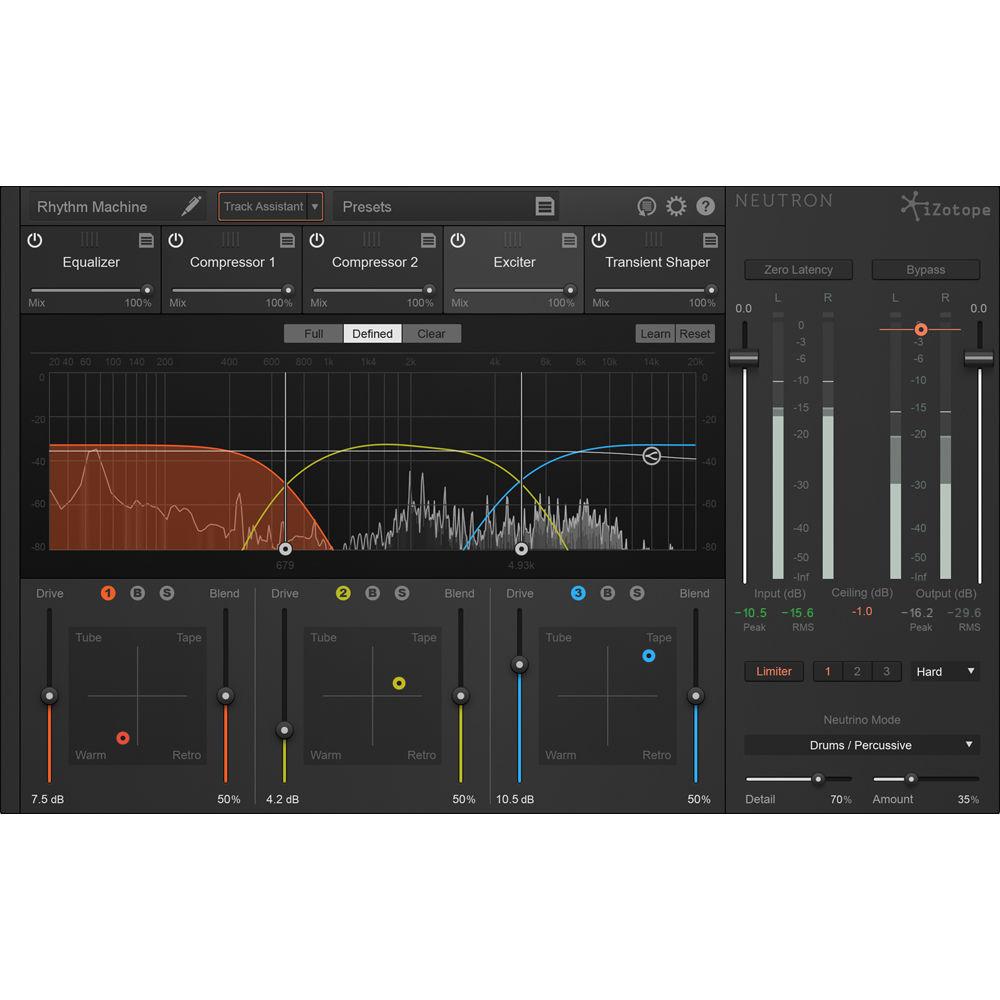
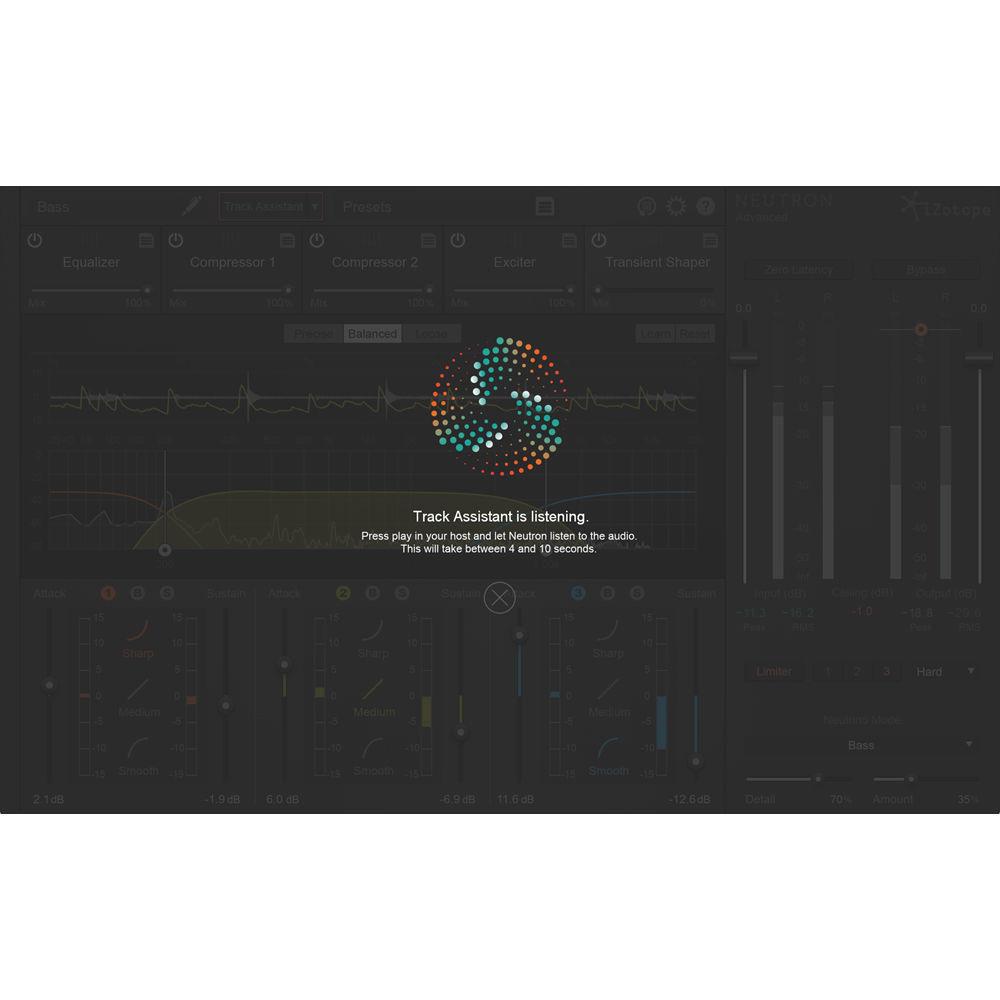
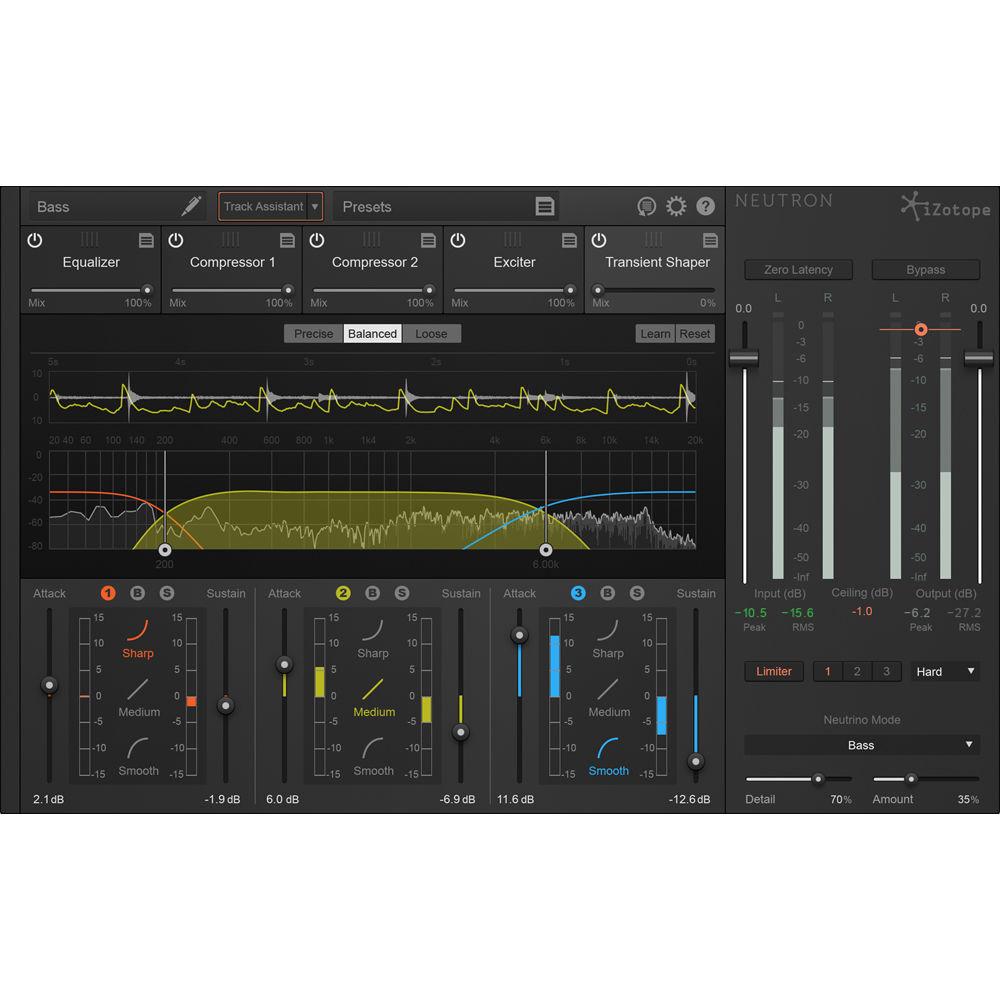
Product description Available for download, iZotope's Neutron Elements is designed to be an introduction to iZotope's Neutron mixing algorithms, giving you the compressor, equalizer, exciter, and a transient shaper of its bigger sibling in largely single-band versions. As with Neutron Standard, the Elements version offers an intelligent Track Assistant that help you quickly identify potential problem areas in a track. Furthermore, Neutrino is provided to help maintain the clarity, focus, and separation of individual tracks across a mix. Over 200 presets are provided to get you started. This plug-in is available for Mac and Windows platforms. There is no standalone version, but you can operate the software within VST, AU, AAX and RTAS formats. Key Features at a Glance - Single-band Track Assistant
-
- Automatically detects instrument types (guitar, vocals, bass, drums, etc.)
- Creates custom starting points based on your specific audio track
- Offers three levels of intensity (Subtle, Medium, and Aggressive)
- Adds Neutrino's Spectral Shaping too help maintain focus and clarity
- Sets automatic settings and routings for signal flow
- Automatic selection of compressor styles (Digital or Vintage) as well as setting assignments (Threshold, Attack, Release, and Ratio)
- Selects Exciter algorithm blend and dials in a custom amount as per the audio's needs
- Neutrino
-
- Based on iZotope’s Spectral Shaping technology
- Uses simplified controls to influence clarity and detail over elements of your mix
- Four modes: Voice/Dialogue, Guitar/Instrument, Bass, and Drums/Percussive
- Intended to enhance, in a subtle manner, the separation and focus of individual instruments
- CPU efficient
- Equalizer
-
- Up to 12 EQ Bands
- Flat LP/HP, Resonant LP/HP, Analog lo/hi shelf, Baxandall bass/treble, Vintage lo/hi shelf, Prop Q, and Band shelf
- Multiple frequency scale types: Linear, Mel, Log, Extended Log, Flat Log
- Piano roll overlay
- Compressor
-
- Modern or vintage compression modes (i.e., clean or colorful)
- Single-band
- Threshold and crossover frequency auto-learn
- Peak, RMS, or transparent True Envelope detection
- Program dependent auto-release
- Analog (zero-latency) or Hybrid (transparent) crossovers
- Transient Shaper
-
- 3 Global Modes (Precise, Balanced, Loose)
- 3 Contour Shapes (Sharp, Medium, and Smooth)
- Single-band operation
- Analog (zero-latency) or Hybrid (transparent) crossovers
- Exciter
-
- 3 Global Modes to fine-tune saturation color (Full, Defined, Clean)
- 4 saturation types (Tube, Warm, Tape, & Retro), blendable at will
- Single-band operation
- Analog (zero-latency) or Hybrid (transparent) crossovers
Table of Contents
|
Upload User Manual
Have you got an user manual for the iZotope Neutron Elements - Channel Strip Software in electronic form? Please send it to us and help us expand our library of instruction manuals.
Thank you, too, on behalf of other users.
To upload the product manual, we first need to check and make sure you are not a robot. After that, your "Submit Link" or "Upload File" will appear.
Technical parametersiZotope 10-NTE Specs | Mac System Requirements | OS X 10.9 and higher | | Windows System Requirements | Windows 7, 8, and 10 | | Supported Plug-In Formats | VST2 (32-/64-bit), VST3 (32-/64-bit), AU (32-/64-bit), AAX (64-bit), RTAS (32-bit), DPM Audiosuite, and AAX Audiosuite |
Rating90% users recommend this product to others. And what about you?

This product has already been rated by 16 owners. Add your rating and experience with the product.
Discussion
 Ask our technicians if you have a problem with your settings,
or if anything is unclear in the user manual you have downloaded.
You can make use of our moderated discussion.
The discussion is public and helps other users of our website who may be encountering similar problems.
Ask our technicians if you have a problem with your settings,
or if anything is unclear in the user manual you have downloaded.
You can make use of our moderated discussion.
The discussion is public and helps other users of our website who may be encountering similar problems.
The discussion is empty - enter the first post
Post a new topic / query / comment:
|
|


