User Manual for Jungle Software Gorilla 6 Budgeting Click to enlarge the picture
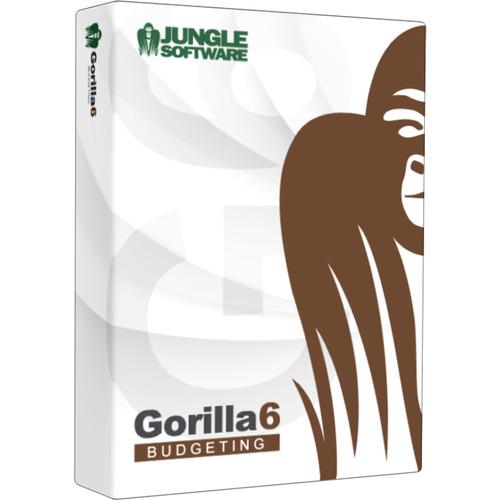 Contents of the user manual for the Jungle Software Gorilla 6 Budgeting
- Product category: Pre-Production Software Jungle Software
- Brand: Jungle Software
- Description and content of package
- Technical information and basic settings
- Frequently asked questions – FAQ
- Troubleshooting (does not switch on, does not respond, error message, what do I do if...)
- Authorized service for Jungle Software Pre-Production Software
 |
User manual for the Jungle Software Gorilla 6 Budgeting contain basic instructions
that need to be followed during installation and operation.
Before starting your appliance, the user manual should be read through carefully.
Follow all the safety instructions and warnings, and be guided by the given recommendations.
User manual is an integral part of any Jungle Software product,
and if it is sold or transferred, they should be handed over jointly with the product.
Following the instructions for use is an essential prerequisite for protecting
health and property during use, as well as recognition of liability on the part of the manufacturer
for possible defects should you make a warranty claim. Download an official Jungle Software user manual in which you will find instructions on how to install, use, maintain and service your product.
And do not forget – unsuitable use of a Jungle Software product will considerably shorten its lifespan!
|
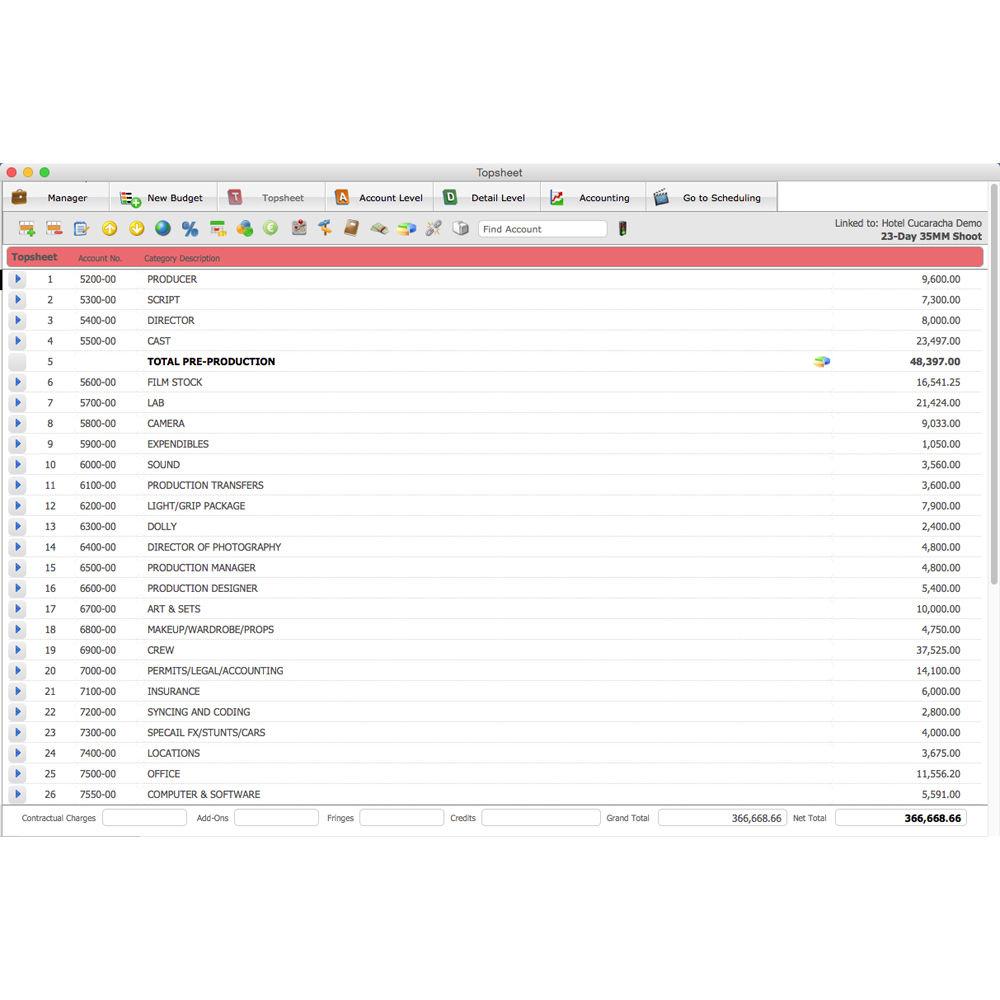
Product description Planning Your Shoot: 10 Tips to Success Read More This download of Gorilla 6 Budgeting from Jungle Software is a traditional film budgeting software that includes globals, fringes, sub-groups, tax credits, deferments, 4th level budgeting, ratebook integration, and expense tracking. It is compatible with Windows and Mac OS and includes two authorizations. - Four Level Budgeting
- Topsheet, account, detail, and 4th level budgeting help make it easy to organize your budget
- Fringes
- Attach fringes as flat rates or percentages to any detail line item and organize fringes into groups
- Globals
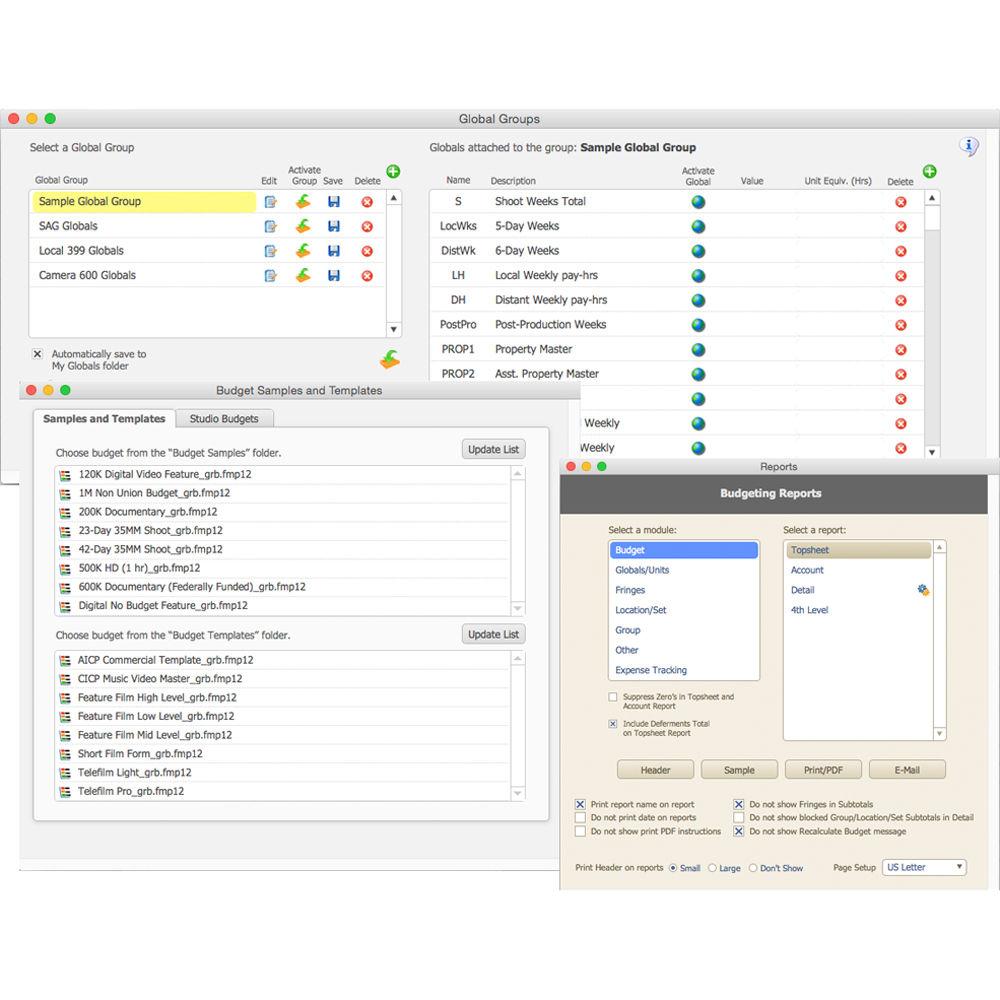
- Create globals for rates and amounts. Save globals in groups and re-use them in other budgets
- Add-Ons, Deferments, & Multiple Currencies
- Add rates to production groups, defer line items, and use multiple currencies within one budget
- Samples & Templates
- Dozens of budget samples and templates are available from short film, documentary, independent, and studio templates
- Import Scheduling
- Link a Gorilla Schedule and import crew, cast, elements, and locations
- Track Expenses
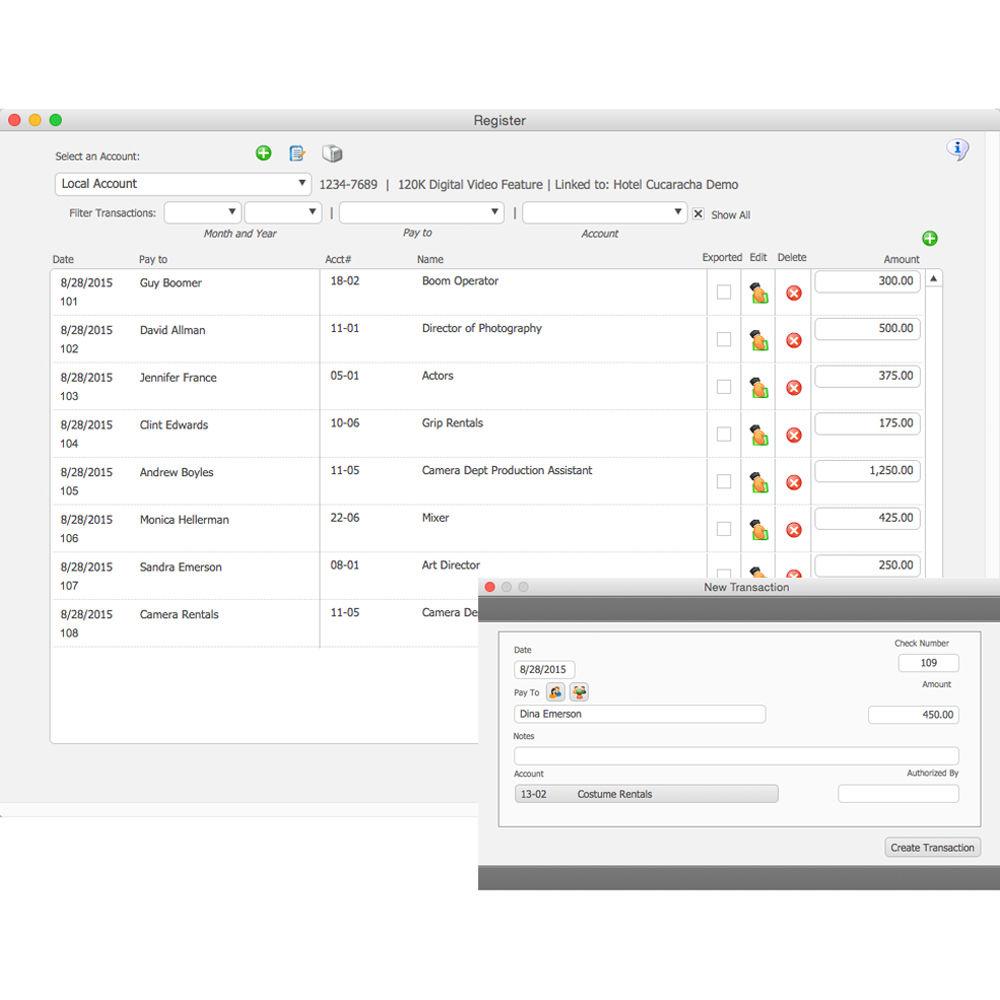
- Track expenses against your budget and run a budget balance report
- Tax Credits
- Enter tax credits for different locales, cities, and states, and attach credits to groups
- Ratebook Integration
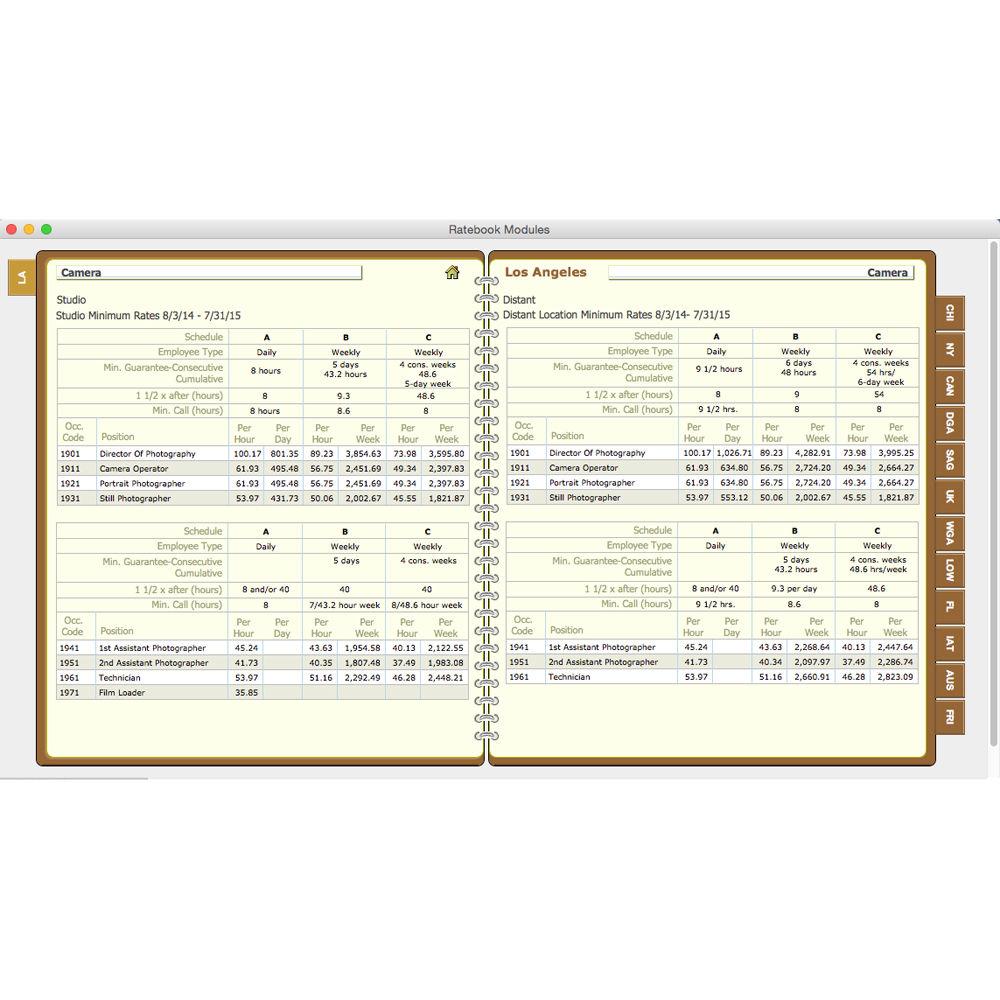
- Integrate with The Gorilla Ratebook and gain access to thousands of industry rates
- Training Videos
- Over 30 training videos from importing a sample template to creating globals to exporting a budget to PDF
In the Box Jungle Software Gorilla 6 Budgeting (Download) Two Authorizations Table of Contents
|
Upload User Manual
Have you got an user manual for the Jungle Software Gorilla 6 Budgeting in electronic form? Please send it to us and help us expand our library of instruction manuals.
Thank you, too, on behalf of other users.
To upload the product manual, we first need to check and make sure you are not a robot. After that, your "Submit Link" or "Upload File" will appear.
Technical parametersJungle Software 605021 Specs | | | Windows | Operating System:
Windows 10, 8.1 Pro and 8.1, 8 Pro and 8, 7 SP1 Ultimate, Professional, Home, and Premium
Minimum System Requirements:
1.0 GHz or faster processor, 1 GB RAM, 512 MB available hard disk space, 1024 x 768 or higher resolution video adapter and display, Internet Explorer 8 installed, Internet connection (for location maps & weather features)
Recommended System Requirements:
2.0 GHz or faster processor, 2 GB RAM, 2 GB available hard disk space, 1280 x 800 or higher resolution video adapter and display, Internet Explorer 8 installed, Internet connection (for location maps & weather features) | | Macintosh | Operating System:
OS X Yosemite 10.10, Mavericks 10.9, Mountain Lion 10.8, Lion 10.7
Minimum System Requirements:
Intel-based Mac, 1 GB RAM, 512 MB available hard disk space, 1024 x 768 or higher resolution video adapter and display, Safari 5.1 installed, Internet connection (for location maps & weather features)
Recommended System Requirements:
2.0 GHz Intel Core Duo or faster processor, 2 GB RAM, 2 GB available hard disk space, 1280 x 800 or higher resolution video adapter and display, Safari 5.1 installed, Internet connection (for location maps & weather features) |
Rating50% users recommend this product to others. And what about you?

This product has already been rated by 00 owners. Add your rating and experience with the product.
Discussion
 Ask our technicians if you have a problem with your settings,
or if anything is unclear in the user manual you have downloaded.
You can make use of our moderated discussion.
The discussion is public and helps other users of our website who may be encountering similar problems.
Ask our technicians if you have a problem with your settings,
or if anything is unclear in the user manual you have downloaded.
You can make use of our moderated discussion.
The discussion is public and helps other users of our website who may be encountering similar problems.
The discussion is empty - enter the first post
Post a new topic / query / comment:
|
|


