|
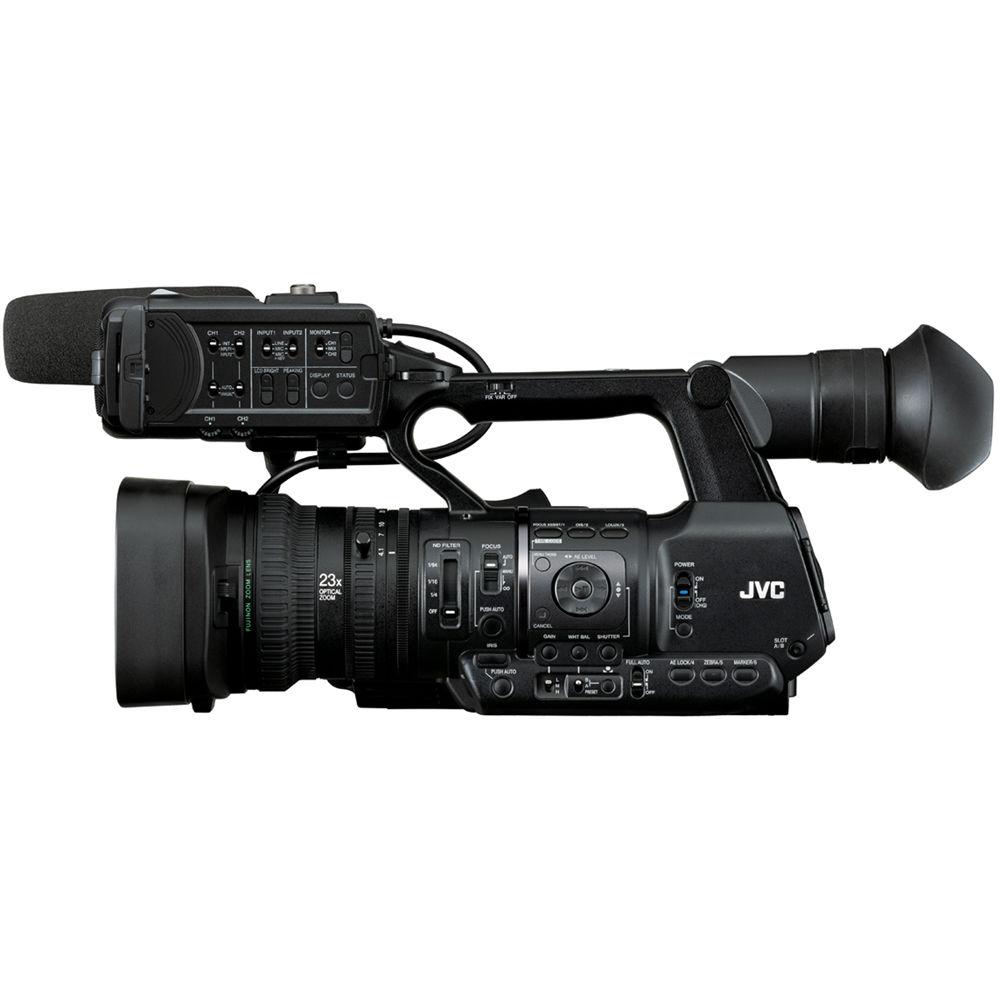
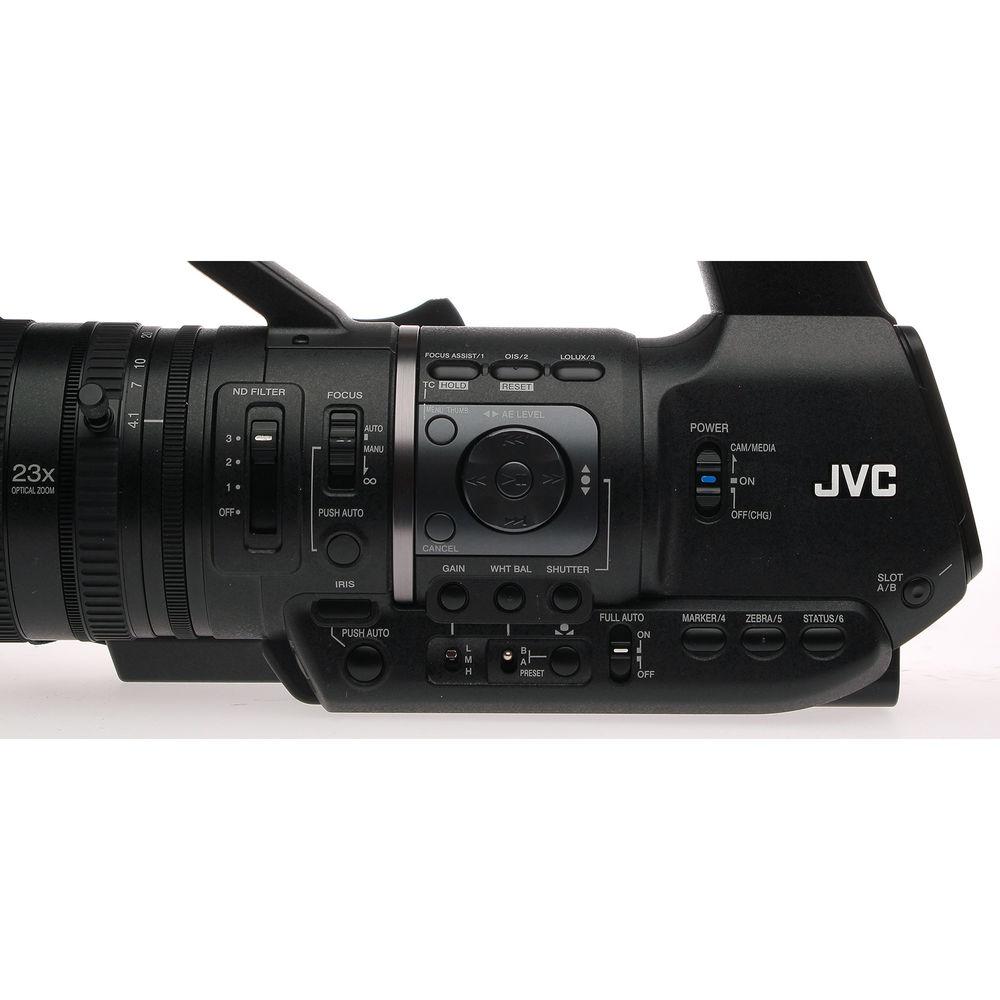
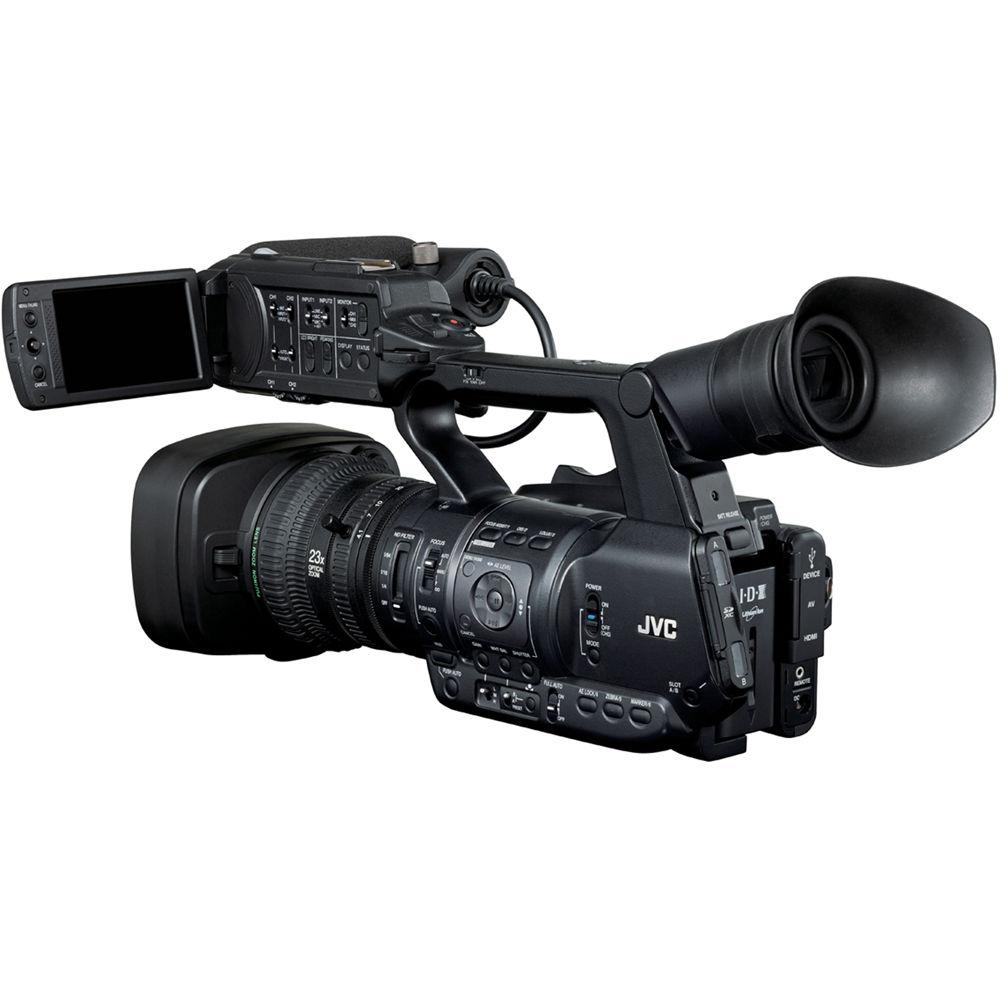
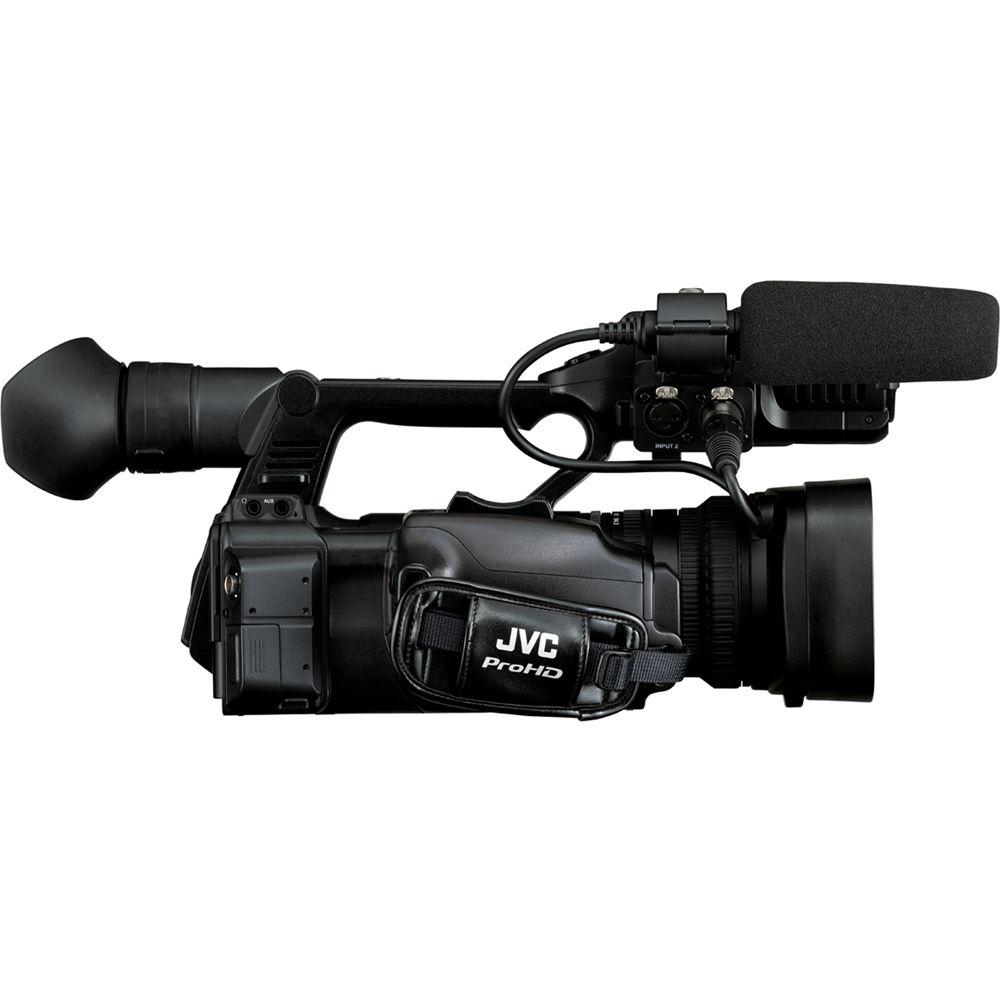
User Manual for JVC GY-HM650SC ProHD Sports Coaching Camera Click to enlarge the picture
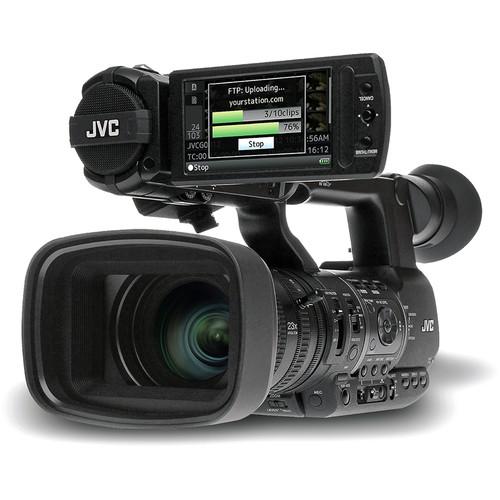 Contents of the user manual for the JVC GY-HM650SC ProHD Sports Coaching Camera
- Product category: Camcorders JVC
- Brand: JVC
- Description and content of package
- Technical information and basic settings
- Frequently asked questions – FAQ
- Troubleshooting (does not switch on, does not respond, error message, what do I do if...)
- Authorized service for JVC Camcorders
 |
User manual for the JVC GY-HM650SC ProHD Sports Coaching Camera contain basic instructions
that need to be followed during installation and operation.
Before starting your appliance, the user manual should be read through carefully.
Follow all the safety instructions and warnings, and be guided by the given recommendations.
User manual is an integral part of any JVC product,
and if it is sold or transferred, they should be handed over jointly with the product.
Following the instructions for use is an essential prerequisite for protecting
health and property during use, as well as recognition of liability on the part of the manufacturer
for possible defects should you make a warranty claim. Download an official JVC user manual in which you will find instructions on how to install, use, maintain and service your product.
And do not forget – unsuitable use of a JVC product will considerably shorten its lifespan!
|
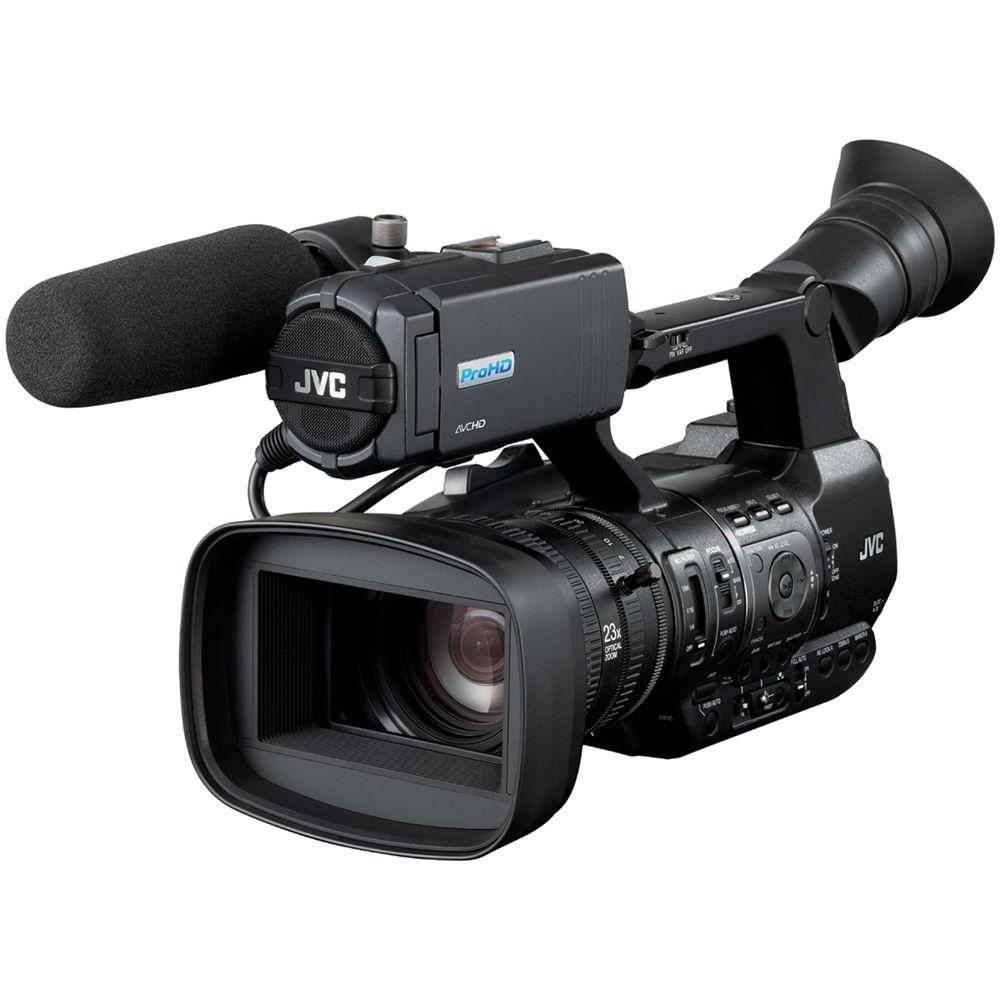
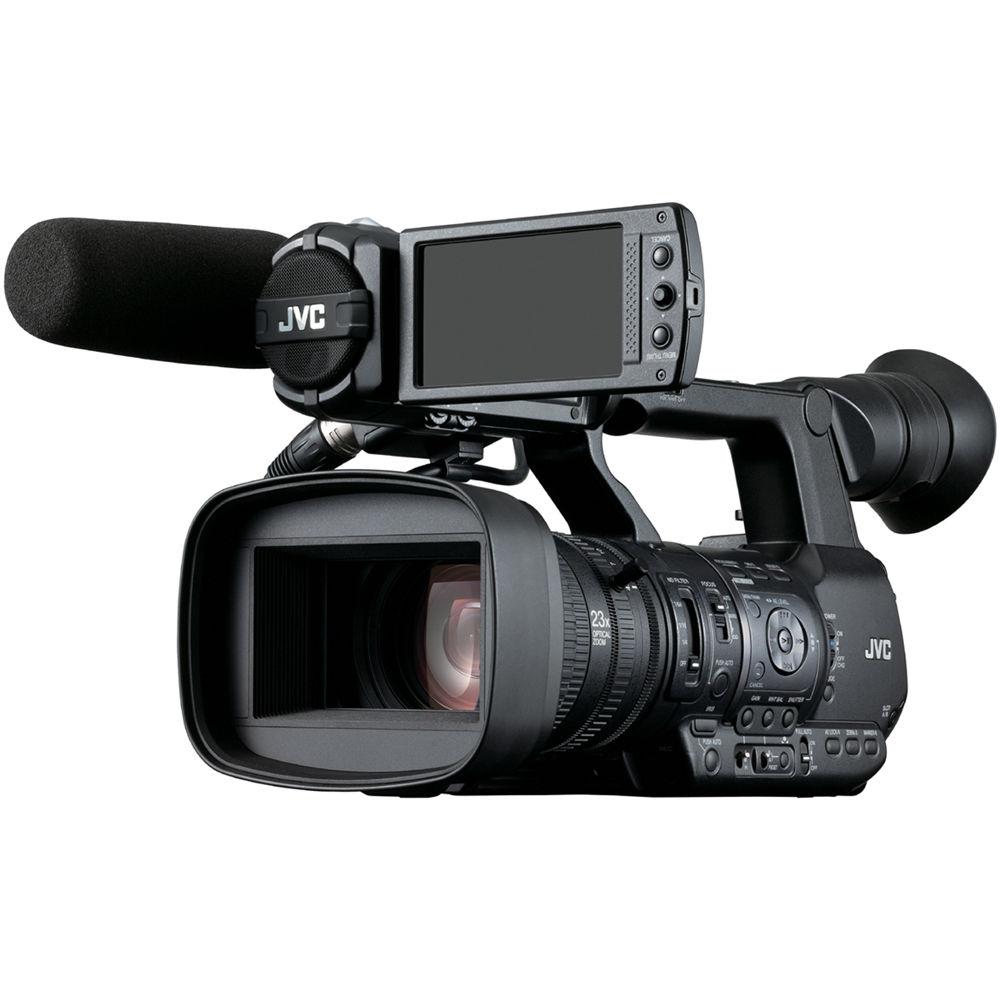
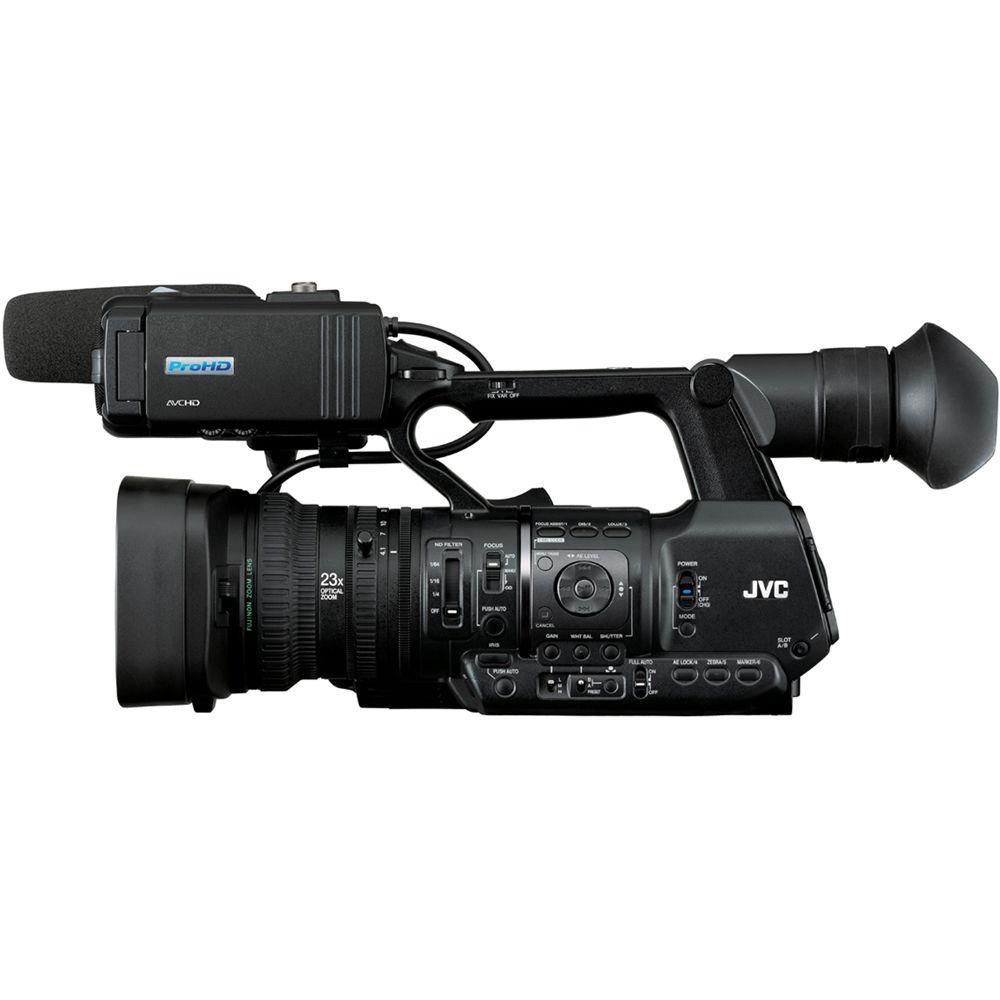
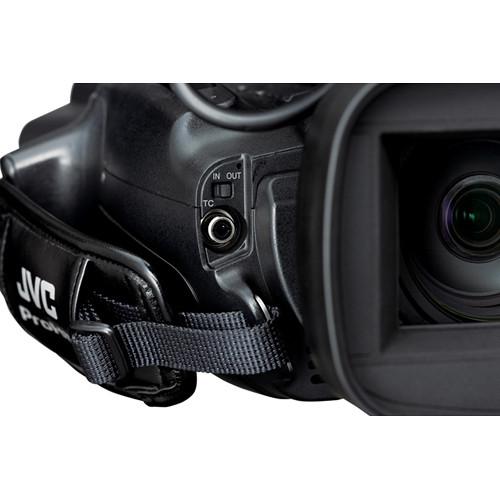
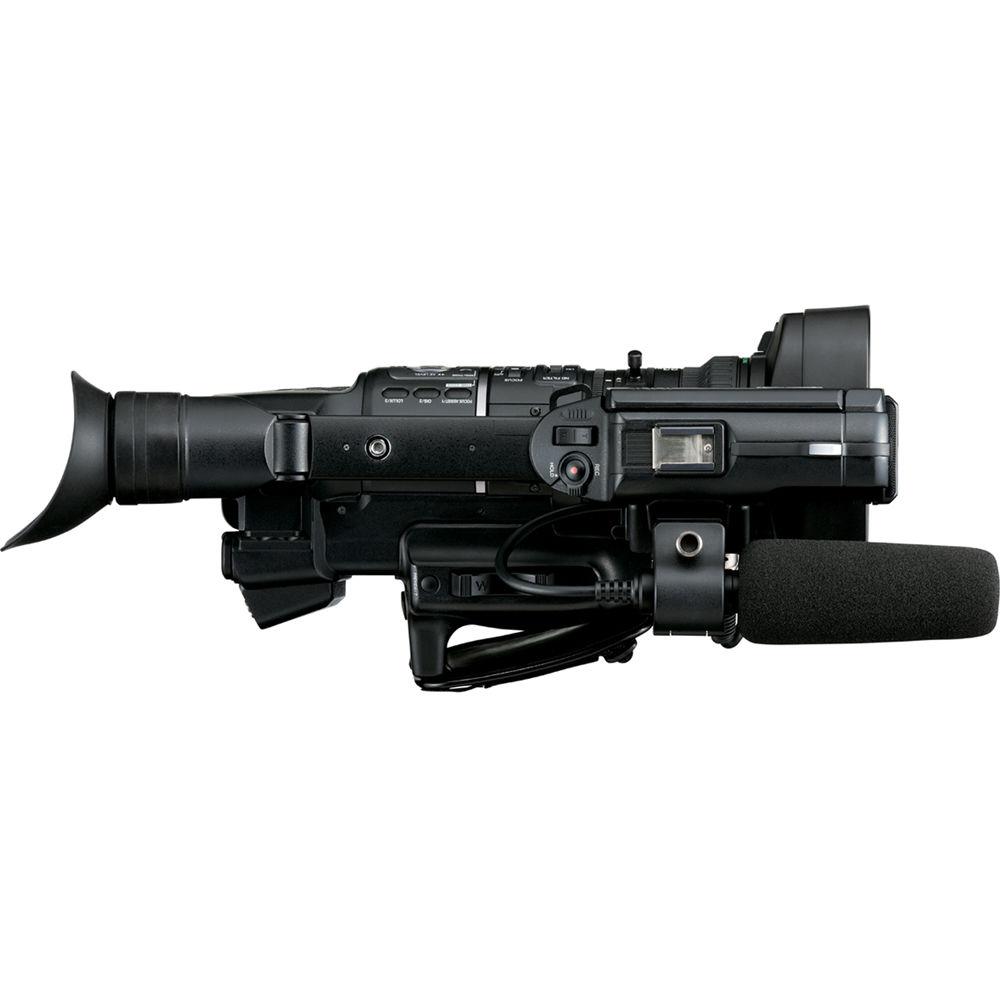
Product description The JVC GY-HM650SC ProHD Sports Coaching Camera adds sports coaching specific functionality to JVC's GY-HM650, and it is designed to interface with the XOS Thunder HD Platform for reduced upload time for practice and game footage. The camera features superb low-light performance, a lightweight and user-friendly design, and exceptional advanced features, providing capacity for fast, efficient, and high-quality mobile newsgathering. The camera records 4:2:0 but has a live output of 4:2:2.
The HM650SC offers built-in GPS, WiFi connectivity allowing FTP file uploads, and remote control and remote viewing Apps for both iOS and Android. Also, a dual codec recording capacity allows for simultaneous HD + SD or HD + ¼ HD capture for web delivery.
Three 1/3" 12-bit CMOS sensors are each capable of a max resolution of 1920 x 1080. A 23x Fujinon autofocus zoom lens shoots long and wide angles and is operable by manual functions. The camera offers F11 sensitivity @2000 lux as well as a built-in 3-position ND filter. Connections include HD-SDI and HDMI. Comprehensive recording options consist of MPEG-2, AVCHD, and SD and Proxy H.264. Two SDXC/SDHC slots are available for dual-backup, continuous recording. A viewfinder, LCD display, and built-in microphone provide additional flexibility in on-the-go shooting. - Sports Camera Functionality
- Recording time-of-day timecode to your media is essential data for the metrics used in player tracking and biometrics recording systems. Built-in GPS capability enables the new JVC GY-HM650SC ProHD camera to retrieve coordinated universal time (UTC) via satellite and the camera embeds a real-time reference within the video metadata. This facilitates synchronizing multiple cameras with biometric data collected by optional player tracking devices. This abundance of data allows a coach to instantly find a portion of video associated with any specific biometric or positional data point.
The GYHM650SC features an intuitive GUI that permits you to include specific metadata related to the type of play (offense, defense, kickoff, etc.). The metadata can then be interpreted by the XOS Thunder platform, allowing the system to automatically categorize and separate plays into appropriate folders, which can save hours of post-recording cutting and tagging when compared to traditional coaching workflows.
You can send footage directly to the analytics platform as a stream or FTP upload after each play via a 4G LTE connection or Wi-Fi using the GY-HM650SC's built-in streaming tools. As a result, footage does not have to be uploaded manually, so coaches and players can review footage as soon as the game or practice is complete. In addition, high-quality HD footage can be simultaneously recorded to SD cards in the camera for further detailed review, backup, or archive purposes. - Imaging System
-
- Three 1/3" 12-bit CMOS sensors (1920 x 1080 each)
- 23x Fujinon autofocus wide angle zoom lens with manual functions (F1.6-3.0, 23x, f=4.1-94.3mm (35mm conversion: 29 to 667mm)
- F11 Sensitivity @2000 lux
- Optical image stabilizer
- 3 position ND filter (1/4, 1/16, 1/64)
- Inputs / Outputs
-
- HD/SD-SDI and HDMI outputs
- 2-ch balanced audio mic/line switchable inputs with phantom power supply
- Multiple Encoding Formats
-
- SD H.264
- AVCHD 1920 x 1080 60i
- HD MPEG2 (35 / 25 / 19Mbps)
- Wide Media Format Compatibility
-
- AVCHD
- .MP4 (XDCAM EX)
- .MOV (for Final Cut Pro)
- Additional Features
-
- Dual Codec recording for simultaneous HD + SD or HD + ¼ HD capture (for web delivery)
- SDXC/SDHC memory card recording (2 slots for dual-backup, continuous recording)
- Built-in GPS
- WiFi connectivity with Apps for iOS/Android for remote control, remote viewing, and metadata upload
- FTP file upload via WiFi
- File interoperability from acquisition to air
- Professional switch layout and comprehensive video settings
- Pre Rec (retro) mode (20 sec.)
- Time lapse recording
- Built-in stereo microphone
- 0.45-inch 1.22M pixel color viewfinder
- 3.5-inch 920K pixel LCD display with focus assist
- High performance 2D DNR
- Wired remote control connector
UPC: 046838074066 In the Box JVC GY-HM650SC ProHD Sports Coaching Camera AC Adapter Battery Pack AV Cable Limited 3-Year Warranty Brochure PDF 286.7kb Table of Contents
|
Upload User Manual
Have you got an user manual for the JVC GY-HM650SC ProHD Sports Coaching Camera in electronic form? Please send it to us and help us expand our library of instruction manuals.
Thank you, too, on behalf of other users.
To upload the product manual, we first need to check and make sure you are not a robot. After that, your "Submit Link" or "Upload File" will appear.
Technical parametersJVC GY-HM650SC Specs | | | Image Sensor | 3-Chip 1/3" CMOS Sensor | | Sensor Resolution | 2.2 x | | Gain | -6 to 18 dB | | | | Focal Length | 4.1 to 94.3mm | | 35mm Equivalent Focal Length | 29 to 667mm | | Optical Zoom Ratio | 23x | | Maximum Aperture | f/1.6 to 3 | | Filter Size | 72 mm | | Image Stabilization | Optical | | | | Shutter Speed | 1/1/4 to 1/1/10,000 sec | | Built-In ND Filter | Mechanical Filter Wheel with 2 Stop (1/4), 4 Stop (1/16), 6 Stop (1/64) ND Filters | | Recording Media | 2 x SDXC Card Slots (U1 / Class 10 or faster cards recommended) | | | | Broadcast System Compatibility | NTSC | | Recording Modes | MPEG2 4:2:0:
1920 x 1080 at 23.98/25/29.97 fps
1440 x 1080i at 50/59.94 fps
1280 x 720p at 23.98/29.97/59.94 fps
AVCHD 4:2:0:
1920 x 1080p at 23.98/25/29.97/50/59.94 fps | | Audio Recording | 2-Channel 16-Bit 48 kHz | | | | Video Connectors | 1 x 1/8" (3.5 mm) TRRS A/V Output
1 x BNC (HD-SDI) Output
1 x HDMI Output
1 x 1/8" (3.5 mm) TRRS A/V (Composite) Output | | Audio Connectors | 1 x 1/8" (3.5 mm) Stereo Headphone Output
2 x 3-Pin XLR Mic Level Input
1 x 1/8" (3.5 mm) Stereo Input | | Other I/O | 1 x 2.5 mm LANC Control
1 x RCA Timecode Input/Output | | | | Display Type | LCD | | Screen Size | 3.5" | | Screen Resolution | 920,000 Dots | | | | Screen Size | .45" | | EVF Resolution | 1,220,000 Dots | | | | Power Connectors | 1 x Barrel (12 VDC) Input | | Power Consumption | 12 W | | | | Operating Temperature | 32 to 104°F / 0 to 40°C | | Storage Temperature | 14 to 122°F / -20 to 50°C | | Operating Humidity | 35 to 80% | | Storage Humidity | 85% | | | | Dimensions | 7 x 7.8 x 16.3" / 17.8 x 19.8 x 41.6 cm | | Weight | 5.3 lb / 2.4 kg | | | | Package Weight | 9.7 lb | | Box Dimensions (LxWxH) | 19.7 x 11.3 x 10.6" |
Rating100% users recommend this product to others. And what about you?

This product has already been rated by 74 owners. Add your rating and experience with the product.
Discussion
 Ask our technicians if you have a problem with your settings,
or if anything is unclear in the user manual you have downloaded.
You can make use of our moderated discussion.
The discussion is public and helps other users of our website who may be encountering similar problems.
Ask our technicians if you have a problem with your settings,
or if anything is unclear in the user manual you have downloaded.
You can make use of our moderated discussion.
The discussion is public and helps other users of our website who may be encountering similar problems.
The discussion is empty - enter the first post
Post a new topic / query / comment:
|
|
|
| Request for user manual |
You can’t find the operation manual you are looking for? Let us know and we will try to add the missing manual:
I’m looking for a manual / Request for manual
Current requests for instruction manuals:
Call Of Duty World War Two For Xbox...
controller stratus XL...
stratus XL...
smart whatch serie S11 42mm...
Allen & Heath SQ-6 manual...
|
| Discussion |
Latest contributions to the discussion:
AEW R 4100
Name: MAURICIO ANGARITA
Audio-Technica AEW-R4100 UHF Diversity Receiver for
AEW R 4100 has the mute function blocked and does not allow audio to pass. I tried several times to turn off the mute from the transmitter but it does nothing, the mute stays on. Solution?
Thank you...
Instructions for assembling the 2015 Forecast Image Master Consoles GC3-A
Name: mike elam
Forecast Consoles GC3-A ImageMaster Editing Console
Looking for instructions for assembling this console. ...
EMPTY TONER ERROR MESSAGE AFTER REPLACING TONER
Name: LINDA BAD YELLOW EYES
Brother TN223BK Standard-Yield Toner
I HAD TO CHANGE OUT ALL THREE TONERS DUE TO LEAKS IN THE YELLOW AND CYAN. AFTER I REPLACED THEM, THE MACHINE KEEPS GIVING ME AN EMPTY TONER ERROR MESSAGE. HELP!!...
PS480D 20/24 pin Switching 480W Power Supply
Name: swkargo
Logisys 480W Power Supply
This item states in can run -5vdc .It is NOT listed on the board or I beleive is r4 is missing the resitior. Any body have thid issue. Shawn
...
Help needed
Name: Ann Carter
SanDisk 1TB Extreme Portable USB 3.1
When I click the link to download the user manual for my Sandisk Extreme external hard drive, it gives me the manual for the LG Cricket. Can you please change the link so I can download the Sandisk manual and begin using this drive? Thank you....
|
|


