User Manual for Kawai ES8 88-Key Digital Piano with Built-In Speakers Click to enlarge the picture
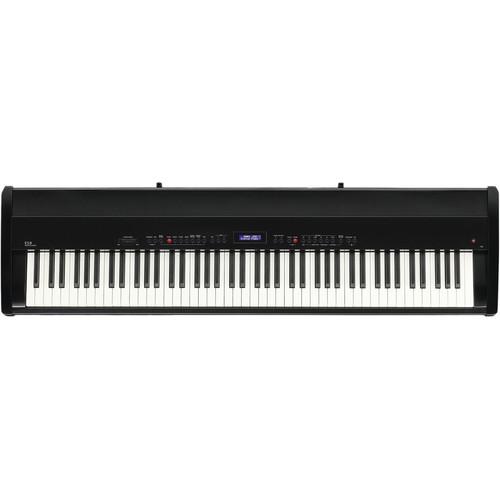 Contents of the user manual for the Kawai ES8 88-Key Digital Piano with
- Product category: Digital Pianos Kawai
- Brand: Kawai
- Description and content of package
- Technical information and basic settings
- Frequently asked questions – FAQ
- Troubleshooting (does not switch on, does not respond, error message, what do I do if...)
- Authorized service for Kawai Digital Pianos
 |
User manual for the Kawai ES8 88-Key Digital Piano with contain basic instructions
that need to be followed during installation and operation.
Before starting your appliance, the user manual should be read through carefully.
Follow all the safety instructions and warnings, and be guided by the given recommendations.
User manual is an integral part of any Kawai product,
and if it is sold or transferred, they should be handed over jointly with the product.
Following the instructions for use is an essential prerequisite for protecting
health and property during use, as well as recognition of liability on the part of the manufacturer
for possible defects should you make a warranty claim. Download an official Kawai user manual in which you will find instructions on how to install, use, maintain and service your product.
And do not forget – unsuitable use of a Kawai product will considerably shorten its lifespan!
|
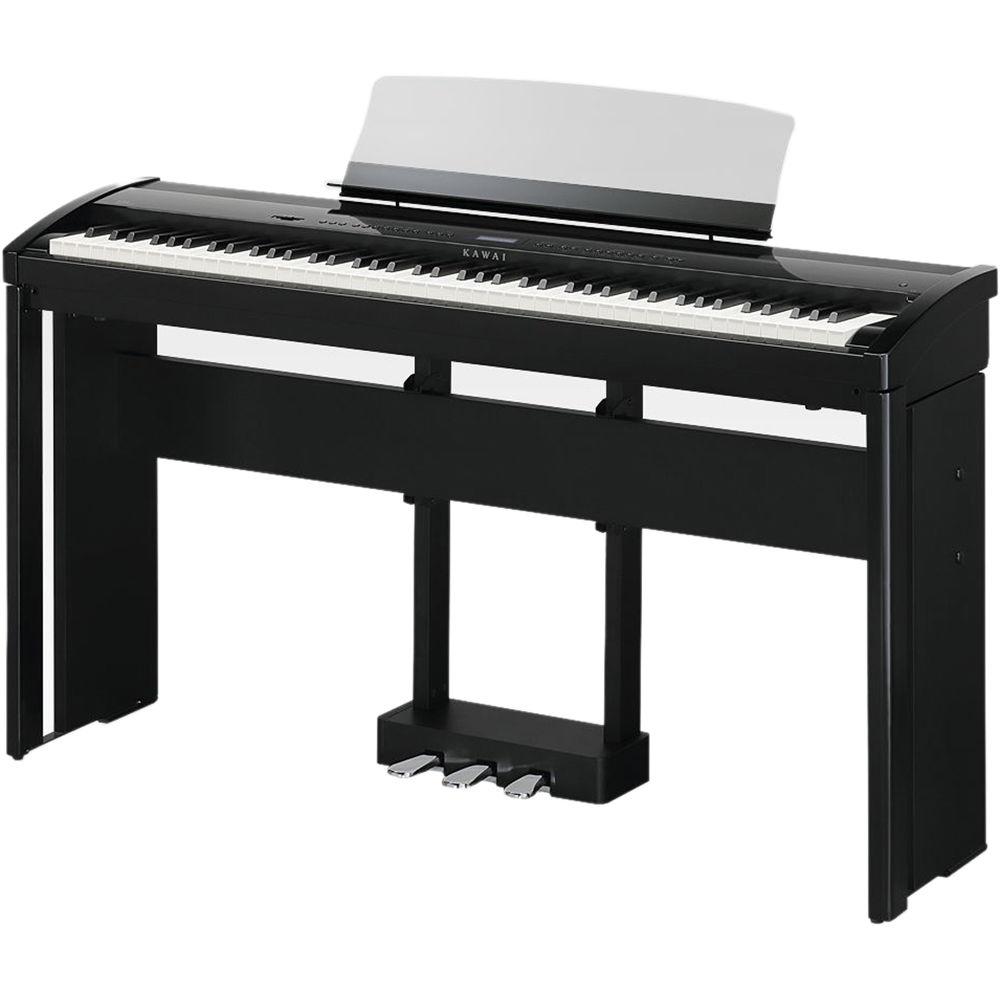
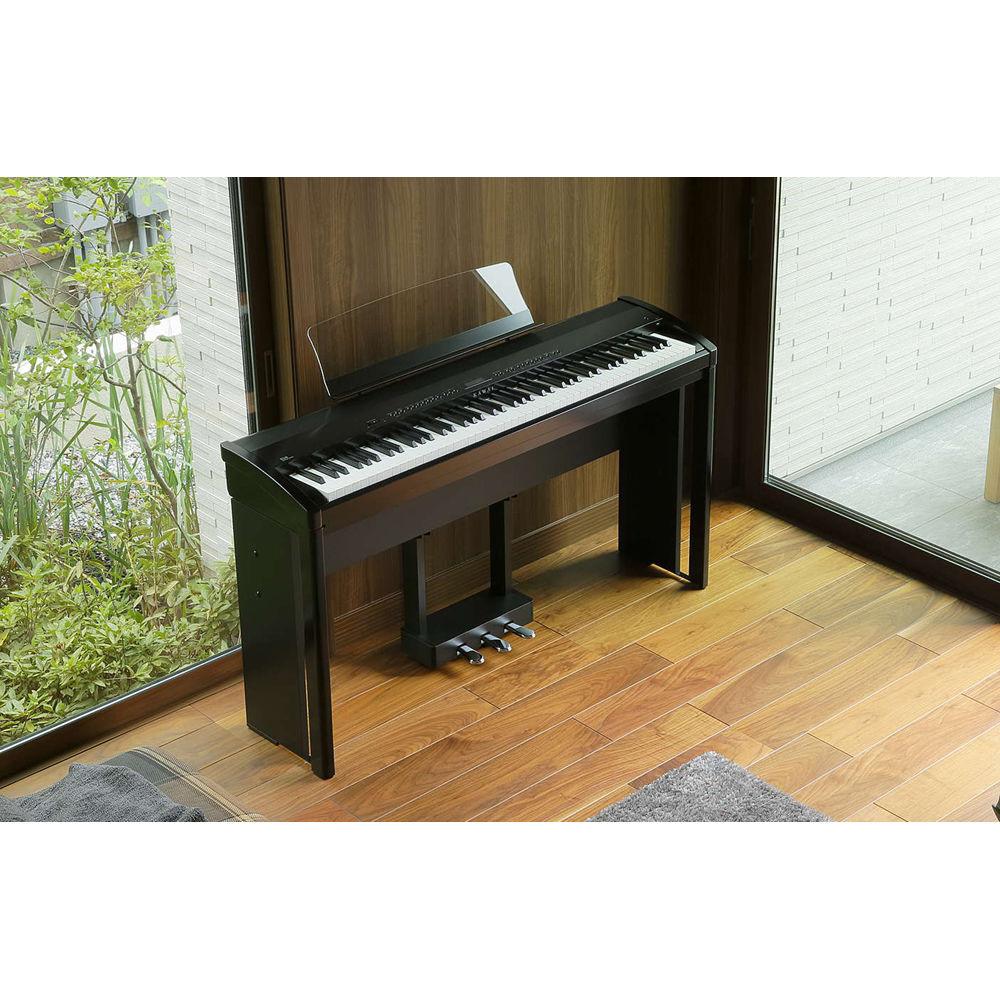
Product description The gloss black Kawai ES8 88-Key Digital Piano is a professional-quality portable stage piano well suited for concerts, recitals, practice rooms, houses of worship, and live band performances. The ES8 draws upon Kawai's 85+ years of knowledge and expertise in crafting high-quality acoustic pianos and provides an authentic playing experience. The Responsive Hammer III technology recreates all the subtleties of playing a grand piano, with premium features including Ivory Touch key surfaces, let-off simulation, counterweights, and a precise triple-sensor detection system.
The ES8 utilizes harmonic imaging to recreate the SK-EX and EX concert grand pianos, as well as the SK-5 chamber grand piano. With the advanced resonance modeling and reverb effects, the ES8 provides an authentic acoustic experience. The ES8 provides additional realistic sounds including a variety of electric pianos, organs, strings, clavinet, and more. Favorite instrument setups can be stored and instantly recalled from Registration memories, while modern USB features allow MP3 and WAV audio files to be recorded and played back directly from the instrument's control panel. -
- Responsive Hammer III Weighted-Key Action, with Ivory Touch Key Surfaces and Let-Off Simulation
- The Responsive Hammer III (RHIII) action recreates the distinctive touch of an acoustic grand piano, with its realistic movement and accurate 3-sensor technology providing a smooth, natural, and highly responsive piano-playing experience. The weight of the keyboard is appropriately graded to mirror the heavier bass hammers and lighter treble hammers of an acoustic piano, while structural reinforcements within the action assembly ensure greater stability during fortissimo and staccato passages
- The ES8 digital piano also features Kawai’s Ivory Touch key surfaces, which gently absorb finger moisture to assist the player’s performance, while let-off simulation recreates the subtle ‘notch’ sensation felt when softly playing the keys of a grand piano, satisfying the expectations of the most discerning pianists
- Shigeru Kawai SK-EX, SK-5, and Kawai EX Instruments Reproduced with Harmonic Imaging Sound Technology
- The ES8 digital piano captures the rich, expressive sound of the Kawai SK-EX, SK-5, and EX grand pianos, with all 88-keys of these instruments meticulously recorded, analyzed, and faithfully reproduced using Harmonic Imaging sound technology. This process accurately recreates the broad dynamic range of the original grand pianos, affording pianists a level of expressiveness ranging from the softest pianissimo to the strongest, boldest fortissimo
- The instrument’s built-in Virtual Technician feature allows various characteristics of these acoustic piano sounds to be shaped at the touch of a button, with settings to adjust string and damper resonance, in addition to subtle hammer, damper, and key-release noises. This personalized piano sound is further enhanced with atmospheric reverberation effects, delivering a rich, vibrant piano tone with realism and authenticity
- Strong Selection of Additional Instrument Sounds
- Supplementing the realistic acoustic piano voices, the ES8 digital piano also features a strong selection of additional instrument sounds, ranging from electric pianos and drawbar and church organs, to string, choir, and mallet instruments, inviting musicians to add greater variety to their performances
- Furthermore, the Dual-Playing mode also allows two different sounds, such as grand piano and strings, to be layered together, while the Split and Four Hands modes divide the keyboard into two independent sections. The volume balances for each playing mode can also be adjusted quickly and easily using the real-time panel controls
-
- Professional Accompaniment Styles
- Featuring a variety of styles ranging from pop and rock ballads to jazz-funk, dance, and Latin flavors, the Rhythm Section function of the ES8 digital piano provides solo performers with professionally arranged backing accompaniment at the touch of a button. In addition, the 100 preset chord progressions and One Finger Ad-Lib solo phrases allow musicians to breathe life into their repertoire, while maintaining control over each performance
- USB-to-Device Functionality, with MP3/WAV File Recording and layback
- The ES8 digital piano is equipped with USB connectors that not only allow the instrument to be connected to a computer for MIDI use, but also to load and save data to USB memory devices directly. This USB-to-Device feature allows registration memories and songs recorded and stored in internal memory to be saved to USB for posterity, or standard MIDI files (SMF) downloaded from the internet to be conveniently played back without additional hardware
- USB memory devices can also be used to play back MP3 or WAV audio files, allowing musicians to learn the chords or melody for a new piece, or to simply play along with their favorite songs. It is even possible to save performances as MP3 or WAV files for emailing to friends and family, listening to on a smartphone, or for further editing using an audio workstation
- Wide Range of Connectivity Options
- The ES8 digital piano features a variety of standard connectivity options, with line-level output jacks that allow the instrument to be enjoyed in larger settings such as churches and schools. Standard MIDI and USB-to-Host connectors ensure flexibility when using computers and other electronic instruments, while the line-in stereo jack provides a convenient method of mixing in audio from a laptop, tablet, or other digital device
In the Box Kawai ES8 88-Key Digital Piano with Built-In Speakers (Gloss Black) Music Rack F-10H Damper Pedal Power Cable Limited 3-Year Warranty Table of Contents
|
Upload User Manual
Have you got an user manual for the Kawai ES8 88-Key Digital Piano with Built-In Speakers in electronic form? Please send it to us and help us expand our library of instruction manuals.
Thank you, too, on behalf of other users.
To upload the product manual, we first need to check and make sure you are not a robot. After that, your "Submit Link" or "Upload File" will appear.
Technical parametersKawai ES8 Specs | Keyboard | 88 weighted keys with Ivory Touch key surfaces | | Action Type | Responsive hammer III (RHIII) action with let-off | | Sound Source | Harmonic Imaging XL (HI-XL), 88-key piano sampling | | Internal | 34 voices | | Polyphony | 256 notes | | Modes | Dual, split, four hands (volume / balance adjustable) | | Recorder | 10-song / 2-track recorder, approximately 90,000 notes memory | | USB | Digital audio, USB to Device, USB to Host | | Display | 16 x 2 characters LCD | | Reverb | Room, Lounge, Small Hall, Concert Hall, Live Hall, Cathedral
Parameters: Reverb depth, reverb time | | Effects | Stereo Delay, Ping Delay, Triple Delay, Chorus, Classic Chorus, Tremolo, Classic Tremolo, Auto Pan, Classic Auto Pan, Phaser, Rotary Combination effects x 4
Parameters: Dry / Wet, Time, Speed, Feedback, High Damp, Depth. Parameters dependent on effect type. | | Simulator | Small case I, Small case II, large cabinet
Parameters: Drive, Level, EQ Low, EQ High | | Virtual Technician | Touch Curve: Light, Light, Normal, Heavy, Heavy, Off (Constant), User 1, User 2
Voicing: Normal, Mellow 1, Mellow 2, Dynamic, Bright 1, Bright 2, User 1 to 4
Resonance, Noise, and Effects: String resonance, damper resonance, damper noise, fall-back Noise, key-off effect, hammer delay, top board, decay time, soft pedal depth
Temperament and Tuning: Equal (Piano), Pure Major, Pure Minor, Pythagorean, Meantone, Werckmeister, Kirnberger, User Temperament, Key of Temperament
Other: Stretch Tuning, Stretch Curve/User Tuning, User Key Volume, Half-Pedal Adjust, Minimum Touch | | USB Functions | Playback: MP3, WAV, SMF
Record: MP3, WAV
Other: Overdubbing, Convert Song to Audio, Load Internal Song, Save Internal Song, Save SMF Song, Load Registration, Save Registration, Rename File, Delete File, Format USB | | Metronome | Beat - 1/4, 2/4, 3/4, 4/4, 5/4, 3/8, 6/8, 7/8, 9/8, 12/8
Volume/Tempo Adjustable: Yes | | Rhythm | Styles: 100 rhythms (2 x variations), 4-part accompaniment, 100 preset chord sequences
Settings: 100 rhythms (2 x variations), 4-part accompaniment, 100 preset chord sequences | | Demo Songs | Main demo song, Rhythm Section demo song, 25 sound demo songs | | Other Functions | Key/Song Transpose, Tone Control (including Brilliance, User EQ), Wall EQ, Speaker Volume, Phones Volume, Line Out Volume, Audio Recorder Gain, Tuning, Damper Hold, F-20 Mode, Four Hands, Startup Setting, Factory Reset, Lower Octave Shift, Lower Pedal On/Off, Split Balance, Layer Octave Shift, Layer Dynamics, Dual Balance, MIDI Channel, Send PGM#, Local Control, Transmit PGM#, Multi-timbral Mode, Channel Mute, Auto Power Off, Speakers On/Off | | Jacks | MIDI (IN/OUT), USB to Host, USB to Device, Line In Stereo, Line Out (L/Mono, R), Damper (for F-10H), Damper/Soft (for F-20), Pedal (for F-301), 2 x headphones | | Speaker System | 2 x 15 W | | Dimensions (W x D x H) | 54 x 14.5 x 6" (137 x 38 x 15 cm) | | Weight | 49 lb (22 kg) | | | | Package Weight | 65.0 lb | | Box Dimensions (LxWxH) | 58.0 x 18.0 x 11.5" |
Rating100% users recommend this product to others. And what about you?

This product has already been rated by 83 owners. Add your rating and experience with the product.
Discussion
 Ask our technicians if you have a problem with your settings,
or if anything is unclear in the user manual you have downloaded.
You can make use of our moderated discussion.
The discussion is public and helps other users of our website who may be encountering similar problems.
Ask our technicians if you have a problem with your settings,
or if anything is unclear in the user manual you have downloaded.
You can make use of our moderated discussion.
The discussion is public and helps other users of our website who may be encountering similar problems.
Post new comment to Kawai ES8 88-Key Digital Piano with Built-In Speakers
| Subject: Built-in speakers stopped working suddenly. | | Date: 16.08.2021 21:55:58 | Name: Carlotta Shore | Came home from a performance and set up the keyboard and there was no sound coming from the internal speakers. Works fine with an external amp. Is there a switch that might have gotten bumped and if so where is it?
| | Post reply |
Post a new topic / query / comment:
|
|


