User Manual for Kodak i3400 Scanner Click to enlarge the picture
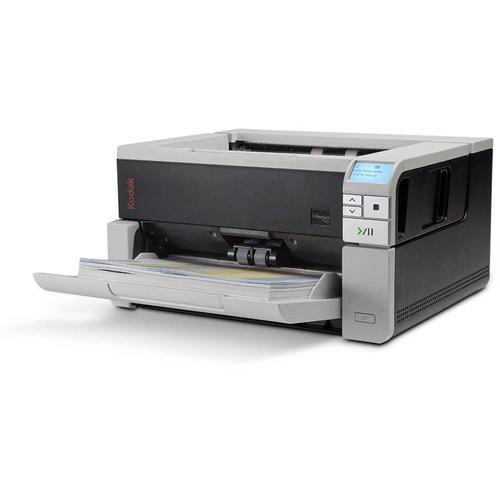 Contents of the user manual for the Kodak i3400 Scanner
- Product category: Flatbed & Document Scanners Kodak
- Brand: Kodak
- Description and content of package
- Technical information and basic settings
- Frequently asked questions – FAQ
- Troubleshooting (does not switch on, does not respond, error message, what do I do if...)
- Authorized service for Kodak Flatbed & Document Scanners
 |
User manual for the Kodak i3400 Scanner contain basic instructions
that need to be followed during installation and operation.
Before starting your appliance, the user manual should be read through carefully.
Follow all the safety instructions and warnings, and be guided by the given recommendations.
User manual is an integral part of any Kodak product,
and if it is sold or transferred, they should be handed over jointly with the product.
Following the instructions for use is an essential prerequisite for protecting
health and property during use, as well as recognition of liability on the part of the manufacturer
for possible defects should you make a warranty claim. Download an official Kodak user manual in which you will find instructions on how to install, use, maintain and service your product.
And do not forget – unsuitable use of a Kodak product will considerably shorten its lifespan!
|
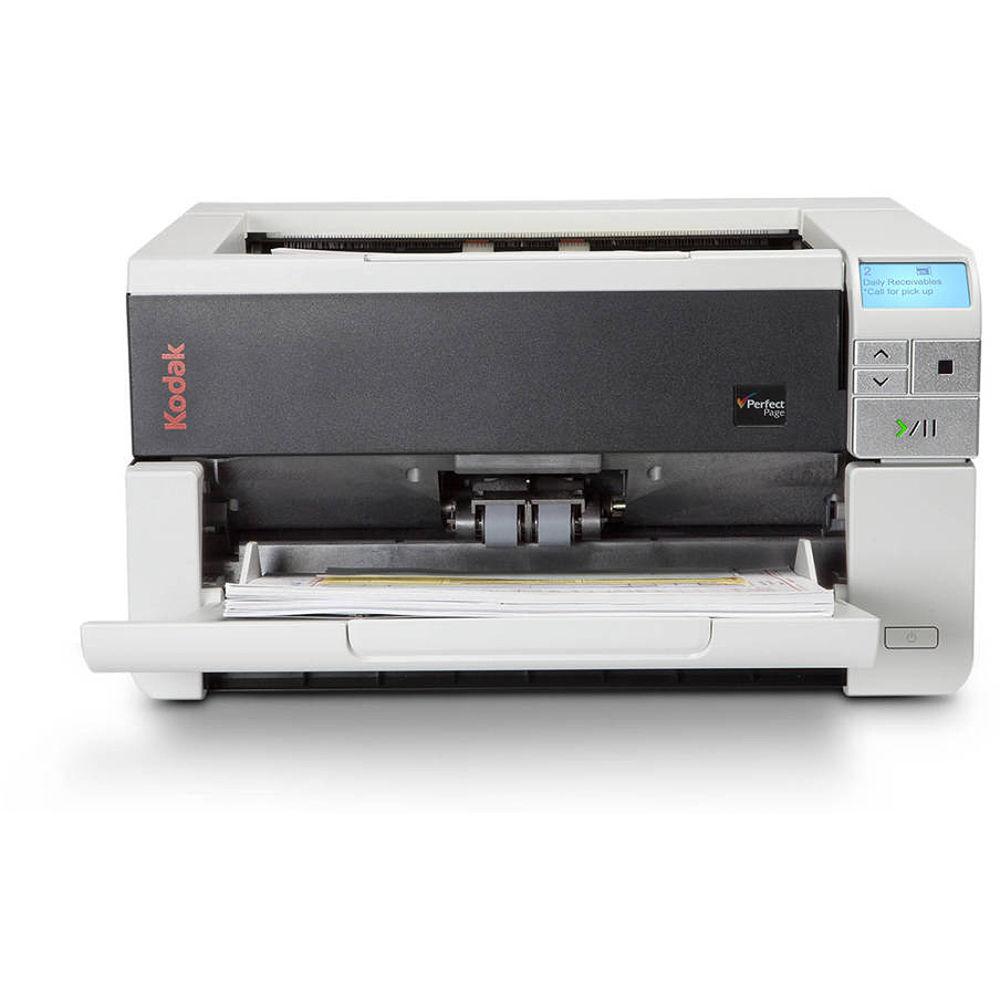
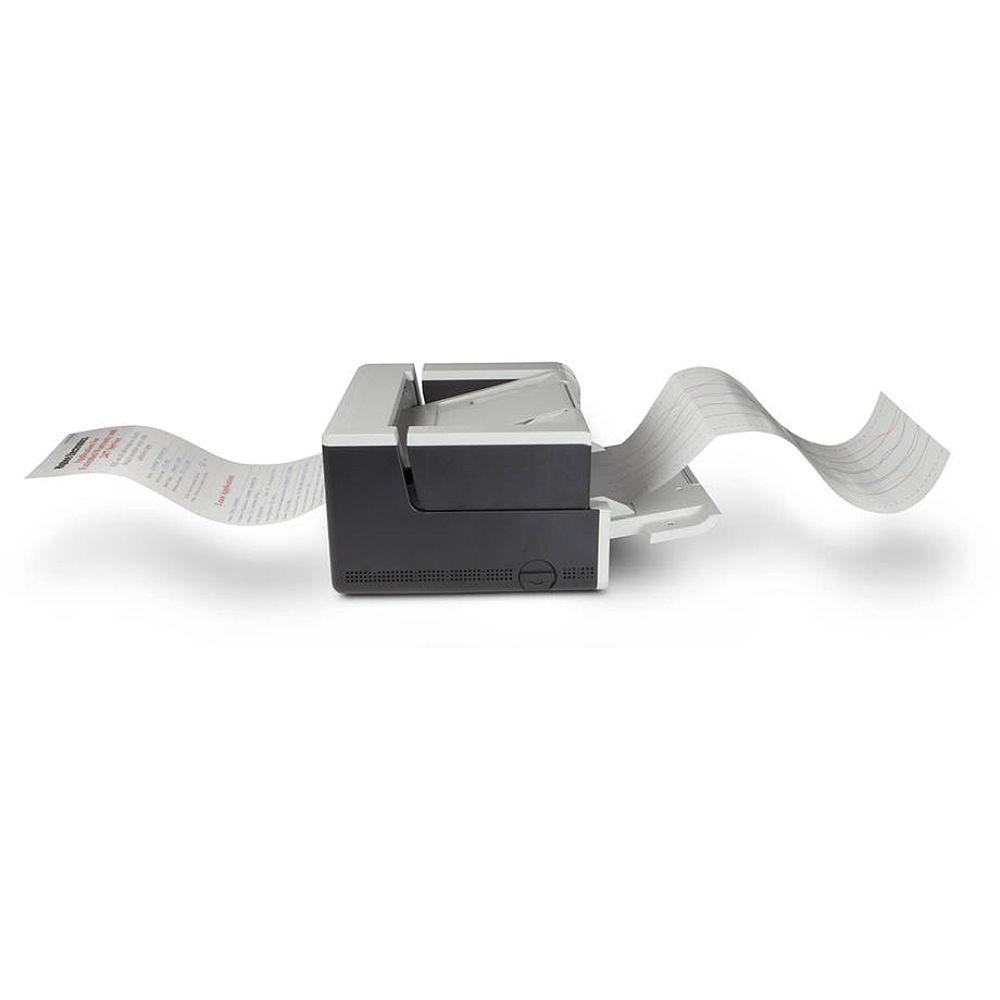
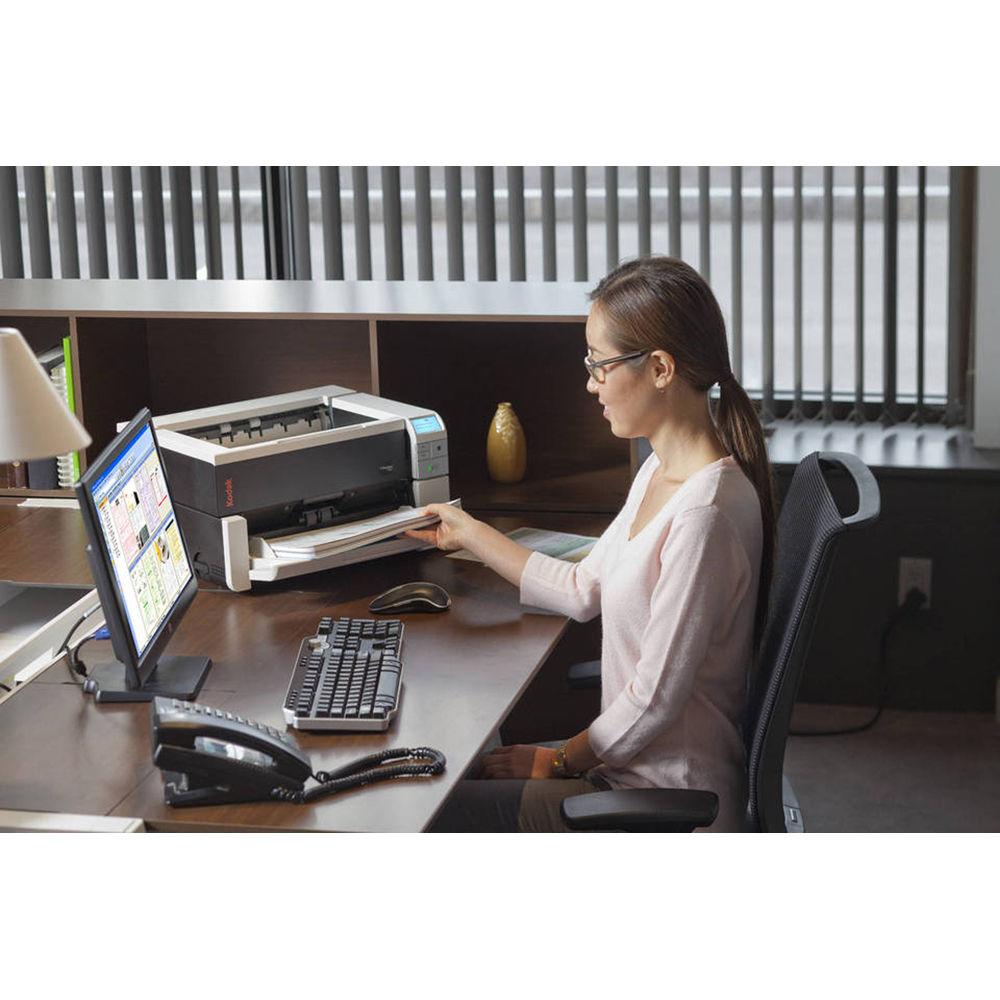
Product description With an impressive speed of 90 ppm for both simplex and duplex operation, the Kodak i3400 Scanner will take productivity in your office up to the next level. Beyond pure speed, the i3400 will provide excellent image quality thanks to an optical resolution of 1200 dpi. Also, this unit features a 250-sheet duplexing ADF and manual straight-through paper path for versatility when it comes to document types. Users will even be able to work with documents from 2 x 2" up to 12 x 160" in size.
Operation is smooth and optimized for speed through an Intelligent Document Protection system that can hear problems and then prevent a jam or misfeed. Also, the i3400 has Perfect Page technology that performs adjustments to your images in order to make them sharper and cleaner which also benefits other operations, such as optical character recognition. It also has built-in barcode reading to help with organizing your data in specific applications and it works with both Windows and Linux thanks to built-in TWAIN, ISIS, WIA, and SANE drivers and standard USB 3.0 connectivity. Additionally, it is a durable unit, with a daily duty cycle of 20,000 pages. - Basic scanner features include barcode reading, Perfect Page scanning, iThresholding, adaptive threshold processing, deskew, auto crop, relative cropping, aggressive cropping, electronic color dropout, dual stream scanning, interactive color, brightness and contrast adjustment, automatic orientation, automatic color detection, intelligent background color smoothing, intelligent image edge fill, image merge, content-based blank page detection, streak filtering, image hole fill, sharpness filter, auto brightness, special document mode, continuous scanning mode, toggle patch, auto photo cropping, and segmented bitonal images.
- Barcode types supported include Interleaved 2 of 5, Code 3 of 9, Code 128, Codabar, UPC-A, UPC-E, EAN-13, EAN-8, and PDF417.
- The i3400 can output single and multi-page TIFF, JPEG, RTF, BMP, PDF, and searchable PDF files.
- Supports paper weights of 34-413 gsm.
- Control panel consists of a graphical LCD and four operator buttons.
- Includes software for scanner management and document organization.
- Optional flatbed accessories are available for working with additional media types.
UPC: 041771034788 In the Box Kodak i3400 Scanner Sample Cleaning Kit USB 3.0 Cable 60W AC Power Supply and Cord Installation and Application CD-ROMs Limited 90-Day Warranty More info from Kodak Table of Contents
|
Upload User Manual
Have you got an user manual for the Kodak i3400 Scanner in electronic form? Please send it to us and help us expand our library of instruction manuals.
Thank you, too, on behalf of other users.
To upload the product manual, we first need to check and make sure you are not a robot. After that, your "Submit Link" or "Upload File" will appear.
Technical parametersKodak 1034784 Specs | Maximum dpi Resolution | 1200 dpi | | Optical Resolution | 1200 dpi | | Duplex Speed | 90 ppm (Color) | | Simplex Speed | 90 ppm (Color) | | Maximum Document Width | 12" / 30.5 cm | | Maximum Document Length | 161.4" / 410 cm | | Color Depth | 48-Bit (Internal)
24-Bit (External) | | Grayscale Bit-Depth | 8-Bit (External) | | Duplex Scanning | Yes | | Single Pass Duplex | Yes | | Multi-Feed Detection | Yes | | Scan Modes | Color, Grayscale, Monochrome | | Document Feeding | ADF | | Life Expectancy | 20000 Sheets per Day | | Connectivity | USB 3.0 | | Wireless Connectivity | None | | File Formats | BMP, JPEG, Multi-Page TIFF, PDF, RTF, TIFF | | Operating System Compatibility | Windows, Linux | | Light Source | LED | | Image Sensor | 2 x Charge-Coupled Device (CCD) | | Control Panel | 4 Buttons | | Drivers | TWAIN, WIA, ISIS, SANE | | Duty Cycle | 20000 Scans | | Maximum Sheet Capacity | 250 | | Automatic Image Corrections | Yes | | Environmental Compliance | ENERGY STAR | | Operating Acoustic Noise | 60.0 dB | | Idle Acoustic Noise | 30 dB | | Operating Humidity | 15 to 80% | | Operating Temperature | 59 to 95°F / 15 to 35°C | | Maximum Power Consumption | 60 W | | AC Input Power | 100 to 240 VAC, 50 / 60 Hz | | DC Input Power | 24 VDC at 2.5 A | | Power Source | AC Adapter | | Dimensions | 9.4 x 17.0 x 14.6" / 23.8 x 43.2 x 37.1 cm | | Weight | 34.8 lb / 15.8 kg | | | | Package Weight | 41.0 lb | | Box Dimensions (LxWxH) | 22.0 x 21.0 x 15.0" |
Rating80% users recommend this product to others. And what about you?

This product has already been rated by 77 owners. Add your rating and experience with the product.
Discussion
 Ask our technicians if you have a problem with your settings,
or if anything is unclear in the user manual you have downloaded.
You can make use of our moderated discussion.
The discussion is public and helps other users of our website who may be encountering similar problems.
Ask our technicians if you have a problem with your settings,
or if anything is unclear in the user manual you have downloaded.
You can make use of our moderated discussion.
The discussion is public and helps other users of our website who may be encountering similar problems.
The discussion is empty - enter the first post
Post a new topic / query / comment:
|
|


