User Manual for Korg G1 Air Digital Piano with Bluetooth Click to enlarge the picture
 Contents of the user manual for the Korg G1 Air Digital Piano with
- Product category: Digital Pianos Korg
- Brand: Korg
- Description and content of package
- Technical information and basic settings
- Frequently asked questions – FAQ
- Troubleshooting (does not switch on, does not respond, error message, what do I do if...)
- Authorized service for Korg Digital Pianos
 |
User manual for the Korg G1 Air Digital Piano with contain basic instructions
that need to be followed during installation and operation.
Before starting your appliance, the user manual should be read through carefully.
Follow all the safety instructions and warnings, and be guided by the given recommendations.
User manual is an integral part of any Korg product,
and if it is sold or transferred, they should be handed over jointly with the product.
Following the instructions for use is an essential prerequisite for protecting
health and property during use, as well as recognition of liability on the part of the manufacturer
for possible defects should you make a warranty claim. Download an official Korg user manual in which you will find instructions on how to install, use, maintain and service your product.
And do not forget – unsuitable use of a Korg product will considerably shorten its lifespan!
|
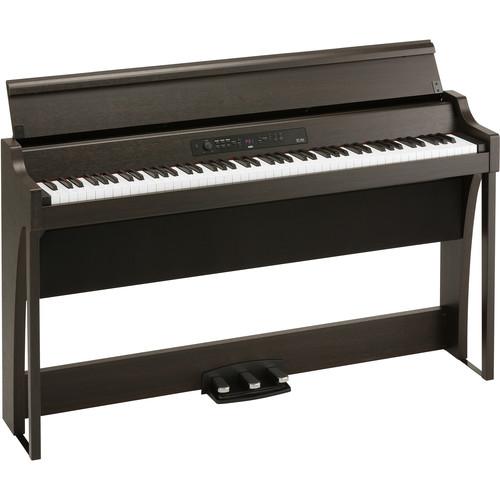
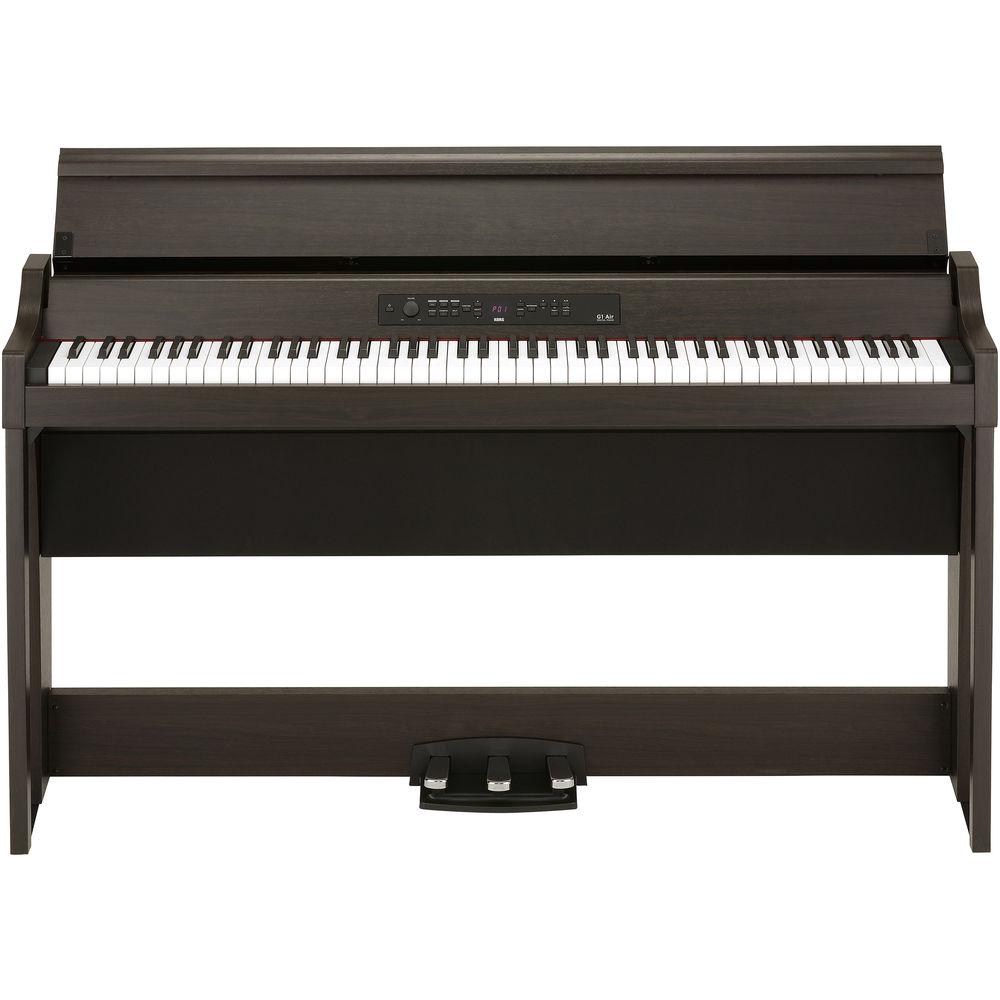
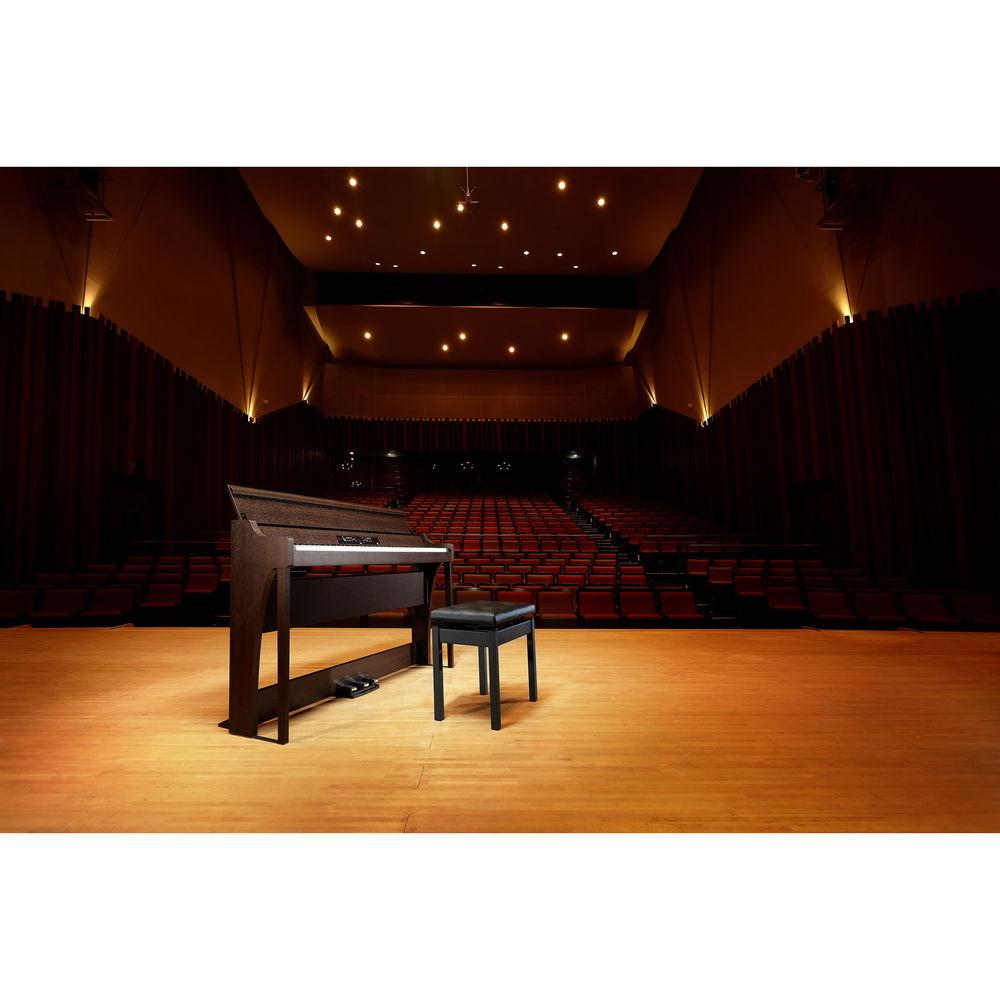
Product description The brown G1 Air Digital Piano with Bluetooth from Korg is an 88-key, real weighted hammer-action 3 keyboard (RH3) with five types of touch selection and 120-note maximum polyphony. It can be used to recreate the sound, feel, and experience of three different grand pianos in your home.In addition to German, Austrian, and Japanese grand pianos, the G1 Air offers electric piano, organ, clavi, vibraphone, acoustic guitar, strings, and more, giving you a total of 32 expressive sounds. Three high-quality effects are also available: brilliance, reverb, and chorus. They are preset for each of the built-in sounds. Just select the sound and enjoy playing with the ideal effect setting.Other features include an amplifier system with a total of 80W of sound, two built-in speakers, three integrated pedals, a stand, and a built-in metronome. The G1 Air digital piano is built with a two-track digital recorder to help you analyze or archive your performances.In addition to the ten demonstration songs, there are 40 built-in piano songs to help you learn. The keyboard lets you control the tempo, playback, and right- and left-hand parts separately, and you can use the A-B repeat feature to practice more complex sections. The G1 Air digital piano delivers dynamic sound and an immersive playing experience. - Three Concert Grand Pianos
- At the heart of the KORG G1 are 3 concert pianos, each with its own unique character. KORG has selected these instruments from manufacturers in Germany, Austria, and Japan. Experience the sounds of 3 completely different grand pianos in your own home, and select the one that you prefer for a piece of music.
- Multiple Sound Samples for Authenticity
- The three main pianos in the G1 analyze performance dynamics (damper resonance, string resonance, key-off simulation) to seamlessly select between different sets of piano samples. From a delicate pianissimo to a powerful fortissimo, the player's expression is realistically reflected in the sound.
- RH3 Keyboard
- The G1 features the real weighted hammer-action 3 (RH3) keyboard, which accurately simulates the playing experience of a grand piano, with a heavier playing feel in the lower register that becomes lighter as you move up the keyboard. Key touch control is also provided, with a choice of five levels of sensitivity (light, normal, heavy, stable, and fixed) to specify how your playing dynamics are reflected by the sound produced.
- Amplification and Speaker System
- A well-designed speaker system recreates the realistic sound field of the G1 acoustic pianos and other instrument voices. With two large-diameter speakers placed below the keyboard in a resonant enclosure, the full dynamic range of sound is conveyed directly to the player, while high-frequency tones are presented by a pair of speakers mounted above the keyboard. The amplifier section provides 20W of output power for each of the four speakers, delivering up to 80W of sound.
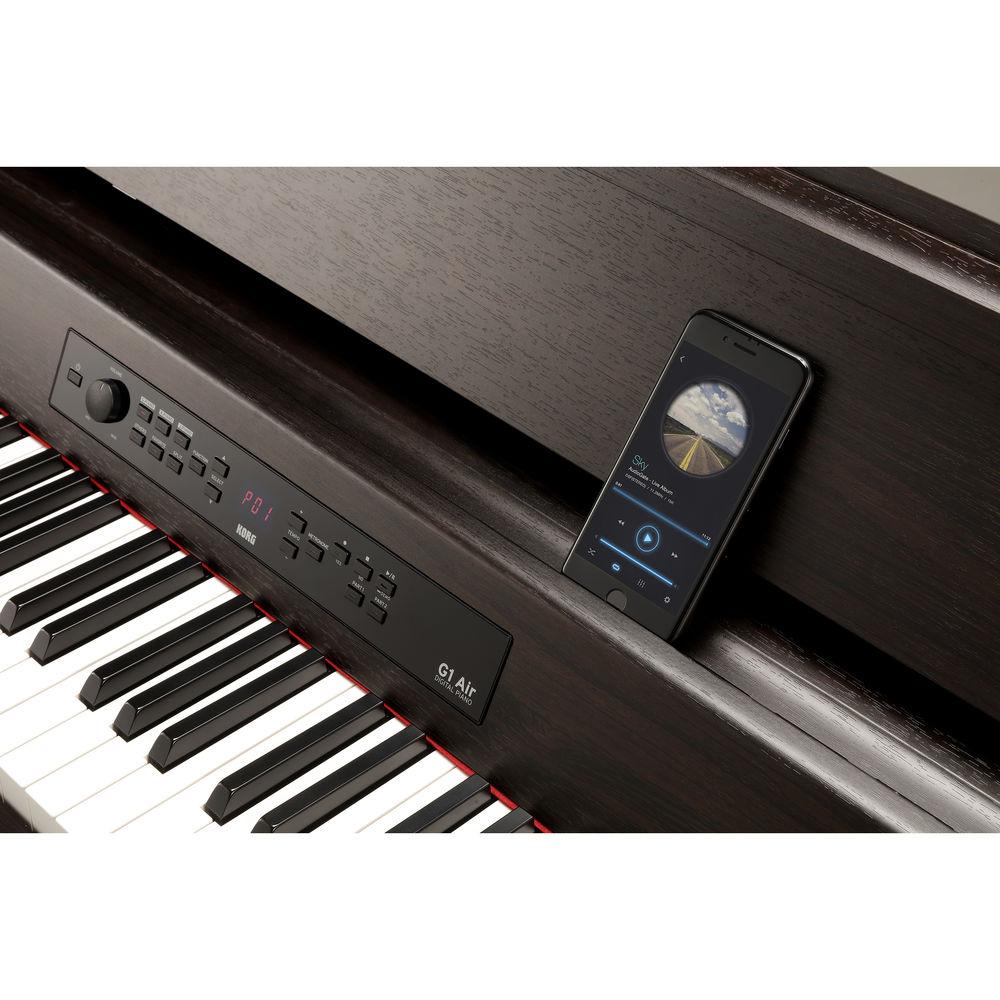
- Bluetooth Audio Support
- Connect a Bluetooth device such as a smartphone to the G1 Air and enjoy playing the piano along with your stored music or other audio. When you're not playing the piano, you can use the G1 Air as a powerful Bluetooth speaker system.
In the Box Korg G1 Air Digital Piano with Bluetooth (Brown) AC Adapter Dedicated Stand Limited 1-Year Warranty Table of Contents
|
Upload User Manual
Have you got an user manual for the Korg G1 Air Digital Piano with Bluetooth in electronic form? Please send it to us and help us expand our library of instruction manuals.
Thank you, too, on behalf of other users.
To upload the product manual, we first need to check and make sure you are not a robot. After that, your "Submit Link" or "Upload File" will appear.
Technical parametersKorg G1Air Specs | Keyboard | 88-key (A0-C8), RH3 (Real Weighted Hammer-Action 3) keyboard | | Touch Selection | Five types | | Pitch | Transpose and master tuning | | Temperament | Nine types | | Sound Generation | Stereo PCM | | Maximum Polyphony | 120 notes | | Sounds | 29 sounds + 3 bass sounds | | Effects | Brilliance, reverb, and chorus (3 levels each) | | Recorder | 2 track*, maximum 45,000 notes (400 kB)
*It is not possible to change the sound per track | | Demo Songs | 50 (10 sound demos, 40 piano songs) | | Metronome | Tempo, beat, sounds, and level | | Pedals | Damper, Soft, and Sostenuto (Half-pedaling supported) | | Connections | Line out
MIDI I/O
USB
2 x Headphones
Pedal
Speakers
24 VDC | | Controls | Power, Volume, G Piano, A. Piano, J. Piano, Others, Favorite, Split, Function, Select, Tempo (+, -), Metronome, Play/Pause, Stop, Rec, Part 1, and Part 2 | | Bluetooth | A2DP sink | | Speakers | 2 x woofers 4.72" / 12 cm
2 x tweeters 1.97" / 5 cm | | Output Power | 2 x (20 + 20 W) | | Power Supply | 24 VDC | | Power Consumption | 28 W | | Dimensions (W x D x H) | 52.99 x 15.12 x 32.36" / 1346 x 384 x 822 mm
52.99 x 15.12 x 38.78 / 1346 x 384 x 985 mm (with key cover opened) | | Weight | 90.39 lb / 41 kg (including stand) | | | | Package Weight | 99.0 lb | | Box Dimensions (LxWxH) | 56.5 x 18.5 x 18.5" |
Rating90% users recommend this product to others. And what about you?

This product has already been rated by 76 owners. Add your rating and experience with the product.
Discussion
 Ask our technicians if you have a problem with your settings,
or if anything is unclear in the user manual you have downloaded.
You can make use of our moderated discussion.
The discussion is public and helps other users of our website who may be encountering similar problems.
Ask our technicians if you have a problem with your settings,
or if anything is unclear in the user manual you have downloaded.
You can make use of our moderated discussion.
The discussion is public and helps other users of our website who may be encountering similar problems.
The discussion is empty - enter the first post
Post a new topic / query / comment:
|
|


