|
User Manual for Korg Pa300 - Professional Arranger Click to enlarge the picture
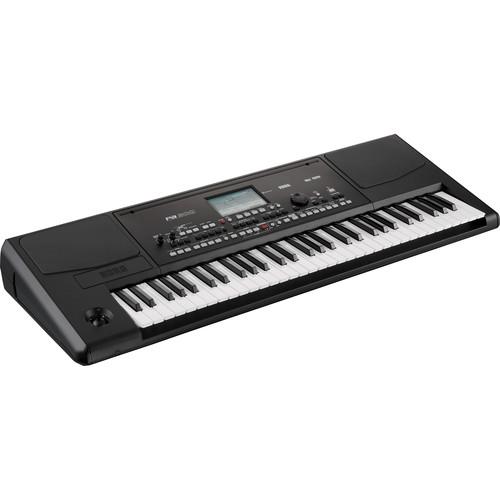 Contents of the user manual for the Korg Pa300 - Professional Arranger
- Product category: Arranger Keyboards Korg
- Brand: Korg
- Description and content of package
- Technical information and basic settings
- Frequently asked questions – FAQ
- Troubleshooting (does not switch on, does not respond, error message, what do I do if...)
- Authorized service for Korg Arranger Keyboards
 |
User manual for the Korg Pa300 - Professional Arranger contain basic instructions
that need to be followed during installation and operation.
Before starting your appliance, the user manual should be read through carefully.
Follow all the safety instructions and warnings, and be guided by the given recommendations.
User manual is an integral part of any Korg product,
and if it is sold or transferred, they should be handed over jointly with the product.
Following the instructions for use is an essential prerequisite for protecting
health and property during use, as well as recognition of liability on the part of the manufacturer
for possible defects should you make a warranty claim. Download an official Korg user manual in which you will find instructions on how to install, use, maintain and service your product.
And do not forget – unsuitable use of a Korg product will considerably shorten its lifespan!
|
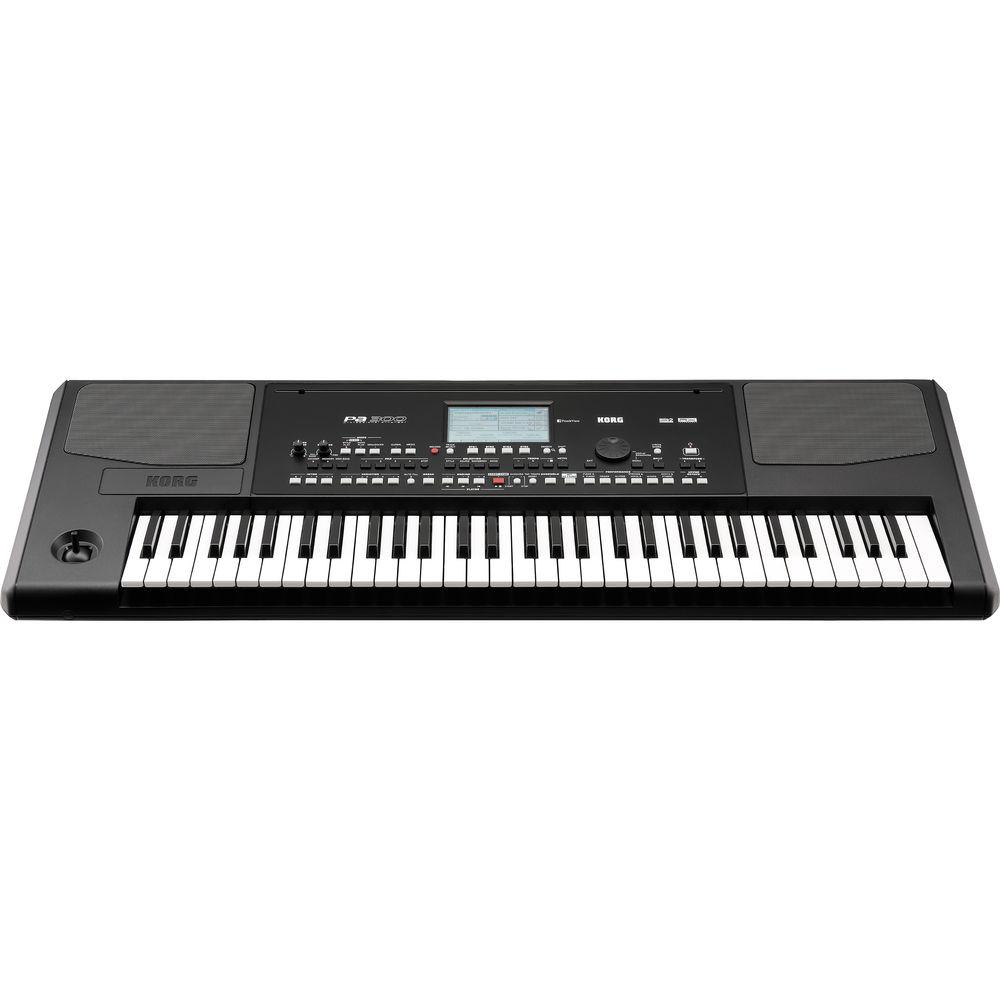
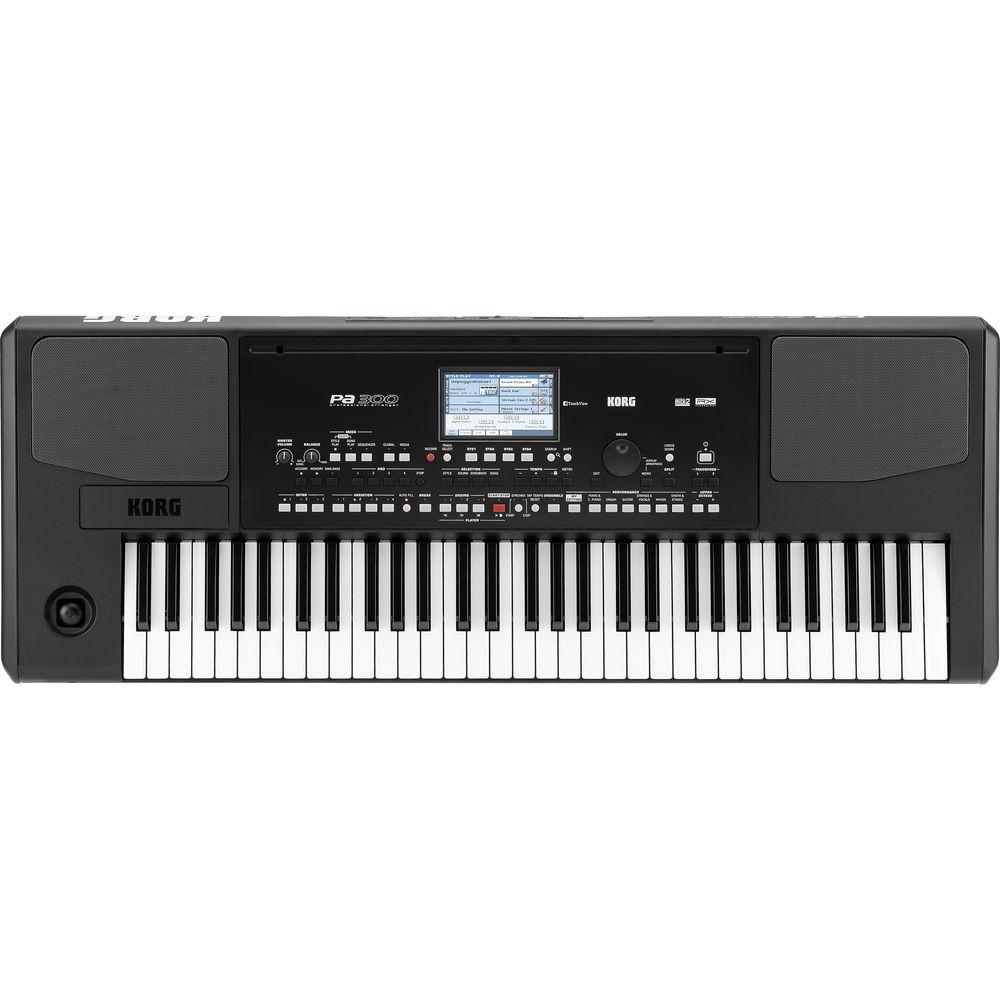
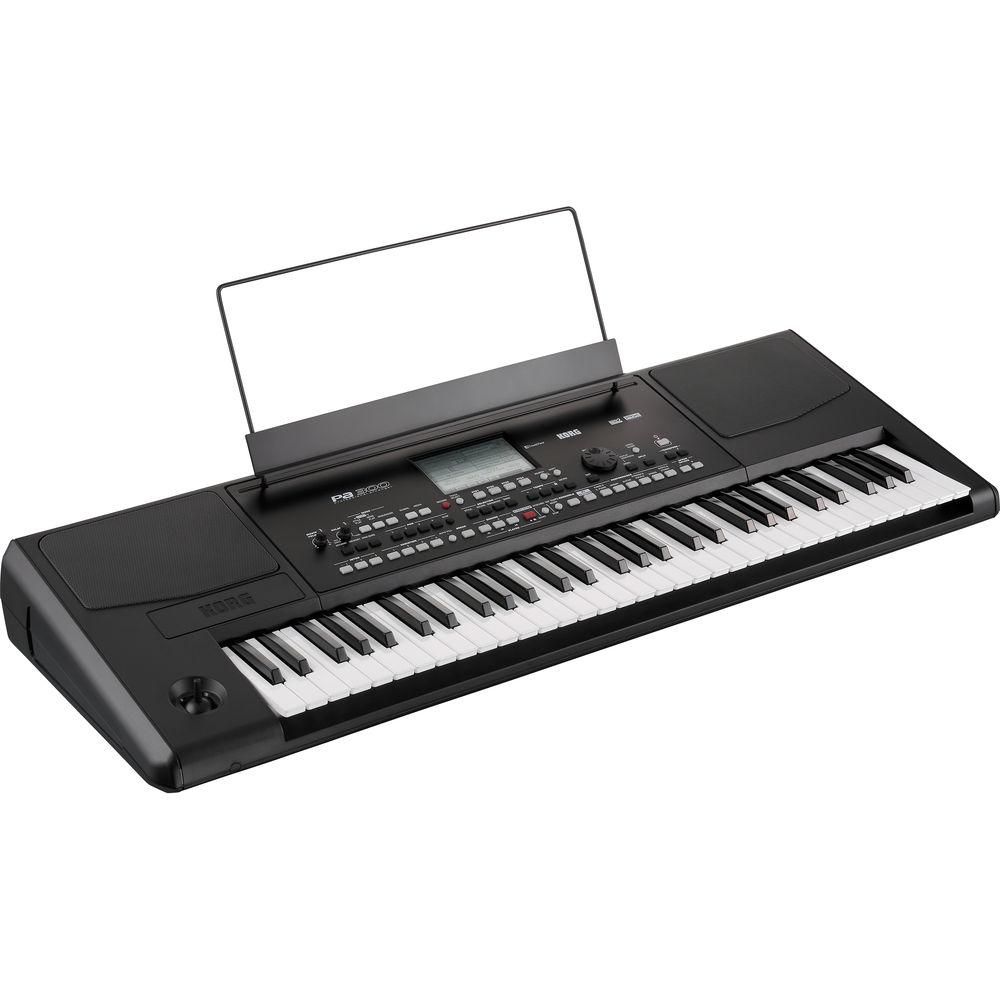
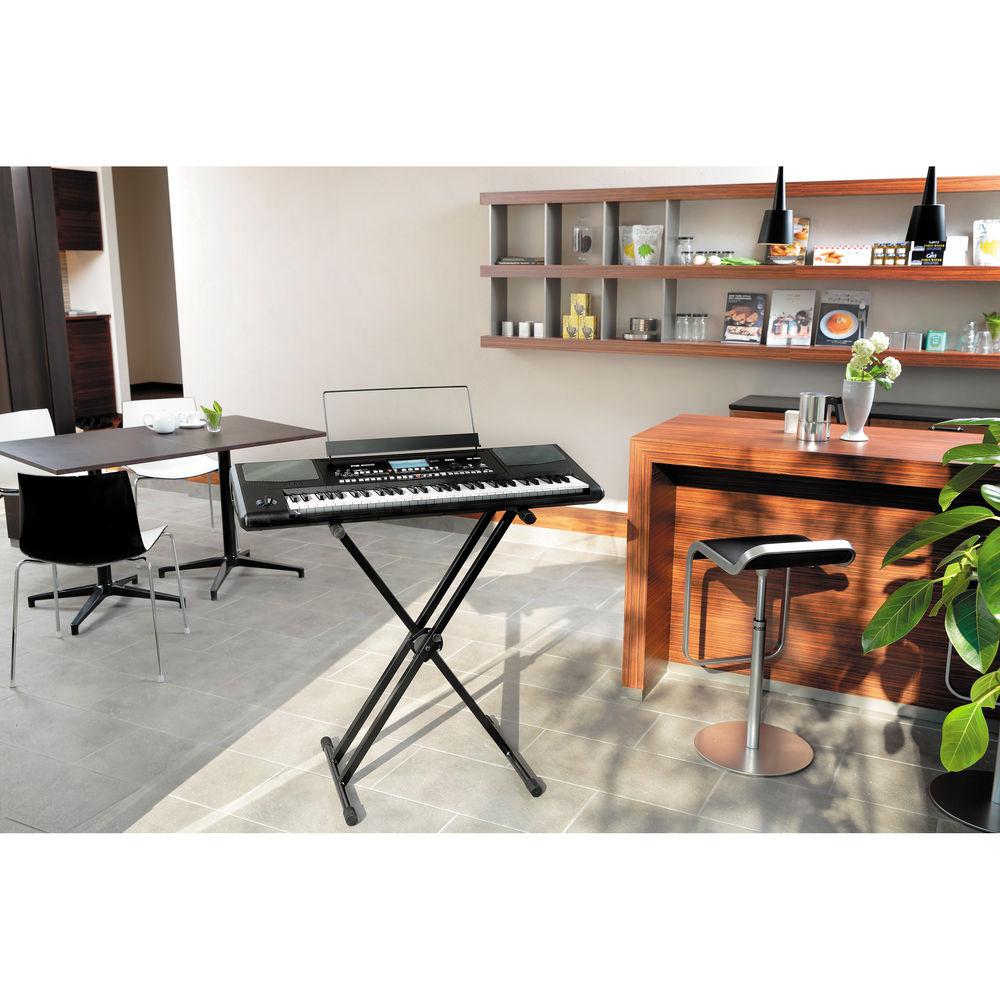
Product description The Pa300 from Korg is a compact but fully featured musical arranger with an up-to-date collection of sounds and styles. Using the built-in styles allows the user to quickly and easily play along with a backing band or even create custom music. The enhanced RX (Real eXperience) sound engine offers improved realism and vivid sound.
A five-inch TouchView color TFT display provides an intuitive graphical interface with a search function for easy retrieval of any musical resource or file. Over three-hundred factory styles each include intro, fill and ending variations and can be edited and stored in user memory locations. An enhanced Guitar Mode 2 provides realistic guitar parts, and an improved GM set for playing Standard MIDI Files.
Other features include an MP3 player with transpose and tempo change that is also compatible with popular lyric formats including graphical (+G), Text Viewer and Score. Four stereo master effects feature well over one-hundred effects algorithms. A fully programmable SongBook database is based on styles, SMF, Karaoke and MP3 files with instant recall of any song setting. -
- Over 950 sounds from almost every musical genre
- GM soundset and 64 drum kits
- Multilayer stereo acoustic piano sampled from a concert grand, which includes string and damper pedal resonance
- Sounds are fully editable and changes can be saved in user locations
- Four stereo master effects processors
- 125 effects include reverb, delay and chorus, and some REMS guitar-based effects for generating authentic guitar tones
- Each track features an EQ with low, mid and high controls
- Custom track EQ can be memorized in the general preferences for the Song Play mode
- Four-band parametric EQ is added to the final sound output
- Hundreds of styles covering an expanded range of musical genres
- Each style includes four fills/ breaks, plus three intros and three endings
- Choice of different transposition tables
- Guitar Mode 2 adds a new perspective to Style Guitar tracks
- Record and edit custom Styles
- Automatic accompaniment with realistic backing patterns (Styles)
- Play a chord progression and the Quick Record function will complete the basic backing tracks
- Single Touch Settings (STS ) memories recall sounds for all the keyboard tracks
- Two interface modes - Easy mode displays only the most important controls while Expert mode provides full editing control
- Onboard player can read MID, KAR and MP3 files while also reading lyrics and chords from all these file types
- Score Viewer displays the lead track (or any other track) as traditional musical notations with notes or chords, together with lyrics and chord abbreviations
- Chord names can be shown in English and Italian
- Show "note names next to each note" function for those learning music
- SongBook is a completely user-programmable musical database containing all the settings needed to play a particular song
- Search function
- SongBook can use Styles, MID or MP3 files and immediately recall settings such as song title, genre, artist, tempo, volumes, sounds, muted tracks, FX settings, easy edit, STS, master transpose, and more
- Dual 13W amplifiers drive two loudspeakers in a bass-reflex box
In the Box Korg Pa300 - Professional Arranger External Power Supply AC Power Cable Music Stand Accessory DVD One (1) Year Limited Warranty Manual PDF 18.7mb Table of Contents
|
Upload User Manual
Have you got an user manual for the Korg Pa300 - Professional Arranger in electronic form? Please send it to us and help us expand our library of instruction manuals.
Thank you, too, on behalf of other users.
To upload the product manual, we first need to check and make sure you are not a robot. After that, your "Submit Link" or "Upload File" will appear.
Technical parametersKorg PA-300 Specs | Keyboard | 61 keys, velocity sensitive | | System | Upgradable operating system
RX (Real eXperience)
Multitasking, load while play feature | | Tone Generator | 128 Voices, 128 Oscillators
Filters with resonance
3-band EQ for each track | | Effects | Up to 4 stereo digital multi-effect block systems
125 Master effect types
Master 4-band parametric EQ | | Sounds | Factory
950+ (including Stereo Piano and GM2 sound compatibility)
64 Drum kits
User
256
128 Drum kits | | Styles | Factory
310+
User
Up to 1,040 locations including the Favorite/User banks
Structure
8 x Style tracks
4 x Single Touch Settings (STS)
4 x Pads
1 x Style Performance per Style
Style Controls
3 x Intros
4 x Variations
4 x Fills
1 x Break
3 x Endings
Auto fill
Synchro Start/Stop
Tap Tempo/Reset
Manual Bass
Bass Inversion
Memory
Accompaniment On/Off
Kick and Snare Designation
Style Others
Guitar Mode 2
Parallel and Fixed NTT | | Performance | Performance 240 x Keyboard Performance locations
1 x My Setting special Performance
STS
Memorize keyboard tracks - up to 4 x 1040 Styles, up to 4 x SongBook entries | | Tracks | 4 x Keyboard tracks (upper 1, 2, 3, lower) | | Pads | 4 x Pad tracks + stop button | | Song Play | Player with select, start/stop, home, rewind and fast forward controls
Jukebox function - compatible with SMF (format 0 and 1) and MP3 - lyrics (compatible with CGD), score | | MP3 Player | MP3 player
Transpose +6/-5 semitones
Tempo change +/-30% | | Sequencer | Quick record (backing sequence)
16-track, full-featured sequencer with multitrack and step record functions, up to 100,000 events
SMF format | | SongBook | Fully programmable music database, based on Styles, SMF, Karaoke, MP3 with automatic selection of Style Play and Song Play modes
User-definable custom lists with filtering options | | Search | Style
Song
Performance
SongBook
Sound and Lyrics TXT | | Compatibility | i-Series: Styles
Pa Series: Style, Performance, Sound, Song, SongBook, Pad | | Controllers | Master volume
Real time-Acc/Seq balance volume
Ensemble
Upper tracks octave transpose
Master transpose
Tempo lock
Quarter tone Arabic scale
User scale memorized inside Performance/STS
Search
Lyrics
Score
Dial
Tempo
Metronome
Split
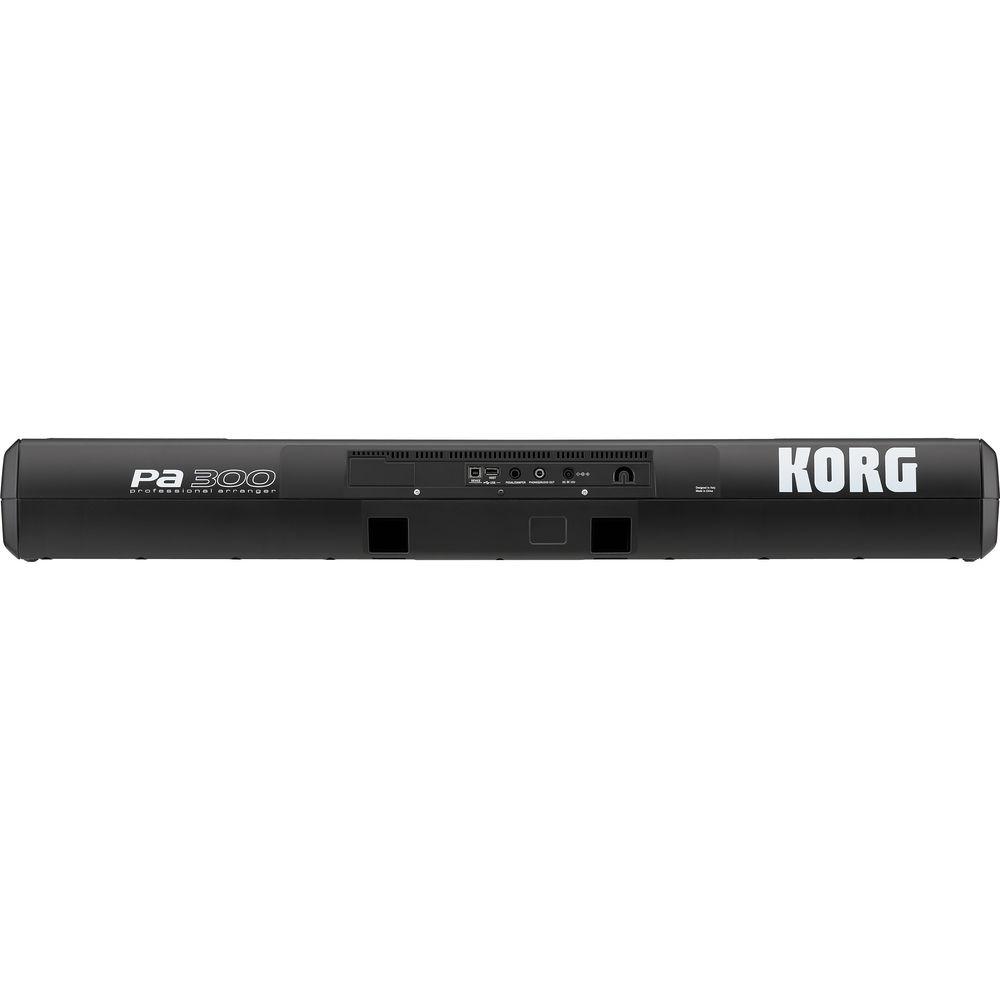
Joystick | | Connectors | 1 x 1/4" TRS Main Output/Headphones
1 x 1/4" TRS Pedal Input (pedal not included)
1 x USB Type A
1 x USB Type B | | MIDI | USB to MIDI using the USB device port - 8 user definable MIDI presets | | Storage | USB memory stick | | Amplifier | 2 x 13 W | | Speakers | 2 x 3.9" (100 mm) double cone speakers in bass reflex box | | Display | 5" Color TouchView TFT display (480 x 272 dots) | | Power Requirements | 100~240 VAC
18 W power consumption | | Dimensions (WxHxD) | 40.6 x 14.9 x 5.0" (1030 x 378 x 127 mm) without music stand | | Weight | 18.4 lb (8.4 kg) | | | | Package Weight | 28.55 lb | | Box Dimensions (LxWxH) | 36.0 x 26.5 x 11.2" |
Rating50% users recommend this product to others. And what about you?

This product has already been rated by 60 owners. Add your rating and experience with the product.
Discussion
 Ask our technicians if you have a problem with your settings,
or if anything is unclear in the user manual you have downloaded.
You can make use of our moderated discussion.
The discussion is public and helps other users of our website who may be encountering similar problems.
Ask our technicians if you have a problem with your settings,
or if anything is unclear in the user manual you have downloaded.
You can make use of our moderated discussion.
The discussion is public and helps other users of our website who may be encountering similar problems.
The discussion is empty - enter the first post
Post a new topic / query / comment:
|
|
|
| Request for user manual |
You can’t find the operation manual you are looking for? Let us know and we will try to add the missing manual:
I’m looking for a manual / Request for manual
Current requests for instruction manuals:
Call Of Duty World War Two For Xbox...
controller stratus XL...
stratus XL...
smart whatch serie S11 42mm...
Allen & Heath SQ-6 manual...
|
| Discussion |
Latest contributions to the discussion:
AEW R 4100
Name: MAURICIO ANGARITA
Audio-Technica AEW-R4100 UHF Diversity Receiver for
AEW R 4100 has the mute function blocked and does not allow audio to pass. I tried several times to turn off the mute from the transmitter but it does nothing, the mute stays on. Solution?
Thank you...
Instructions for assembling the 2015 Forecast Image Master Consoles GC3-A
Name: mike elam
Forecast Consoles GC3-A ImageMaster Editing Console
Looking for instructions for assembling this console. ...
EMPTY TONER ERROR MESSAGE AFTER REPLACING TONER
Name: LINDA BAD YELLOW EYES
Brother TN223BK Standard-Yield Toner
I HAD TO CHANGE OUT ALL THREE TONERS DUE TO LEAKS IN THE YELLOW AND CYAN. AFTER I REPLACED THEM, THE MACHINE KEEPS GIVING ME AN EMPTY TONER ERROR MESSAGE. HELP!!...
PS480D 20/24 pin Switching 480W Power Supply
Name: swkargo
Logisys 480W Power Supply
This item states in can run -5vdc .It is NOT listed on the board or I beleive is r4 is missing the resitior. Any body have thid issue. Shawn
...
Help needed
Name: Ann Carter
SanDisk 1TB Extreme Portable USB 3.1
When I click the link to download the user manual for my Sandisk Extreme external hard drive, it gives me the manual for the LG Cricket. Can you please change the link so I can download the Sandisk manual and begin using this drive? Thank you....
|
|


