User Manual for LaCie 2TB DJI Copilot BOSS External Hard Drive Click to enlarge the picture
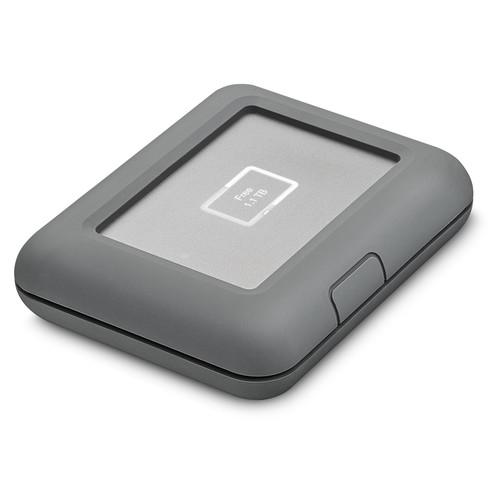 Contents of the user manual for the LaCie 2TB DJI Copilot BOSS External
- Product category: External Drives LaCie
- Brand: LaCie
- Description and content of package
- Technical information and basic settings
- Frequently asked questions – FAQ
- Troubleshooting (does not switch on, does not respond, error message, what do I do if...)
- Authorized service for LaCie External Drives
 |
User manual for the LaCie 2TB DJI Copilot BOSS External contain basic instructions
that need to be followed during installation and operation.
Before starting your appliance, the user manual should be read through carefully.
Follow all the safety instructions and warnings, and be guided by the given recommendations.
User manual is an integral part of any LaCie product,
and if it is sold or transferred, they should be handed over jointly with the product.
Following the instructions for use is an essential prerequisite for protecting
health and property during use, as well as recognition of liability on the part of the manufacturer
for possible defects should you make a warranty claim. Download an official LaCie user manual in which you will find instructions on how to install, use, maintain and service your product.
And do not forget – unsuitable use of a LaCie product will considerably shorten its lifespan!
|
Product description Be a BOSS with the LaCie DJI Copilot Hard Drive Read More - LaCie DJI Copilot Product Overview
- Atola Visuals
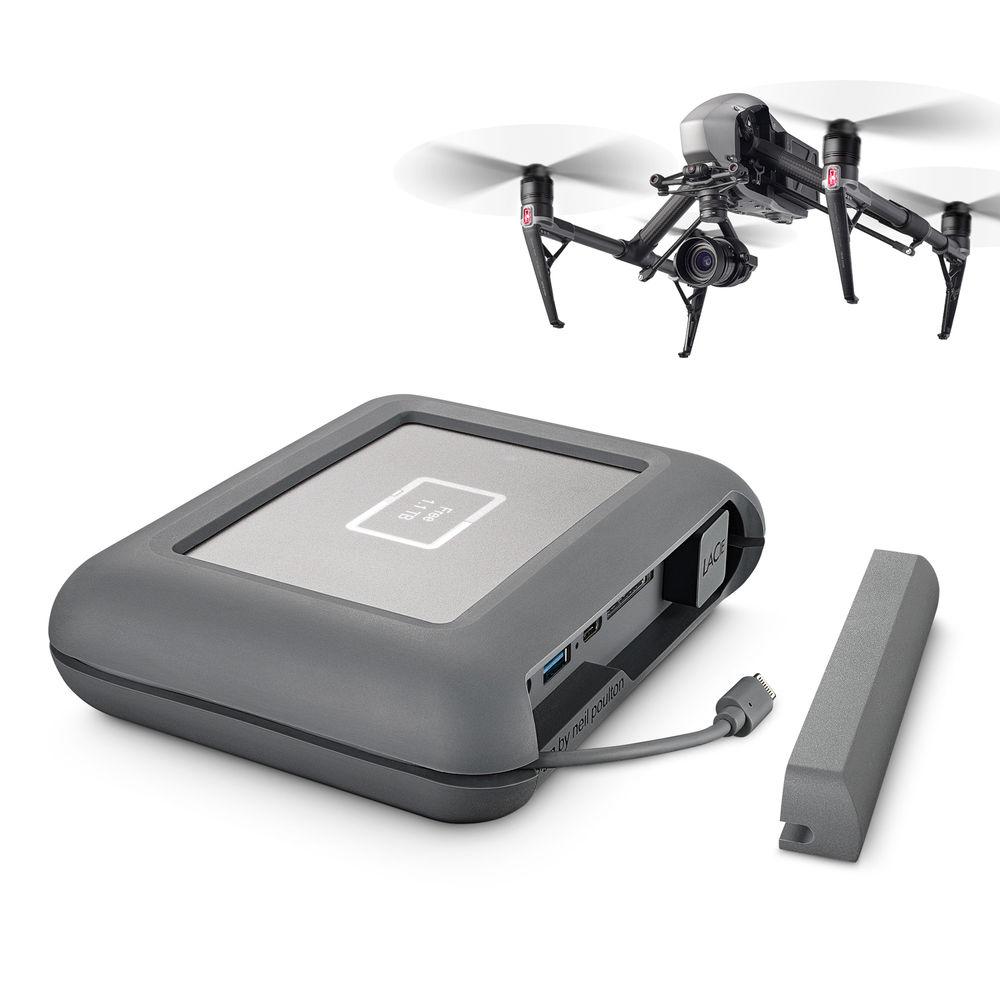
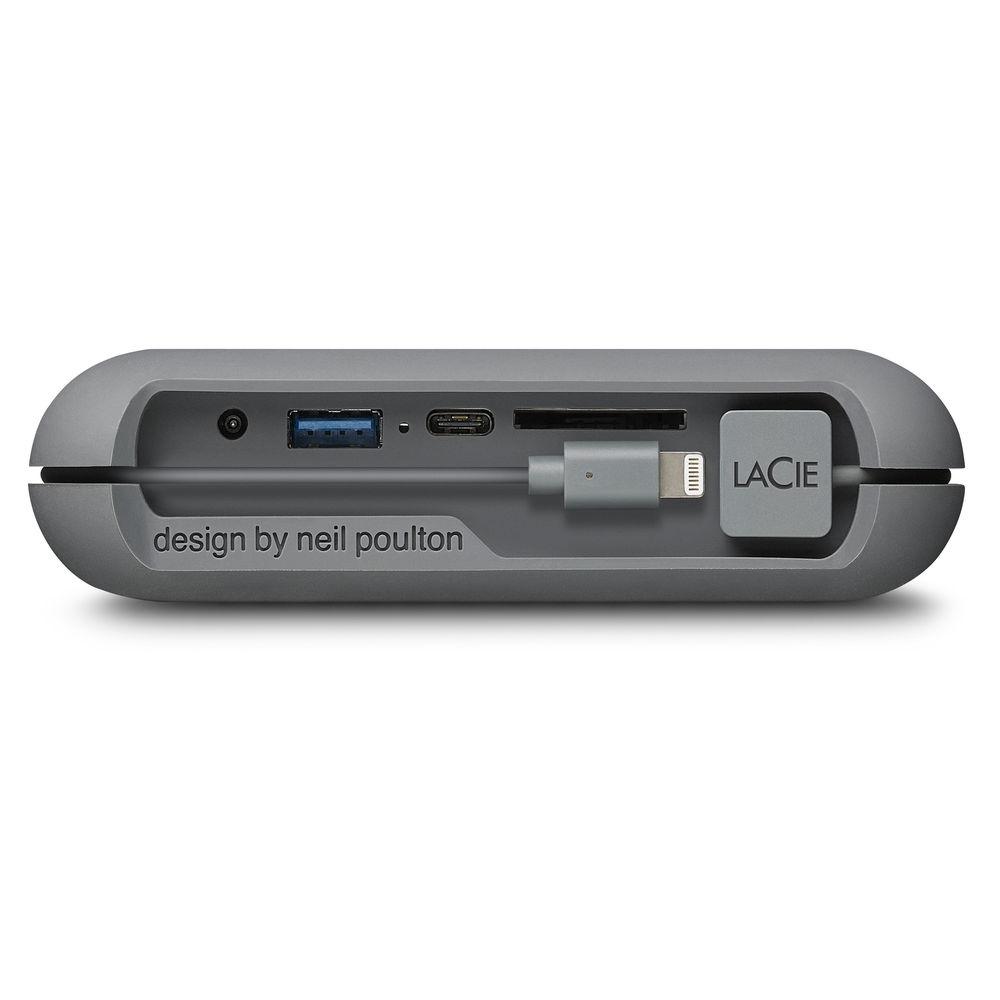
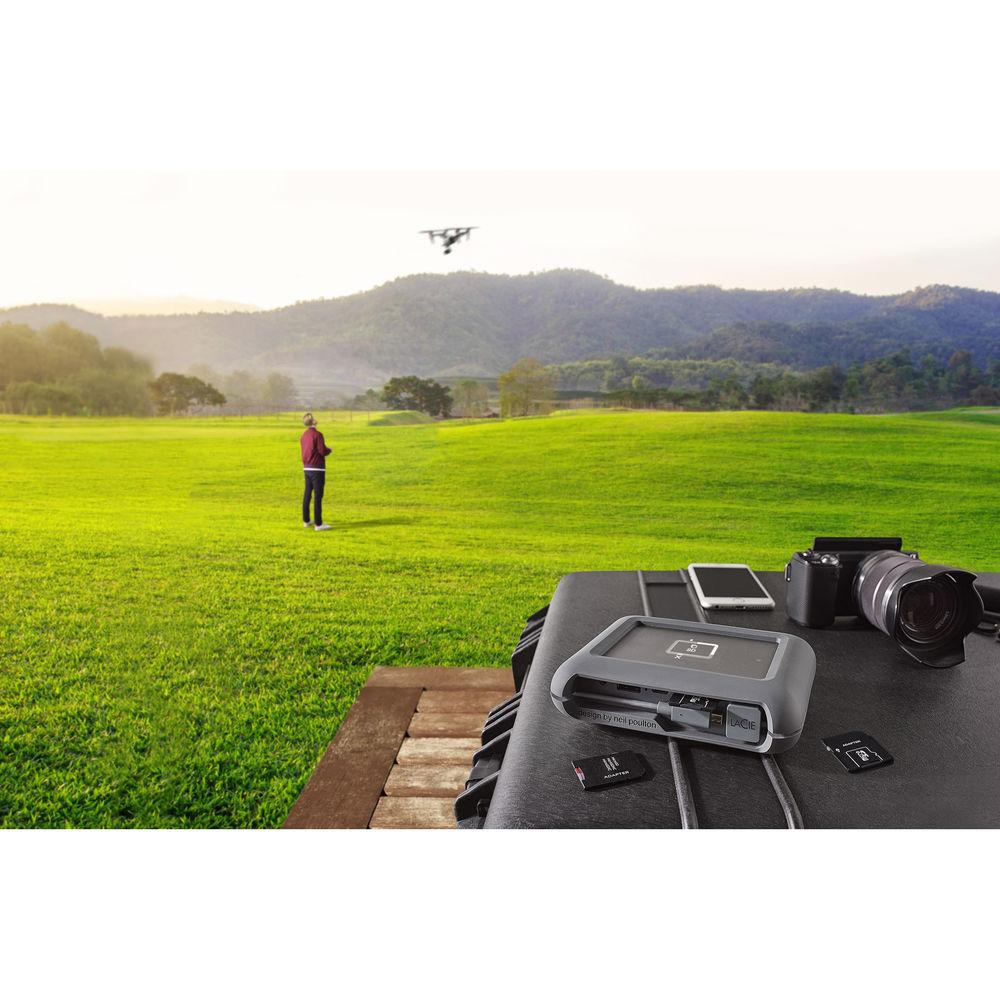
Photographers, videographers, and drone pilots who already have enough gear to lug around will welcome the arrival of the 2TB DJI Copilot BOSS Hard Drive from LaCie. BOSS, which is short for Backup On-Set Solutions, will help users spend more time shooting and adventuring in the field, and less time stuck behind a computer. The DJI Copilot BOSS provides up to 2TB of storage for up to 60 hours of 4K video at 30 fps and is especially well-suited for those who require an in-field backup solution with direct ingestion that does not require a computer, while also providing mobile file management and mobile device charging.
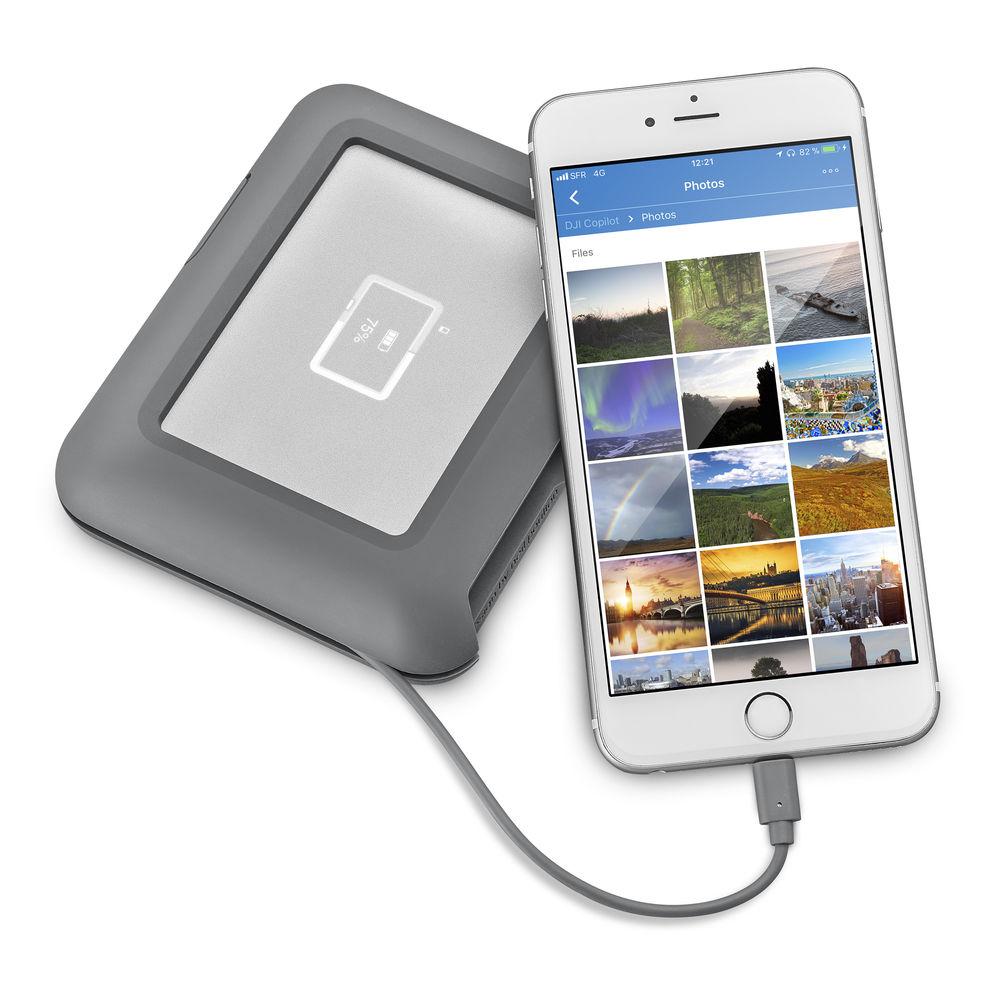
Files can be copied directly from drones, memory cards, action cameras, DSLR cameras, phones, USB hard drives, USB flash drives, and more. Using the integrated status screen, file transfer status, storage capacity, and battery power can be monitored, and using the DJI BOSS app, footage stored on this drive can be reviewed on a phone or tablet, and files can be managed, filed, renamed, and deleted. If one of your devices needs charging, the DJI Copilot can be used as a mobile battery pack, and thanks to built-in drop, splash, and dust resistance, it is well-equipped to handle life outdoors.
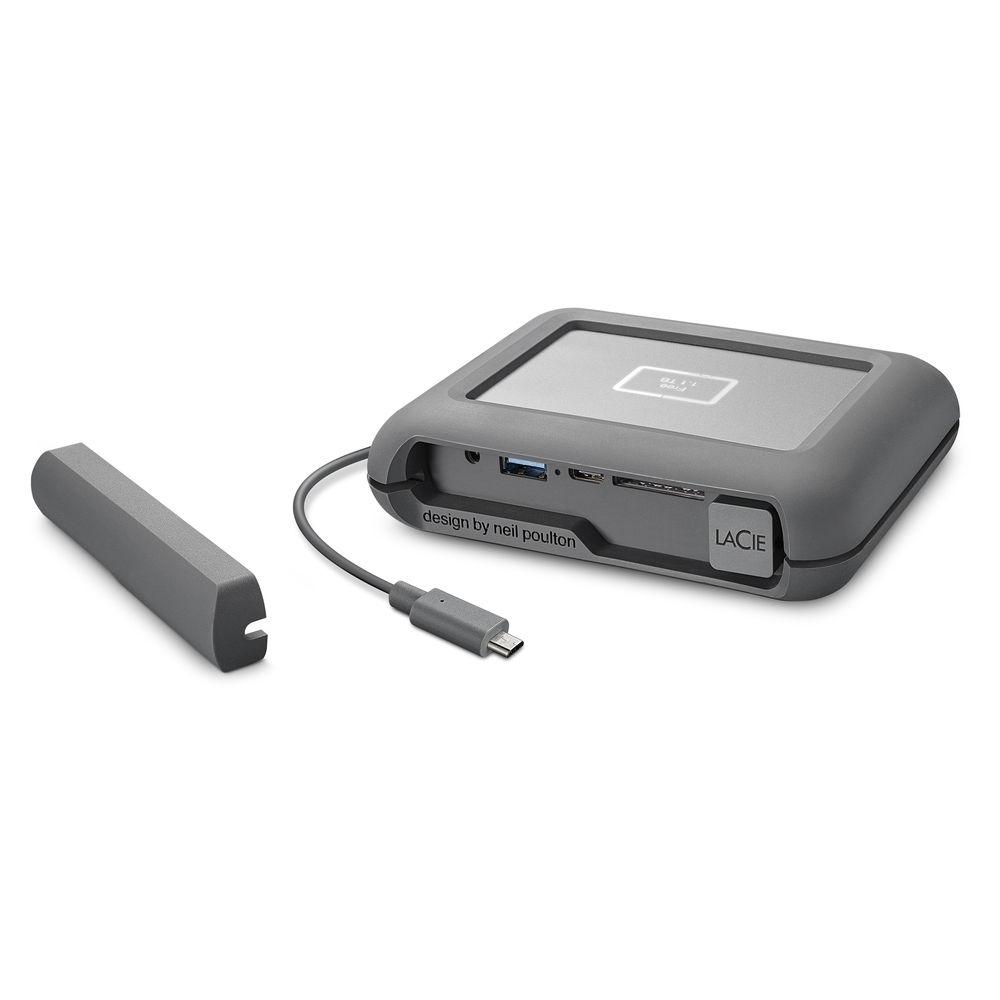
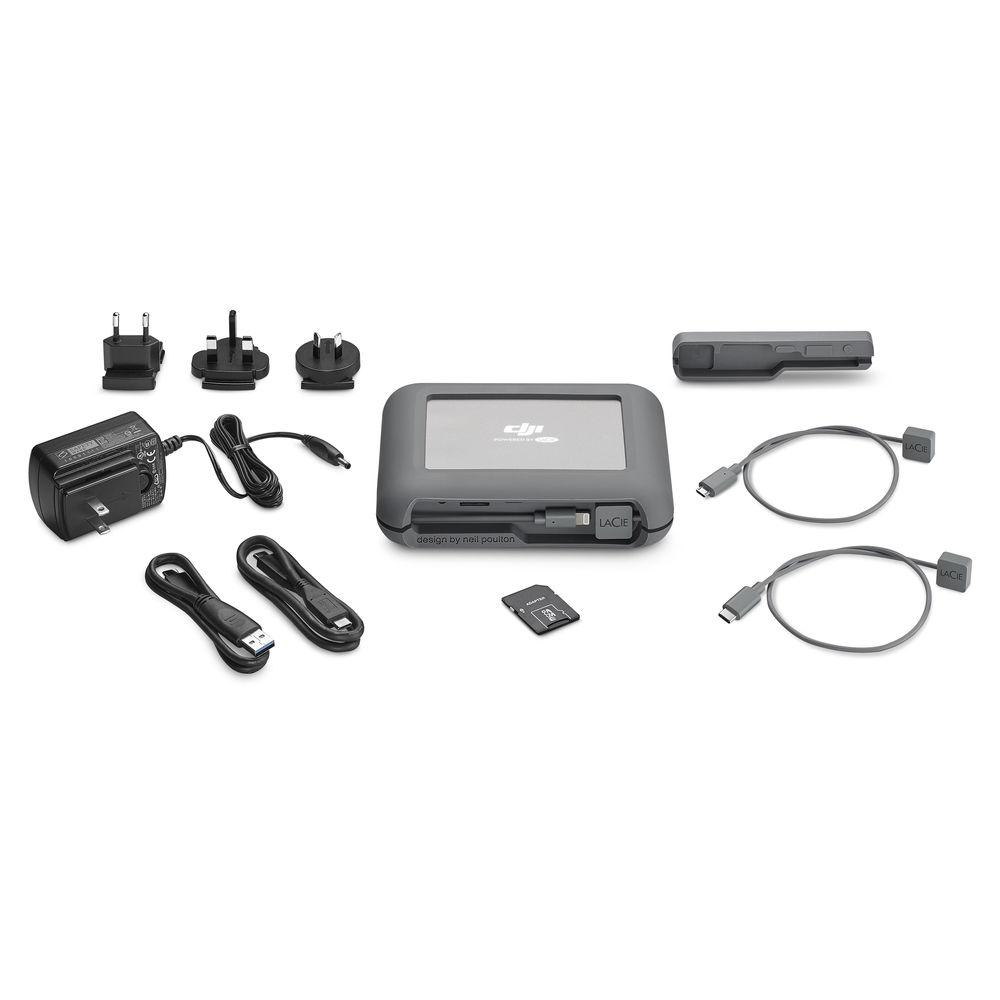
LaCie's DJI Copilot BOSS is compatible with mobile phones and tablets running iOS 10.3 or Android 4.4 or later, as well as systems running Windows 10 or higher and Mac OS X 10.10 or higher with an available USB 3.1 Type-C, Thunderbolt 3, USB 3.0, or USB 2.0 port. It comes equipped with a USB 3.1 Type-C port, a USB 3.0 Type-A port, and an SD card reader, and includes a microSD to SD card adapter, a USB 3.1 Type-C cable, a USB Type-C to Type-A cable, a Lightning cable for iOS, a micro-USB cable for most Android devices, a USB Type-C cable for newer Android devices, a wall charger for recharging its internal battery, and a removable cover. Additional protection is provided by a limited 3-year Rescue Data Recovery Services plan and also included is a 1-month membership to Adobe Creative Cloud.
Note: In order to take advantage of the 1-month membership to Adobe Creative Cloud, customers will need to register this drive on Seagate.com once it has been received. Upon registration, they will then receive an email with code redemption instructions for one complimentary month of all Adobe Creative Cloud apps, including Lightroom CC, Photoshop CC, Illustrator CC, Adobe XD CC, Premiere Pro, Dreamweaver, 100GB of cloud storage, and more. This offer is stackable with existing Adobe Creative Cloud memberships and expires July 21, 2020. It is not available in all countries, so please check eligibility.
For any LaCie product purchased on or after April 1, 2018 that does not contain the Adobe activation code flyer in the box, please contact Customer Support at https://support2.lacie.com/ with a valid proof of purchase for your code. General Features - Copy files directly from drones, memory cards, action cams, DSLR cameras, phones, USB hard drives, USB flash drives, and more
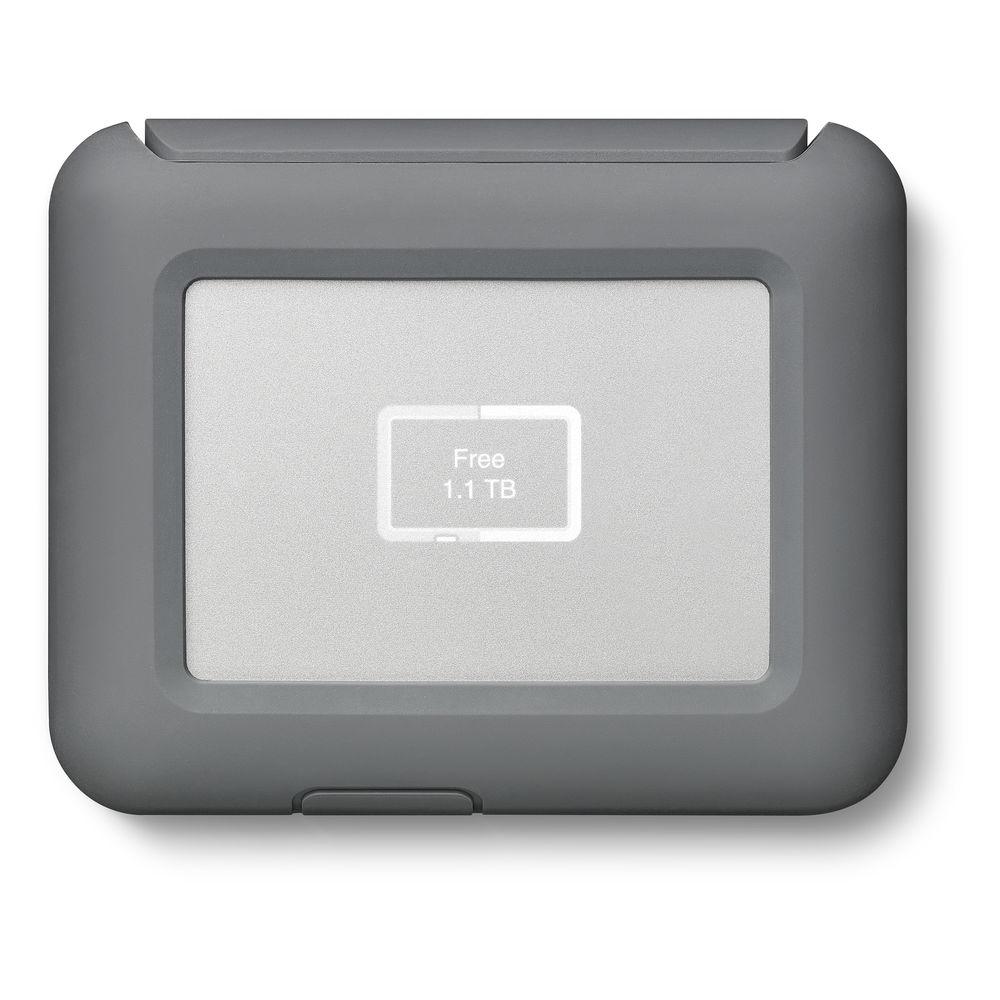
- Monitor or check file transfer status, available capacity, and battery power using the integrated status screen
- Review your footage on your mobile phone or tablet. Just attach the cable and view/playback with the DJI BOSS app
- Manage and organize files too. Rename, file, and delete with the DJI BOSS app.
- Use as a backup battery pack for USB chargeable devices
- Drop resistant, splash resistant, and dust resistant
- 2TB stores over 60 hours of 4K video, based on 1 hour of 4K compressed footage at 30 fps that creates 30GB of data
- Limited 3-year Rescue Data Recovery Services plan
- Publish videos and photos with 1-month membership to Adobe Creative Cloud All Apps plan, which is redeemable during product registration. A network connection and an Adobe ID are required
UPC: 763649123447 In the Box LaCie 2TB DJI Copilot BOSS External Hard Drive USB 3.1 Type-C Cable USB Type-C to Type-A Cable Lightning Cable Micro-USB Cable USB Type-C Cable microSD to SD Card Adapter Wall Charger Removable Cover 1-Month Adobe Creative Cloud Membership Limited 3-Year Rescue Data Recovery Services NAB 2019: G-Tech, SanDisk, and WD Show Off Latest Storage Solutions Shawn C. Steiner 04/10/2019 Data Sheet PDF 149.5kb Table of Contents
|
Upload User Manual
Have you got an user manual for the LaCie 2TB DJI Copilot BOSS External Hard Drive in electronic form? Please send it to us and help us expand our library of instruction manuals.
Thank you, too, on behalf of other users.
To upload the product manual, we first need to check and make sure you are not a robot. After that, your "Submit Link" or "Upload File" will appear.
Technical parametersLaCie STGU2000400 Specs | Storage Capacity | 2 TB | | Connection Interface | 1 x USB 3.1 Gen 2 (USB Type-C)
1 x USB 3.1 Gen 1 (USB Type-A) | | Pre-Format | None | | | | Internal Interface | SATA (Unspecified) | | Type | Hard Disk Drive | | Form Factor | 2.5" | | | | Bus Power | USB | | Dimensions (L x W x H) | 5.4 x 4.4 x 1.4" / 137.2 x 111.8 x 35.6 mm | | Weight | 1.2 lb / 0.5 kg | | | | Package Weight | 3.1 lb | | Box Dimensions (LxWxH) | 9.4 x 7.1 x 2.8" |
Rating56% users recommend this product to others. And what about you?

This product has already been rated by 10 owners. Add your rating and experience with the product.
Discussion
 Ask our technicians if you have a problem with your settings,
or if anything is unclear in the user manual you have downloaded.
You can make use of our moderated discussion.
The discussion is public and helps other users of our website who may be encountering similar problems.
Ask our technicians if you have a problem with your settings,
or if anything is unclear in the user manual you have downloaded.
You can make use of our moderated discussion.
The discussion is public and helps other users of our website who may be encountering similar problems.
The discussion is empty - enter the first post
Post a new topic / query / comment:
|
|


