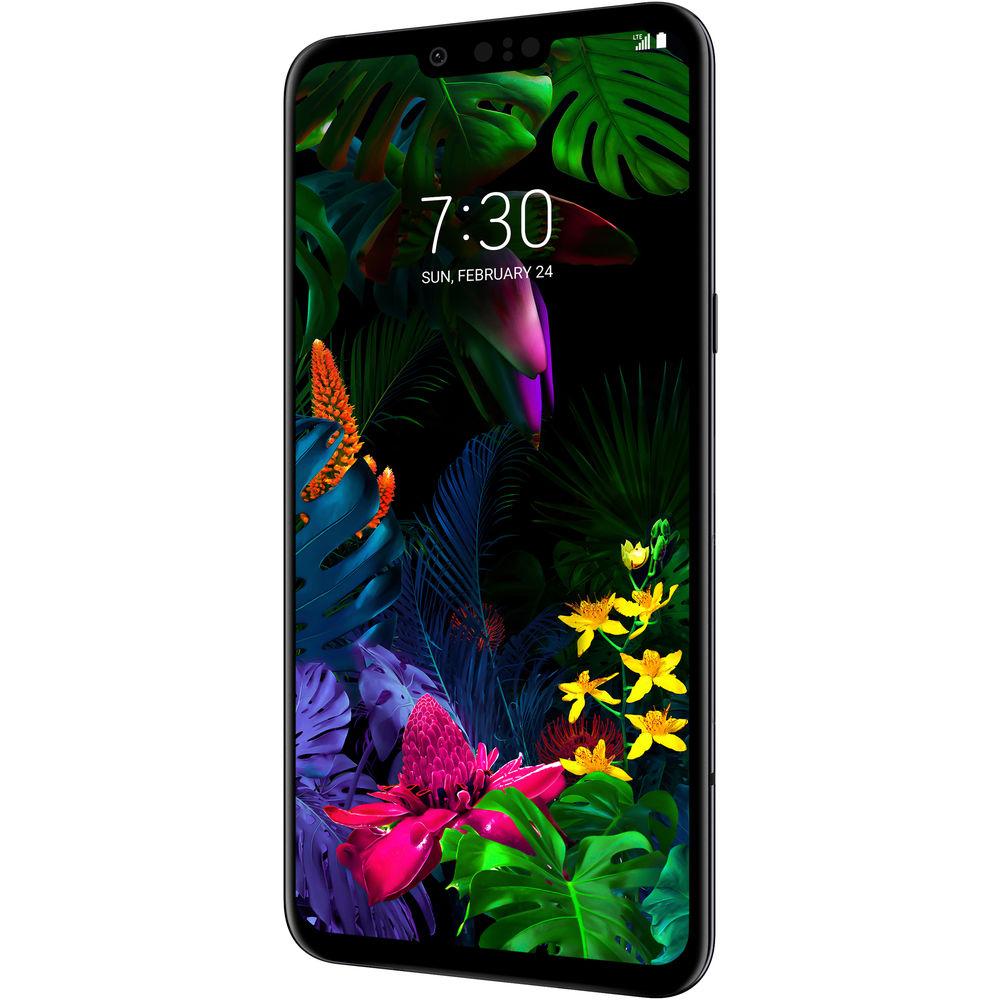
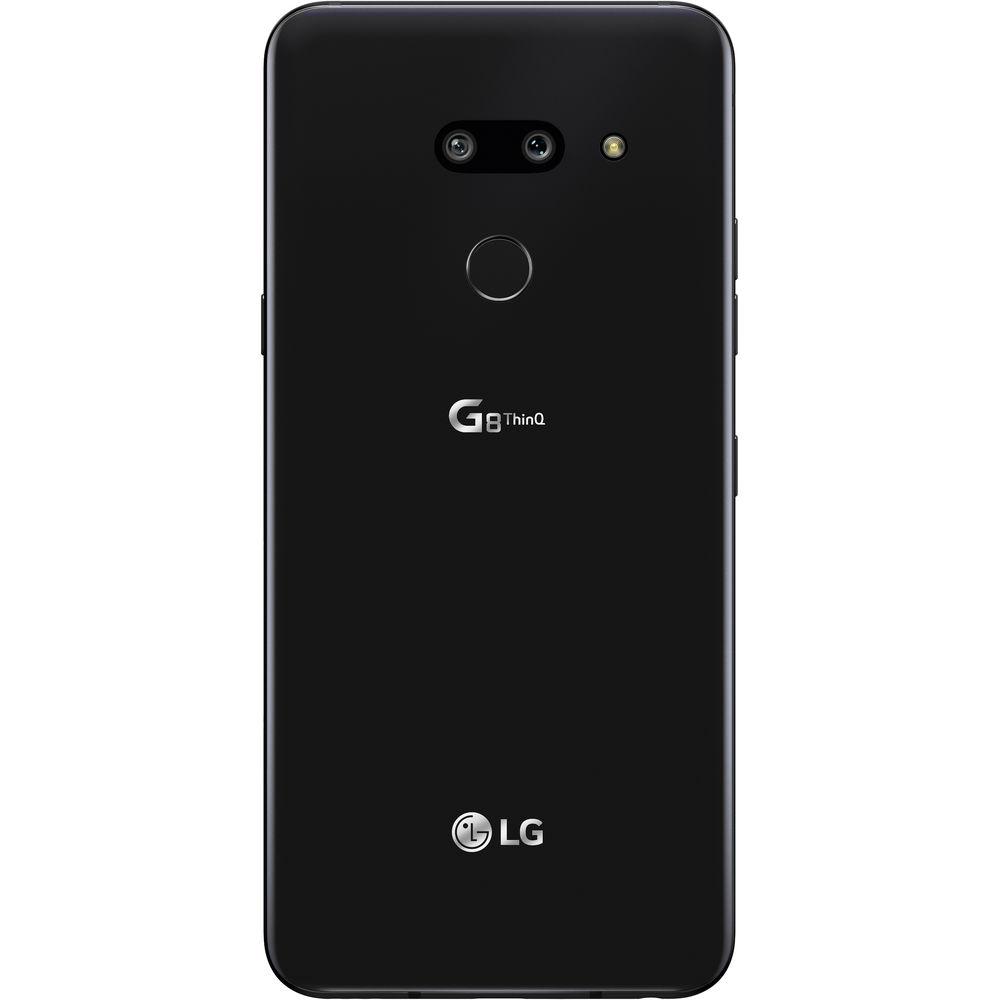
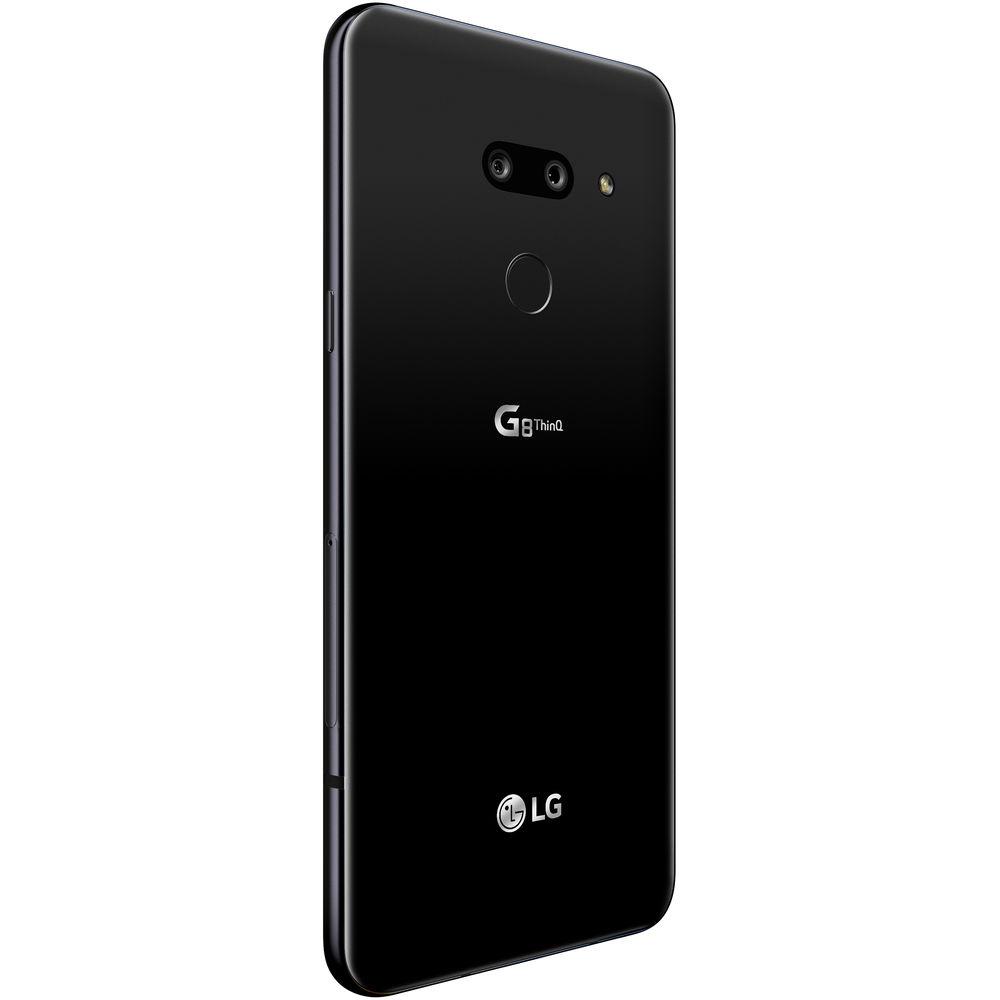
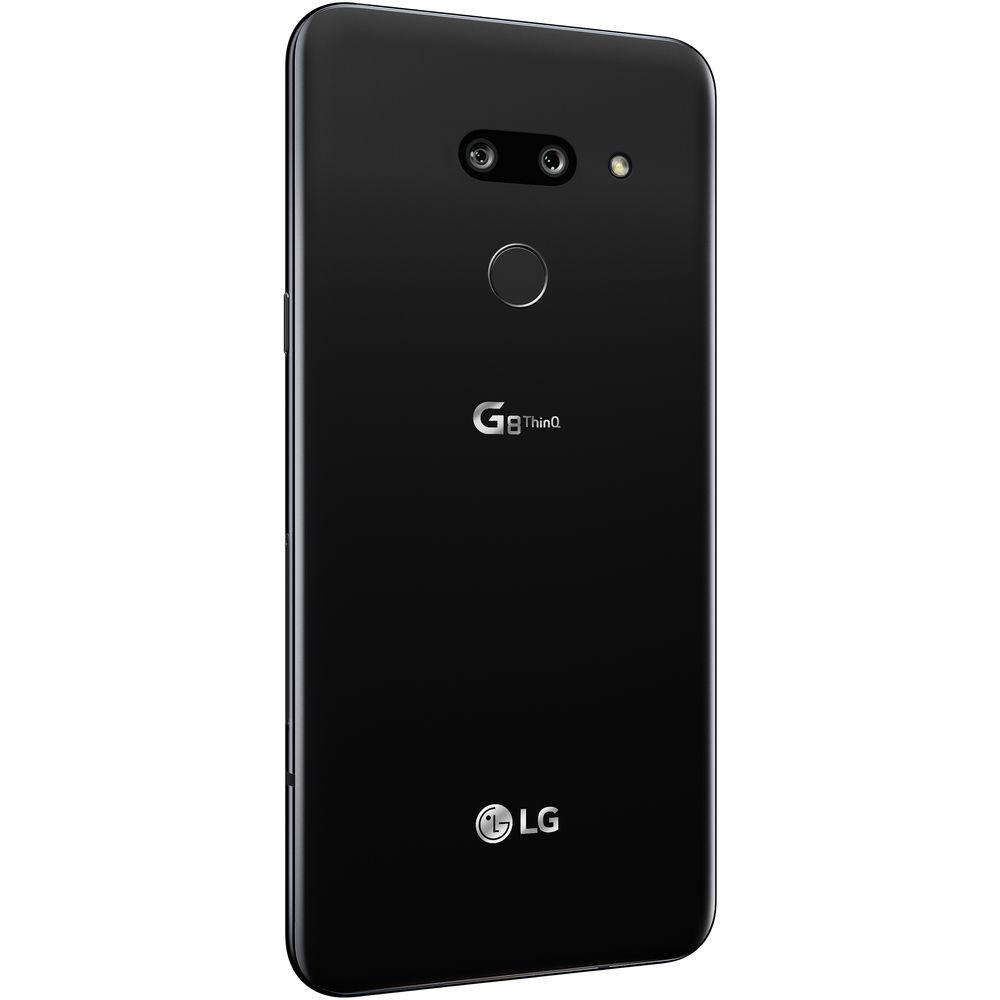
User Manual for LG G8 ThinQ 128GB Smartphone Click to enlarge the picture
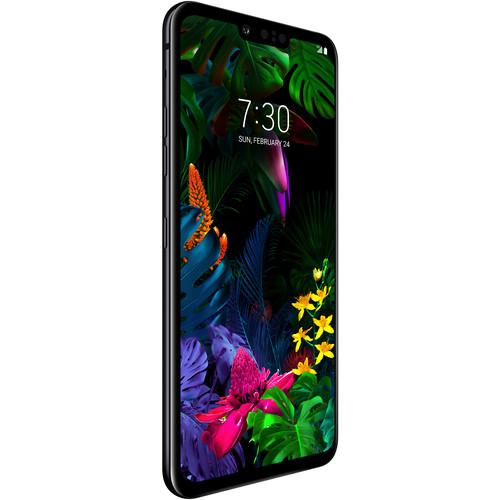 Contents of the user manual for the LG G8 ThinQ 128GB Smartphone
- Product category: Unlocked Cell Phones LG
- Brand: LG
- Description and content of package
- Technical information and basic settings
- Frequently asked questions – FAQ
- Troubleshooting (does not switch on, does not respond, error message, what do I do if...)
- Authorized service for LG Unlocked Cell Phones
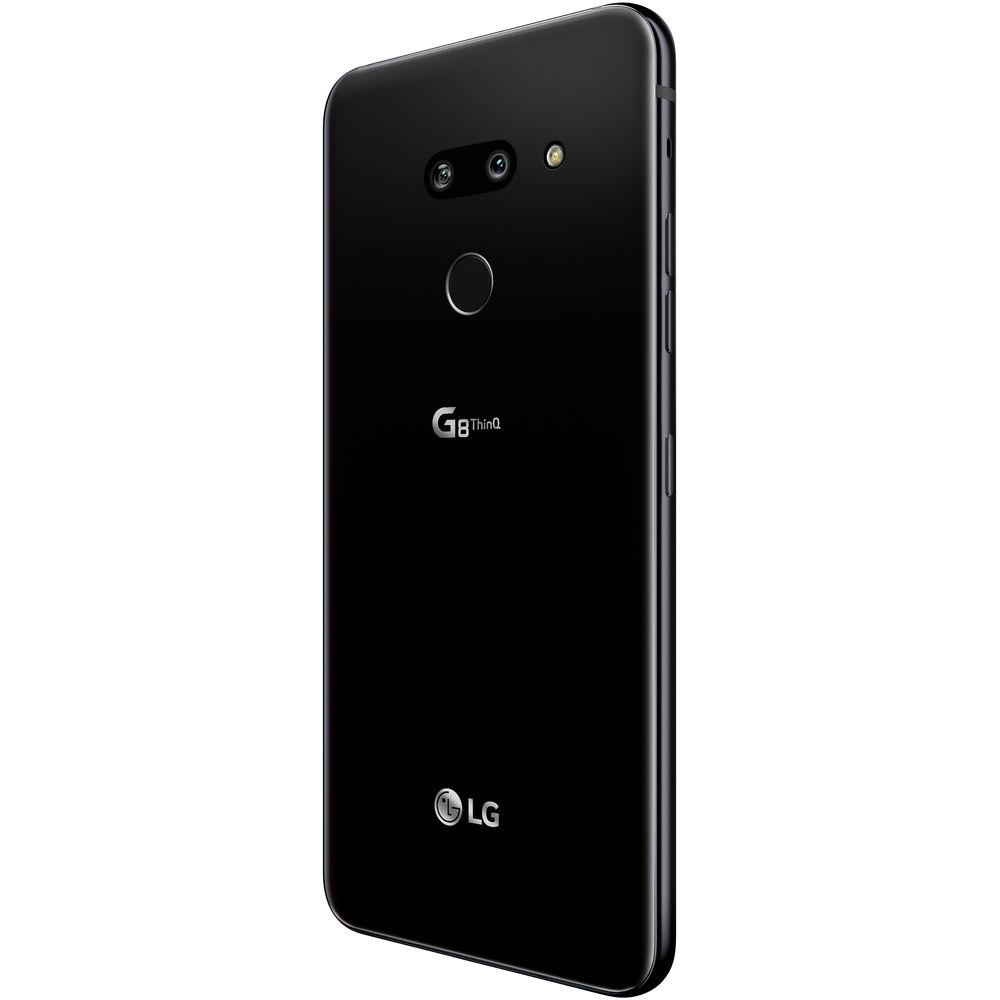
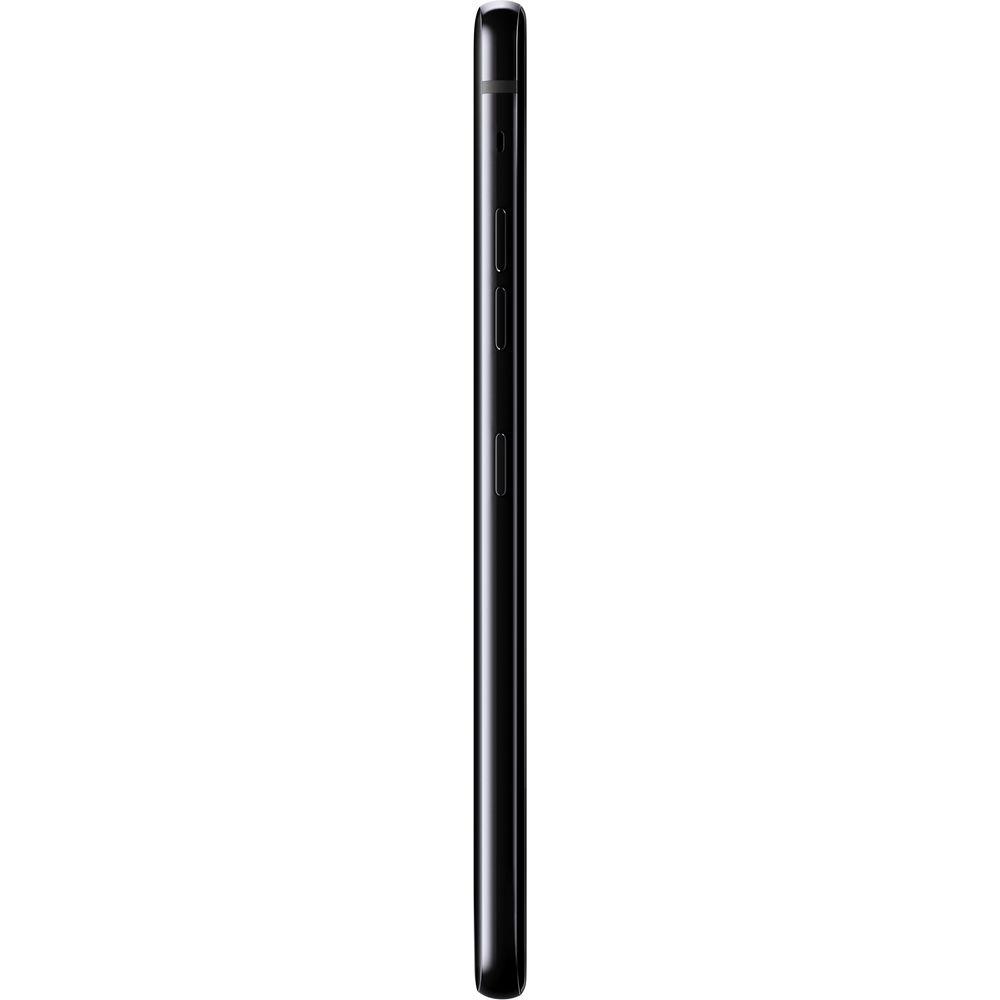 |
User manual for the LG G8 ThinQ 128GB Smartphone contain basic instructions
that need to be followed during installation and operation.
Before starting your appliance, the user manual should be read through carefully.
Follow all the safety instructions and warnings, and be guided by the given recommendations.
User manual is an integral part of any LG product,
and if it is sold or transferred, they should be handed over jointly with the product.
Following the instructions for use is an essential prerequisite for protecting
health and property during use, as well as recognition of liability on the part of the manufacturer
for possible defects should you make a warranty claim. Download an official LG user manual in which you will find instructions on how to install, use, maintain and service your product.
And do not forget – unsuitable use of a LG product will considerably shorten its lifespan!
|
Product description The Best Smartphones of 2018 Read More - LG G8 ThinQ: Product Video
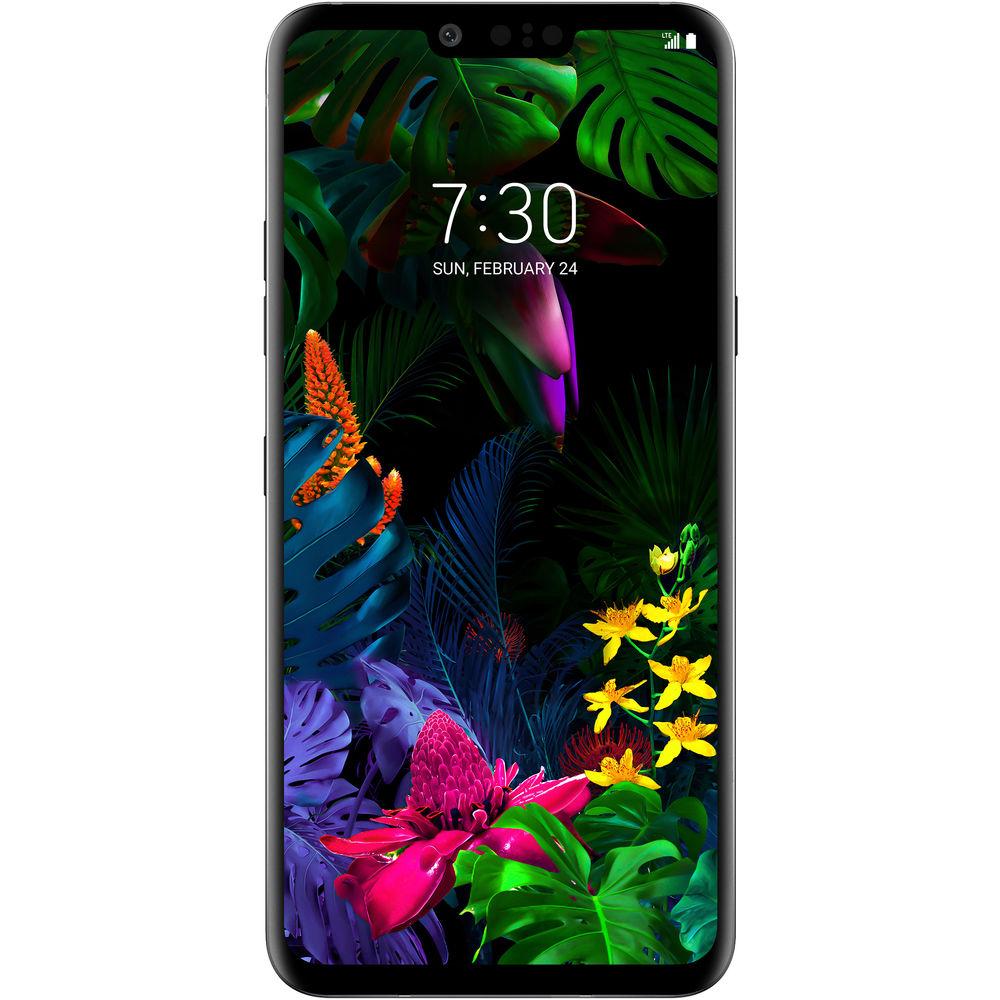
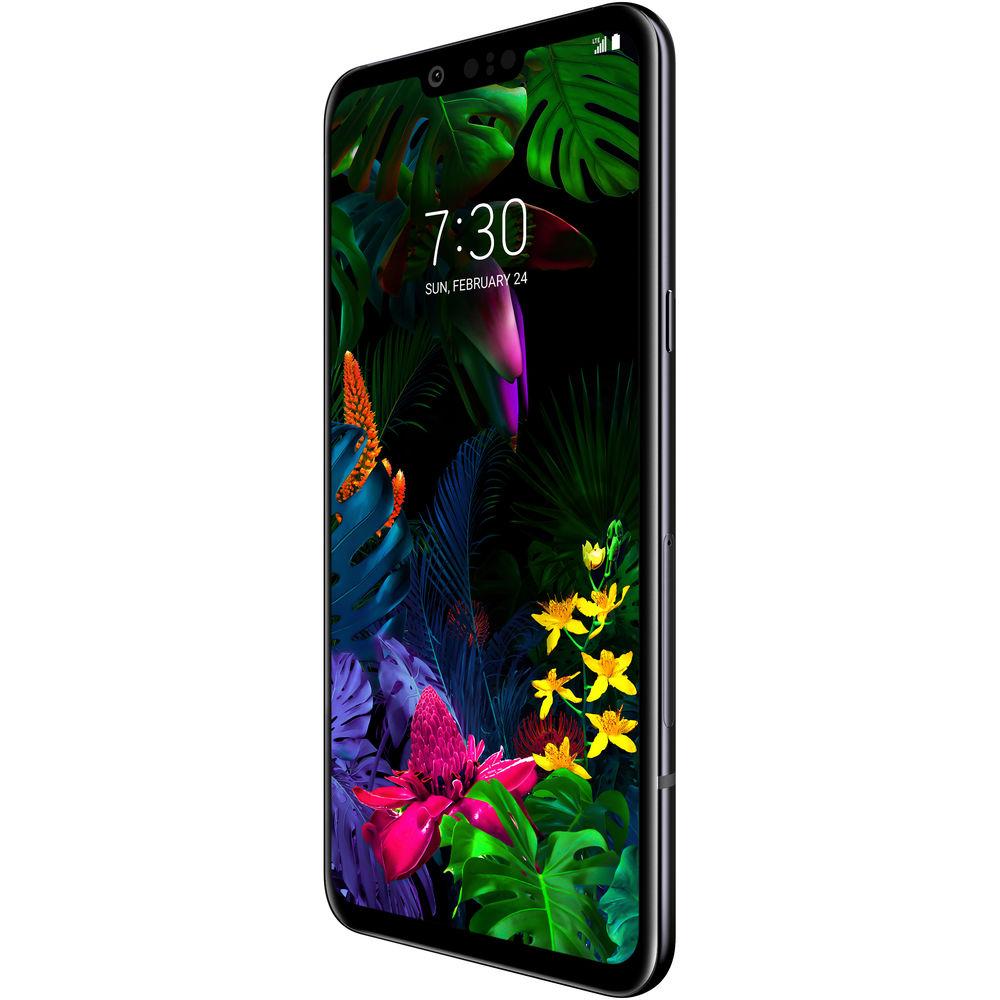
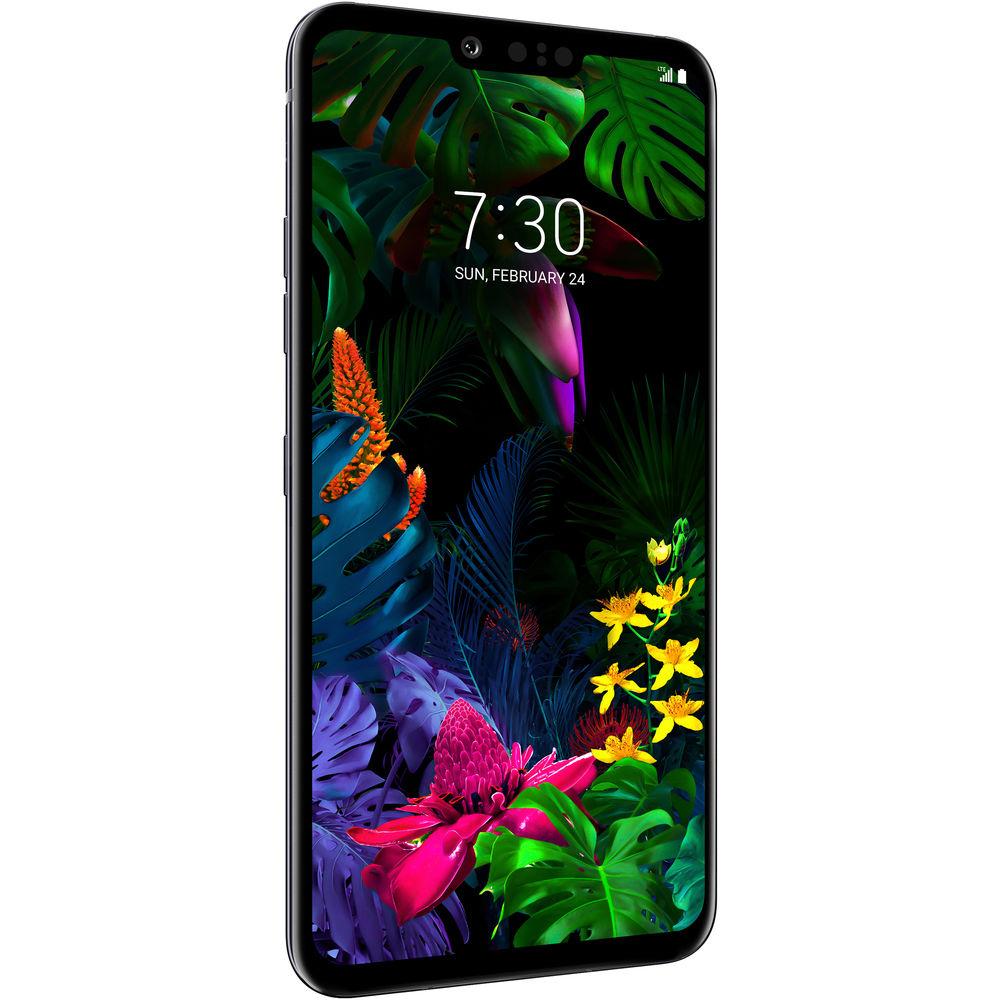
The LG G8 ThinQ 128GB Smartphone gives you a high-resolution 16MP super ultra-wide/12MP standard dual-camera system, and a host of convenient features, such as optical and electronic image stabilization, up to 8x zoom, and manual camera controls to let you get the most out of every shot. The G8 ThinQ also features a front standard 8MP selfie camera that incorporates 3D scanning technology. Imagine unlocking your phone not just with your face, but with your hand. Hand ID tech scans your palm and uses vein-recognition to unlock the phone.
The G8 ThinQ also features a large 6.1" QHD+ OLED display for vibrant color reproduction and rich contrast. The size and cinematic aspect ratio of 19.5:9 makes it ideal for enjoying streaming video. On the audio side of the multimedia equation, LG provides you with sound that hits you from nearly any angle. You get both top and bottom speakers, as well as Crystal Sound OLED, which vibrates the display to act as a speaker.
All of this tech and more is powered by a fast Qualcomm Snapdragon 855 GHz Octa-core processor and 6GB of RAM. This unlocked phone is compatible with GSM+CDMA/4G LTE networks and runs the Android 9.0 Pie operating system. It has 128GB of storage for your apps, photos, and video, which can be expanded by up to 2TB via a microSD. Connect to the internet and other devices with built-in Wi-Fi 5 (802.11ac), Wi-Fi Direct, and Bluetooth 5.0. The G8 ThinQ also supports NFC technology for making phone-to-phone data transfers or mobile payments where supported. - Android 9.0 Pie
- The Android operating system integrates heavily with Google's services. It's a personalized and customizable OS, allowing you to add your favorite apps or widgets to your home screen. You can even download new themes using the Google Play Store, which offers access to millions of apps, games, books, music, movies, and more. Android 9.0 Pie adds a variety of predictive capabilities, navigation changes, and digital well-being enhancements that let you take control of your Android experience. By learning how you use your phone over time, Pie will automatically adjust certain features for you, such as battery usage and display brightness. With App Actions, Pie uses what it learns to get you to your next task quickly. For example, plug in your headphones and Pie will automatically bring up your last playlist. With Dashboard and App Timers, Pie lets you see your phone usage in detail, allowing you to set timers and reminders so you can better manage the time you spend using your smartphone.
- GSM + CDMA / 4G LTE Wireless Connectivity
- This phone is designed to work on select GSM and CDMA networks and is 4G LTE capable. LTE is an advanced cellular network data protocol capable of data speeds so fast that they compete with wired broadband Internet providers. With an LTE connection, this phone should have no problem streaming HD video, downloading apps, uploading photos, or anything else that requires a high-speed data connection. The phone is also backwards compatible with 3G and 2G data for instances when you can't get LTE. In addition to cellular wireless, this phone also features Bluetooth, NFC, and Wi-Fi connectivity.
Note: Not compatible with all cellular networks. Please make sure your provider uses a frequency or band that this phone supports, and that they will allow you to used carrier unlocked phones. You can check which bands this phone works within the Specifications. - North American Variant / US Compatible LTE
- The G8 ThinQ is a US variant. It may be used in other parts of the world; however, LTE access may be limited or unsupported, depending on the network. Please choose your country/carrier above to confirm the network compatibility of this phone.
- Air Motion - Touchless Commands
- With the G8 ThinQ's 3D sensor, you can interact with your phone by simply waving your hand. Here's a list of functions you can perform without touching your phone:
- Answer/Decline Calls
- Snooze/Stop Alarms
- Stop Timer
- Take a Selfie/Screen Capture
- Control Media Playback
- Open Your Favorite Apps
- Dual Rear Camera Features
- OIS+: Helps you capture sharp images quickly and with less blur
Google Lens: Lets you use the camera to perform internet searches on what it sees. Look up information on landmarks, shop for specific items, and more
Manual Camera Settings: Adjust shutter speed, ISO, exposure, white balance, and more. You can also save images as Raw (DNG) and JPEG
Graphy 2.0: Lets you select reference photos that automatically adjust Manual Mode settings
Food: Setting that adjusts the white balance to improve the appearance of your snapshots
Additional Camera Modes: Auto, Burst Shot, Cine Video, Panorama, YouTube Live, Time-Lapse, and 360 panorama
AI Composition: Recognizes up to 3 people and adjusts the picture composition based on photography's rule of thirds
Night View: Helps you take sharper photos at night by adjusting the brightness with a slider
Fast Dual PDAF autofocusing using dual PD pixel sensors
Up to 8x zoom - Dual Rear & Front Camera Features
- Studio: Switch the background to a specific color
Spotlight: Add lighting from different angles by selecting where it illuminates the subject's face
Portrait: Gives your photos a bokeh effect that blurs the background while keeping the subject in focus
AI Cam: Suggests the optimal effect and angle by automatically identifying what's in the shot
Cine Shot: Create partially animated videos by selecting specific areas of the photo to animate
HDR: Utilizes multiple exposure techniques to correct backlighting
My Avatar: Take a picture of yourself to create a personalizable animated emoji
AR Emoji: Create 3D graphic animals that mimic your facial expressions
Flash Jump-Cut: This takes photos every 3 seconds and saves them as an animated GIF
Live Photo: Record the action that happens right before, and after, you take a photo
AR Sticker: Personalize photos with a variety of pre-loaded stickers
Quick Sharing: Access sharing apps instantly after taking pictures and videos
Film Effect: Choose from 17 preset filters - Front Camera Features
- Story Shot: Customize selfie backgrounds with an image from your gallery or a photo taken with the rear cameras
Makeup Pro: Manually adjust the appearance of selfies by adjusting the subject's complexion, lip color, or enhancing their eyes and eyelashes
Auto Shot: Take a selfie with automatic face detection
Gesture Shot: Take a selfie with a simple hand gesture
Gesture Interval Shot: Make a fist twice to take 4 selfies in a row
Selfie Light: Illuminate the screen for a well-lit selfie
Beauty Shot: Softens facial features - Video Recording Features
- Video Portrait: Blurs the background while keeping the subject in focus
EIS: Electronic Image Stabilization helps you capture sharper footage with less blur
Steady Record: Record smoother, clearer videos while on the move, with either the rear or front cameras
HDR10 Video Recording: This is meant to create life-like footage with a wide spectrum of color that is rich, accurate, and has a high contrast
Point Zoom: Zoom in on any selected area within the frame for more stability and control
Video Manual Mode: Manually adjust audio focus, manual focus, white balance, frame rates, and more
Cine Effect: Choose from up to 16 different color grading presets to give your footage a cinematic look
Slo-mo: Record all or part of a video in HD resolution at 240 fps
Time-Lapse Video: Record a video where time appears to be moving faster than normal
Video Studio: Merge up to 50 photos or videos, trim and add title/text, background music, and theme effect overlays - Audio Features
- Crystal Sound OLED Speaker: The entire screen is utilized as a speaker for more immersive sound
Stereo Boombox Speaker: An inner resonance chamber along with top and bottom speakers provide greater sound levels for boosted bass
DTS:X Virtual Surround: Meant to give you a deep 3D stereo audio experience
32-Bit Hi-Fi Quad Digital-to-Analog Converter (DAC): Designed to produce crisp, full sound through wired headphones
Wind Noise Filter: Minimize wind noise during video recording
Sound Preset: Custom options to help you achieve different sound experiences
Digital Filter: Choose from Short, Sharp, or Slow options of Sound Filter characteristics in the DAC
Super Far-Field Voice Recognition (FFVR): Provides improved voice recognition to better pick up commands in noisy environments from up to 16' away
RAM (Receiver as Mic): Two analog microphones and the phone's receiver work together to improve sound clarity while recording in loud environments
HD Audio Recorder: Choose between Normal, Concert, and Custom modes, and record over a separate track
Hi-Fi Streaming: An MQA decoder enables high resolution audio to be packed into a small file size - Entertainment Features
- Boombox Show: A strobe light and screen visuals move to the music to help your music come alive
Game Tools: Various gaming tools include the take a break function, take a screenshot, scale the app, disable alerts during a game, hide home touch buttons, adjust resolution and frame rates
Music Player: Built-in music player supports MP3/MP2, SAV, AMR, AAC, AAC+, eAAC+, AC3, OGG, FLAC, QCP, DSF, DFF, AIFF, WMA, MID, XMF, IMY, RTTTL/RTX, M4A, MIDI, PCM, and MP2 formats
LG Music App: Organize music by songs, albums, artists, genres, playlists, folders, and nearby devices
Video Player: Features include Touch Lock, Play on Lock Screen, Live Zooming, Video Screenshot, and Resume Play functions
Video Player Formats: Supported formats include 3G2, 3GP, MP4, M4V, AVI, ASF, MPG, MKV, Webm, FLV, TS, M2TS, OGM, MOV, PS, K3G, SKM, and MPG
Customizable Video: Adjust play speed, screen ratio, and subtitles - Security Features
- Multi ID: Three ways to unlock your phone include 3D Face Unlock, Fingerprint ID, and Hand ID
Hand ID: 3D sensor scans your palm and uses unique vein recognition technology to unlock the device
Fingerprint ID: Access the phone, make mobile payments, and secure content
3D Face Unlock: Unlock the screen with a facial scan
Screen Lock: Unlock with Swipe, Knock Code, Pattern, PIN, or Password
Google Smart Lock: Keep your phone unlocked when connected to trusted devices or in rusted places - Convenience Features
- Z Camera: Front-facing 3D sensors (both receiving and transmitting) enables touchless control, security features, and enhanced selfies
Emotional Haptic Function: The phone vibrates when AI functionality has detected something
Barge-In: The phone recognizes "Hey Google" commands while audio is playing
App Scaling: Ability to set your view to None (Original), Compatibility (16:9), Standard (16.7:9), or Full Screen
Shortcut Keys: Quick access to Capture+, Camera, or Google Assistant
Comfort View: Decreases the amount of blue light on the screen to help alleviate eyestrain
Screen Color: Lets you adjust the settings for Auto, Eco, Cinema, Sports, Game, Expert, Color temperature, or RGB levels
Mini View: Shrinks the screen for one-handed use
Knock On: Double tap the screen to put your phone to sleep or to wake it
Smart Cleaning: Optimize your phone's storage and test the hardware for improved performance
Battery Saver: This helps to conserve battery life by changing settings and restricting apps in the background
LG Health: A fitness app that tracks your daily activity - Productivity Features
- Google Assistant with LG Integration: An intelligent personal assistant that can also perform LG-exclusive device-specific tasks
Multi Window: Use 2 apps simultaneously on a split screen
Drag and Drop Picture Gallery: Select multiple pictures and easily drag and drop into subfolders
QTag: Gallery searches with automatic tagging and album creation
QuickMemo+: Write or draw with the paper style and pen size/color of your choice. You can schedule memos to appear at certain times or location
Capture+: Write or draw on nearly any screen - Display Features
- New Second Screen: Allows you to add a color fill to the status bar
Floating Bar: Access app shortcuts and call notifications on a movable/collapsible toolbar
Always-On Display: The time, date, and notifications can appear on a sleeping screen
Palm Rejection: This feature helps to prevent accidental interactions on the touchscreen - Design & Durability Features
- Heat Pipe: This feature is meant to absorb and move heat away from the processor to help minimize the risk of overheating
IP68-rated dust and water resistance
Corning Gorilla Glass 5 (Front) and 6 (Rear) protection - Connectivity Features
- Wi-Fi Hotspot: Share your 4G LTE data connection with up to 10 wireless devices
USB and Bluetooth Tethering: Share your internet connection
Media Sync: Allow nearby devices to access content
Screen Sharing: Wirelessly mirror your screen
MIDI Device: Connect to a musical instrument via USB
A-GPS, S-GPS, and Qualcomm Service: Helps to provide enhanced location accuracy
Advanced Calling: HD Voice, Wi-Fi Calling, and Video Calling
Screen Sharing (Miracast): Wirelessly mirror your G8 ThinQ screen onto another screen, such as a TV
MirrorLink: Lets you connect to a MirrorLink-capable car to share your screen and apps UPC: 652810832427 In the Box LG G8 ThinQ 128GB Smartphone (Unlocked, Black) USB Type-C Cable Quick Charge 3.0 Charger Clear Case Stereo Headset SIM Tray Opener Limited 1-Year Warranty + Free 2nd year of warranty coverage with registration Smart Assistants Roundup M. Brett Smith 12/14/2018 The Camera Phone is 20 Years Old! Allan Weitz 06/11/2017 What Smartphones Should I Consider If I Care About Security? Chris Gold 05/01/2017 Why Buy an Unlocked Phone: A Primer Chris Gold 08/12/2015 Guide to Cleaning Your Smartphone M. Brett Smith 03/28/2019 A Look at Dual Camera Systems in Smartphones M. Brett Smith 05/03/2018 Table of Contents
|
Upload User Manual
Have you got an user manual for the LG G8 ThinQ 128GB Smartphone in electronic form? Please send it to us and help us expand our library of instruction manuals.
Thank you, too, on behalf of other users.
To upload the product manual, we first need to check and make sure you are not a robot. After that, your "Submit Link" or "Upload File" will appear.
Technical parametersLG LMG820QM7.AUSABK Specs | | | Operating System | Android 9.0 Pie | | Memory | 6 GB | | Chipset | Qualcomm Snapdragon 855 | | CPU | 2.84 GHz Single-Core
2.42 GHz Tri-Core
1.79 GHz Quad-Core | | Storage | 128 GB | | | | Size | 6.1" | | Native Resolution | 3120 x 1440 | | Aspect Ratio | 19.5:9 | | Pixel Density | 564 ppi | | Display Technology | OLED | | Screen Coating | Gorilla Glass 5 | | | | Ports | 1 x USB - Type C (Input/Output) | | Audio | 1 x 1/8" / 3.5 mm Headphone/Microphone | | Flash Media Slot | 1 x microSDXC | | SIM Card Size | Card 1: Nano | | | | CDMA 2G | CDMA: 800, 1900 MHz | | GSM 2G | GSM, GPRS, EDGE: 850, 900, 1800, 1900 MHz | | CDMA 3G | CDMA2000, EV-DO: 800, 1900 MHz | | GSM 3G/3.5G | UMTS, HSPA+: 850, 900, 1700, 1900, 2100 MHz | | 4G LTE | LTE: 1, 2, 3, 4, 5, 7, 8, 12, 13, 14, 17, 20, 25, 26, 28, 29, 30, 38, 39, 40, 41, 46, 48, 66, 71 Bands | | Wi-Fi | Yes, Wi-Fi 5 (802.11ac) | | Bluetooth | Bluetooth 5.0 | | NFC | Yes | | Infrared | No | | GPS | Yes | | FM Radio | No | | | | Rear Camera | Standard: 12 MP 1/2.6" Sensor with f/1.6 Lens
Wide: 16 MP 1/3.1" Sensor with f/1.8 Lens | | Pixel Size | Standard: 1.4 µm
Wide Angle: 1.0 µm | | Focus Type | Standard: Phase-Detect Autofocus | | Rear Camera Field of View | Wide: 107° | | Rear Camera Flash | 1 x LED | | Video Recording | UHD 4K at up to 60 fps | | Slow Motion Recording | 240 fps in 720p | | | | Front Camera | Standard: 8 MP 1/3.6" Sensor with f/1.7 Lens | | Front Camera Field of View | Standard: 80° | | | | Biometric Authentication | Fingerprint (Rear)
Face Scanner, Vein Recognition (Front) | | Sensors | Accelerometer, Face ID, Fingerprint | | Water Resistance | Submersible | | IP Rating | IP68 | | Keyboard | Virtual | | Battery | Internal Lithium-Ion (3500.0 mAh) | | Fast Charging Technology | Qualcomm Quick Charge 3.0 | | Wireless Charging Technology | Qi | | Dimensions (W x H x D) | 2.8 x 6.0 x 0.3" / 7.1 x 15.2 x 0.8 cm | | Weight | 5.89 oz / 167 g | | | | Package Weight | 1.005 lb | | Box Dimensions (LxWxH) | 6.9 x 3.6 x 2.3" |
Rating100% users recommend this product to others. And what about you?

This product has already been rated by 35 owners. Add your rating and experience with the product.
Discussion
 Ask our technicians if you have a problem with your settings,
or if anything is unclear in the user manual you have downloaded.
You can make use of our moderated discussion.
The discussion is public and helps other users of our website who may be encountering similar problems.
Ask our technicians if you have a problem with your settings,
or if anything is unclear in the user manual you have downloaded.
You can make use of our moderated discussion.
The discussion is public and helps other users of our website who may be encountering similar problems.
The discussion is empty - enter the first post
Post a new topic / query / comment:
|
|


