|
User Manual for LightWave 3D 2018 Click to enlarge the picture
 Contents of the user manual for the LightWave 3D 2018
- Product category: Animation & CAD Software Others
- Brand: Others
- Description and content of package
- Technical information and basic settings
- Frequently asked questions – FAQ
- Troubleshooting (does not switch on, does not respond, error message, what do I do if...)
- Authorized service for Others Animation & CAD Software


 |
User manual for the LightWave 3D 2018 contain basic instructions
that need to be followed during installation and operation.
Before starting your appliance, the user manual should be read through carefully.
Follow all the safety instructions and warnings, and be guided by the given recommendations.
User manual is an integral part of any Others product,
and if it is sold or transferred, they should be handed over jointly with the product.
Following the instructions for use is an essential prerequisite for protecting
health and property during use, as well as recognition of liability on the part of the manufacturer
for possible defects should you make a warranty claim. Download an official Others user manual in which you will find instructions on how to install, use, maintain and service your product.
And do not forget – unsuitable use of a Others product will considerably shorten its lifespan!
|
Product description NewTek LightWave 3D is a popular 3D graphics software for creating 3D animations, visual effects, motion graphics, video game graphics, architectural visualizations, and product and advertising designs. LightWave features modeling, animation and rendering tools, an intuitive interface, and interactive operation that lets you keep your focus on the graphics. You can easily make a change to a color or a light and rotate around your scene to get different perspectives instantly.LightWave 3D 2018 offers a variety of new tools and features, as well as many workflow enhancements, all providing an expanded functionality set and a faster, more streamlined process.Many LightWave artists are among the elite of VFX award-winners in the industry, including Emmy-winning productions. LightWave has been used to create 3D illustrations for magazines such as TIME, Newsweek, Rolling Stone, and Entertainment Weekly, to design a CG image of a football stadium for a Hyundai commercial, for visual effects in numerous films, TV shows, commercials and web series such as a Duracell spot, Sleepy Hollow and Breaking Bad TV shows, and in the 3D animation process for everything from modeling and beyond. Note: This upgrade version is valid for owners of any previous version of LightWave. - Workflow Enhancements
-
- UDIM support
- Per-object interpolated / Brute Force
- Floating viewports
- Render presets
- Preview render pass
- Multi-selection editing of modifiers
- Improved render progress view
- Fixed autokey mode
- Improved layer tools in modeler
- Proportional scaling in layout
- Image viewer RGBA channel toggle
- Image viewer / VPR normalize display toggle
- Viewport numeric readout for move and scale
- Preset shelf improvements
- New network render controller
New Features - Physically Based Rendering System
- LightWave 3D 2018 features a completely re-written shading, lighting, and rendering architecture. The new PBR engine allows you to create images with greater realism and accuracy, yet it remains intuitive to use.
- Render & Light Buffers
- To complement the new shading engine, render buffers for shading have been overhauled to deliver more flexibility and power for working with compositing. LightWave 3D 2018 features new light buffers for breaking out lights and custom buffers that allow you to create any type of render buffer using the power of the node editor, including real-time preview of new buffers in any viewport using VPR.
- Volumetric Engine & Open VDB Support
- Using the new volumetric engine and primitives, you can specify physically based properties for your clouds and fog. These include, Scattering, Absorption, and emission parameters, along with the use of powerful node networks to control all parameters. Additionally, there is support for the OpenVDB datasets that can be created from other applications.
- Light Capabilities
- The new lighting architecture brings physical lights that can be optionally visible to the camera. Primitive lights turn any geometry or primitive object into a physical light. In addition, there is improved loading of IES web files that allow closer matching to the intensity of real manufactured lights.
- Surface Editor, Material Nodes & Surface Preview
- The Surface Editor has been overhauled for the new shading system with powerful node-based materials under the hood that are presented with a familiar interface.
- VR Cameras
- Create stunning virtual reality content using the new VR camera: includes both cylindrical and spherical modes. Ideal for creating stereo 360° renders and animations for VR applications or even your own HDR probes.
- Modifier Stack with New Deformation Node
- Unlocks and simplifies the previously fixed order of operations for Bones, Morphs, Subdivision, and Displacements. Drag and drop to re-order mesh deformations interactively.
- Cel Shader & Enhanced Edge Rendering
- Offers flexible non-photoreal render control over material shading and allows gradient-based cel shading, while Edge Rendering can now use any material available in the Surface Editor to shade any line.
- More Integrated FiberFX
- FiberFX is expanded to integrate closely with the new lighting and shading system and can use any material on the fibers. Fibers are now generated using the new primitive object architecture.
- Layout-Based Parametric Shapes
- Parametric shapes allow you to create virtual primitive shapes in Layout that can be displaced, surfaced, and rendered without needing any geometry.
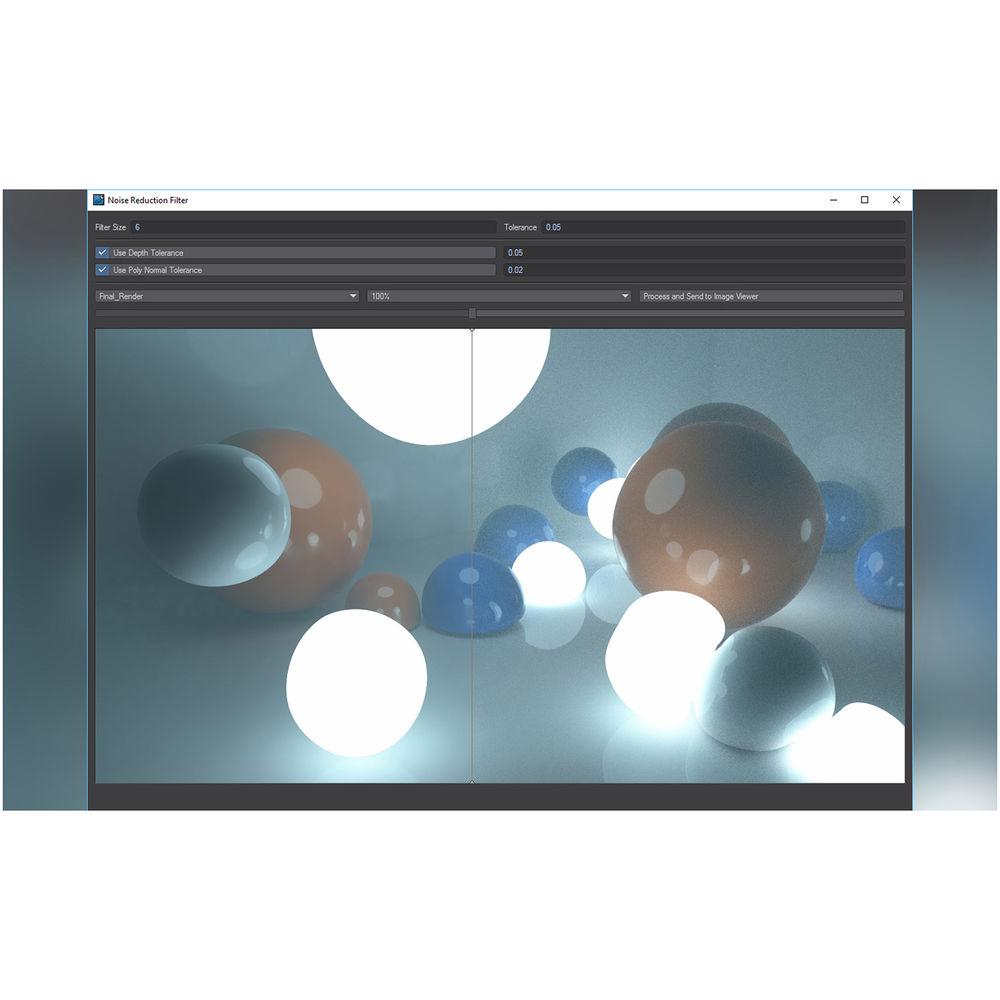
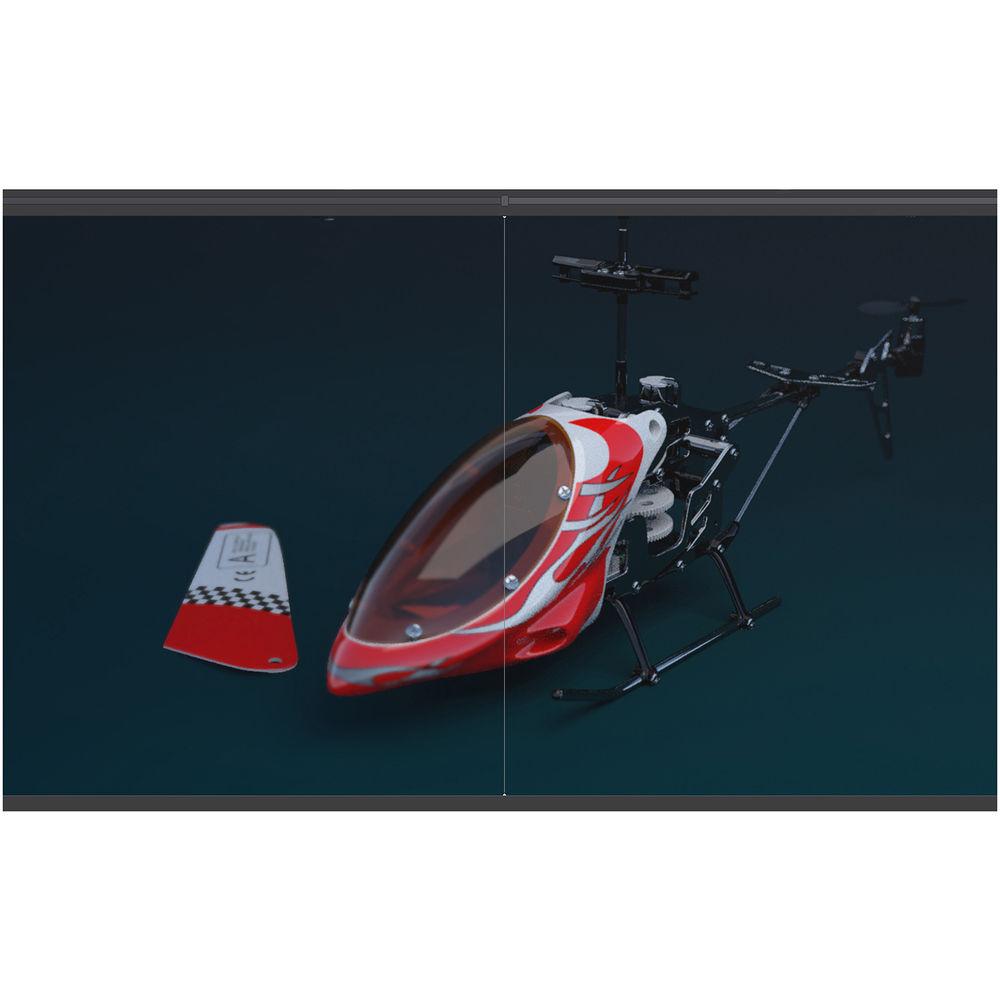
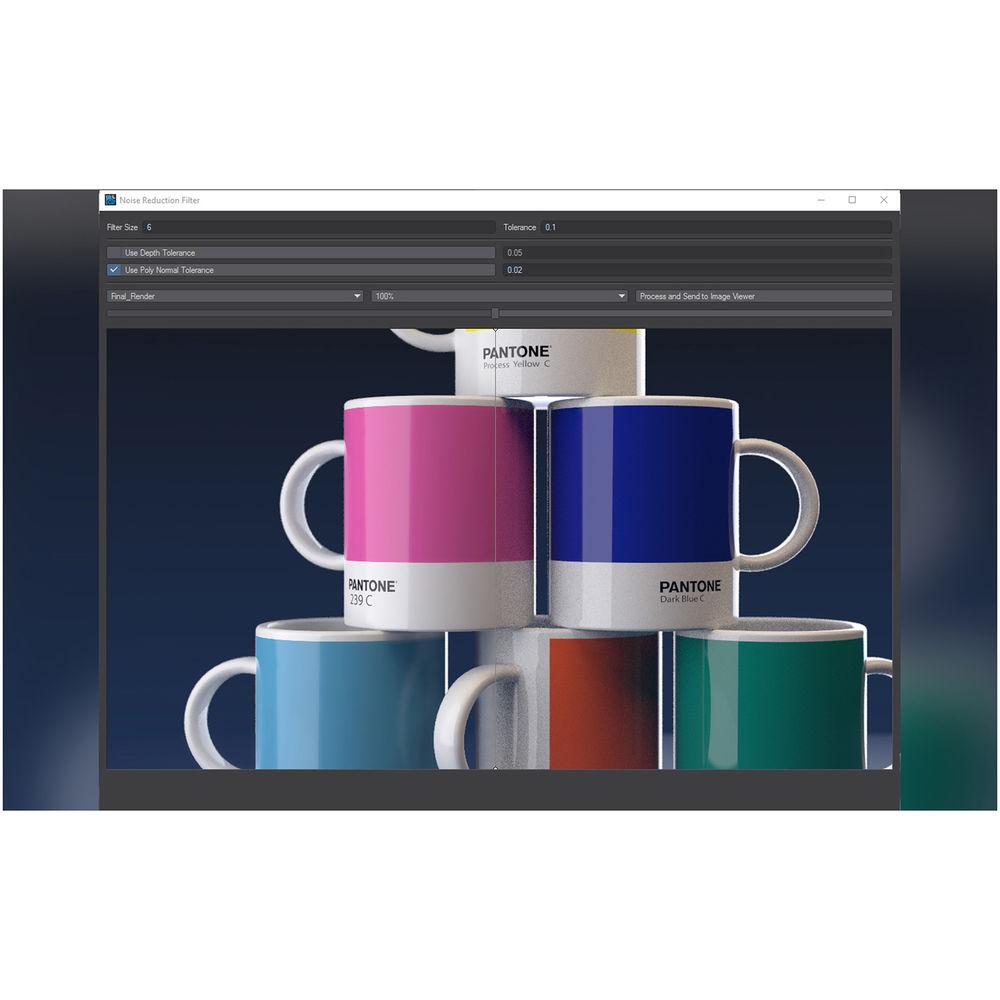
- Noise Reduction Filter
- Speeds up render times by using less Global Illumination rays and samples, while allowing for clean up of the resulting noise using filters instead of increased render settings.
- Modeler Features
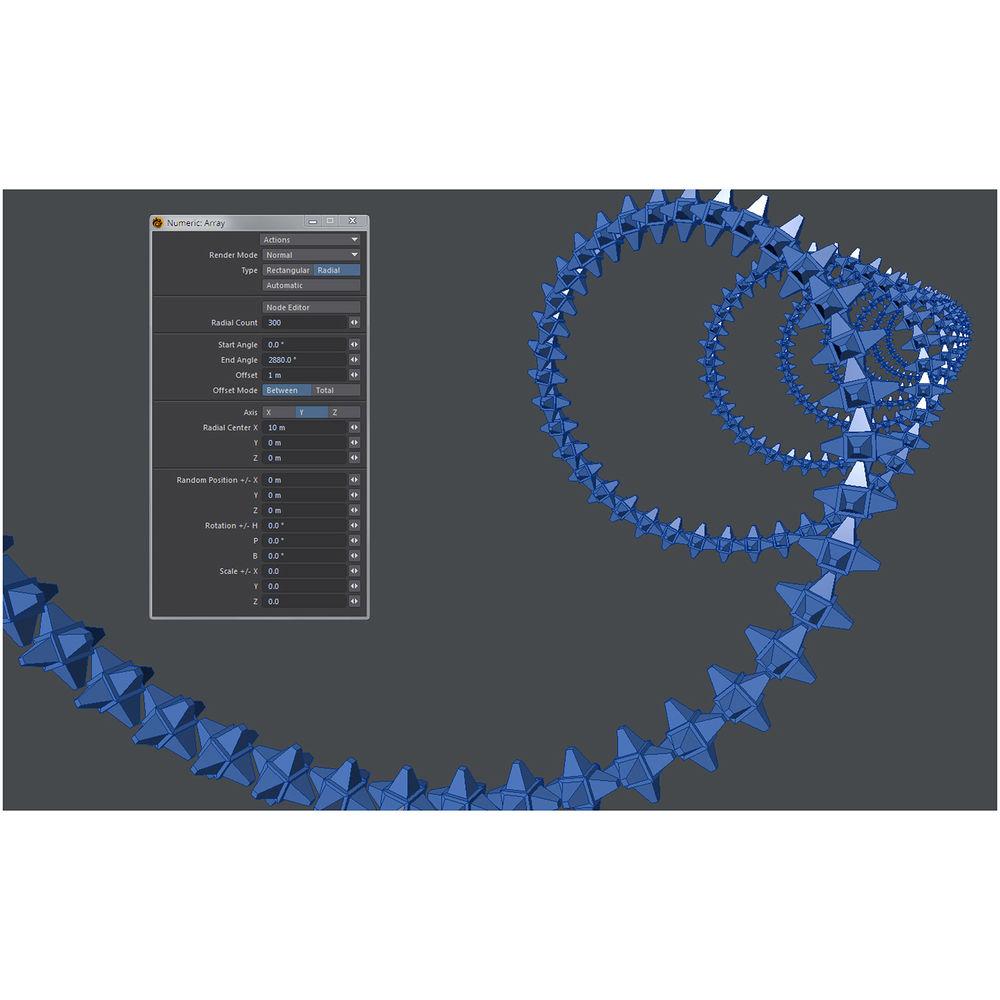
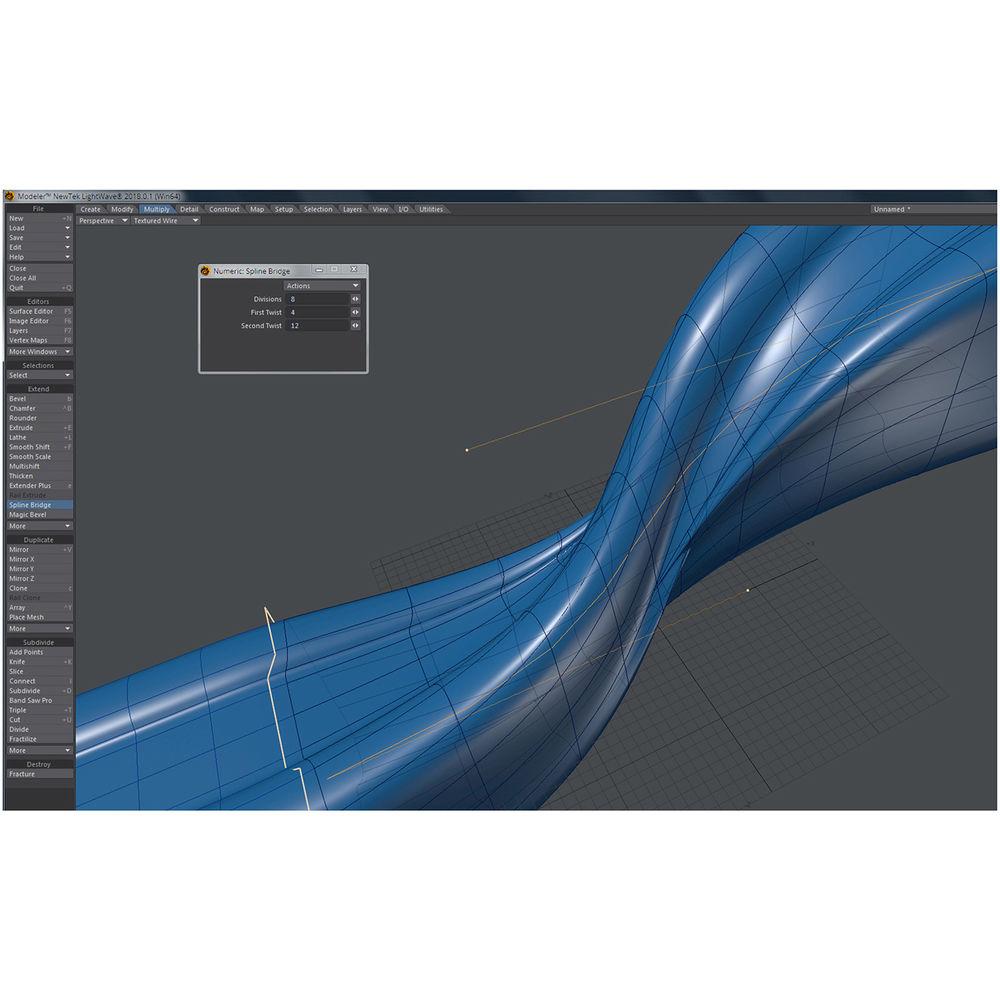
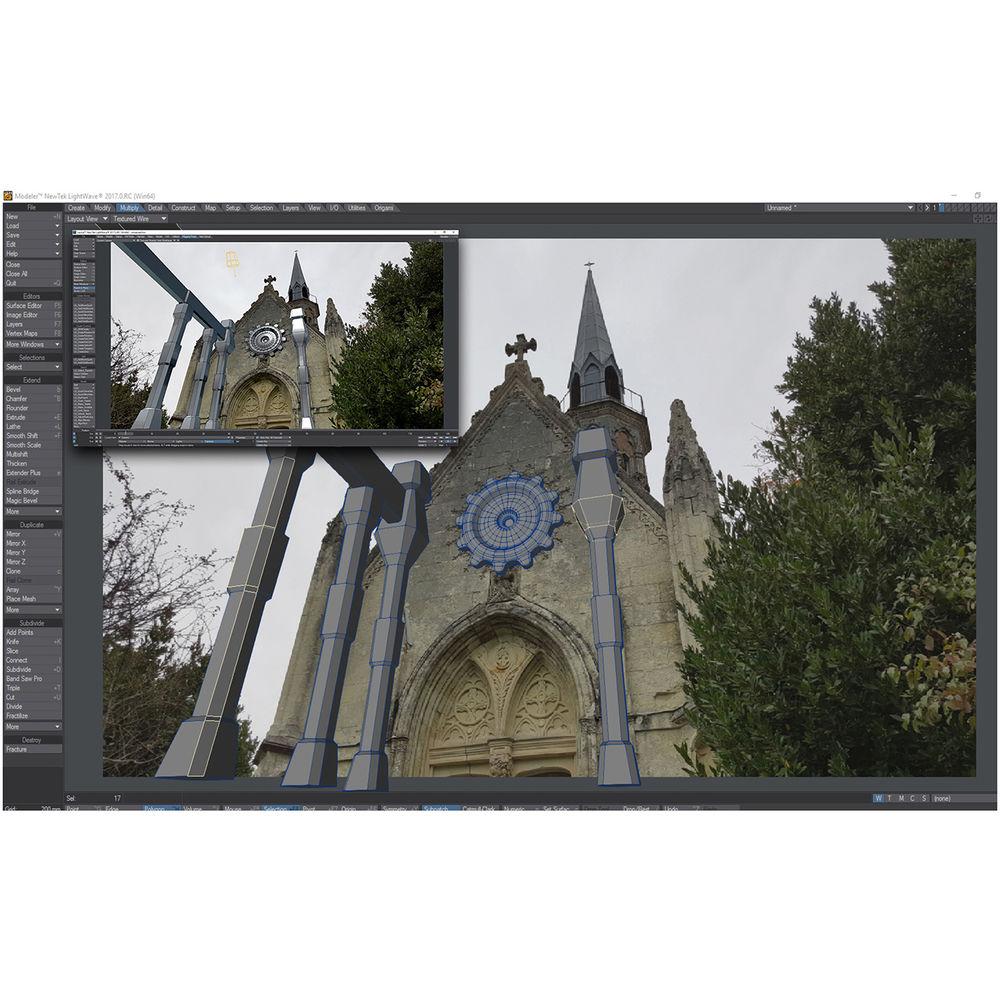
- A 'Layout View' viewport shows the current camera view from Layout. In addition, LightWave 2018 Modeler provides new, fully interactive tools including Lattice, Smoothing, Array and Spline Bridge to speed up your modeling.
Table of Contents
|
Upload User Manual
Have you got an user manual for the LightWave 3D 2018 in electronic form? Please send it to us and help us expand our library of instruction manuals.
Thank you, too, on behalf of other users.
To upload the product manual, we first need to check and make sure you are not a robot. After that, your "Submit Link" or "Upload File" will appear.
Technical parametersLightWave Lightwave 2D 2018 Specs | | | Delivery Method | Download | | Version | Upgrade | | | | Supported Operating Systems | Windows 7
Windows 8
Windows 10
macOS X 10.7.5 or Later | | Memory Requirement | 4 GB | | Storage Requirement | 750 MB
3 GB (All Options Installed) | | CPU Requirement | Windows:
Intel Core 2 Duo and Faster or
AMD Athlon II and Faster
Mac:
Intel | | Display Resolution Requirement | 1024 x 768 | | GPU Requirement | NVIDIA GeForce 8400 or
ATI Radeon X1600 |
Rating60% users recommend this product to others. And what about you?

This product has already been rated by 69 owners. Add your rating and experience with the product.
Discussion
 Ask our technicians if you have a problem with your settings,
or if anything is unclear in the user manual you have downloaded.
You can make use of our moderated discussion.
The discussion is public and helps other users of our website who may be encountering similar problems.
Ask our technicians if you have a problem with your settings,
or if anything is unclear in the user manual you have downloaded.
You can make use of our moderated discussion.
The discussion is public and helps other users of our website who may be encountering similar problems.
The discussion is empty - enter the first post
Post a new topic / query / comment:
|
|
|
| Request for user manual |
You can’t find the operation manual you are looking for? Let us know and we will try to add the missing manual:
I’m looking for a manual / Request for manual
Current requests for instruction manuals:
Call Of Duty World War Two For Xbox...
controller stratus XL...
stratus XL...
smart whatch serie S11 42mm...
Allen & Heath SQ-6 manual...
|
| Discussion |
Latest contributions to the discussion:
AEW R 4100
Name: MAURICIO ANGARITA
Audio-Technica AEW-R4100 UHF Diversity Receiver for
AEW R 4100 has the mute function blocked and does not allow audio to pass. I tried several times to turn off the mute from the transmitter but it does nothing, the mute stays on. Solution?
Thank you...
Instructions for assembling the 2015 Forecast Image Master Consoles GC3-A
Name: mike elam
Forecast Consoles GC3-A ImageMaster Editing Console
Looking for instructions for assembling this console. ...
EMPTY TONER ERROR MESSAGE AFTER REPLACING TONER
Name: LINDA BAD YELLOW EYES
Brother TN223BK Standard-Yield Toner
I HAD TO CHANGE OUT ALL THREE TONERS DUE TO LEAKS IN THE YELLOW AND CYAN. AFTER I REPLACED THEM, THE MACHINE KEEPS GIVING ME AN EMPTY TONER ERROR MESSAGE. HELP!!...
PS480D 20/24 pin Switching 480W Power Supply
Name: swkargo
Logisys 480W Power Supply
This item states in can run -5vdc .It is NOT listed on the board or I beleive is r4 is missing the resitior. Any body have thid issue. Shawn
...
Help needed
Name: Ann Carter
SanDisk 1TB Extreme Portable USB 3.1
When I click the link to download the user manual for my Sandisk Extreme external hard drive, it gives me the manual for the LG Cricket. Can you please change the link so I can download the Sandisk manual and begin using this drive? Thank you....
|
|


