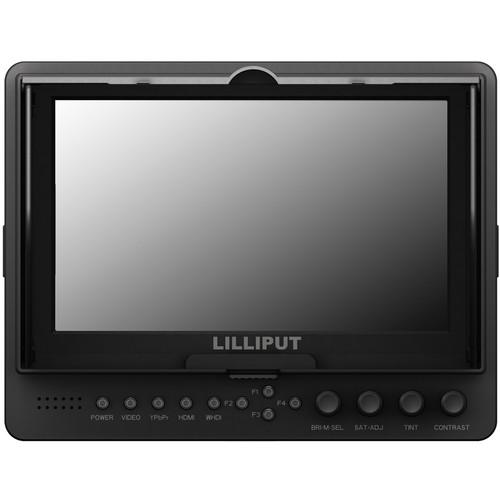
User Manual for Lilliput 665 O P WH 7" Wireless HDMI Monitor Click to enlarge the picture
 Contents of the user manual for the Lilliput 665 O P WH 7"
- Product category: On Camera Monitors Lilliput
- Brand: Lilliput
- Description and content of package
- Technical information and basic settings
- Frequently asked questions – FAQ
- Troubleshooting (does not switch on, does not respond, error message, what do I do if...)
- Authorized service for Lilliput On Camera Monitors
 |
User manual for the Lilliput 665 O P WH 7" contain basic instructions
that need to be followed during installation and operation.
Before starting your appliance, the user manual should be read through carefully.
Follow all the safety instructions and warnings, and be guided by the given recommendations.
User manual is an integral part of any Lilliput product,
and if it is sold or transferred, they should be handed over jointly with the product.
Following the instructions for use is an essential prerequisite for protecting
health and property during use, as well as recognition of liability on the part of the manufacturer
for possible defects should you make a warranty claim. Download an official Lilliput user manual in which you will find instructions on how to install, use, maintain and service your product.
And do not forget – unsuitable use of a Lilliput product will considerably shorten its lifespan!
|
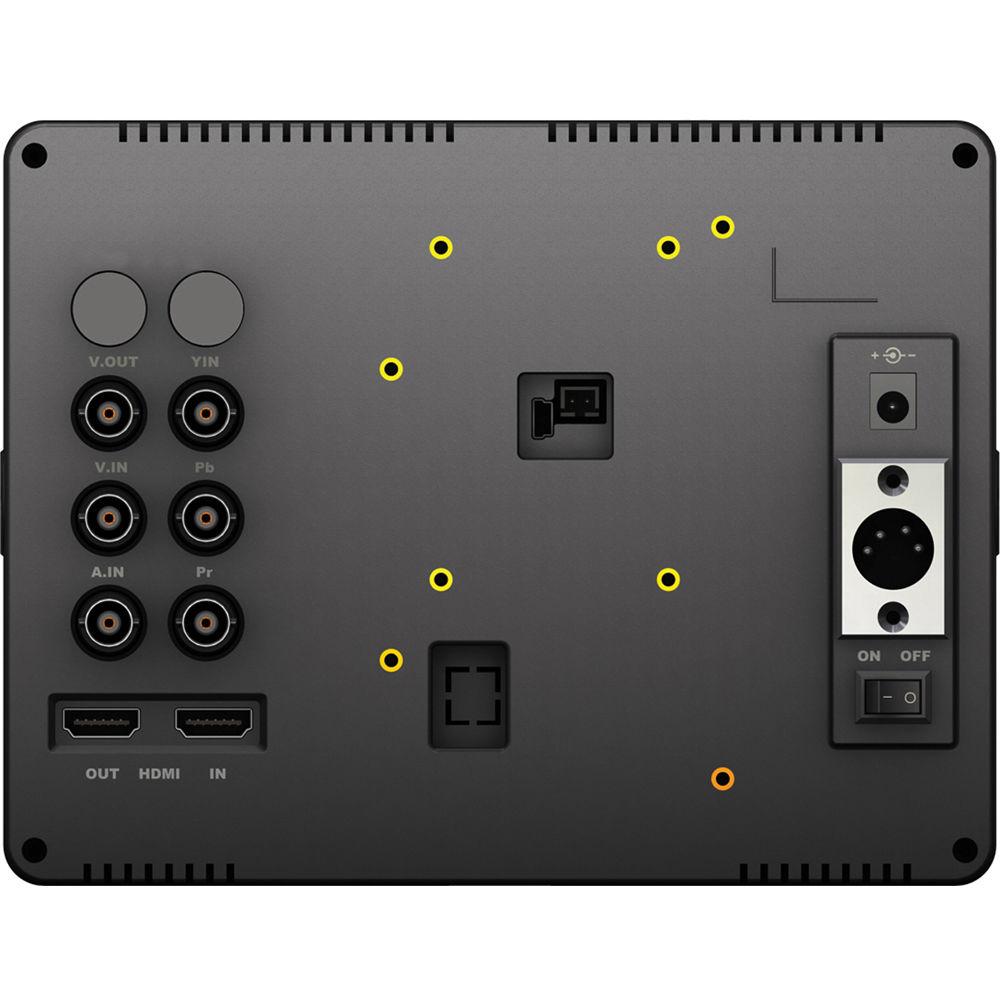
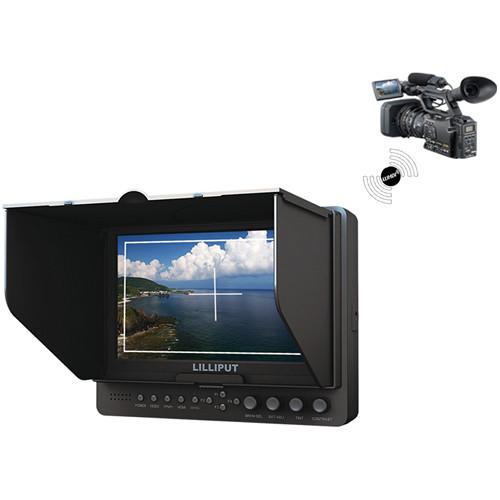
Product description The 665/O/P/WH 7" Wireless HDMI Monitor from Lilliput offers WHDI wireless monitoring in addition to standard HDMI, YPbPr, and composite video monitoring. The panel has an 800:1 contrast ratio which offers deep blacks and bright whites in a 1024 x 600 resolution. The monitor works on a wide 7-24 VDC power input range, making it suitable for use in most power sources. The built-in 1W speaker provides clear audio output. F970 and LP-E6 battery plates are included. - 800:1 contrast ratio offers deep blacks and bright whites
- 250 cd/m² brightness for clear viewing
- Hard coating with EWV film
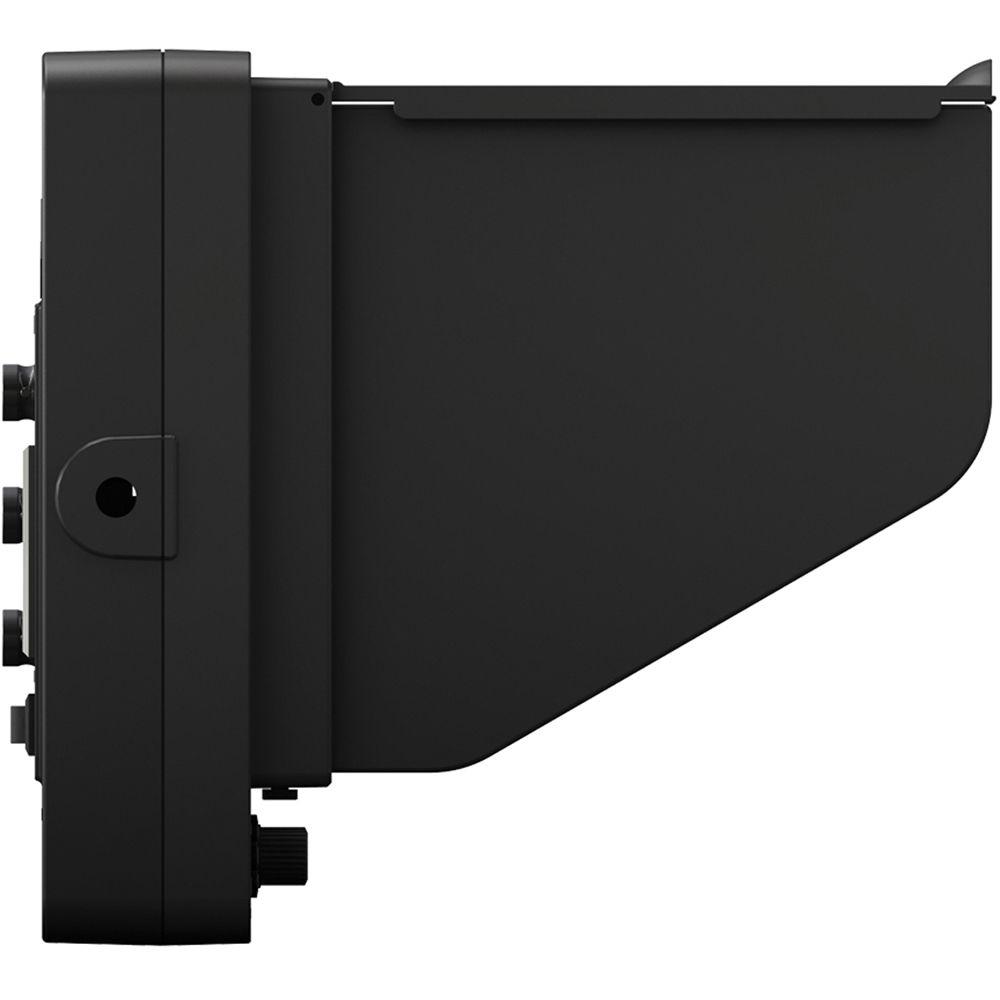
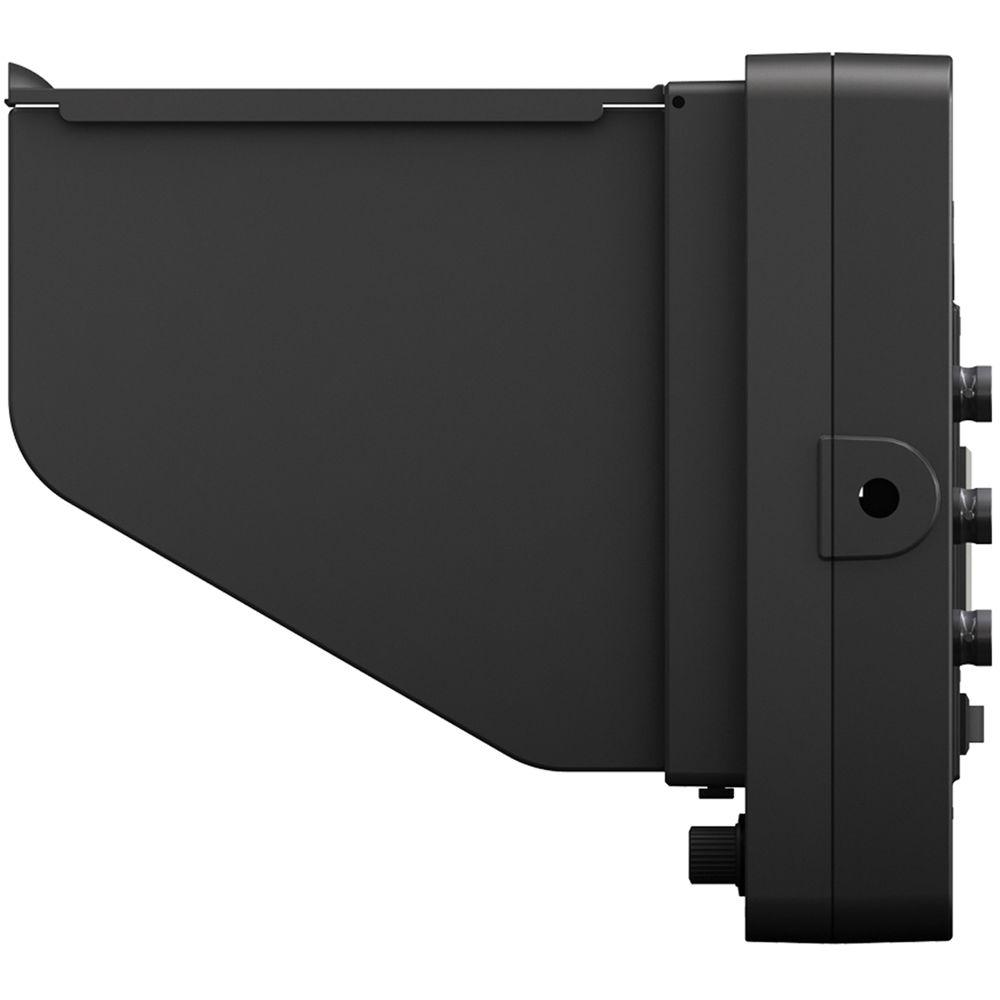
In the Box Lilliput 665/O/P/WH 7" Wireless HDMI Monitor WHDI Transmitter & USB Power Cable Flexible Folding Sun Shade F-970 Battery Plate LP-E6 Battery Plate Battery Plate Bracket HDMI Type-A to Type-C Cable 12 VDC Adapter Limited 1-Year Warranty User Manual PDF 725.2kb Table of Contents
|
Upload User Manual
Have you got an user manual for the Lilliput 665 O P WH 7" Wireless HDMI Monitor in electronic form? Please send it to us and help us expand our library of instruction manuals.
Thank you, too, on behalf of other users.
To upload the product manual, we first need to check and make sure you are not a robot. After that, your "Submit Link" or "Upload File" will appear.
Technical parametersLilliput 665/O/P/WH Specs | LCD Size | 7" (177.8 mm) | | Display Resolution | 1024 × 600 | | Active Area | 6.04 x 3.54" (153.6 x 90 mm) | | Dot Pitch | 0.15 x 0.15 mm | | Aspect Ratio | 17:10 | | Brightness | 250 cd/m² | | Contrast Ratio | 800:1 | | Backlight | White LED | | Surface Treatment | Hard coating with EWV Film | | Response Time | Typical: Tr: 14 ms, Tf: 11 ms
Maximum: Tr: 17 ms, Tf: 14 ms | | View Angle | 80/80° (Left/Right) and 80/70° (Up/Down) | | Interface | Audio, Video, YPbPr, HDMI, XLR, DC Power | | Input Connector | WHDI, HDMI, YPbPr, Audio, Video | | Output Connector | HDMI, Video | | Power | 7 to 24 VDC | | Power Consumption | ≤10 W | | Control | Basic: Power, Video, YPbPr, HDMI bottoms. F1-F4 User-definable buttons, BRI/MENU knob, SAT/ADJ knob, TINT knob, CONT knob
Advanced: Brightness, Contrast, Saturation, Tint, Volume, Sharpness, Color Temp, Check Field, Aspect Ratio, Pixel-to-Pixel, Camera, H/V delay, Underscan, Center Marker, Screen Markers, Language, PIP, Input Format OSD, LOGO, Freeze Input, Image Flip, Assistant Function, Manufacturer Default, Color Bar, Zoom , Peaking, False Color, Exposure, Histogram. | | HDMI Format Support | Full HD: 1080p (60/59.94/50/30/29.97/25/24/23.98/23.976/24SF)
HD: 1080i (60/59.95/50 Hz), 1035i (60/59.94 Hz), 720p (60/59.94/50/30/29.97/25 Hz)
SD: 576p (50 Hz), 576i (50 Hz), 480p (60/59.94 Hz), 486i (60/59.94 Hz)
WHDI (Wireless HDMI): 1080p (60/50/30/25/24 Hz), 1080i (60/50 Hz), 720p (60/50 Hz), 576p (50 Hz), 576i (50 Hz), 480p (60 Hz), 486i (60 Hz) | | Speaker | Built-in 1 W | | Menu Language | English/Chinese | | Storage Temperature | -22 to 158°F (-30 to 70°C) | | Operation Temperature | -4 to 140°F (-20 to 60°C) | | Dimensions | 7.65 x 5.9 x 1.51" (194.5 x 150 x 38.5 mm) | | Weight | 16.93 oz (480 g)
22.57 oz (640 g) with cover | | | | Package Weight | 3.65 lb | | Box Dimensions (LxWxH) | 12.4 x 9.9 x 3.5" |
Rating70% users recommend this product to others. And what about you?

This product has already been rated by 61 owners. Add your rating and experience with the product.
Discussion
 Ask our technicians if you have a problem with your settings,
or if anything is unclear in the user manual you have downloaded.
You can make use of our moderated discussion.
The discussion is public and helps other users of our website who may be encountering similar problems.
Ask our technicians if you have a problem with your settings,
or if anything is unclear in the user manual you have downloaded.
You can make use of our moderated discussion.
The discussion is public and helps other users of our website who may be encountering similar problems.
The discussion is empty - enter the first post
Post a new topic / query / comment:
|
|


