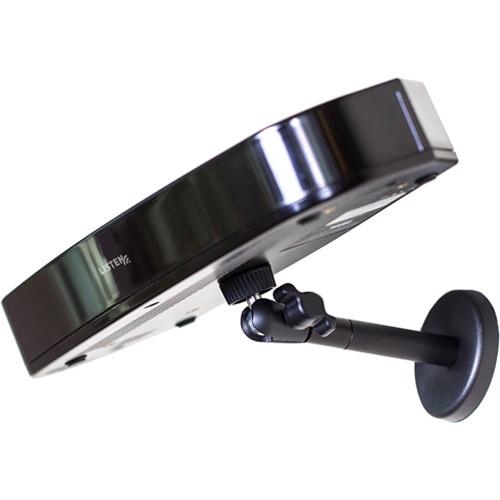
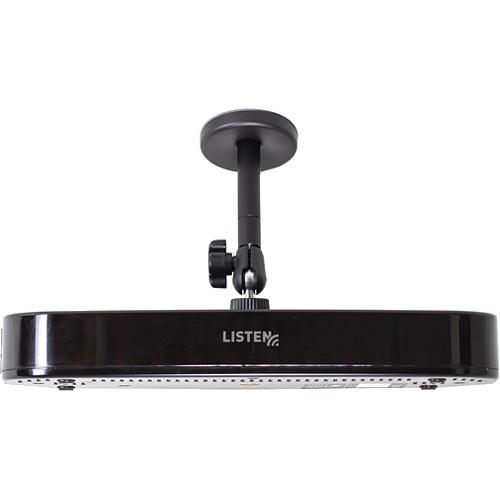
User Manual for Listen Technologies ListenIR Transmitter Radiator Combo Click to enlarge the picture
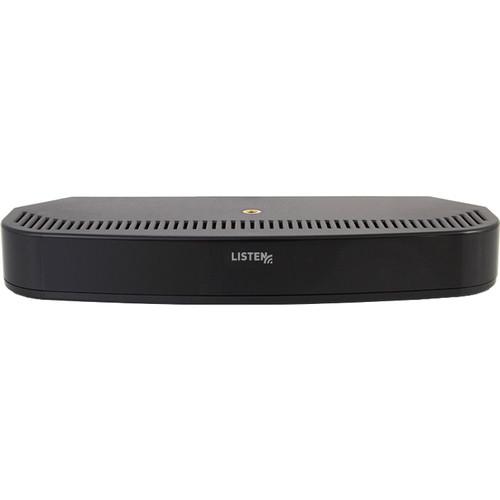 Contents of the user manual for the Listen Technologies ListenIR Transmitter Radiator Combo
- Product category: Components & Accessories Listen Technologies
- Brand: Listen Technologies
- Description and content of package
- Technical information and basic settings
- Frequently asked questions – FAQ
- Troubleshooting (does not switch on, does not respond, error message, what do I do if...)
- Authorized service for Listen Technologies Components & Accessories
 |
User manual for the Listen Technologies ListenIR Transmitter Radiator Combo contain basic instructions
that need to be followed during installation and operation.
Before starting your appliance, the user manual should be read through carefully.
Follow all the safety instructions and warnings, and be guided by the given recommendations.
User manual is an integral part of any Listen Technologies product,
and if it is sold or transferred, they should be handed over jointly with the product.
Following the instructions for use is an essential prerequisite for protecting
health and property during use, as well as recognition of liability on the part of the manufacturer
for possible defects should you make a warranty claim. Download an official Listen Technologies user manual in which you will find instructions on how to install, use, maintain and service your product.
And do not forget – unsuitable use of a Listen Technologies product will considerably shorten its lifespan!
|
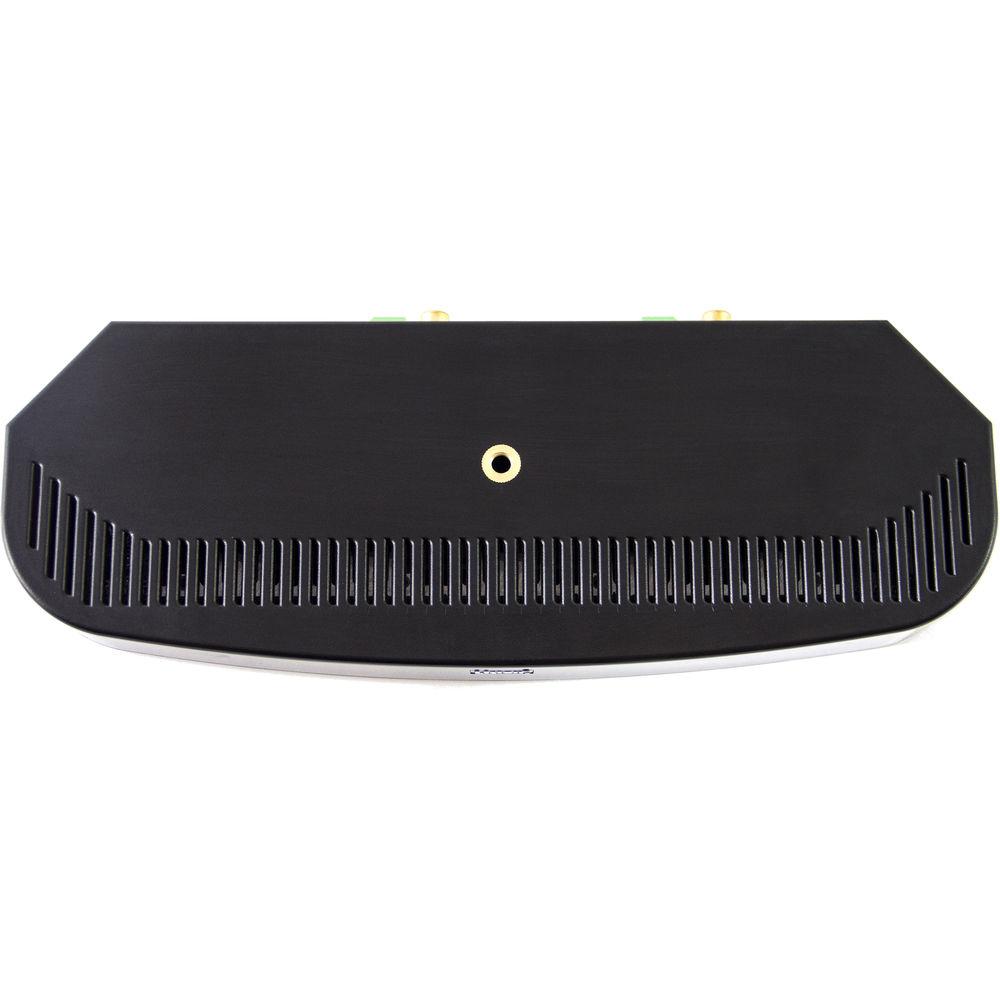
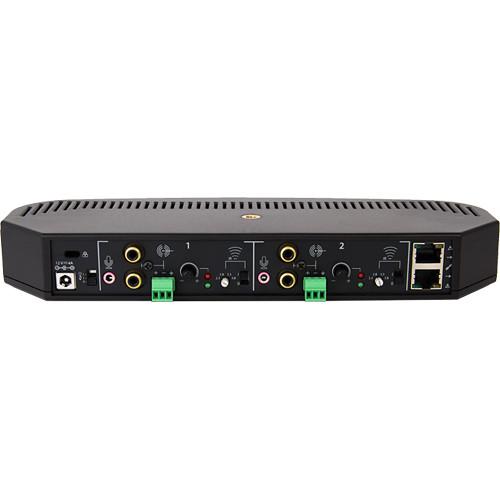
Product description The ListenIR Transmitter/Radiator Combo from Listen Technologies is a transmitter/radiator with up to four frequencies, including 2.3 MHz, 2.8 MHz, 3.3 MHz, or 3.8 MHz. It has expansion radiators that implement delay compensation, providing no signal cancellation drop outs. - Selectable 2.3, 2.8, 3.3, or 3.8 MHz frequencies
- Flexible input connectivity of mic, RCA stereo sum, and Phoenix line level summed on each input channel
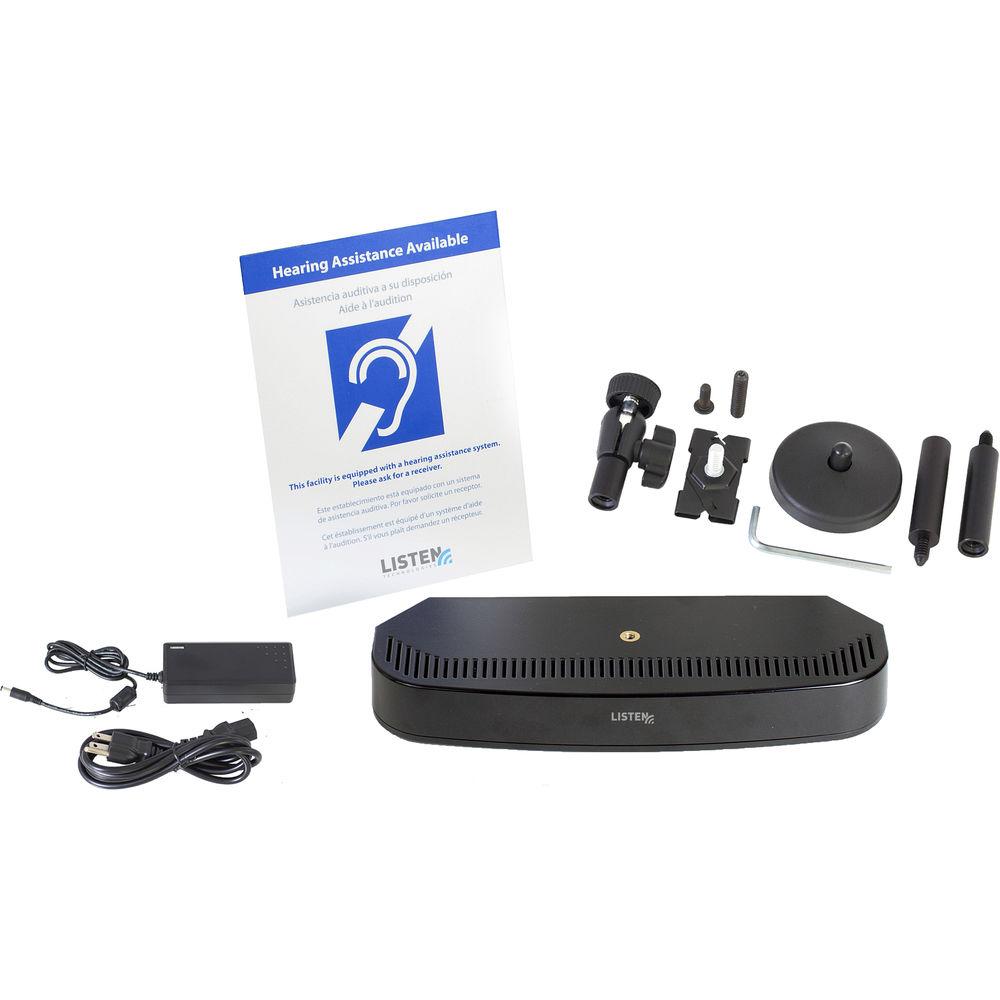
In the Box Listen Technologies ListenIR Transmitter/Radiator Combo LA-210-01 12 VDC Replacement Power Supply for LT-84 (Black) LA-344 Replacement Mounting Hardware for LT84 and LA-141 2 x Phoenix Type Connectors LA-303 Multi-Lingual Assistive Listening Notification Sign Limited 3-Year Warranty Table of Contents
|
Upload User Manual
Have you got an user manual for the Listen Technologies ListenIR Transmitter Radiator Combo in electronic form? Please send it to us and help us expand our library of instruction manuals.
Thank you, too, on behalf of other users.
To upload the product manual, we first need to check and make sure you are not a robot. After that, your "Submit Link" or "Upload File" will appear.
Technical parametersListen Technologies LT-84-01 Specs | | | Frequency Response | 20 Hz to 20 kHz (+/-1 dB)
Line Input: 63 Hz to 15 kHz (+/-3 dB) | | Signal to Noise Ratio | >70 dB (SNR)
Line Input: >60 dB | | Total Harmonic Distortion | <0.1%
Line Input: <2% | | Input | Balanced Line: mono input 2 x phoenix type connectors, +4 dBu nominal input, +14 dB headroom, impedance 100 kOhms Unbalanced: stereo/mono input 2 x dual (RCA) phono connectors, -10 dBu nominal input, +14 dB headroom, impedance 10 kOhms
Microphone: 2 x 3.5 mm tip/sleeve connector, -30 dBu nominal input, +14 dB headroom, impedance 4.4 kOhms, 5 VDC bias supply | | | | Power Switch | 3 position switch with Power OFF and ON | | Level Control | Knob: 2 x audio taper rotary potentiometer, counter-clockwise decreases input mix level, clockwise increases input mix level | | Carrier Frequency | Selection: two 4-position rotary switches (2.3 MHz, 2.8 MHz, 3.3 MHz, 3.8 MHz) | | | | Power Supply | Green LED on in-line power supply indicates AC power is applied | | Audio Level | 2 x green LEDs, 2 x red LEDs
Green LED indicates audio presence and red LED indicates peaks in the audio | | RJ-45 | Solid amber LED indicates carrier is present and IR is being transmitted
Solid green indicates power is applied to unit, flashing indicates unit has entered power save mode | | | | Frequency Range | 216.0125 to 216.9875 MHz | | Number of Channels | Two channels, selectable carrier frequency | | Frequency Accuracy | ±.005% stability 32 to 122°F (0 to 50°C) | | Stability | Transmitter: 50 PPM | | Output | Expansion Link: 2 x RJ-45 connectors provide RF signal and power, CAT-5e cable 24 AWG, 100' (30.48 m) maximum cable length | | Modulation | FM Wideband, ±50 kHz deviation max, 50 μS pre-emphasis | | Carrier Frequency | 2.3 MHz, 2.8 MHz, 3.3 MHz, 3.8 MHz, selectable | | Power Save Mode | Carrier will shut off when no audio is present for 15 minutes on both channels to preserve radiator life | | | | Power | 1.49 W | | Coverage | Depends on receiver | | | | Power Supply | In-line switching mode power supply | | Power Supply Input | 100-240 VAC, 50-60 Hz | | Power Supply Output | 12 VDC, 4 A, 48 W | | Power Supply Connector | 0.01" (2.5 mm) ID barrel connector, center positive | | Line Cord | IEC line cord | | | | Operating Temperature | 14 to 104°F (-10 to 40°C) | | Storage Temperature | -4 to 122°F (-20 to 50°C) | | Humidity (Non-condensing) | 0 to 95% relative humidity | | | | Color | Black with white silk screening | | Dimensions | 1.5 x 10.7 x 4.1" (3.81 x 27.2 x 10.5 cm) | | Weight | Unit: 0.8 lbs. (0.4 kg)
Unit with Power Supply: 1.8 lbs. (0.8 kg) | | | | Power Supply | CUL, UL, CE, CCC, C-Tick, KC, PSE, GS, FCC, RoHS | | Standards | FCC part 15, ICS-03, CE, UL, CUL, C-Tick, CCC, PSE, KC, GS, RoHS, WEEE | | | | Package Weight | 3.15 lb | | Box Dimensions (LxWxH) | 13.6 x 10.1 x 3.1" |
Rating100% users recommend this product to others. And what about you?

This product has already been rated by 45 owners. Add your rating and experience with the product.
Discussion
 Ask our technicians if you have a problem with your settings,
or if anything is unclear in the user manual you have downloaded.
You can make use of our moderated discussion.
The discussion is public and helps other users of our website who may be encountering similar problems.
Ask our technicians if you have a problem with your settings,
or if anything is unclear in the user manual you have downloaded.
You can make use of our moderated discussion.
The discussion is public and helps other users of our website who may be encountering similar problems.
The discussion is empty - enter the first post
Post a new topic / query / comment:
|
|


