User Manual for Lowepro Pro Runner RL x450 AW II Backpack Click to enlarge the picture
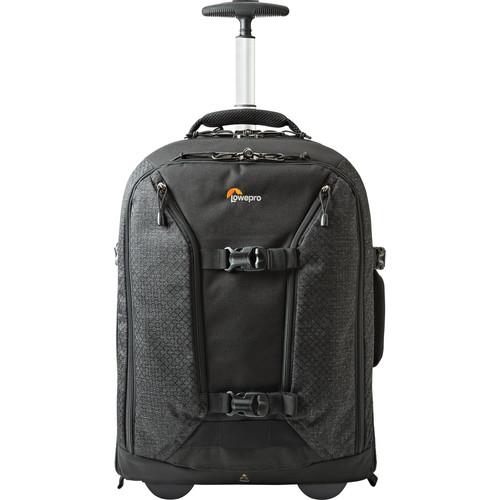 Contents of the user manual for the Lowepro Pro Runner RL x450 AW
- Product category: Rolling Cases Lowepro
- Brand: Lowepro
- Description and content of package
- Technical information and basic settings
- Frequently asked questions – FAQ
- Troubleshooting (does not switch on, does not respond, error message, what do I do if...)
- Authorized service for Lowepro Rolling Cases
 |
User manual for the Lowepro Pro Runner RL x450 AW contain basic instructions
that need to be followed during installation and operation.
Before starting your appliance, the user manual should be read through carefully.
Follow all the safety instructions and warnings, and be guided by the given recommendations.
User manual is an integral part of any Lowepro product,
and if it is sold or transferred, they should be handed over jointly with the product.
Following the instructions for use is an essential prerequisite for protecting
health and property during use, as well as recognition of liability on the part of the manufacturer
for possible defects should you make a warranty claim. Download an official Lowepro user manual in which you will find instructions on how to install, use, maintain and service your product.
And do not forget – unsuitable use of a Lowepro product will considerably shorten its lifespan!
|
Product description - Pro Runner Series II - More Gear. More Options.
- Lowepro 50th - Adventure Awaits
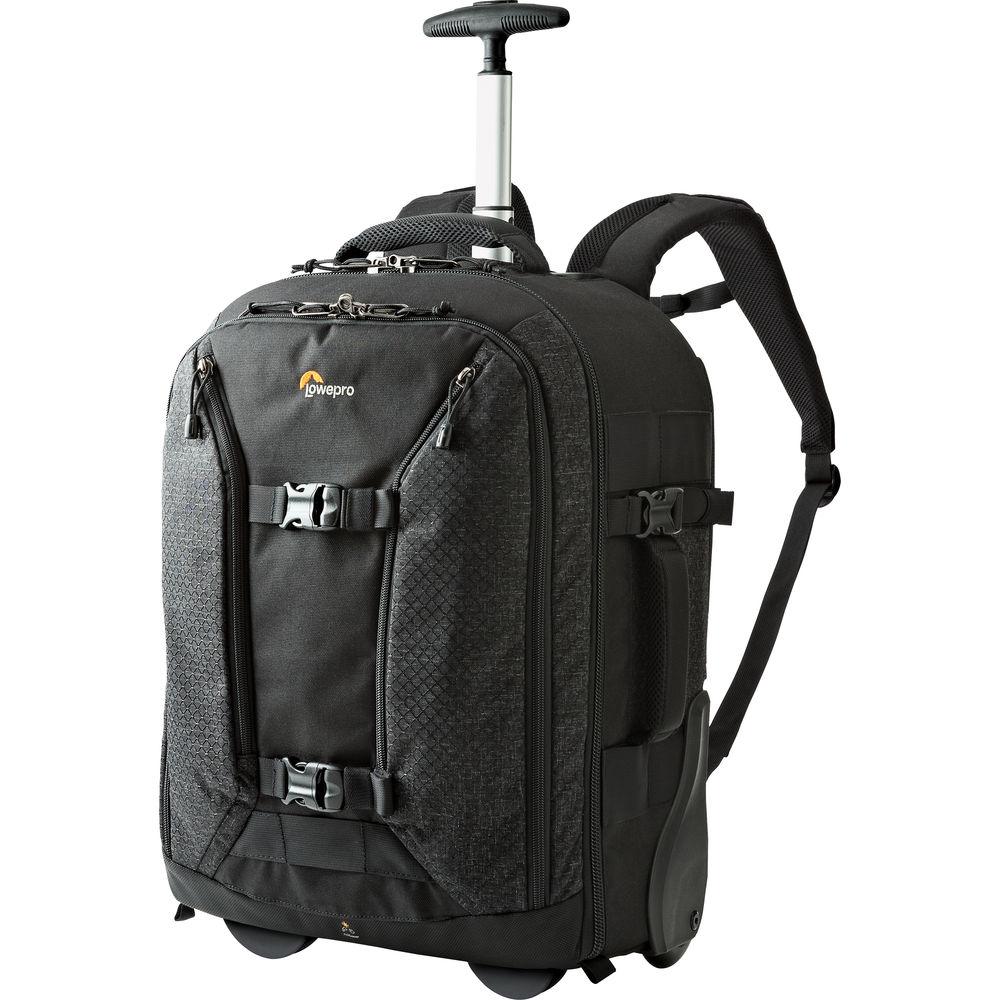
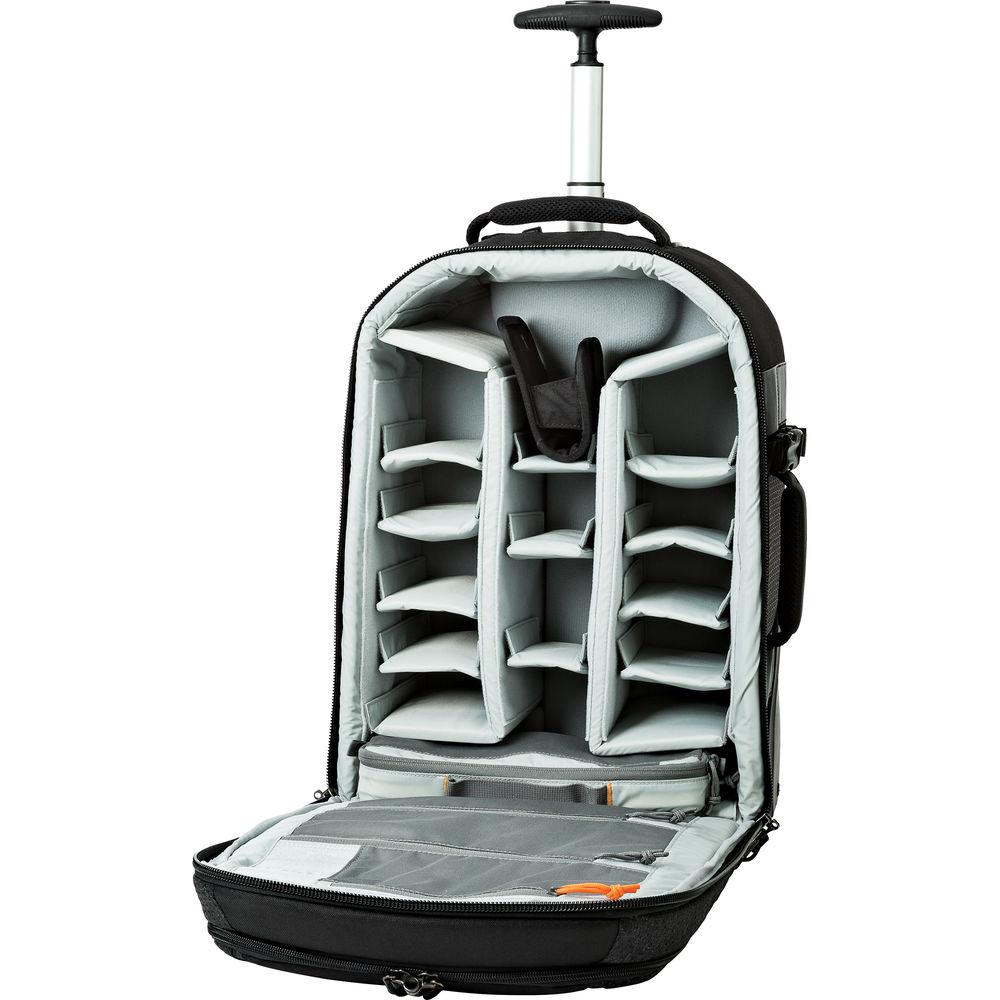
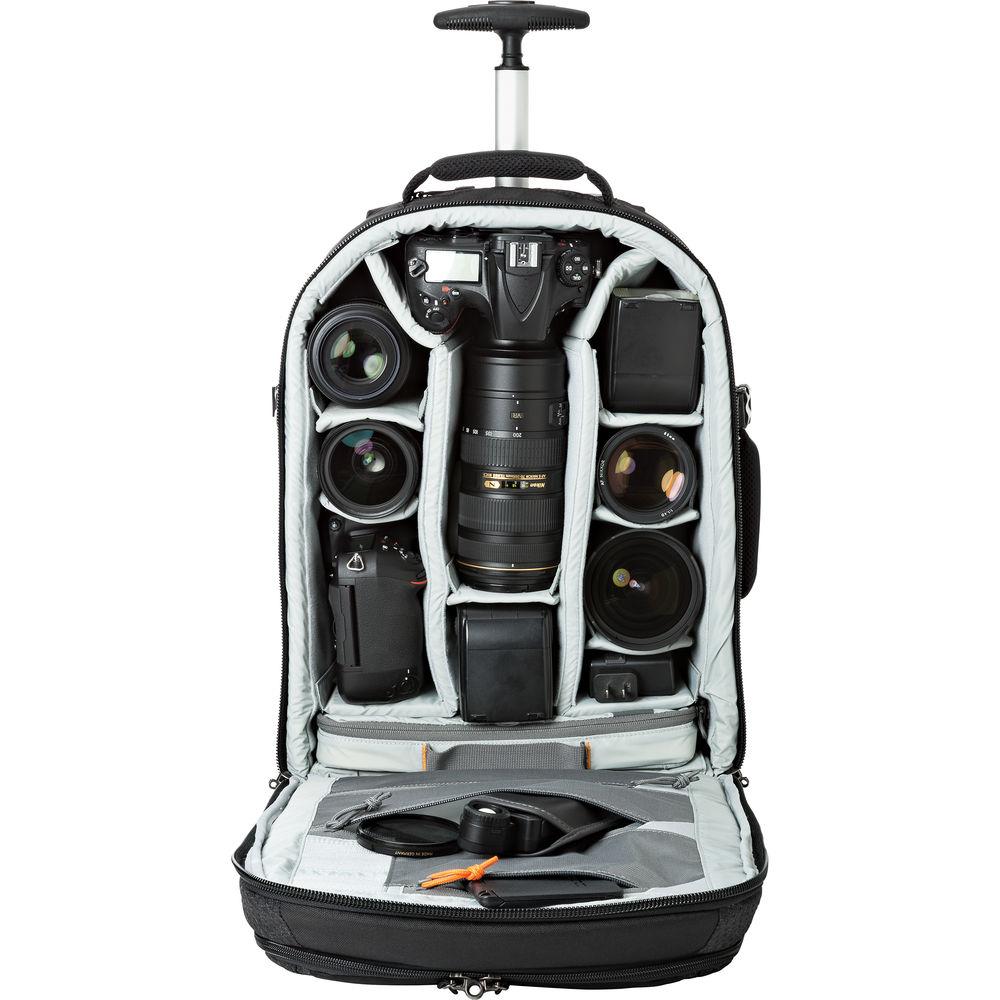
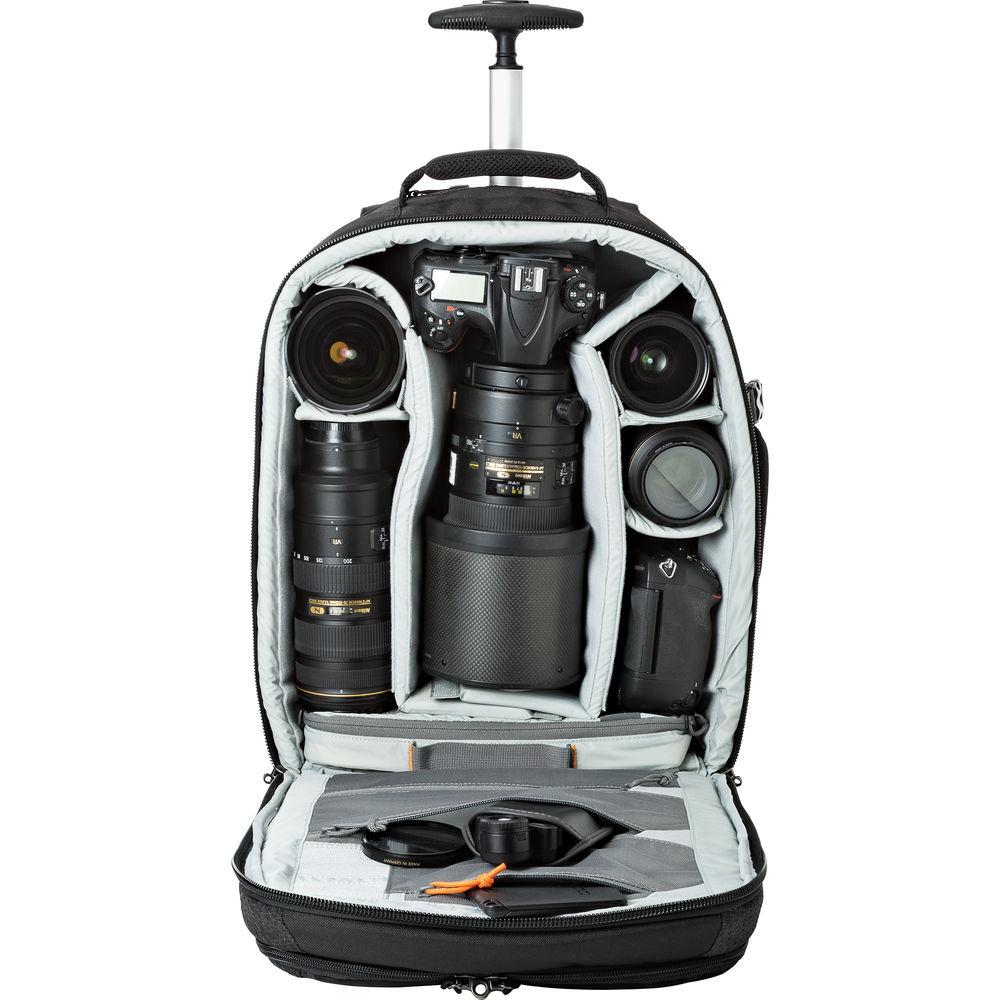
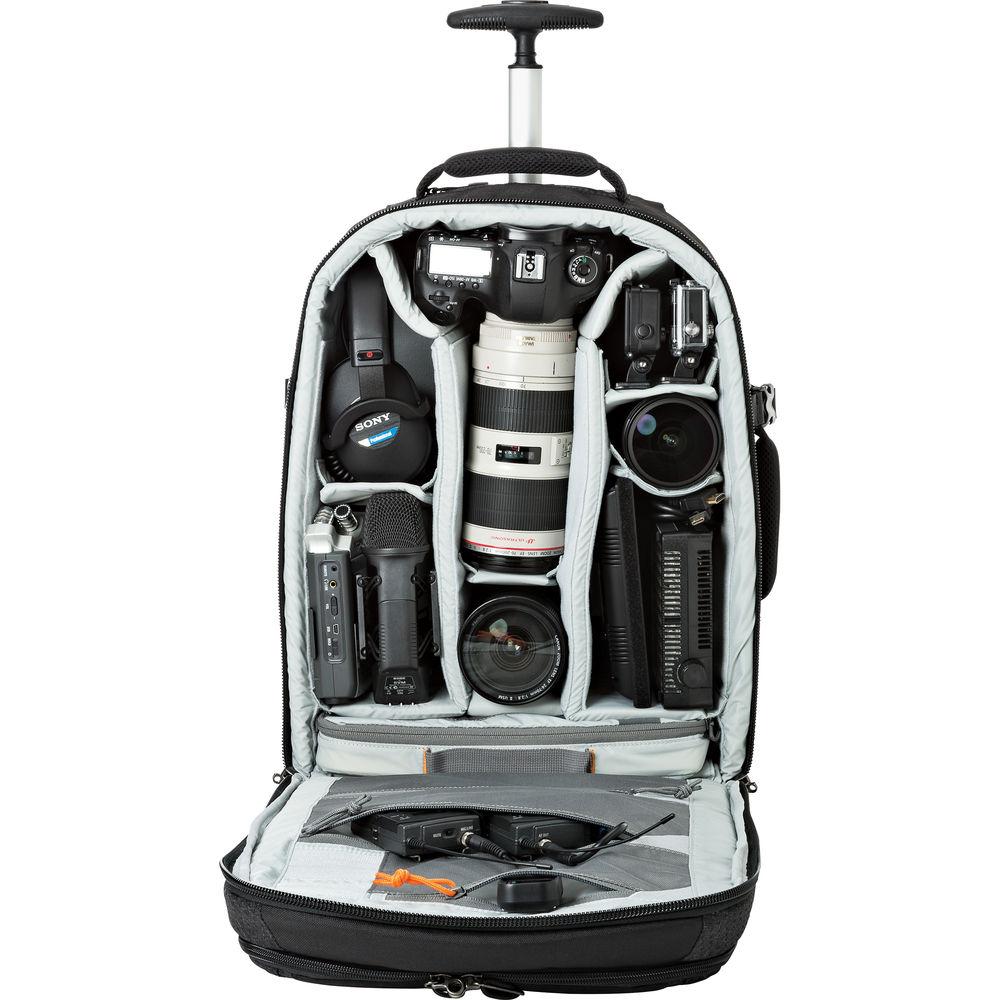
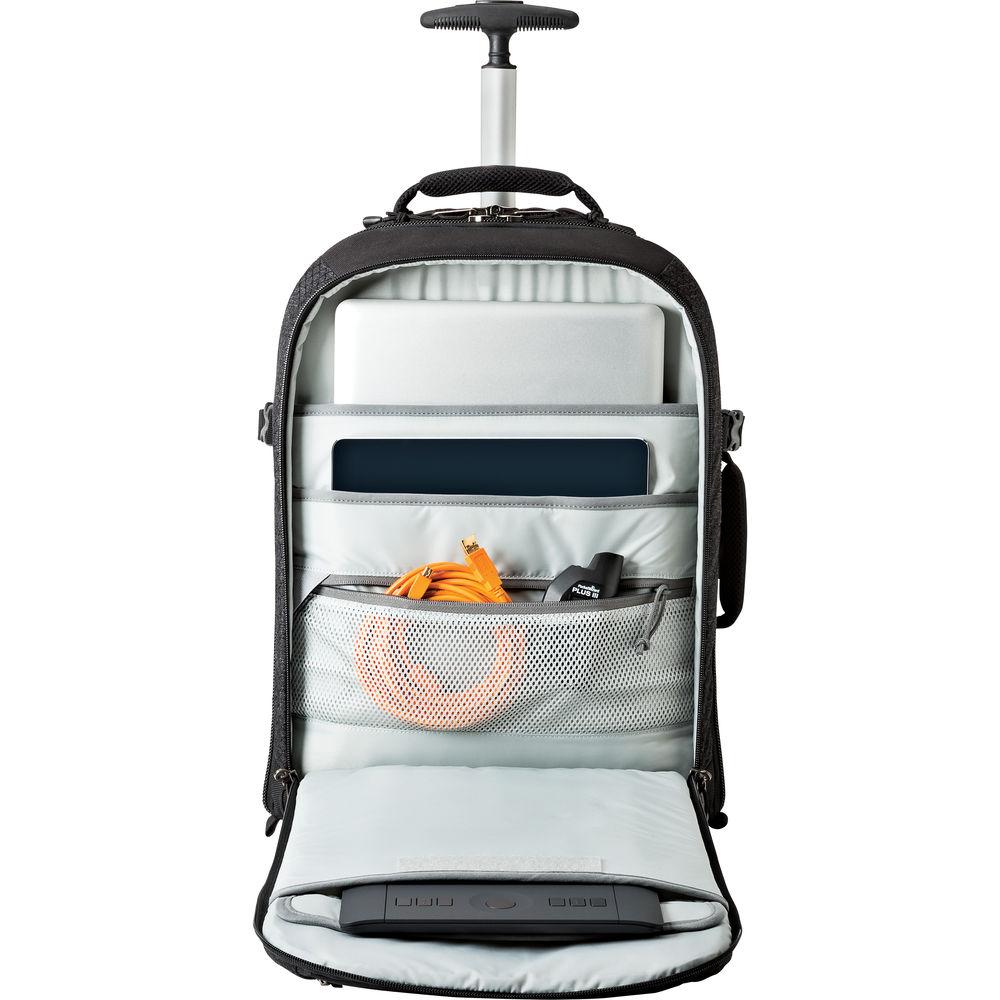
A place for everything and everything in its place, is what the black Pro Runner RL x450 AW II Backpack from Lowepro is all about. The main compartment features padded, touch-fastening dividers for storing two Pro DSLR cameras with an attached 70-200mm 2.8 or 300mm lens, 5-6 extra lenses, one up to 300mm, Speedlights, and various accessories. Padded sleeves inside the front, zippered compartment holds an up to 15" laptop, 10" tablet, and a Wacom type tablet. Also inside this compartment is a zippered, clear-mesh pocket for cables, and related items. CradleFit construction suspends and protects your valuable gear from bumps and contact with the ground during transport.
At the bottom of the main compartment is a useful, removable accessory case for your hard drives, cords, and other small items. Numerous interior and exterior pockets accommodate a wide variety of gear, and help keep your backpack free of clutter and well organized. Compression straps with quick-release buckles on the front of the backpack are used for securing a pro-sized tripod. The YKK locking zippers function smoothly and have fabric pulls for easy opening.
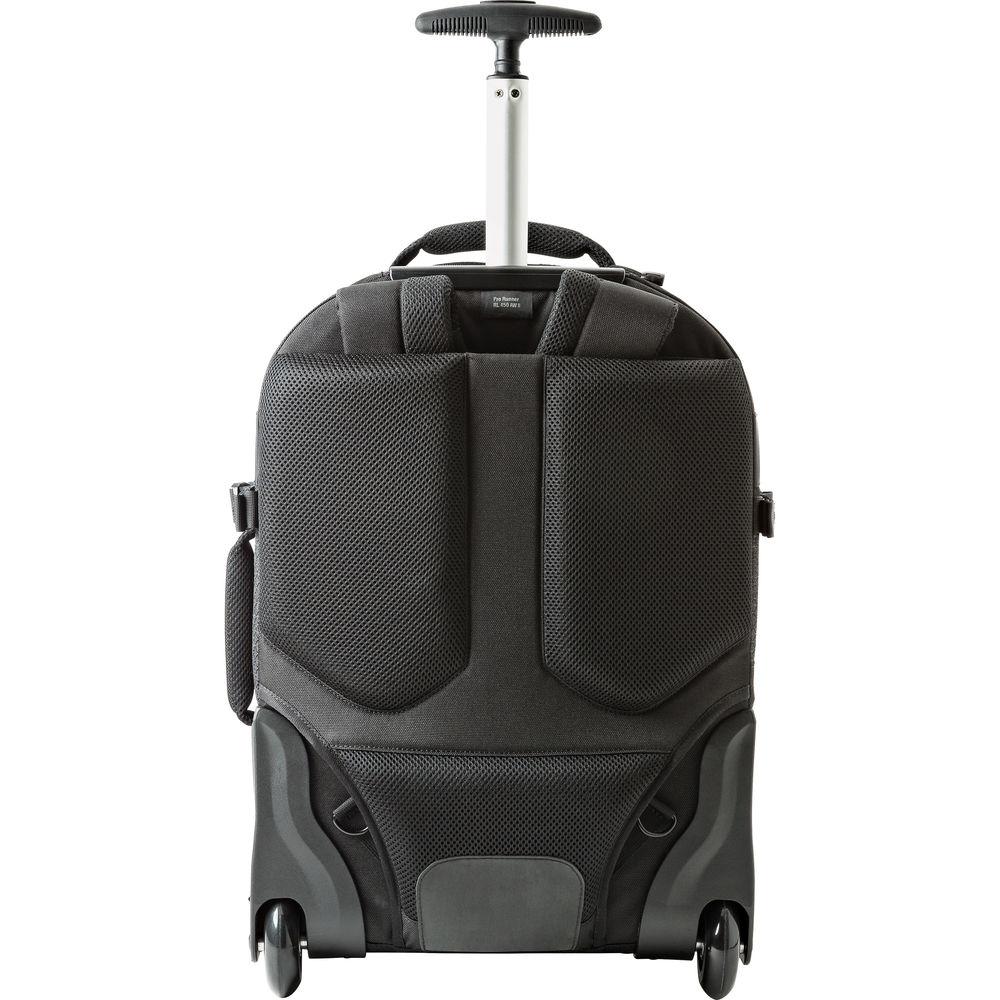
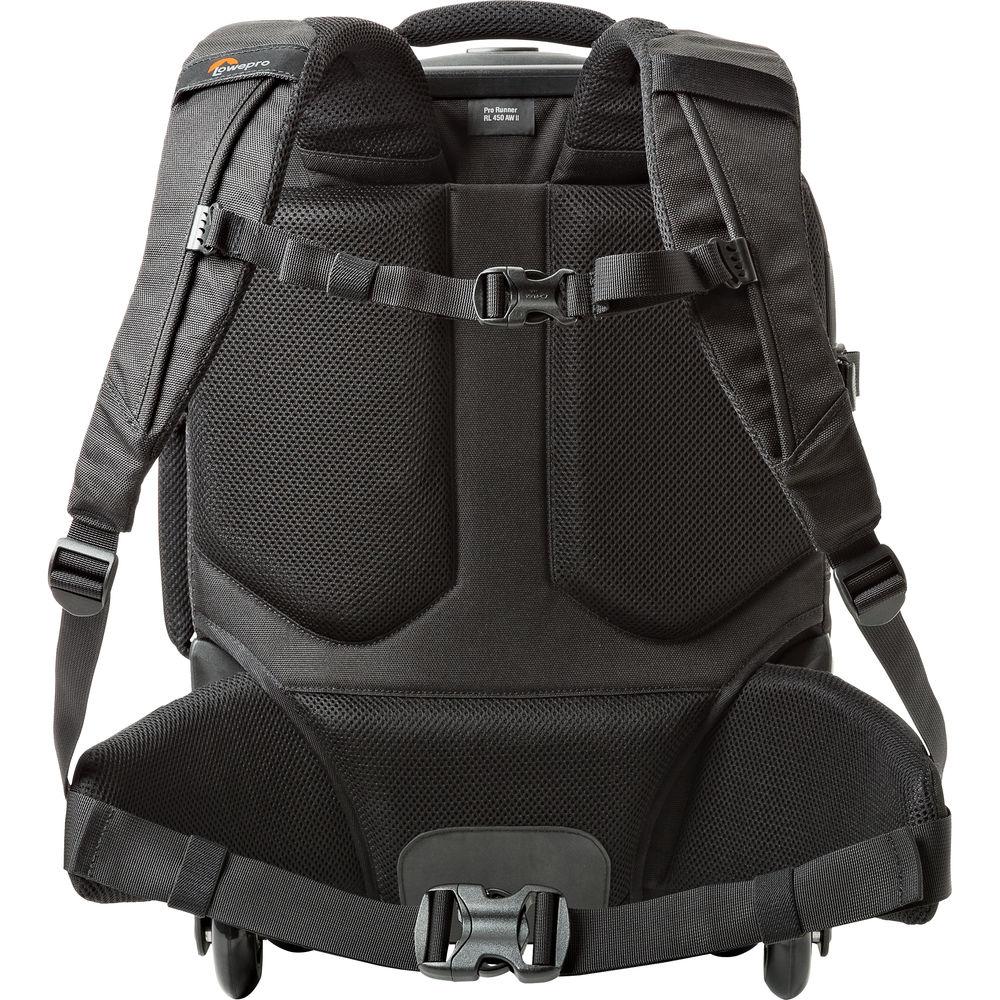
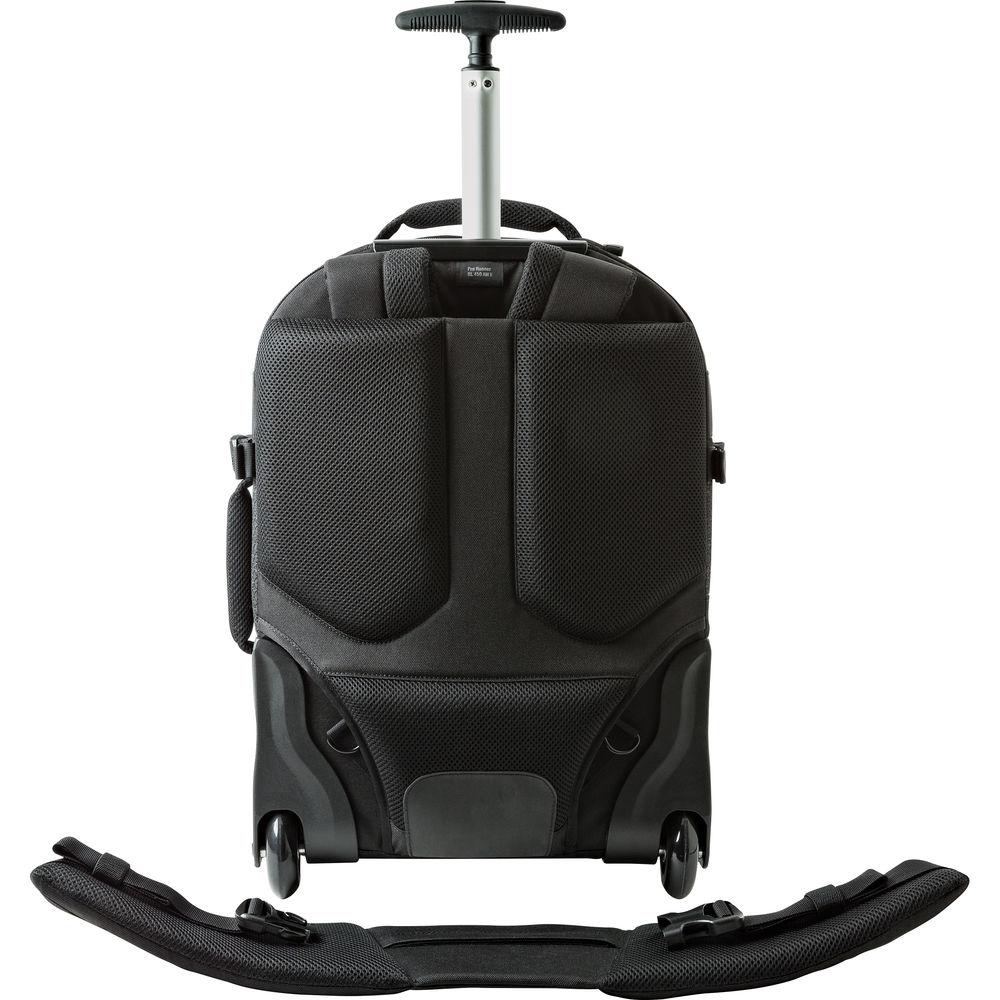
Carry your RL x450 AW II Backpack with the padded grab handles located one on top, and one on the side. For comfort, the shoulder straps are adjustable, padded, contoured, and connect with an adjustable sternum strap. The added support provided by the removable, padded, waist belt helps make longer journeys less fatiguing. When not needed, the shoulder straps tuck behind the padded, mesh back panel. The mesh helps circulate air, cushions impacts, and wicks away moisture. Rolling over flat ground is made easy with the deploying trolley handle and built-in urethane wheels on the bottom of the pack. And should the elements turn nasty, simply deploy the built-in all weather cover, and rest secure knowing your valuable gear is well-protected. - Compartments
-
- 1, main, zippered, storage compartment with padded, touch-fastening dividers for camera, lenses, and accessories
- 1, front, zippered, storage compartment 3, padded sleeves for an up to 15" laptop, 10" tablet, and Wacom type tablet
- MaxFit System Dividers
-
- Interior dividers employ a MaxFit system which conforms to the shape of stored items allowing for a tighter fit and resulting in added space for packing extra gear
- CradleFit
-
- Many interior pockets employ a cradle-fit design, which suspends and protects stored devices by preventing them from bumps and contacting the ground during transport
- Interior Pockets
-
- 2, zippered, slip-in, accessory pockets
- 1, zippered, clear-mesh, accessory pocket inside front compartment
- Exterior Pockets
-
- 2, zippered front pockets for documents and accessories
- Accessory Case
-
- Stored inside main compartement: 1, removable, zippered, padded, accessory case with top handle for storing hard drives, cables, cords, and other small items
- Zippers
-
- YKK locking zippers feature fabric zipper pulls for easy opening
- Carrying Options
-
- 1, padded, top grab handle
- 1, padded, side grab handle
- Padded, adjustable, contoured, shoulder harness with adjustable sternum strap
- Removable, padded adjustable, waist belt
- Convertible, compression, trolley straps
- Deploying trolley handle with urethane wheels
- Back Panel
-
- Padded mesh back panel to cushion impacts and help wick-away moisture
- When not needed, shoulder straps store behind back panel
- Tripod Holder
-
- Front compression straps for holding a pro tripod
- All Weather Cover
-
- 1, built-in all weather cover for protection from the elements
UPC: 056035368769 In the Box Lowepro Pro Runner RL x450 AW II Backpack (Black) Padded Waist Belt Limited Lifetime Warranty Spec sheet PDF 1.3mbteystxveycbcruvxrdadttqszatrs Table of Contents
|
Upload User Manual
Have you got an user manual for the Lowepro Pro Runner RL x450 AW II Backpack in electronic form? Please send it to us and help us expand our library of instruction manuals.
Thank you, too, on behalf of other users.
To upload the product manual, we first need to check and make sure you are not a robot. After that, your "Submit Link" or "Upload File" will appear.
Technical parametersLowepro LP36876 Specs | Camera Support Strap | Tripod | | | | Laptop Compartment Screen Size | 15.0" | | | | Exterior Dimensions | 13.8 x 9 x 20.7" / 35.05 x 22.86 x 52.58 cm | | Exterior Material | Nylon, Polyester, Velex | | Type of Closure | Buckle, Zipper | | Water Resistance | Rain Cover | | | | Interior Dimensions | 12.2 x 6.5 x 17" / 30.99 x 16.51 x 43.18 cm | | Weight | 10.2 lb / 4.63 kg | | | | Package Weight | 9.5 lb | | Box Dimensions (LxWxH) | 21.1 x 14.9 x 11.7" |
Rating88% users recommend this product to others. And what about you?

This product has already been rated by 06 owners. Add your rating and experience with the product.
Discussion
 Ask our technicians if you have a problem with your settings,
or if anything is unclear in the user manual you have downloaded.
You can make use of our moderated discussion.
The discussion is public and helps other users of our website who may be encountering similar problems.
Ask our technicians if you have a problem with your settings,
or if anything is unclear in the user manual you have downloaded.
You can make use of our moderated discussion.
The discussion is public and helps other users of our website who may be encountering similar problems.
The discussion is empty - enter the first post
Post a new topic / query / comment:
|
|


