|
User Manual for MAGIX Entertainment ACID Music Studio 10 - Music Production Platform Click to enlarge the picture
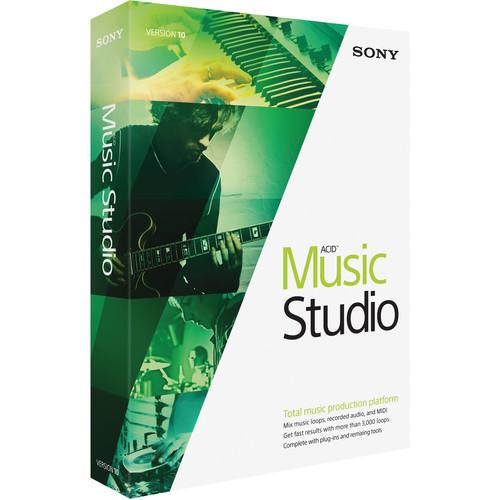 Contents of the user manual for the MAGIX Entertainment ACID Music Studio 10
- Product category: Music Production Software MAGIX Entertainment
- Brand: MAGIX Entertainment
- Description and content of package
- Technical information and basic settings
- Frequently asked questions – FAQ
- Troubleshooting (does not switch on, does not respond, error message, what do I do if...)
- Authorized service for MAGIX Entertainment Music Production Software


 |
User manual for the MAGIX Entertainment ACID Music Studio 10 contain basic instructions
that need to be followed during installation and operation.
Before starting your appliance, the user manual should be read through carefully.
Follow all the safety instructions and warnings, and be guided by the given recommendations.
User manual is an integral part of any MAGIX Entertainment product,
and if it is sold or transferred, they should be handed over jointly with the product.
Following the instructions for use is an essential prerequisite for protecting
health and property during use, as well as recognition of liability on the part of the manufacturer
for possible defects should you make a warranty claim. Download an official MAGIX Entertainment user manual in which you will find instructions on how to install, use, maintain and service your product.
And do not forget – unsuitable use of a MAGIX Entertainment product will considerably shorten its lifespan!
|
Product description Which DAW is Right for You? Read More ACID Music Studio 10 from Sony is a computer-based multi-track recording system. The program supports up to 24-bit 192 kHz audio resolution and allows you to record vocals and instruments over the included 3,000 loops, extract audio from CDs, and import MP3 files for remixing and creating dynamic DJ sets. Extensive Audio effects, MIDI functionality, and new workflow and performance features provide a tool set for professional music production.
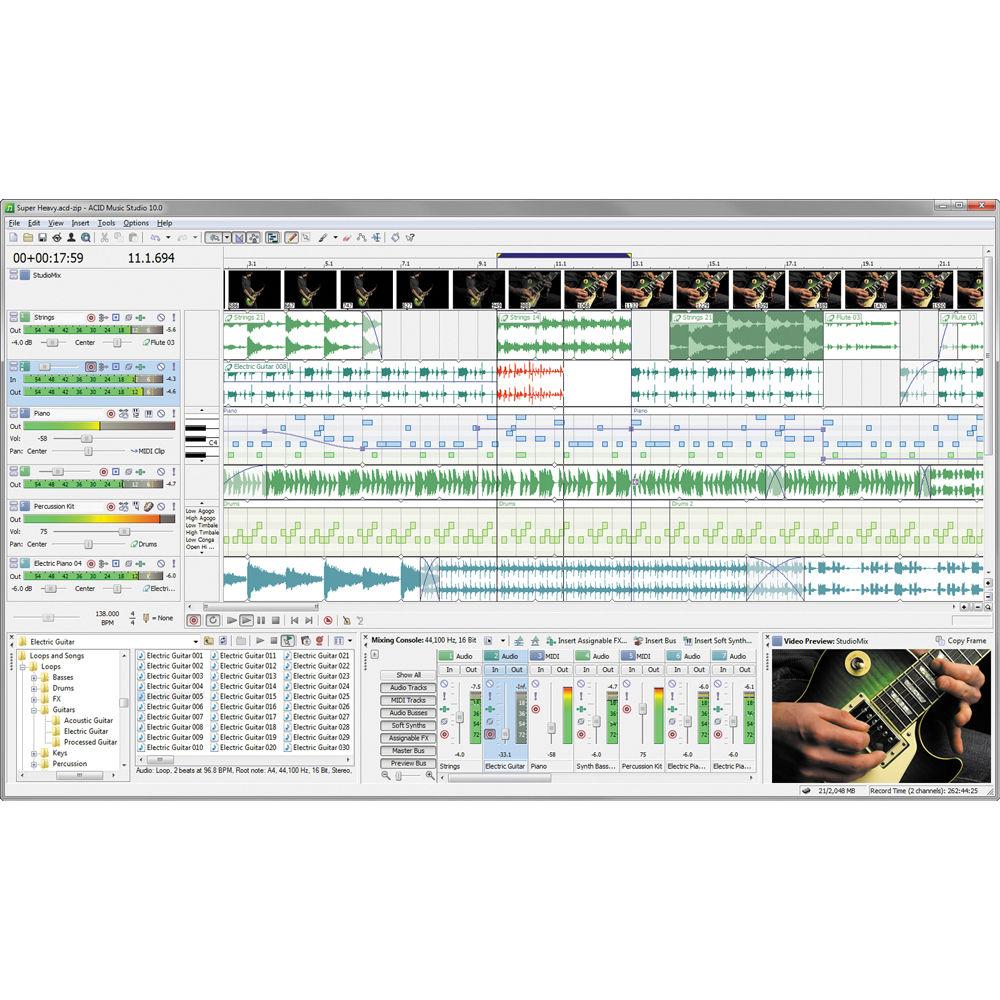
Audio effects include élastique timestretching, EQ, reverb, delay, chorus, flanging, phase shift, and distortion. Virtual instruments for song creation are included, along with VST effects plug-ins and VST instrument support, allowing MIDI tracks to be played back using the virtual instruments, filters, and effects. MIDI editing and sequencing tools are also available while input monitoring allows for hearing the recording signal with real-time track effects, like the included Studio Devil British Valve Custom guitar amplifier plug-in which features emulations of high-gain guitar amplifier rigs such as a Marshall stack.
The software also comes with TruePianos Amber Lite, which is a VST piano plug-in that includes options to control both dynamics and reverb. A mixing console provides an integrated view of all tracks and busses in a project based on the appearance of a traditional hardware-based mixer. The look can be customized to provide the best view of even the most complex sessions. Additional routing options allow for a more flexible and efficient studio recording environment.
The software also allows you to burn music CDs, save songs for uploading to favorite Web sites, including Soundcloud and indabamusic.com, and convert audio to MP3 files for playback on all favorite portable players. It comes with a free one-year Indaba Music Pro membership. Indaba makes it possible to remix major artists, get placements and exposure, find gigs, enter contests, and more. Indaba Music opens a wealth of opportunities for members and includes 5GB of cloud storage space. - What's New in Version 10
-
- Supports 24-bit/192 kHz audio
- Apply independent effect chains on individual audio events
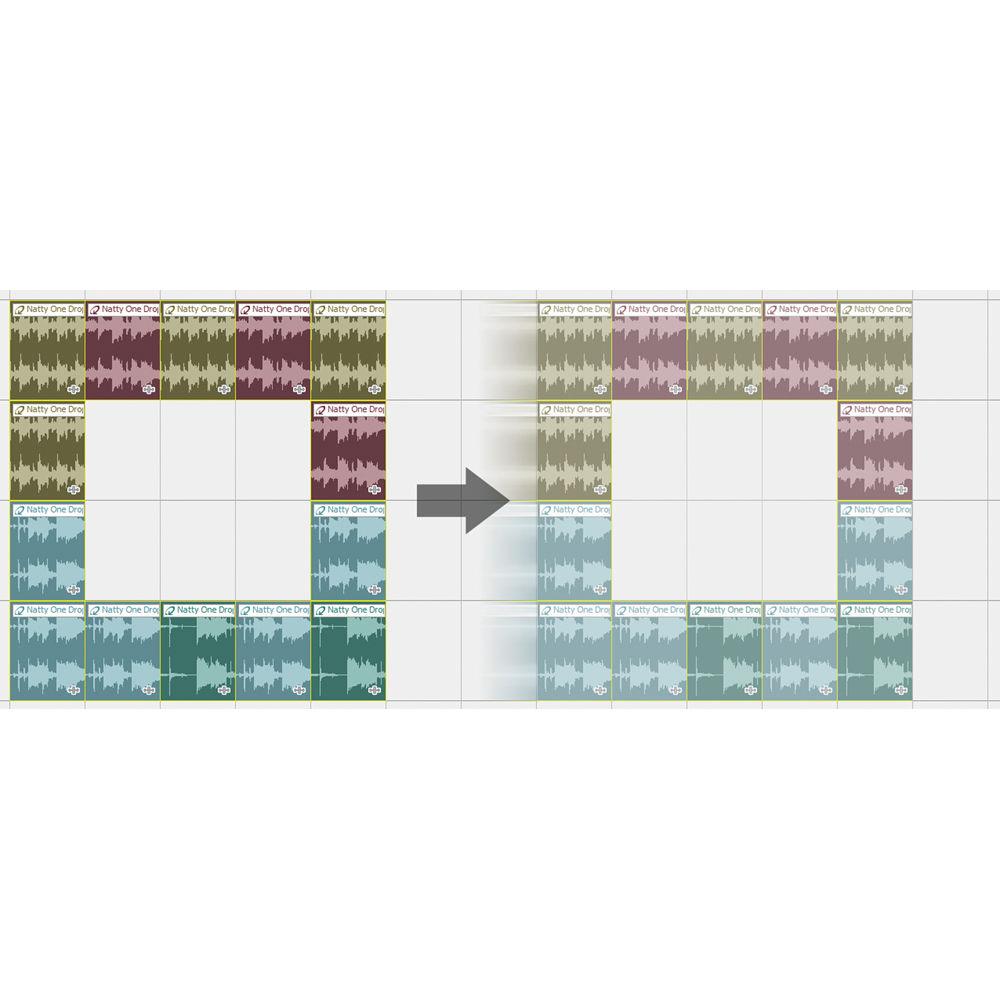
- Event grouping syncs grouped events so that they move together across timeline and stay in sync when slipped
- Custom Drum Grid Editor creates drum maps that assign drum sounds to specific notes on a MIDI keyboard or can be used to edit MIDI data in the timeline
- MIDI Input Filtering allows for selecting which notes and MIDI messages are to be recorded or excluded, including key velocities and note quantization for MIDI instruments
- MIDI Track Freeze converts MIDI tracks to WAV files to free CPU resources that would otherwise be used by the virtual instruments
- Publish to SoundCloud directly from within the DAW interface
- Multiport VSTi Soft Synth support adds bus controls for VSTi output ports to independently mute, solo, add effects, and adjust volume
- General
-
- Updated Sound Series Loop Sampler Pack
- Sony Sound Series loop library title
- Windows 10 compatible
- Floating and docking windows
- Enhanced "Show Me How" tutorials
- Over 3,000 Sound Series music loops
- Multi-core processor support
- Intuitive pick, paint, and play interface
- Unlimited tracks for audio and MIDI
- Video scoring track
- Automatic pitch and tempo matching
- Alternate time signature support
- Tempo Curves for creating gradual tempo transitions
- Real-time loop preview
- Support for multiple file formats in the same project/track
- Sections and Folders bind collections of events, envelopes, regions, and markers together according to user assignments
- MIDI
-
- MIDI Track Freeze
- MIDI Input Filtering
- Custom Drum Grid Editor Key Maps
- Multiport VSTi Soft Synth Support
- Ninety DLS instruments and twenty-six DLS-based projects
- MIDI editing and sequencing
- Inline MIDI editing with drum grid
- MIDI step recording
- MIDI track envelopes and keyframes
- MIDI import and export
- MIDI input filters for tracks
- Mixing and Editing
-
- Event Grouping
- Audio Event Effects
- Audio and MIDI Mixing Console
- Four audio busses and assignable effects chains
- Audio, MIDI, and bus track meters
- Metronome count-off
- Sub Bus and FX Send support
- Cross-track event drag and drop
- Tempo curves
- Enhanced Beatmapping for tracks with tempo changes
- Multi-track audio and MIDI recording
- Multiple events per track with automatic crossfades
- Studio-quality effects including EQ, reverb, delay, and more
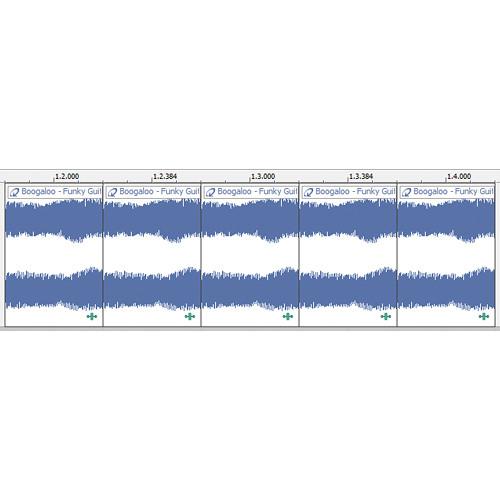
- Chopper editing tool and loop cloning
- Beatmapper remix tool
- Track-level volume, panning, and effects editing
- Master bus track for project-wide volume and pan fades
- Real-time audio effects preview during playback
- Event reverse
- CD audio extraction
- Metronome
- Audio Control
-
- 24-bit, 192 kHz audio support
- Zplane élastique audio timestretching and pitch shifting
- Switches including Normalize, Invert Phase, and Lock
- Custom labels for ASIO devices and ports
- Enhanced plug-in management
- Optimized plug-in scanning with Plug-in Manager
- Includes Studio Devil British Valve Custom (BVC) and TruePianos Amber Lite software
- DirectX audio plug-in support
- Tempo-based DirectX effects
- VST instrument support
- VST audio effect support
- ASIO driver support
- Export and Sharing
-
- Publish Directly to SoundCloud
- AAC and FLAC format support
- ACIDPlanet.com profile link
- Gracenote MusicID CD album recognition
- Disc-at-once (DAO) CD burning
- Track-at-once (TAO) CD burning
- Unlimited MP3 export
- One-click publishing to ACIDplanet.com
Table of Contents
|
Upload User Manual
Have you got an user manual for the MAGIX Entertainment ACID Music Studio 10 - Music Production Platform in electronic form? Please send it to us and help us expand our library of instruction manuals.
Thank you, too, on behalf of other users.
To upload the product manual, we first need to check and make sure you are not a robot. After that, your "Submit Link" or "Upload File" will appear.
Technical parametersMAGIX Entertainment KSAMST100SL2 Specs | | | Delivery Method | Download | | Version | Standard | | | | Supported Operating Systems | Windows 7
Windows 8
Windows 8.1
Windows 10 | | Memory Requirement | 1 GB | | Storage Requirement | 200 MB | | CPU Requirement | 1 GHz and Faster | | Internet Connection Required | Yes |
Rating100% users recommend this product to others. And what about you?

This product has already been rated by 04 owners. Add your rating and experience with the product.
Discussion
 Ask our technicians if you have a problem with your settings,
or if anything is unclear in the user manual you have downloaded.
You can make use of our moderated discussion.
The discussion is public and helps other users of our website who may be encountering similar problems.
Ask our technicians if you have a problem with your settings,
or if anything is unclear in the user manual you have downloaded.
You can make use of our moderated discussion.
The discussion is public and helps other users of our website who may be encountering similar problems.
The discussion is empty - enter the first post
Post a new topic / query / comment:
|
|
|
| Request for user manual |
You can’t find the operation manual you are looking for? Let us know and we will try to add the missing manual:
I’m looking for a manual / Request for manual
Current requests for instruction manuals:
Call Of Duty World War Two For Xbox...
controller stratus XL...
stratus XL...
smart whatch serie S11 42mm...
Allen & Heath SQ-6 manual...
|
| Discussion |
Latest contributions to the discussion:
AEW R 4100
Name: MAURICIO ANGARITA
Audio-Technica AEW-R4100 UHF Diversity Receiver for
AEW R 4100 has the mute function blocked and does not allow audio to pass. I tried several times to turn off the mute from the transmitter but it does nothing, the mute stays on. Solution?
Thank you...
Instructions for assembling the 2015 Forecast Image Master Consoles GC3-A
Name: mike elam
Forecast Consoles GC3-A ImageMaster Editing Console
Looking for instructions for assembling this console. ...
EMPTY TONER ERROR MESSAGE AFTER REPLACING TONER
Name: LINDA BAD YELLOW EYES
Brother TN223BK Standard-Yield Toner
I HAD TO CHANGE OUT ALL THREE TONERS DUE TO LEAKS IN THE YELLOW AND CYAN. AFTER I REPLACED THEM, THE MACHINE KEEPS GIVING ME AN EMPTY TONER ERROR MESSAGE. HELP!!...
PS480D 20/24 pin Switching 480W Power Supply
Name: swkargo
Logisys 480W Power Supply
This item states in can run -5vdc .It is NOT listed on the board or I beleive is r4 is missing the resitior. Any body have thid issue. Shawn
...
Help needed
Name: Ann Carter
SanDisk 1TB Extreme Portable USB 3.1
When I click the link to download the user manual for my Sandisk Extreme external hard drive, it gives me the manual for the LG Cricket. Can you please change the link so I can download the Sandisk manual and begin using this drive? Thank you....
|
|


