User Manual for MAGIX Entertainment ACID Music Studio 11 - Music Production Platform Click to enlarge the picture
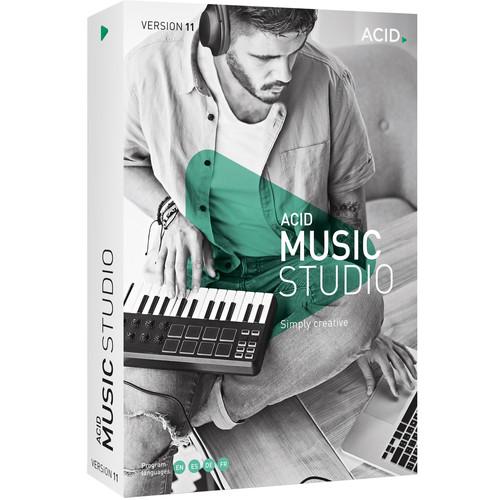 Contents of the user manual for the MAGIX Entertainment ACID Music Studio 11
- Product category: Music Production Software MAGIX Entertainment
- Brand: MAGIX Entertainment
- Description and content of package
- Technical information and basic settings
- Frequently asked questions – FAQ
- Troubleshooting (does not switch on, does not respond, error message, what do I do if...)
- Authorized service for MAGIX Entertainment Music Production Software
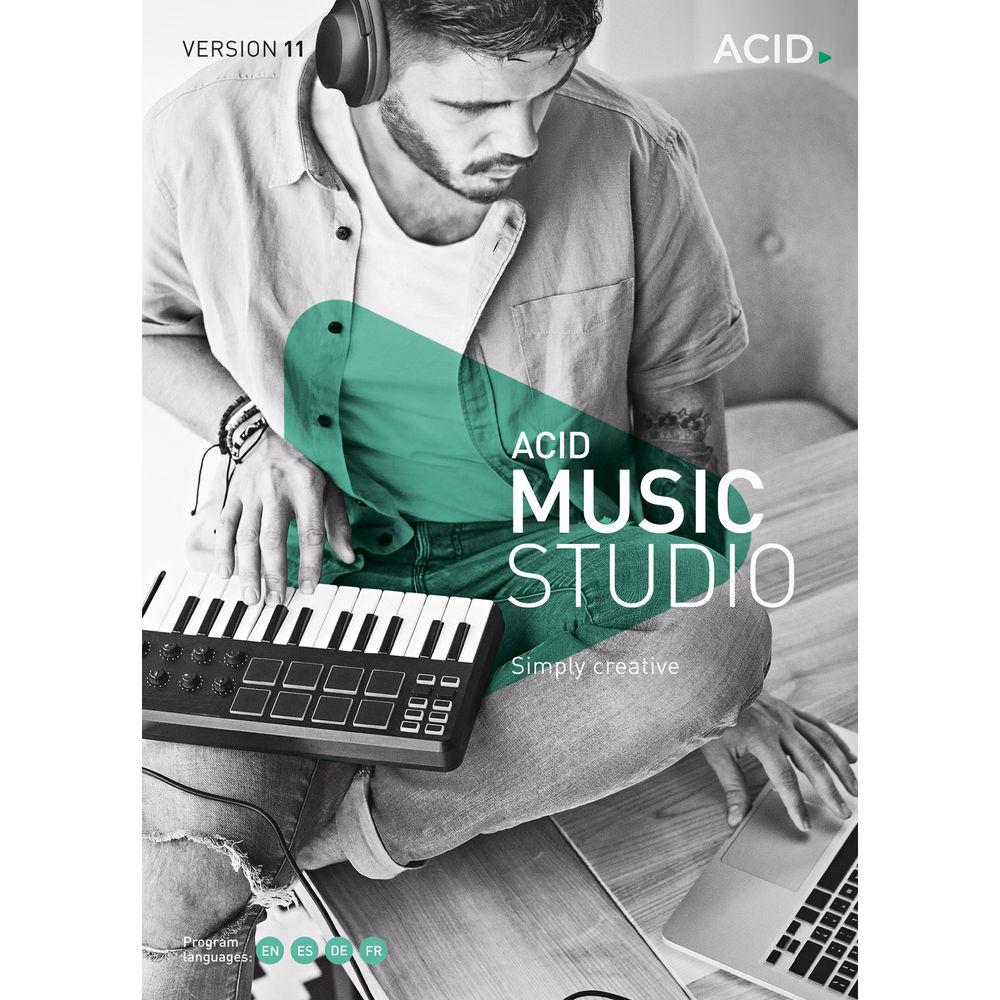
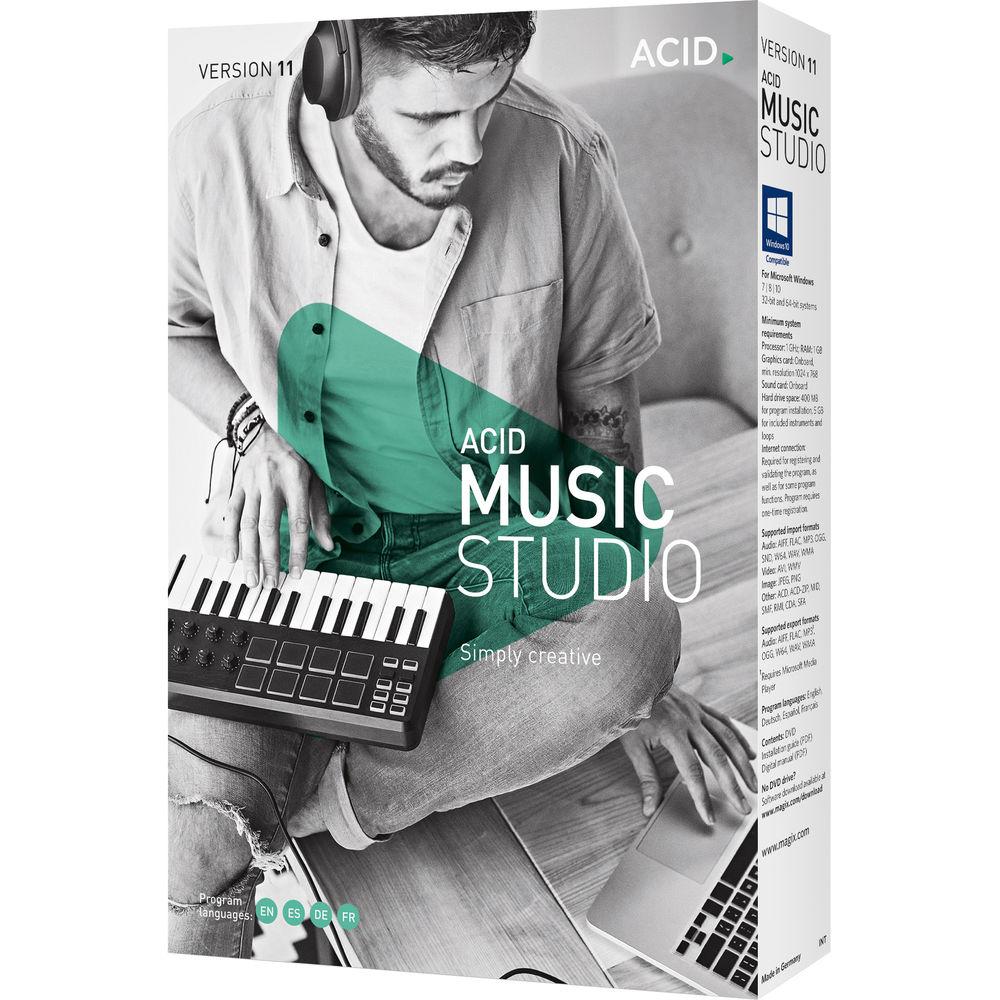
 |
User manual for the MAGIX Entertainment ACID Music Studio 11 contain basic instructions
that need to be followed during installation and operation.
Before starting your appliance, the user manual should be read through carefully.
Follow all the safety instructions and warnings, and be guided by the given recommendations.
User manual is an integral part of any MAGIX Entertainment product,
and if it is sold or transferred, they should be handed over jointly with the product.
Following the instructions for use is an essential prerequisite for protecting
health and property during use, as well as recognition of liability on the part of the manufacturer
for possible defects should you make a warranty claim. Download an official MAGIX Entertainment user manual in which you will find instructions on how to install, use, maintain and service your product.
And do not forget – unsuitable use of a MAGIX Entertainment product will considerably shorten its lifespan!
|
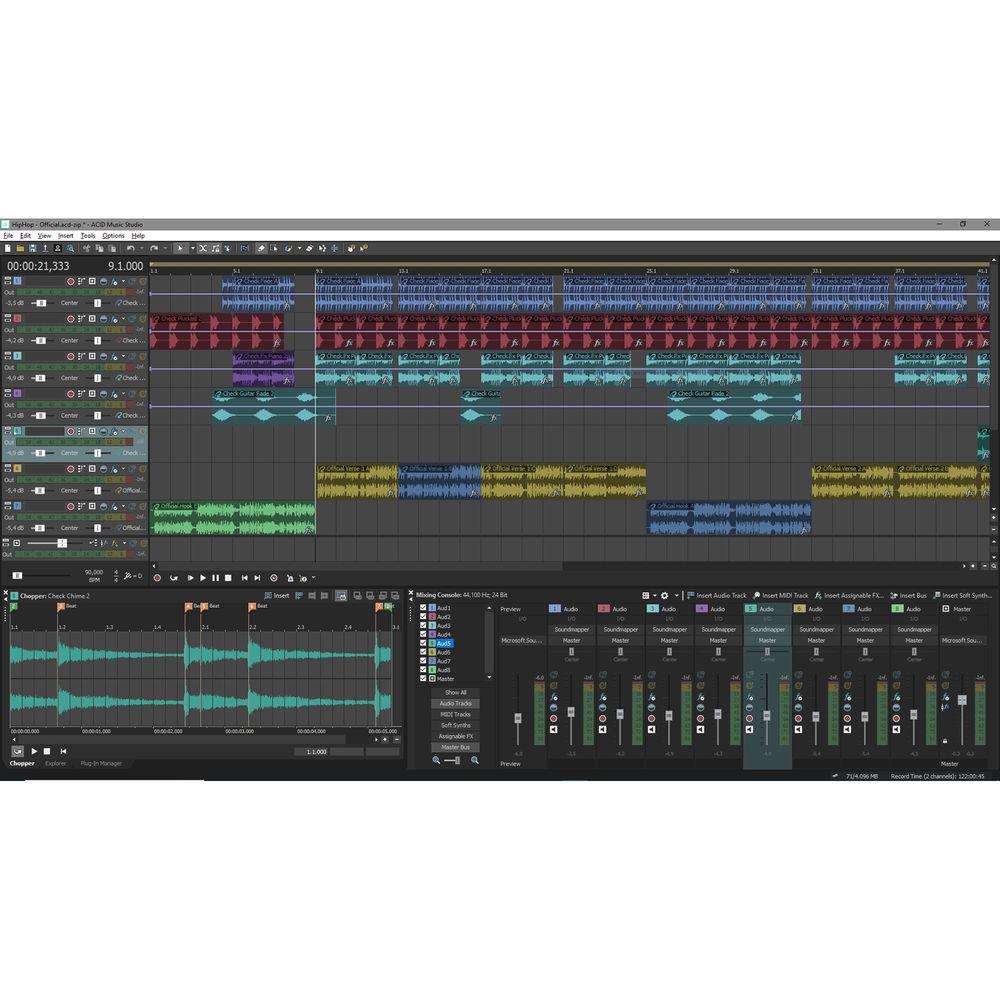
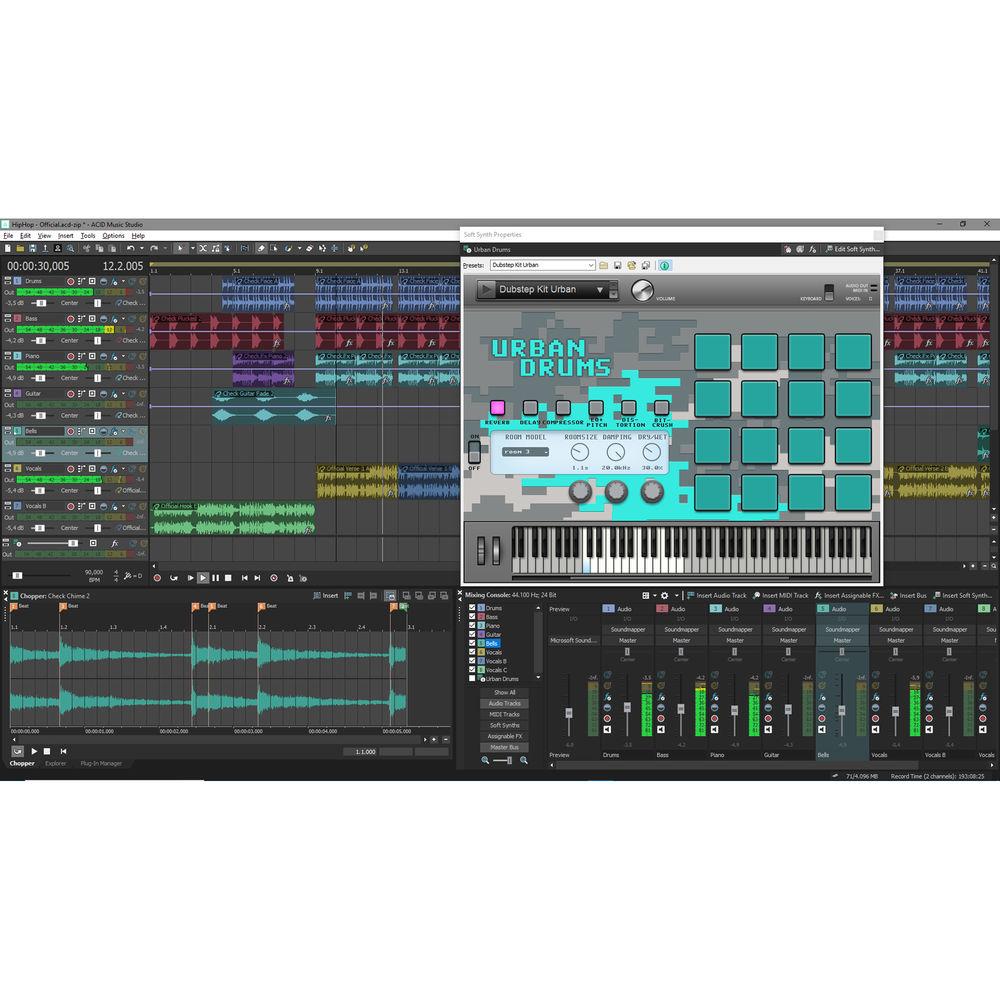
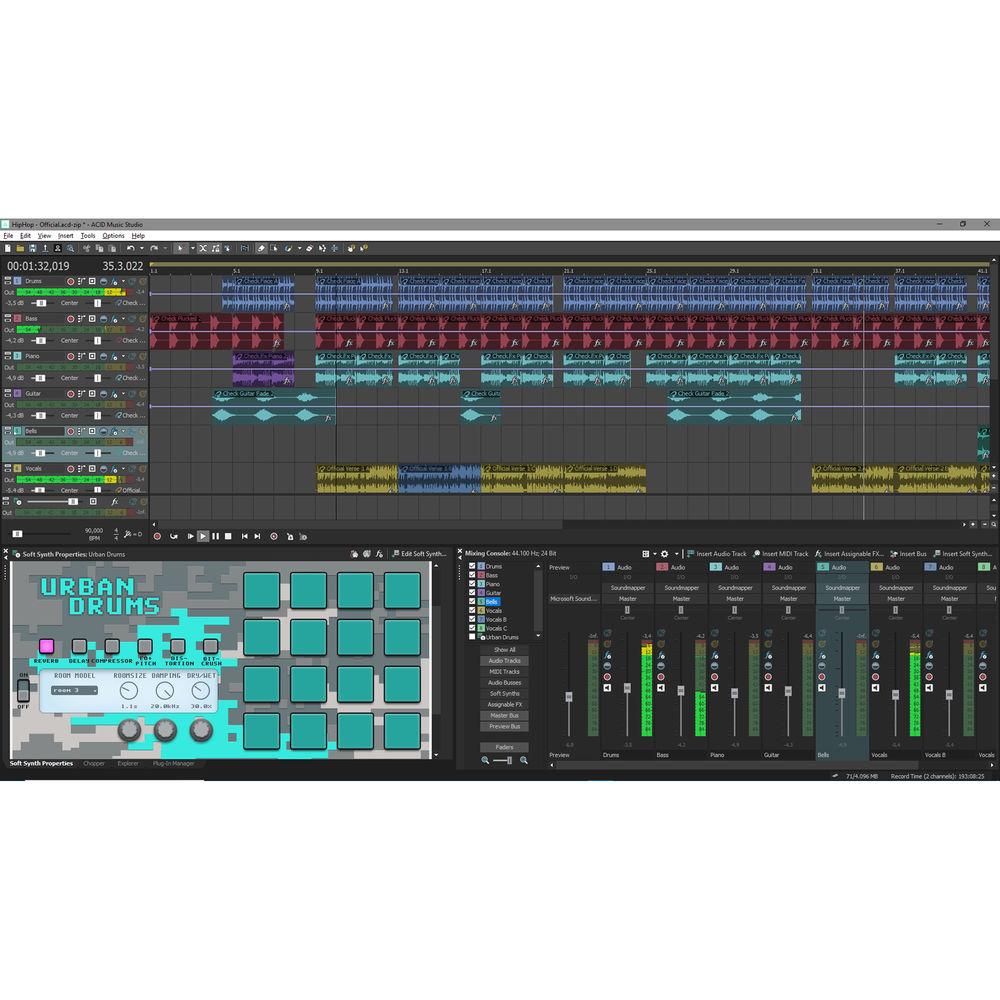
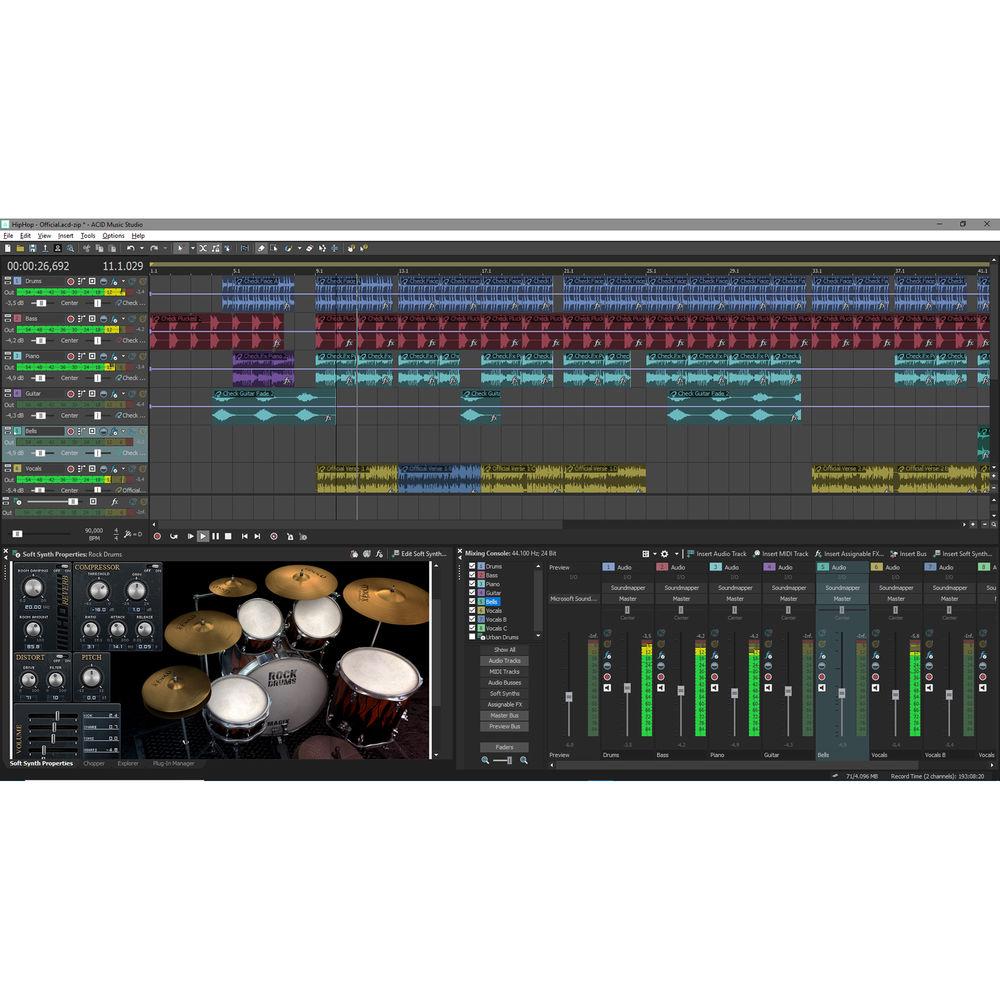
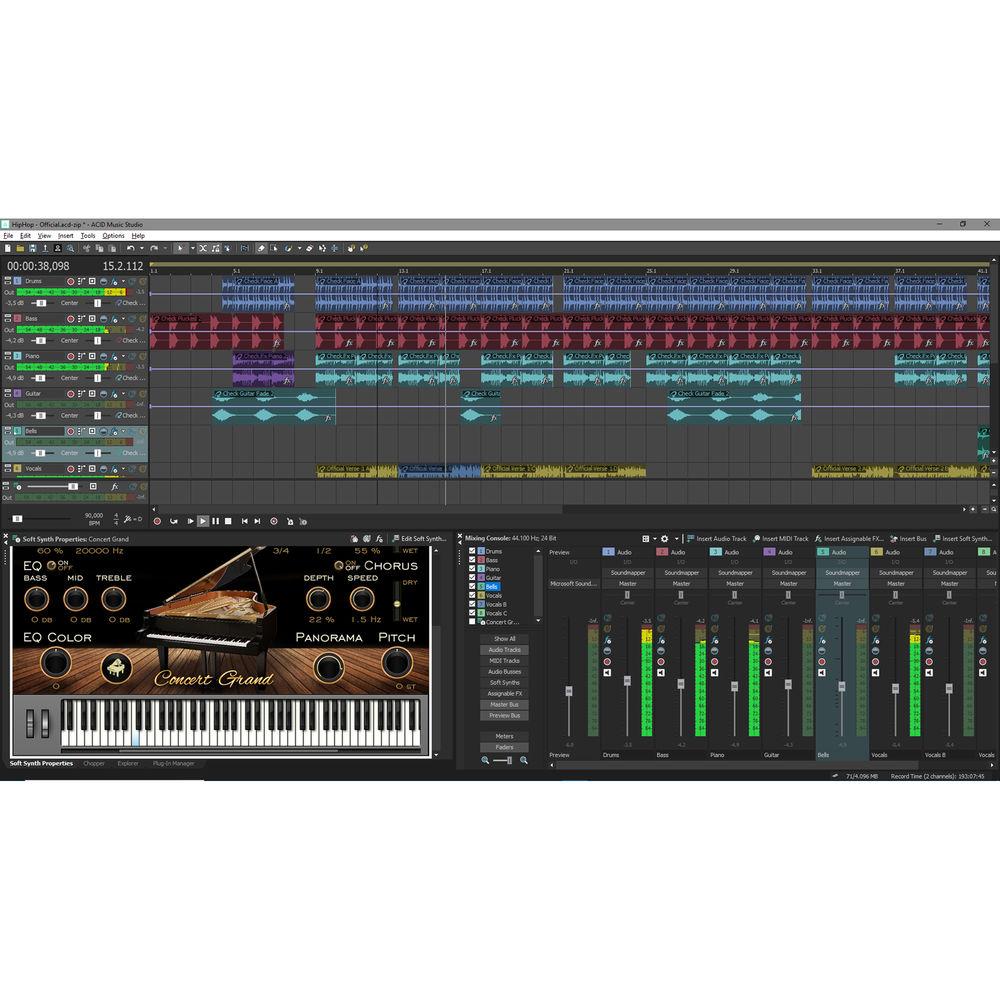
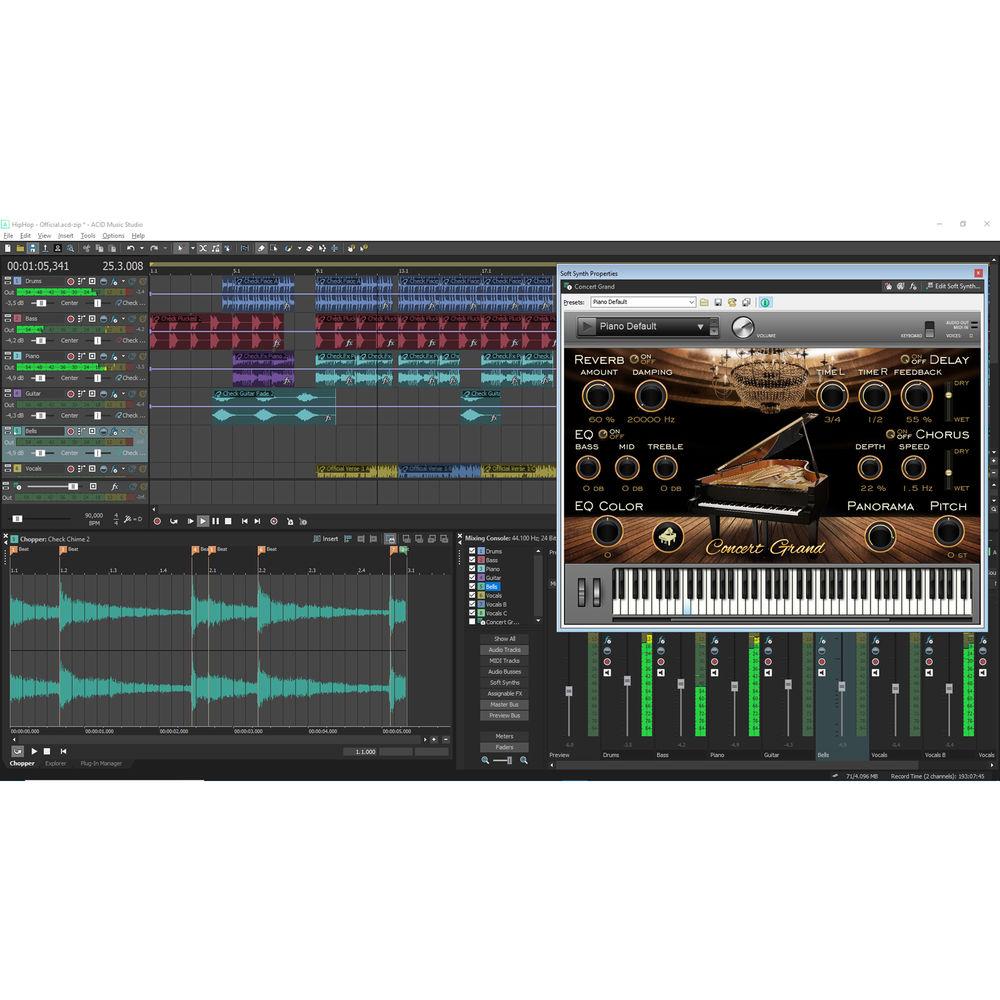
Product description Which DAW is Right for You? Read More Efficiently import, record, edit, mix, and export with MAGIX Entertainment ACID Music Studio 11, a computer-based multi-track recording and sequencing system for Windows 7, 8, or 10. Record vocals and instruments at up to 24-bit / 192 kHz resolution over the included 2500 ACID loops, extract audio from CDs, import music files, and arrange virtual instrument parts. Extensive audio effects, flexible MIDI functionality, a redesigned user interface, and a 64-bit engine empower you to create complex compositions in a multitude of genres. New audio effects include eFX Chorus Flanger, eFX Limiter, eFX Phaser, Vandal SE guitar/bass amp simulation, and am|track SE analog-style compressor and tape simulator. Eight virtual instruments for song creation are included, along with support for VST effects plug-ins and VSTi instruments. Program MIDI performances in piano-style and grid-style editors, time stretch and pitch shift loops, and even turn MIDI into audio. Balance track levels, add automation, and apply effects to achieve a polished mix, then export it in a variety of audio formats such as WAV, MP3, AIFF, and more. Note: This version is priced per license for 100 or more licenses of ACID Music Studio 11. - What's New in Version 11
-
- 64-bit engine makes the most of your computer memory and resources
- Redesigned user interface contributes to an inspiring workflow
- Eight new instruments including Electric Piano, Concert Grand, Urban Drums, Pop Drums, Rock Drums, Drum Engine, DN-e1, and VITA 2
- Six new effects including am|track SE analog-style compressor and tape simulator, Vandal SE guitar/bass amp simulation, eFX Chorus Flanger, eFX Limiter, eFX Phaser, and eFX Stereo Delay
- Over 2500 new loops in a variety of genres such as hip hop, house, electro, pop, and rock
- General
-
- 3GB of loop content
- Unlimited tracks
- Customizable keyboard mapping
- ACID loops with pitch, length, and transient data for easy mixing and matching
- Virtual Instruments
-
- Urban Drums: Kicks and hits playable via 12 pads
- Drum Engine: MPC-style interface with a variety of kits
- Pop Drums: Ideal for trap beats, techno, or metal
- Rock Drums: Heavy-hitting drums for rock and metal
- Concert Grand: Meticulously sampled sounds of a concert grand in a concert hall
- Electric Piano: Vintage-style electric piano with onboard effects ideal for jazz, blues, or funk
- VITA 2: Flexible sampler with onboard filter and effects
- DN-e1: Powerful analog-style virtual synthesizer
- MIDI
-
- MIDI track freeze
- MIDI file import and export
- Piano-style editing for arranging melodic instruments
- Grid-style editing for programming beats
- Adjust note positions, volumes, pitch bend, and more in a single window
- Select and edit multiple MIDI events or tracks simultaneously
- Envelope and keyframe automation
- MIDI track freeze creates audio tracks from MIDI instruments to free up CPU power
- Create and edit drum and patch maps to apply custom labels for hardware- and software-based synths and drum machines
- Remixing
-
- Automatic time-stretching for ACID loops
- Beatmapper locks to the tempo and time signature of any imported samples, allowing you to mix, remix, and arrange different ideas instantly
- Use Chopper to slice, reorder, and re-groove audio files
- Audio Control
-
- Powerful virtual mixer
- Up to 24-bit / 192 kHz resolution
- Live audio recording
- Normalize, invert phase, and lock functions
- Enhanced beatmapping for tracks with tempo changes
- VSTi instrument support
- VST audio effect support
- ASIO driver support
- Import and Export Files
-
- FLAC and AAC format support
- WAV and WAV64 open/save functionality
- MP3 file open/save support
- Compatible with WMA
Table of Contents
|
Upload User Manual
Have you got an user manual for the MAGIX Entertainment ACID Music Studio 11 - Music Production Platform in electronic form? Please send it to us and help us expand our library of instruction manuals.
Thank you, too, on behalf of other users.
To upload the product manual, we first need to check and make sure you are not a robot. After that, your "Submit Link" or "Upload File" will appear.
Technical parametersMAGIX Entertainment Acid Music Studio 11 Specs | System Requirements | Windows 7, 8, or 10 (32-/64-Bit)
1 GHz Processor (Quad-Core 2 GHz or Faster Recommended)
1 GB RAM (8 GB RAM Recommended)
Onboard Graphics Card with 1024 x 768 Minimum Resolution
Onboard Sound Card
400 MB Free Hard-Drive Space for Program Installation
5 GB Free Hard-Drive Space for Instruments and Loops
Internet Connection Required for One-Time Registration and Validation, and for Some Program Features | | Supported Audio Formats | Import Only: SND
Import and Export: AIFF, FLAC, MP3, OGG Vorbis, W64, WAV, and WMA | | Supported Image Formats | Import Only: JPEG and PNG | | Supported Video Formats | Import Only: AVI and WMV |
Rating70% users recommend this product to others. And what about you?

This product has already been rated by 61 owners. Add your rating and experience with the product.
Discussion
 Ask our technicians if you have a problem with your settings,
or if anything is unclear in the user manual you have downloaded.
You can make use of our moderated discussion.
The discussion is public and helps other users of our website who may be encountering similar problems.
Ask our technicians if you have a problem with your settings,
or if anything is unclear in the user manual you have downloaded.
You can make use of our moderated discussion.
The discussion is public and helps other users of our website who may be encountering similar problems.
The discussion is empty - enter the first post
Post a new topic / query / comment:
|
|


