User Manual for MAGIX Entertainment Music Maker 2019 Premium Edition - Music Production Software Click to enlarge the picture
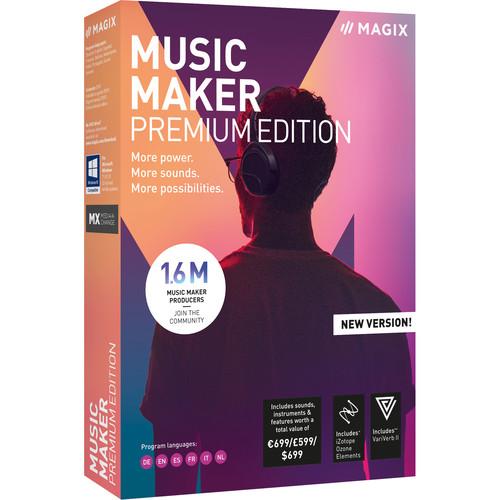 Contents of the user manual for the MAGIX Entertainment Music Maker 2019 Premium
- Product category: Music Production Software MAGIX Entertainment
- Brand: MAGIX Entertainment
- Description and content of package
- Technical information and basic settings
- Frequently asked questions – FAQ
- Troubleshooting (does not switch on, does not respond, error message, what do I do if...)
- Authorized service for MAGIX Entertainment Music Production Software
 |
User manual for the MAGIX Entertainment Music Maker 2019 Premium contain basic instructions
that need to be followed during installation and operation.
Before starting your appliance, the user manual should be read through carefully.
Follow all the safety instructions and warnings, and be guided by the given recommendations.
User manual is an integral part of any MAGIX Entertainment product,
and if it is sold or transferred, they should be handed over jointly with the product.
Following the instructions for use is an essential prerequisite for protecting
health and property during use, as well as recognition of liability on the part of the manufacturer
for possible defects should you make a warranty claim. Download an official MAGIX Entertainment user manual in which you will find instructions on how to install, use, maintain and service your product.
And do not forget – unsuitable use of a MAGIX Entertainment product will considerably shorten its lifespan!
|
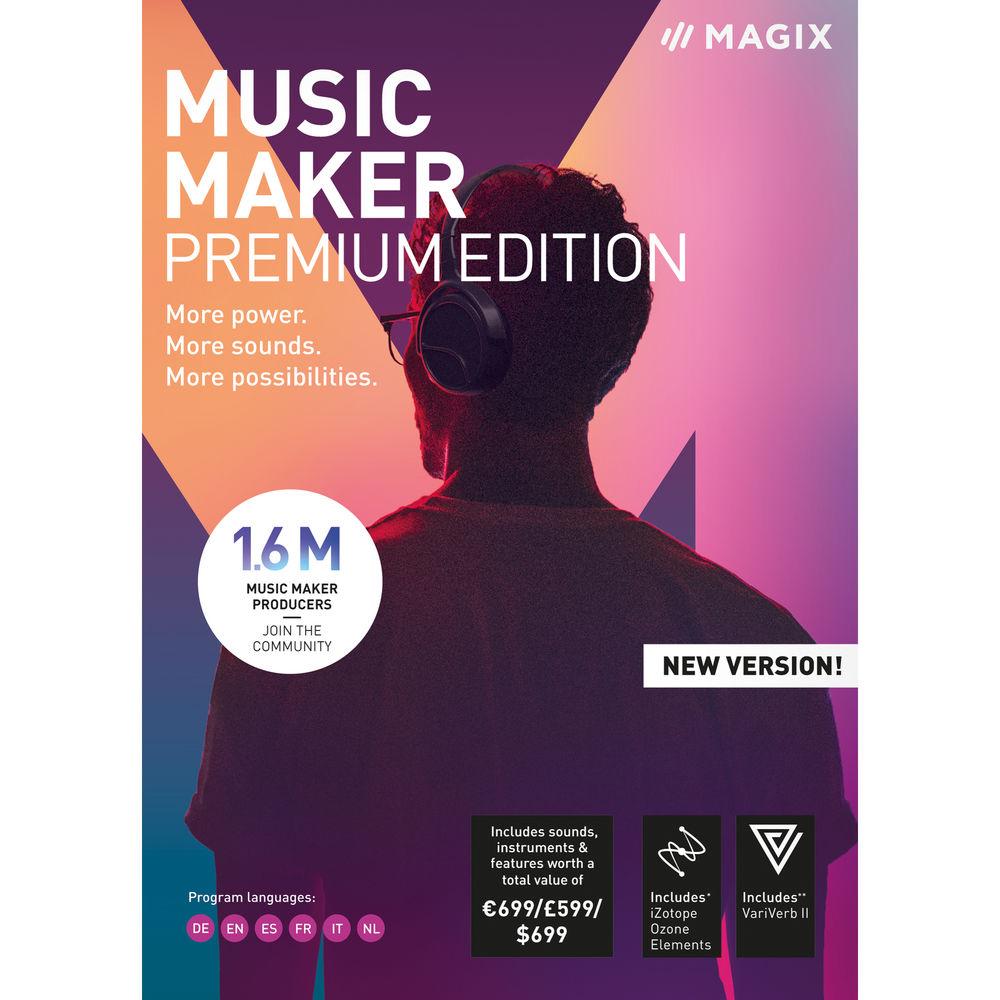
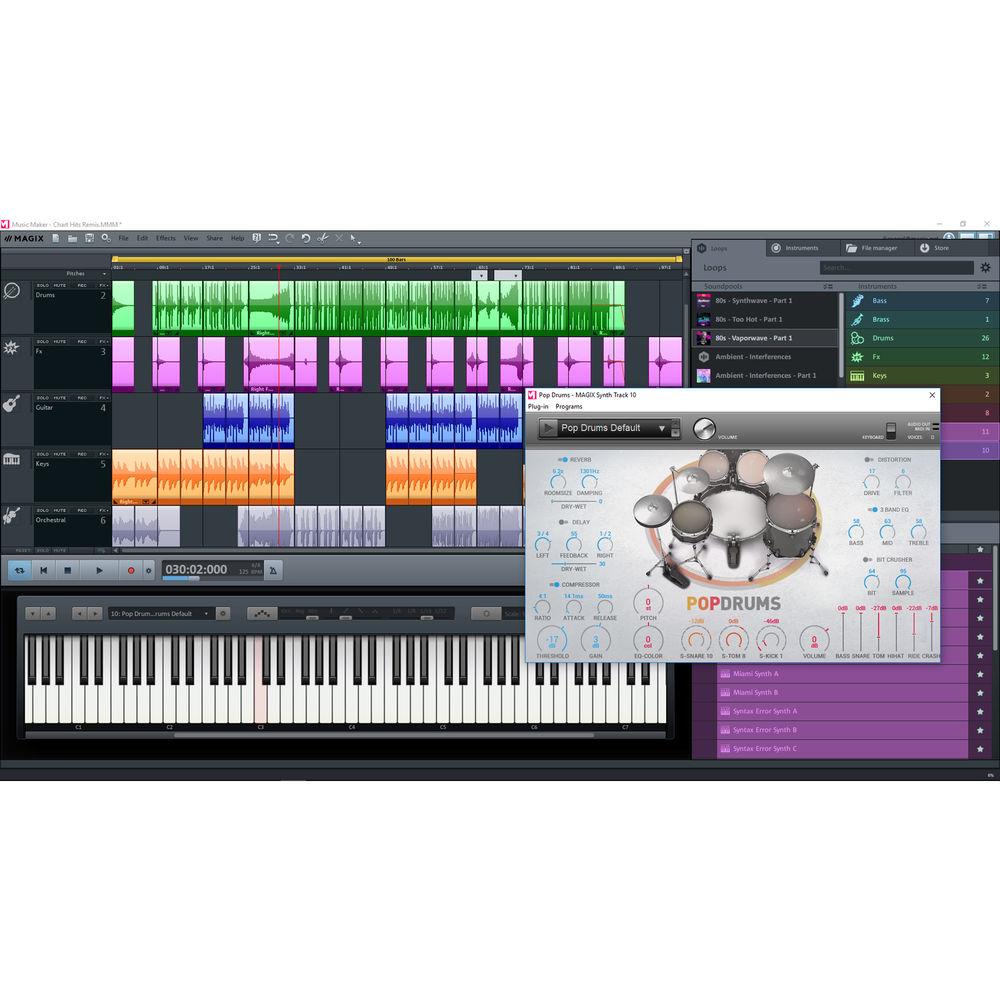
Product description Which DAW is Right for You? Read More Packed with 425 sounds and loops, plus an array of powerful plug-ins, the MAGIX Entertainment Music Maker 2019 Premium Edition is a customizable desktop music production software that lets you easily compose, edit, mix, master, and share your songs using your computer mouse and keyboard. The Premium version offers all free sounds, features, and instruments found in Music Maker, plus a host of selectable options—three Complete Soundpool Bundles, one Soundpool Collection, eight software instruments, nine feature packs, and three preset packs. The software lets you assemble the exact sounds, instruments, and effects best suited for your personal music style, by choosing from a broad spectrum of Soundpools, Soundpool Collections, features, and software instruments directly in the integrated Music Maker Store.Lay down a basic track by dragging and dropping beats, recording bass lines and guitar melodies, or programming your own rhythms using virtual drum machines. Add synthesizer parts, grand piano chords, and record your vocals with pitch correction. For even more creative options, you can drag audio files into the Vita 2 sampler, which automatically cuts and assigns sounds to pads, allowing you to design your own instruments. As a fun alternative to conventional music production, Live Pad mode lets you use 16 virtual pads to play the specially designed live sets, just as you would with an instrument.Mix your song using built-in effects such as EQ, dynamics, modulation, delay, guitar and bass amp simulation, VariVerb II reverb, and more. Thanks to multicore support and the audio engine from the Samplitude DAW, Music Maker Premium ensures expansive high-quality audio processing. Once your mix is completed, utilize iZotope Ozone 8 Elements, automatic mastering, and the mastering suite to make final sound enhancements and ready it for distribution. Note: This version is priced per license for 5 to 99 licenses of Music Maker 2019 Premium Edition. - Key Features
-
- Customize your Music Maker Premium Edition by selecting the exact instruments, sounds, and features you need
- Multicore CPU support improves performance
- Integrated audio engine from renowned Samplitude DAW
- 425 sounds and loops
- Control instruments via keyboard, mouse, MIDI controller, or MAGIX Audio Remote app
- Use Live Pad mode to trigger different beats/parts on the 16 pads in real-time
- Comes with eight tracks (expandable with add-on program)
- Includes all free sounds, features, and instruments found in Music Maker
- Includes versatile audio effects, VariVerb II reverb, and iZotope Ozone 8 Elements
- Four free Soundpools
- Three free Complete Soundpool Bundles of your choice
- Select one Soundpool Collection of your choice
- Concert Grand LE software instrument, Vita 2 software synthesizer, and Revolta 2 software sample player, plus your choice of eight software instruments from a collection of over 30 software instruments
- Choose nine free feature packs
- Choose three free preset packs
- Lifetime of free updates—download the latest software version of Music Maker and bug fixes for free
- Tour-Friendly Functionality
-
- Access your sounds, functions, and instruments from anywhere
- Simply download the free Music Maker, log in to the Store using your account, then download all your purchased content
- Activate your other features, Soundpools, and instruments, from older versions right in the Music Maker Store using your serial number
- Soundpools
-
- Designed to deliver optimal sounds for your productions
- Each Soundpool contains a range of loops in a given music style such as '80s, EDM, or trap
- Loops for beats, basses, melodies, even vocals and rap
- Drag, drop, and combine them
- Recording
-
- Simply connect your microphone, guitar, drum pad controller, or USB keyboard controller, and you're ready to record with studio-quality sound and low latency
- Audio Effects
-
- Develop your sound with chorus, echo, wah-wah, flanger, Parametric EQ, Stereo Processor, essentialFX, Vocal Tune, Gater, and Multimax plug-ins
- Run guitar or bass tracks through the Vandal SE virtual guitar amplifier
- Create robot voice and electronic distortion sounds with the Orange Vocoder ME
- Create and modify your own plate, spring, non-linear, or room reverb with VariVerb II
- Put finishing touches on your mixes and produce tracks ready for radio and streaming via iZotope Ozone 8 Elements
- Activate Additional Features
-
- Mouse-controlled audio filters
- More EssentialFX: eFX Series Gate, Compressor, Tremolo Pan, deEsser, Tubestage, Limiter, and Reverb
- Vintage Effects: Filtox ultra-precise filter modulation, Corvex analog-style chorus and flanger, and Ecox tape echo
- AM Plug-Ins: am|munition mastering compressor with mid-side functionality, am|phibia sound-design tool, am|pulse transient designer, and am|track for simulation of analog tape decks
- Auto-Mastering
-
- Automatically enhance the sound of your mixes using the mastering presets designed for various genres
- Optimized sound analysis and practical monitoring features are included
- Mastering Suite
-
- Included tools such as the parametric 6-channel equalizer, the StereoFX module, the limiter, and a multiband compressor help you provide the necessary finishing touches to your mixes
Table of Contents
|
Upload User Manual
Have you got an user manual for the MAGIX Entertainment Music Maker 2019 Premium Edition - Music Production Software in electronic form? Please send it to us and help us expand our library of instruction manuals.
Thank you, too, on behalf of other users.
To upload the product manual, we first need to check and make sure you are not a robot. After that, your "Submit Link" or "Upload File" will appear.
Technical parametersMAGIX Entertainment ANR008432ESDL1 Specs | System Requirements | Windows 7, 8, 10
2 GHz Processor
2 GB RAM
Onboard Graphics Card with 1280 x 768 Minimum Resolution
Onboard Sound Card
700 MB or More Free Hard-Drive Space for Program Installation
Internet Connection Required for One-Time Registration and Validation, and for Some Program Features | | Supported Audio Formats | Import Only: ACC (with Fee-Based Activation)
Import and Export: AIFF, CD-A, FLAC, MP3 (with Windows Media Player 10 or Later), OGG Vorbis, WAV, and WAV with Codec | | MIDI Format | Import Only: GM, GS, and XG
Import and Export: MID | | Other Files | Import and Export: Audio CD (Non-Copy-Protected) and Data CD/DVD |
Rating90% users recommend this product to others. And what about you?

This product has already been rated by 16 owners. Add your rating and experience with the product.
Discussion
 Ask our technicians if you have a problem with your settings,
or if anything is unclear in the user manual you have downloaded.
You can make use of our moderated discussion.
The discussion is public and helps other users of our website who may be encountering similar problems.
Ask our technicians if you have a problem with your settings,
or if anything is unclear in the user manual you have downloaded.
You can make use of our moderated discussion.
The discussion is public and helps other users of our website who may be encountering similar problems.
The discussion is empty - enter the first post
Post a new topic / query / comment:
|
|


