|
User Manual for MAGIX Entertainment Samplitude Music Studio - Music Production Software Click to enlarge the picture
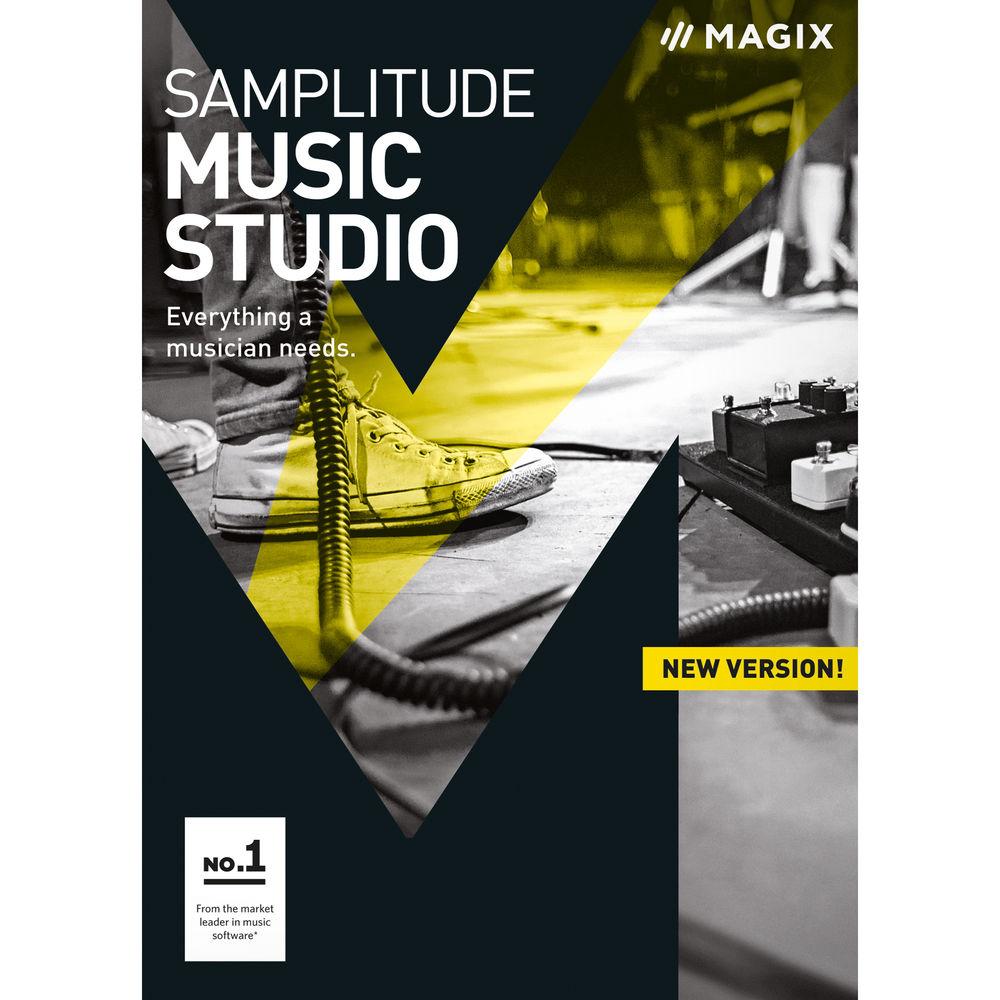
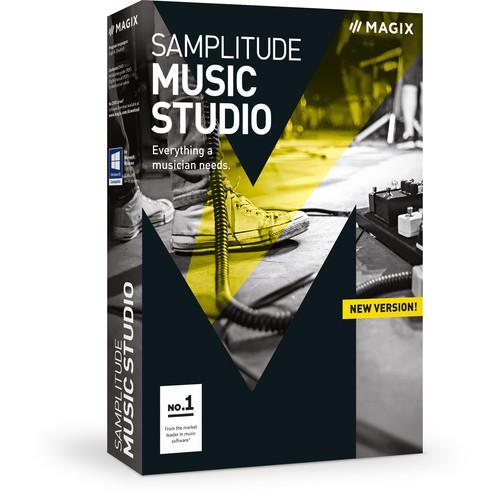 Contents of the user manual for the MAGIX Entertainment Samplitude Music Studio -
- Product category: Music Production Software MAGIX Entertainment
- Brand: MAGIX Entertainment
- Description and content of package
- Technical information and basic settings
- Frequently asked questions – FAQ
- Troubleshooting (does not switch on, does not respond, error message, what do I do if...)
- Authorized service for MAGIX Entertainment Music Production Software
 |
User manual for the MAGIX Entertainment Samplitude Music Studio - contain basic instructions
that need to be followed during installation and operation.
Before starting your appliance, the user manual should be read through carefully.
Follow all the safety instructions and warnings, and be guided by the given recommendations.
User manual is an integral part of any MAGIX Entertainment product,
and if it is sold or transferred, they should be handed over jointly with the product.
Following the instructions for use is an essential prerequisite for protecting
health and property during use, as well as recognition of liability on the part of the manufacturer
for possible defects should you make a warranty claim. Download an official MAGIX Entertainment user manual in which you will find instructions on how to install, use, maintain and service your product.
And do not forget – unsuitable use of a MAGIX Entertainment product will considerably shorten its lifespan!
|
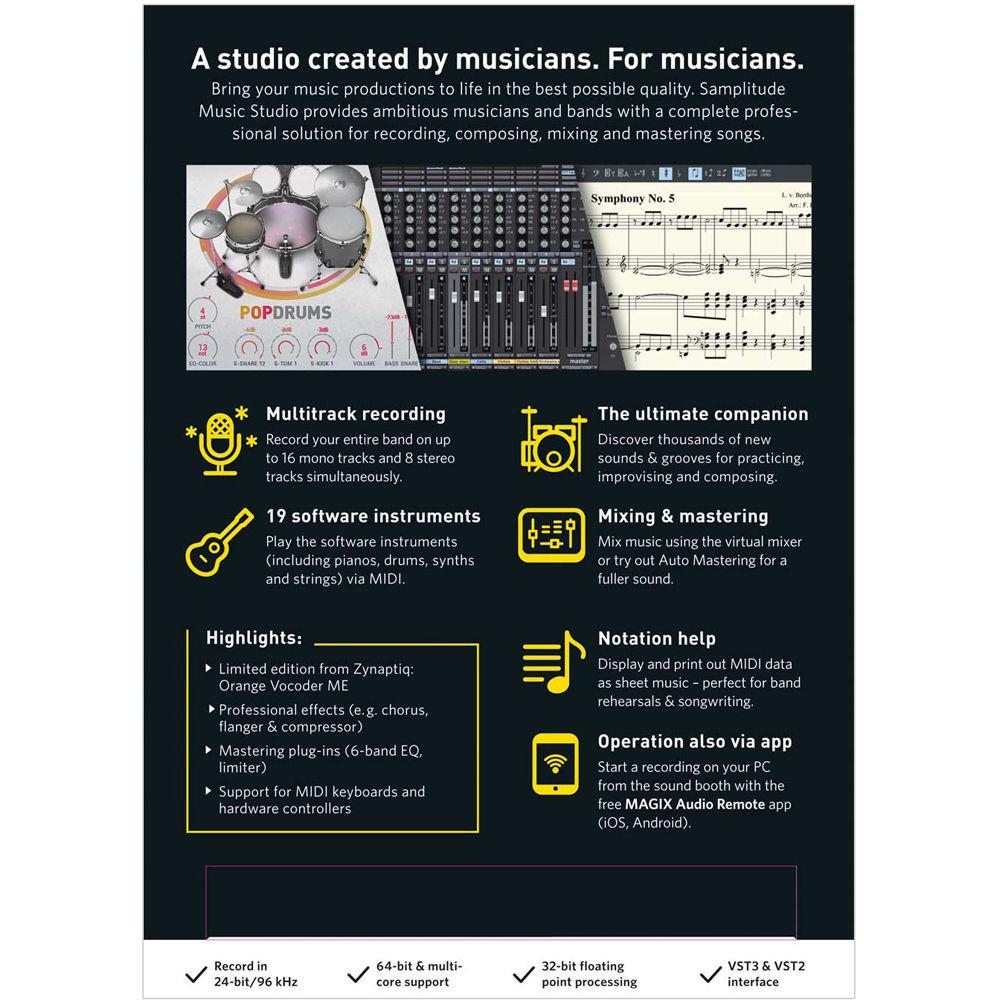
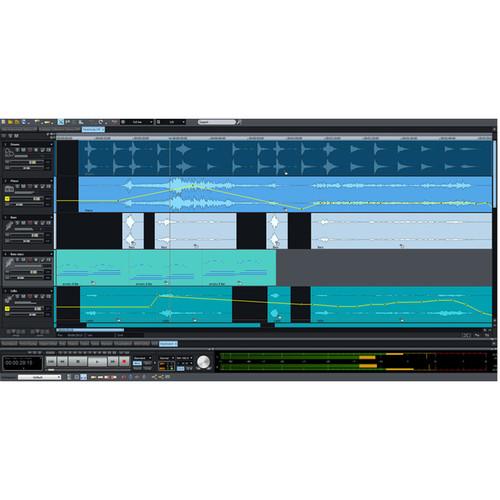
Product description Which DAW is Right for You? Read More Samplitude Music Studio from MAGIX Entertainment is a desktop music production software that offers powerful and creative options to let you easily compose, record, mix, and master your songs, at home or in the studio. Use the recording template to quickly sketch your song ideas. Add rhythm from a choice of eight drum machines, program synthesizer parts or grand piano chords with 19 virtual instruments, play your own guitar riffs and bass lines, and record your vocals with pitch correction. The software allows you to record up to 16 mono tracks or 8 stereo tracks simultaneously at 24-bit/96 kHz resolution. For even more creative options, you can drag audio files into the Vita Sampler which automatically cuts and assign sounds to pads, allowing you to design your own instrument. Mix your song using the essential and vintage effects suites of EQ, dynamic, modulation, and delay plug-ins. Once your mix is completed, you can then perfect the overall sound of your music with the Auto Mastering effect, and prepare your files for export in all standard formats. Most virtual instruments and important record functions in Samplitude Music Studio can be operated wirelessly via the free MAGIX Audio Remote app for iOS and Android (available separately). - Record
-
- Multitrack recordings at 24-bit/96 kHz resolution, on up to 16 mono tracks or 8 stereo tracks simultaneously
- Recording templates lets you sketch out your ideas fast
- Tune string instruments with integrated tuner – for guitar, bass, ukulele, and more
- Accompaniment for keyboard and guitar – create your own melodies at the piano or on the guitar and choose from thousands of premade sounds and drum grooves to enhance your recording
- Software Instruments
-
- Vita Sampler – drag audio files into the sampler, cuts & pad assignments are made automatically
- Drum Engine – provides bright drum sounds for electronic beat productions
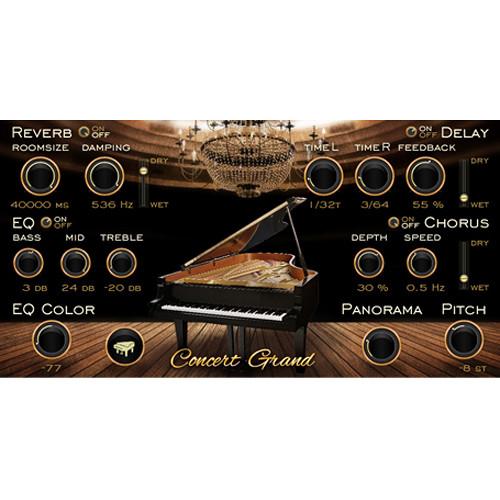
- Concert Grand – the sound of one of the most popular concert pianos
- Revolta Synthesizer – synthesizer with wide range of filter and oscillator effects, plus integrated step sequencer
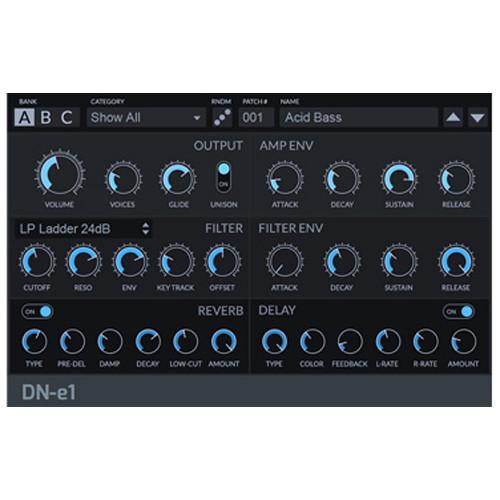
- DN-e1 Synthesizer – synthetic bass, oscillating leads, and shimmering pads
- Lead Synth – synthesizer based on the sound of analog classics
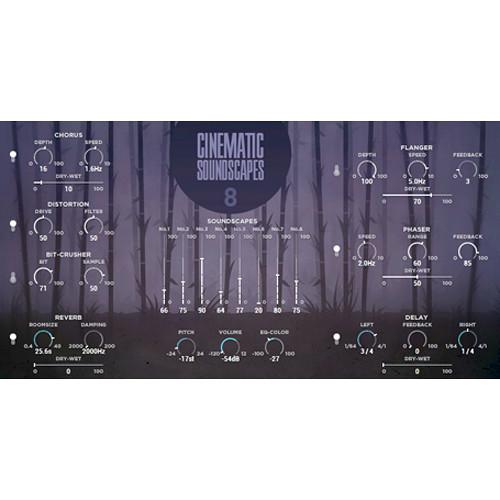
- Cinematic Soundscapes – create epic movie scores with exotic sounds or traditional instruments from times long past
- Church Organ – for soulful ballads, epic background music or melodic dance tracks
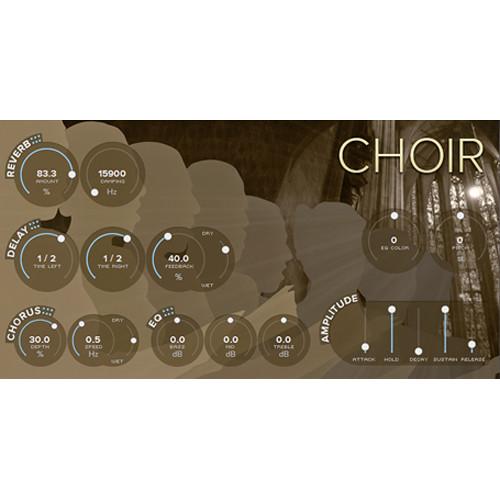
- Choir – combines three different kinds of choir – female, male, and mixed voices
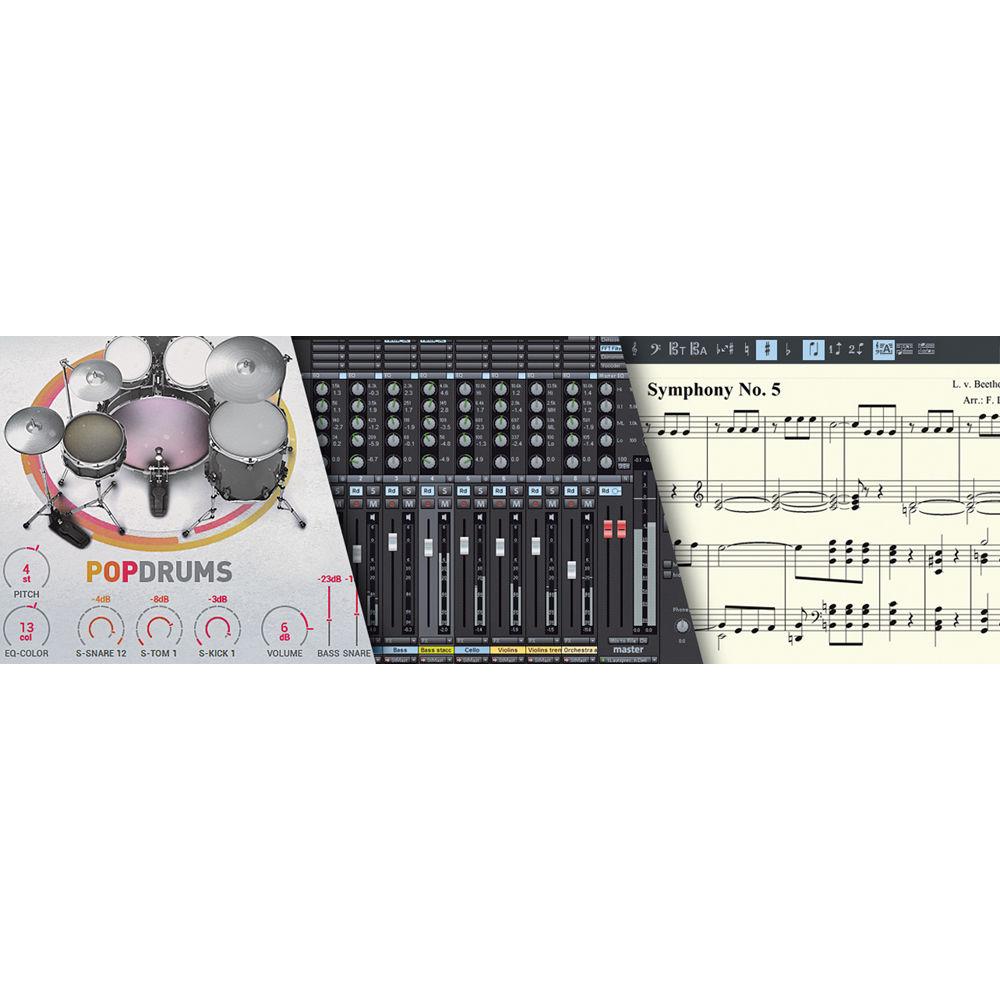
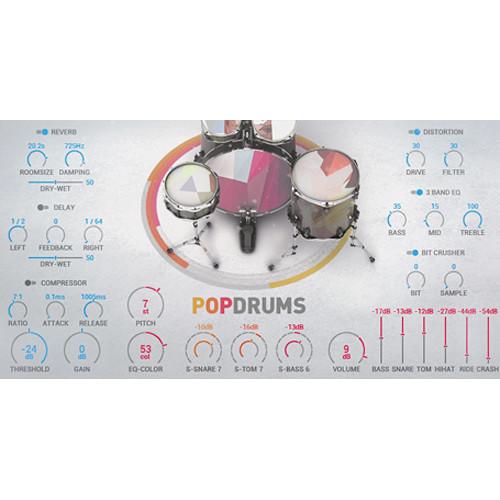
- Pop Drums – basic beats for electronic music, calm chillout songs, and relaxed hip-hop
- Jazz Drums – helps you recreate the groovy swing of a smoky jazz club
- Folk Instruments – banjo, piano, percussion, folk bass
- Accordion – authentic accordion sound for adding folky dynamics or a French touch to your composition
- Cinematic Synth – combines dark dreamy sequences with grating basslines, cinematic keys, bells, effects, percussion elements, and the film-like Atmos effect
- Rock Drums – intuitive controls and realistic samples help you create unique rhythms
- Soundtrack Percussion – choose from a wide range of cinematic percussion sounds
- BeatBox 2 – lets you modify sounds for drum kits, load your own audio files and integrate them in the beat section
- Robota – four-part drum computer for generating sounds using samples and oscillators
- Loop Designer – lets you develop your own drum loops and bass lines with rhythm adjustments, a variety of filters, and reverse/random functions
- Edit Music
-
- Vocal Tune 2 – corrects out-of-tune notes
- Pitch shifting – easily adjust the pitch of samples or audio files without affecting playback speed
- Time stretching – adjust the playback speed of your audio material without affecting the pitch, with the zplane algorithm
- Cross-Fade editor – design your own transitions between different audio files
- Display & print notation – display the notation for your compositions, arrangements or basic chord progressions in the MIDI Editor, and print them as needed
- Group all the objects in a track or in several different tracks, and move them together, edit them or add effects
- Aux busses & submix busses – allow you to do professional audio editing work with a wide range of effects or compression, on separate tracks
- Mix with Effects
-
- Track effects – manipulate sound on an individual track with the 6-band equalizer and use settings such as bass killer, super woofer and boosts, for high and midrange frequencies
- Object effects – modify the sound of individual song components without adding effects to entire tracks, or by working with complex automations
- essentialFX suite – compressor, chorus, flanger, stereo delay, vocal strip, phaser
- Vintage effects – gives your songs a distinct vintage sound
- Vandal SE – recreates the sound of analog amplifiers while also offering completely unique sounds
- Orange vocoder ME – lets you navigate a world of experimental sound, from classic robot sounds to crazy harmonies
- Mastering
-
- Mastering Suite – includes StereoFX module, multiband compressor, 6-band equalizer, limiter, and MultiMax compressor
- Auto Mastering – analyses your audio material and finds the perfect sound settings for your song
- Visual sound analysis – includes a vectorscope, spectroscope, and spectrogram
- Direction meter – shows what your audio looks like in the stereo field
- Peak meter – displays the peak level for your audio and helps identify clipping
- MAGIX Audio Remote
-
- Control Samplitude Music Studio on your computer from your smartphone or tablet
- Operate virtual instruments and the most important record functions with the free MAGIX Audio Remote app for iOS and Android (available separately)
- Advanced Functions
-
- 64-bit and multicore support – allows you to use your system's processor and memory to their full potential, ideal when using RAM-intensive plug-ins or working with large, complex projects
- Internal Hybrid Audio Engine – provides optimal latency management during recording and playback
- MIDI editor – choose between piano roll, score or drum editor views
UPC: 639191022401 Table of Contents
|
Upload User Manual
Have you got an user manual for the MAGIX Entertainment Samplitude Music Studio - Music Production Software in electronic form? Please send it to us and help us expand our library of instruction manuals.
Thank you, too, on behalf of other users.
To upload the product manual, we first need to check and make sure you are not a robot. After that, your "Submit Link" or "Upload File" will appear.
Technical parametersMAGIX Entertainment ANR005841BOX-T Specs | | | Version | Standard | | Number of Users Supported | 1 | | | | Supported Operating Systems | Windows 7
Windows 8
Windows 10 | | Memory Requirement | 2 GB (4 GB Recommended) | | Storage Requirement | 10 GB | | CPU Requirement | 2 GHz and Faster | | Display Resolution Requirement | 1280 x 768 | | Internet Connection Required | Yes | | | | Package Weight | 0.25 lb | | Box Dimensions (LxWxH) | 7.5 x 5.3 x 1.3" |
Rating90% users recommend this product to others. And what about you?

This product has already been rated by 86 owners. Add your rating and experience with the product.
Discussion
 Ask our technicians if you have a problem with your settings,
or if anything is unclear in the user manual you have downloaded.
You can make use of our moderated discussion.
The discussion is public and helps other users of our website who may be encountering similar problems.
Ask our technicians if you have a problem with your settings,
or if anything is unclear in the user manual you have downloaded.
You can make use of our moderated discussion.
The discussion is public and helps other users of our website who may be encountering similar problems.
The discussion is empty - enter the first post
Post a new topic / query / comment:
|
|
|
| Request for user manual |
You can’t find the operation manual you are looking for? Let us know and we will try to add the missing manual:
I’m looking for a manual / Request for manual
Current requests for instruction manuals:
Call Of Duty World War Two For Xbox...
controller stratus XL...
stratus XL...
smart whatch serie S11 42mm...
Allen & Heath SQ-6 manual...
|
| Discussion |
Latest contributions to the discussion:
AEW R 4100
Name: MAURICIO ANGARITA
Audio-Technica AEW-R4100 UHF Diversity Receiver for
AEW R 4100 has the mute function blocked and does not allow audio to pass. I tried several times to turn off the mute from the transmitter but it does nothing, the mute stays on. Solution?
Thank you...
Instructions for assembling the 2015 Forecast Image Master Consoles GC3-A
Name: mike elam
Forecast Consoles GC3-A ImageMaster Editing Console
Looking for instructions for assembling this console. ...
EMPTY TONER ERROR MESSAGE AFTER REPLACING TONER
Name: LINDA BAD YELLOW EYES
Brother TN223BK Standard-Yield Toner
I HAD TO CHANGE OUT ALL THREE TONERS DUE TO LEAKS IN THE YELLOW AND CYAN. AFTER I REPLACED THEM, THE MACHINE KEEPS GIVING ME AN EMPTY TONER ERROR MESSAGE. HELP!!...
PS480D 20/24 pin Switching 480W Power Supply
Name: swkargo
Logisys 480W Power Supply
This item states in can run -5vdc .It is NOT listed on the board or I beleive is r4 is missing the resitior. Any body have thid issue. Shawn
...
Help needed
Name: Ann Carter
SanDisk 1TB Extreme Portable USB 3.1
When I click the link to download the user manual for my Sandisk Extreme external hard drive, it gives me the manual for the LG Cricket. Can you please change the link so I can download the Sandisk manual and begin using this drive? Thank you....
|
|


