|
User Manual for MAGIX Entertainment Sequoia 13 - Audio Production, Broadcast, and Mastering Software Click to enlarge the picture
 Contents of the user manual for the MAGIX Entertainment Sequoia 13 - Audio
- Product category: Music Production Software MAGIX Entertainment
- Brand: MAGIX Entertainment
- Description and content of package
- Technical information and basic settings
- Frequently asked questions – FAQ
- Troubleshooting (does not switch on, does not respond, error message, what do I do if...)
- Authorized service for MAGIX Entertainment Music Production Software
 |
User manual for the MAGIX Entertainment Sequoia 13 - Audio contain basic instructions
that need to be followed during installation and operation.
Before starting your appliance, the user manual should be read through carefully.
Follow all the safety instructions and warnings, and be guided by the given recommendations.
User manual is an integral part of any MAGIX Entertainment product,
and if it is sold or transferred, they should be handed over jointly with the product.
Following the instructions for use is an essential prerequisite for protecting
health and property during use, as well as recognition of liability on the part of the manufacturer
for possible defects should you make a warranty claim. Download an official MAGIX Entertainment user manual in which you will find instructions on how to install, use, maintain and service your product.
And do not forget – unsuitable use of a MAGIX Entertainment product will considerably shorten its lifespan!
|
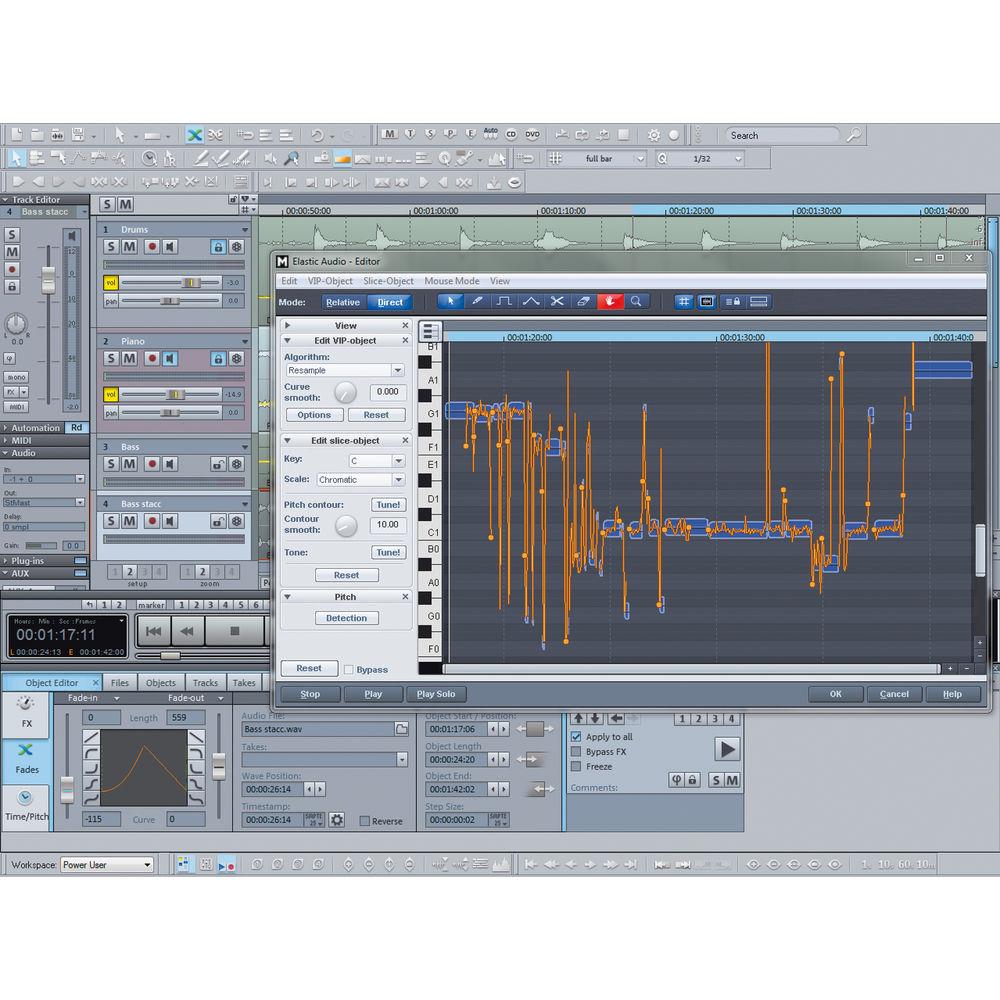
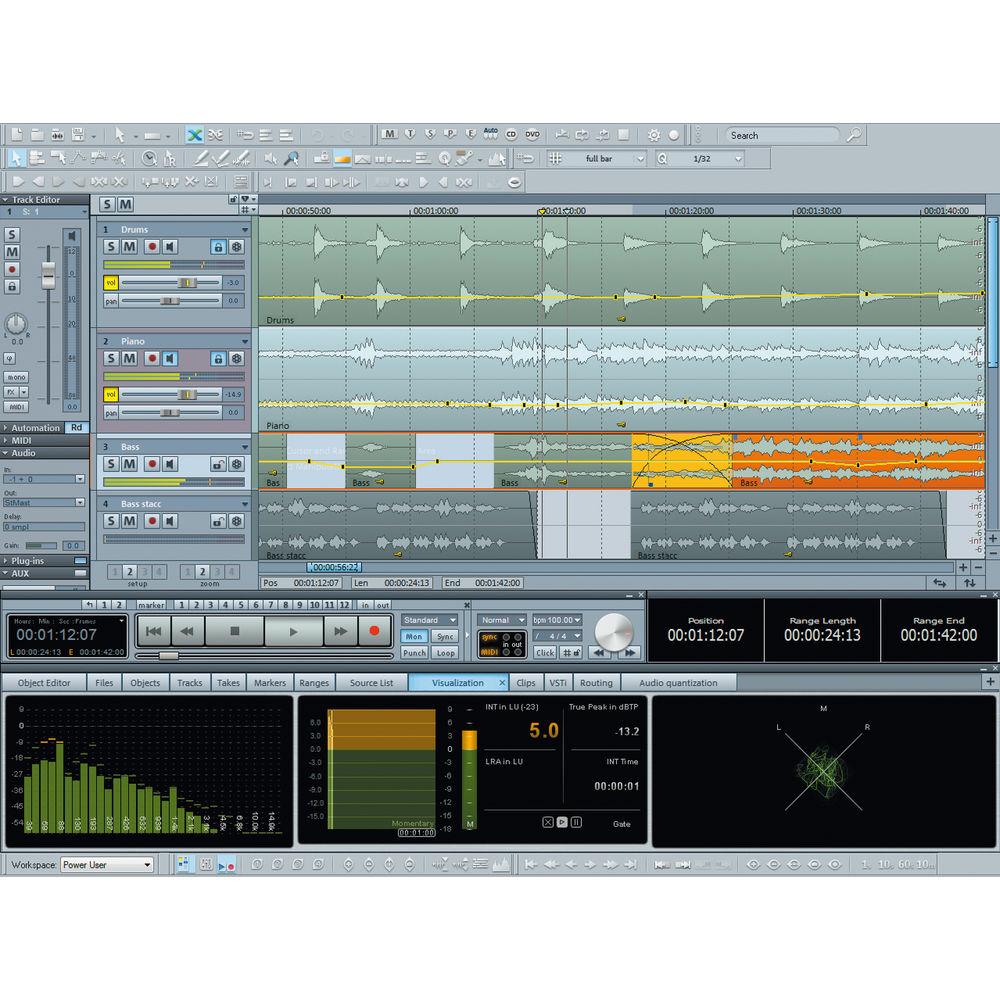
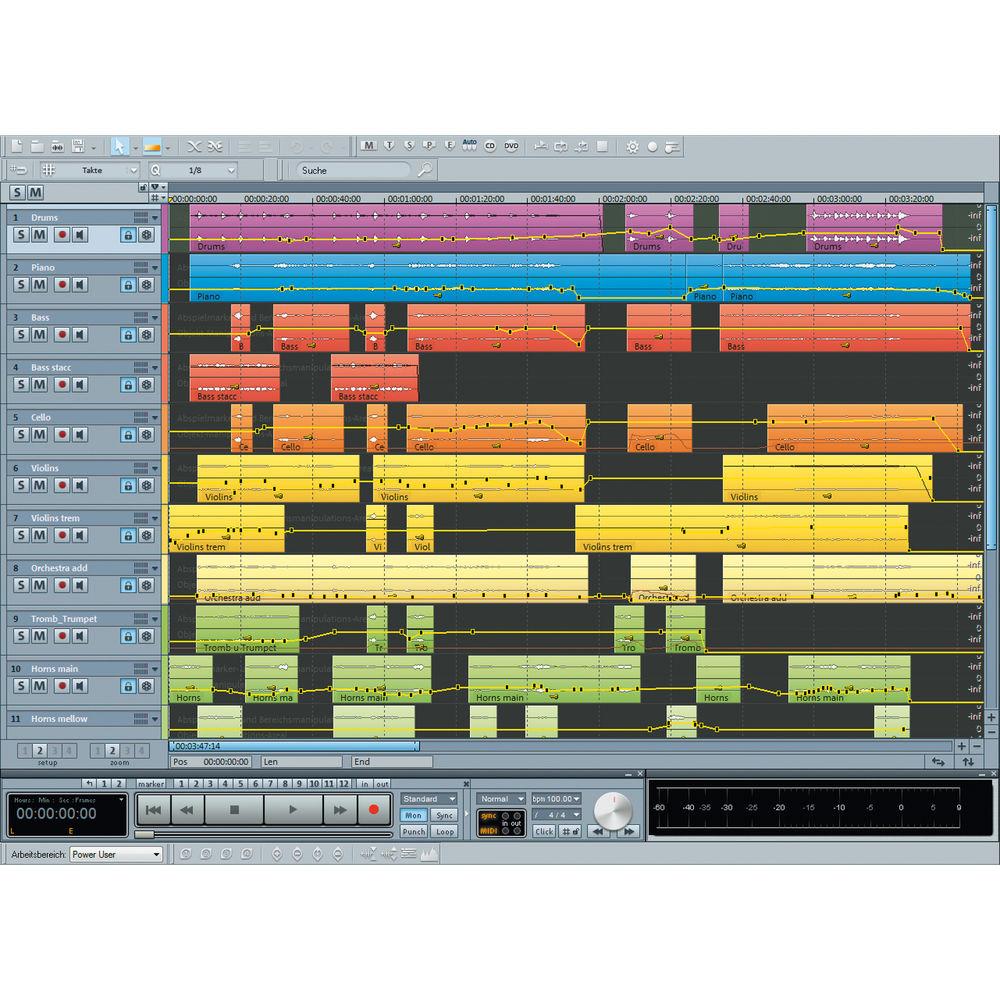
Product description Which DAW is Right for You? Read More Sequoia 13 from MAGIX Entertainment is a high-definition DAW dedicated to providing musicians and engineers with maximum flexibility, performance, and efficiency for audio production, broadcasting, and mastering applications.Featuring highly-advanced digital algorithms, superb effects plug-ins, and continuous use of floating-point calculations, Sequoia 13 lets you create massive studio projects and complex Surround Sound mixes, while retaining all the nuances of your sound.The software offers powerful solutions such as spectral cleaning to help restore noisy or degraded audio, Multi-Synchronous Cut and Source Destination Cut to facilitate classical production workflow, database integrations and comprehensive loudness functions for broadcast systems, video import/export and Independence sampler for post-production audio, object-oriented editing and VCA faders for mixing, loudness and true peak metering for mastering, and much more. - What's New in Version 13
-
- Loudness normalization per EBU R128/ITU-R BS.1771
- Dynamic limiting (loudness range normalization)—enables the limiting of object dynamics to even out loudness variation within the audio material
- Loudness normalization in batch processing
- Monitor selected folders using Watch Folder
- Calculate Loudness—calculates the loudness of the entire project or the selected range
- True Peak Limiter for sMax11 – inter-sample peaks are factored in during the limiting of the signal to avoid clipping or distortion
- Analyze audio in file manager—calculates loudness values for all selected files and displays a report
- Compact loudness display
- Loudness normalization for database audio export
- Global loudness settings in the system options
- Flexible plug-in routing options—change the order of the plug-ins any way you want
- Multiple outputs—add/remove additional outputs or assign no outputs to a track
- Improved mixer/effect routing
- VST3 interface allows you to integrate plug-ins and instruments
- Improved spectral cleaning—tracks can now be individually edited
- Import/export of ISRC in Broadcast WAV files—WAV files compliant with EBU Tech 3352
- MP3/AAC audition plug-in—use encoder preview plug-in during editing to preview projects you plan to export as AAC or MP3
- Virtual instruments—drum machines, vintage keyboards, Vita sampler, and more
- Audio Restoration
-
- Spectral cleaning—remove isolated sonic events and eliminate unwanted noise with extreme precision
- DeNoiser, DeClipper, DeHisser, DeClicker/DeCrackler—suite of noise-removal tools
- Brilliance Enhancer—recalculates new overtones to restore brilliance to the audio material
- Broadcasting
-
- Offers direct connection to broadcast databases and automation systems, including DAVID DigaSystem, SCISYS dira! Highlander, TRACT Digispot and d'accord
- Auto Ducking—manipulates volume curves and lowers the music level as soon as someone begins talking on another track
- Cue mode—record a speaker and seamlessly integrate noises and pre-produced elements, as the script calls for them
- Record independent of playback—makes it possible to preview, cut, and arrange material while the recording is still running
- Classical Productions
-
- Source Destination Cut—used for classical productions when combining multiple recordings into a final composition
- Multi-Synchronous Cut—makes it possible to minimize the search for similar audio material and accelerate the editing process
- Crossfade Editor—offers the option to make exact cut adjustments and to design object transitions
- Find Audio—searches through entire projects for musically similar material
- Mastering
-
- CD/DVD mastering—burn CD/DVD masters directly from a multi-track project or an audio project
- Loudness metering in accordance with EBU R128 and ITU-R BS.1771
- True peak metering—in addition to loudness normalization, ITU-R BS.1770-3 also provides a measurement recommendation for digital audio peak levels
- Loudness data export—loudness parameters can be written to audio files when exporting and bouncing
- Mixing
-
- Highly-advanced digital algorithms, superb effects plug-ins, and continuous use of floating-point calculations ensure that the sound retains its nuances, even following extensive digital processing and accumulation of individual signals
- Touch, latch, trim and overwrite automation modes
- VCA faders for an analog console feel
- Surround Downmix—for stereo bounce from a surround project
- Object-oriented editing—audio material can be split into as many objects as you like and moved around on tracks freely
- Post-Production
-
- Video import/export—video features make it possible to edit video material for dubbing and post-production
- Synchronized video recording—allows you to record audio at the same time as video
- Independence sampler workstation—sample Library with 70GB of content and hundreds of instruments, arranger, and step sequencer patches
- Integrated OMF/AAF support—makes it possible to exchange projects between programs and platforms
- Timecode track—display the SMPTE timecode of a timecode track using the time display
UPC: 639191140709 Table of Contents
|
Upload User Manual
Have you got an user manual for the MAGIX Entertainment Sequoia 13 - Audio Production, Broadcast, and Mastering Software in electronic form? Please send it to us and help us expand our library of instruction manuals.
Thank you, too, on behalf of other users.
To upload the product manual, we first need to check and make sure you are not a robot. After that, your "Submit Link" or "Upload File" will appear.
Technical parametersMAGIX Entertainment ANR005833BOX Specs | | | Delivery Method | Download | | Number of Users Supported | 1 | | | | Supported Operating Systems | Windows 7
Windows 8
Windows 10 | | Memory Requirement | 2 GB (4 GB Recommended) | | Storage Requirement | 1 GB | | CPU Requirement | 1.5 GHz and Faster | | Display Resolution Requirement | 1024 x 768 | | Internet Connection Required | Yes |
Rating90% users recommend this product to others. And what about you?

This product has already been rated by 13 owners. Add your rating and experience with the product.
Discussion
 Ask our technicians if you have a problem with your settings,
or if anything is unclear in the user manual you have downloaded.
You can make use of our moderated discussion.
The discussion is public and helps other users of our website who may be encountering similar problems.
Ask our technicians if you have a problem with your settings,
or if anything is unclear in the user manual you have downloaded.
You can make use of our moderated discussion.
The discussion is public and helps other users of our website who may be encountering similar problems.
The discussion is empty - enter the first post
Post a new topic / query / comment:
|
|
|
| Request for user manual |
You can’t find the operation manual you are looking for? Let us know and we will try to add the missing manual:
I’m looking for a manual / Request for manual
Current requests for instruction manuals:
Call Of Duty World War Two For Xbox...
controller stratus XL...
stratus XL...
smart whatch serie S11 42mm...
Allen & Heath SQ-6 manual...
|
| Discussion |
Latest contributions to the discussion:
AEW R 4100
Name: MAURICIO ANGARITA
Audio-Technica AEW-R4100 UHF Diversity Receiver for
AEW R 4100 has the mute function blocked and does not allow audio to pass. I tried several times to turn off the mute from the transmitter but it does nothing, the mute stays on. Solution?
Thank you...
Instructions for assembling the 2015 Forecast Image Master Consoles GC3-A
Name: mike elam
Forecast Consoles GC3-A ImageMaster Editing Console
Looking for instructions for assembling this console. ...
EMPTY TONER ERROR MESSAGE AFTER REPLACING TONER
Name: LINDA BAD YELLOW EYES
Brother TN223BK Standard-Yield Toner
I HAD TO CHANGE OUT ALL THREE TONERS DUE TO LEAKS IN THE YELLOW AND CYAN. AFTER I REPLACED THEM, THE MACHINE KEEPS GIVING ME AN EMPTY TONER ERROR MESSAGE. HELP!!...
PS480D 20/24 pin Switching 480W Power Supply
Name: swkargo
Logisys 480W Power Supply
This item states in can run -5vdc .It is NOT listed on the board or I beleive is r4 is missing the resitior. Any body have thid issue. Shawn
...
Help needed
Name: Ann Carter
SanDisk 1TB Extreme Portable USB 3.1
When I click the link to download the user manual for my Sandisk Extreme external hard drive, it gives me the manual for the LG Cricket. Can you please change the link so I can download the Sandisk manual and begin using this drive? Thank you....
|
|


