|
User Manual for MAGIX Entertainment Sequoia 14 - Audio Production Broadcast Mastering Software Click to enlarge the picture
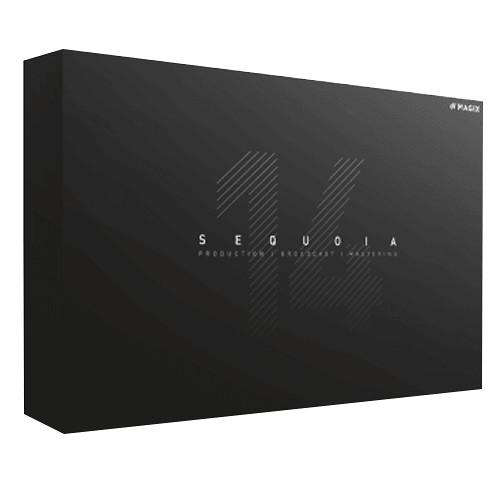 Contents of the user manual for the MAGIX Entertainment Sequoia 14 - Audio
- Product category: Music Production Software MAGIX Entertainment
- Brand: MAGIX Entertainment
- Description and content of package
- Technical information and basic settings
- Frequently asked questions – FAQ
- Troubleshooting (does not switch on, does not respond, error message, what do I do if...)
- Authorized service for MAGIX Entertainment Music Production Software
 |
User manual for the MAGIX Entertainment Sequoia 14 - Audio contain basic instructions
that need to be followed during installation and operation.
Before starting your appliance, the user manual should be read through carefully.
Follow all the safety instructions and warnings, and be guided by the given recommendations.
User manual is an integral part of any MAGIX Entertainment product,
and if it is sold or transferred, they should be handed over jointly with the product.
Following the instructions for use is an essential prerequisite for protecting
health and property during use, as well as recognition of liability on the part of the manufacturer
for possible defects should you make a warranty claim. Download an official MAGIX Entertainment user manual in which you will find instructions on how to install, use, maintain and service your product.
And do not forget – unsuitable use of a MAGIX Entertainment product will considerably shorten its lifespan!
|
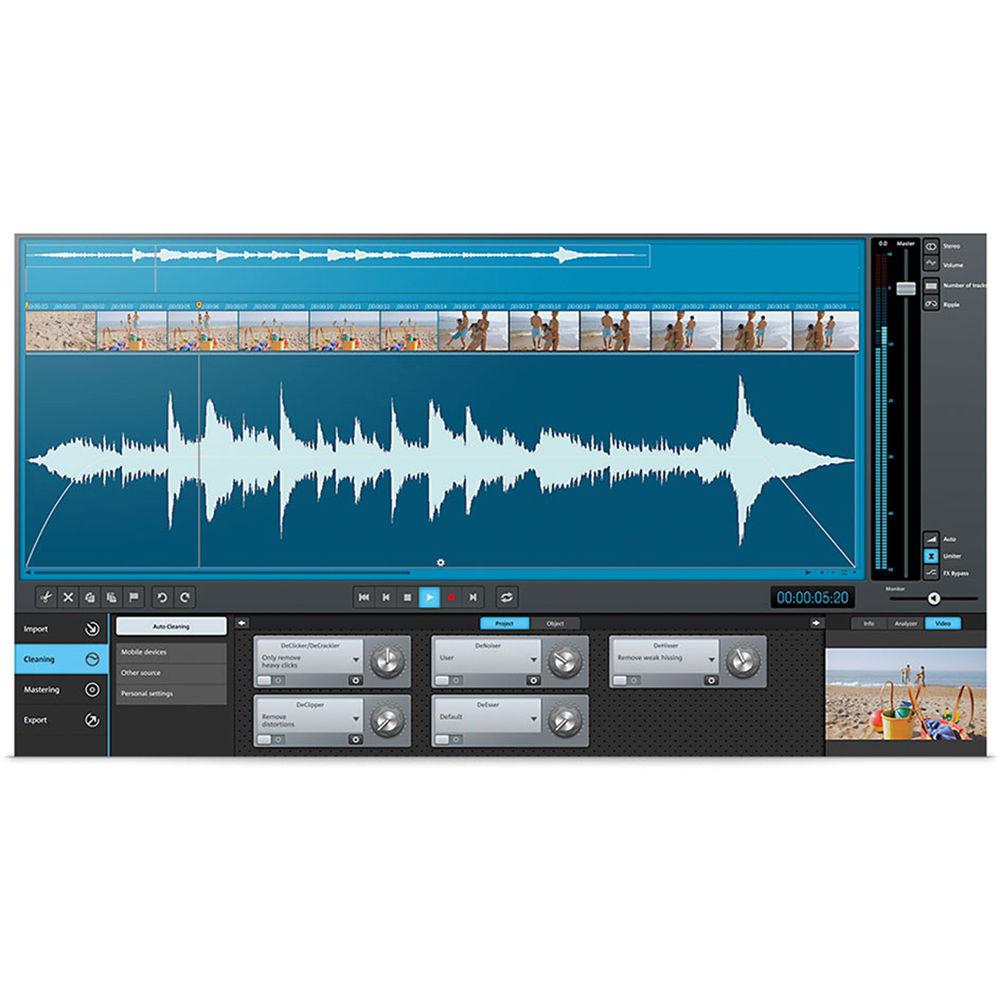
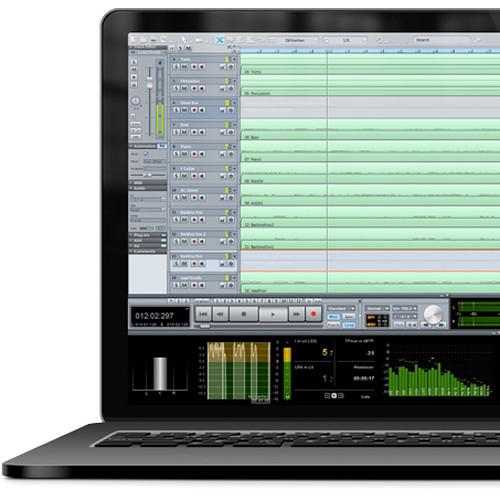
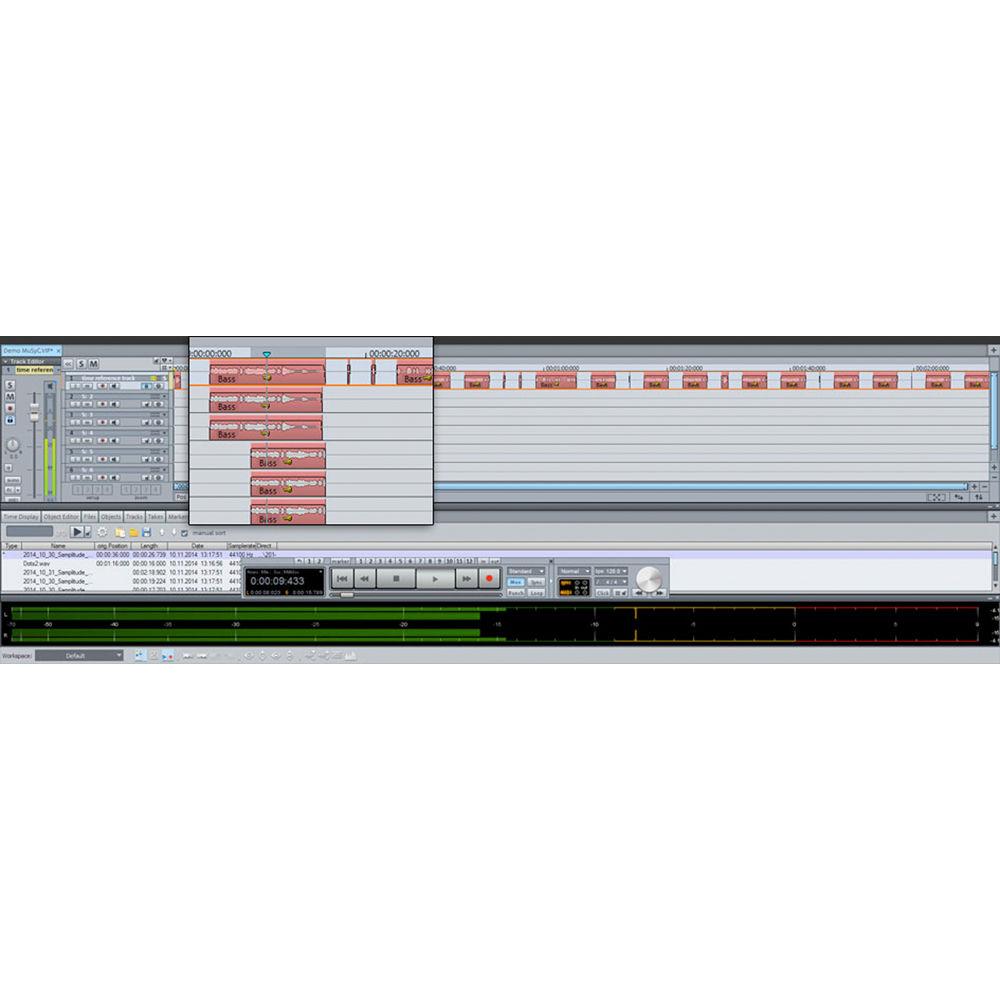
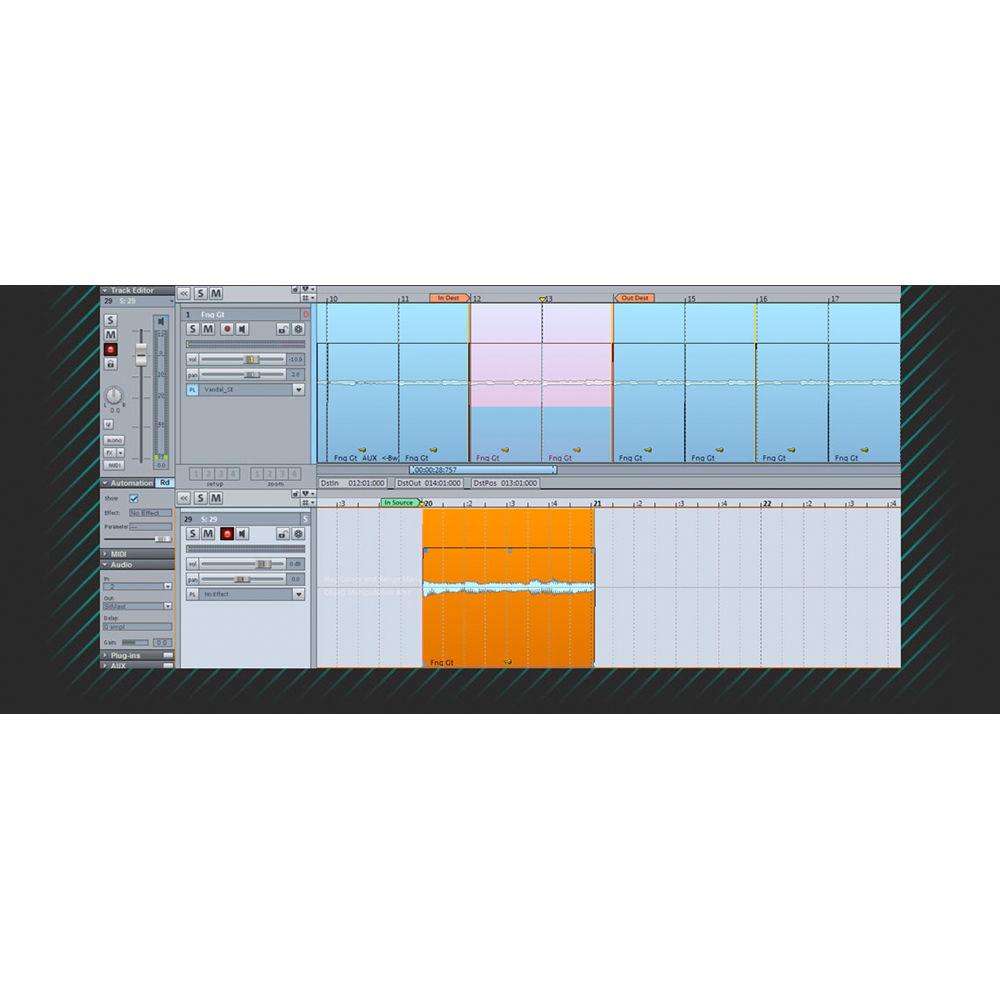
Product description Which DAW is Right for You? Read More MAGIX Entertainment Sequoia 14 is a high-definition DAW dedicated to providing producers and engineers with maximum flexibility, performance, and efficiency for audio production, broadcasting, post-production, and mastering applications.Featuring advanced digital algorithms, versatile effect plug-ins, and continuous use of floating-point calculations, Sequoia 14 allows you to create massive studio projects and complex surround mixes, while retaining all the nuances of your sound.Sequoia 14 offers powerful solutions such as spectral cleaning to help restore noisy or degraded audio, multi-synchronous cut and source-destination cut to facilitate the workflow of classical music productions, CSM (content storage management) database integrations and comprehensive loudness functions for broadcast systems, video import/export and Independence sampler for post-production audio, object-oriented editing and VCA faders for mixing, loudness and true-peak metering for mastering, and much more.Other features include Celemony Melodyne integration, SpectraLayers Pro 4 audio-frequency spectrum editing, audio-to-MIDI conversion, and the ability to automate tempo. Sequoia 14 also offers tight integration with the Pro Tools | S6 controller and streamlined functionality with the EUCON iOS app. What's New in Version 14 -
- Avid Pro Tools | S6 controller extensions
- Streamlined functionality with EUCON iOS app – data can be transferred between Sequoia and the EUCON-based iOS app from Avid
- Includes SpectraLayers Pro 4 full version – innovative layer concept enables restoration and comprehensive frequency spectrum editing for audio files in 2D and 3D
- ARA (Audio Random Access) interface enables close collaboration with external plug-ins designed for synchronization
- Includes Melodyne essential from Celemony – offers tools for pitch and timing correction and is integrated directly via ARA
- Alternative interface design – Birdline Platinum Pack V.6.0 contains designs for mixer, track editor, VIP, color profile, MIDI editor, and more
- Tempo automation for audio recordings – software calculates speed of an audio take in the background and adjusts it to a new basic tempo
- Audio-to-MIDI conversion
- zplane élastique V3 timestretch and pitch-shifting algorithm (élastique efficient V3 also included)
- Clear, redesigned start dialog
- New mixer skins for a choice of algorithms – channel strips will appear narrower and darker according to the screen size and recording settings selected
- Efficient docking options for multi-project management – lets you set up a working environment customized to your needs and offer optimal screen use
- New project management workflow for a clearer overview with new tabs and the option to switch between projects when several are open
- Batch processing in watch folders
- Support for all current video formats and codecs
- Clipstore folders let you easily access all folders and keep your audio files organized
- Safe record stop – decide how Sequoia should behave at the end of a recording to ensure unwanted interruptions during recording or live broadcast
- Multichannel export without surround master enables you to transfer variations or language soundtracks in a single file
- Simplified embedding for external editors – edit audio files with external editors directly from within the program
- New shortcuts for spectral cleaning
Audio Restoration - Spectral Cleaning
-
- Remove isolated sonic events and eliminate unwanted noise with extreme precision
- Direct track selection in spectral cleaning dialog
- Individual track-based editing
- Reference track – apply changes made to a track to other selected tracks
- Leave dialog open – leave the dialog open following calculation
- New shortcuts for playback and for saving zoom ranges and presets
- Logarithmic display – allows you to change the spectrum view from linear to logarithmic
- Threshold range editing – limits interpolation to certain amplitudes in the spectrum to allow for certain notes to be removed from the spectrum without influencing background signals
- Automatic click marker recognition – highlight special points by quickly jumping between or deleting markers in the spectrogram
- SpectraLayers Pro 4 full version – external audio editor visualizes the frequency spectrum in layers and enables a powerful workflow for restoration, sound design, and mixing
- Audio Editing
-
- DeNoiser – uses advanced adaptive filter technology to remove noise from recordings
- DeHisser – eliminates regular, low-level "white" noise, typically produced by recordings, microphone pre-amplifiers or transformers
- DeClipper – removes clipping and distortions
- DeClicker/DeCrackler – removes crackling and individual clicking noises, which are typical on scratched records
- Brilliance Enhancer – recalculates new overtones to restore brilliance to the audio material
Broadcasting - CMS and Automation Systems
-
- Offers direct connection to broadcast databases and automation systems, including DAVID DigaSystem, SCISYS dira! Highlander, Tract DIGISPOT, and d'accord
- Audio material and Sequoia projects are saved on database servers
- Automatic backup and deletion routines maintain data integrity at all times
- Only project changes are saved, instead of complete projects
- Export in broadcast WAV files compliant with EBU Tech 3352
- ISRCs (International Standard Recording Code) are written into the WAV file during export with the setting "Each CD track in a file"
- ISRCs of WAV files are displayed and can be edited In the Broadcast WAV manager
- After loading WAV files into a mastering project (sequentially on the first track), CD indices can be set automatically using the function "Set track indices on Object Edges"
- During CD import as single WAV files, the BWF-ISRC entry is simultaneously written into these files
- ISRC display options in objects
- Auto-Ducking
-
- Manipulates volume curves and lowers the music level as soon as someone begins talking on another track
- Cue Mode
-
- Live playback mode often used for special cue sounds in radio broadcasts and theater
- Record a speaker and seamlessly integrate noises and pre-produced elements, as the script calls for them
- Record Independent of Playback
-
- Makes it possible to preview, cut, and arrange material while recording is in progress
- Export raw material locally or to a database before the recording is over
- Network Dongles
-
- Each CodeMeter dongle can make its network licenses usable on other workstations
- Reduces the amount of administrative work when using multiple licenses in a company
- User Administration
-
- Sequoia can be set up for different users using the user administration – each user can have his or her own settings
- Makes it easy for administrators to set up and manage even a large number of workstations
Classical Productions - Source Destination Cut
-
- Use for classical productions when combining multiple recordings into a final composition
- Multi-Synchronous Cut (MuSyC)
-
- Minimize the search for similar audio material and accelerate the editing process
- Find Similar Audio
-
- Search through entire projects and find parts of songs that are musically similar to one another
- Advanced Crossfade Editor
-
- Offers the option to make exact cut adjustments and to design object transitions
Mastering - MP3/AAC Audition Plug-In
-
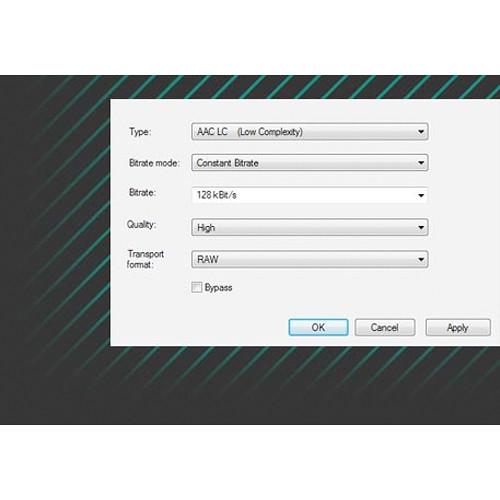
- Use during editing to preview projects, which you plan to export as AAC or MP3 using the encoder settings
- CD/DVD Mastering
-
- Burn CD/DVD masters directly from a multi-track project or an audio project
- Configure CDs to include copy protection, UPC/EAN, ISRC, pre-emphasis, and CD text
- DDP Import/Export
-
- Supports professional file exchange between mastering studios and pressing plants
- Import DDP masters for editing or to compare them to the original project
- Sonoris Sequoia DDP Player
-
- Sonoris DDP player is a standalone application used to check DDP masters
- Playback tracks and track transitions, see all PQ codes, ISRC, MCN, and CD text data
- Automatically check projects for RedBook compatibility
- Reads DDP 1.0x and 2.00 formats
- Import/Export of ISRC in Broadcast WAV Files
-
- Read and write to Broadcast WAV files in accordance with EBU Tech 3352 ISRC
- Metering
-
- Access a range of visual layouts and set up your own custom "cockpit" with different metering indicators
- Presets include: Type I, DIN scale / Type I, Nordic scale / Type IIA, BBC / Type IIB, EBU
- Loudness Metering
-
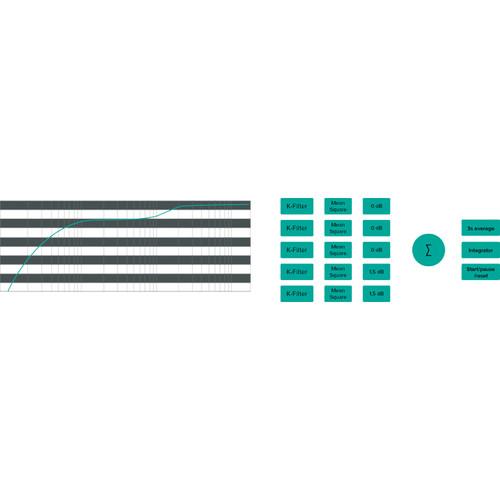
- Switch between EBU R128 and ITU-R BS.1771 loudness metering on the fly
- True Peak Metering
-
- In addition to loudness normalization, ITU-R BS.1770-3 also provides a measurement recommendation for digital audio peak levels
- Loudness Normalization
-
- Normalize objects and audio files in accordance with EBU R128 / ITU-R BS.1770/1771 for TV and radio broadcast
- Dynamic Limiting (Loudness Range Normalization)
-
- Enables the limiting of object dynamics to even out loudness variation within the audio material
- Loudness Normalization in Batch Processing
-
- Applies loudness normalization to the batch-processing feature
- Calculate Loudness
-
- Calculates the loudness of the entire project or the selected range
- Correct program loudness with master volume – adjusts volume using the stereo master or Surround master
- Compact Loudness Display
-
- View loudness value according to EBU R128
- Colorized signalization when the value goes over or under the target
- Global Loudness Settings
-
- Set file manager loudness calculation options for track bouncing and database export
- Set save options for loudness value in the XML protocol
- Loudness values can be written as Broadcast WAV files, which are compliant with EBU Tech 3285
- Loudness Normalization for Database Audio Export
-
- Automatic loudness normalization for stereo audio export in DAVID DigAS and SCISYS dira!
- Loudness Data Export
-
- Loudness parameters can be written to audio files when exporting and bouncing
- Loudness parameters are stored in standardized metadata fields for Broadcast WAV files
Mixing - High-Fidelity Audio
-
- Advanced digital algorithms, powerful effects plug-ins, and continuous use of floating-point calculations ensure that the sound retains its nuances, even following extensive digital processing and accumulation of individual signals
- Formats
-
- Audio formats: Sample rates up to 384 kHz can be combined without any format conversions (up to 32-bit floating point)
- Multi-channel formats supported include: 5.1, 7.1, and 12.0 surround
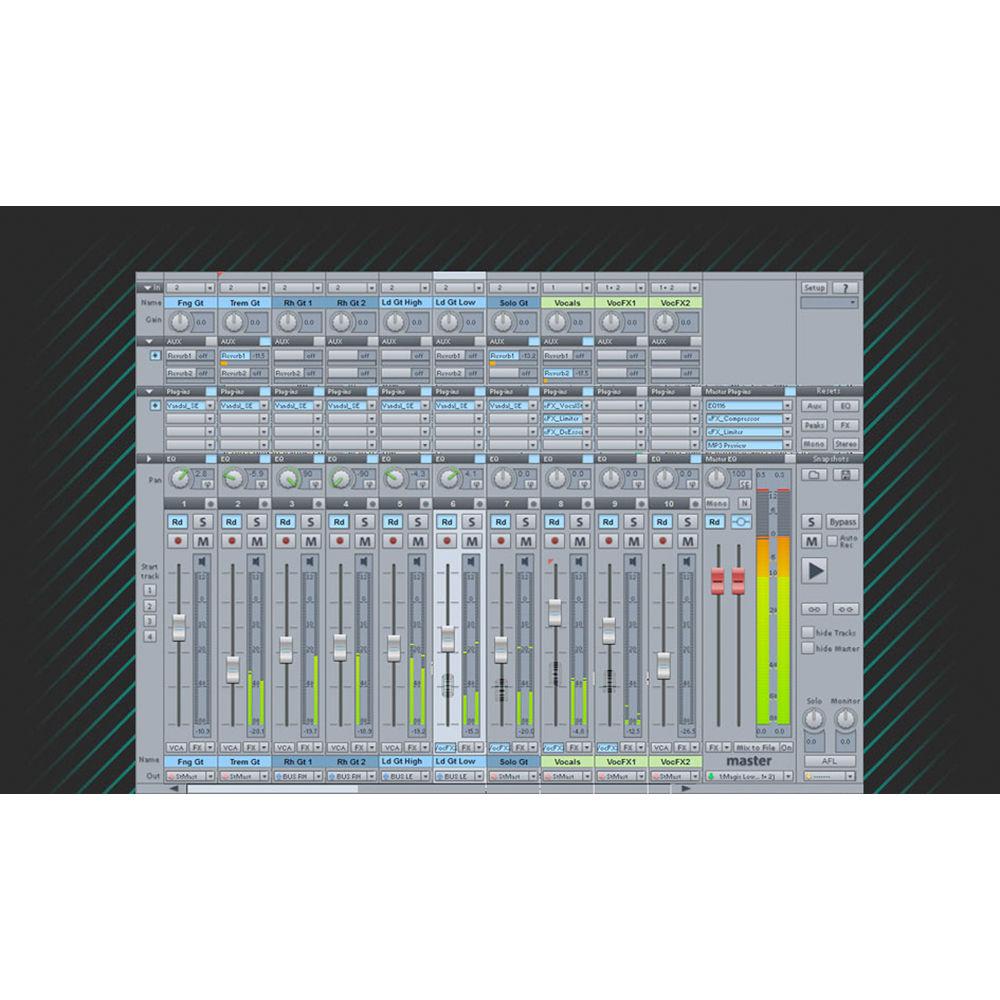
- VCA Fader
-
- VCA faders for an analog console feel
- Control channel levels that are assigned to a VCA group using a VCA fader in the mixer
- Assign as many channel strips as you want to a VCA master fader
- Free Plug-In Routing
-
- Change the order of the plug-ins any way you choose (except for: Object AUX sends, which remain in the last position)
- Internal effects (except EQ, Dynamics, Distortion, and Delay) can now be used multiple times per track/object
- Order of Surround effects can be changed
- Multiple Outputs
-
- Easily add or remove additional outputs
- View and select multiple outputs directly in the routing manager
- Automation Modes
-
- Supports touch, latch, trim, and overwrite automation modes
- Automation curves are displayed graphically and can be easily edited
- Automate volume, panorama, VST-instrument parameters, and plug-ins at both the track level and object level
- Surround Downmix
-
- Select Surround Downmix as an output device and use various presets in the Downmix Matrix
- Surround busses can only be routed to stereo busses
- Object-Oriented Editing
-
- Audio material can be split into as many objects as you like and freely moved around on tracks
- Objects can be edited with custom effects and fades
- Object editor provides real-time access to every object setting
- Settings are calculated at the object level in real time and can be changed at any time
- Hardware Controllers
-
- Supports hardware controllers from SSL, PreSonus, JLCooper, Tascam, and Yamaha, as well as all controllers based on Mackie Control and Mackie HUI
- Compatible with the Artist Mix, Artist Control, and Artist Transport Arist Series controllers
- Controllers are controlled via the EUCON protocol and require Windows 7
- Macro Functionality
-
- Record, program, and run custom command sequences
- Assign up to 128 macros to keyboard shortcuts for quick access
Cinematic Post-Production - Video Import and Export
-
- Supports most standard audio and video formats
- Edit video material for dubbing and post-production
- Load multiple videos
- Independence Sampler Workstation
-
- Access hundreds of instruments, arranger, and step-sequencer patches
- Create sample-based compositions
- 70 GB premium sample library
- Load VST effects and VST instruments from third-party providers
- Run with support for up to eight CPU cores
- Drag & drop support for audio and MIDI files
- Intelligent file browser with attribute-based batch processing
- Timecode Track
-
- Display the SMPTE timecode from a timecode track using the time display
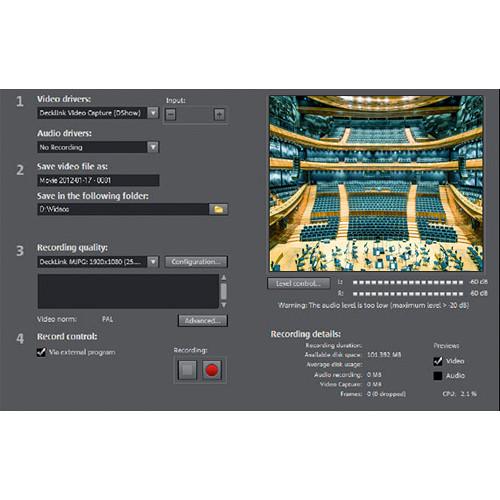
- Synchronized Video Recording
-
- Record audio at the same time as video
- Recording can be done on any available recording device present in the system
- AAF/OMF Import and Export
-
- Offers integrated OMF/AAF support
- Exchange projects between programs and platforms
Table of Contents
|
Upload User Manual
Have you got an user manual for the MAGIX Entertainment Sequoia 14 - Audio Production Broadcast Mastering Software in electronic form? Please send it to us and help us expand our library of instruction manuals.
Thank you, too, on behalf of other users.
To upload the product manual, we first need to check and make sure you are not a robot. After that, your "Submit Link" or "Upload File" will appear.
Technical parametersMAGIX Entertainment ANR007590BOX Specs | | | Supported Operating Systems | Windows 7
Windows 8
Windows 10 | | Memory Requirement | 2 GB (4 GB Recommended) | | Storage Requirement | 2 GB
90 GB (All Options Installed) | | CPU Requirement | 2 GHz and Faster | | Display Resolution Requirement | 1024 x 768 | | Internet Connection Required | Yes |
Rating50% users recommend this product to others. And what about you?

This product has already been rated by 60 owners. Add your rating and experience with the product.
Discussion
 Ask our technicians if you have a problem with your settings,
or if anything is unclear in the user manual you have downloaded.
You can make use of our moderated discussion.
The discussion is public and helps other users of our website who may be encountering similar problems.
Ask our technicians if you have a problem with your settings,
or if anything is unclear in the user manual you have downloaded.
You can make use of our moderated discussion.
The discussion is public and helps other users of our website who may be encountering similar problems.
The discussion is empty - enter the first post
Post a new topic / query / comment:
|
|
|
| Request for user manual |
You can’t find the operation manual you are looking for? Let us know and we will try to add the missing manual:
I’m looking for a manual / Request for manual
Current requests for instruction manuals:
Call Of Duty World War Two For Xbox...
controller stratus XL...
stratus XL...
smart whatch serie S11 42mm...
Allen & Heath SQ-6 manual...
|
| Discussion |
Latest contributions to the discussion:
AEW R 4100
Name: MAURICIO ANGARITA
Audio-Technica AEW-R4100 UHF Diversity Receiver for
AEW R 4100 has the mute function blocked and does not allow audio to pass. I tried several times to turn off the mute from the transmitter but it does nothing, the mute stays on. Solution?
Thank you...
Instructions for assembling the 2015 Forecast Image Master Consoles GC3-A
Name: mike elam
Forecast Consoles GC3-A ImageMaster Editing Console
Looking for instructions for assembling this console. ...
EMPTY TONER ERROR MESSAGE AFTER REPLACING TONER
Name: LINDA BAD YELLOW EYES
Brother TN223BK Standard-Yield Toner
I HAD TO CHANGE OUT ALL THREE TONERS DUE TO LEAKS IN THE YELLOW AND CYAN. AFTER I REPLACED THEM, THE MACHINE KEEPS GIVING ME AN EMPTY TONER ERROR MESSAGE. HELP!!...
PS480D 20/24 pin Switching 480W Power Supply
Name: swkargo
Logisys 480W Power Supply
This item states in can run -5vdc .It is NOT listed on the board or I beleive is r4 is missing the resitior. Any body have thid issue. Shawn
...
Help needed
Name: Ann Carter
SanDisk 1TB Extreme Portable USB 3.1
When I click the link to download the user manual for my Sandisk Extreme external hard drive, it gives me the manual for the LG Cricket. Can you please change the link so I can download the Sandisk manual and begin using this drive? Thank you....
|
|


