|
User Manual for MAGIX Entertainment SpectraLayers Pro 4 - Advanced Audio Spectrum Editor Click to enlarge the picture
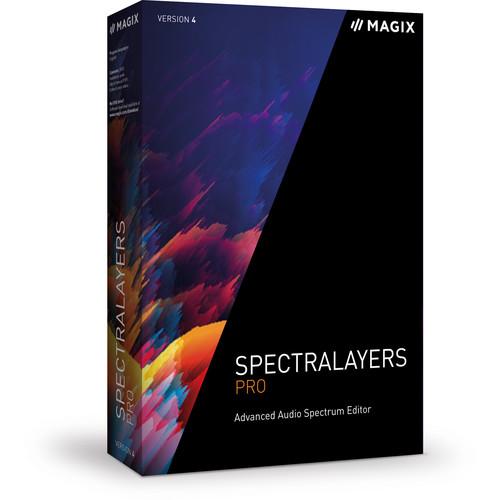 Contents of the user manual for the MAGIX Entertainment SpectraLayers Pro 4 -
- Product category: Music Production Software MAGIX Entertainment
- Brand: MAGIX Entertainment
- Description and content of package
- Technical information and basic settings
- Frequently asked questions – FAQ
- Troubleshooting (does not switch on, does not respond, error message, what do I do if...)
- Authorized service for MAGIX Entertainment Music Production Software
 |
User manual for the MAGIX Entertainment SpectraLayers Pro 4 - contain basic instructions
that need to be followed during installation and operation.
Before starting your appliance, the user manual should be read through carefully.
Follow all the safety instructions and warnings, and be guided by the given recommendations.
User manual is an integral part of any MAGIX Entertainment product,
and if it is sold or transferred, they should be handed over jointly with the product.
Following the instructions for use is an essential prerequisite for protecting
health and property during use, as well as recognition of liability on the part of the manufacturer
for possible defects should you make a warranty claim. Download an official MAGIX Entertainment user manual in which you will find instructions on how to install, use, maintain and service your product.
And do not forget – unsuitable use of a MAGIX Entertainment product will considerably shorten its lifespan!
|
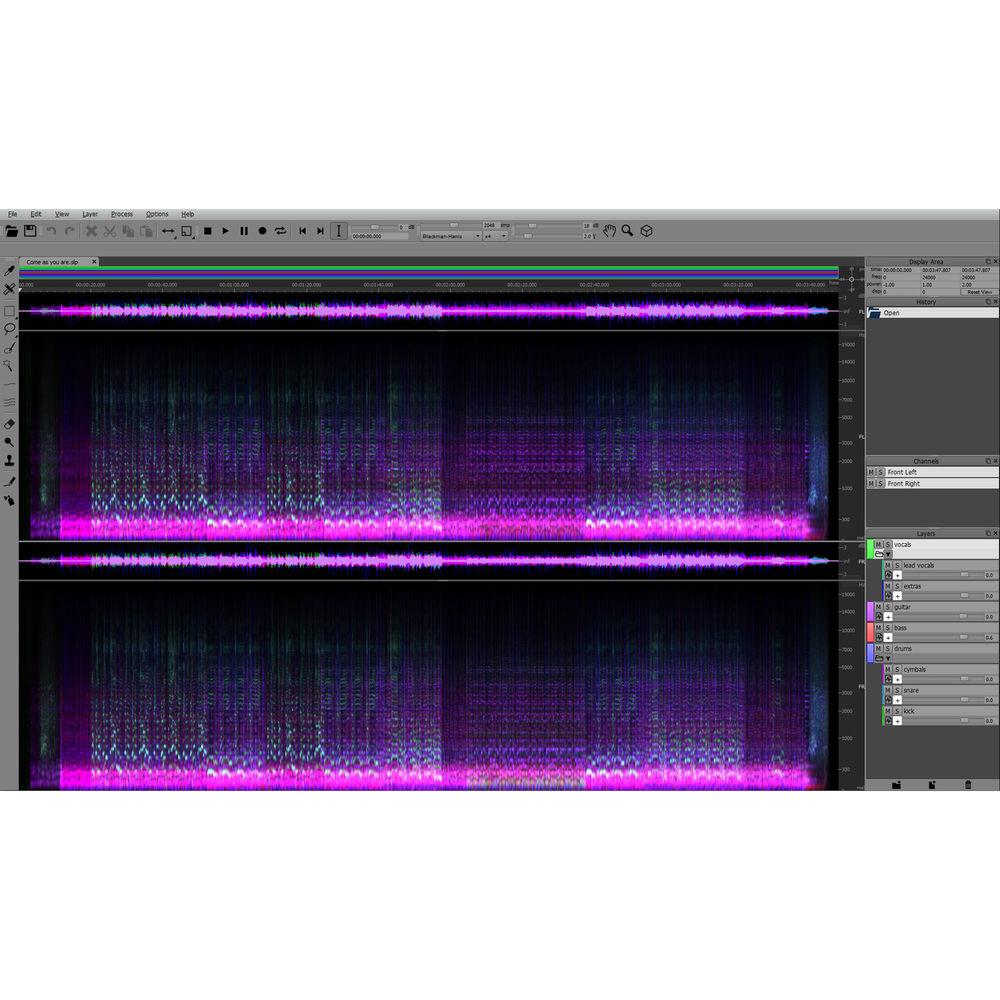
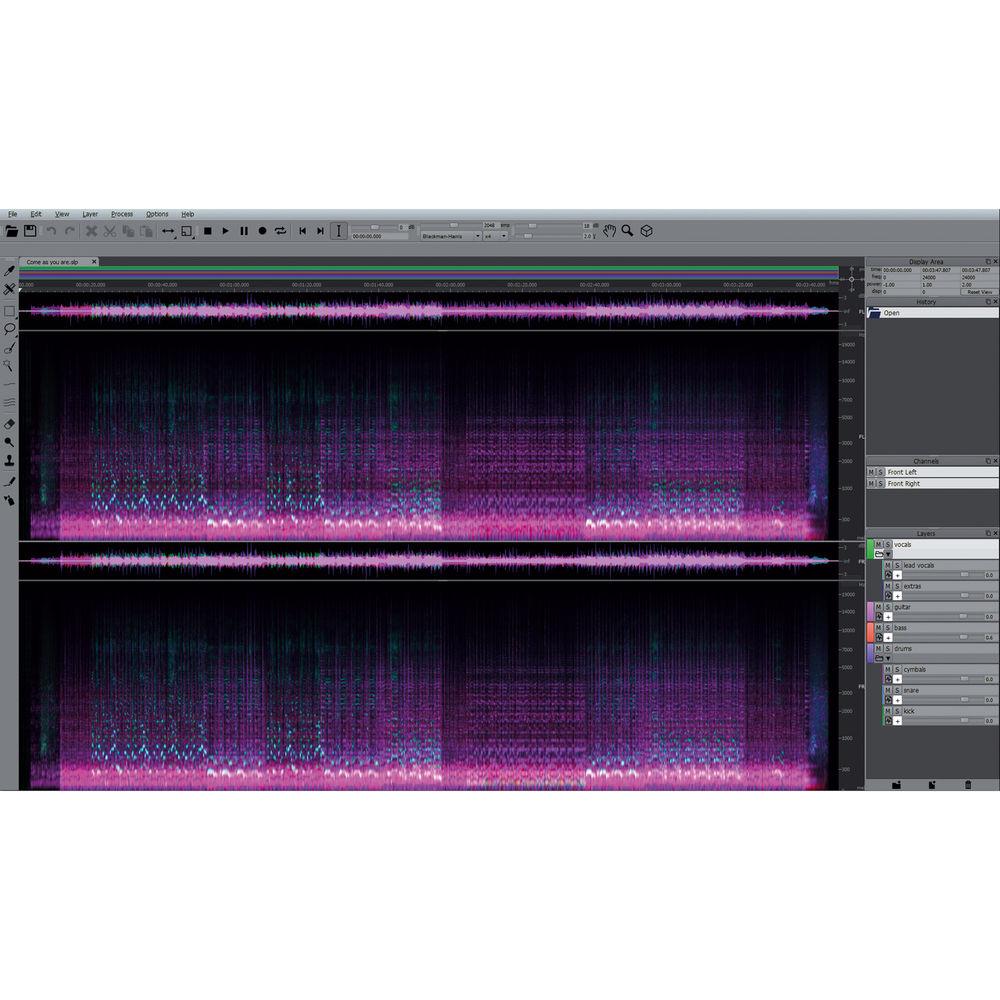
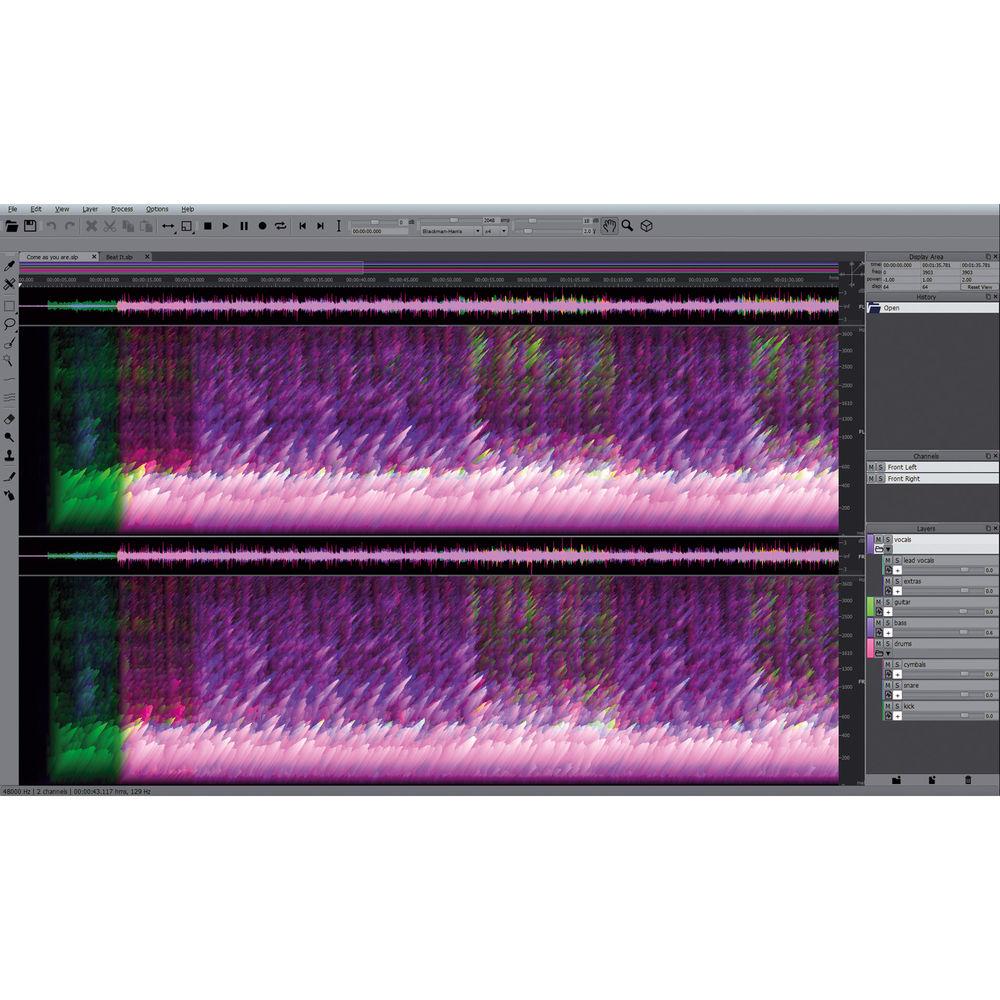
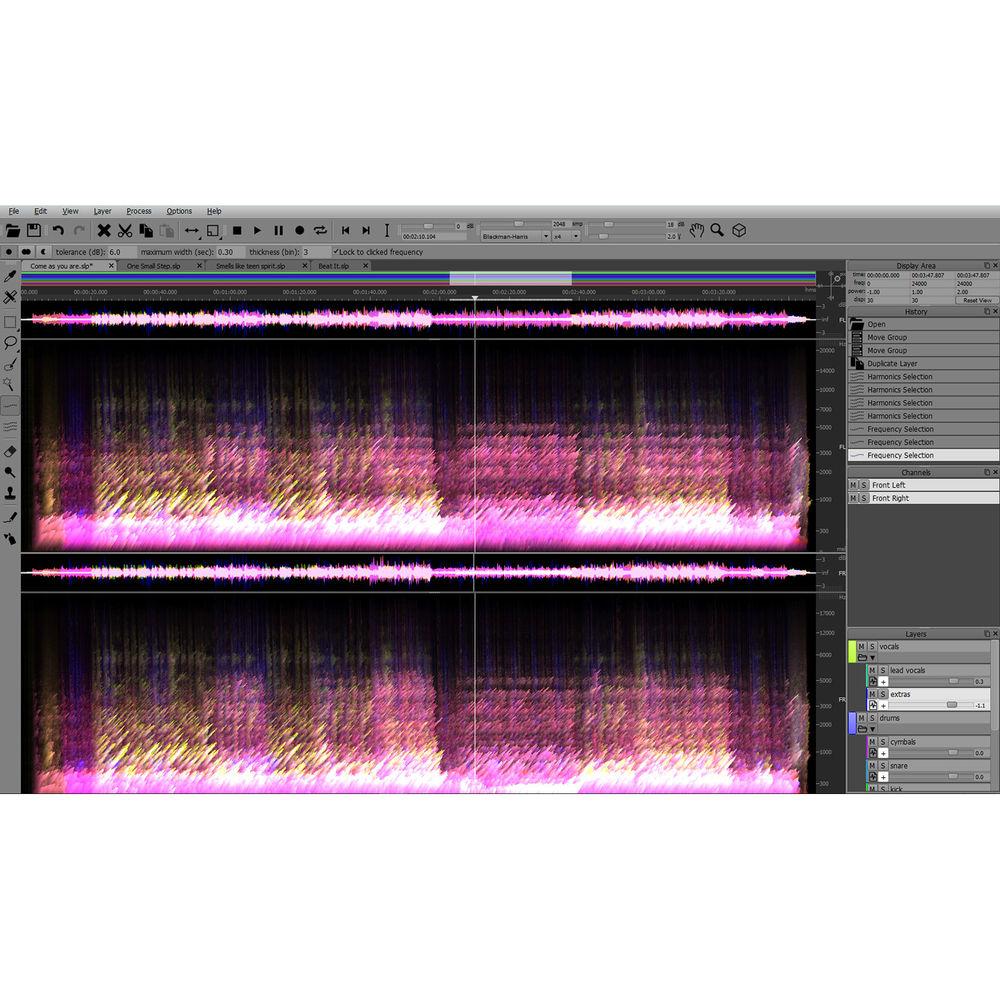
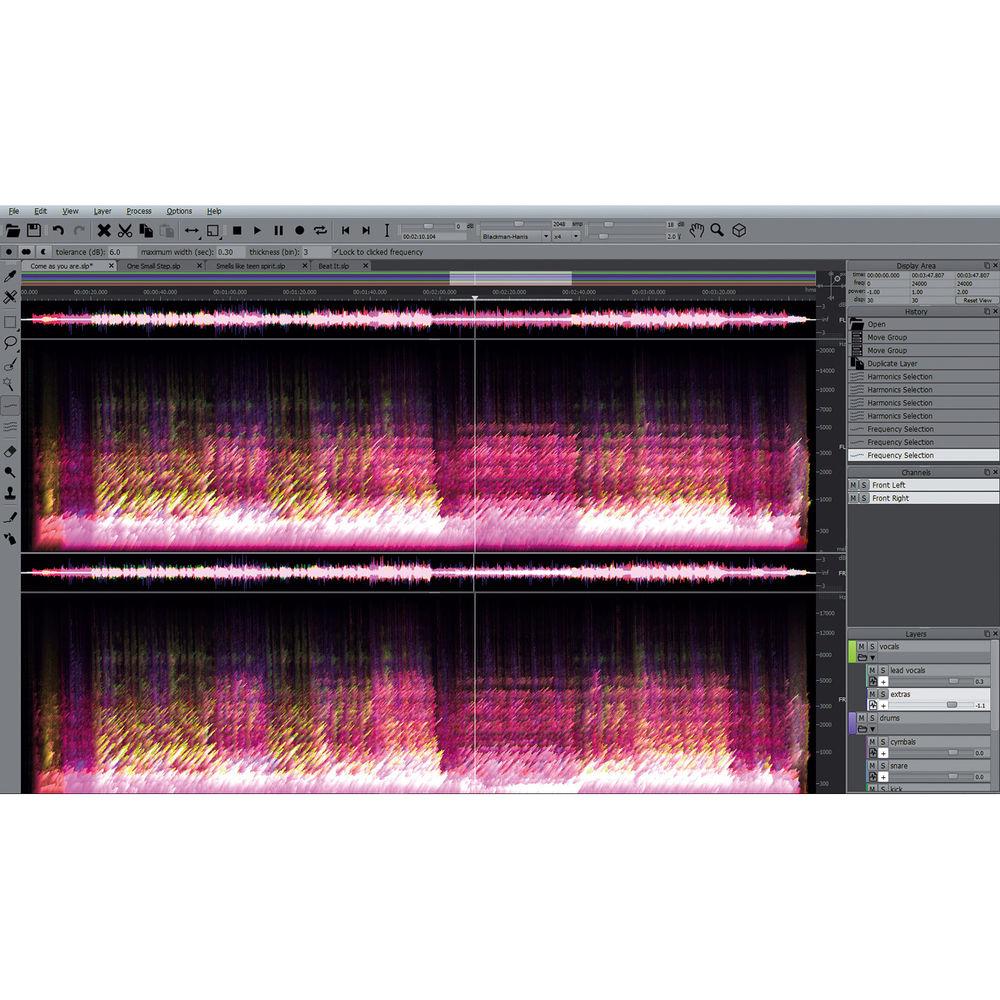
Product description Which DAW is Right for You? Read More SpectraLayers Pro 4 from MAGIX Entertainment is an advanced spectrum editor that allows for working with the individual sounds in an audio file as if they were objects in a photograph. Using graphic representation, users can make detailed repairs with precise tools, move sounds around, reduce noise, increase clarity, or get totally creative and transform a sound file into something new and different.
The software provides audio mastering engineers with the tools for making small fixes or radical, project-wide transformations to their audio. Sound designers and remix artists are able to isolate individual sounds in an audio file, selecting material by frequency, and constructing new music directly on the spectral graph. Audio archivists can make old recordings sound their best.
Audio-for-video producers have the options to remove isolated sonic events and eliminate unwanted noise with extreme precision, by applying bandwidth-limited noiseprints across entire audio files. Forensic specialists can pull out target sounds for analysis, while music and dialog extraction can be performed for replacement or rights management purposes.
Other features include pitch correction as well as Spectral Casting/Spectral Molding, a process that uses the frequency spectrum of one layer as a cast or mold for carving an impression directly into the spectrum of a second layer. Furthermore, SpectraLayers Pro 4 works seamlessly with Avid Pro Tools and Sound Forge Pro, among other DAWs. Note: This product is an educational discounted version available to qualified students, faculty/staff, and accredited academic institutions only. Proof of current educational status is required. What's New -
- Works seamlessly with Avid Pro Tools – Launch Spectralayers from Pro Tools, work with spectral editing, and export edited audio back to the Pro Tools timeline with sample-accurate precision
- Multi-Project Management: Work on multiple projects simultaneously in new tabs, and easily switch between them
- Improved performance as a standalone
- Add various levels to virtual groups in the mix – Separate these by color from the rest and subdivide even more
- Faster Lock to Frequency selection – Lets you edit only the preselected frequencies in the full spectrum
- Offers innovative editing options such as spectral compositing, with reinterpreted image and video production technology
- Edit frequency spectrum in real time for increased speed – All changes can be previewed and visualized immediately
- Switch to 3D spectral view with more ease
Audio Editing - Layers Panel
-
- Keep your project in view at all times with the Layers panel
- Color Coded Layers: Every layer’s spectral graph is tagged with its own unique color, which can be changed instantly at any time
- Group Layers: Create mixed down virtual groups from different layers – groups can be separated by color, muted or played back solo
- Drag to Re-Order: Layers can now be dragged into any order you like
- Floating Panels: Layers, Channels, and History panels can be anchored in the SpectraLayers Pro workspace, or they can float over the workspace or on a secondary monitor
- Waveform Display: Waveform Display shows selections, color-coded project layer content, relative amplitudes, and more
- Overview Bar: Overview Bar provides graphic, color-coded information about selection range, layer program length and location, layer phase status, mute state, and marker/region positions
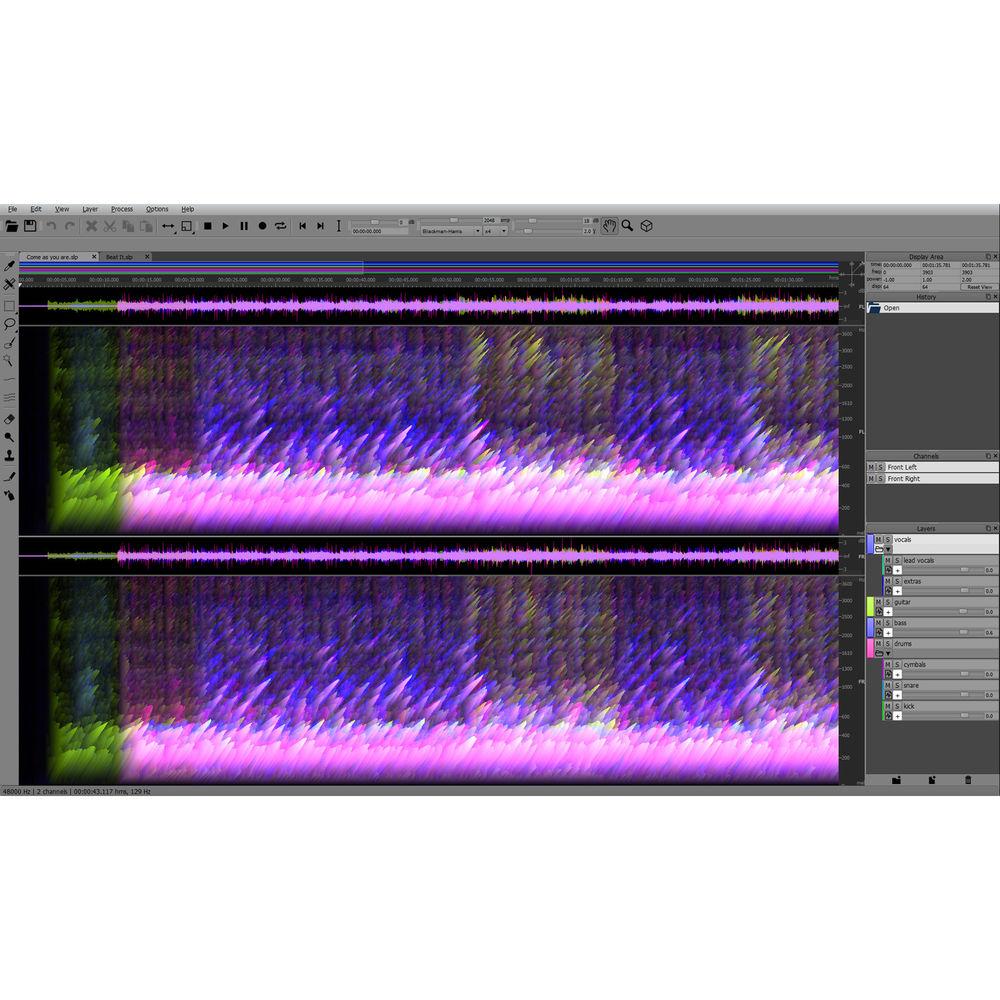
- 3D Displace
-
- Provides visualizations of spectral audio data
- Shows amplitude envelopes of any sound in isolation, and relative amplitude power relationships in projects with multiple audio channels or tracks
- Use joystick control on Displacement Pad for changing the 3D view with continuous access, for smooth 3D workflow
- Time and Pitch Manipulation: Sound can be freely transposed by using the Select, Move, and Scale tools
- Frequency Range Display Options: Toggle your view to display audio frequency ranges plotted on your choice of logarithmic scales. Options include the popular mel scale, Bark scale, ERB (Equivalent Rectangular Bandwidth), and MIDI-logarithmic
- Sketch Out Noise: Frequencies and noise can be drawn directly into the spectral display
Sound Design & Mixing - Spectral Casting / Spectral Molding
-
- Use the frequency spectrum of one layer as a cast or a mold for carving an impression directly into the spectrum of a second layer, for creative mixing techniques and sophisticated sound design
- Spectral molding uses frequencies to materialize crosses between recordings. For example, imagine a guitar recording with an acoustic texture of vocals
- Noise Reduction Process
-
- Open the audio file, extract the elements you need, and leave the noise behind
- Perform noise reduction using customized noiseprints containing multiple frequency bands of any width
- Precise Repairs
-
- Remove unwanted noises and artifacts with ease, while leaving surrounding audio data completely intact
- Isolate Events
-
- Separate music and dialogue into individual component layers
- Pitch Correction
-
- Perform pitch correction on user-selected components of an audio file
Tools - Selection Tools
-
- Offers four options – Rectangular, Elliptical, Time Range, Frequency Range
- Harmonics Selection Tool
-
- Hallmark SpectraLayers feature – for making clean, complete selections of rich, complex material
- Brush Selection Tool
-
- Allows you to paint selections directly in the spectral graph
- Frequency Selection Tool
-
- Intelligently sense and trace any contiguous frequency band that runs through the spectral graph, even as frequency changes over time
- Magic Wand Selection Tool
-
- Intelligently selects defined shapes on the spectral graph
- Lasso Tool
-
- Allows you to draw freehand shapes in the spectral graph
- Retouch Tools
-
- Amplify, Clone, and Erase tools can be used to edit audio on any layer at any time – assist with critical repair and restore operations, creative sound design work, and fun experimentation
Table of Contents
|
Upload User Manual
Have you got an user manual for the MAGIX Entertainment SpectraLayers Pro 4 - Advanced Audio Spectrum Editor in electronic form? Please send it to us and help us expand our library of instruction manuals.
Thank you, too, on behalf of other users.
To upload the product manual, we first need to check and make sure you are not a robot. After that, your "Submit Link" or "Upload File" will appear.
Technical parametersMAGIX Entertainment ANR007279EDU Specs | | | Version | Educational | | Number of Users Supported | 1 | | | | Supported Operating Systems | Windows 7
Windows 8
Windows 10
macOS X 10.9
macOS X 10.1
macOS X 10.11
macOS X 10.12 | | Memory Requirement | Windows, Mac:
4 GB | | Storage Requirement | Windows, Mac:
2 GB | | CPU Requirement | Mac:
Intel Dual-Core
Windows:
Dual-Core | | Display Resolution Requirement | 1280 x 720 | | OpenGL Graphics Requirement | 3 |
Rating80% users recommend this product to others. And what about you?

This product has already been rated by 92 owners. Add your rating and experience with the product.
Discussion
 Ask our technicians if you have a problem with your settings,
or if anything is unclear in the user manual you have downloaded.
You can make use of our moderated discussion.
The discussion is public and helps other users of our website who may be encountering similar problems.
Ask our technicians if you have a problem with your settings,
or if anything is unclear in the user manual you have downloaded.
You can make use of our moderated discussion.
The discussion is public and helps other users of our website who may be encountering similar problems.
The discussion is empty - enter the first post
Post a new topic / query / comment:
|
|
|
| Request for user manual |
You can’t find the operation manual you are looking for? Let us know and we will try to add the missing manual:
I’m looking for a manual / Request for manual
Current requests for instruction manuals:
Call Of Duty World War Two For Xbox...
controller stratus XL...
stratus XL...
smart whatch serie S11 42mm...
Allen & Heath SQ-6 manual...
|
| Discussion |
Latest contributions to the discussion:
AEW R 4100
Name: MAURICIO ANGARITA
Audio-Technica AEW-R4100 UHF Diversity Receiver for
AEW R 4100 has the mute function blocked and does not allow audio to pass. I tried several times to turn off the mute from the transmitter but it does nothing, the mute stays on. Solution?
Thank you...
Instructions for assembling the 2015 Forecast Image Master Consoles GC3-A
Name: mike elam
Forecast Consoles GC3-A ImageMaster Editing Console
Looking for instructions for assembling this console. ...
EMPTY TONER ERROR MESSAGE AFTER REPLACING TONER
Name: LINDA BAD YELLOW EYES
Brother TN223BK Standard-Yield Toner
I HAD TO CHANGE OUT ALL THREE TONERS DUE TO LEAKS IN THE YELLOW AND CYAN. AFTER I REPLACED THEM, THE MACHINE KEEPS GIVING ME AN EMPTY TONER ERROR MESSAGE. HELP!!...
PS480D 20/24 pin Switching 480W Power Supply
Name: swkargo
Logisys 480W Power Supply
This item states in can run -5vdc .It is NOT listed on the board or I beleive is r4 is missing the resitior. Any body have thid issue. Shawn
...
Help needed
Name: Ann Carter
SanDisk 1TB Extreme Portable USB 3.1
When I click the link to download the user manual for my Sandisk Extreme external hard drive, it gives me the manual for the LG Cricket. Can you please change the link so I can download the Sandisk manual and begin using this drive? Thank you....
|
|


