User Manual for MAGIX Entertainment Video easy Click to enlarge the picture
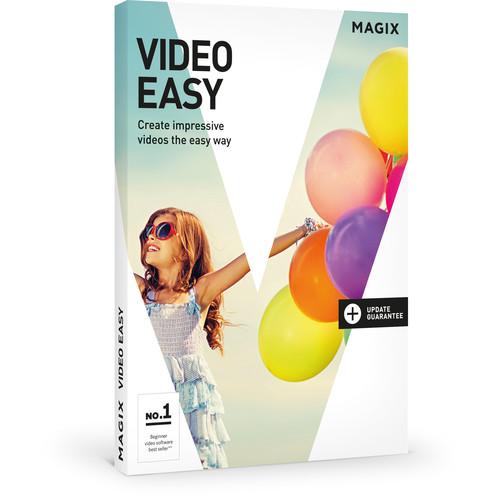 Contents of the user manual for the MAGIX Entertainment Video easy
- Product category: Video Editing MAGIX Entertainment
- Brand: MAGIX Entertainment
- Description and content of package
- Technical information and basic settings
- Frequently asked questions – FAQ
- Troubleshooting (does not switch on, does not respond, error message, what do I do if...)
- Authorized service for MAGIX Entertainment Video Editing
 |
User manual for the MAGIX Entertainment Video easy contain basic instructions
that need to be followed during installation and operation.
Before starting your appliance, the user manual should be read through carefully.
Follow all the safety instructions and warnings, and be guided by the given recommendations.
User manual is an integral part of any MAGIX Entertainment product,
and if it is sold or transferred, they should be handed over jointly with the product.
Following the instructions for use is an essential prerequisite for protecting
health and property during use, as well as recognition of liability on the part of the manufacturer
for possible defects should you make a warranty claim. Download an official MAGIX Entertainment user manual in which you will find instructions on how to install, use, maintain and service your product.
And do not forget – unsuitable use of a MAGIX Entertainment product will considerably shorten its lifespan!
|
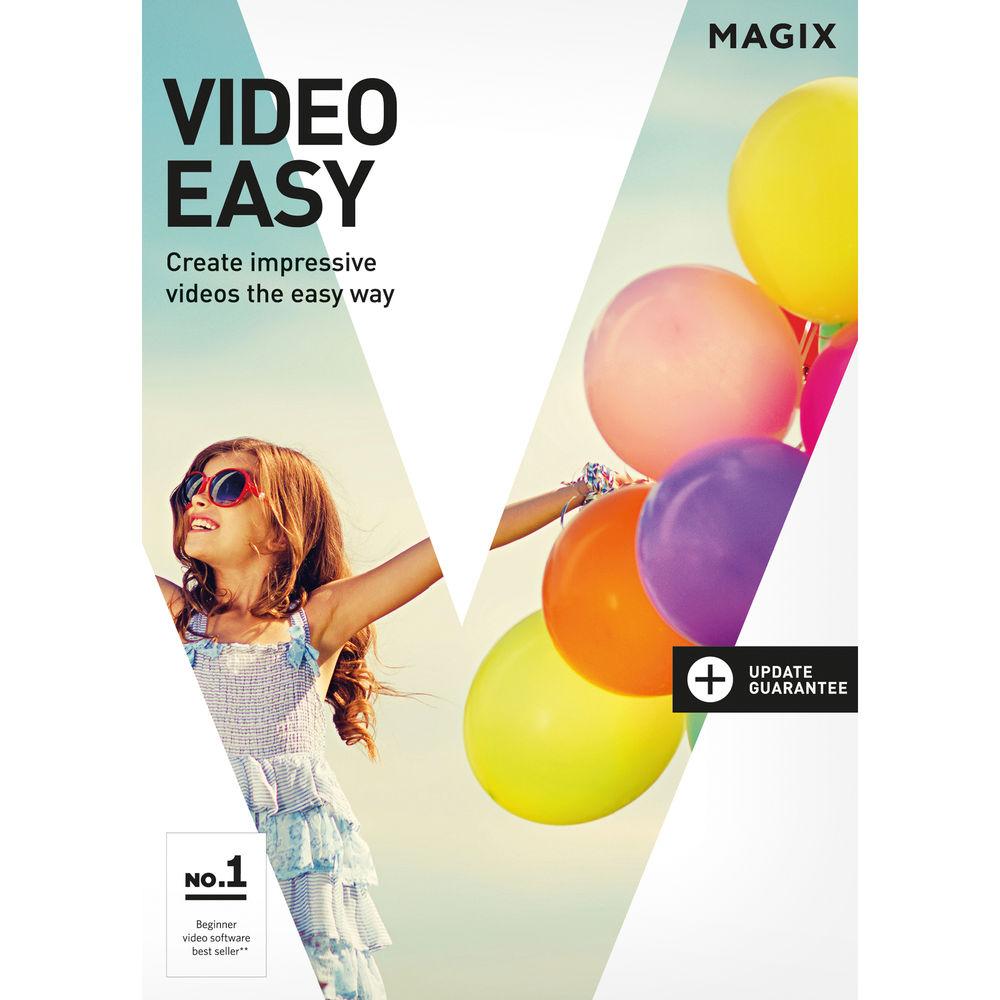
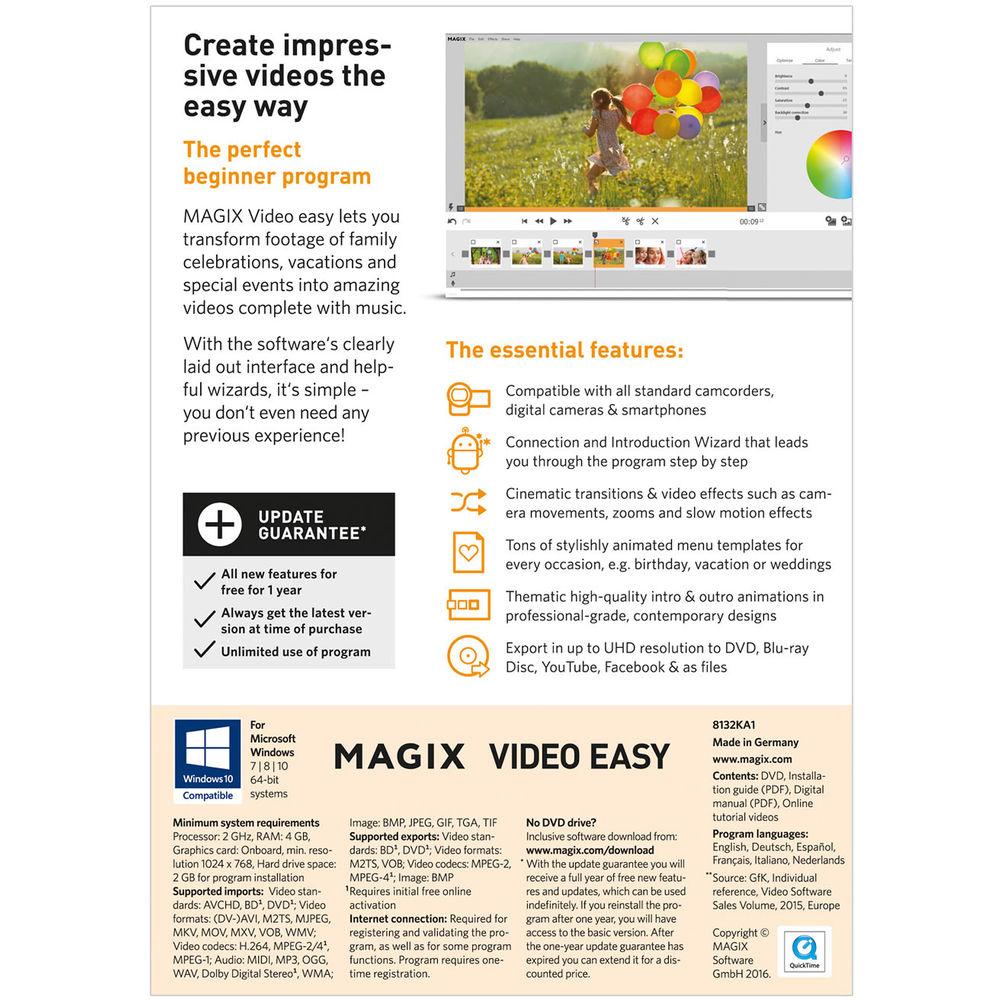
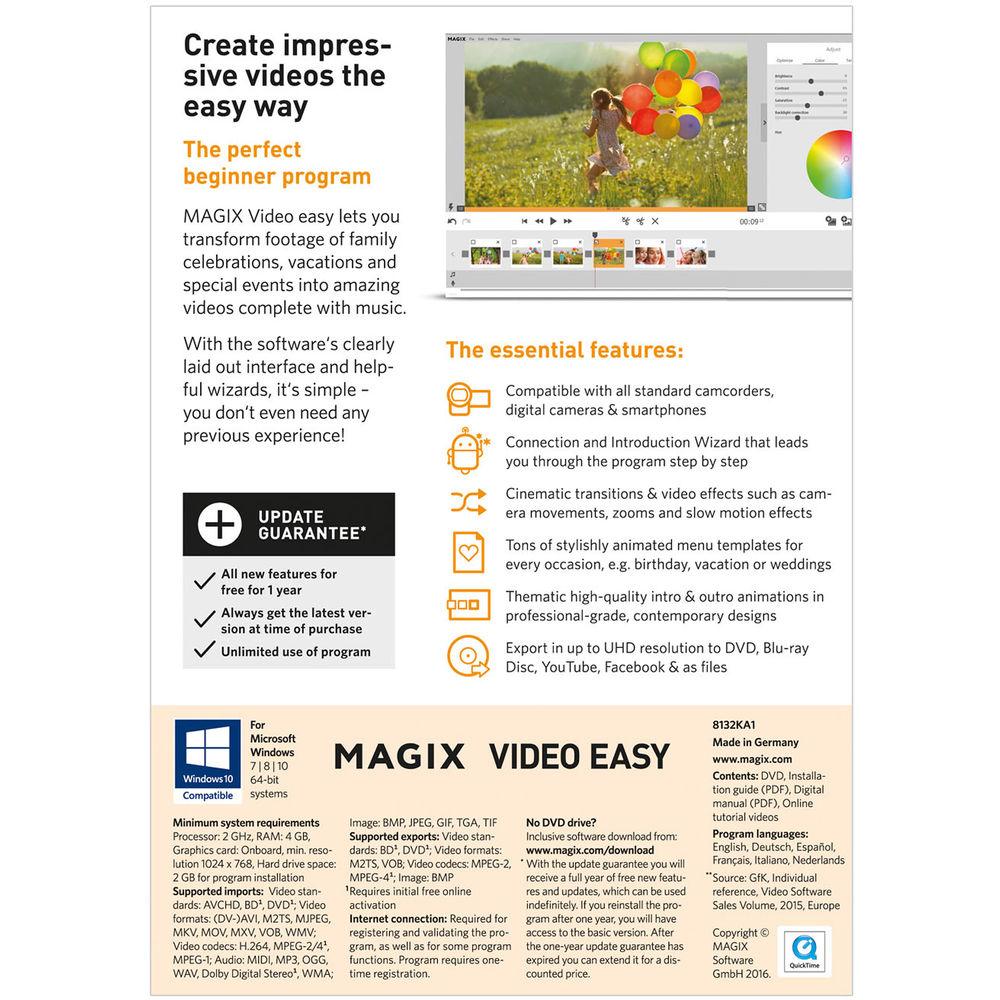
Product description MAGIX Video easy is designed as an easy to use editing program for beginners. It offers an intuitive interface and useful wizards to help you create entertaining videos to share with friends and family.
You don't need any prior editing experience, and in a relatively short amount of time you can edit your recordings and add titles, effects, transitions, background music, slow motion, and even your own narration. You can also correct camera shake and other issues in your videos. Video easy will also guide you through burning the final edit to a disc (with an animated menu), sharing it on social media, or outputting it directly to a mobile device (iOS and Android). Advanced disc-burning options enable you to burn several videos to a single DVD, Blu-ray, or AVCHD disc.
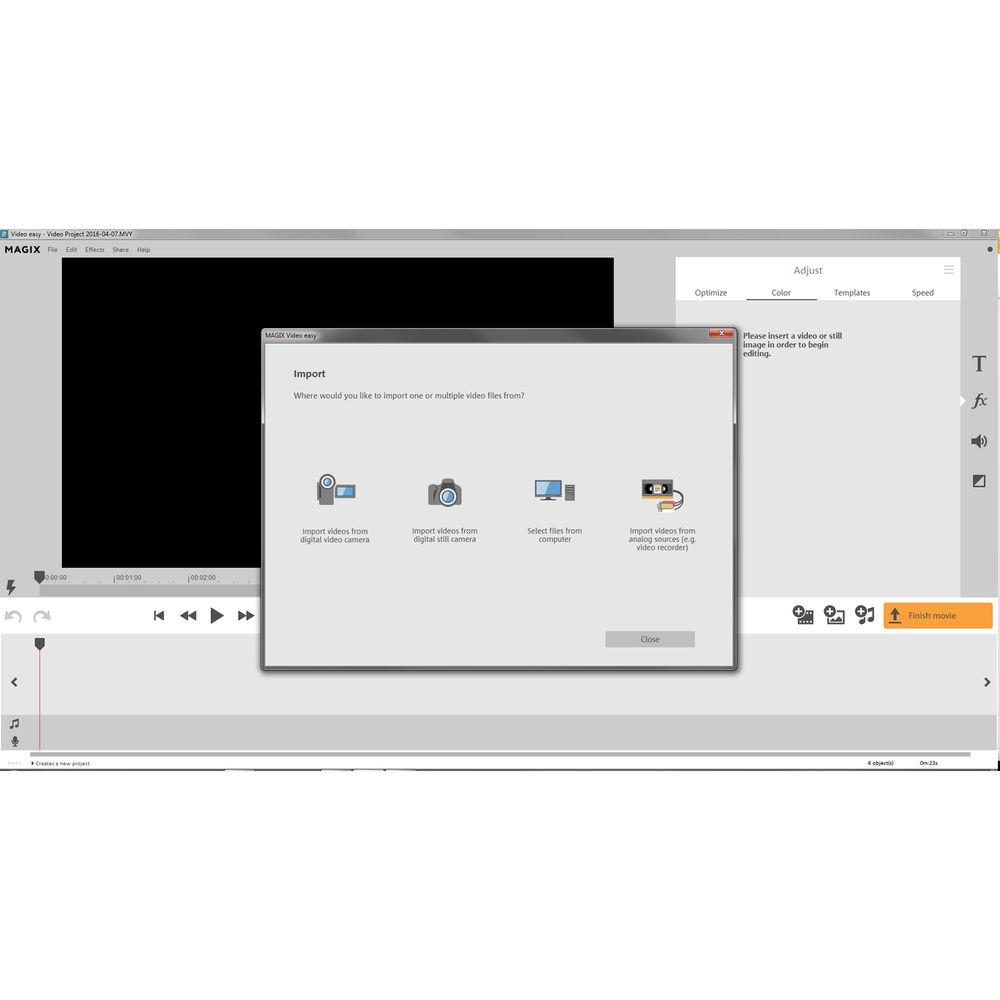
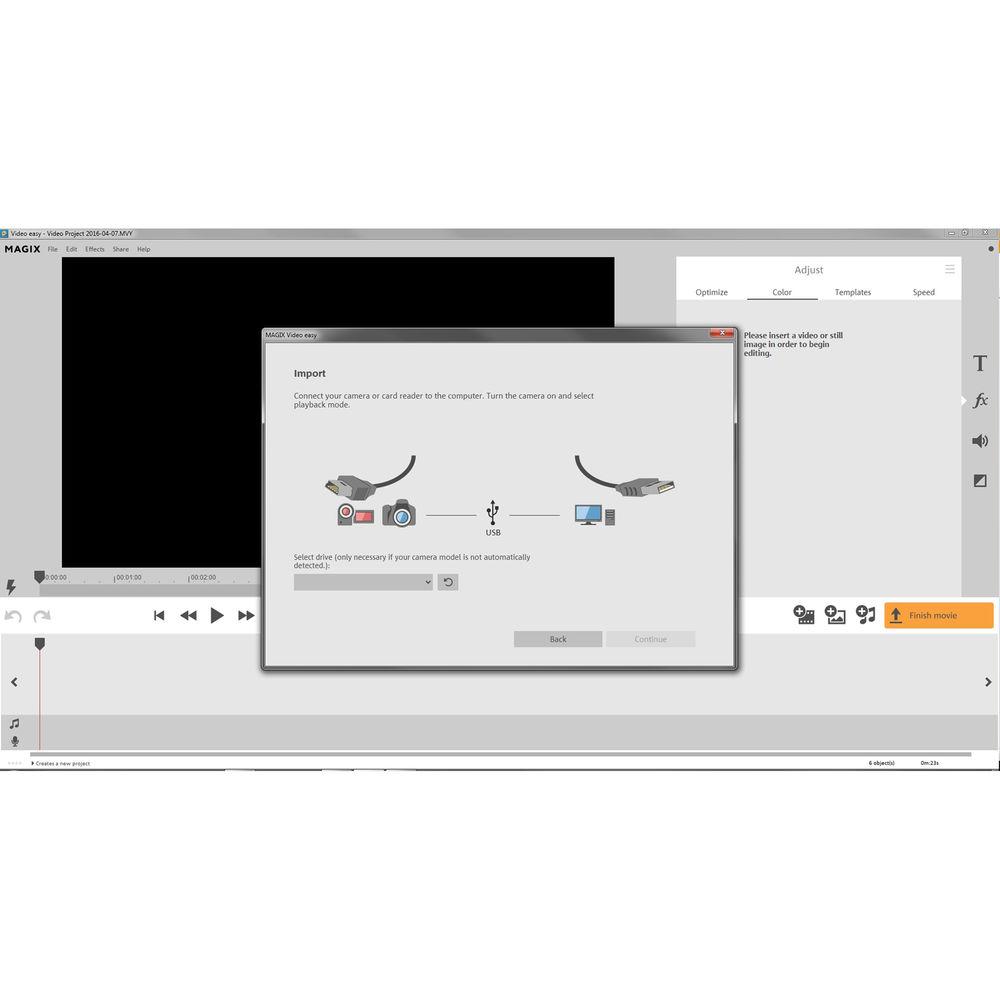
An introductory wizard will help you get acquainted, and an import wizard will guide you through uploading videos and photos from any camera or smartphone. Video easy supports resolutions up to Ultra HD 4K on import and export, so you can work with even such high-resolution footage.
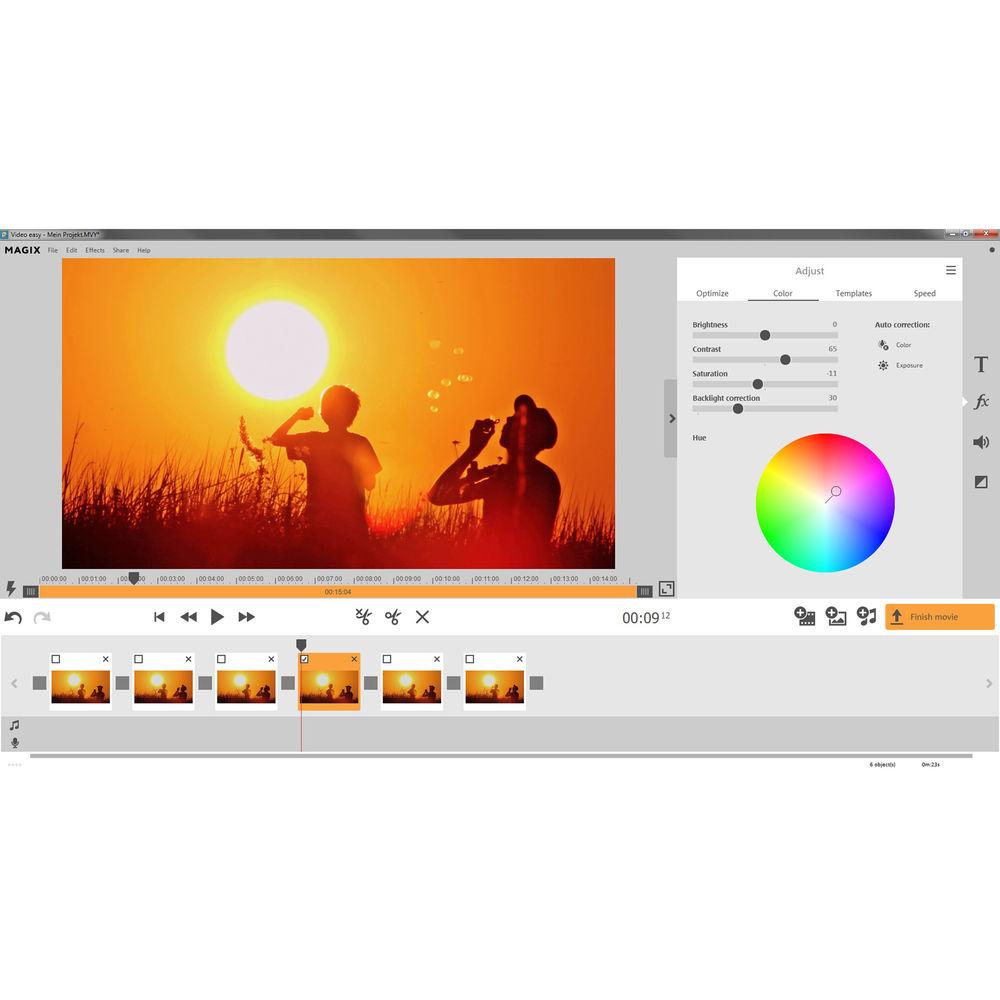
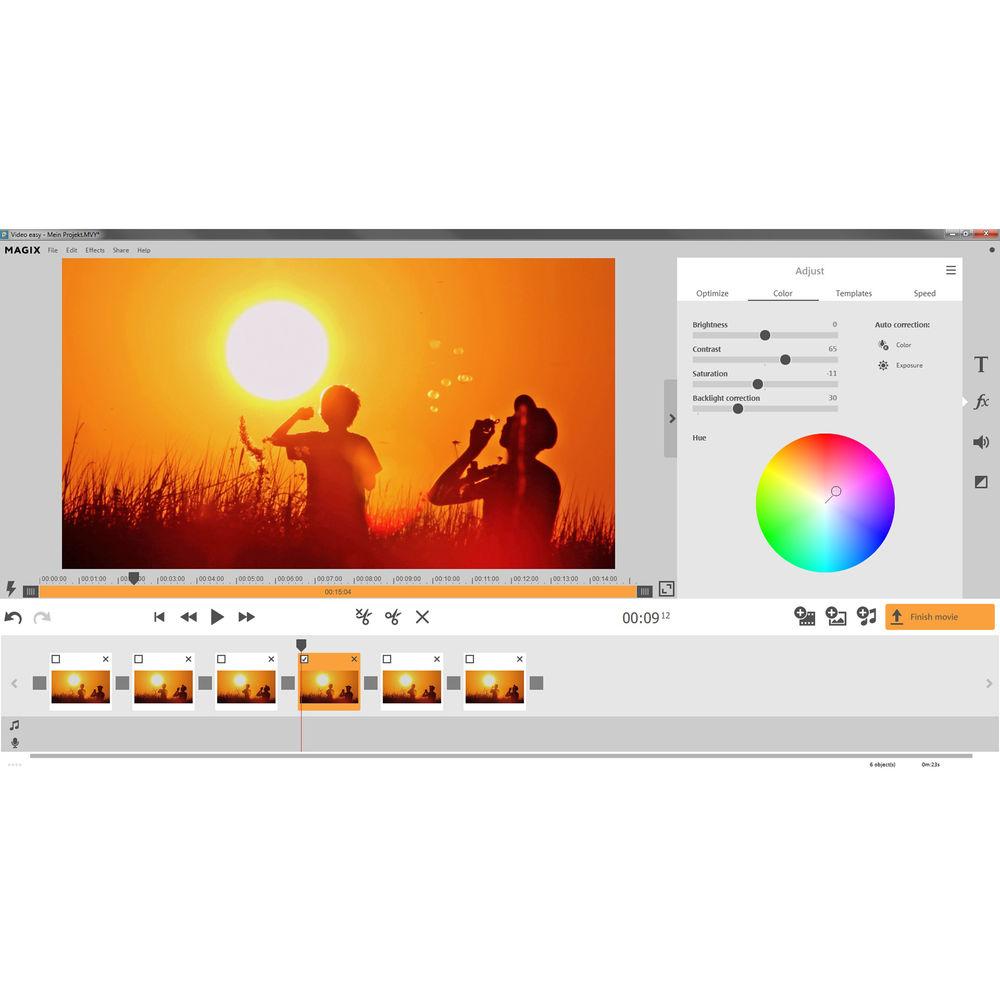
Using simple drag-and-drop technology, apply effects such as zoom, mirroring, and camera tracking shots. Choose from many 3D, blur, and other transitions to place between scenes. Similarly, choose from a variety of menu, intro, and outro templates (such as for birthdays and vacations) to give your videos an entertaining and professional look. Video easy also features several correction tools. Backlight correction will help you darken areas of your footage that are too bright (like from too much sunlight) or brighten up shadowed areas. Automatic image optimization will optimize color, brightness, and contrast with just one click. Automatic video stabilization will correct for shaky video.
Video easy's audio features include Audio Dubbing, which allows you to remove sections from songs, adjust the length of camera audio to fit your video, and optimize poor audio quality using a built-in mixer. Another audio feature is commentary recording. You can start recording your own narration with a click and add descriptions, interesting background information, important notes, or funny comments to any scene.
Video easy provides optimal support for the common H.264 compression codec that many cameras save footage in, so you're ensured an efficient editing experience. Video easy also uses 64-bit architecture, allowing it to run faster and use less storage space. Video easy runs on Windows and requires a 2 GHz computer with 4 GB of RAM. The technical data for your computer can be found in the Windows Control Panel. Note: This Academic version requires valid proof of student/teacher status at activation. - Key Features
-
- Designed for beginners who want to share videos with friends and family
- Intuitive interface, helpful wizards, and intro/outro templates (for events such as birthdays and vacations)
- Upload videos and photos from cameras and phones using an Import Wizard
- Add titles, effects, transitions, background music, slow motion, and even your own narration/commentary
- Backlight correction
- Automatic image optimization
- Automatic video stabilization
- Audio Dubbing with built-in mixer
- Drag-and-drop technology
- Supports up to Ultra HD 4K resolution video
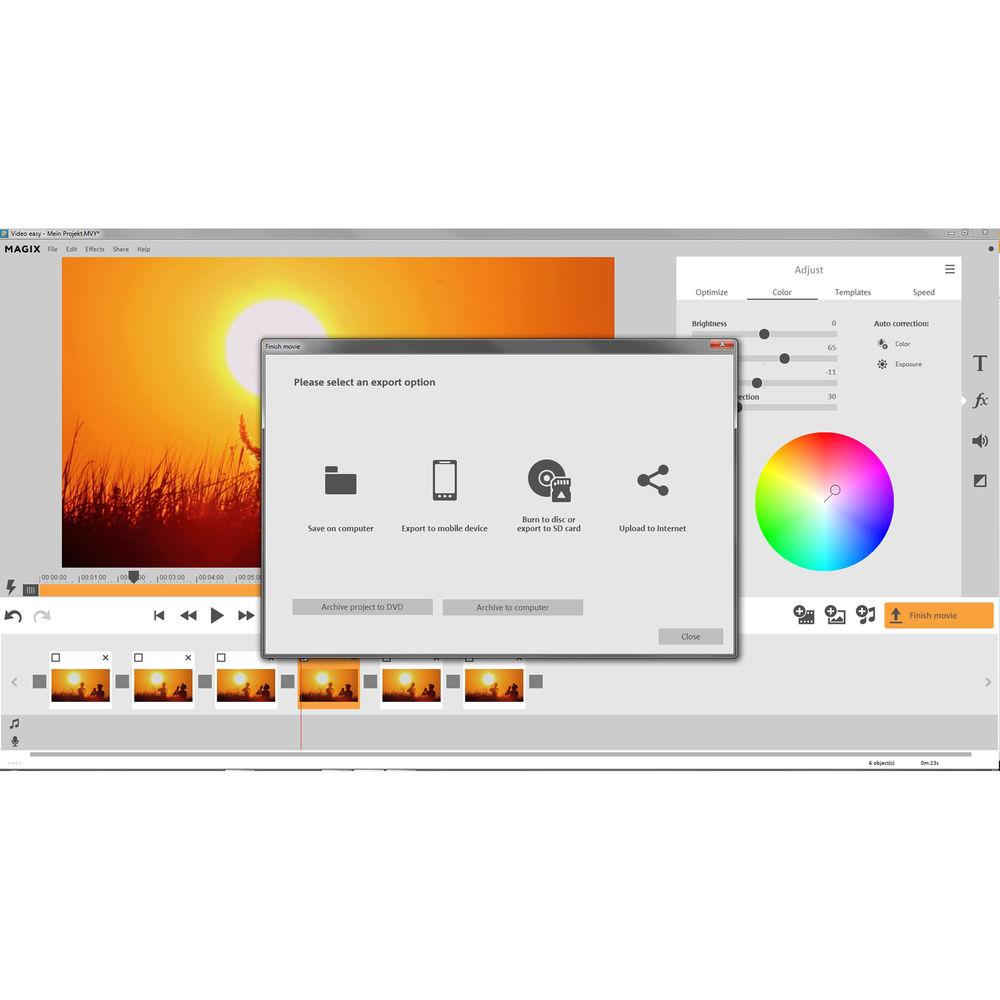
- Burn videos to DVD, Blu-ray, or AVCHD disc, share them online, or output them directly to mobile devices
- Windows-compatible
Table of Contents
|
Upload User Manual
Have you got an user manual for the MAGIX Entertainment Video easy in electronic form? Please send it to us and help us expand our library of instruction manuals.
Thank you, too, on behalf of other users.
To upload the product manual, we first need to check and make sure you are not a robot. After that, your "Submit Link" or "Upload File" will appear.
Technical parametersMAGIX Entertainment ANR004996EDU Specs | | | Operating System | 64-bit version of Windows 10, 8, or 7 | | Processor | Minimum: 2 GHz
Recommended: Intel Core 2 Quad-Core processor with 2.8 GHz or AMD Quad-Core with 2.8 GHz | | RAM | 4 GB | | Graphics Card | Minimum: Onboard graphics card, with minimum resolution of 1024 x 768
Recommended: NVIDIA GeForce 8000 series and better or AMD Radeon 5000 series and better or integrated graphics with Intel Quick Sync Video | | Hard Drive Space | Minimum: 2 GB for program installation | | Supported File Formats | Video Standards
Import: AVCHD (disc), Blu-ray (disc), DVD, HDV, MiniDV
Export: AVCHD (disc), Blu-ray (disc), DVD
Video Formats
Import: AVI, DV-AVI, M2TS, MJPEG, MKV, MOV, MXV, VOB, WMV
Export: M2TS, VOB
Video Codecs
Import: H.264, MPEG-1, MPEG-2, MPEG-4
Export: MPEG-2, MPEG-4
Audio Formats
Import: Dolby Digital Stereo, MIDI, MP3, OGG, WAV, WMA
Image Formats
Import: BMP, GIF, JPEG, TGA, TIF
Export: BMP | | Other | DVD and/or Blu-ray burner required for disc creation |
Rating80% users recommend this product to others. And what about you?

This product has already been rated by 97 owners. Add your rating and experience with the product.
Discussion
 Ask our technicians if you have a problem with your settings,
or if anything is unclear in the user manual you have downloaded.
You can make use of our moderated discussion.
The discussion is public and helps other users of our website who may be encountering similar problems.
Ask our technicians if you have a problem with your settings,
or if anything is unclear in the user manual you have downloaded.
You can make use of our moderated discussion.
The discussion is public and helps other users of our website who may be encountering similar problems.
The discussion is empty - enter the first post
Post a new topic / query / comment:
|
|


