|
User Manual for MakeMusic Finale PrintMusic - Notation and Composition Software Click to enlarge the picture
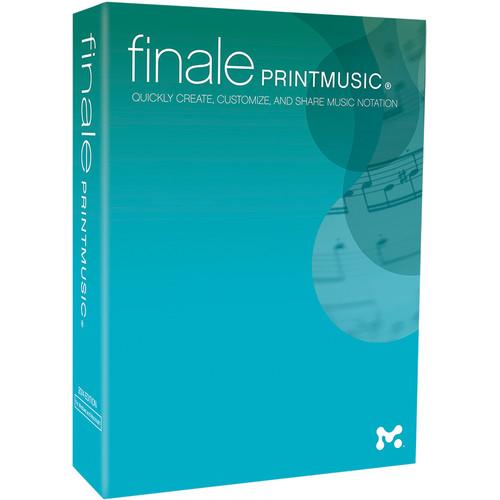 Contents of the user manual for the MakeMusic Finale PrintMusic - Notation and
- Product category: Notation & Utility MakeMusic
- Brand: MakeMusic
- Description and content of package
- Technical information and basic settings
- Frequently asked questions – FAQ
- Troubleshooting (does not switch on, does not respond, error message, what do I do if...)
- Authorized service for MakeMusic Notation & Utility
 |
User manual for the MakeMusic Finale PrintMusic - Notation and contain basic instructions
that need to be followed during installation and operation.
Before starting your appliance, the user manual should be read through carefully.
Follow all the safety instructions and warnings, and be guided by the given recommendations.
User manual is an integral part of any MakeMusic product,
and if it is sold or transferred, they should be handed over jointly with the product.
Following the instructions for use is an essential prerequisite for protecting
health and property during use, as well as recognition of liability on the part of the manufacturer
for possible defects should you make a warranty claim. Download an official MakeMusic user manual in which you will find instructions on how to install, use, maintain and service your product.
And do not forget – unsuitable use of a MakeMusic product will considerably shorten its lifespan!
|
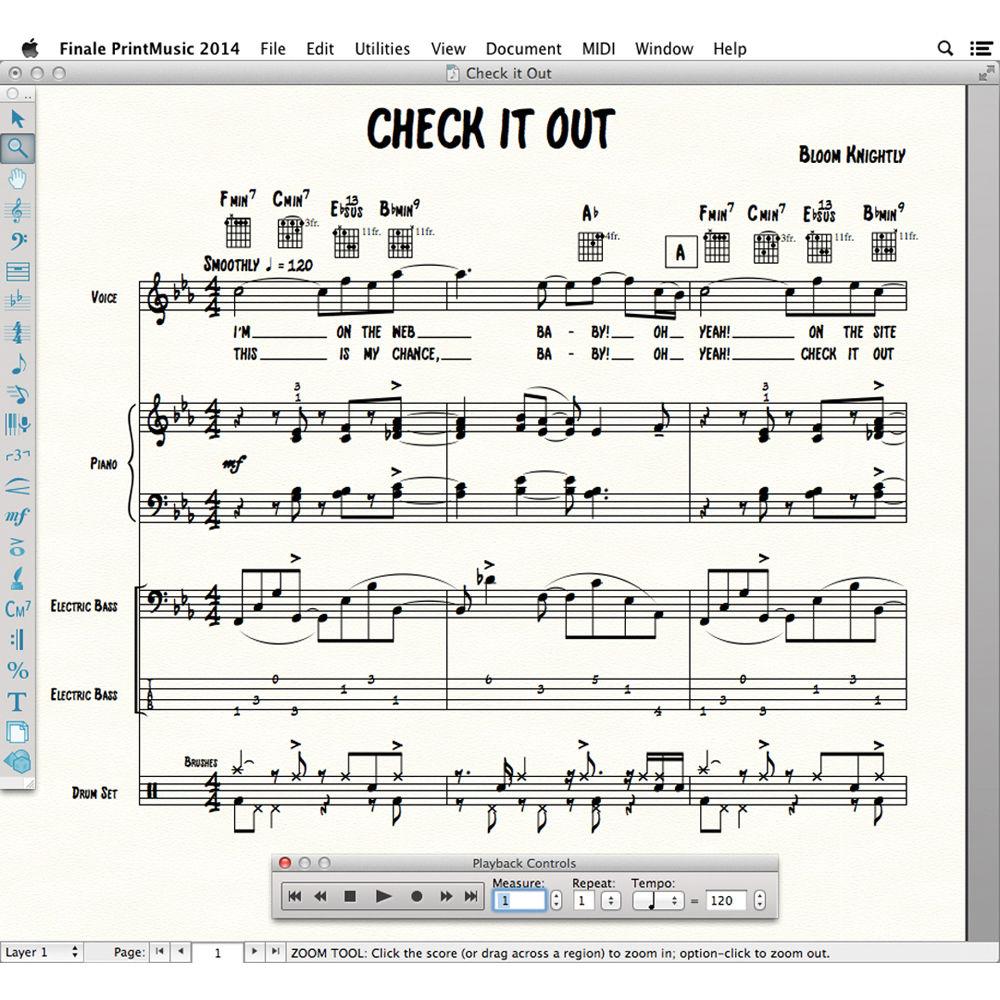
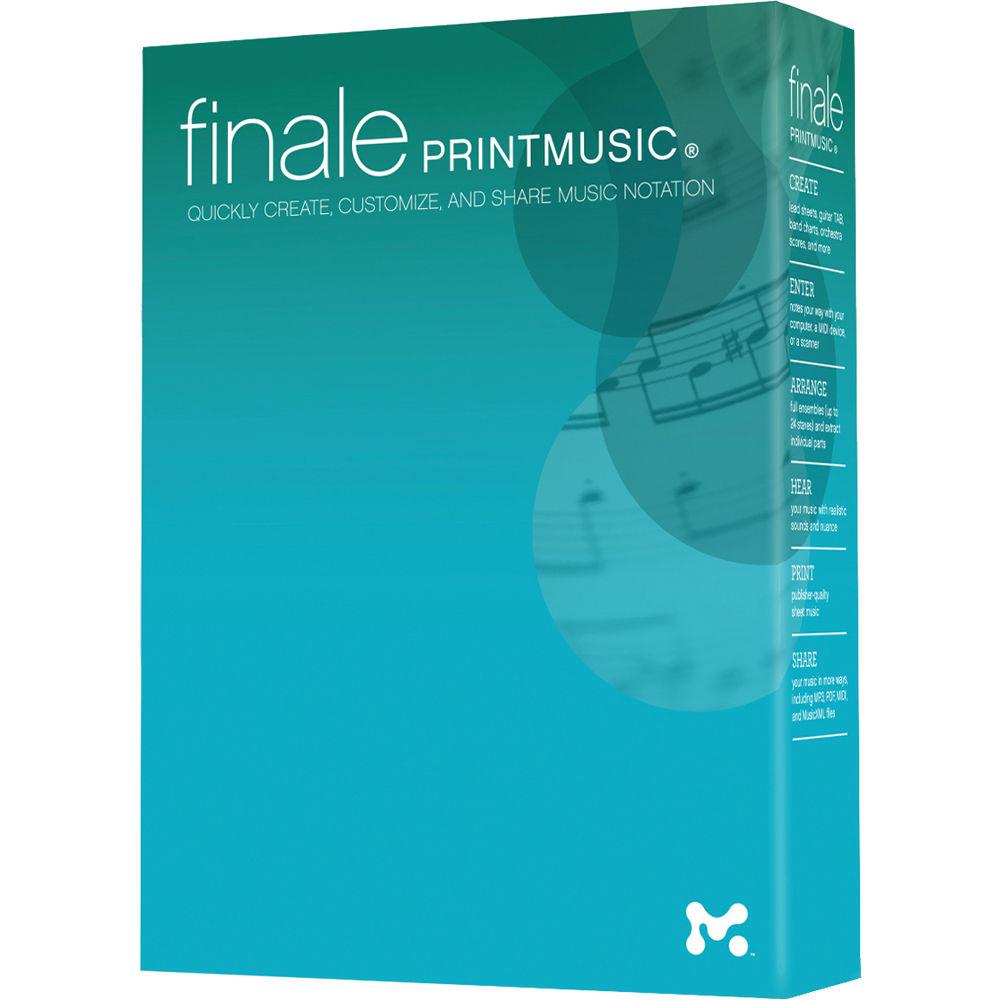
Product description Finale PrintMusic from MakeMusic is music notation and compositional software. It provides songwriters, musicians, producers, publishers, worship directors, and teachers with the ability to easily compose and notate music on a Mac or Windows operating system.Manually enter notes on a score with your computer keyboard and mouse, play your songs in real-time using a MIDI keyboard controller, import and read from MP3 files, or scan existing music scores and generate scores from the scanned images. The software can automatically create a chart at the top of handbell music that lists every bell used.PrintMusic is completely self contained, providing over 128 professional virtual instrument sounds. The Human Playback feature minimizes the mechanical feel of software and exporting in MIDI, JPEG and MusicXML files. Staff layout capabilities make it simple and intuitive to hide, move, and edit staves. - New Features in PrintMusic 2014
-
- Want to change a Sax staff to French Horn? ScoreManager gives you instant access to how your staves look and play back
- See instant feedback when you write out of the range of beginner, intermediate, or advanced players
- Enjoy improved default treatment of rests and accidentals when music is placed in multiple layers
- Smart Shapes, including hairpins and trills, automatically attach to a desired "beat," and snap into place
- Updated, modern look for PrintMusic's mixer, playback controls, and palettes (which now lock on Macs)
- Mid-measure clefs
- Hide/Show Empty Staves helps maximize the amount of music that will fit on the page
- New file format lets you share music as Finale 2014 and 2012 files
- Mac OS X modernization include full screen mode, pinch zoom, drag-scrolling, text entry via voice dictation, basic Retina support, and more
- Publisher-Quality Sheet Music
-
- Whether you're writing a lead sheet for your first song, or preparing a score and parts for your next concert, PrintMusic software makes it easy to put your music on the printed page
- Play back your music with great sounds and nuance, providing you with instant feedback on your progress
- Software offers creative suggestions from harmonizing melodies with Band-in-a-Box Auto-Harmonizing to providing drum parts with Drum Groove to fuel your creativity and save time
- Setup Wizard configures your key and time signatures, transpositions, pickup measures and more-instantly
- Want an engraved or handwritten look? It's easy to personalize the appearance of your music
- Should you ever have a question, QuickStart Videos and other resources are available right in the Launch Window
- Note Entry
-
- Click notes into place with a mouse and hear them as you do
- Enter notes in step-time from your computer or MIDI keyboard
- Play any MIDI device, with or without a metronome, and watch your music appear on screen in real-time
- Scan your music with the included SmartScore Lite
- Import MIDI and MusicXML files
- Once your notes are entered you can quickly shape your music any way you wish
- Transpose, cut and paste, rearrange
- Transformations are accomplished instantly
- Sounds
-
- Built-in sounds provide more than 128 instruments including professional marching percussion sounds from Row-Loff
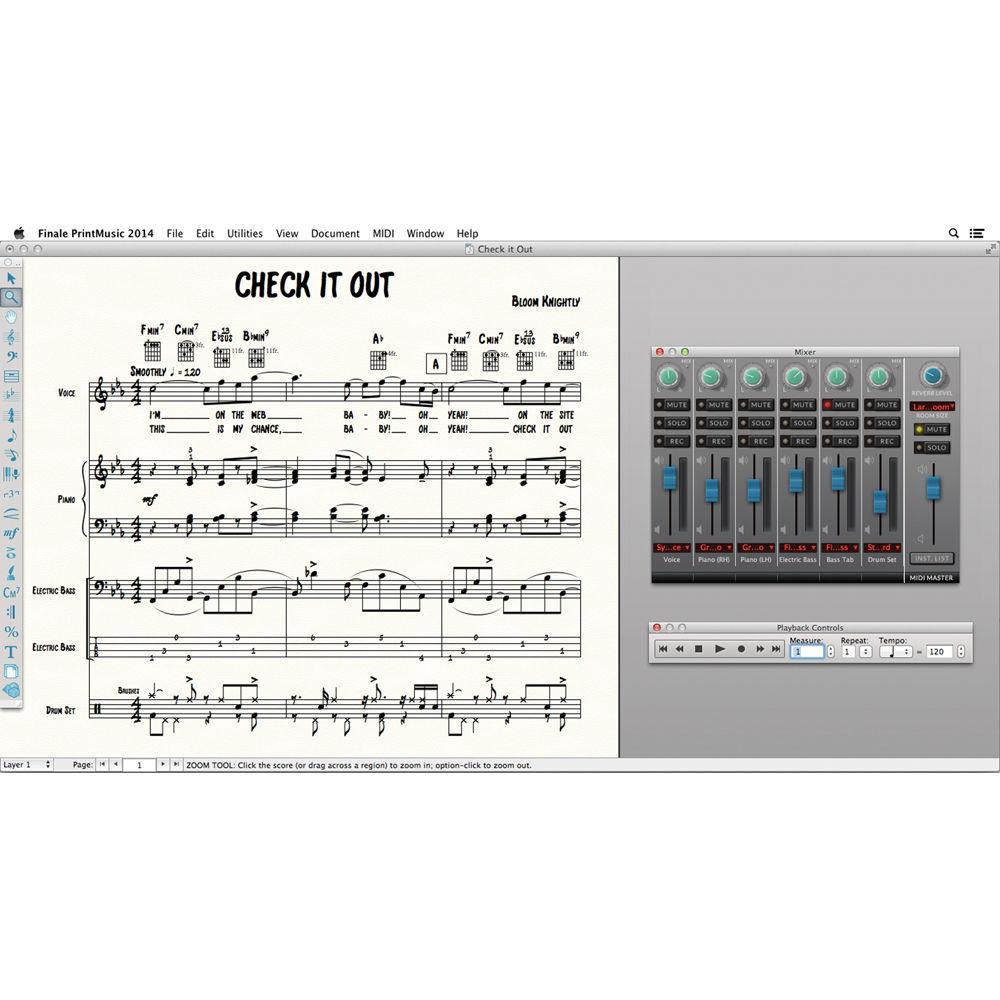
- Integrated mixer lets you balance your music and place it in a sonic space with panning reverb, and more
- Human Playback performs your creations with the nuance of live performers
- Support for all third-party VST/Audio Units instruments and effects (sold separately), providing you with unlimited sonic possibilities
- Professional Tools
-
- From lead sheets to jazz band scores, from guitar tablature to percussion notation, PrintMusic provides all the necessary tools
- Create scores with up to twenty-four staves
- Extract individual parts from your scores
- Want more lyric verses? Need a one-line staff? Every step of the way you have professional tools at your fingertips
- Wide variety of music fonts offering engraved and handwritten appearances are included, and fonts and other preferences are easily accessed simply by selecting a different document style library
- Education Tools
-
- Includes more than thirty ready-made, customizable music education worksheets
- Designed for K-12 students, educator-approved worksheets help teach basic elements of music
- Subjects covered include clefs, scales, key signatures, circle of fifths and more
- Includes classroom repertoire examples and more than one-hundred flashcards designed to print double-sided (with the answers on the back) for classroom use or self-quizzing
- Since they're provided as PrintMusic files it's easy to edit them to your specific needs and print them out, or distribute them via email to be printed by students with the free Finale NotePad
- Share Music Files
-
- Print beautiful sheet music
- Email files that anyone can print and play with the free downloadable Finale NotePad or the Finale SongBook iPad app
- When working with someone using different software you can share MIDI and MusicXML files
UPC: 606776005029 In the Box MakeMusic Finale PrintMusic - Notation and Composition Software (Download) Software DVD-ROM Table of Contents
|
Upload User Manual
Have you got an user manual for the MakeMusic Finale PrintMusic - Notation and Composition Software in electronic form? Please send it to us and help us expand our library of instruction manuals.
Thank you, too, on behalf of other users.
To upload the product manual, we first need to check and make sure you are not a robot. After that, your "Submit Link" or "Upload File" will appear.
Technical parametersMakeMusic PHR14 Specs | | | Mac | Intel Core 2 Duo or better, Intel i3 and above recommended
OS X 10.7 to 10.9
2 GB RAM, 4 GB or more recommended for optional use of AU sounds
700 MB hard drive space required for software and user manual
800 x 600 minimum monitor resolution | | PC | Intel Core 2 Duo or AMD Athlon, Intel i3 or AMD Athlon II X2 and above recommended
Windows Vista, Windows 7, Windows 8 (64-bit compatible)
2 GB of RAM, 4 GB or more recommended for optional use of VST sounds
600 MB hard drive space required for software and user manual
800 x 600 minimum monitor resolution | | Optional | MIDI interface
MIDI input and/or playback device
Printer
Scanner |
Rating100% users recommend this product to others. And what about you?

This product has already been rated by 85 owners. Add your rating and experience with the product.
Discussion
 Ask our technicians if you have a problem with your settings,
or if anything is unclear in the user manual you have downloaded.
You can make use of our moderated discussion.
The discussion is public and helps other users of our website who may be encountering similar problems.
Ask our technicians if you have a problem with your settings,
or if anything is unclear in the user manual you have downloaded.
You can make use of our moderated discussion.
The discussion is public and helps other users of our website who may be encountering similar problems.
The discussion is empty - enter the first post
Post a new topic / query / comment:
|
|
|
| Request for user manual |
You can’t find the operation manual you are looking for? Let us know and we will try to add the missing manual:
I’m looking for a manual / Request for manual
Current requests for instruction manuals:
Call Of Duty World War Two For Xbox...
controller stratus XL...
stratus XL...
smart whatch serie S11 42mm...
Allen & Heath SQ-6 manual...
|
| Discussion |
Latest contributions to the discussion:
AEW R 4100
Name: MAURICIO ANGARITA
Audio-Technica AEW-R4100 UHF Diversity Receiver for
AEW R 4100 has the mute function blocked and does not allow audio to pass. I tried several times to turn off the mute from the transmitter but it does nothing, the mute stays on. Solution?
Thank you...
Instructions for assembling the 2015 Forecast Image Master Consoles GC3-A
Name: mike elam
Forecast Consoles GC3-A ImageMaster Editing Console
Looking for instructions for assembling this console. ...
EMPTY TONER ERROR MESSAGE AFTER REPLACING TONER
Name: LINDA BAD YELLOW EYES
Brother TN223BK Standard-Yield Toner
I HAD TO CHANGE OUT ALL THREE TONERS DUE TO LEAKS IN THE YELLOW AND CYAN. AFTER I REPLACED THEM, THE MACHINE KEEPS GIVING ME AN EMPTY TONER ERROR MESSAGE. HELP!!...
PS480D 20/24 pin Switching 480W Power Supply
Name: swkargo
Logisys 480W Power Supply
This item states in can run -5vdc .It is NOT listed on the board or I beleive is r4 is missing the resitior. Any body have thid issue. Shawn
...
Help needed
Name: Ann Carter
SanDisk 1TB Extreme Portable USB 3.1
When I click the link to download the user manual for my Sandisk Extreme external hard drive, it gives me the manual for the LG Cricket. Can you please change the link so I can download the Sandisk manual and begin using this drive? Thank you....
|
|


