User Manual for Marshall Electronics CV610-U3-V2 Compact PTZ USB HDMI Camera Click to enlarge the picture
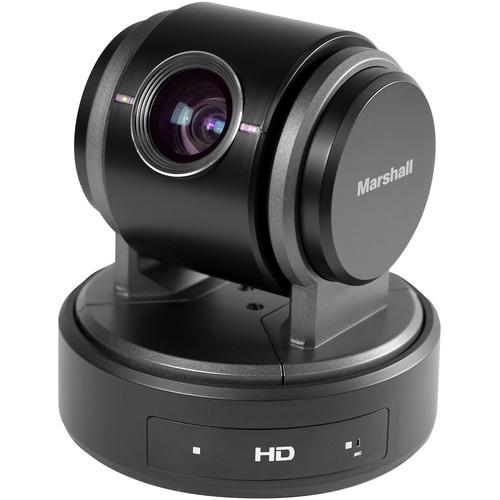 Contents of the user manual for the Marshall Electronics CV610-U3-V2 Compact PTZ USB
- Product category: PTZ Cameras Marshall Electronics
- Brand: Marshall Electronics
- Description and content of package
- Technical information and basic settings
- Frequently asked questions – FAQ
- Troubleshooting (does not switch on, does not respond, error message, what do I do if...)
- Authorized service for Marshall Electronics PTZ Cameras
 |
User manual for the Marshall Electronics CV610-U3-V2 Compact PTZ USB contain basic instructions
that need to be followed during installation and operation.
Before starting your appliance, the user manual should be read through carefully.
Follow all the safety instructions and warnings, and be guided by the given recommendations.
User manual is an integral part of any Marshall Electronics product,
and if it is sold or transferred, they should be handed over jointly with the product.
Following the instructions for use is an essential prerequisite for protecting
health and property during use, as well as recognition of liability on the part of the manufacturer
for possible defects should you make a warranty claim. Download an official Marshall Electronics user manual in which you will find instructions on how to install, use, maintain and service your product.
And do not forget – unsuitable use of a Marshall Electronics product will considerably shorten its lifespan!
|
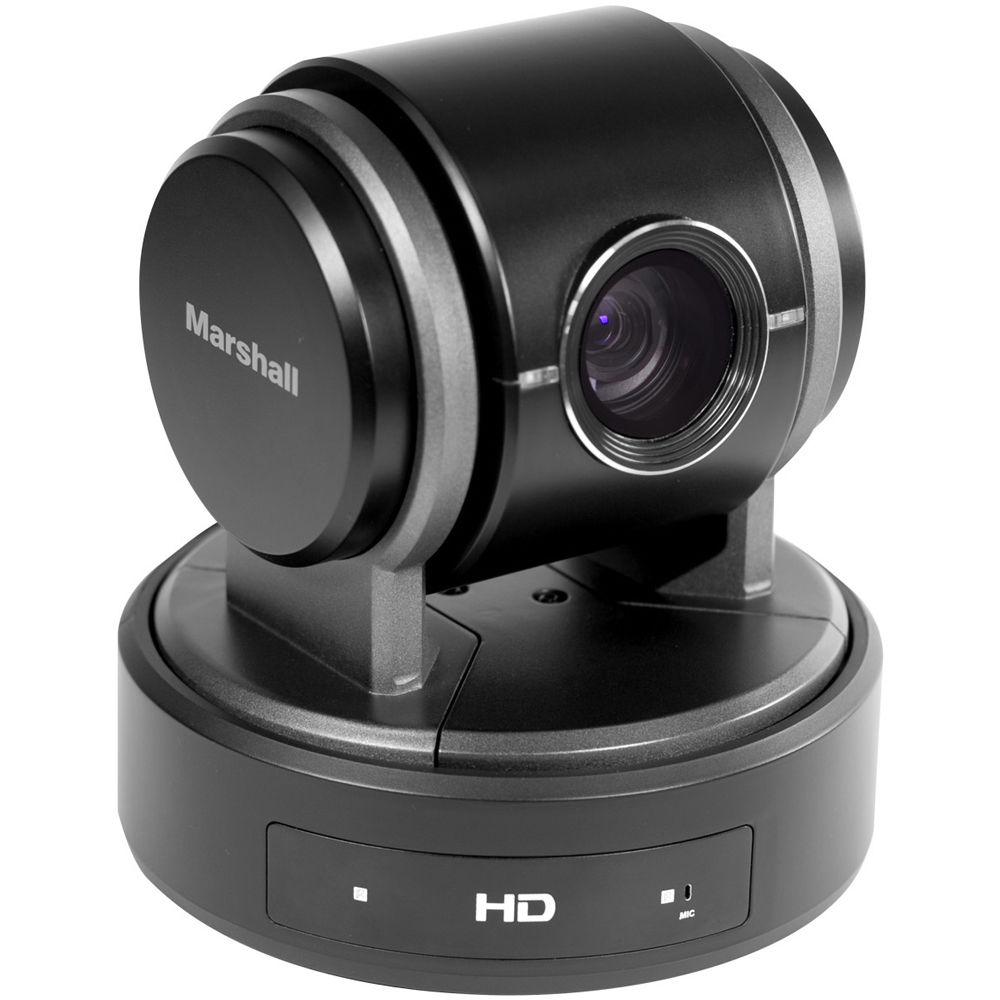
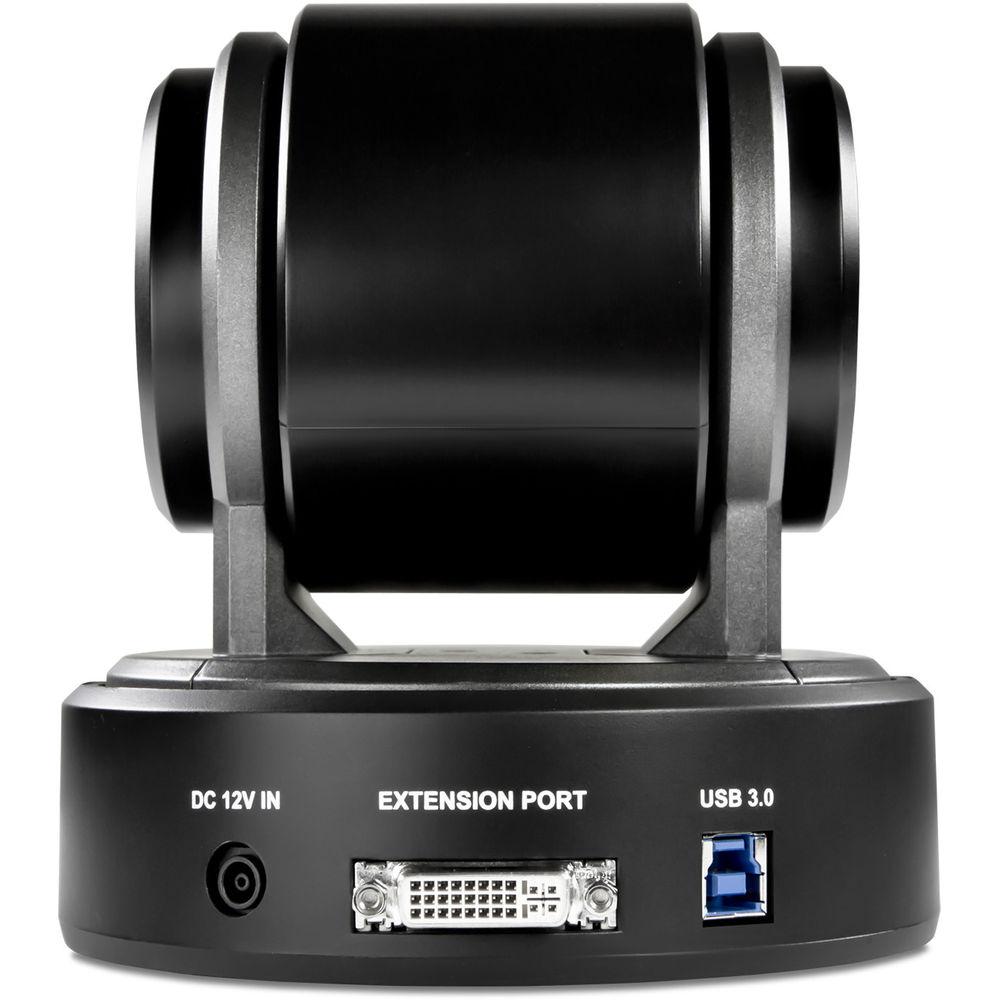
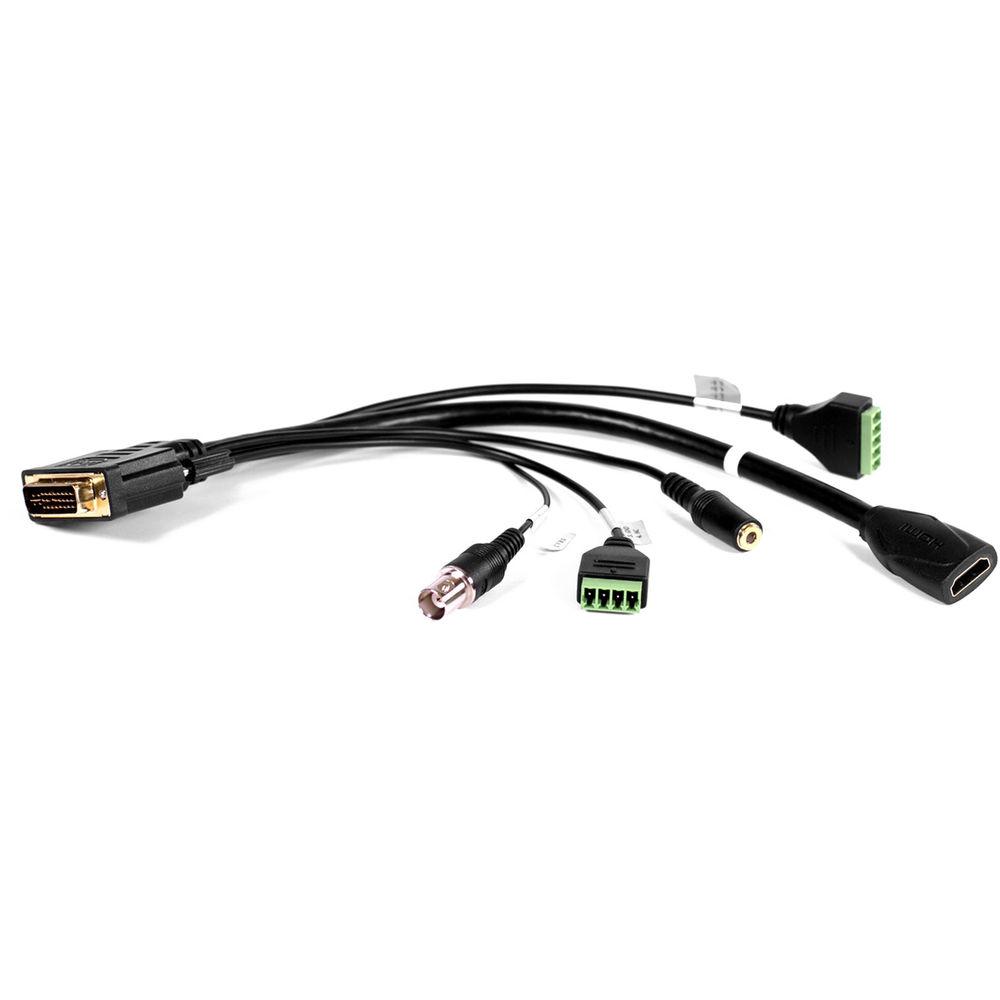
Product description The Marshall Electronics CV610-U3-V2 Compact PTZ USB/HDMI Camera is well suited for use as a video conference camera, and with its wide-angle 10x optical zoom lens and 12x digital zoom reach it is also suitable for use in lecture halls. It incorporates a 1/2.8" 2MP CMOS sensor for clear HD output. The camera utilizes a highly efficient DC motor servo controller to achieve high speed, quiet positioning, and you can program up to 128 preset positions which can also incorporate preset exposure, white balance, and picture style.The CV610-U3-V2 simultaneously outputs via USB 3.0 and HDMI. It's also backward compatible with USB 2.0. It features 350° of pan and 120° of tilt. Camera control is via the USB port for use with a PC, or you can use the included breakout cable that connects to the built-in extension port providing an RS-232 connector and RS-422/RS-485 connector to interface with the camera. The breakout cable also incorporates an HDMI port and an audio input jack. -
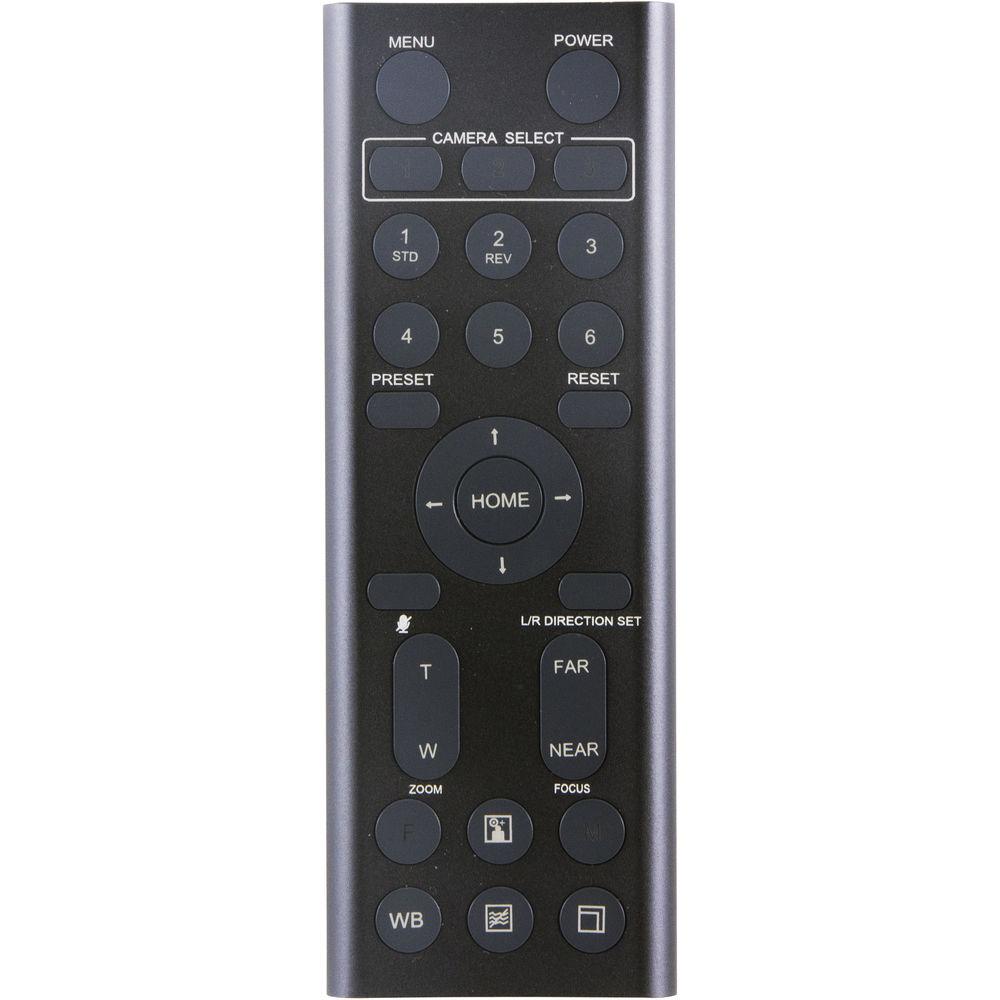
- You can store up to six presets of camera direction and camera parameters into the camera, up to six presets on remote controller, or 128 presets via protocol programming
- Full HD up to 60 fps
- Automatic and manual white balance for complex lighting environments
- 350° pan range
- 120° tilt range
- The camera supports USB 3.0/2.0 video output and control with UVC1.5 compliant software, as well as UAC2.0, VISCA, and Pelco P/D protocols
- Virtual COM port built in for camera movement control capability
- Built-in microphone
UPC: 801813187595 In the Box Marshall Electronics CV610-U3-V2 Compact PTZ USB/HDMI Camera IR Remote Control (Requires 1 x AA Battery - Not Included) Power Adapter Power Cord USB Cable Camera Extension Module Limited 1-Year Warranty Table of Contents
|
Upload User Manual
Have you got an user manual for the Marshall Electronics CV610-U3-V2 Compact PTZ USB HDMI Camera in electronic form? Please send it to us and help us expand our library of instruction manuals.
Thank you, too, on behalf of other users.
To upload the product manual, we first need to check and make sure you are not a robot. After that, your "Submit Link" or "Upload File" will appear.
Technical parametersMarshall Electronics CV610-U3 V2 Specs | Sensor | 1/2.8" 2 MP CMOS | | Video Output | 1080p: 60/50/30/25
720p: 60/50/30/25 | | Optical Zoom | 10x | | Focal Length | 3.8-38mm | | Maximum Aperture | 3.8mm: f/1.8
32mm: f/3.4 | | Panning Range | 350° | | Tilt Range | 120° | | Preset Positions | 128 | | HD Video Output | HDMI
USB 3.0/2.0 | | Audio Input | Microphone
3.5 mm TRS jack | | Camera Control Interface | RS-232/RS-422/RS-485
USB 3.0 (UVC1.5 compliant) | | PTZ Camera Control | VISCA: RS-232/RS-422
Pelco P/D: RS-485 | | S/N Ratio | > 50 dB | | Shutter Speed | 60 Hz
1/1, 1/2, 1/4, 1/8, 1/15, 1/30, 1/60, 1/90, 1/100, 1/125, 1/180, 1/250, 1/350, 1/500, 1/725, 1/1000, 1/1500, 1/2000, 1/3000, 1/4000, 1/6000, 1/10,000
50 Hz
1/1, 1/2, 1/3, 1/6, 1/12, 1/25, 1/50, 1/75, 1/100, 1/120, 1/150, 1/215, 1/300, 1/425, 1/600, 1/1000, 1/1250, 1/1750, 1/2500, 1/3500, 1/6000, 1/10,000 | | Gain | -3, 0, 2, 4, 6, 8, 10, 12, 14, 16, 18, 20, 22, 24, 26, 28 dB | | Digital Zoom | 12x | | Focus System | Auto
Manual | | Dimensions | 5.7 x 5.7 x 6.1" / 14.5 x 14.5 x 15.5 cm | | Weight | 6 lb / 2.7 kg | | | | Package Weight | 4.8 lb | | Box Dimensions (LxWxH) | 10.9 x 9.7 x 7.7" |
Rating70% users recommend this product to others. And what about you?

This product has already been rated by 11 owners. Add your rating and experience with the product.
Discussion
 Ask our technicians if you have a problem with your settings,
or if anything is unclear in the user manual you have downloaded.
You can make use of our moderated discussion.
The discussion is public and helps other users of our website who may be encountering similar problems.
Ask our technicians if you have a problem with your settings,
or if anything is unclear in the user manual you have downloaded.
You can make use of our moderated discussion.
The discussion is public and helps other users of our website who may be encountering similar problems.
The discussion is empty - enter the first post
Post a new topic / query / comment:
|
|


