User Manual for Marshall Electronics V-LCD70W-SH 7" Full HD LED Camera-Top Monitor Click to enlarge the picture
 Contents of the user manual for the Marshall Electronics V-LCD70W-SH 7" Full HD
- Product category: On Camera Monitors Marshall Electronics
- Brand: Marshall Electronics
- Description and content of package
- Technical information and basic settings
- Frequently asked questions – FAQ
- Troubleshooting (does not switch on, does not respond, error message, what do I do if...)
- Authorized service for Marshall Electronics On Camera Monitors
 |
User manual for the Marshall Electronics V-LCD70W-SH 7" Full HD contain basic instructions
that need to be followed during installation and operation.
Before starting your appliance, the user manual should be read through carefully.
Follow all the safety instructions and warnings, and be guided by the given recommendations.
User manual is an integral part of any Marshall Electronics product,
and if it is sold or transferred, they should be handed over jointly with the product.
Following the instructions for use is an essential prerequisite for protecting
health and property during use, as well as recognition of liability on the part of the manufacturer
for possible defects should you make a warranty claim. Download an official Marshall Electronics user manual in which you will find instructions on how to install, use, maintain and service your product.
And do not forget – unsuitable use of a Marshall Electronics product will considerably shorten its lifespan!
|
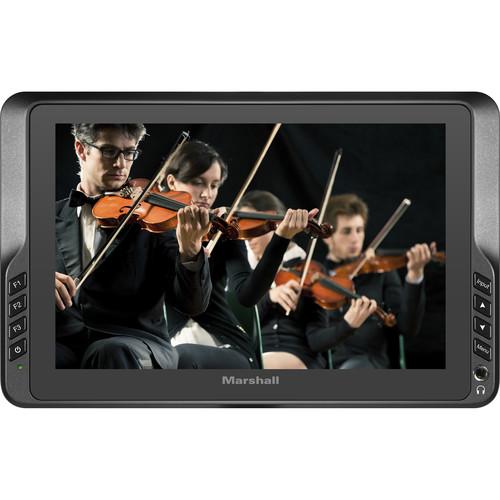
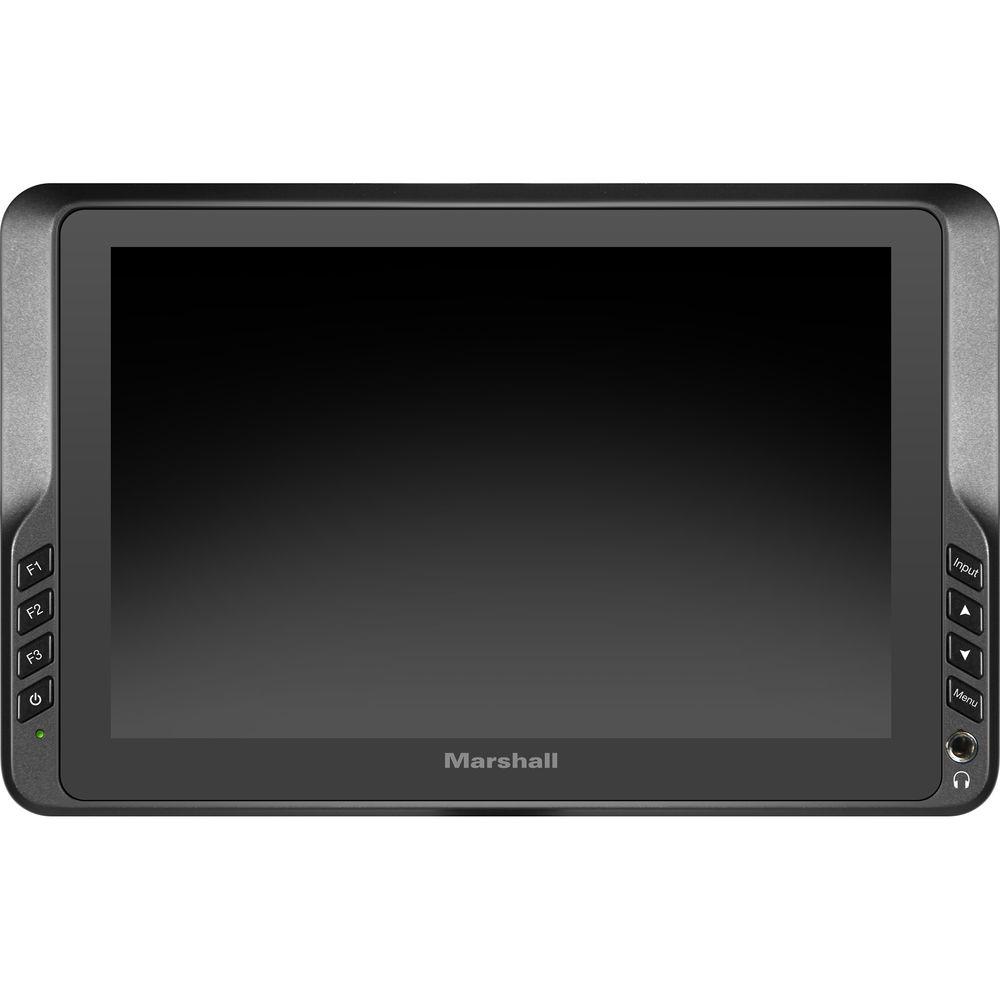
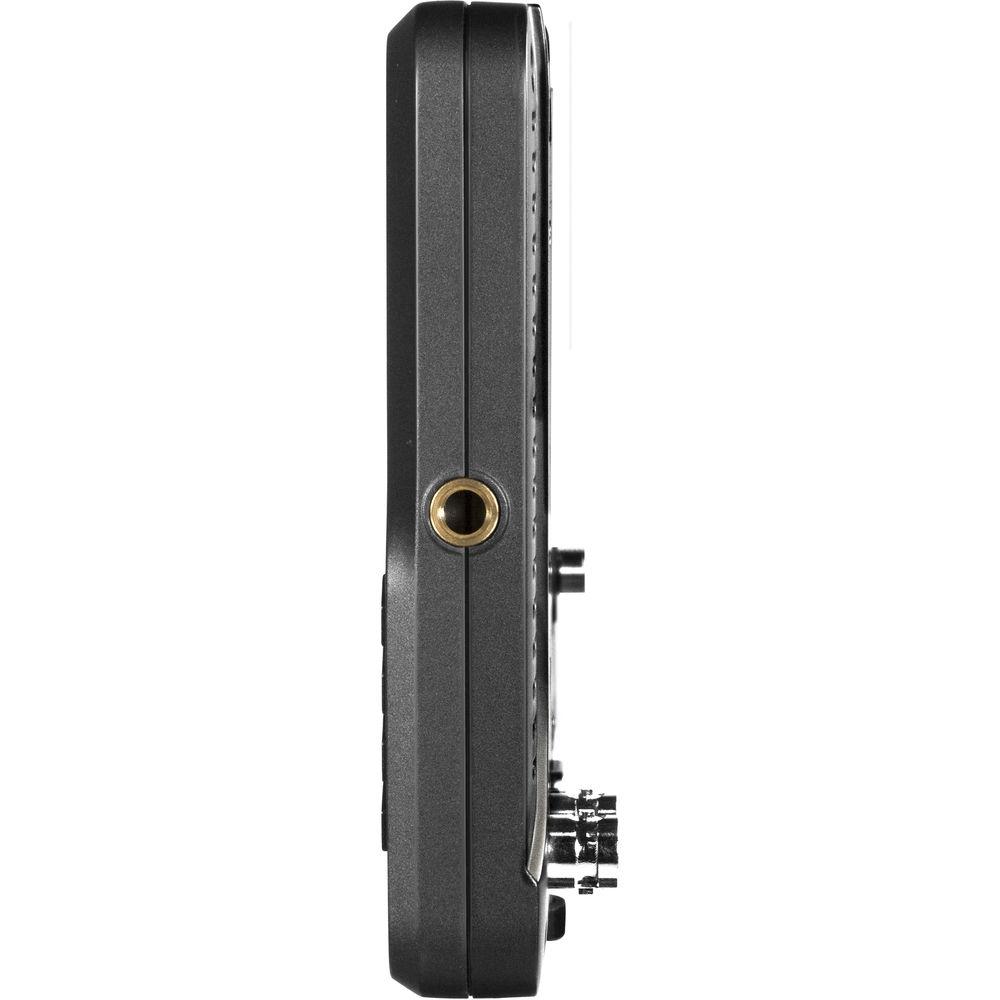
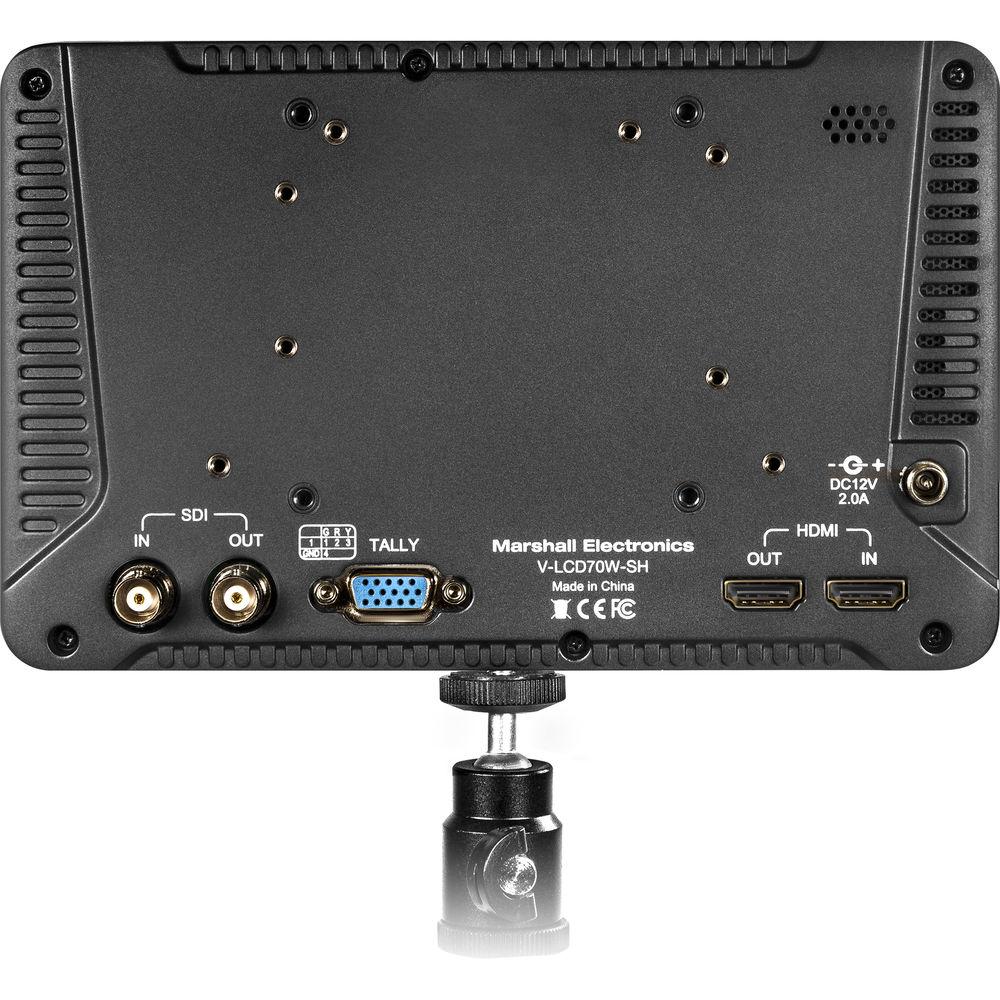
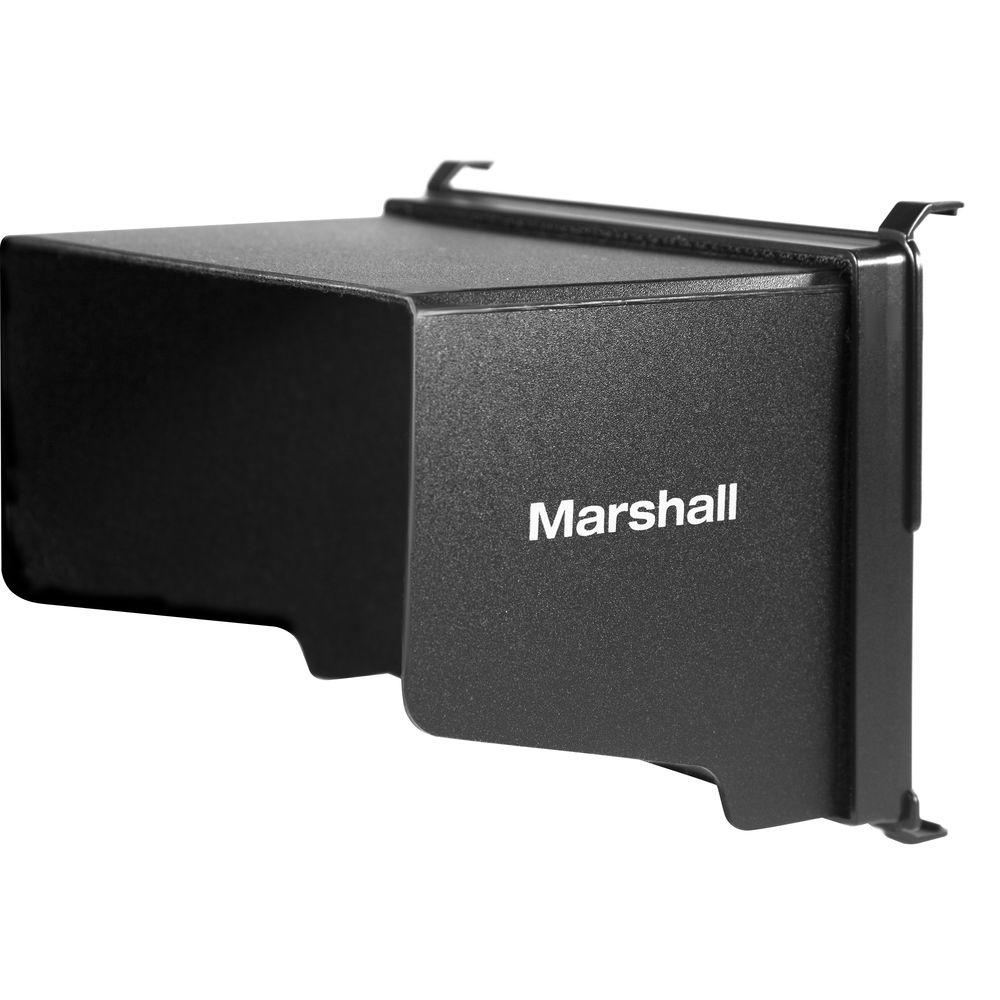
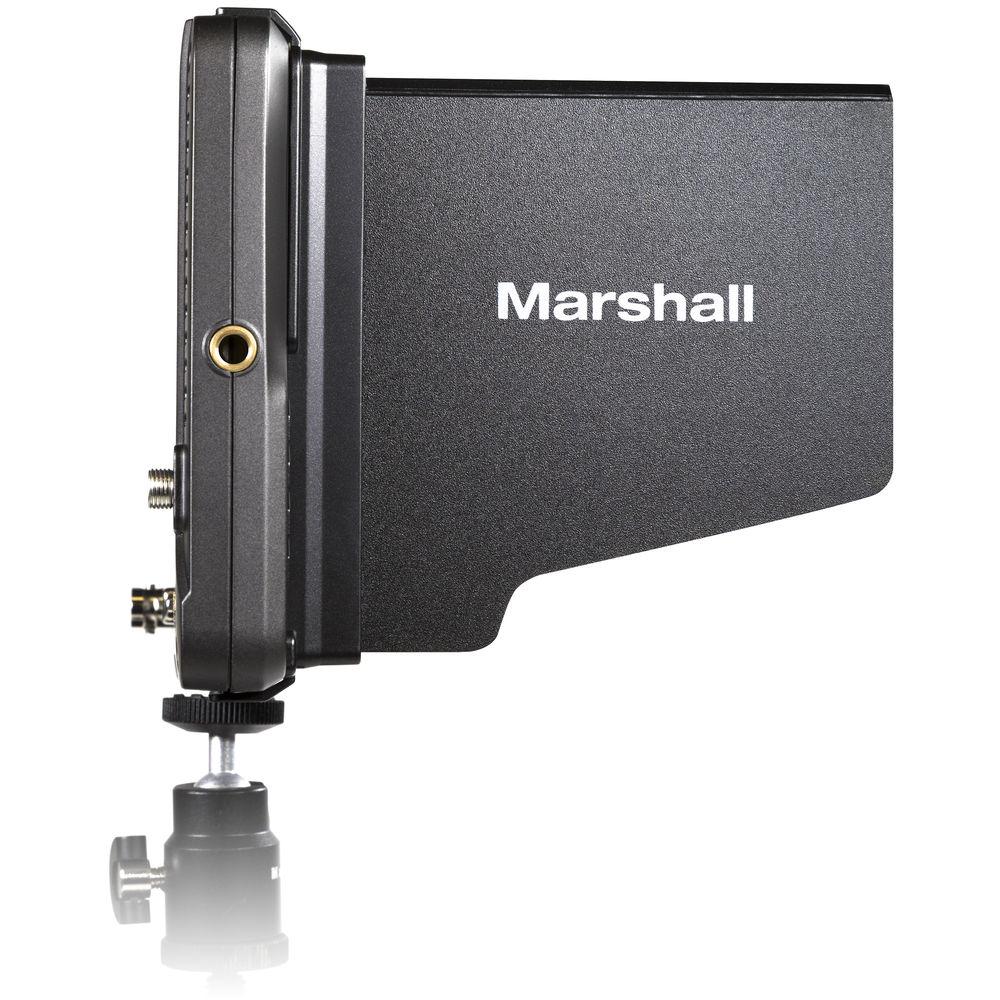
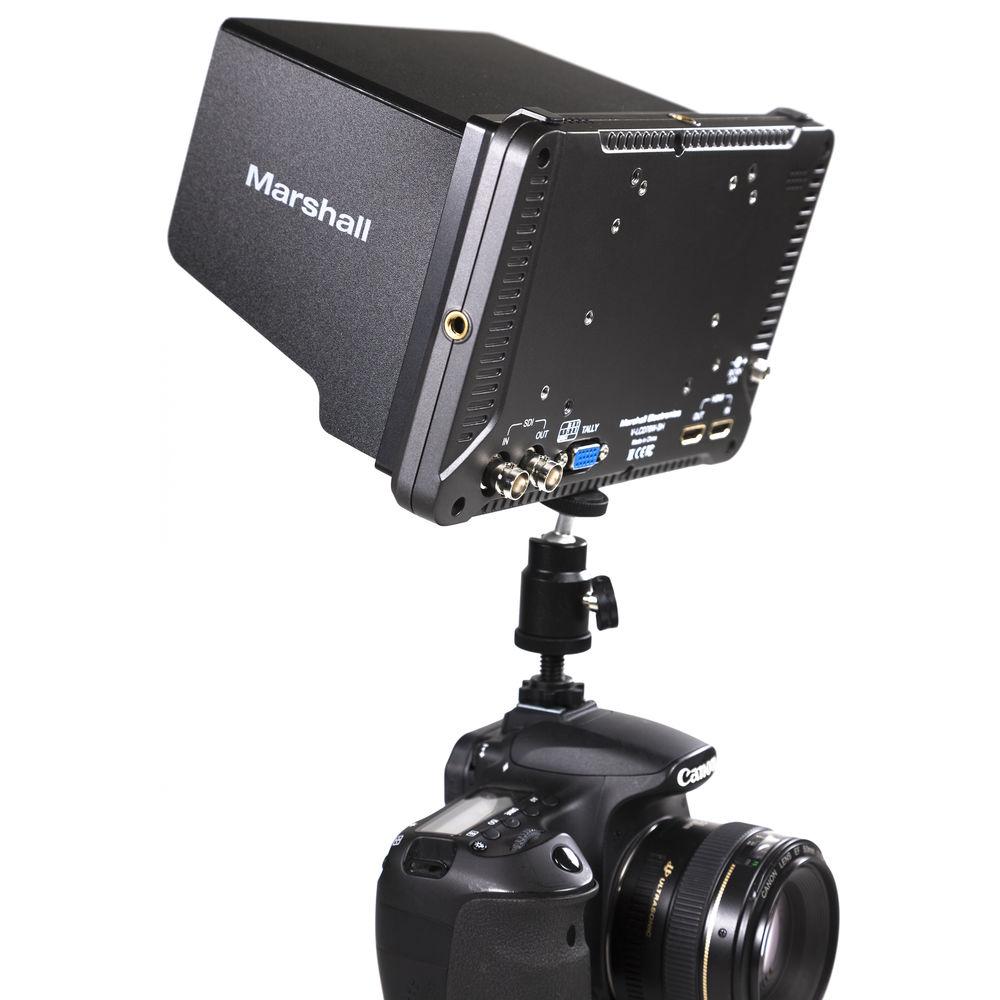
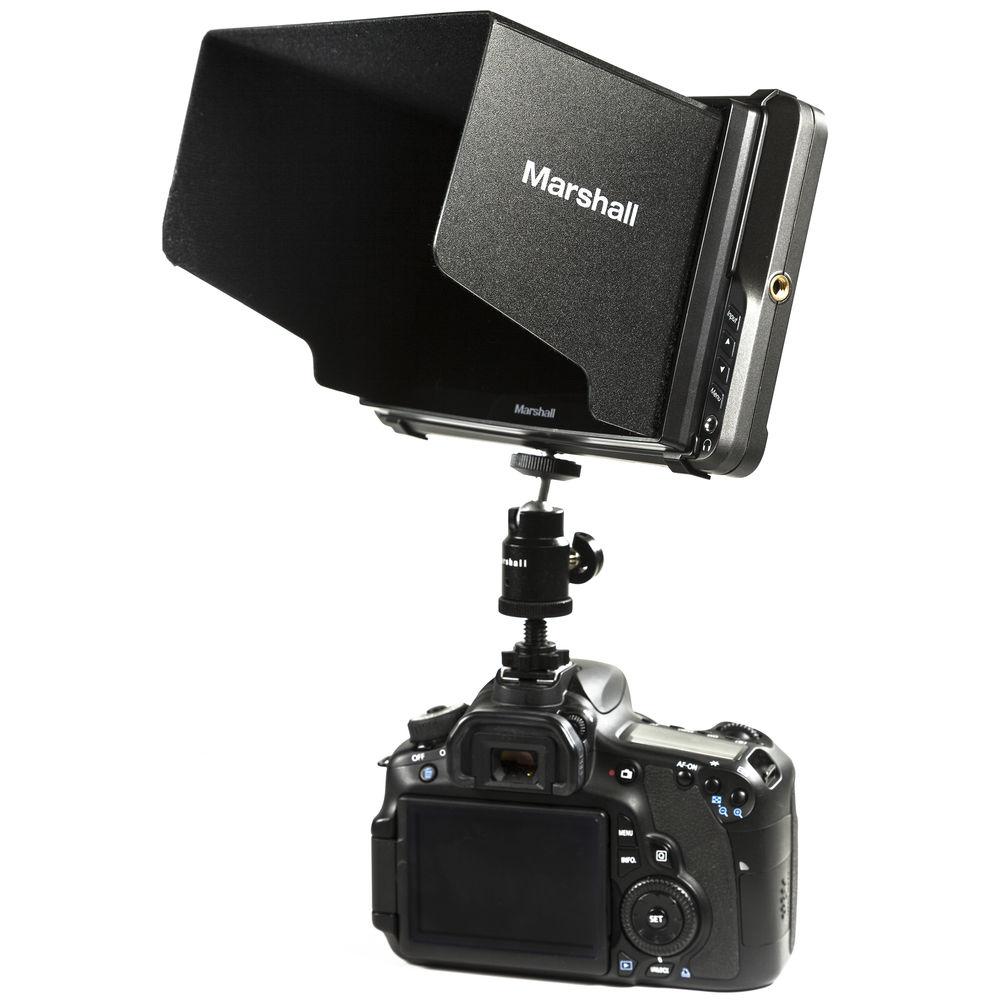
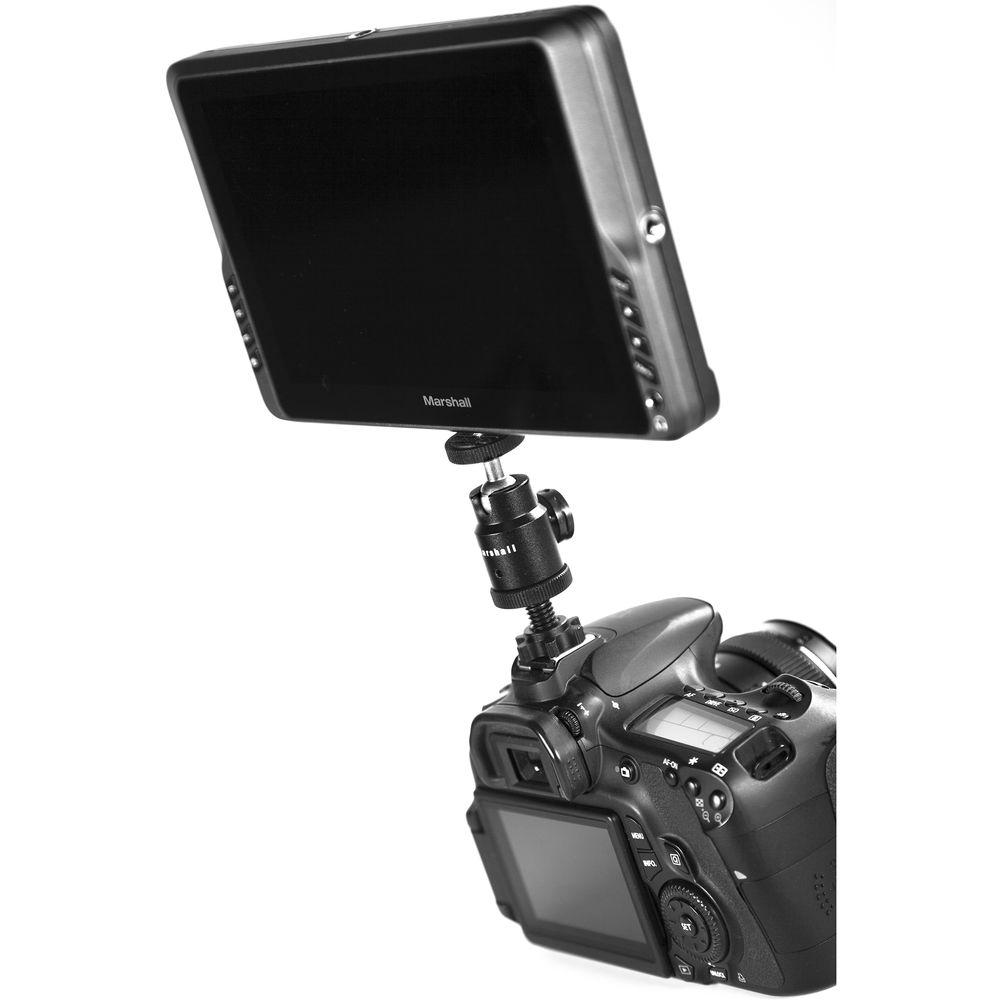
Product description The V-LCD70W-SH 7" Full HD LED Camera-Top Monitor from Marshall Electronics is optimized for DSLR or video camera tops and comes with built-in features like conversion between HDMI and SDI inputs, waveform, and audio metering. It has a resolution of 1920 x 1200 and supports wide range of aspect ratios and features intuitive controls and menus. The monitor features SDI and HDMI inputs with loop output and has built-in two colors (Red/Green) tally lights. In addition, it comes with 1/4" threaded mounts on four sides plus VESA mount. The monitor features a False Color filter used to aid in the setting of camera exposure. As the camera iris is adjusted, elements of the image will change color based on the luminance or brightness values. This enables proper exposure to be achieved without the use of complicated external test equipment. The Peaking Filter feature aids the camera operator in obtaining sharper images. When it is activated, all colors will be removed from the display and a black and white image will remain. The internal processor will display red color on the screen where sharp edges appear. When the camera operator adjusts (or "racks") the focus control (on the camera lens), different parts of the image will have red colored edges. This will indicate that this portion of the image is sharp or in focus. The final focus is achieved by racking the camera lens focus control back and forth until the desired portion of the image has red colored edges. - Converts between HDMI and SDI inputs
- On-screen waveform, color vectors, and histogram
- On-screen audio bar display (16 channels)
- Image flip, false color, peaking filter, and pixel-to-pixel
- HDMI (1.4), and 3G-SDI (HD-SDI, SDI)
- Three user-defined function buttons
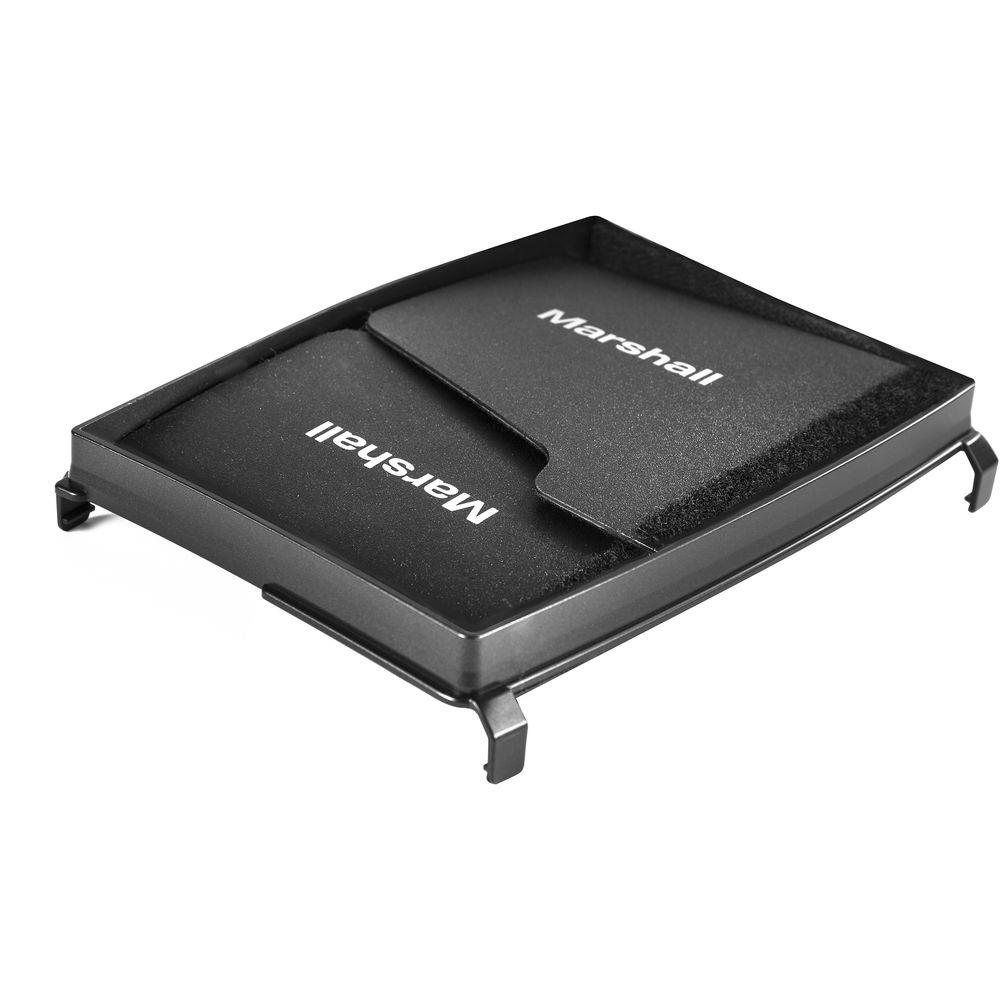
UPC: 801813183153 In the Box Marshall Electronics V-LCD70W-SH 7" Full HD LED Camera-Top Monitor Sun Hood Power Adapter Limited 1-Year Warranty User Manual PDF 3.9mb Table of Contents
|
Upload User Manual
Have you got an user manual for the Marshall Electronics V-LCD70W-SH 7" Full HD LED Camera-Top Monitor in electronic form? Please send it to us and help us expand our library of instruction manuals.
Thank you, too, on behalf of other users.
To upload the product manual, we first need to check and make sure you are not a robot. After that, your "Submit Link" or "Upload File" will appear.
Technical parametersMarshall Electronics V-LCD70W-SH Specs | Number of Panels | 1 | | Panel Size | Diagonal: 7" / 17.8 cm | | Resolution | 1920 x 1200 | | Aspect Ratio | 16:10 | | Active Display Area | 3.7 x 5.9" / 94.5 x 151.2 mm | | Brightness | 450 cd/m² | | Contrast | 1000:1 | | Color Gamut | YUV, RGB | | Viewing Angles | 170° x 170° | | Backlight Type | LED | | Adjustable Backlight | Yes | | Input Formats | 3G/HD-SDI Input
525i: 59.94, 60
625i: /50
720p: 25, 29.97, 30, 50, 59.94, 60
1080p: 23.98, 23.98sF, 24, 24sF, 25, 29.97, 30
1080i: 50, 59.94, 60
3G - Level A
1080p: 60, 59.94, 50
HDMI Input
480p: 59.94
576p; 50
720p: 25, 29.97, 30, 50, 59.94, 60
1080p: 23.98, 23.98sF, 24, 24sF, 25, 29.97, 30
1080p: 50, 59.94, 60
1080i: 50, 59.94, 60
HDMI / SDI Conversions
480i: 59.94
576i: 50
720p: 25, 29.97, 30, 50, 59.94, 60
1080p: 23.98, 23.98sF, 24, 24sF, 25, 29.97, 30
1080p: 50, 59.94, 60
1080i: 50, 59.94, 60 | | Color Temperature | 5500K, 6500K, 7500K, 9300K, User | | Voltage | 12 VDC | | Consumption | 1.1 A, 13 W Max | | Connector | Coaxial, center positive with locking ring | | Compliance | FCC, CE approved | | Mounting | 1/4"-20 mounting screw hole | | Operating Temperature | -4 to 140°F / -20 to 60°C | | Storage Temperature | -22 to 158°F / -30 to 70°C | | Dimensions | 4.9 x 7.7 x 1.11" / 12.4 x 19.6 x 2.8 cm | | Weight | 1.20 lb / 0.5 kg (without batteries) | | | | Package Weight | 3.05 lb | | Box Dimensions (LxWxH) | 9.2 x 6.8 x 3.6" |
Rating100% users recommend this product to others. And what about you?

This product has already been rated by 24 owners. Add your rating and experience with the product.
Discussion
 Ask our technicians if you have a problem with your settings,
or if anything is unclear in the user manual you have downloaded.
You can make use of our moderated discussion.
The discussion is public and helps other users of our website who may be encountering similar problems.
Ask our technicians if you have a problem with your settings,
or if anything is unclear in the user manual you have downloaded.
You can make use of our moderated discussion.
The discussion is public and helps other users of our website who may be encountering similar problems.
The discussion is empty - enter the first post
Post a new topic / query / comment:
|
|


