User Manual for McDSP 6050 Ultimate Channel Strip HD V6 - Multiple Processing Modules Plug-In Click to enlarge the picture
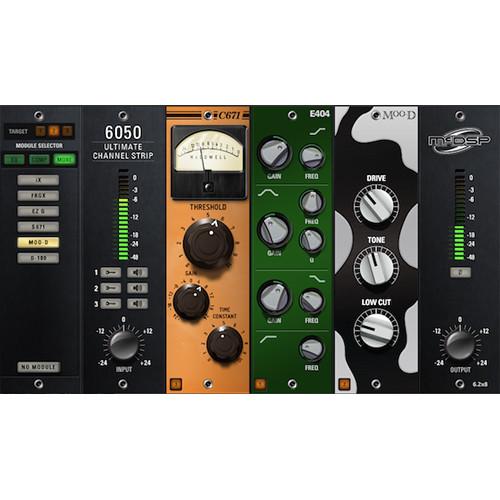 Contents of the user manual for the McDSP 6050 Ultimate Channel Strip HD
- Product category: Virtual Processor Plug-Ins McDSP
- Brand: McDSP
- Description and content of package
- Technical information and basic settings
- Frequently asked questions – FAQ
- Troubleshooting (does not switch on, does not respond, error message, what do I do if...)
- Authorized service for McDSP Virtual Processor Plug-Ins
 |
User manual for the McDSP 6050 Ultimate Channel Strip HD contain basic instructions
that need to be followed during installation and operation.
Before starting your appliance, the user manual should be read through carefully.
Follow all the safety instructions and warnings, and be guided by the given recommendations.
User manual is an integral part of any McDSP product,
and if it is sold or transferred, they should be handed over jointly with the product.
Following the instructions for use is an essential prerequisite for protecting
health and property during use, as well as recognition of liability on the part of the manufacturer
for possible defects should you make a warranty claim. Download an official McDSP user manual in which you will find instructions on how to install, use, maintain and service your product.
And do not forget – unsuitable use of a McDSP product will considerably shorten its lifespan!
|
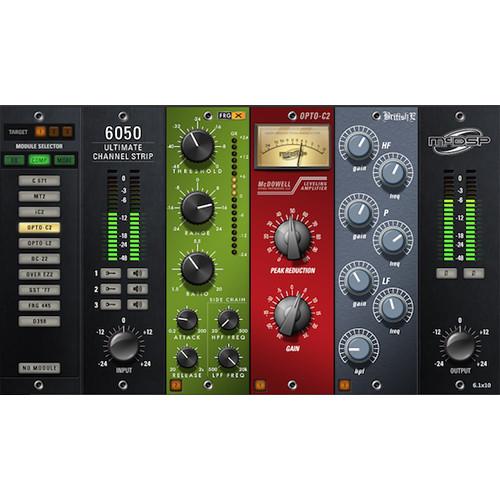
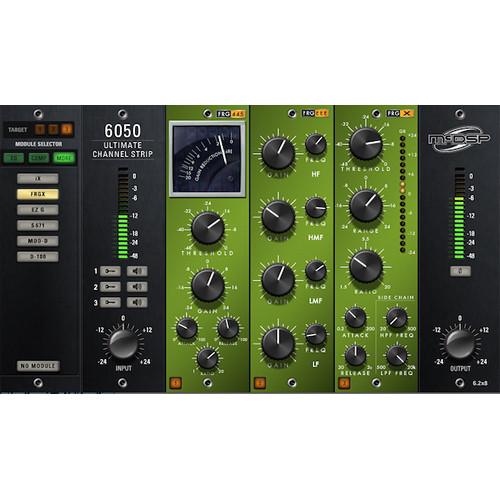
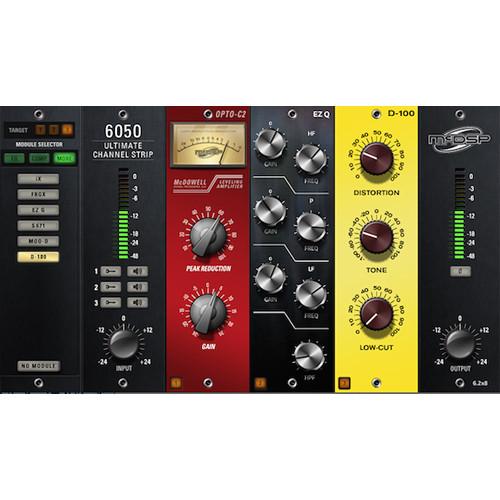
Product description The 6050 Ultimate Channel Strip HD V6 from McDSP features all the modules from the 6020 Ultimate EQ and 6030 Ultimate Compressor plug-ins and provides everything needed to make a mix sound great. Additional modules include gates, expanders, signal saturators, and specialized filters. Operation is simple and intuitive with artist presets from Mike Dean, Bob Horn, Neal Avron, ROCAsound, John Feldmann, Aaron Harris, and Lovy Longomba.
The plug-in features input and output stages, wrapped around three module bays in which any of the twenty-eight modules can be inserted. Easily drag and drop any module to rearrange the signal flow of the channel strip. A module selector panel allows quick auditioning of equalizers, compressors, and additional effects. - Over twenty-five EQ, compressor, gate, expander, saturator, and filter modules
- Easy drag-and-drop, on-the-fly module auditioning
- Analog saturation modeling
- Double-precision processing
Table of Contents
|
Upload User Manual
Have you got an user manual for the McDSP 6050 Ultimate Channel Strip HD V6 - Multiple Processing Modules Plug-In in electronic form? Please send it to us and help us expand our library of instruction manuals.
Thank you, too, on behalf of other users.
To upload the product manual, we first need to check and make sure you are not a robot. After that, your "Submit Link" or "Upload File" will appear.
Technical parametersMcDSP 6050 Specs | System Requirements | HD plug-ins are compatible with Pro Tools, Pro Tools | HD, Logic 9 and Logic X, Cubase, Nuendo, Ableton Live, Digital Performer, Studio One, and other DAWs that support AAX DSP, AAX Native, AU, VST and/or VST3 plug-in formats
AAX
Requires Windows 7 or later, Mac OS 10.7.2 or later, and supports Pro Tools 10.3.8 or later, 11.1.3 or later, and Pro Tools 12.x or later
Audio Units
Requires Mac OS 10.7.2 or later, and supports Logic 9 and Logic X, Digital Performer, Abelton Live, and other AU compatible DAWs
VST and VST3
Requires Windows 7 or later, Mac OS 10.7.2 or later, and supports Cubase 7.x or
later, Nuendo 6.5.x or later, and other VST and VST3 compatible DAWs
HD Plug-Ins
Also supports the VENUE systems on D-Show, Profile, and SC48 hardware, with some exceptions
iLok2 USB Smart Key for authorization McDSP plug-ins work with iLok Cloud. AAX, AU and VST plug-ins work with iLok Cloud. |
Rating80% users recommend this product to others. And what about you?

This product has already been rated by 22 owners. Add your rating and experience with the product.
Discussion
 Ask our technicians if you have a problem with your settings,
or if anything is unclear in the user manual you have downloaded.
You can make use of our moderated discussion.
The discussion is public and helps other users of our website who may be encountering similar problems.
Ask our technicians if you have a problem with your settings,
or if anything is unclear in the user manual you have downloaded.
You can make use of our moderated discussion.
The discussion is public and helps other users of our website who may be encountering similar problems.
The discussion is empty - enter the first post
Post a new topic / query / comment:
|
|


