User Manual for Native Instruments MASCHINE MIKRO MK3 Groove Production Studio Click to enlarge the picture
 Contents of the user manual for the Native Instruments MASCHINE MIKRO MK3 Groove
- Product category: Drum Machines Native Instruments
- Brand: Native Instruments
- Description and content of package
- Technical information and basic settings
- Frequently asked questions – FAQ
- Troubleshooting (does not switch on, does not respond, error message, what do I do if...)
- Authorized service for Native Instruments Drum Machines
 |
User manual for the Native Instruments MASCHINE MIKRO MK3 Groove contain basic instructions
that need to be followed during installation and operation.
Before starting your appliance, the user manual should be read through carefully.
Follow all the safety instructions and warnings, and be guided by the given recommendations.
User manual is an integral part of any Native Instruments product,
and if it is sold or transferred, they should be handed over jointly with the product.
Following the instructions for use is an essential prerequisite for protecting
health and property during use, as well as recognition of liability on the part of the manufacturer
for possible defects should you make a warranty claim. Download an official Native Instruments user manual in which you will find instructions on how to install, use, maintain and service your product.
And do not forget – unsuitable use of a Native Instruments product will considerably shorten its lifespan!
|
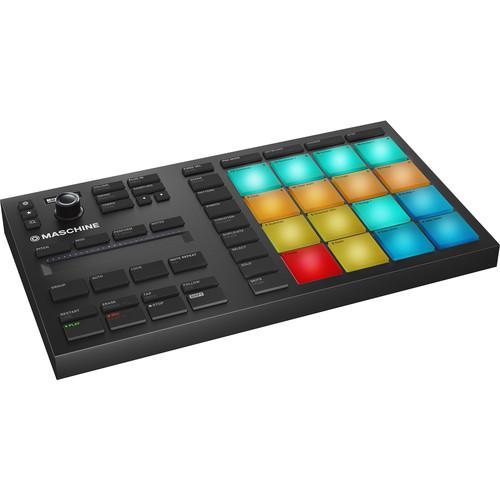
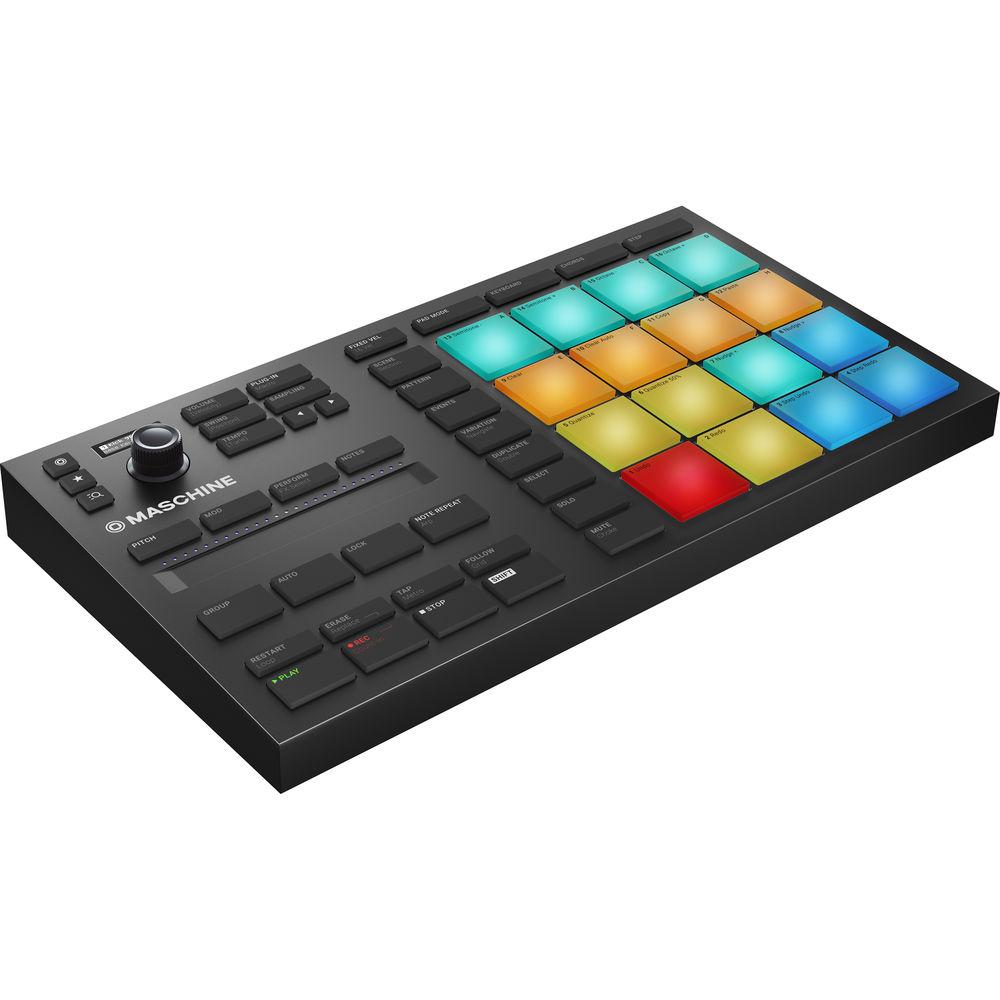
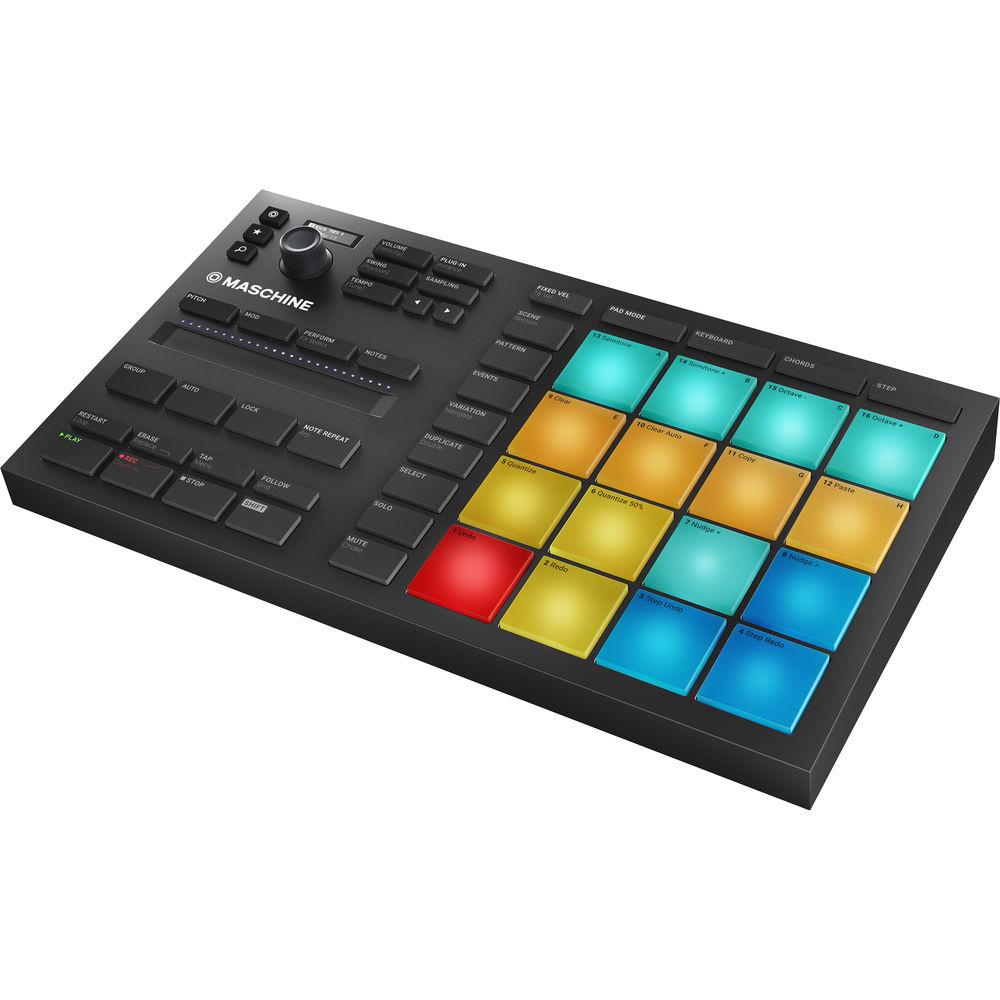
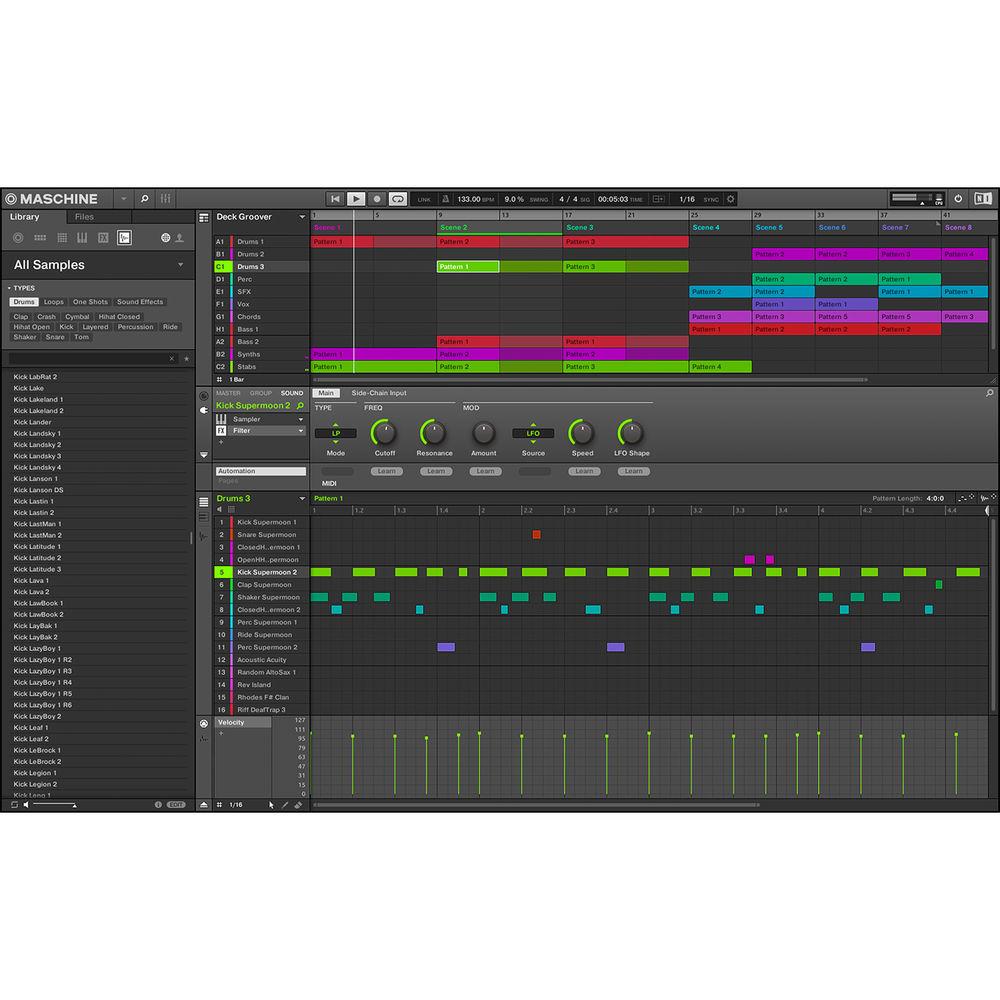
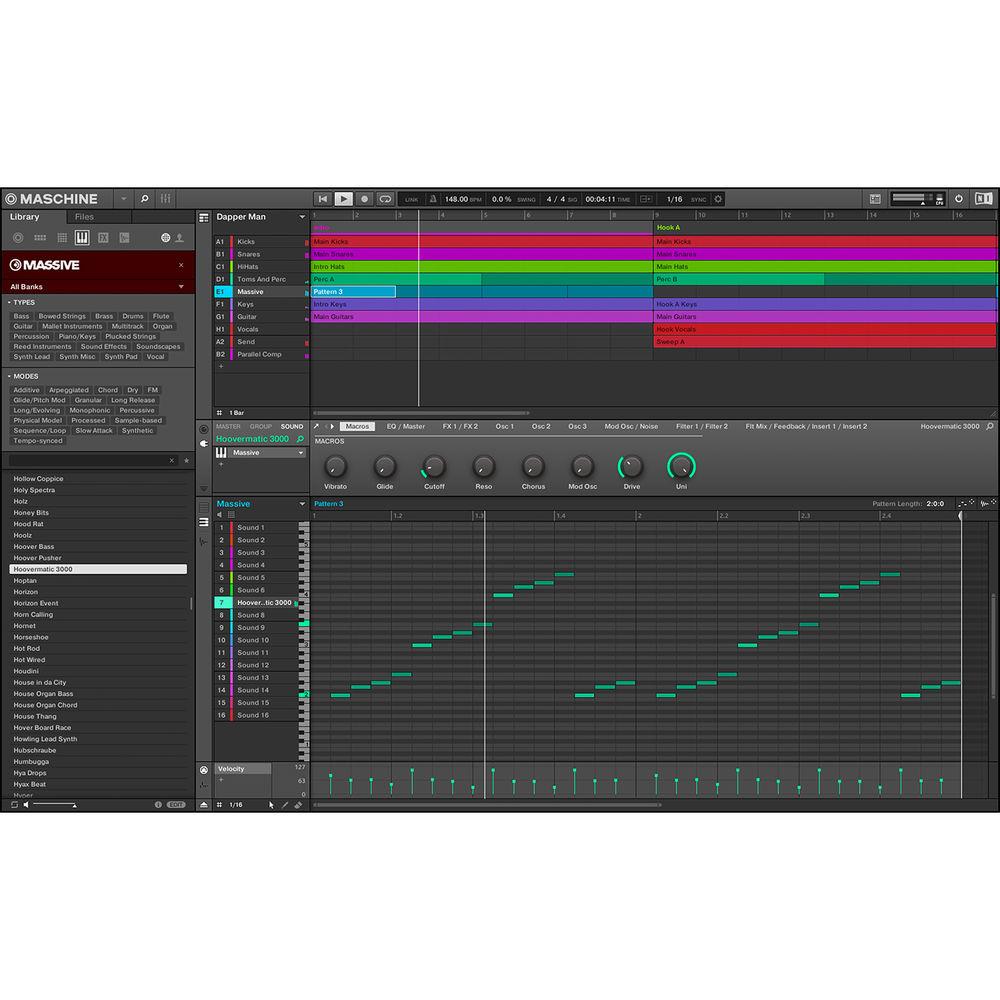
Product description The black Native Instruments MASCHINE MIKRO MK3 Groove Production Studio is a professional production and performance system, designed for both Mac and Windows. This combination hardware controller and integrated software offers a classic groove-box workflow, with a fast and intuitive interface that is designed to boost your speed and increase your focus. With the ability to act as a sequencer, sampler, VST/AU plug-in host, and multi-effects unit, the MASCHINE MIKRO MK3 supports beat-making, live performance, and more—all with the benefit of collaborative computer software. The software is stocked with a 1.6GB MASCHINE Essentials sample library that includes drum kits, synth sounds, loops, and more. Once registered, three KOMPLETE plug-ins are available for download including, MASSIVE, MONARK, and REAKTOR PRISM.
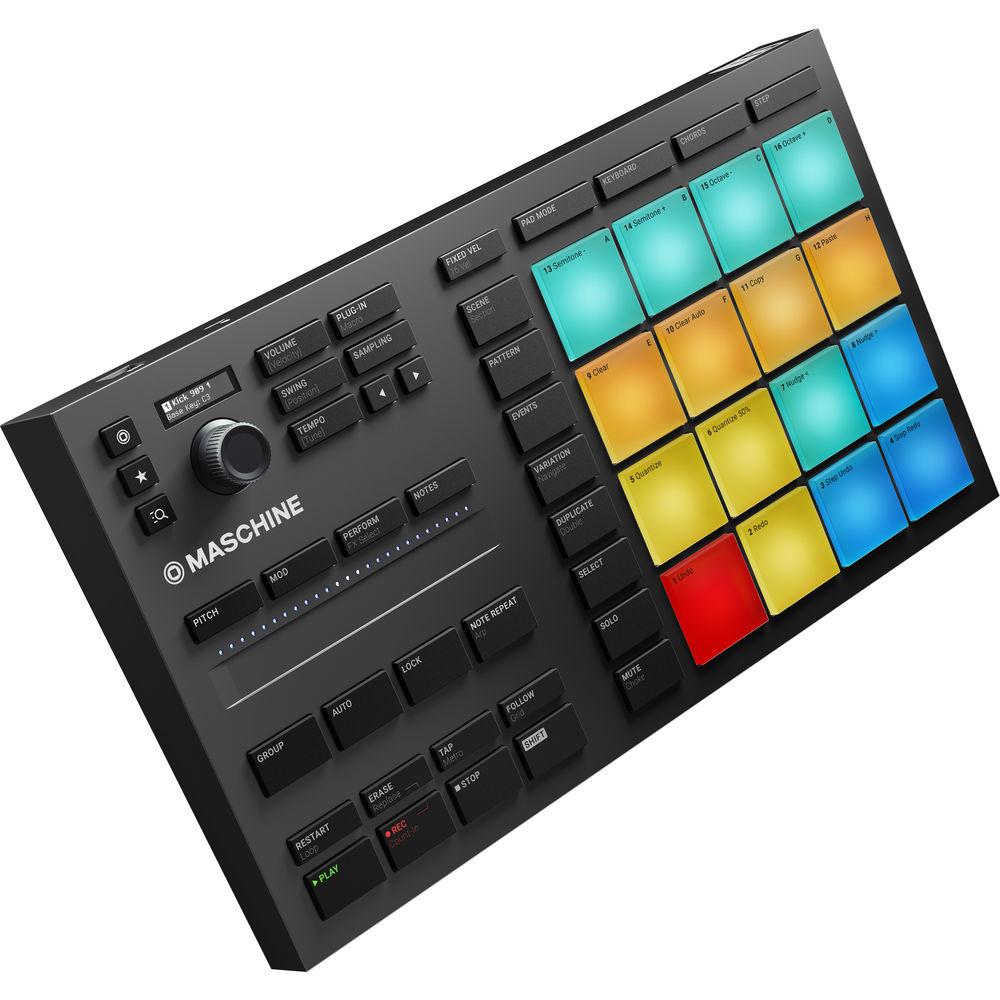
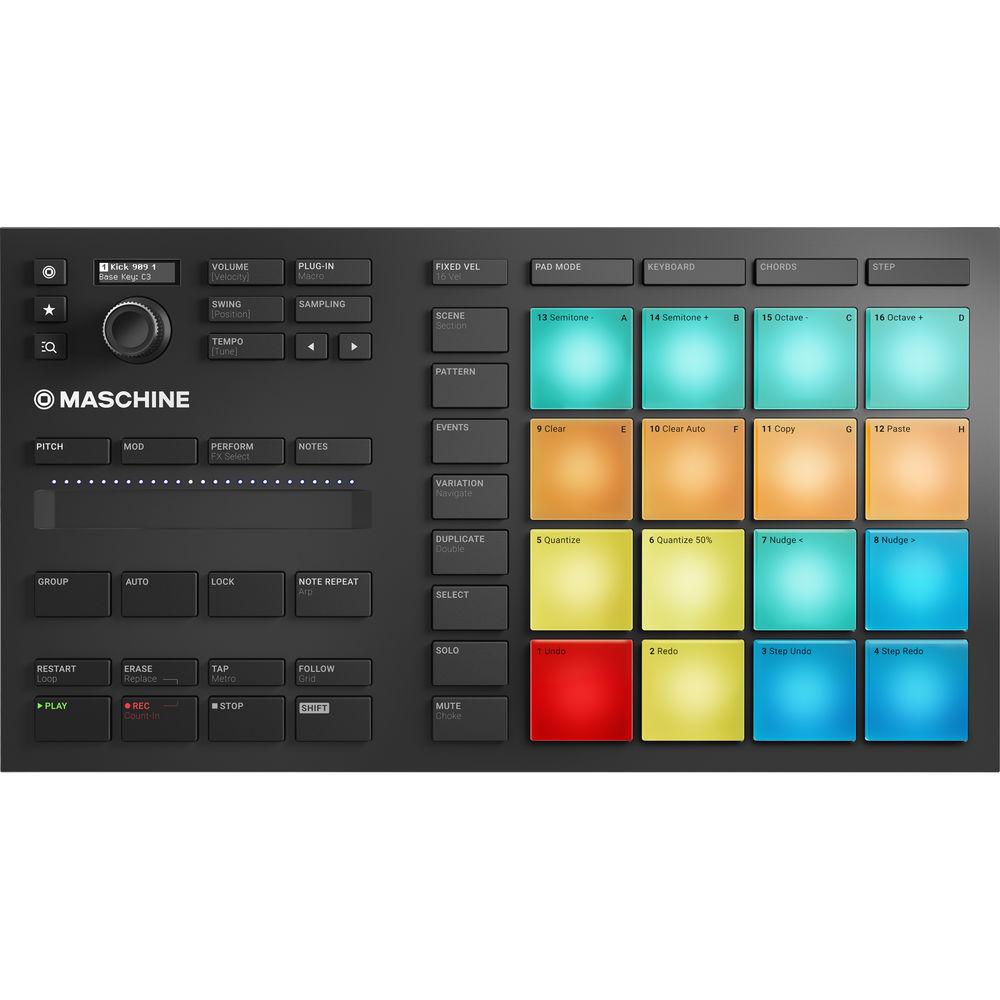
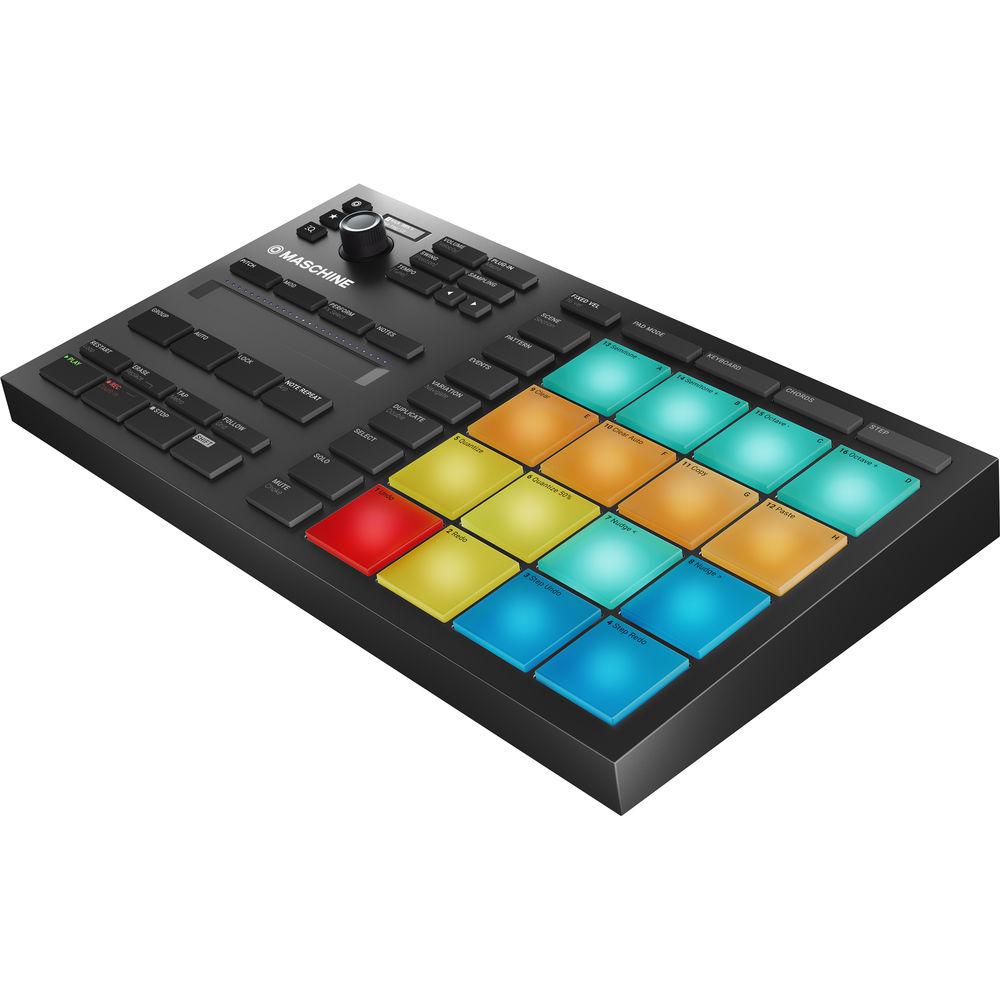
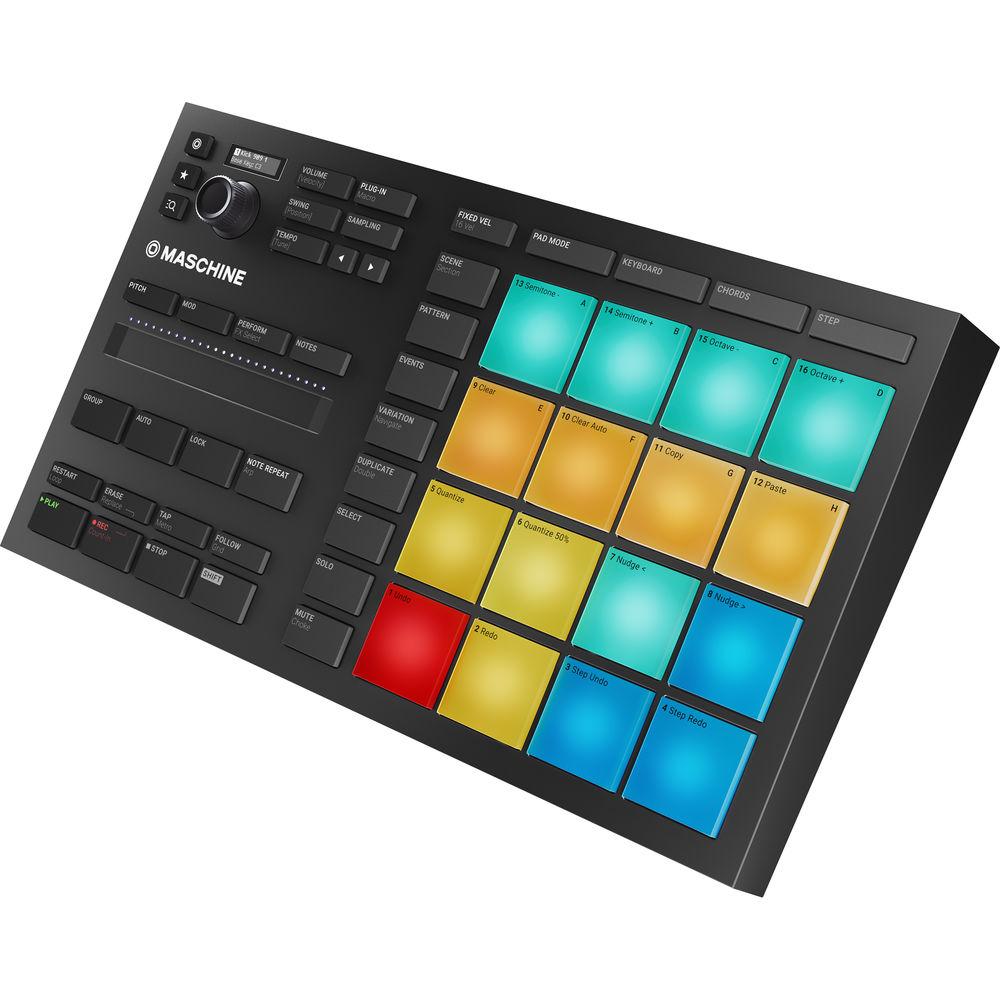
The MIKRO chassis is a more portable version of MASCHINE that scales back the screen capabilities and size while still offering 16 large, multi-colored, illuminated pads that are velocity-sensitive—making it easy to sequence drum patterns, bass lines, loops, etc. Plus, with color-coding, you can assign certain colors to certain instruments so you'll always know what's what without having to test it. Additional features include a compact display, a push encoder, a dual-touch Smart Strip, and dedicated buttons for navigation, scene, pattern, events variation, duplicate, select, solo, mute, and transport controls.
The MASCHINE MIKRO MK3 provides the flexibility of computer-based music production with straightforward, two-handed control for composing, performing, browsing, sampling, slicing, sound-shaping, and tweaking effects. Expand your sound with the optional 8GB MASCHINE factory library and KOMPLETE SELECT with 25GB of instruments and effects. What's more, there is the ever-expanding library of optional MASCHINE Expansions available. The Native Instruments MASCHINE MIKRO MK3 is powered via USB and a cable is included. - Key Features
-
- Compact, music production instrument that integrates powerful software with tactile, responsive hardware
- Four Ways to Input Sound Using the 16 Pads
- Pad Mode: Drumming
- Keyboard Mode: Play melodies
- Chord Modes: Create chord progressions
- Step Mode: Program in a classic step sequencer style
- Use standalone or as a VST, AU, or AAX plug-in in all major DAWs including Ableton Live, Pro Tools, Logic Pro, and FL Studio
- MASCHINE Factory Selection: 1.6GB library with samples, one-shots, loops, sample instruments, presets, patterns, drum kits, and songs
- Same software as MASCHINE MK3 / STUDIO / JAM, including 25 pro-quality studio and creative FX including filter, EQ, delay, reverb, and compressor
- Pads: 16 large, velocity-sensitive pads for easy two-handed drumming
- Dual-Touch Smart Strip: Slide your fingers to strum instruments, bend sounds, use Perform FX, and more
- Push Encoder and Screen: For browsing, navigating, adjusting volume levels and panning, and controlling parameters
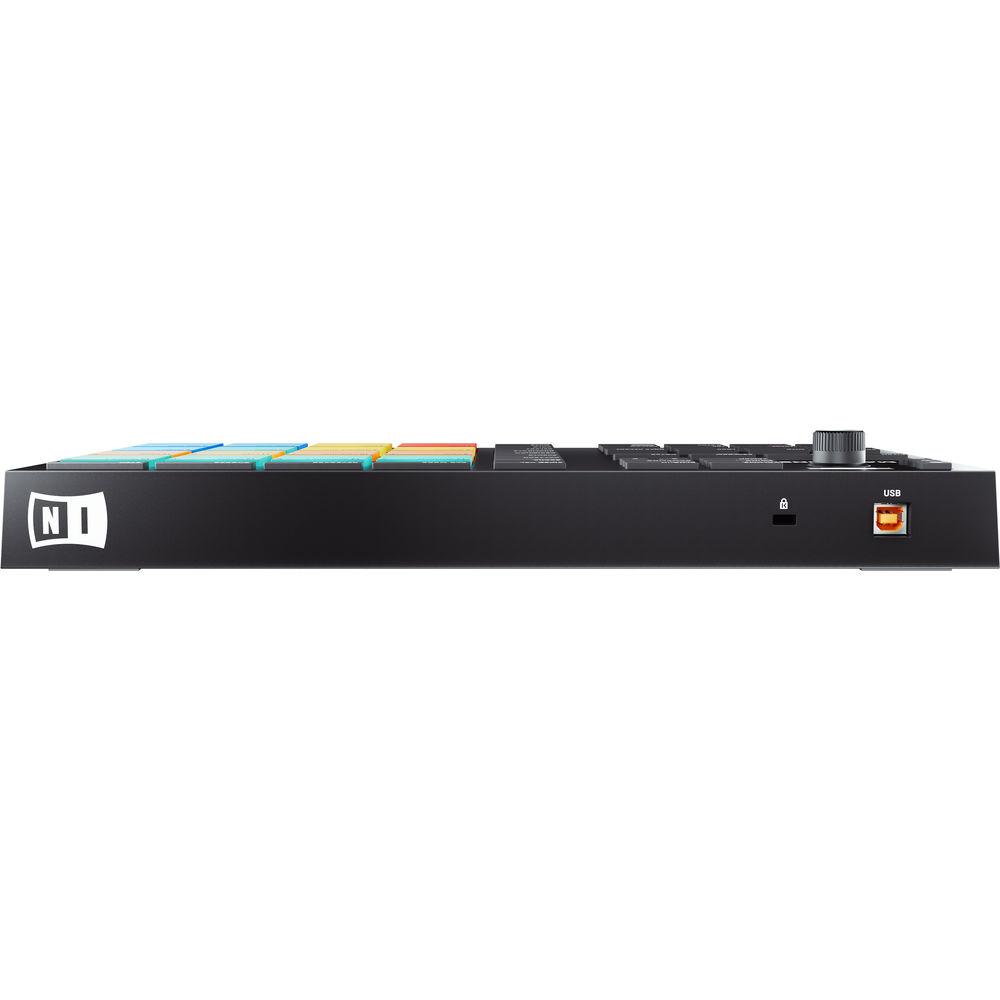
- USB 2.0 bus powered
- Native Instruments Sound Universe: Easily expand your library with KOMPLETE, Sounds.com, and Expansions
- Solid integration with any third-party NKS-certified instrument and effects
- Classic Groovebox: 16 pad velocity levels along with swing, pad link, note repeat, step sequencer, and vintage MPC60/SP1200 sampling emulation
- Powerful mixer, arranger, and sampler for full creative control over your tracks
- Included Software
-
- MASCHINE Essentials: Full MASCHINE application plus 1.6 GB factory selections
- 3 KOMPLETE Instruments
- MASSIVE: Virtual analog synthesizer
- MONARK: Iconic mono synth
- REAKTOR PRISM: Flexible polyphonic synthesizer
- Eligibility to purchase upgrade to full 8GB MASCHINE factory library and KOMPLETE SELECT with 25GB of instruments and effects
In the Box Native Instruments MASCHINE MIKRO MK3 Groove Production Studio (Black) MASCHINE Controller MASCHINE Essentials Software USB Cable MASSIVE Plug-In MONARK Plug-In REAKTOR PRISM Plug-In Limited 1-Year Warranty Table of Contents
|
Upload User Manual
Have you got an user manual for the Native Instruments MASCHINE MIKRO MK3 Groove Production Studio in electronic form? Please send it to us and help us expand our library of instruction manuals.
Thank you, too, on behalf of other users.
To upload the product manual, we first need to check and make sure you are not a robot. After that, your "Submit Link" or "Upload File" will appear.
Technical parametersNative Instruments Maschine Mikro MK3 Specs | Pads | 16 x velocity-sensitive, multi-color, illuminated pads | | USB | USB 2.0 | | Windows System Requirements | Windows 10 (latest update, 64-bit)
Processor: Intel Core i5 or equivalent
Memory: 4 GB RAM
USB 2.0 port
3 GB free disk space for full MASCHINE software and MASCHINE ESSENTIALS library
1 GB free disk space for MASSIVE, MONARK, and REAKTOR PRISM
An Internet connection and a graphics card which supports OpenGL 2.1 or higher are required to download and activate MASCHINE software. Once installed and activated, all products can be used offline | | Mac System Requirements | Mac OS X 10.12 or 10.13 (latest update)
Processor: Intel Core i5
Memory: 4 GB RAM
USB 2.0 port
3 GB free disk space for full MASCHINE software and MASCHINE ESSENTIALS library
1 GB free disk space for MASSIVE, MONARK, and REAKTOR PRISM
An Internet connection and a graphics card which supports OpenGL 2.1 or higher are required to download and activate MASCHINE software. Once installed and activated, all products can be used offline | | Dimensions (W x L x H) | 12.6 x 7.0 x 1.8" / 320 x 177 x 45 mm | | Weight | 2.5 lb / 1.1 kg | | | | Package Weight | 3.2 lb | | Box Dimensions (LxWxH) | 14.25 x 8.13 x 3.25" |
Rating100% users recommend this product to others. And what about you?

This product has already been rated by 69 owners. Add your rating and experience with the product.
Discussion
 Ask our technicians if you have a problem with your settings,
or if anything is unclear in the user manual you have downloaded.
You can make use of our moderated discussion.
The discussion is public and helps other users of our website who may be encountering similar problems.
Ask our technicians if you have a problem with your settings,
or if anything is unclear in the user manual you have downloaded.
You can make use of our moderated discussion.
The discussion is public and helps other users of our website who may be encountering similar problems.
The discussion is empty - enter the first post
Post a new topic / query / comment:
|
|


