|
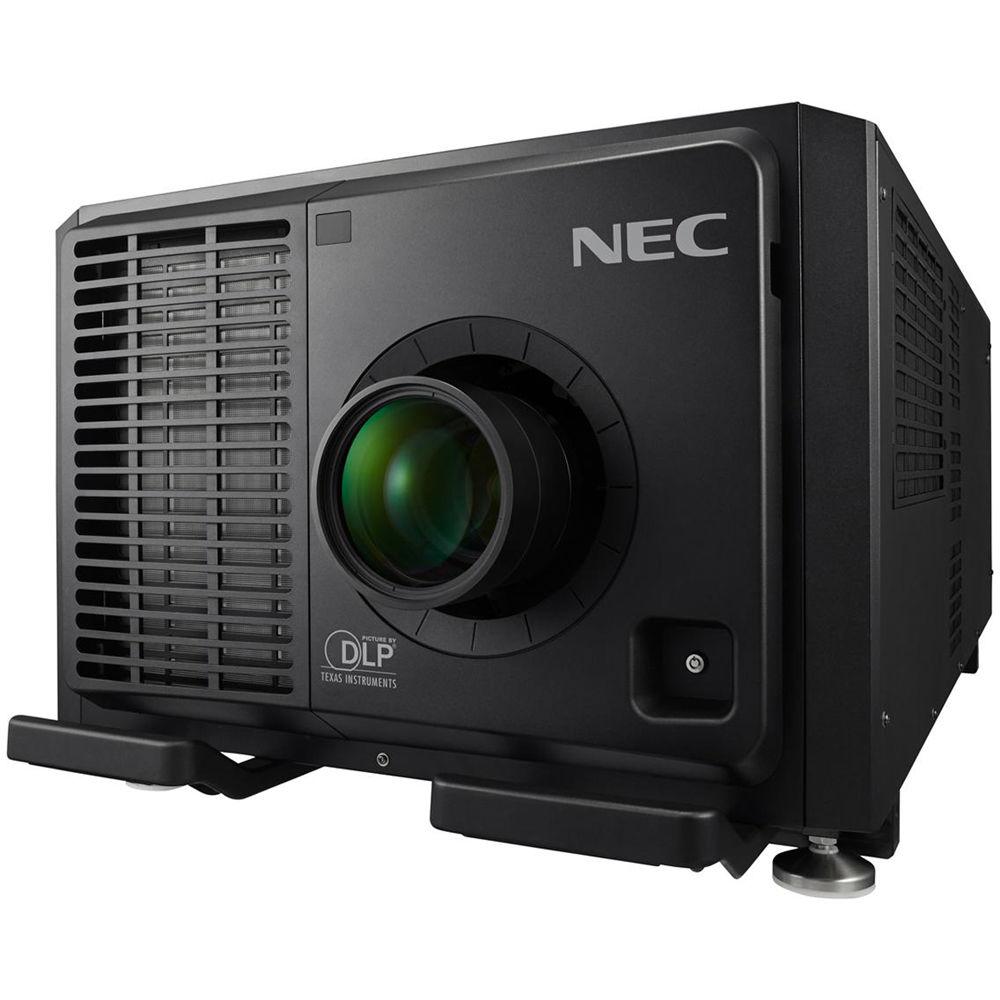
User Manual for NEC 30,000-Lumen 4K Professional Laser Installation Projector Click to enlarge the picture
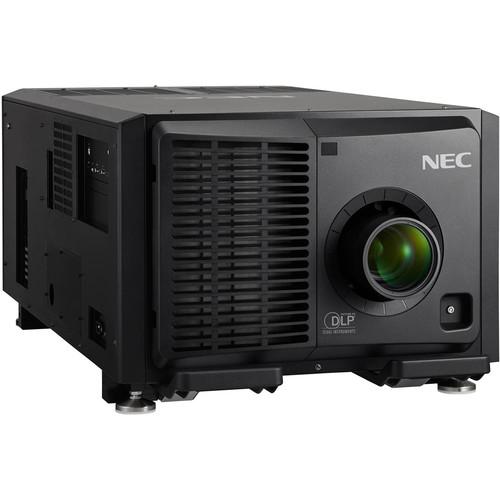 Contents of the user manual for the NEC 30,000-Lumen 4K Professional Laser Installation
- Product category: Multimedia Projectors NEC
- Brand: NEC
- Description and content of package
- Technical information and basic settings
- Frequently asked questions – FAQ
- Troubleshooting (does not switch on, does not respond, error message, what do I do if...)
- Authorized service for NEC Multimedia Projectors
 |
User manual for the NEC 30,000-Lumen 4K Professional Laser Installation contain basic instructions
that need to be followed during installation and operation.
Before starting your appliance, the user manual should be read through carefully.
Follow all the safety instructions and warnings, and be guided by the given recommendations.
User manual is an integral part of any NEC product,
and if it is sold or transferred, they should be handed over jointly with the product.
Following the instructions for use is an essential prerequisite for protecting
health and property during use, as well as recognition of liability on the part of the manufacturer
for possible defects should you make a warranty claim. Download an official NEC user manual in which you will find instructions on how to install, use, maintain and service your product.
And do not forget – unsuitable use of a NEC product will considerably shorten its lifespan!
|
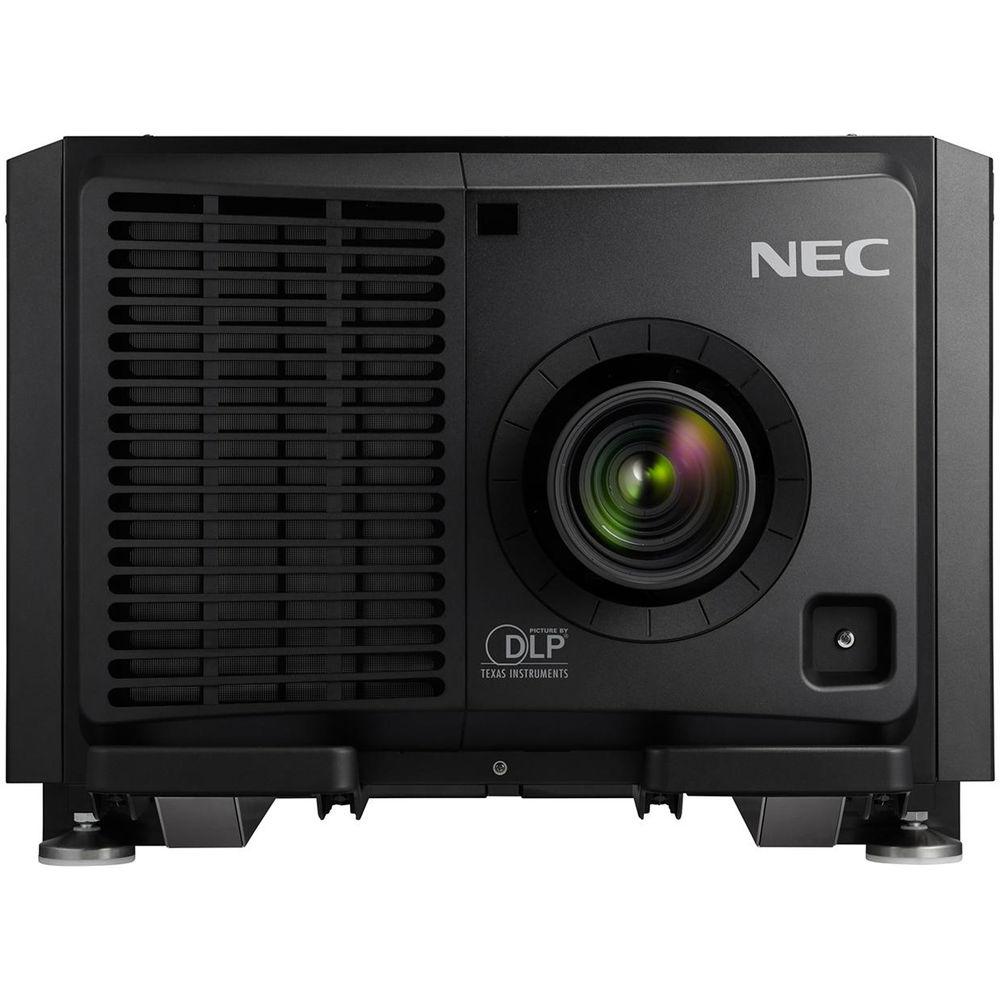
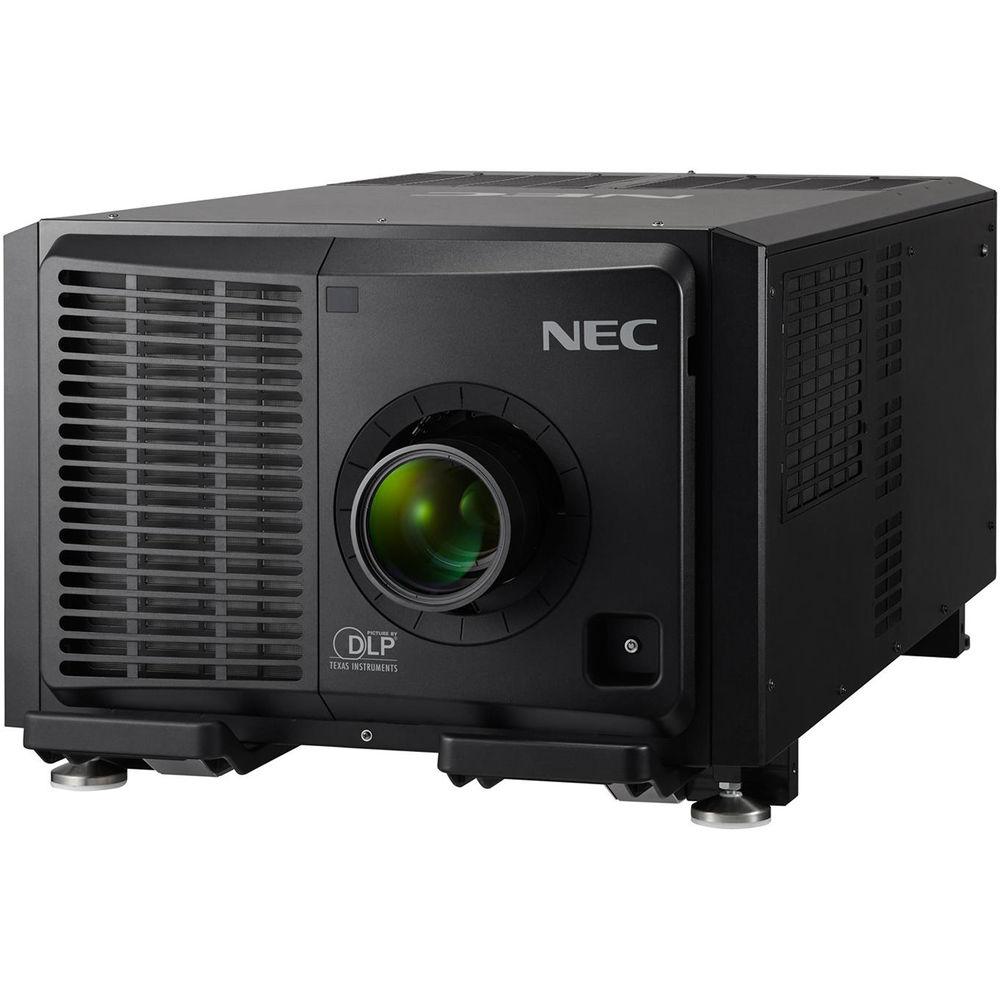
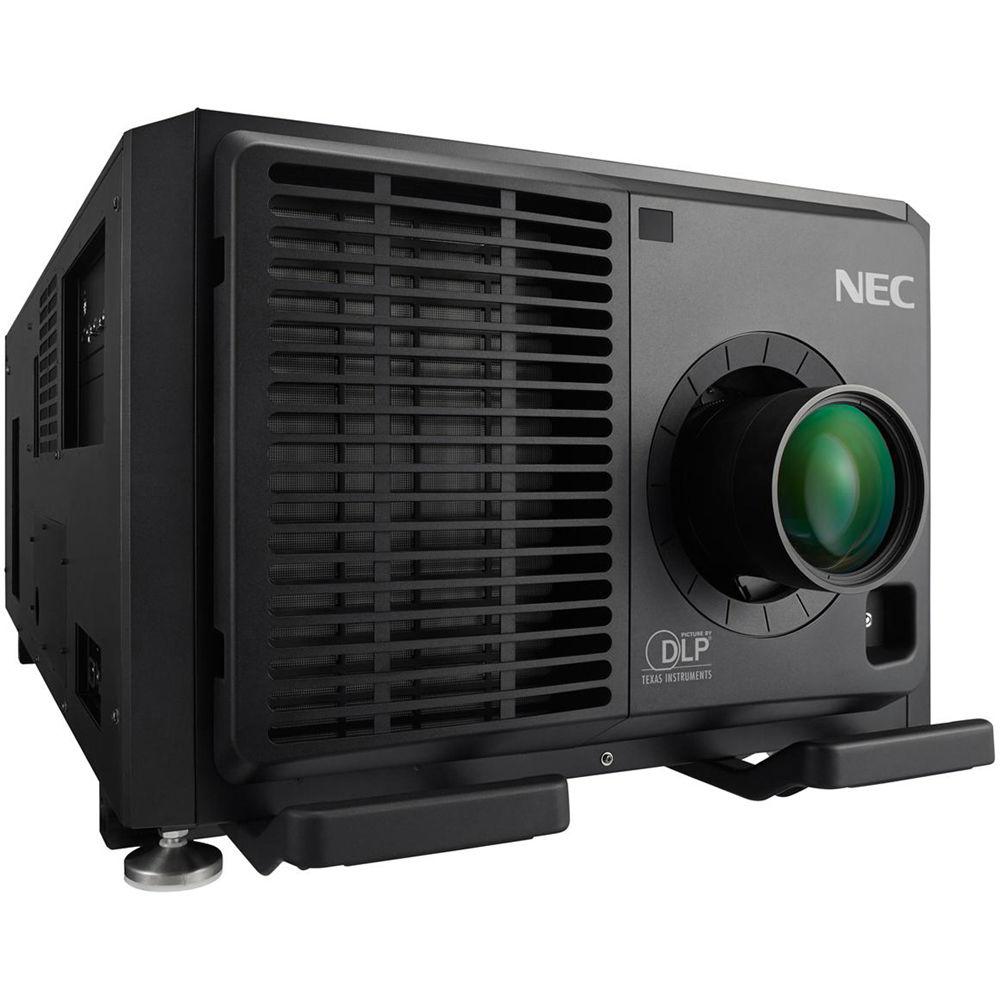
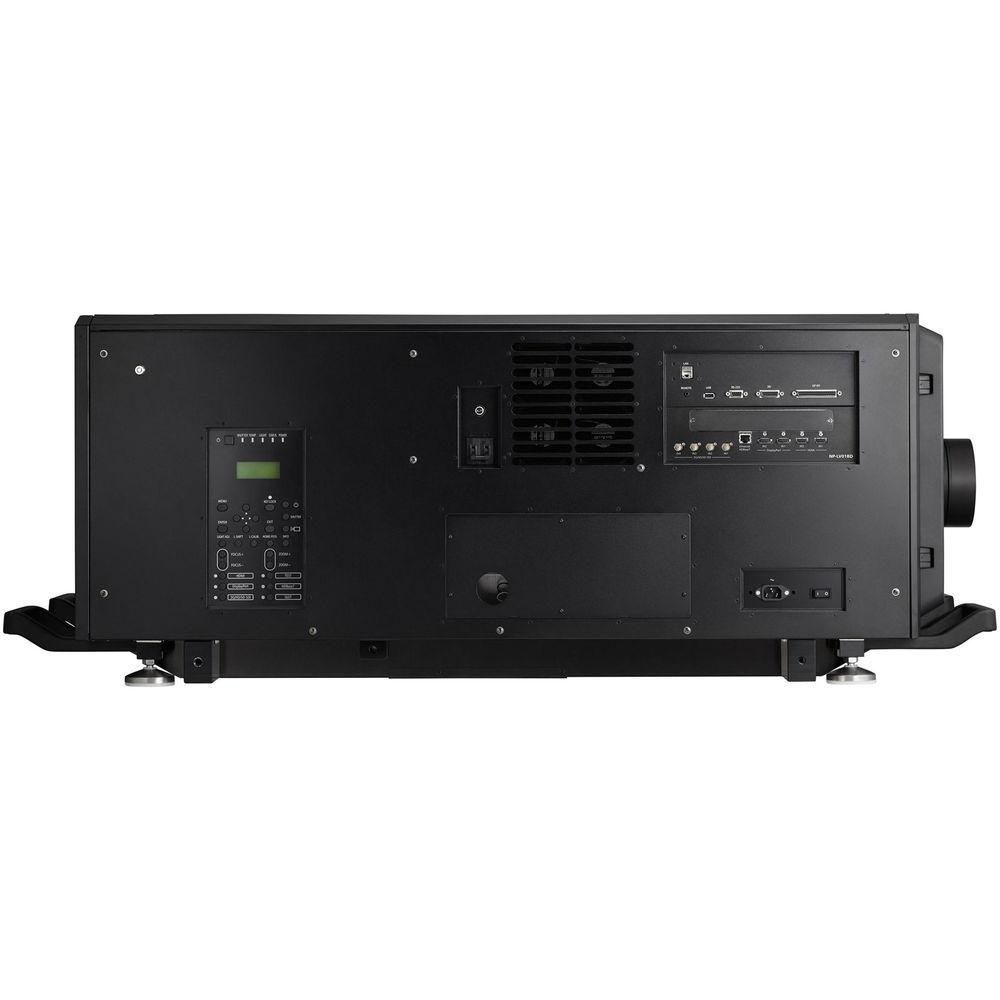
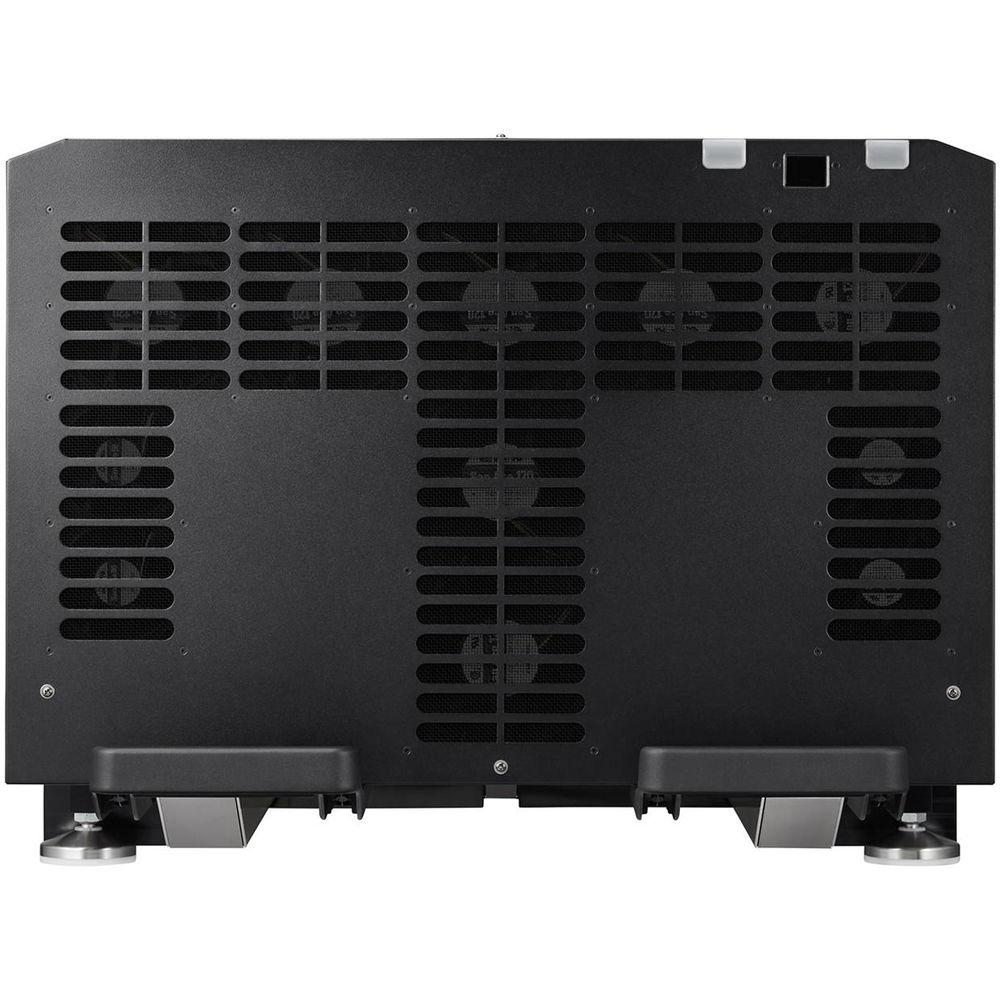
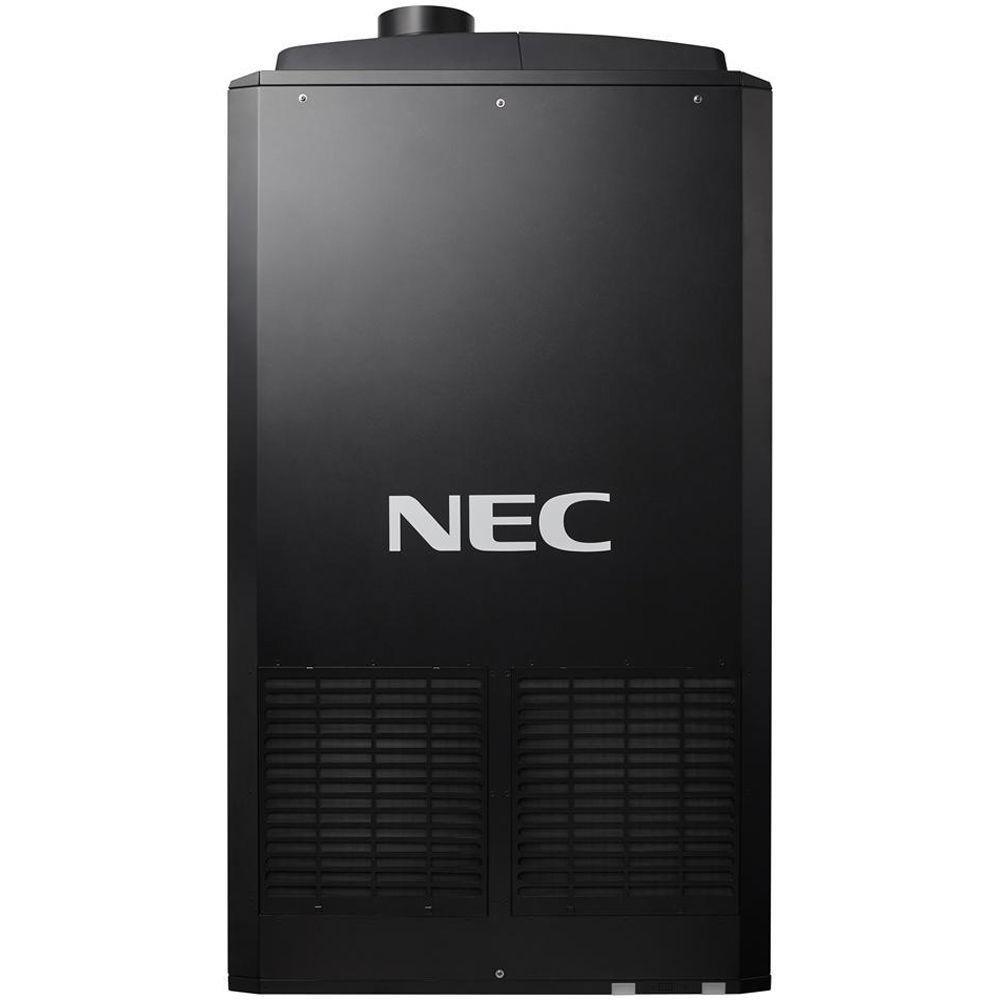
Product description The 4K Professional Laser Installation Projector from NEC is a 30,000 center lumens (26,000 ANSI) 3-Chip DLP RB laser projector suitable for education, houses of worships, rental & staging, museums, and corporate environments. The 4096 x 2160 native resolution projector creates real life video images using proprietary Digital Cinema Quality Video processing. Extreme brightness and resolution offer a seamless alternative to video walls. With its various digital inputs, connection to any computer or high definition device is possible. Enjoy design and installation flexibility with a complete line of optional powered lenses (lens shift, focus, and zoom) and built-in edge blending. Stacking and geometric correction help support projection mapping when single or multiple projectors are required. The sealed optical engine creates a filter/maintenance free projector. - Laser Light Module
- • Up to 20,000 hours of operation
• High-brightness, lower power consumption enhances applications such as retail, digital signage, and theme parks
• Ability to control brightness creating a stable image over longer time periods
• Images appear immediately after power on due to instantaneous start-up of the laser - Integrated and Powerful
- • Project uncompressed FHD video with integrated HDBaseT
• High performance video processing/scaling creates life-like images
• Integrated software applications such as DisplayNote, Crestron Roomview, AMX Beacon, and PJ Link allow for interactivity and control
• Tile Matrix enables 4K resolution - Flexible
- • Enjoy installation flexibility with powered optional bayonet style lenses, providing quick and easy exchanges
• Tilt-free installation capabilities makes this projector ideal for almost any installation environment, including portrait orientation. - Stacking Correction
- • Stacking correction capability (up to two projectors) allows the projectors to boost an image's brightness up to 80,000 lumens, which is ideal for larger-sized screens and environments with heavy ambient light.
• This feature also prevents the complete loss of an image, which can happen when using only one projector - Edge Blending
- • This function seamlessly blends multiple projected images to display a single high- resolution image.
- Built-In HDBaseT Support
- • Simplify your installations with HDBaseT.
• Optimized for video applications and supporting uncompressed full HD digital video, audio, ethernet, power, and various control signals.
• With a single cable (up to 328') to run, installations are significantly easier and there is no cable clutter to manage. - Super Dust Protection
- • NEC's patented heat exchanger and the completely sealed optical engine offer continuous performance in harsh Rental/Staging environment.
- Cornerstone
- • Enhanced keystone correction allows for horizontal, vertical, and diagonal image correction for aligned images even when the projector is set up at an angle to the screen
- Geometric Correction
- • Geometric correction allows this model to project an image on spheres, cylinders, corner angles, and other non-standard surfaces.
- Other Features
- • Advanced AccuBlend ensures detailed images when non-native resolution sources are connected to the projector
• AutoSense automatically syncs with any computer signal and features one-touch image optimization
• 64-step image magnification with location control
• Discreet source keys for source selection
• Remote diagnostics enable the user to monitor and make adjustments to the projector remotely
• Built-in HTTP page for control and monitoring over a LAN network. Email notification of error messages or lamp end-of-life can be sent to remote locations. In the Box NEC 30,000-Lumen 4K Professional Laser Installation Projector Remote Control & Batteries Power Cord Lens Hole Cap Service Door Key Limited 5-Year or 20,000-Hour Warranty, Whichever Comes First Table of Contents
|
Upload User Manual
Have you got an user manual for the NEC 30,000-Lumen 4K Professional Laser Installation Projector in electronic form? Please send it to us and help us expand our library of instruction manuals.
Thank you, too, on behalf of other users.
To upload the product manual, we first need to check and make sure you are not a robot. After that, your "Submit Link" or "Upload File" will appear.
Technical parametersNEC NP-PH2601QL Specs | | | Display System | 3-Chip 1.38" DMD DLP | | Native Chip Resolution | 4096 x 2160 (UHD 4K) | | Supported Resolutions | Maximum: 4096 x 2160 | | Max Brightness | 30,000 Lumens | | Aspect Ratio | 17:9 | | Contrast Ratio | 30000:1 | | Dynamic Contrast Ratio | 30,000:1 | | DLP Link 3D | Yes | | Supported 3D Formats | Side by Side
Top Bottom | | | | Focus | Manual Powered | | Projection Size | 50 - 500" / 1.27 - 12.70 m | | | | Keystone Correction | Manual-Vertical: ± 40°
Manual-Horizontal: ± 40° | | Picture-in-Picture | Yes | | Ceiling Mountable | Yes | | Rear Screen Projection | Yes | | Built-In Speaker | None | | | | Inputs/Outputs | 2 x HDMI Video (Input)
2 x DisplayPort Video (Input)
1 x HDBaseT (RJ45) Data (Input)
1 x 3G-SDI (BNC) Video (Input)
1 x VGA (DE-15) Video (Output)
1 x RS-232C (DE-9) Control
1 x HDBaseT (RJ45) Control
1 x Ethernet (RJ45) Control
1 x DDC/CI Control
1 x 1/8" (3.5 mm) Mini Control | | Inputs/Outputs | 1 x USB 2.0 (USB Type-A) Control | | Memory Card Slot | None | | | | Light Source | Laser Phosphor | | Expected Lamp Life | Medium Brightness: 20,000 Hours | | Fan Noise | Medium Brightness: 55 dB
Low Brightness: 53 dB | | AC Input Power | 240 VAC50 Hz at 30 A | | Power Consumption | Medium Brightness: 3665 W
Standby Mode (Lamp Off): 205 W | | Max Operating Altitude | 8530' / 2600 m | | Operating Temperature | 41 to 104°F / 5 to 40°C | | Storage Temperature | 14 to 122°F / -10 to 50°C | | Operating Humidity | 20 - 80% | | Dimensions (W x H x D) | 27.4 x 46.5 x 17.9" / 69.6 x 118.1 x 45.5 cm | | Weight | 317.5 lb / 144.0 kg |
Rating90% users recommend this product to others. And what about you?

This product has already been rated by 96 owners. Add your rating and experience with the product.
Discussion
 Ask our technicians if you have a problem with your settings,
or if anything is unclear in the user manual you have downloaded.
You can make use of our moderated discussion.
The discussion is public and helps other users of our website who may be encountering similar problems.
Ask our technicians if you have a problem with your settings,
or if anything is unclear in the user manual you have downloaded.
You can make use of our moderated discussion.
The discussion is public and helps other users of our website who may be encountering similar problems.
The discussion is empty - enter the first post
Post a new topic / query / comment:
|
|
|
| Request for user manual |
You can’t find the operation manual you are looking for? Let us know and we will try to add the missing manual:
I’m looking for a manual / Request for manual
Current requests for instruction manuals:
Call Of Duty World War Two For Xbox...
controller stratus XL...
stratus XL...
smart whatch serie S11 42mm...
Allen & Heath SQ-6 manual...
|
| Discussion |
Latest contributions to the discussion:
AEW R 4100
Name: MAURICIO ANGARITA
Audio-Technica AEW-R4100 UHF Diversity Receiver for
AEW R 4100 has the mute function blocked and does not allow audio to pass. I tried several times to turn off the mute from the transmitter but it does nothing, the mute stays on. Solution?
Thank you...
Instructions for assembling the 2015 Forecast Image Master Consoles GC3-A
Name: mike elam
Forecast Consoles GC3-A ImageMaster Editing Console
Looking for instructions for assembling this console. ...
EMPTY TONER ERROR MESSAGE AFTER REPLACING TONER
Name: LINDA BAD YELLOW EYES
Brother TN223BK Standard-Yield Toner
I HAD TO CHANGE OUT ALL THREE TONERS DUE TO LEAKS IN THE YELLOW AND CYAN. AFTER I REPLACED THEM, THE MACHINE KEEPS GIVING ME AN EMPTY TONER ERROR MESSAGE. HELP!!...
PS480D 20/24 pin Switching 480W Power Supply
Name: swkargo
Logisys 480W Power Supply
This item states in can run -5vdc .It is NOT listed on the board or I beleive is r4 is missing the resitior. Any body have thid issue. Shawn
...
Help needed
Name: Ann Carter
SanDisk 1TB Extreme Portable USB 3.1
When I click the link to download the user manual for my Sandisk Extreme external hard drive, it gives me the manual for the LG Cricket. Can you please change the link so I can download the Sandisk manual and begin using this drive? Thank you....
|
|


