|
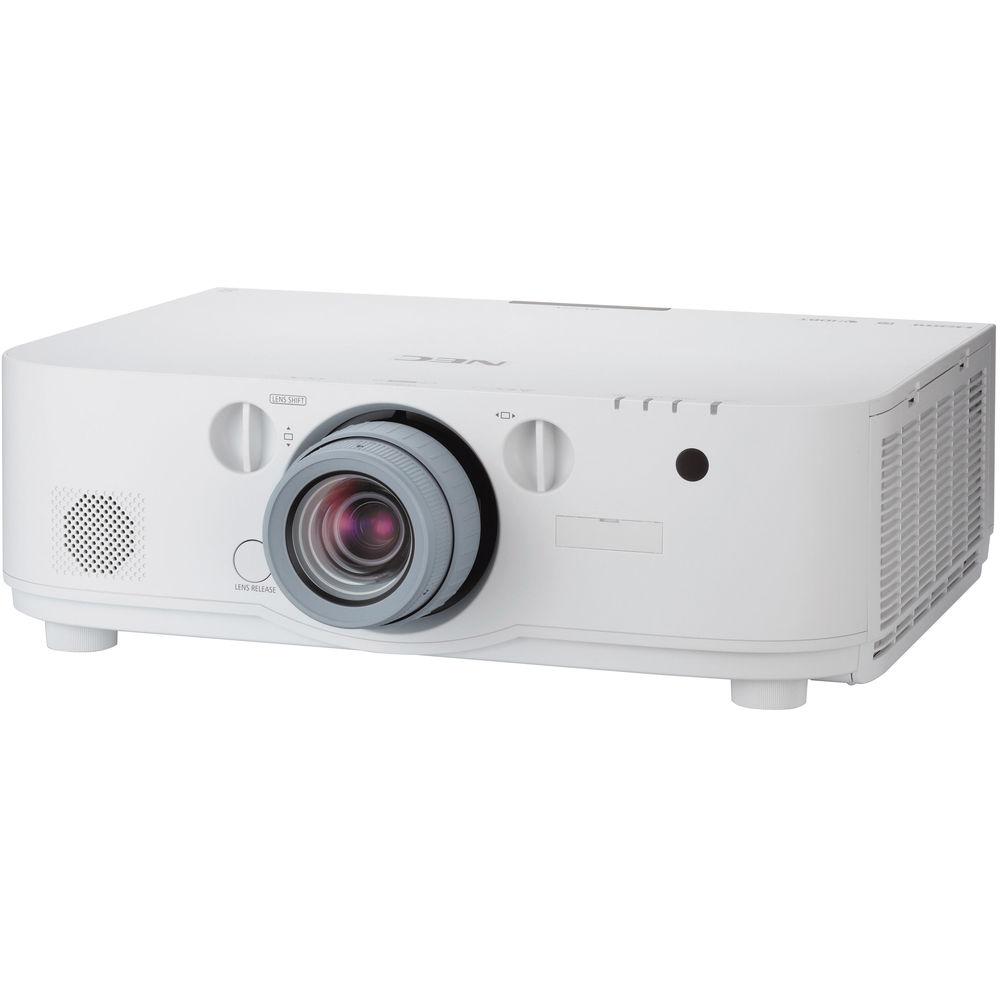
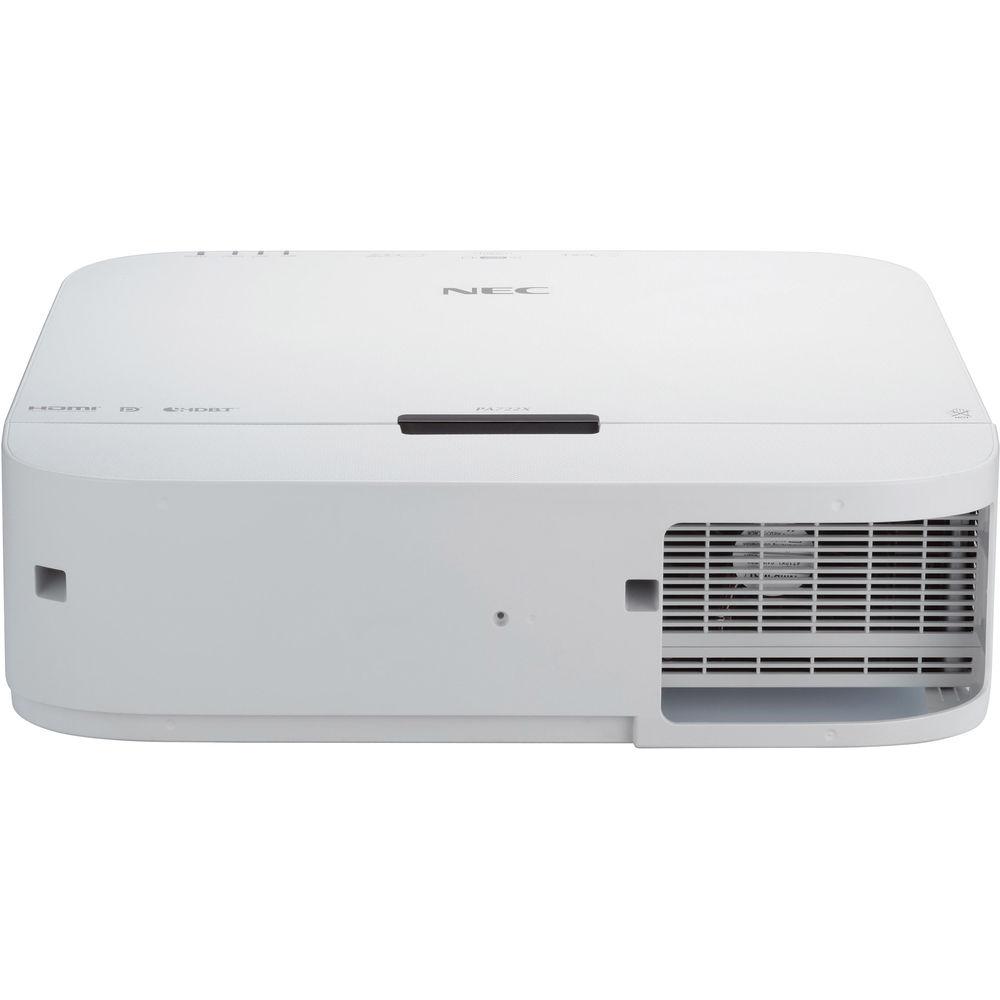
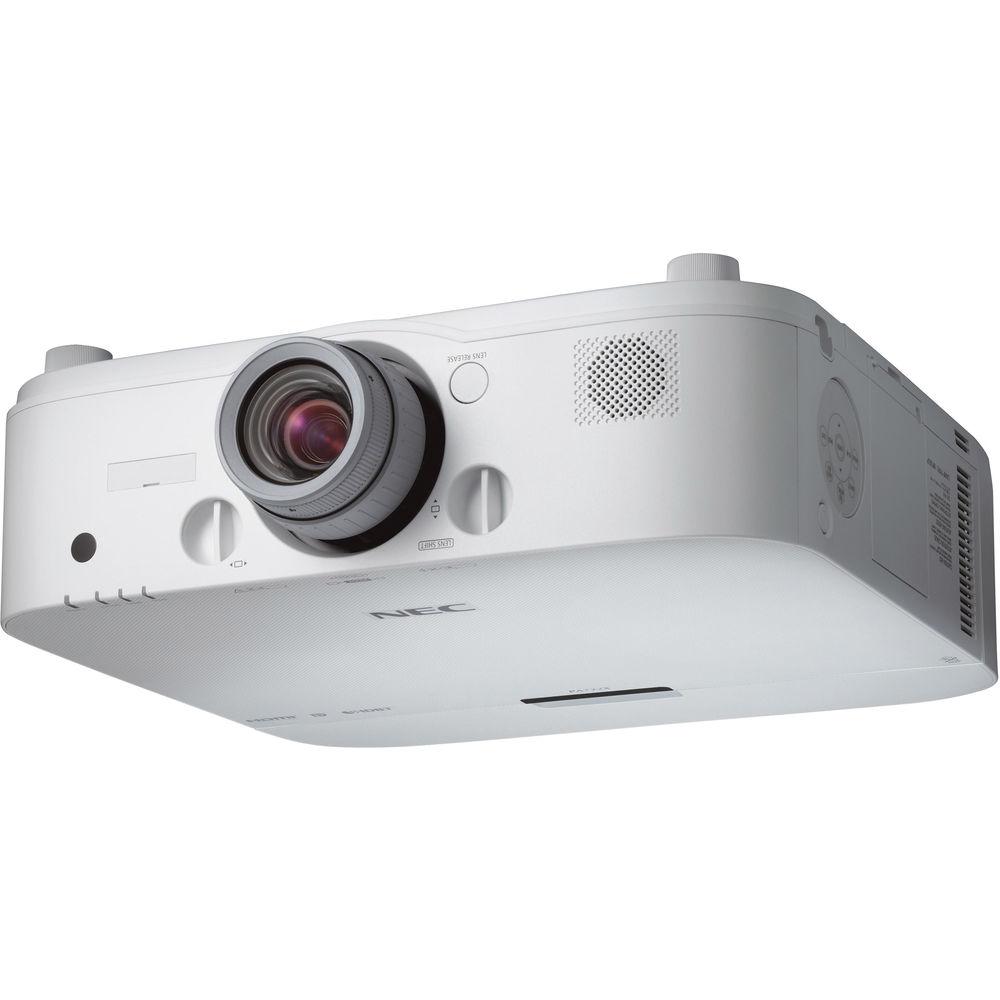
User Manual for NEC NP-PA521U 5200 Lumen WUXGA Professional Installation LCD Projector Click to enlarge the picture
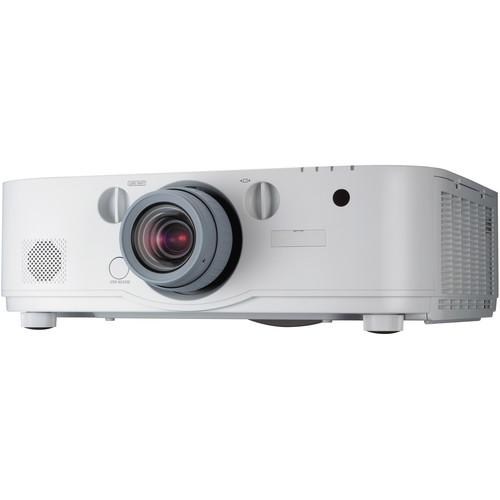 Contents of the user manual for the NEC NP-PA521U 5200 Lumen WUXGA Professional
- Product category: Multimedia Projectors NEC
- Brand: NEC
- Description and content of package
- Technical information and basic settings
- Frequently asked questions – FAQ
- Troubleshooting (does not switch on, does not respond, error message, what do I do if...)
- Authorized service for NEC Multimedia Projectors
 |
User manual for the NEC NP-PA521U 5200 Lumen WUXGA Professional contain basic instructions
that need to be followed during installation and operation.
Before starting your appliance, the user manual should be read through carefully.
Follow all the safety instructions and warnings, and be guided by the given recommendations.
User manual is an integral part of any NEC product,
and if it is sold or transferred, they should be handed over jointly with the product.
Following the instructions for use is an essential prerequisite for protecting
health and property during use, as well as recognition of liability on the part of the manufacturer
for possible defects should you make a warranty claim. Download an official NEC user manual in which you will find instructions on how to install, use, maintain and service your product.
And do not forget – unsuitable use of a NEC product will considerably shorten its lifespan!
|
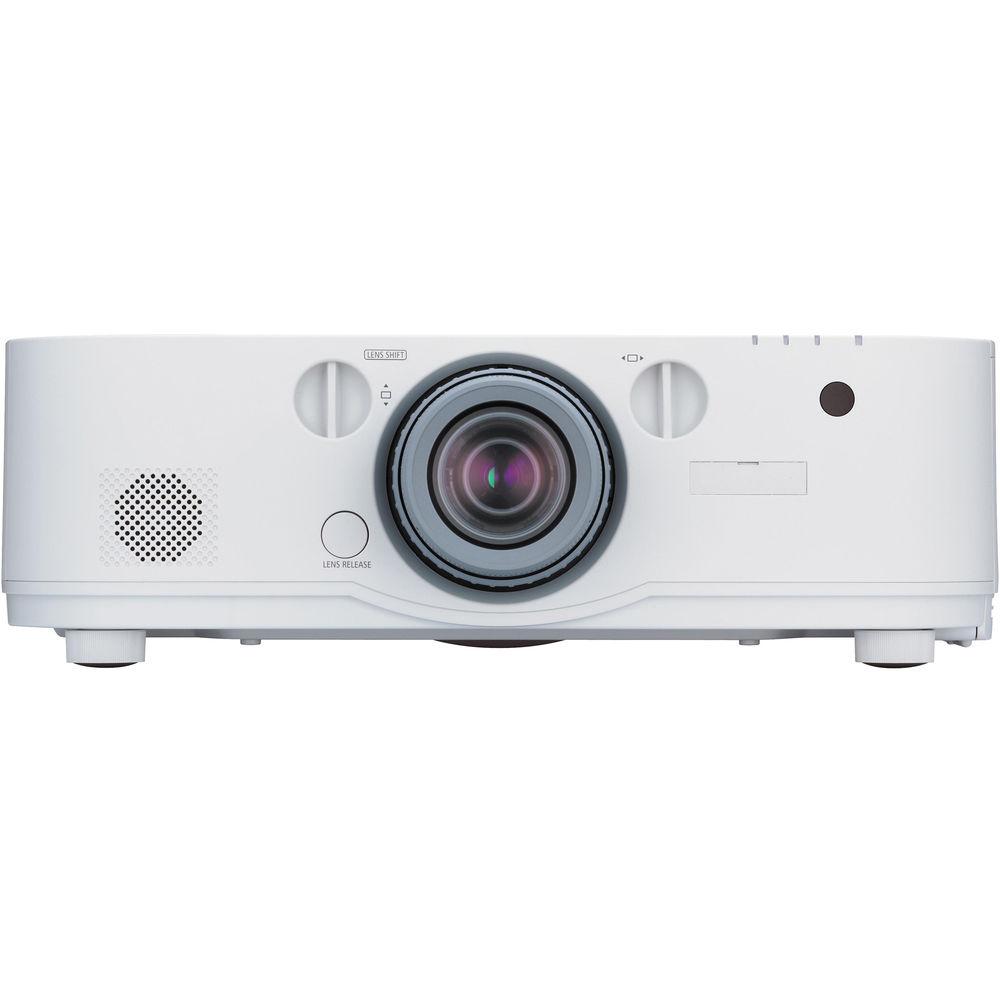
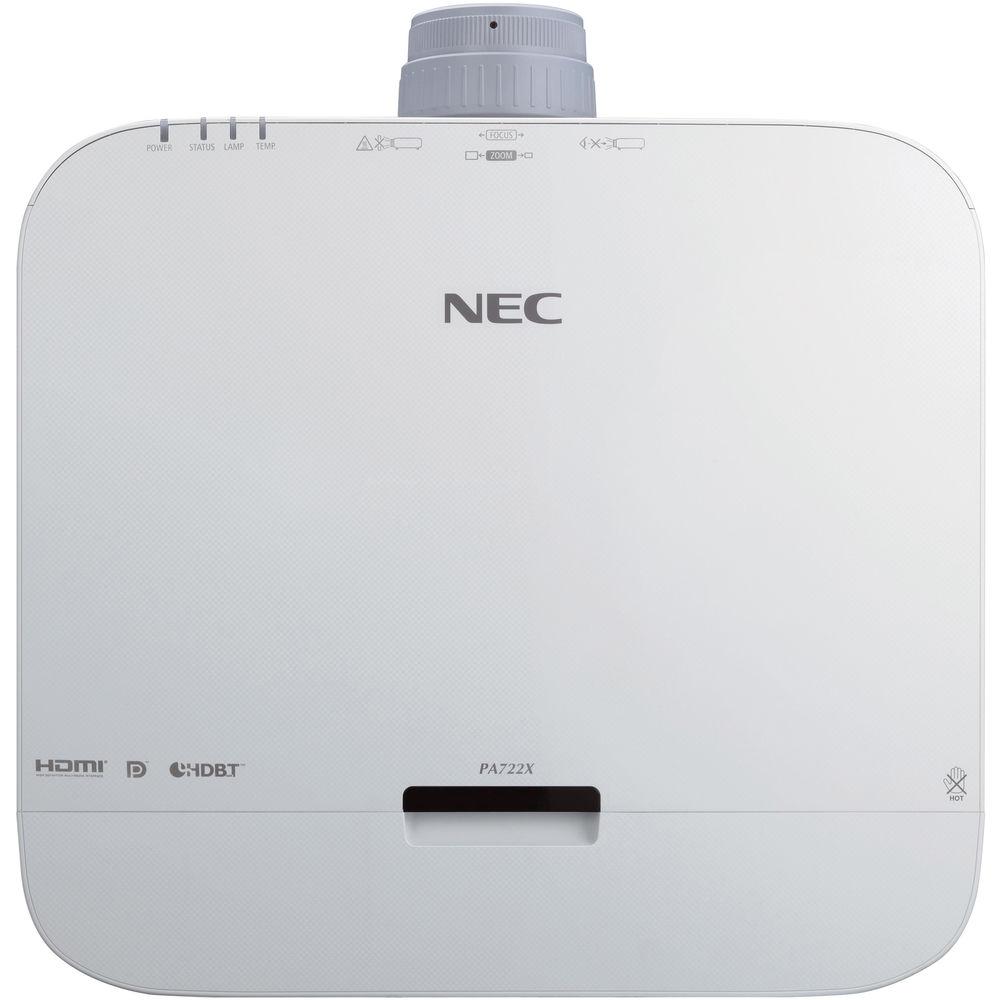
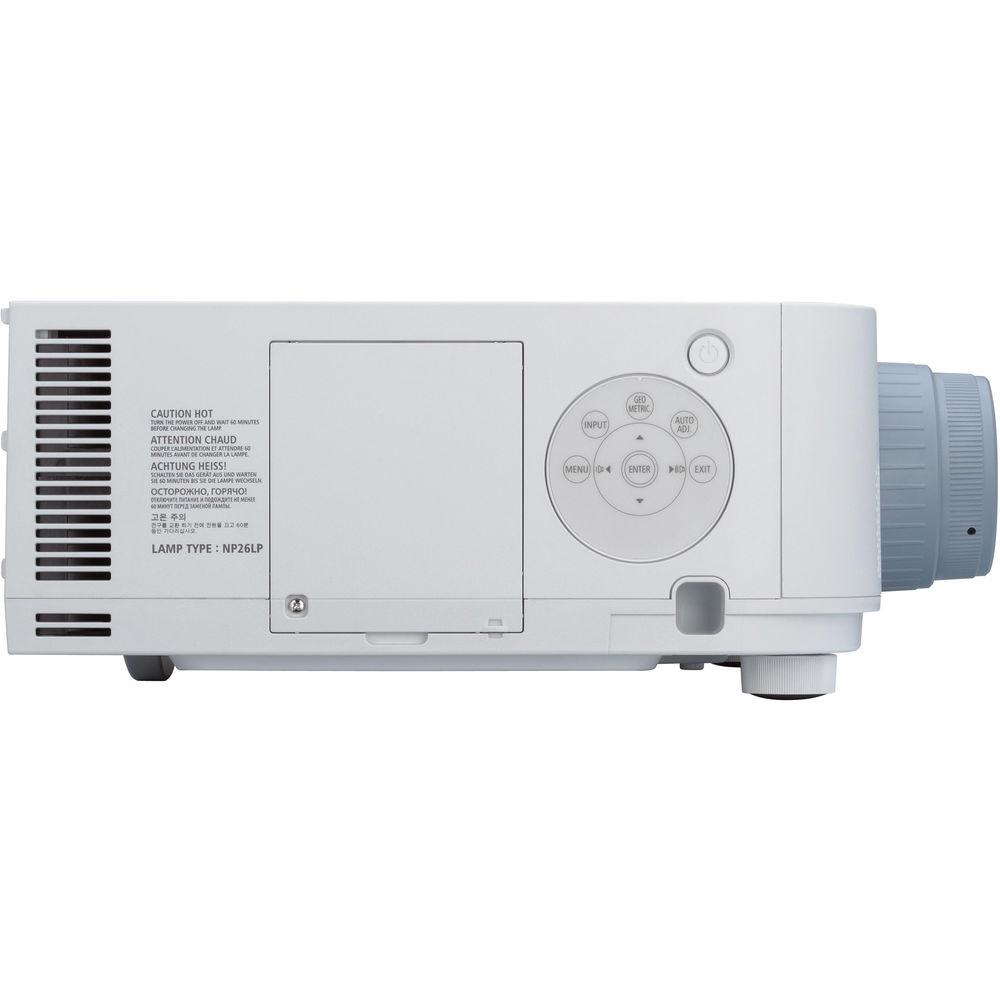
Product description Enjoy high-performance and high-resolution images with the NEC NP-PA521U 5200 Lumen WUXGA Professional Installation LCD Projector. This professional projector features 5200 lumens of brightness and a 6000:1 contrast ratio with auto iris. Additionally, the NP-PA521U sports a WUXGA 1920 x 1200 native resolution for viewing detailed high-definition content. This projector is powered by an LCD display system and the lamp features a life of up to 4000 hours. You can use the NP-PA521U to project up to a 500" diagonal screen size, making it suitable for large venues. Furthermore, the NP-PA521U is compatible with a variety of interchangeable NEC lenses.
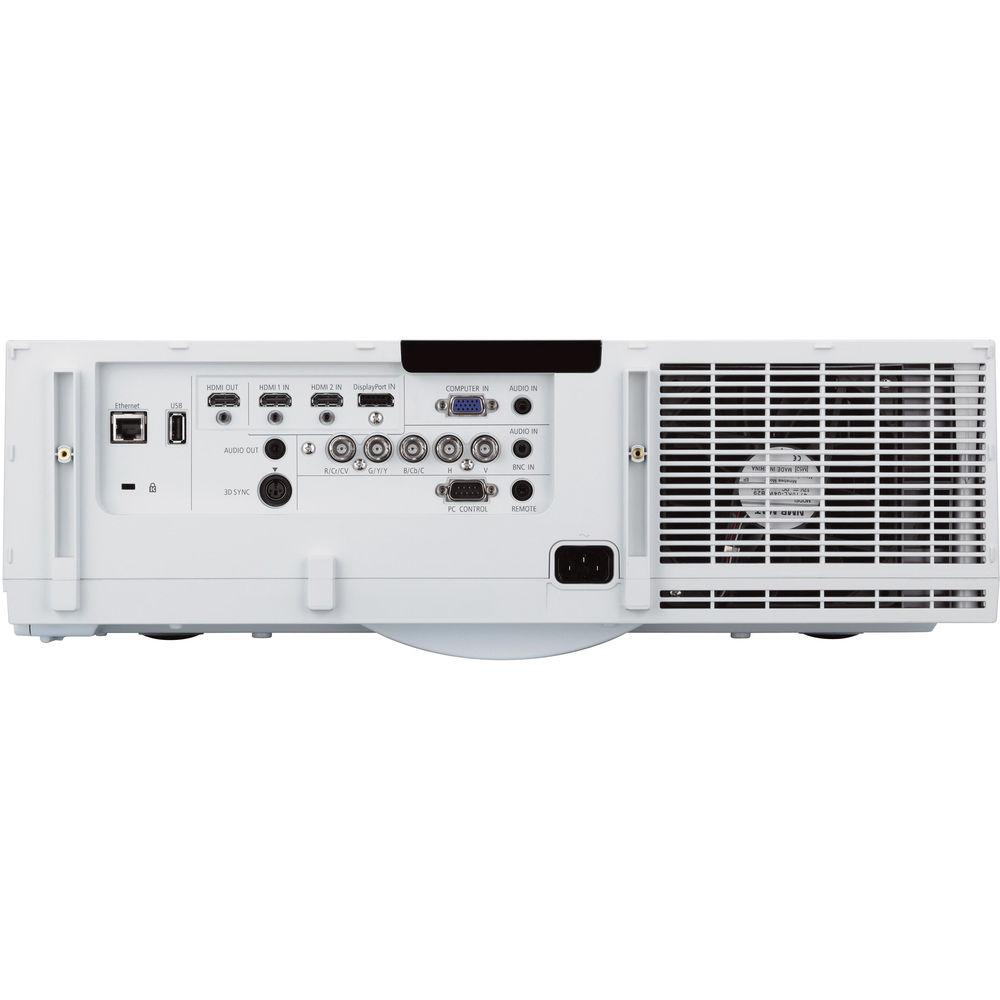
With VGA, DisplayPort, BNC component video, and two HDMI inputs, this projector is well equipped for a wide range of video sources. As an added convenience, a VGA cable is included. An HDMI output is also available, which can be used to daisy chain up to four projectors. The NP-PA521U is also equipped with an Ethernet port for controlling the projector from remote locations. Other features include a 0.11-Watt standby power consumption level, optional ceiling mount compatibility, and 64-step image magnification. - Powerful Tools
-
- Multi-display support with Picture-by-Picture and Picture-Out-Picture
- TileMatrix (internal multi-screen splitter) enables 4 resolution utilizing 4 projectors without the need for external hardware
- Built-in daisy chain capability supports multi-display applications
- Seamlessly blend multiple images with integrated edge blending capabilities
- Flexible
-
- Enjoy greater installation flexibility with a complete line of optional bayonet style lenses (6 options) for quick and easy exchange with lens throw distances from 2.5 to 68.5'
- Up to 50% vertical lens shift and ±30% horizontal lens shift capabilities make alignment easy
- Integrated
-
- High performance video processing/scaling is designed to create life-like images
- Integrated software applications such as Crestron Roomview, AMX Beacon and PJ Link allow for complete interactivity and control
- Network and Asset Management
-
- Integrated RJ45 connection for quick connection to the LAN (10/100 base-T capability)
- Optional high-speed wireless LAN IEEE 802.11b/g/n
- Desktop control allows you to securely transmit information wirelessly to the projector from a docking station or PC in another room
- Image Express Utility (IEU 2.0; compatible with Windows or Mac operating systems) dedicated projector software provides wired and wireless data transmission via peer-to-peer or over the network
- Broadcast mode allows you to send information from one computer to several projectors
- Windows Network Projector function within Windows Vista connects directly to networked projectors without the need for additional proprietary software
- Windows Remote Desktop function allows you to control a networked computer by connecting a USB mouse and keyboard directly to the projector's USB input
- Windows Network Drive Function displays multimedia files (.jpeg, .bmp, .png, .mpeg2 or .wmv9) in the Windows shared folder on a local network using the Viewer function
- Windows Media Connection Function displays multimedia files (.mpeg2, .jpeg or .wmv9) stored on the Windows Media Connect server or a local network using the Viewer function
- Crestron Roomview connected
- Stacking Correction
- This projector incorporates built-in stacking correction, with support for up to 4 projectors. This allows the projectors to boost an image's brightness up to 20,800 lumens, which is suitable for larger-sized screens and environments with heavy ambient light. This feature also prevents the complete loss of an image, which can happen when using only one projector.
- Edge Blending
- This function seamlessly blends multiple projected images to display a single high-resolution image.
- Dual HDMI Inputs
- Among this projector's wide selection of inputs are dual HDMI with HDCP for connecting to high-definition sources such as Blu-ray players, cable boxes, satellite receivers and personal computers. With multiple HDMI connections, loop out up to four projectors.
- Remote Control
- Wired and wireless backlit remote gives you complete control of the projector's menu structure in a well lit or dark environment. Direct controls are also available such as lamp mode, aspect ratio, volume, and input selection.
- Wall Color Correction Presets
- These presets provide adaptive color tone correction to display properly on non-white surfaces.
- Cornerstone
- Enhanced keystone correction allows for horizontal, vertical, and diagonal image correction for aligned images even when the projector is set up at an angle to the screen.
- 3D-Ready
- When combined with optional active shutter glasses and a 3D emitter, this projector can create 3D images from a computer or Blu-ray player. The NP-PA521U has a 3D sync line output to connect to the 3D emitter.
- Geometric Correction
- Geometric correction allows the NP-PA521U to project an image on spheres, cylinders, corner angles, and other non-standard surfaces.
- Tilt-Free Design
- The projector can be rotated freely (360°) to orient the image depending on the installation requirements.
- Portrait Mode
- Allows the projector to be rotated (and screen if necessary) to a vertical alignment so that portrait content can be viewed without black bars on the side when landscape mode is used.
- 3D Reform
- 3D Reform allows you to square the image by adjusting it horizontally, vertically, or diagonally when the projector cannot be placed parallel or perpendicular to the screen.
- Virtual Remote
- Used via a network connection (wired/ wireless), you can control the projector directly from a computer without the need for additional control cables.
- Variable Audio Output
- Variable audio out enables the remote control to be used to adjust volume of self-powered external speakers that are connected to the projector. In standby mode, the audio out stays active, allowing the last input used to pass to the self-powered external speakers.
- Advanced AccuBlend
- Advanced AccuBlend helps to ensure detailed image quality when non-native resolution sources are connected to the projector.
- AutoSense
- AutoSense automatically syncs with any computer signal and features one-touch image optimization.
- Remote Diagnostics
- Remote diagnostics enable the user to monitor and make adjustments to the projector remotely.
- Built-In HTTP Page
- Built-in HTTP page enables control and monitoring over a LAN network. Email notification of error messages or lamp end-of-life can be sent to remote locations.
- Additional Features
-
- Dual computer inputs (VGA and DisplayPort) ensure quick switching between presentations
- Four audio inputs (two 3.5mm and two HDMI) make it easy to add sound to enhance your presentations
- Supports NEC NP11FL, NP12ZL, NP13ZL, NP14ZL, NP15ZL, NP30ZL lenses
- Discreet source keys for source selection
- 64-step image magnification with location control
- 4000-hour filter life
- Compatible with an optional input cover panel
- 6000:1 contrast ratio with auto iris
UPC: 805736051025 In the Box NEC NP-PA521U 5200 Lumen WUXGA Professional Installation LCD Projector (No Lens Included) Remote Control Remote Control Batteries VGA Cable Power Cord Lens Cap Software and Manual CD Lens Security Screw Limited 3-Year Warranty for Projector (1-Year of InstaCare) Limited 1-Year or 500-Hours Warranty for Lamp Spec sheet PDF 3.6mbzayccaczysecdyrrqcxssrtwvsec Table of Contents
|
Upload User Manual
Have you got an user manual for the NEC NP-PA521U 5200 Lumen WUXGA Professional Installation LCD Projector in electronic form? Please send it to us and help us expand our library of instruction manuals.
Thank you, too, on behalf of other users.
To upload the product manual, we first need to check and make sure you are not a robot. After that, your "Submit Link" or "Upload File" will appear.
Technical parametersNEC NP-PA521U Specs | | | Display System | 1-Chip 0.76" Micro Lens Array (MLA) LCD | | Native Chip Resolution | 1920 x 1200 (WUXGA) | | Supported Resolutions | WUXGA - 1920 x 1200
UXGA - 1600 x 1200
SXGA+ - 1400 x 1050
SXGA - 1280 x 1024
XGA - 1024 x 768
SVGA - 800 x 600
VGA - 640 x 480 | | Max Brightness | 5200 Lumens | | Aspect Ratio | Native: 16:10 | | Contrast Ratio | 6000:1 | | Scan | Horizontal: 15 - 153 kHz
Vertical: 48 - 120 Hz | | | | Focus | Manual | | Lens Shift | Vertical: to 10%
Vertical: + 50%
Horizontal: ± 30% | | Throw Distance | 2.5 - 68.5' / 0.762 - 20.879 m | | Projection Size | 40 - 500" / 101.60 - 1270.00 cm | | | | Keystone Correction | Vertical: ± 40°
Horizontal: ± 40° | | Ceiling Mountable | Yes | | Rear Screen Projection | Yes | | Built-In Speaker | Yes (Mono) | | Speaker Power | 10W | | | | Inputs/Outputs | 1 x Ethernet (RJ45) Control
1 x USB Control
2 x HDMI Audio/Video (Input)
1 x HDMI Audio/Video (Output)
1 x DisplayPort Audio/Video (Input)
1 x VGA (DE-15) Video (Input)
2 x 1/8" (3.5 mm) Mini Audio (Input)
1 x 1/8" (3.5 mm) Mini Audio (Output)
1 x VESA 3D Sync Video
1 x 5BNC Video (Input)
1 x RS-232C (Unspecified Connector) Control
1 x 1/8" (3.5 mm) Mini Control | | | | Lamp Power | 350 W
264 W | | Expected Lamp Life | Medium Brightness: 3000 Hours
Low Brightness: 4000 Hours | | Fan Noise | Medium Brightness: 39 dB
Low Brightness: 33 dB | | Security | Cable Lock Slot | | AC Input Power | 120 to 240 VAC, 50 / 60 Hz | | Power Consumption | Medium Brightness: 460 W
Low Brightness: 362 W
Standby Mode (Lamp Off): 7.4 W
Standby Mode (Lamp Off): 0.11 W | | Temperature | Operating
41 to 104°F (5 to 40°C)
Humidity: 20 - 80%
Storage
-14 to 122°F (-25 to 50°C) | | Dimensions (W x H x D) | 19.6 x 6.5 x 14.4" / 499.0 x 164.0 x 366.0 mm | | Weight | 18.5 lb / 8.4 kg | | | | Package Weight | 24.8 lb | | Box Dimensions (LxWxH) | 22.8 x 19.4 x 9.8" |
Rating70% users recommend this product to others. And what about you?

This product has already been rated by 91 owners. Add your rating and experience with the product.
Discussion
 Ask our technicians if you have a problem with your settings,
or if anything is unclear in the user manual you have downloaded.
You can make use of our moderated discussion.
The discussion is public and helps other users of our website who may be encountering similar problems.
Ask our technicians if you have a problem with your settings,
or if anything is unclear in the user manual you have downloaded.
You can make use of our moderated discussion.
The discussion is public and helps other users of our website who may be encountering similar problems.
The discussion is empty - enter the first post
Post a new topic / query / comment:
|
|
|
| Request for user manual |
You can’t find the operation manual you are looking for? Let us know and we will try to add the missing manual:
I’m looking for a manual / Request for manual
Current requests for instruction manuals:
Call Of Duty World War Two For Xbox...
controller stratus XL...
stratus XL...
smart whatch serie S11 42mm...
Allen & Heath SQ-6 manual...
|
| Discussion |
Latest contributions to the discussion:
AEW R 4100
Name: MAURICIO ANGARITA
Audio-Technica AEW-R4100 UHF Diversity Receiver for
AEW R 4100 has the mute function blocked and does not allow audio to pass. I tried several times to turn off the mute from the transmitter but it does nothing, the mute stays on. Solution?
Thank you...
Instructions for assembling the 2015 Forecast Image Master Consoles GC3-A
Name: mike elam
Forecast Consoles GC3-A ImageMaster Editing Console
Looking for instructions for assembling this console. ...
EMPTY TONER ERROR MESSAGE AFTER REPLACING TONER
Name: LINDA BAD YELLOW EYES
Brother TN223BK Standard-Yield Toner
I HAD TO CHANGE OUT ALL THREE TONERS DUE TO LEAKS IN THE YELLOW AND CYAN. AFTER I REPLACED THEM, THE MACHINE KEEPS GIVING ME AN EMPTY TONER ERROR MESSAGE. HELP!!...
PS480D 20/24 pin Switching 480W Power Supply
Name: swkargo
Logisys 480W Power Supply
This item states in can run -5vdc .It is NOT listed on the board or I beleive is r4 is missing the resitior. Any body have thid issue. Shawn
...
Help needed
Name: Ann Carter
SanDisk 1TB Extreme Portable USB 3.1
When I click the link to download the user manual for my Sandisk Extreme external hard drive, it gives me the manual for the LG Cricket. Can you please change the link so I can download the Sandisk manual and begin using this drive? Thank you....
|
|


