User Manual for NEC P242W-BK-SV 24" LED Backlit IPS Monitor with SpectraView II
Click to enlarge the picture Contents of the user manual for the NEC P242W-BK-SV 24" LED Backlit IPS
Product category: Computer Monitors NEC
Brand: NEC
Description and content of package
Technical information and basic settings
Frequently asked questions – FAQ
Troubleshooting (does not switch on, does not respond, error message, what do I do if...)
Authorized service for NEC Computer Monitors
User manual for the NEC P242W-BK-SV 24" LED Backlit IPS contain basic instructions
that need to be followed during installation and operation.
Before starting your appliance, the user manual should be read through carefully.
Follow all the safety instructions and warnings, and be guided by the given recommendations.
User manual is an integral part of any NEC product,
and if it is sold or transferred, they should be handed over jointly with the product.
Following the instructions for use is an essential prerequisite for protecting
health and property during use, as well as recognition of liability on the part of the manufacturer
for possible defects should you make a warranty claim. Download an official NEC user manual in which you will find instructions on how to install, use, maintain and service your product.
And do not forget – unsuitable use of a NEC product will considerably shorten its lifespan!
Product description
10 Factors to Consider When Selecting A Monitor for Video Editing Read More
Picture by Picture
Picture by Picture
How to Load an ICC Profile
IPS Panel
How to Use the DisplaySyncPro KVM
How to Calibrate with SpectraView
DisplaySync Pro
Auto Image Rotation
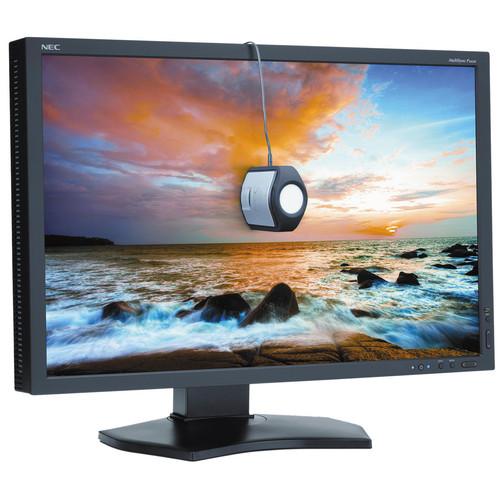
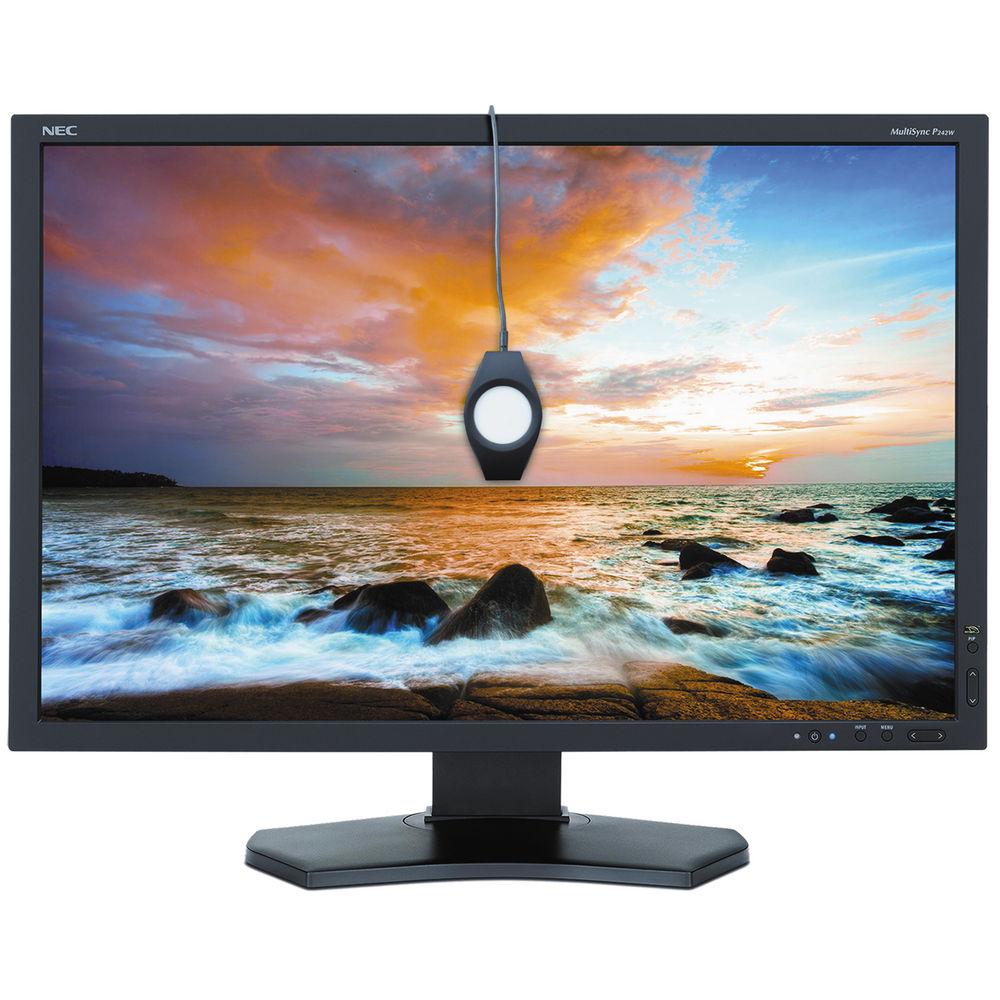
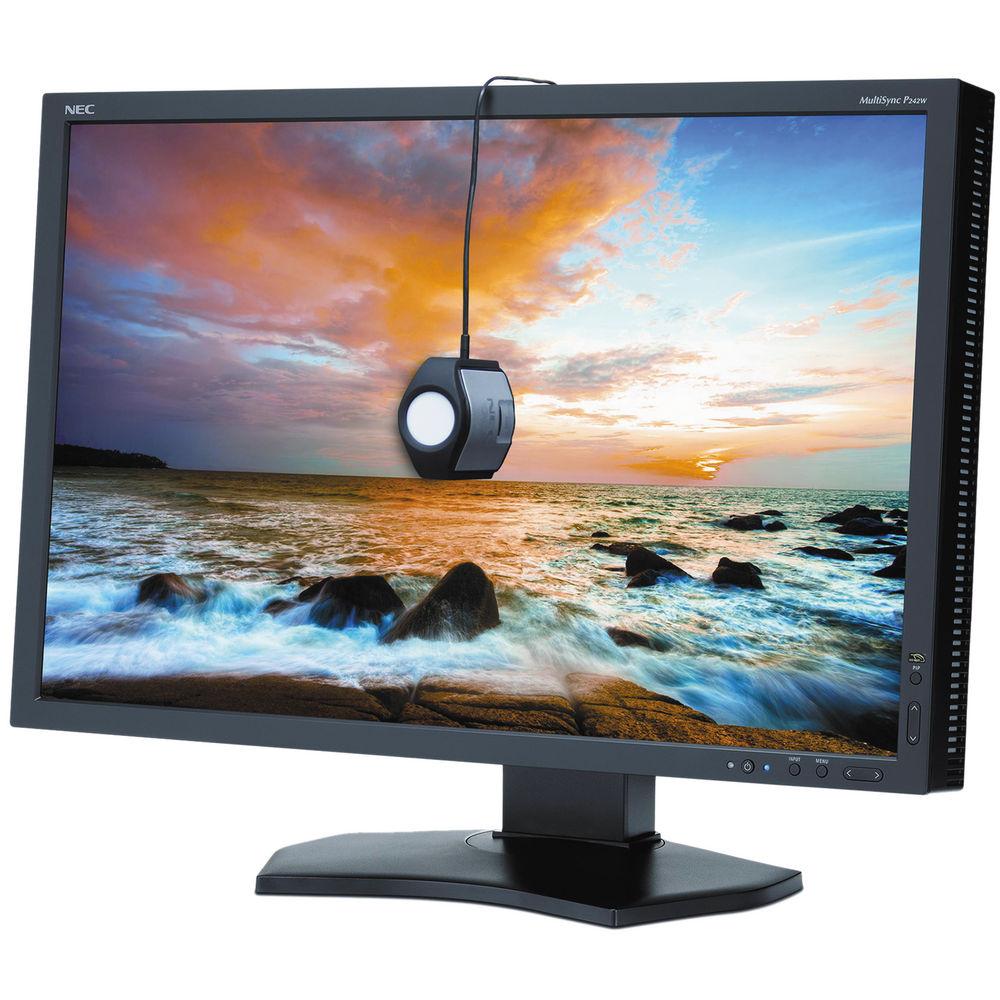
The P242W-BK-SV 24" LED Backlit IPS Monitor with SpectraView II from NEC is an LED backlit IPS (in-plane switching) monitor featuring a high definition resolution of 1920 x 1200 for enhanced picture quality along with an 8ms response time ensuring reduced lag and blur when viewing movies and videos. To further enhance picture quality, you benefit from a 1,000:1 contrast ratio and up to 16.7 million displayable colors.
This VESA compatible monitor can easily be mounted to the wall allowing you to take full advantage of the 178° horizontal and vertical viewing angles. Once mounted, you can easily plug this monitor into a variety of devices with a variety of inputs including DisplayPort, DVI-D, HDMI and VGA ports. This IPS monitor also comes equipped with SpectraView II, an advanced colorimeter based on the X-rite i1 Display Pro, delivering superlative color calibration tools to further enhance the color quality provided by this NEC display.
3D LUT
Internal 14-bit programmable 3D lookup tables (LUTs) allow the display of 1.07 billion colors out of a palette of 4.3 billion (with 10-bit DisplayPort input) to provide accurate color, smooth images and enhanced hardware calibration.
XtraView
Delivers wide viewing angles of up to 178° horizontally and vertically (up to 88° up, down, left and right) without any glare, reflection or distortion.
Ambix4
Allows up to four inputs (DisplayPort, VGA and two DVI-D) to be connected to a single monitor and for each of the four signals to be displayed with the press of a button.
Digital Uniformity Compensation
Reduces screen uniformity errors and compensates for differences in color/grayscale and luminance using enhanced signal processing circuitry.
Rapid Response
Delivers virtually uninterrupted, undistorted viewing of high-speed, full-motion video.
6-Axis Color Control
Allows for precise and simplified color, color temperature and saturation adjustment.
CableComp
Equalizes the video signal to eliminate color halos on long cable runs.
MultiProfiler
This software provides an intuitive interface to control the display's technologies such as loading any ICC profile directly into the display for optimal color space matching.
Picture-In-Picture
Allows two sources to be displayed on the screen at one time in either a picture-in-picture or side-by-side configuration.
Additional Features
ECO Mode, Carbon footprint meter, Tilt, Swivel, Pivot, Height-adjustable stand, Quick release stand, Carrying handle, Rapid Response, XtraView+, OSD user controls, NaViSet software, Cable management, Touch-integratable, VESA mount, HDCP, DDC/CI, No Touch Auto Adjust, 14-bit 3D LUT, Black Level adjustment, AmbiBright, CableComp, GammaComp MD QA software
In the Box NEC P242W-BK-SV 24" LED Backlit IPS Monitor with SpectraView II
Color Sensor and SpectraView II Software Kit xbsqatsxvzerrddar
Power Cord
DisplayPort Cable
DVI-D Cable
USB A to B Cable
Setup Manual
GammaCompMD QA CD
Limited 4-Year Warranty
User Manual PDF 3.8mb Table of Contents
Upload User Manual
Have you got an user manual for the NEC P242W-BK-SV 24" LED Backlit IPS Monitor with SpectraView II in electronic form? Please send it to us and help us expand our library of instruction manuals.
Thank you, too, on behalf of other users.
To upload the product manual, we first need to check and make sure you are not a robot. After that, your "Submit Link" or "Upload File" will appear.
Technical parameters
NEC P242W Specs
Size
24.1"
Panel Type
IPS-Type LCD
Touchscreen
No
Resolution
1920 x 1200
Aspect Ratio
16:10
Pixels Per Inch (ppi)
93 ppi
Maximum Brightness
350 cd/m2
Contrast Ratio
1000:1
Adaptive Sync Technology
None
Horizontal Frequency
30 to 135 kHz
Vertical Frequency
50 to 85 Hz
Bit Depth / Color Support
8-Bit (16.7 Million Colors)
Look-Up Table
14-Bit
Response Time
8 ms
Viewing Angle
Horizontal: 178° Vertical: 178°
Dot Pitch
0.27 x 0.27 mm
Connectivity
1 x DVI-D 1 x DisplayPort Input 1 x HDMI 1 x VGA 2 x USB Input 3 x USB Type-A Output
Power Consumption
0.2 W (Standby)
Operating Temperature
41 to 95°F / 5 to 35°C
Storage Temperature
14 to 140°F / -10 to 60°C
Operating Humidity
20 to 80%
Storage Humidity
10 to 85%
Operating Altitude
0 to 16,404' / 0 to 5000 m
Storage Altitude
0 to 40,000' / 0 to 12,192 m
Certifications
ENERGY STAR, as per Manufacturer
Height Adjustment
5.9" / 15 cm
Mounting-Hole Pattern
100 x 100 mm
Dimensions (W x H x D)
21.9 x 14.3 x 3.3" / 55.6 x 36.3 x 8.4 mm (Without Stand) 21.9 x 14.9 x 9.0" / 55.6 x 38.0 x 22.9 mm (With Stand)
Weight
15 lb / 6.8 kg (Without Stand) 22.5 lb / 10.2 kg
Package Weight
32.0 lb
Box Dimensions (LxWxH)
25.7 x 20.0 x 12.5"
Rating
90% users recommend this product to others. And what about you?
This product has already been rated by 60 owners. Add your rating and experience with the product.
Discussion
Ask our technicians if you have a problem with your settings,
or if anything is unclear in the user manual you have downloaded.
You can make use of our moderated discussion.
The discussion is public and helps other users of our website who may be encountering similar problems.
Call Of Duty World War Two For Xbox...controller stratus XL...stratus XL...smart whatch serie S11 42mm...Allen & Heath SQ-6 manual...
Discussion
Latest contributions to the discussion:
AEW R 4100 Name: MAURICIO ANGARITA Audio-Technica AEW-R4100 UHF Diversity Receiver for AEW R 4100 has the mute function blocked and does not allow audio to pass. I tried several times to turn off the mute from the transmitter but it does nothing, the mute stays on. Solution?
Thank you...Instructions for assembling the 2015 Forecast Image Master Consoles GC3-A Name: mike elam Forecast Consoles GC3-A ImageMaster Editing Console Looking for instructions for assembling this console. ...EMPTY TONER ERROR MESSAGE AFTER REPLACING TONER Name: LINDA BAD YELLOW EYES Brother TN223BK Standard-Yield Toner I HAD TO CHANGE OUT ALL THREE TONERS DUE TO LEAKS IN THE YELLOW AND CYAN. AFTER I REPLACED THEM, THE MACHINE KEEPS GIVING ME AN EMPTY TONER ERROR MESSAGE. HELP!!...PS480D 20/24 pin Switching 480W Power Supply Name: swkargo Logisys 480W Power Supply This item states in can run -5vdc .It is NOT listed on the board or I beleive is r4 is missing the resitior. Any body have thid issue. Shawn
...Help needed Name: Ann Carter SanDisk 1TB Extreme Portable USB 3.1 When I click the link to download the user manual for my Sandisk Extreme external hard drive, it gives me the manual for the LG Cricket. Can you please change the link so I can download the Sandisk manual and begin using this drive? Thank you....
PDF User Manuals
We regularly supplement and update our library. Latest instruction manuals added for download:
Peter Morgan: "Thanks for this website! With help from your instructions I’ve got my dishwasher working again."
Nick Jackson: "Your site’s been a massive help because the user manual didn’t come with the product. Thanks a lot."
Leslie Scott: "I finally found the user's guide with you that I couldn’t find anywhere else! Totally happy!"
Take a look through our user manuals in our on-line library, with instruction manuals and service handbooks downloadable in PDF format. Our instructions database is constantly updated and supplemented with new products. Looking for instruction manuals? Ask us!
SEARCH-MANUAL.com Sitemap.xml




 Ask our technicians if you have a problem with your settings,
or if anything is unclear in the user manual you have downloaded.
You can make use of our moderated discussion.
The discussion is public and helps other users of our website who may be encountering similar problems.
Ask our technicians if you have a problem with your settings,
or if anything is unclear in the user manual you have downloaded.
You can make use of our moderated discussion.
The discussion is public and helps other users of our website who may be encountering similar problems.