User Manual for NewTek 3Play 3P1 IP Replay System with Control Surface Click to enlarge the picture
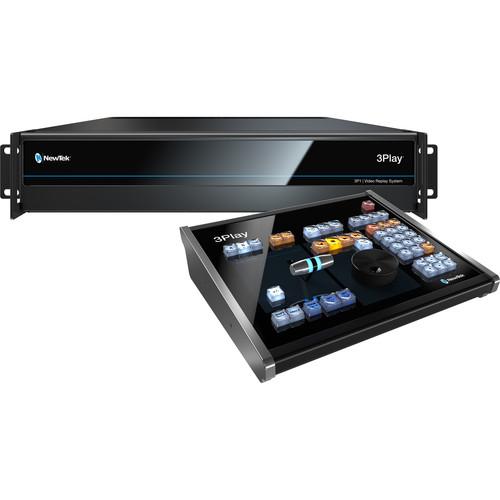 Contents of the user manual for the NewTek 3Play 3P1 IP Replay System
- Product category: Streaming Media Solutions NewTek
- Brand: NewTek
- Description and content of package
- Technical information and basic settings
- Frequently asked questions – FAQ
- Troubleshooting (does not switch on, does not respond, error message, what do I do if...)
- Authorized service for NewTek Streaming Media Solutions
 |
User manual for the NewTek 3Play 3P1 IP Replay System contain basic instructions
that need to be followed during installation and operation.
Before starting your appliance, the user manual should be read through carefully.
Follow all the safety instructions and warnings, and be guided by the given recommendations.
User manual is an integral part of any NewTek product,
and if it is sold or transferred, they should be handed over jointly with the product.
Following the instructions for use is an essential prerequisite for protecting
health and property during use, as well as recognition of liability on the part of the manufacturer
for possible defects should you make a warranty claim. Download an official NewTek user manual in which you will find instructions on how to install, use, maintain and service your product.
And do not forget – unsuitable use of a NewTek product will considerably shorten its lifespan!
|
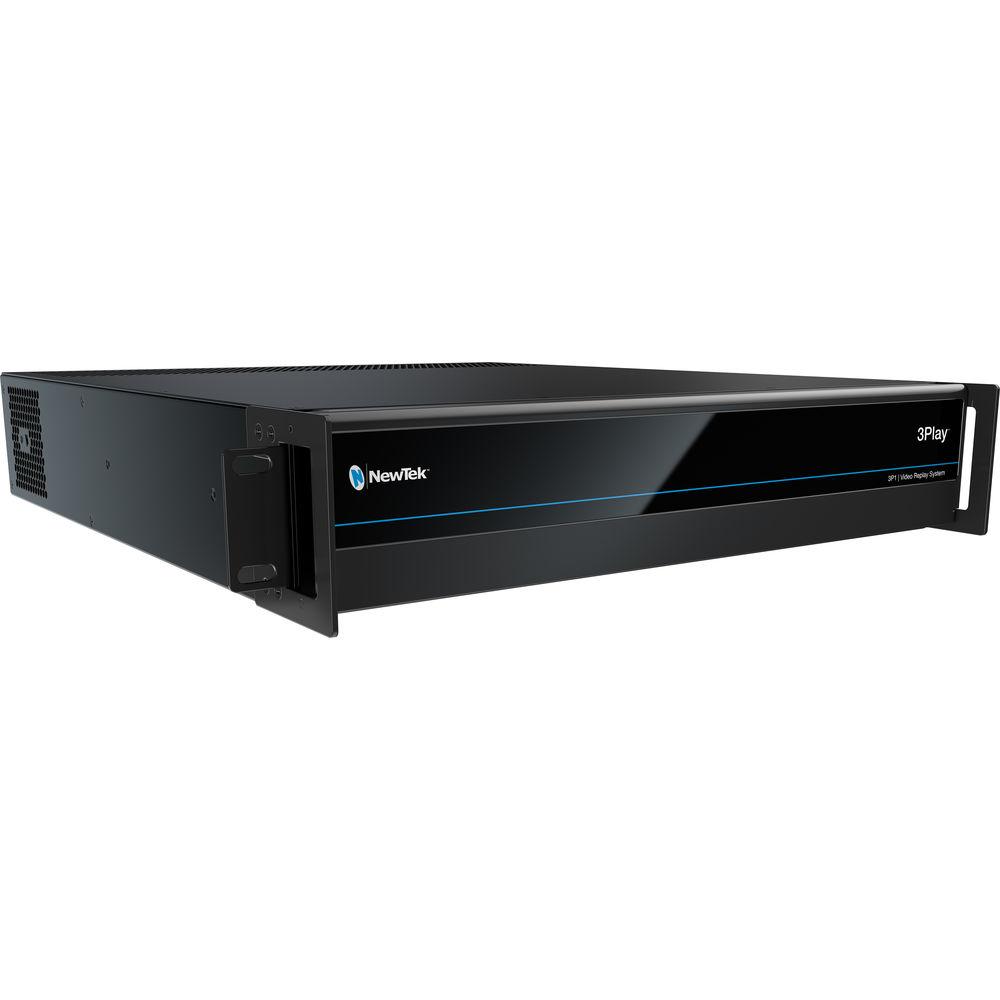
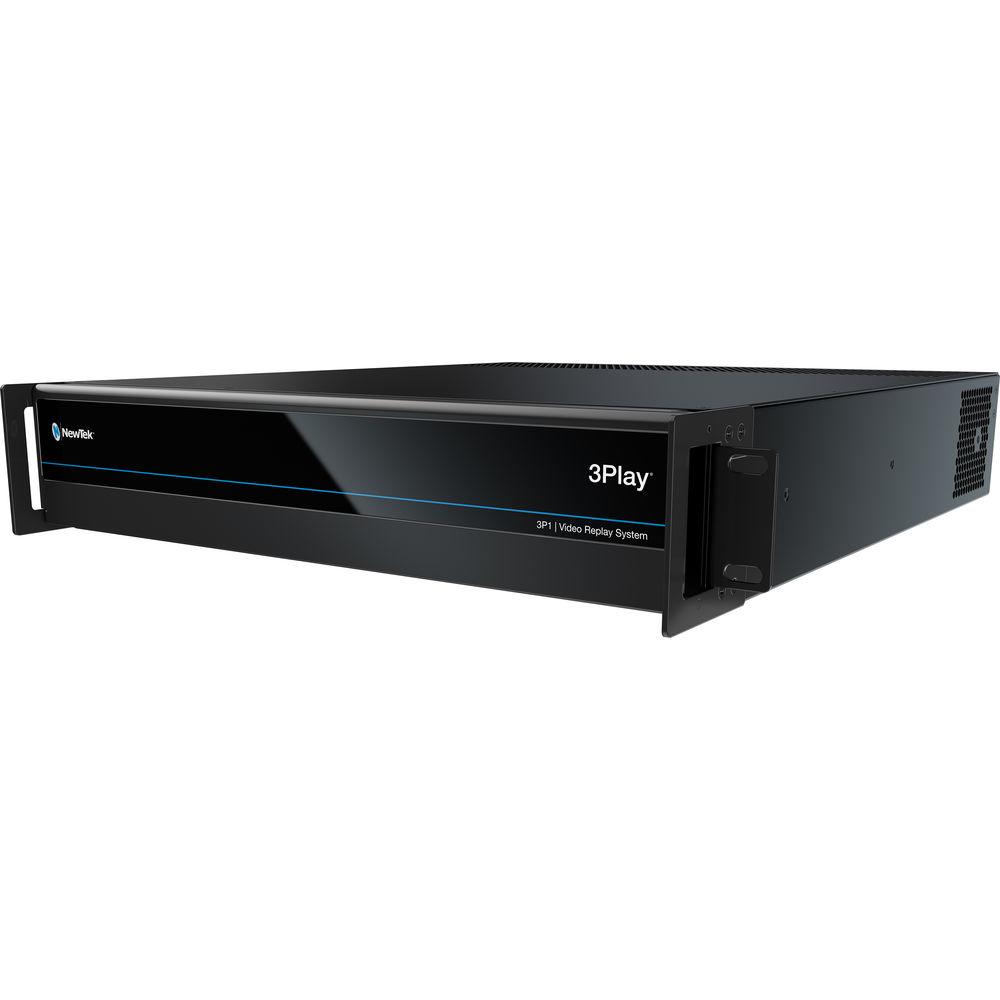
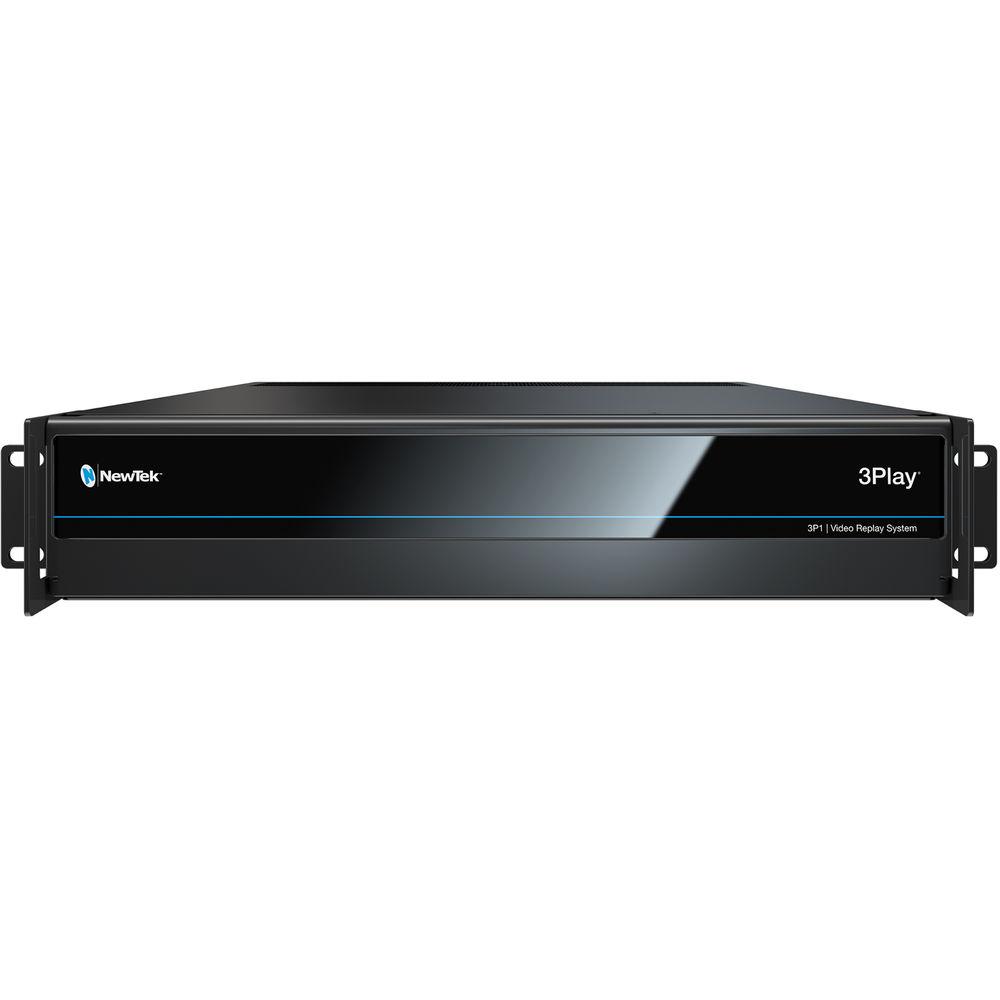
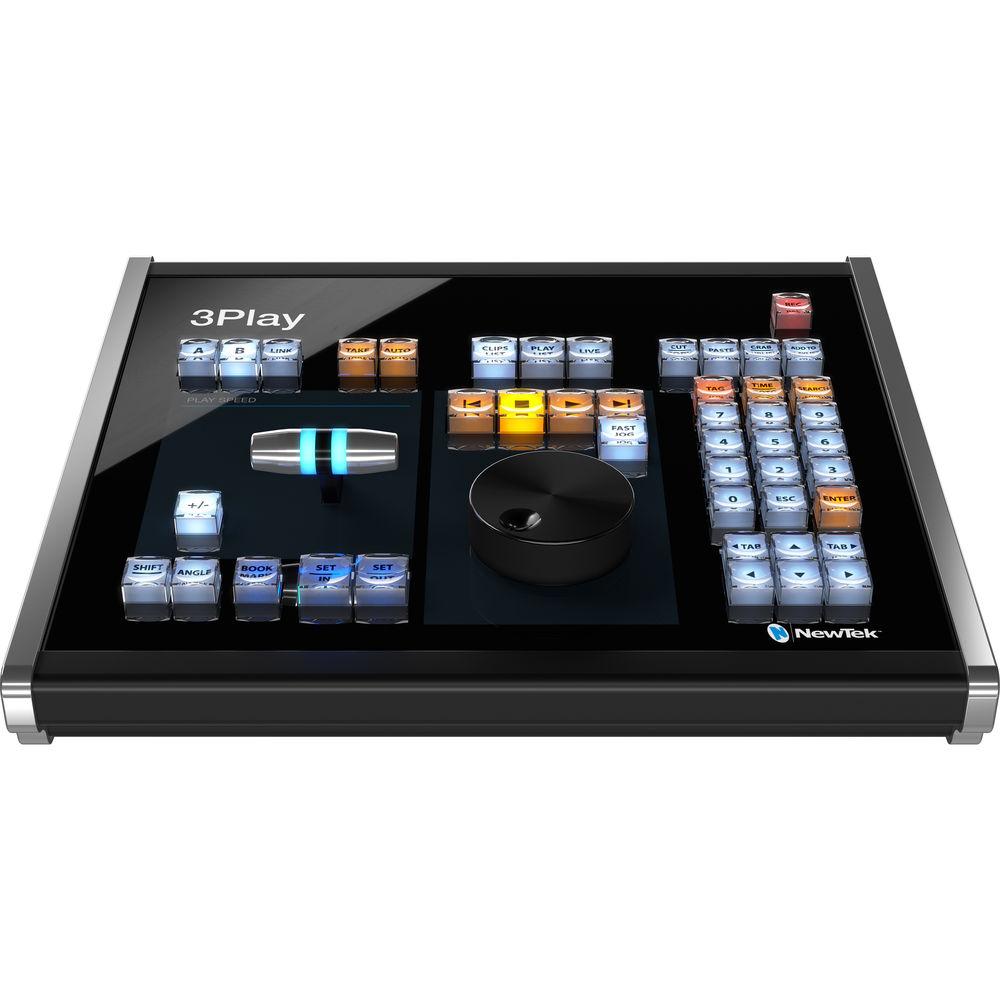
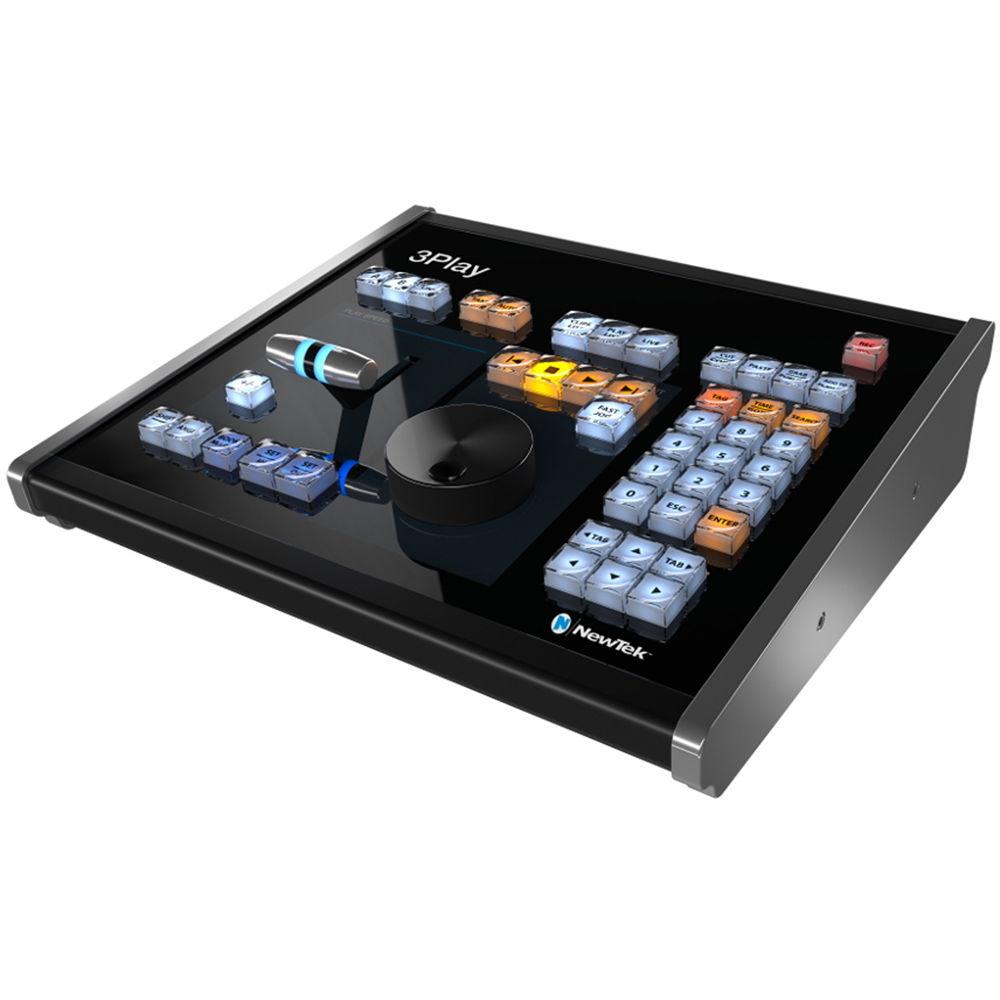
Product description The NewTek 3Play 3P1 is a replay solution with NDI input/output connectivity, and internal processing for end-to-end IP workflows, along with SDI input/output connectivity for hybrid environments. It supports dual-channel, first replay telestration with transport control, 1080p60 operation, LivePanel control, and more. With the included NDI Telestrator Pro technology, you can annotate on screen and roll immediate replays over the network from any compatible networked PC or touchscreen device. With two configurable multiviewers, selectable workspace layouts, customizable viewports, multi-angle replay preview windows, visual indicators, language localization, and more, you can easily personalize the 3Play 3P1 environment to your preference. 3Play 3P1 comes with a professional hardware control panel for ease of use. Exercise your clock management skills as you save time logging, organizing, and retrieving content. Manage your assets with 3Play 3P1 by tagging events and clips with detailed metadata in a flash using your own custom coding system and instantly filtering top plays by team, player, type, or period with the search engine. Plan your coverage and then capture every angle of the action to high-quality, full-resolution QuickTime files. 3Play 3P1 supports inputs both locally via SDI and over IP from any location on your network via NDI, plus synchronized, continuous recording of four simultaneous video channels. Present your audiences with the best view of events—in real time, slow motion, or frame-by-frame—with two independent output channels deliverable both locally via SDI and over IP to any NDI destination on your network. The 3Play 3P1 can combine outputs for a switcher-style program-preview workflow, change angles while playback is in progress, and supports video layering to include stacking live feeds and replay perspectives. You can use the built-in video server to cue, assemble, package, and deliver content in a variety of ways. With intuitive player controls, editing tools, selectable transitions, playlist effects, customizable settings, and presets, you have everything you need to go to work on game footage for instant replay, and turn out auto-advancing highlights, live-edited cut-ups, stacked sponsor blocks, and more. The 3Play 3P1 features a comprehensive macro automation system that allows you to record, store, edit, and automate your favorite settings and custom command sequences. With the flexibility to run macros from any combination of compatible control interfaces and support for cross-platform automation, you can outfit your workflow to available equipment and personnel. Enhance your presentation with a collection of tools designed for network-style sports production right out of the box. 3Play 3P1 includes everything, from downstream keying to apply titles, graphics, stats, sponsor logos, and more; to custom animated transitions, motion graphics, and visual effects that up your production value; to manual and automatic color correction settings for real-time adjustments to variable lighting conditions. NewTek 3Play 3P1 natively supports control from the browser of any compatible networked device via NewTek LivePanel. The optional LivePanel includes a touchscreen-friendly software control panel and LivePanel Builder for custom user interfaces, with customization services also available through NewTek ProServ. - 3G-SDI, hybrid, and end-to-end IP connectivity
- Supports up to four external inputs and two outputs (SDI or NDI)
- Four multi-viewer outputs
- Synchronized, continuous, full-resolution capture
- Record and playback simultaneously
- Preview all angles simultaneously while recording and playing back video
- Show all angles of recording synced on output
- Build playlists with full transitions, audio, sound effects, and stinger animations
- Per output overlays with positioning and transitions
- Integrated dual-channel telestration with remote transport control
- LivePanel option to build browser-based user interfaces and workflows
- Multi-purpose video server with clip preview
- Real-time social media export or transcode files for immediate delivery
- Import external video, audio, and stills in common formats
- Intuitive asset management and tagging system
- Automation with custom macro commands
- Supports Advanced Media Protocol for remote control via compatible third-party production systems
- Supports GPI signals via JLCooper Electronics eBox GPI interface
- Supports standard MIDI protocol enabling third-party device control
- Supports custom transitions between output channels and playlist clips
In the Box NewTek 3Play 3P1 IP Replay System with Control Surface Control Panel Limited 1-Year Warranty Table of Contents
|
Upload User Manual
Have you got an user manual for the NewTek 3Play 3P1 IP Replay System with Control Surface in electronic form? Please send it to us and help us expand our library of instruction manuals.
Thank you, too, on behalf of other users.
To upload the product manual, we first need to check and make sure you are not a robot. After that, your "Submit Link" or "Upload File" will appear.
Technical parametersNewTek 3-Play Specs | Video Input | 4 x simultaneous external video inputs, supporting any combination of compatible sources
Network: 4 x resolution-independent IP video inputs via NDI
SDI: 4 x 3G/HD/SD-SDI connections supporting video input in any combination of standard formats, resolutions, and frame rates | | SDI Format Support | 1080p: 59.94, 50, 29.97, 25, 24, 23.976
1080i: 59.94, 50
720p: 59.94, 50, 29.97, 25, 24, 23.976
576i 50
480i 59.94 | | Video Output | 2 x session-format video outputs, with simultaneous delivery via IP and SDI
Network: 2 x session-format IP video outputs via NDI
SDI: 4 x 3G/HD/SD-SDI connections supporting redundant delivery of 2 x session-format video outputs | | Multiviewer | Outputs:
1 x DVI user interface with multiviewer
1 x HDMI multiviewer
1 x DisplayPort multiviewer | | Recording | 4 x simultaneous recording channels | | Recording Format | QuickTime (XDCAM HD compatible, 4:2:2 encoding, 24-bit audio, with timecode)
Please Note: QuickTime Player not required for playback in common NLE applications | | Storage | 3 x 3 TB internal drives (capacity varies by format, resolution, and file specification) | | DSK | 1 x DSK channel per output, with independent source selection and transition | | Audio Input | Local:
4 x SDI embedded
1 x Balanced XLR stereo pair (Line)
3 x Balanced 1/4" stereo pairs (Line) | | Audio Output | Local:
4 x SDI embedded
1 x Balanced XLR stereo pair
1 x Balanced 1/4" stereo pair
1 x Stereo 1/4" (phones) | | Audio Support | Native support for network audio input and output via NDI | | Processing | Video: Floating Point YCbCr +A 4:4:4:4
Audio: Floating Point, 96 kHz | | Latency | Throughput Latency: Approximately 1 to 1.5 frames | | Standards | 3G-SDI video conforms to SMPTE 424M (Level A)
HD-SDI video conforms to SMPTE 292M
SD video conforms to SMPTE 259M and ITU-R BT.656
Analog audio levels conform to SMPTE RP-155 | | System Drive | 120 GB SSD
NIC
2 x 1 Gigabit NIC | | Genlock | Genlock input supporting SD (Bi-level) or HD (Tri-level) reference signals | | Macros | Record, store, edit, and automate commands and user-configured operation sequences, including support for cross-platform automation between supported systems | | Asset Management | Asset management system supporting metadata entry, tagging, filtering, organization, navigation, bookmarking, and integration with compatible MAM platforms | | Grab | Grab full-resolution, deinterlaced still images from inputs and outputs | | Export | Export video and image files to social media, FTP, local or external volumes, and network servers, with optional transcoding | | Unit Configuration | 2 RU chassis with 400 W PSU
Multi-tiered hardware and software fail-safe | | Dimensions | 19.0 x 3.5 x 19.6" (48.3 x 8.9 x 49.7 cm) with rack ears attached | | Weight | Approximately 26 lb (12 kg) | | | | Package Weight | 57.4 lb | | Box Dimensions (LxWxH) | 28.5 x 25.5 x 18.5" |
Rating60% users recommend this product to others. And what about you?

This product has already been rated by 59 owners. Add your rating and experience with the product.
Discussion
 Ask our technicians if you have a problem with your settings,
or if anything is unclear in the user manual you have downloaded.
You can make use of our moderated discussion.
The discussion is public and helps other users of our website who may be encountering similar problems.
Ask our technicians if you have a problem with your settings,
or if anything is unclear in the user manual you have downloaded.
You can make use of our moderated discussion.
The discussion is public and helps other users of our website who may be encountering similar problems.
The discussion is empty - enter the first post
Post a new topic / query / comment:
|
|


